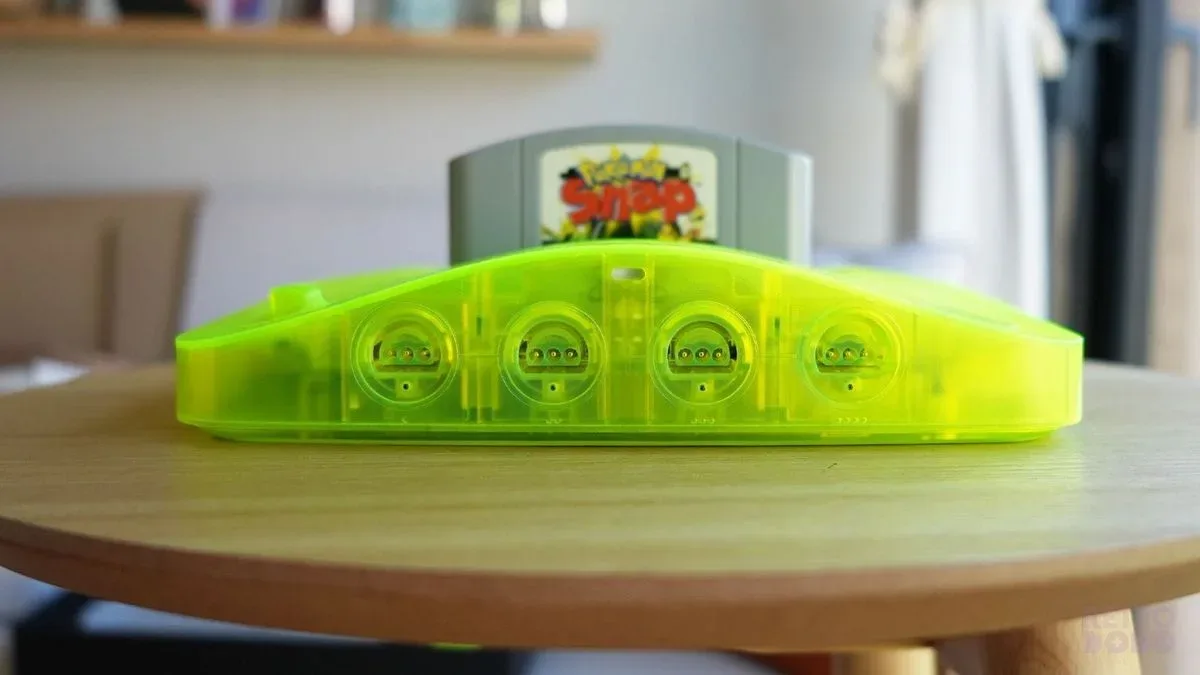
The Nintendo 64 looks like a straightforward secondhand purchase: buy a console, add a cartridge, and enjoy an afternoon of very determined polygonal jumping. It helps to slow down before that first purchase. The quality of the controller, the way a game saves, and the display connection can matter as much as the console itself.
Build around a short games list
Write down three or four games you genuinely want. For each, check its original manual for controller arrangements, saving, and any accessory requirements. This list becomes the specification for your setup. It is a more useful starting point than trying to buy every accessory with “Pak” printed on it.
Nintendo explains that many Nintendo 64 games save to the Game Pak, while some require a Controller Pak. The Expansion Pak serves a different purpose from that controller-mounted save accessory. Nintendo’s accessory reference helps separate the names; the individual game manual should settle what a particular title needs.
Give the controller a real test
Ask to see the analog stick centered and moved in a game. Look for consistent movement in each direction and a character that remains still when the stick is released. Check the buttons and trigger, the cable, and the connector. A stick that looks acceptable in a still photograph may feel quite different during precise movement.
Replacement parts are not automatically bad, but they should be disclosed. Ask whether the stick or shell has been replaced and whether the seller can describe the part. If original hardware matters to your collection, record those changes. If comfort and play are your priorities, judge the demonstration and return terms instead of assuming that either “original” or “new” guarantees the experience you want.
Inspect the console and supplied parts
- Confirm the model, region, power-supply label, and included video cable.
- Ask for photographs of the cartridge slot and accessory covers.
- Request a game loading from a cold start.
- Test every controller port you expect to use.
- Confirm the exact accessories included, rather than relying on a group photograph.
- Ask about modifications, repairs, liquid exposure, and intermittent faults.
Do not open powered equipment or try improvised repairs during a purchase test. A seller who describes a limitation clearly is providing more useful information than one who treats every unanswered question as “probably fine.”
Prove the complete video path
Find out what the seller used to produce the demonstration picture. If your display differs, the same result is not assured. Check the television’s input documentation and any converter’s supported signals. A passive plug changing shape is not proof of video conversion. Keep the original aspect ratio available so the picture does not have to stretch across a modern screen.
For local multiplayer, also consider where people will sit and where cables will run. A setup that technically works but leaves one player standing behind a lamp is an interior-design problem disguised as a console purchase.
Document the cartridge separately
Check the game label, shell, region, and disclosed replacement parts. If authenticity is uncertain, seek better evidence rather than applying a single online “tell” to every game. Record test results and save behavior on arrival. Our CIB explainer is useful when original boxes and inserts are part of the purchase. Keep a few well-described games you want to play at the center of the plan; the collection can grow after the first evening actually works.