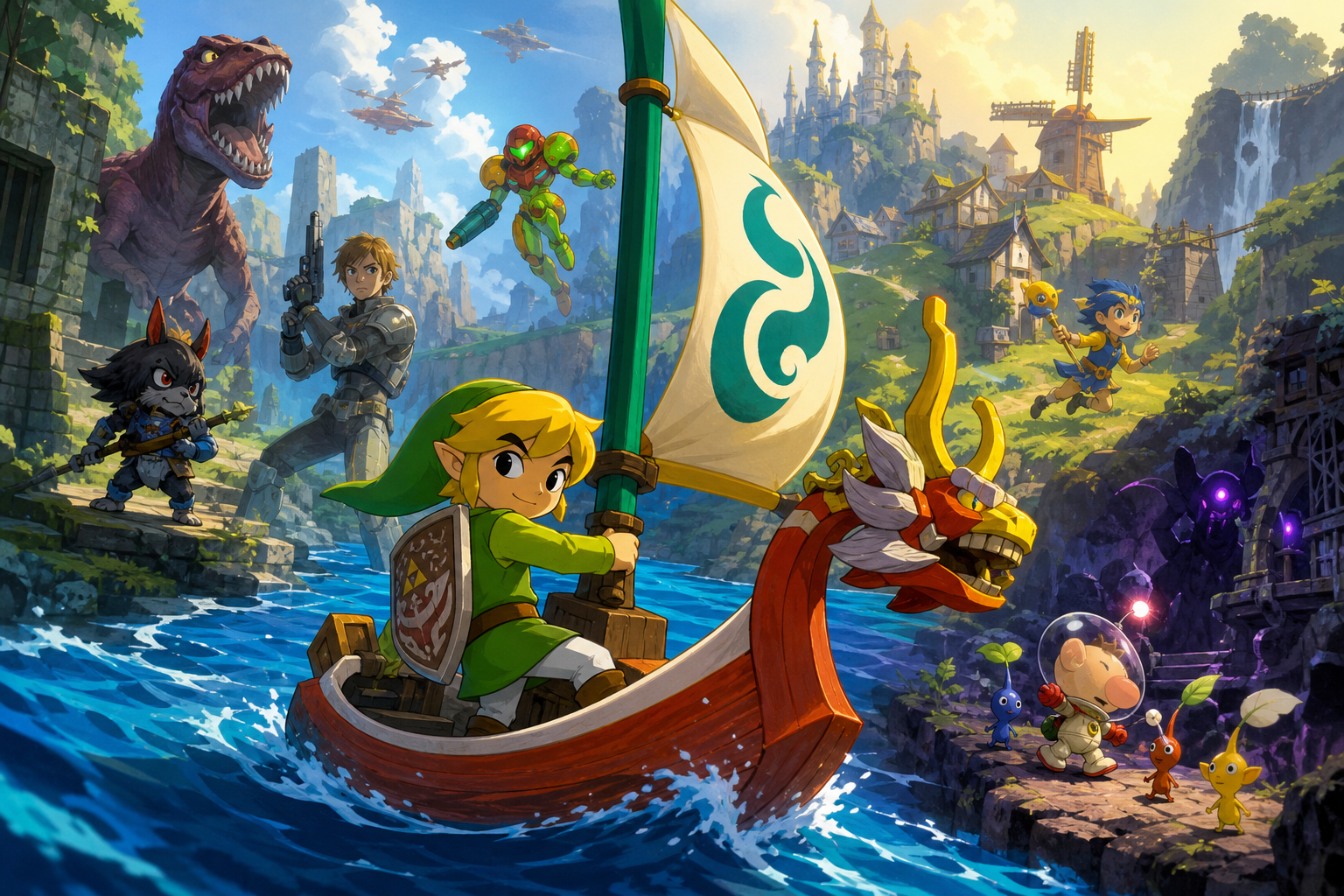
GameCube memory cards are easy to underestimate. The console reports space in blocks rather than familiar megabytes, and a file’s icon or title usually tells you which game created it, not whether it contains a completed adventure, an old experiment, or data you still want. When the card fills, rushing straight to Erase is how useful saves disappear.
The safer approach is to treat housekeeping as an inventory job. Inspect both card slots, write down every file and its block count, check the requirements of the games you still play, and decide whether a second card or verified backup can postpone deletion. The GameCube system menu is powerful enough for basic file management, but it cannot explain the progress hidden inside most game files.
What the GameCube memory-card screen can actually do
The GameCube Memory Card screen is available without starting a valid game disc, with the disc cover open, or by holding the Player 1 controller’s A Button while the console starts. From there, you can inspect files and, when the software permits it, copy, move, or erase them. This is the right place to see the card as a collection of files rather than guessing from the game discs on your shelf.
System-level copying and moving require two inserted memory cards. Put the source and destination cards in the console before beginning, and make sure the destination has enough free space. The menu may also refuse an operation because of duplicate-file restrictions, file-count limits, or a game’s own protection flag. That refusal does not automatically mean the card or console is defective.
The most important distinction is between erasing a file and formatting a card. Erasing removes the selected file permanently. Formatting removes all data on the card. A usable card that merely needs space should never be formatted as a first step. Treat formatting as a recovery measure for a card the console identifies as corrupted, not as routine organization.
- Start with the console at the Memory Card screen, not with a game already saving.
- Insert both cards before attempting a system-level copy or move.
- Never remove a card or switch off the console during copying, moving, erasing, or formatting.
- Do not format a readable card simply because it is full.
Make a written inventory before selecting Erase
Before changing anything, create a simple record on paper or in a notes app. For each card, record the slot, displayed file name, icon, block count, and the action you are considering. Add a confidence label such as keep, investigate, duplicate, or expendable. This small pause matters because the Memory Card screen does not normally describe a game’s chapter, quest log, completion status, or the identity of a racing ghost.
Photographing the television is also useful, provided the photograph is only a record and not treated as a backup. Capture the complete file list and the card’s free-block count. If a file appears with an unfamiliar name, leave it alone until you identify the game and release. A save from a regional variant may not be interchangeable with the edition you intend to use.
Do not assume that the oldest-looking file is disposable. A short file can contain a completed run, a special unlock, or a family member’s progress. Conversely, a large file may be an abandoned test. The system menu can tell you how much space a file occupies, but the game that created it is usually the place to investigate its contents.
- Record card slot, file name, icon, block count, and current free space.
- Mark uncertain files as investigate rather than expendable.
- Keep separate notes for different regions and editions.
- Use a photo as an inventory aid, never as a replacement for a backup.
Inspect Slot A and Slot B without changing data
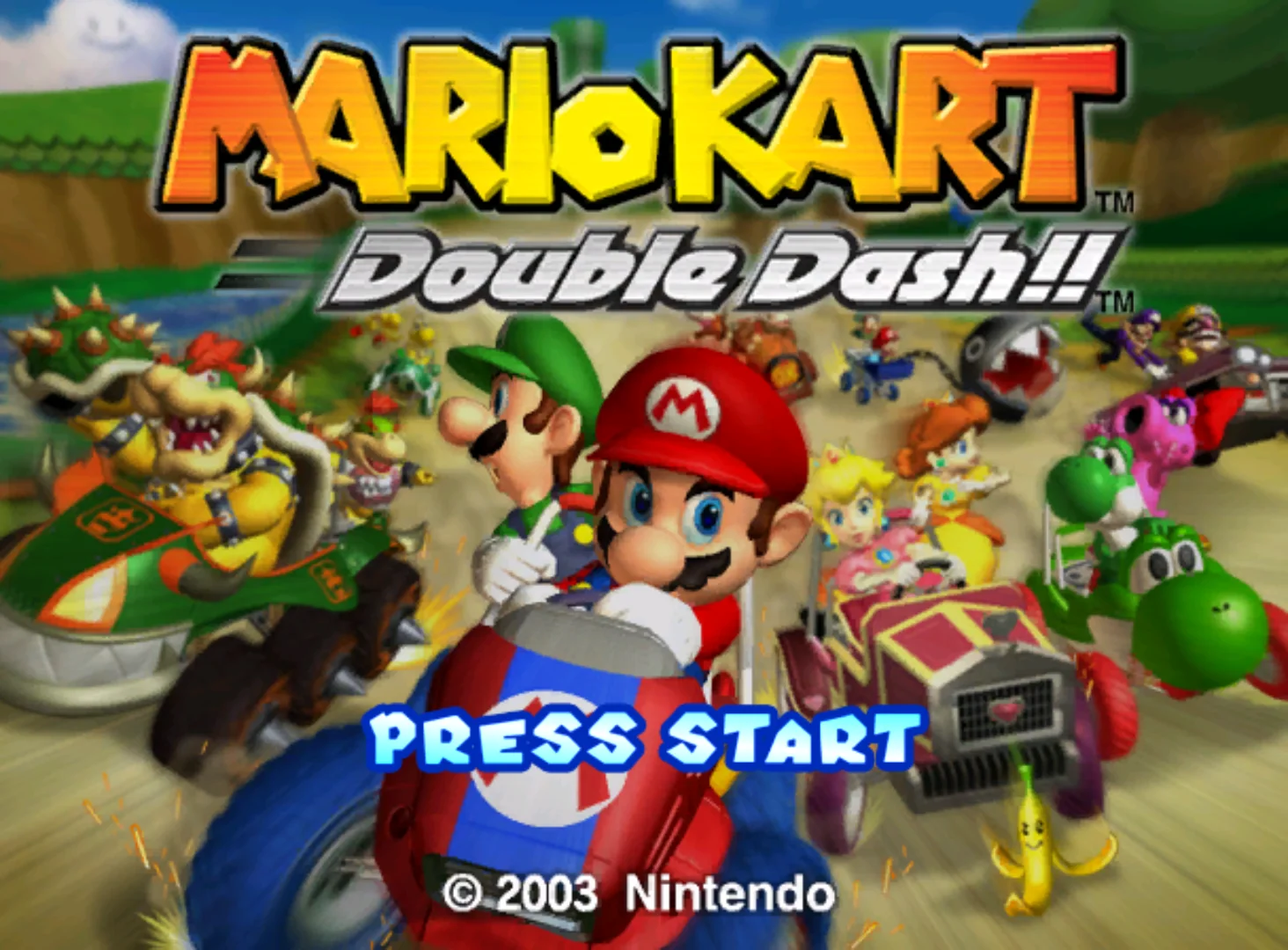
Open the Memory Card screen and inspect Slot A first, then Slot B. The two slots are not interchangeable for every game. The Wind Waker and Paper Mario: The Thousand-Year Door use Slot A for their normal save process, while Mario Kart: Double Dash!! has a more specific arrangement: its main game-data workflow uses its expected slot, but ghost data can be saved or loaded from a card in either Slot A or Slot B.
That difference affects diagnosis. If a game says it cannot find its save, first confirm that the card is in the slot required by that game before concluding that the file is damaged. Do not move a card repeatedly while a game is saving or loading. Finish the current operation, return to the appropriate menu, and make one controlled change at a time.
The system menu can show whether a file exists and how many blocks it consumes, but it cannot verify every aspect of a game’s internal data. If a file is important, launch the matching game only after your inventory is complete and confirm that the game recognizes it. Avoid making a new save or changing options until you know which existing file the game is reading.
- Inspect Slot A and Slot B separately.
- Verify each game’s required slot before troubleshooting a missing save.
- Do not move cards while a game is reading or writing data.
- Confirm recognition in the matching game only after documenting the file.
Record the space needs of the three featured games
Different games put different pressure on a card. Mario Kart: Double Dash!! requires 3 empty blocks to create its main game-data file. Each saved Time Trials ghost uses 5 blocks. The main data is saved after events such as a new Grand Prix ranking, a new Time Trials record, or confirmed changes in the Options screen. That means a card can lose space gradually as racing records and ghosts accumulate, even when the main file itself is still the only obvious game entry.
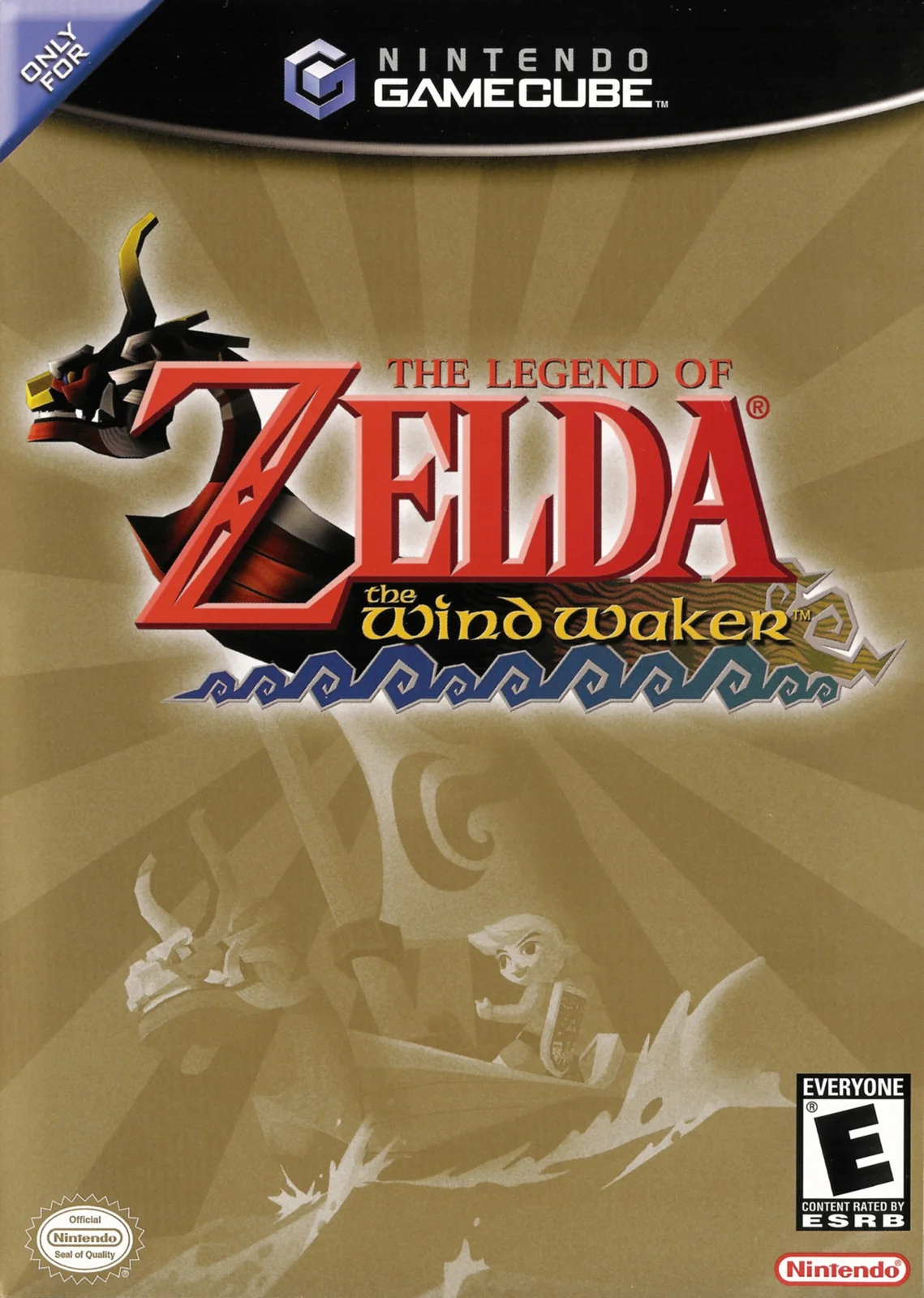
The Wind Waker GameCube edition requires one save file and 12 free blocks to create or maintain its save data. Its save data belongs in Slot A. If you are preparing to start or continue it, count the free blocks on the actual card in that slot rather than relying on a general estimate of the card’s capacity.
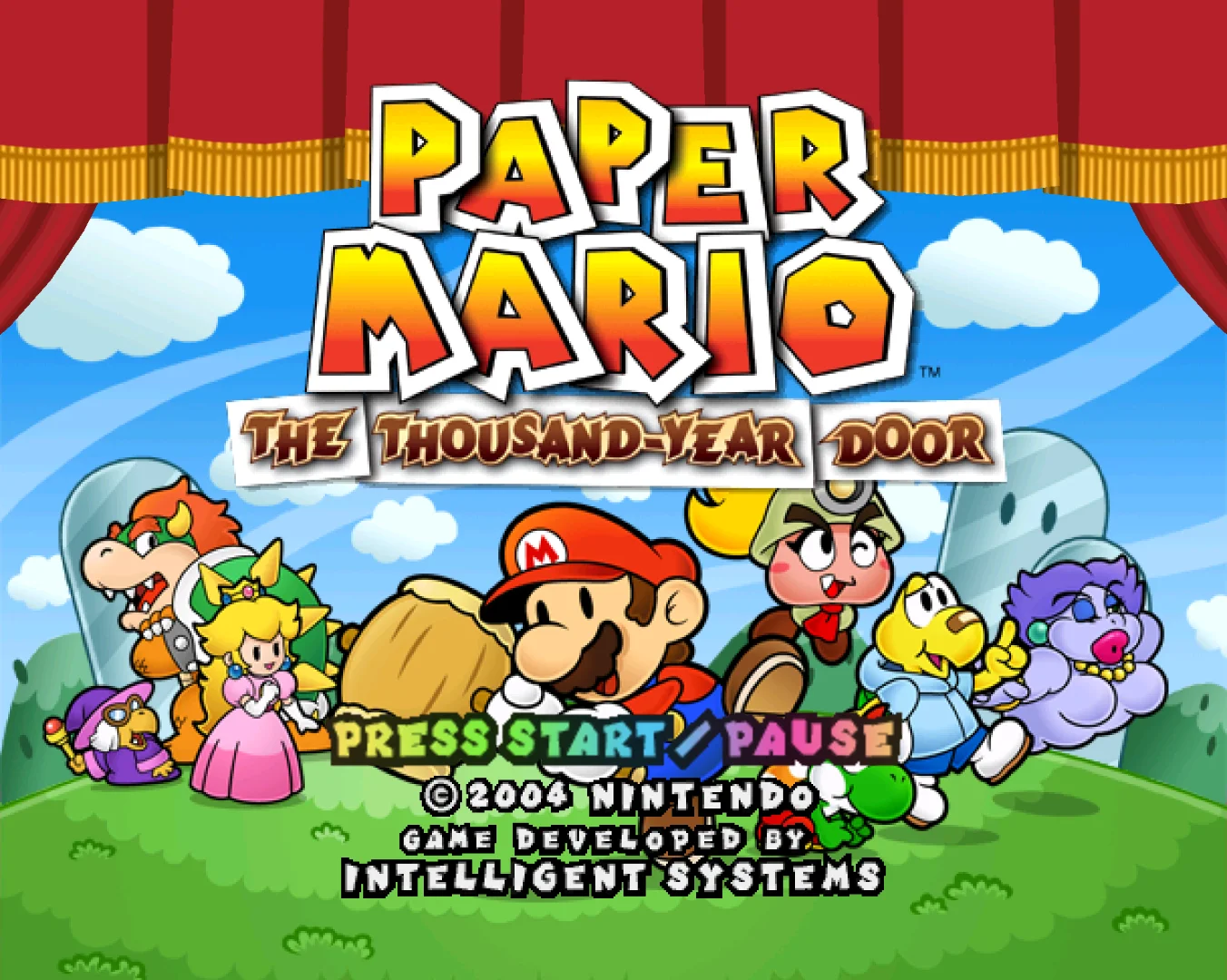
Paper Mario: The Thousand-Year Door requires one free file and 17 free blocks on a memory card in Slot A. Its normal save process does not use Slot B. The 17-block requirement is a reason to check space before beginning a new file, especially when the remaining capacity looks adequate for a smaller game but not for this one.
These requirements are planning figures, not permission to delete a similarly sized file. Preserve a margin where possible. A game may need space to create its initial file or save a later change, and a card that barely meets the minimum can leave no room for another title or a safer copied version.
- Reserve at least 3 empty blocks before creating Mario Kart: Double Dash!! main data.
- Count each Mario Kart ghost as a separate 5-block Time Trials file when reviewing space.
- Reserve 12 free blocks for The Wind Waker’s GameCube save data.
- Reserve 17 free blocks on Slot A for Paper Mario: The Thousand-Year Door.
- Check the exact manual for a different region or edition.
Whole-card files are not the same as internal save slots
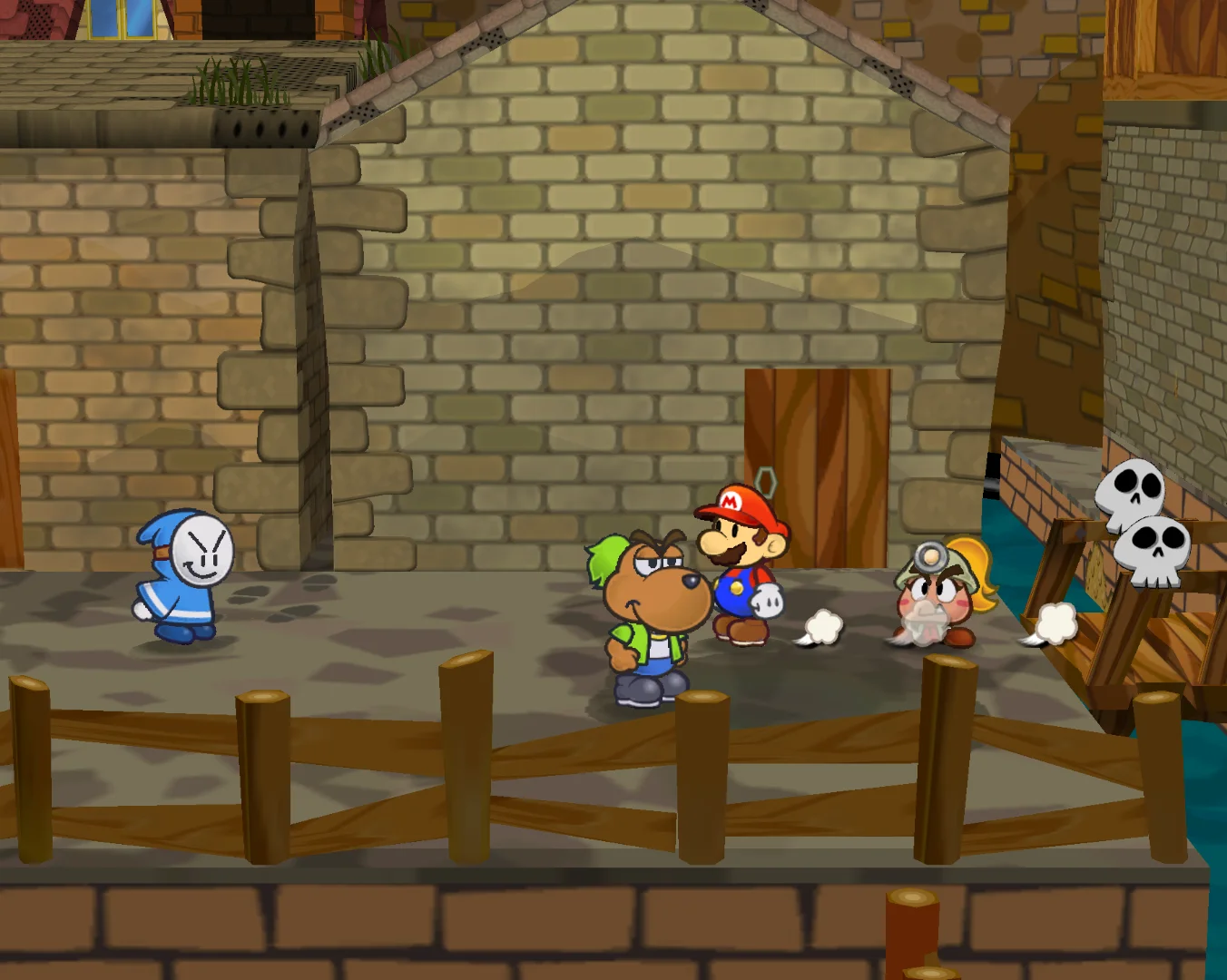
The Memory Card screen displays a game-created file, but some games place several playable records inside that file. This is especially important for the three examples here. Mario Kart: Double Dash!! can have separate ghost files in addition to its main data. The Wind Waker presents quest-log choices within its game environment. Paper Mario: The Thousand-Year Door allows multiple adventure files inside its own save-data structure.
Deleting an internal record from a game’s own file-selection screen is therefore different from erasing the entire game file from the GameCube Memory Card screen. In The Wind Waker, the game offers options to copy a quest log to another empty quest-log slot or erase it. In Paper Mario, players can copy one internal save file to another empty file slot, while copying into an occupied destination erases the destination data. Its file-selection screen also permits individual save-file deletion.
Use the game’s own menu when your goal is to remove one unwanted quest, adventure, or ghost record and the game documents that operation. Use the system Memory Card screen when you intend to manage the complete card-level file. Confusing those layers can turn a small cleanup into the loss of every internal record belonging to that game.
- Identify whether your target is a card-level file or an internal game record.
- Use the game’s documented file menu for individual quest or adventure slots.
- Treat a card-level Erase command as removal of the entire game-created file.
- Check the destination carefully before copying an internal Paper Mario file.
Test copying before considering deletion
If a second card is available, copying is the most useful safety test. Select the file, choose the permitted copy operation, and confirm the destination card and available space before accepting. A successful copy gives you a second card-level copy, but it does not prove that every internal record is meaningful or that two regional editions will read the file interchangeably.
Some files are marked by their games as not movable or copyable. If Copy or Move is unavailable, do not force the operation and do not interpret the missing option as evidence that the card is faulty. The system manual documents duplicate-file and file-count limitations that can prevent an otherwise sensible-looking copy.
After a permitted copy finishes, leave the source intact until you have verified the destination in the matching game and edition. Start the game with the destination card in the correct slot, confirm that the expected file appears, and avoid overwriting either version during the check. Only then should the duplicate become part of a broader storage plan.
- Use two inserted cards for a system-level copy or move.
- Confirm destination slot, free blocks, and regional match before accepting.
- Stop if the file has no copy or move option.
- Verify a copied file in the matching game before deleting the source.
- Keep the source until the destination has passed that check.
Use a second card as immediate pressure relief
A second physical GameCube memory card is often the simplest answer when the current card is full but its contents are not fully identified. It avoids an irreversible decision and lets you keep an active set separate from an archive. For example, one card can hold current adventure saves while another stores older campaigns, multiplayer records, and Mario Kart ghosts that you are not ready to discard.
The cards should still be labeled clearly by purpose and region. Write the contents on a removable label or keep a matching inventory. Do not assume that a card with a larger advertised capacity behaves exactly like an original Nintendo card in every console, game, or backup workflow. If you use a third-party or high-capacity product, verify its documented compatibility with the exact hardware and game before trusting it with your only copy.
A second card is not a backup if both cards are stored together without a record of which is current. Mark the date of the last verified copy and identify whether the card is an archive, working card, or duplicate. If a game uses Slot A, note that on the label so a quick swap does not create a misleading missing-save report.
- Use a second card when you need time to identify uncertain files.
- Label cards by region, purpose, and last verified copy.
- Do not assume third-party capacity or behavior without exact compatibility information.
- Keep an inventory so an archive card does not become an anonymous pile of saves.
Delete only after the decision is reversible enough
Deletion should be the final step in a chain of identification, not the first response to a full-card warning. Recheck the file name, icon, slot, block count, and intended game. If it contains several internal records, open the matching game and inspect those records before returning to the system menu. For Mario Kart, decide whether each ghost is still wanted rather than treating every old record as clutter. For the two RPGs, investigate the internal adventure or quest files before erasing the card-level file.
If the file can be copied, preserve a verified duplicate first. If it cannot be copied and the data matters, stop and choose a second card or a supported backup method instead. The ordinary GameCube Memory Card screen is designed for operations between inserted GameCube cards; it is not a general computer export tool. Any external backup method must be verified for the exact console, adapter, software, and card type before you rely on it.
When you finally erase, select the exact file and read the confirmation prompt. Do not remove the card or power off until the operation completes. Reopen the file list afterward and confirm that the intended number of blocks was released. If the free-space result is unexpected, stop investigating rather than deleting another file to compensate.
- Inspect internal records before erasing a multi-record game file.
- Preserve a verified copy whenever the system permits it.
- Use only a backup method confirmed for your exact hardware and card type.
- Read the confirmation prompt and verify the result after erasing.
- Never interrupt the erase operation.
What to do when a game still refuses to save
A game that will not save after housekeeping does not necessarily need another deletion. First check the card’s free blocks against the game’s documented requirement and confirm that the card is in the correct slot. The Wind Waker needs 12 free blocks and Slot A; Paper Mario: The Thousand-Year Door needs 17 free blocks and Slot A; Mario Kart: Double Dash!! needs 3 empty blocks for its main game-data file. A card with space in Slot B will not solve a Slot A requirement.
Next, check whether you are trying to create a new file or save a change that needs the existing file to remain intact. Paper Mario’s internal file system and The Wind Waker’s quest-log system should be managed through their own file-selection screens when appropriate. In Mario Kart, remember that a ghost and the main game data are separate concerns.
If the console reports corruption or repeatedly rejects a card, stop normal housekeeping. Do not format it merely to make the warning disappear. Record what remains visible, avoid further writes, and consult Nintendo’s documentation or a verified preservation workflow for the exact card and hardware. Repeatedly testing a questionable card can reduce the chance of recovering useful data.
- Check the correct slot before changing anything else.
- Compare free blocks with the game’s documented requirement.
- Distinguish a new game file from an internal file-slot operation.
- Treat corruption warnings as a recovery problem, not ordinary housekeeping.
- Avoid additional writes to a card that is behaving abnormally.
Region, edition, and backup caveats
Save compatibility is not automatically universal. North American, Japanese, and PAL releases can use different save identifiers and may not treat files as interchangeable. The same title name is not enough: match the game’s region and edition to the manual and the disc you actually use. This matters especially when organizing cards collected from different systems or when moving files between a console and a supported external tool.
The manuals and system documentation are the authority for the original hardware workflow. Nintendo’s standard menu supports card-to-card management, while external readers, modified consoles, adapters, and computer tools introduce their own requirements and risks. A backup guide that works for one card format or hardware revision may not apply to another. Confirm the exact method before erasing the original.
Keep the original card untouched until an external backup has been restored or otherwise verified on compatible hardware. A file existing on a computer is not by itself proof that the GameCube can read it. The safest preservation rule is to maintain at least one known-good original or console-tested copy whenever the data is important.
- Match region and edition before copying or restoring a file.
- Use original manuals and current manufacturer documentation for hardware claims.
- Verify external backup tools against the exact card and console setup.
- Do not erase the original until a backup has been tested in a compatible environment.
A final decision tree for a full card
Start by asking whether the card is readable. If it is not, stop ordinary housekeeping and investigate recovery. If it is readable, inventory every file in both slots and record its block count. Next, identify the game and region for every uncertain entry. Then check whether the game’s own menu can remove only an unwanted internal record, rather than erasing the complete card-level file.
If a file is important and the system permits copying, copy it to a correctly matched destination card, verify it in the game, and keep the source until the check succeeds. If copying is prohibited, use a second card or a supported, exact-match backup method. If the file is identified as expendable and no internal records matter, erase only that file. Format nothing unless you are handling a documented corrupted-card situation.
For the featured games, reserve the numbers before beginning: 3 empty blocks for Mario Kart: Double Dash!! main data, 5 blocks per saved Time Trials ghost, 12 free blocks for The Wind Waker, and 17 free blocks for Paper Mario: The Thousand-Year Door. These figures turn a vague full-card warning into a plan, but your inventory and verification steps are what protect the saves.
- Readable card: inventory first.
- Unidentified file: investigate, do not erase.
- Important and copyable: copy, verify, then decide.
- Important but protected: use another card or a verified backup method.
- Expendable and identified: erase only the selected file.
- Corrupted card: stop normal housekeeping and avoid formatting as a reflex.
Good GameCube memory-card housekeeping is less about finding the biggest file than understanding what each file represents. The system menu shows blocks and icons; the matching game reveals the internal quest, adventure, or ghost records that make a file worth keeping.
Inventory first, preserve a second copy when possible, and use a second card when uncertainty remains. With the correct slot, region, free-block requirement, and operation identified, you can make room without turning a routine cleanup into a permanent lost-save problem.