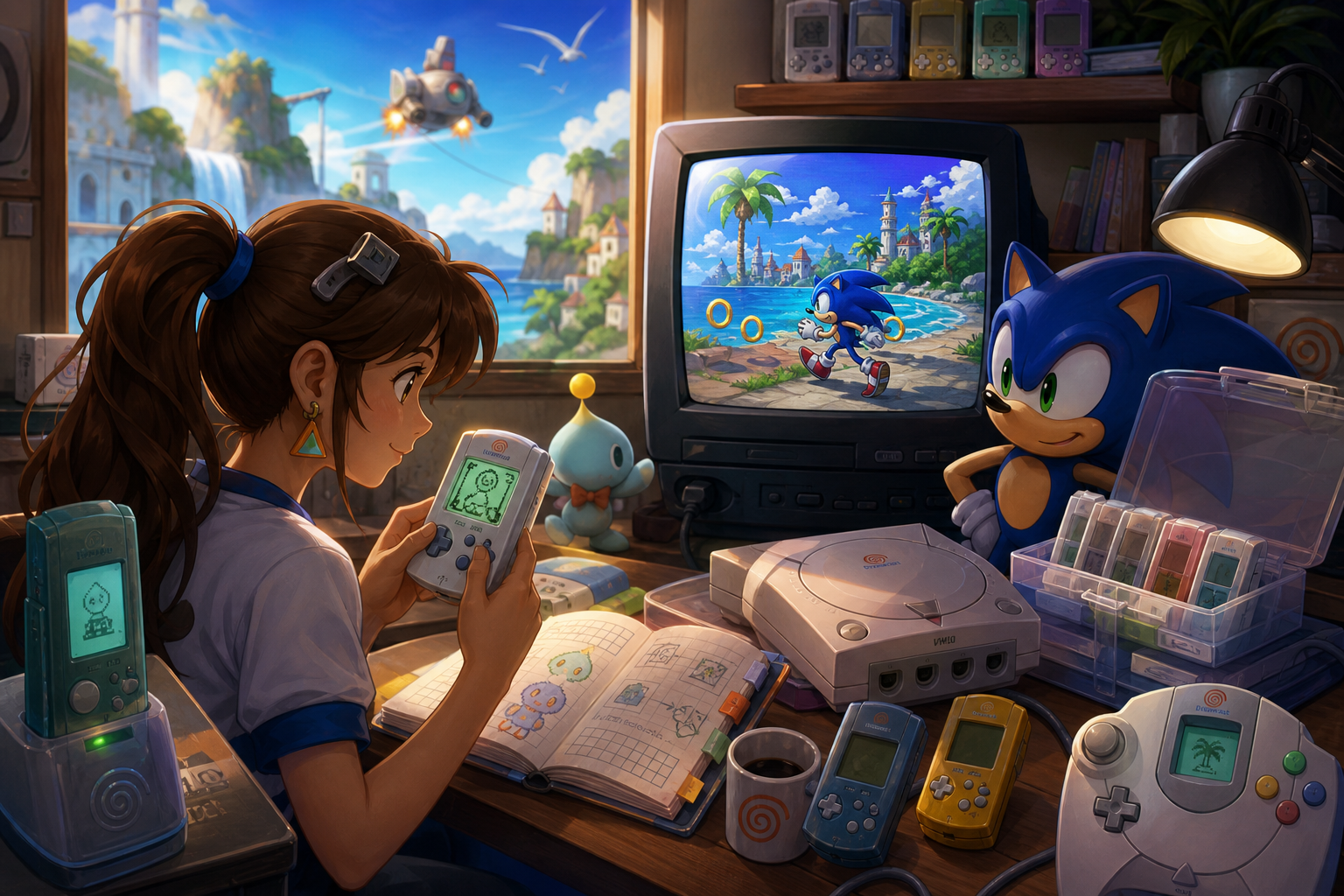
The Visual Memory Unit is one of the Dreamcast’s most distinctive accessories because it combines three jobs in one small device. It is a memory card for save files, a controller-mounted display for compatible games and a miniature standalone computer for clock functions and downloadable software. Treating it as only one of those things is the source of many avoidable problems.
The practical rule is simple: manage the VMU’s storage and batteries as separate concerns. Your Dreamcast can use a VMU as a memory card without batteries installed, but a nearly full card may not have room for a new file, and exhausted batteries left inside can interfere with normal operation. The manuals for Shenmue, Skies of Arcadia and Sonic Adventure show why checking each game’s requirements matters more than counting visible save icons.
What a VMU actually does
An original Sega VMU provides up to 200 blocks of file storage. Before first use, it must be initialized, which prepares its file system but also means that any existing contents should be treated as disposable during that process. The VMU’s file mode handles saves, copied files and downloadable programs; its game mode supports software running through the Dreamcast; and its clock mode handles the device’s time functions.
Those modes overlap physically but not functionally. The 48-by-32-pixel monochrome screen can show game information when software supports it, but the screen is not automatically active in every title. Separate VMU software may use the buttons, speaker, screen and internal processor while the unit is disconnected from the console.
That distinction also explains the battery question. The device can remain useful as a memory card without batteries, while clock retention and standalone operation depend on working cells. A VMU is therefore neither simply a passive card nor a handheld console in every game. Its capabilities are determined by the hardware, the installed files and the software that launched them.
- Identify whether you are managing a save file, a controller display feature or standalone software.
- Initialize a new or expendable VMU before relying on it for important saves.
- Do not assume that a VMU accessory guarantees a mini-game in every Dreamcast title.
Why 200 blocks is not a simple game count
Dreamcast saves are measured in blocks rather than the megabytes commonly used by later memory cards. The total capacity is up to 200 blocks, but the useful capacity for a particular session is the amount left after existing saves, copied files and downloadable software are accounted for. Two cards with the same number of visible icons can have radically different amounts of free space.
File count is a poor planning tool because individual files vary in size. A small-looking save may coexist with a much larger executable mini-game, and a title may need room for an additional temporary file when saving or resuming. A card that loads old saves normally can still fail when a game tries to create a new file.
The safest habit is to check free blocks before beginning a long game, then compare that number with the original manual’s requirement. Do not delete a file merely because its name looks unfamiliar. It could be a mini-game, transferable data or a title-specific support file. If the card is close to full, copy important data to another VMU first and only then make space.
- Record free blocks, not just the number of files displayed.
- Read the manual for the exact Dreamcast edition you own.
- Leave a buffer instead of filling the card to its displayed maximum.
- Copy valuable files before deleting anything.
Battery reality: what two CR2032 cells power
The original VMU uses two CR2032 lithium batteries. They power the clock and the standalone functions that make the VMU behave like a small independent device. Sega’s manual also warns that leaving a VMU connected to a controller can drain its batteries, so battery planning includes periods when the Dreamcast is switched off but the accessory remains attached.
Sega published historical guidelines of about 130 days for clock-only use and about seven days of continuous game use. Those figures are not guarantees for a modern VMU. Battery quality, age, storage conditions, screen activity, sound, copying, frequent saving and VMU-to-VMU play all affect consumption. A device that spends most of its life in a drawer should not be judged by the same expectation as one running software every day.
A VMU can function as a memory card without batteries installed, but Sega cautions that exhausted batteries may prevent the unit from operating correctly even in that role. Removing dead or exhausted cells is therefore sensible storage maintenance. Battery replacement does not restore deleted files, repair corruption or increase the card’s 200-block capacity.
- Use two matching CR2032 cells rather than treating one weak cell as a harmless compromise.
- Remove batteries if the VMU will be stored for an extended period.
- Do not interpret historical battery-life figures as a promise for every cell or usage pattern.
- Treat battery replacement and save-data recovery as unrelated tasks.
Replacing batteries conservatively
Battery replacement is a user-level maintenance task, but it still deserves care. Sega instructs owners to replace both batteries together and press the VMU’s reset button afterward. Follow the polarity markings inside the battery compartment, keep the cells away from metal objects and dispose of old batteries according to local rules. The cautious choice is to use the specified CR2032 type rather than experimenting with rechargeable cells or modified power arrangements.
Before removing the old cells, decide whether the VMU contains data you cannot replace. Battery work should not be confused with initialization, but an aging device is a good reason to copy important files first. After installing the new cells, check that the VMU starts correctly, retains its clock setting and is recognized by the Dreamcast. If it behaves unexpectedly, stop using it for irreplaceable saves until the problem is understood.
Avoid improvised internal repairs or battery conversions. The original manual supports replacing the two specified batteries, not altering the power system. For long-term storage, removing the batteries is more conservative than leaving unknown cells inside the compartment.
- Back up important files before maintenance when another VMU is available.
- Replace both cells together and confirm polarity.
- Press reset after replacement as directed by Sega’s manual.
- Do not use rechargeable or modified cells as a casual substitute.
- Inspect for leakage before trusting the device with new saves.
What the controller screen can show
The VMU’s screen is a secondary display only when a game has been designed to use it. Depending on the title, it may show status information, maps, prompts or other data while the main image remains on the television. The controller connection supplies the game with access to the VMU, but the accessory does not create a second-screen feature by itself.
The VMU can also produce sound and run downloaded programs. Those features are separate from ordinary save storage. A title may use the display during play without providing a standalone activity, while another may offer a downloadable mini-game that occupies substantial storage. Some programs require batteries once the VMU is removed from the controller; others may simply be saved files that remain available for later use.
This is why advertisements and recollections about the VMU can be misleading when applied universally. Compatibility belongs to the software, and regional editions can differ in their manuals, included features or file requirements. Check the documentation for the original release you are playing rather than assuming every Dreamcast game treats the VMU in the same way.
- Look for explicit VMU, screen, sound or mini-game support in the game manual.
- Separate a display feature from a downloadable standalone program.
- Keep enough free space for software files, not only the main save.
- Expect regional and edition differences.
Sonic Adventure: the large-data warning
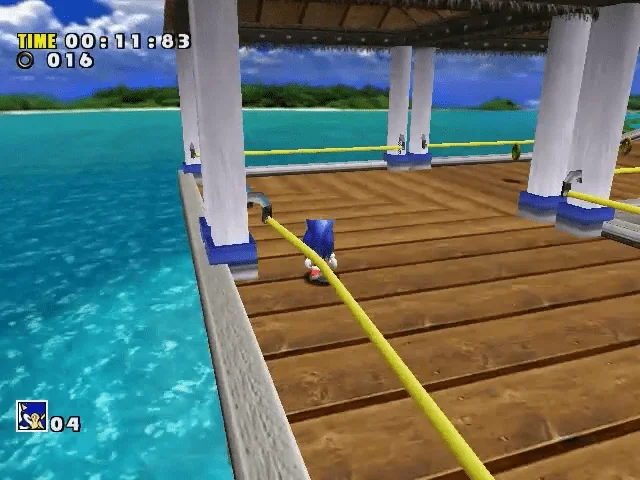
Sonic Adventure demonstrates why the VMU can be more than a place to store the main adventure. Its manual describes Chao Adventure as an independent mini-game played through the VMU. Chao-related data and the standalone program should be considered separately from the ordinary story save when planning storage.
That distinction matters even if a player has no interest in using every feature. A regular save can appear to fit comfortably while a downloadable or transferable Chao-related file requires additional room. The correct figure depends on the specific original-edition documentation and the files being used, so it is safer to consult the manual than to rely on a general claim that Sonic Adventure needs only a small save.
If the VMU will be used for Chao data, reserve it before beginning rather than waiting until the card is nearly full. A second VMU can keep the ordinary adventure separate from larger feature files. This arrangement also makes deletion decisions clearer: removing an unfamiliar Chao file may affect a separate activity or transferable data rather than merely clearing an obsolete duplicate.
- Distinguish the ordinary Sonic Adventure save from Chao-related files.
- Reserve space before transferring or downloading Chao Adventure.
- Use another VMU if you want to keep feature data separate from a main save.
- Do not treat the existence of Chao Adventure as proof that every Sonic title has the same VMU behavior.
Shenmue: use the free-space test
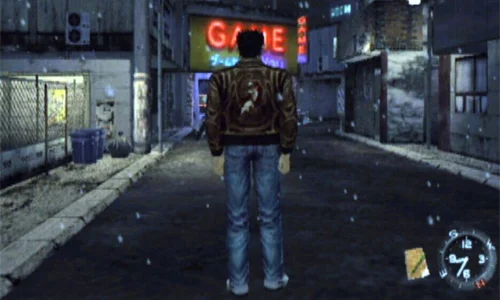
Shenmue is a particularly useful example of why a nearly empty VMU is preferable. Its North American Dreamcast manual requires a VMU with 80 blocks of free memory for its save system. The game supports three game files on one memory card and also creates a separate temporary resume file that is erased after it is continued.
The important point is not simply the number 80. A card can contain several apparently small files and still fail the game’s requirement because the available space is below the threshold. The temporary resume file also illustrates why a title may need more working room than a player expects from the permanent saves alone.
For Shenmue, a dedicated VMU or a card with at least the manual’s stated free space is the sensible choice. Players with one card should copy or remove nonessential files before starting, while players with two cards can reserve one for Shenmue and other demanding saves. The requirement cited here belongs to the North American Dreamcast edition; do not automatically transfer its wording to every regional release or later port.
- Check for at least 80 free blocks in the North American Dreamcast edition’s documented save system.
- Remember that three game files and a temporary resume file are different from one permanent slot.
- Do not start with a card that is merely “mostly empty” by appearance.
- Keep the manual’s regional limitation in mind.
Skies of Arcadia: the executable-file surprise
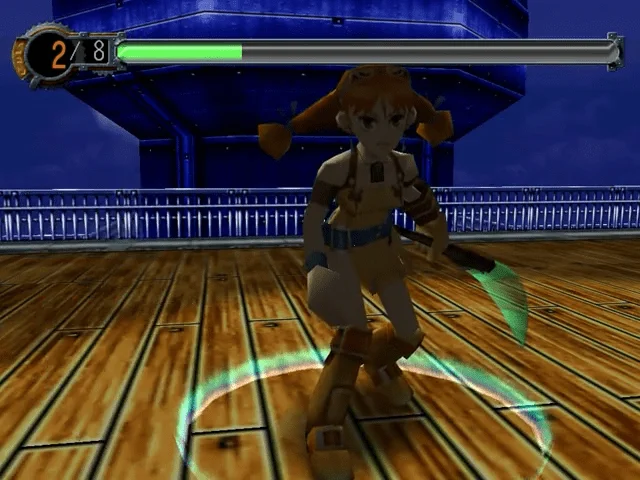
Skies of Arcadia makes the storage calculation even less intuitive. Its North American Dreamcast manual lists 27 blocks for each game-data file and 83 blocks for its VMU executable file. The game also includes Pinta Quest, a VMU mini-game, and requires a VMU to save the game.
Those figures mean that planning only for the main save can produce the wrong answer. A player may need room for the save file and the additional VMU software, while multiple game-data files increase the total further. The executable is not just another small icon to ignore; it is part of the feature set that makes the VMU relevant to this title.
A mostly empty card is therefore the least surprising option for Skies of Arcadia. If the card already contains other games’ mini-games, copy them elsewhere before initializing or deleting anything. The 27-block and 83-block figures are original North American manual figures, not universal measurements for every regional edition, re-release or later platform.
- Reserve space for both game data and the documented VMU executable.
- Remember that Pinta Quest changes the storage calculation.
- Use a card with a substantial free-space buffer before starting.
- Label the regional source of any block figure you record.
A practical one-, two- or three-VMU plan
One VMU can be enough for a player who checks manuals, avoids large downloadable programs and regularly copies important files. The tradeoff is interruption: before starting a demanding game, that player may need to reorganize the card. One card is convenient, but it provides no independent backup if its contents are lost or corrupted.
Two VMUs offer a more comfortable arrangement. Reserve one as the active game card and use the second for copied saves, large mini-games or feature data. This is especially useful when moving between Shenmue, Skies of Arcadia and Sonic Adventure, because their requirements are not interchangeable. The second card need not be full; its value is the free space and separation.
Three VMUs create clearer roles: a main card, a feature card and a backup card. This is not mandatory, and more devices mean more labels to track, but it reduces the temptation to delete a file simply to begin a new game. Keep the backup card disconnected and unchanged except when refreshing the backup. A backup is most useful when it is not exposed to every save, copy and deletion operation.
- One VMU: check space before every demanding title and maintain a written file inventory.
- Two VMUs: separate active saves from feature files or copied backups.
- Three VMUs: maintain main, feature and untouched backup roles.
- Label cards by purpose and regional software when useful.
Copying, deleting and protecting files
The VMU manual warns against disconnecting the controller, removing the VMU or switching off the Dreamcast during saving, loading, copying, deleting or initialization. These operations should be treated as active writes, not harmless menu browsing. Interrupting them can leave the device or its file directory in an unusable state.
When copying files, check free blocks on the destination first. Sega recommends repeating the available-space check for each copied file, because a destination that can hold one item may not have room for the next. Copy before deleting, verify that the destination recognizes the new file and only then consider removing the original.
A conservative backup routine is therefore simple: stop gameplay at a safe point, copy important data to another VMU, confirm the copied file appears, and leave the backup disconnected. Do not use initialization as a cleanup shortcut unless every file has already been copied or is genuinely expendable. Initialization erases existing data; it does not repair the contents selectively.
- Never interrupt an active save, copy, delete or initialization operation.
- Check destination capacity for every file in a multi-file copy.
- Verify the copied file before deleting the source.
- Keep at least one backup card untouched between backup sessions.
- Use initialization only when erasing the entire card is acceptable.
Original Dreamcast releases and later versions
VMU behavior belongs to a particular software release. The figures used here come from original Dreamcast manuals, with Shenmue and Skies of Arcadia examples specifically tied to North American editions. A later port, regional translation or revised release may save differently, omit a VMU program or replace the feature entirely.
This matters when a guide, forum post or collection label combines several versions under one game title. The fact that a modern version has its own save system does not tell you how the original Dreamcast release uses VMU blocks. Likewise, a third-party high-capacity memory device may present a different interface or compatibility profile from an original 200-block VMU.
For original hardware, the most reliable evidence is the manual for the exact disc and region, followed by the console’s available-block display. If those sources disagree with a general compatibility claim, do not fill the card based on the general claim. Preserve the original files first and test nonessential data on a spare device.
- Match block requirements to the exact platform, region and edition.
- Do not apply original Dreamcast figures automatically to later ports.
- Treat third-party high-capacity devices as compatibility variables.
- Use original manuals and the console’s free-space display together.
A quick decision guide before you play
If you have one VMU and want to play a title with ordinary saves, check free blocks, confirm that the batteries are not exhausted and test a save before committing to a long session. If the manual describes a large executable or a high free-space requirement, clear room first rather than discovering the limitation after progress has accumulated.
If you own two VMUs, put the active save on the card with the largest appropriate buffer and use the other for copies or feature files. Shenmue’s 80-block requirement makes a mostly empty card sensible; Skies of Arcadia’s documented executable makes a large free-space reserve sensible; Sonic Adventure’s Chao features make separating ordinary progress from feature data sensible.
If you own three or more, keep one backup out of routine use. Replace batteries conservatively, remove them for extended storage and avoid leaving a VMU attached indefinitely. The goal is not to fill every block or activate every feature. It is to make sure a new save, temporary file or downloadable program never becomes a surprise threat to progress.
- Before playing: check free blocks, battery condition and the title’s manual.
- For Shenmue: reserve the documented 80 free blocks in the cited North American edition.
- For Skies of Arcadia: account for the 27-block game file and 83-block executable listed in its North American manual.
- For Sonic Adventure: separate the normal save from Chao-related data and Chao Adventure.
- After playing: copy important files and store a backup VMU separately.
The VMU works best when its three identities are kept distinct. Storage protects progress, the controller screen adds supported game information and batteries enable the clock and standalone functions. None of those roles should be used to infer what every Dreamcast game supports.
Check the exact manual, preserve free space, avoid interrupting file operations and remove exhausted or long-stored batteries. With that small amount of planning, one of Dreamcast’s most unusual accessories becomes much less mysterious—and far less likely to turn a new adventure into a save-management problem.