There is an enduring problem with playing arcade games at home: nobody is around to demand a quarter with the correct amount of theatrical indifference. Chronic Concepts’ Insert Coin Cube attempts to restore that tiny ritual without requiring an entire cabinet in the living room or a suspiciously sticky carpet.
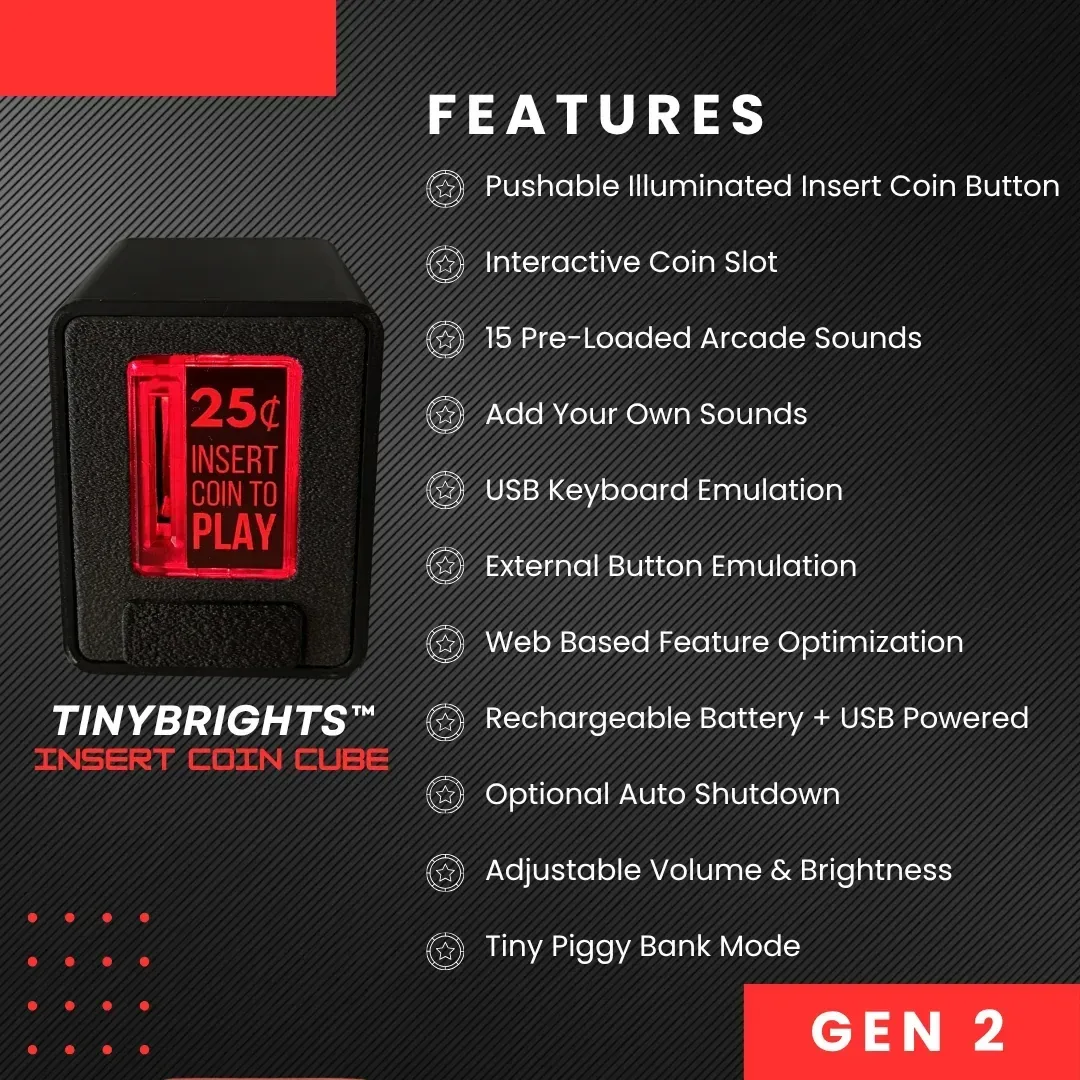
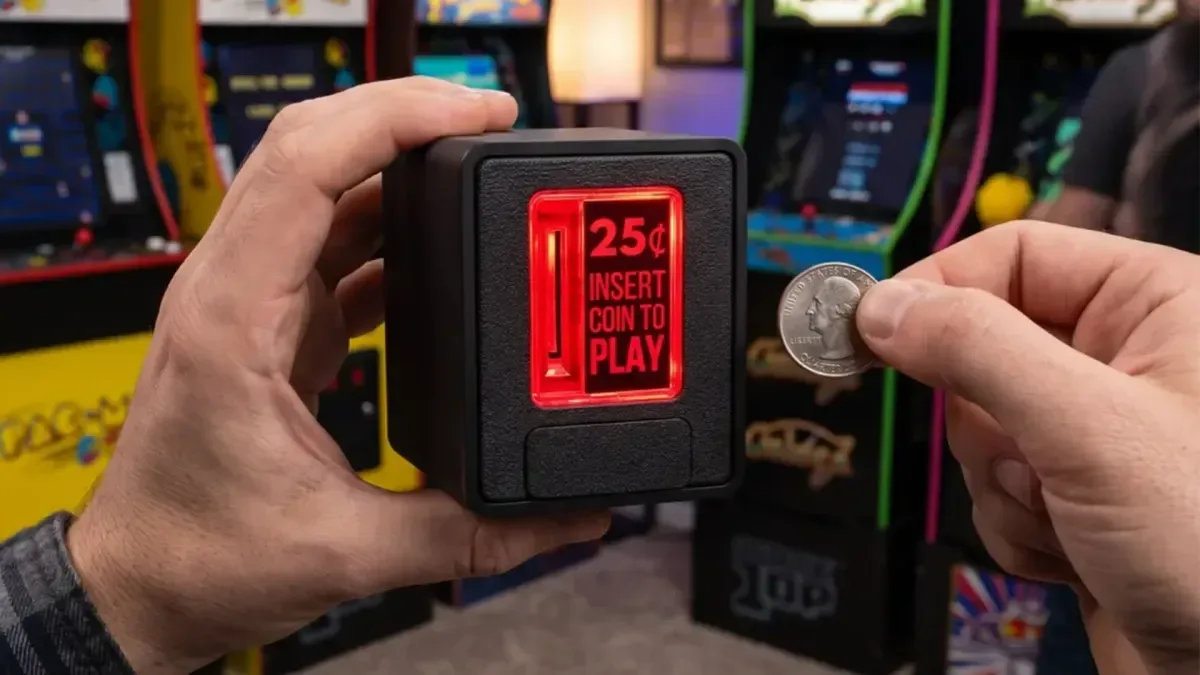
The compact accessory is a physical coin slot designed for emulator setups. Drop in a quarter, and the Cube can send a configurable input to the connected device—effectively allowing a real coin insertion to act as the command that starts a game or adds a credit. It is not trying to become a full arcade control panel. Its appeal is much more specific: giving the most ceremonial button press in arcade gaming an actual coin, slot and sound effect.
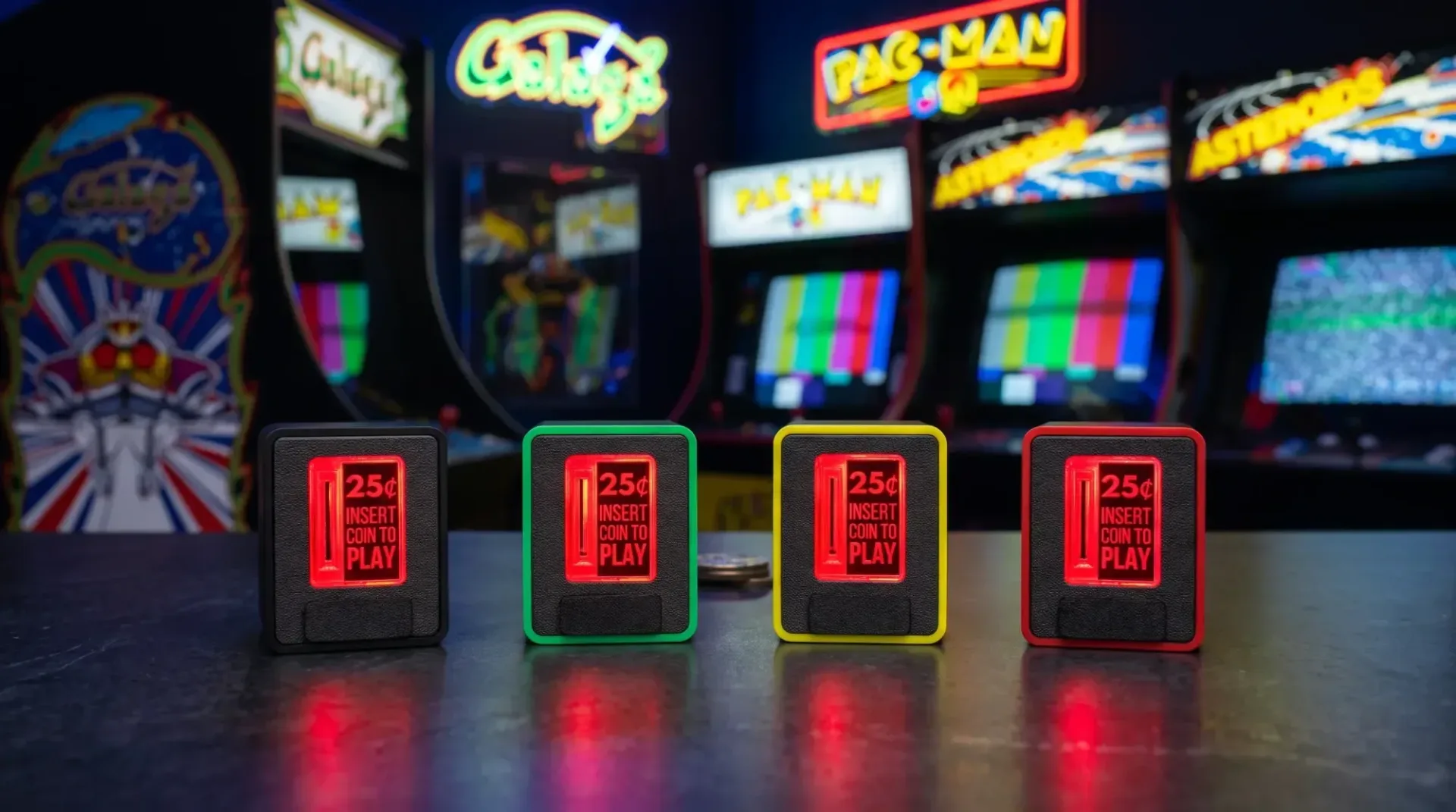
The current model is described as the second generation of the Coin Cube, with a refined build, updated technology and multiple colour options. It costs $29.99 and is listed as shipping now.
A physical action for a digital credit
At its core, the Insert Coin Cube is a one-input controller with a far more entertaining activation method than tapping a keyboard key. The device connects by USB and presents itself as a USB-HID keyboard device. HID means Human Interface Device: it is the broad class used for familiar peripherals such as keyboards, mice and controllers. In practical terms, the host system sees the Cube as a keyboard-like input device rather than as a proprietary accessory requiring a bespoke driver.
That distinction is important. Many emulators and front ends let users assign keyboard inputs to actions such as inserting a credit, starting a player session, pausing a game or navigating a menu. The Cube’s signal can be mapped to the relevant action in compatible software. The product is positioned for Windows, Mac, Linux, RetroPie and MAME, as well as most systems and programs that support USB keyboards.
MAME, short for Multiple Arcade Machine Emulator, is one of the best-known examples of software where an assignable coin input makes immediate sense. Arcade systems traditionally distinguished between a coin event and the start button. That separation is part of the old rhythm: add credit first, then choose when to begin. A physical slot recreates the first part, while a regular controller or arcade stick can handle the rest.
There is a useful limitation embedded in the idea, too. The Cube does not authenticate a real payment, unlock games or turn a home emulator into a vending operation. It is an input device. The quarter is a deliberate prop that triggers a command you choose. That may sound obvious, but it is the entire gag—and a surprisingly effective way to make a software menu feel more like a machine.
What the Cube itself includes
The enclosure uses injection-moulded plastic and holds up to five quarters. A transparent pushable door lights up, giving the coin action an extra visual cue rather than reducing the experience to a quiet clunk on a desk.
Related coverage includes Insert Coin Cube Brings a Physical Arcade Slot to Emulator Setups.
It also contains an internal speaker. Users can select from 15 built-in sounds for a coin insertion, or provide their own audio through the configuration web app. That choice gives the device room to be faithful, silly or both. Someone building a restrained retro setup can choose a straightforward coin sound; someone else can make every credit a tiny personal fanfare. Neither approach is wrong. Arcade rooms historically had plenty of noise in them already.
The coin capacity should be viewed as a convenience feature rather than a cashbox. Five quarters is enough to sustain the illusion for a short session, not enough to finance the next hardware upgrade. Still, the ability to use actual quarters is central to the product’s charm. A dedicated button can perform the same computer function, but it cannot replicate the small pause of finding a coin, dropping it in and hearing the machine acknowledge the gesture.
Configuration without a permanent cloud tether
Chronic Concepts provides a web-based configuration tool for setting the Cube’s behavior. It is described as a static web page that can be downloaded and used offline, rather than a cloud-based service with a continuing internet or account requirement.
For a small peripheral intended to live beside a retro setup, that design is more meaningful than it may first appear. Configuration utilities can become a weak point for hardware when they depend on a company-hosted service remaining online indefinitely. An offline-capable static page means the settings tool is intended to remain usable locally after download. It also suits retro-focused setups that are deliberately kept off the internet.
The app is used to select or supply coin sounds, configure the device’s input behavior and manage battery-saving options. The Cube includes automatic shutdown and an activation option tied to coin insertion. Those settings aim to reduce unnecessary power use when the accessory is sitting idle between sessions. The important practical detail is that the physical interaction is not merely decorative: a coin insertion can be part of waking or activating the device’s behavior, depending on configuration.
USB is used for connection to a PC, Mac or Linux device. The keyboard-device approach should make the conceptual setup straightforward: connect the Cube, choose the keyboard event in its configuration, then bind that event to the desired emulator function. Exact menu names and binding steps will differ between individual emulators and front ends, so prospective owners should confirm that their chosen setup allows keyboard mapping for its credit or start actions.
Why this is more than a novelty button
Retro gaming hardware often focuses on visible authenticity: a familiar shell, a particular display shape, a controller layout or a console-styled finish. The Insert Coin Cube instead concentrates on interaction authenticity. Its job is to recreate one very small piece of arcade behavior that a modern machine normally skips entirely.
That focus makes it particularly appropriate for a dedicated arcade corner, a mini PC running an emulator frontend, or a RetroPie-based build. It may also suit players who already have a controller or arcade stick they like and do not want to replace it with a large cabinet-style arrangement. The Cube can sit beside the display as an additional, themed input rather than forcing a wholesale hardware change.
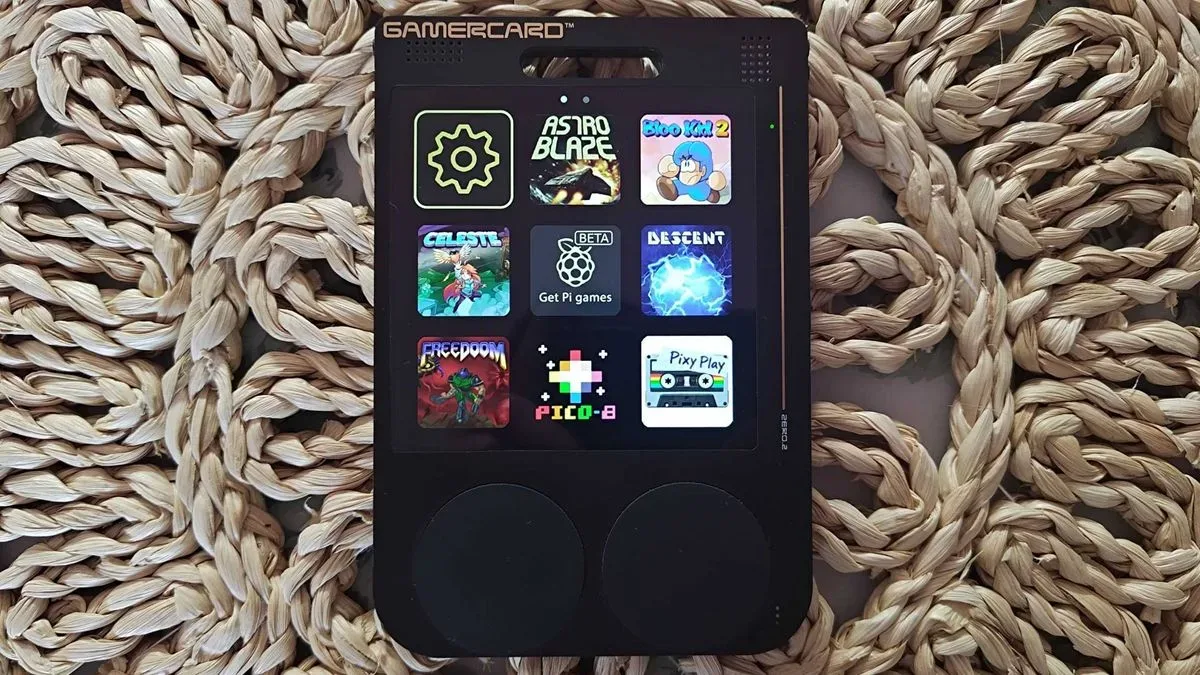
It is also a reminder that emulation setups are not all chasing the same goal. Some prioritize portability, compactness or access to large libraries. Others try to capture the rituals surrounding older hardware. Recent retro-device experimentation has ranged from compact handheld concepts to unusual Raspberry Pi designs; a thin Raspberry Pi handheld experiment illustrates how broad that hardware imagination can be. The Coin Cube lands at the other end of that spectrum: it does not attempt to make the game machine smaller, faster or more self-contained. It makes pressing one command more tactile.
Who should consider it—and who probably should not
The strongest audience is someone with an established desktop or living-room emulation setup who values the arcade mood as much as mere access to games. It is especially sensible for people using software with a dedicated insert-credit action, since that lets the device perform the role its name promises.
- Good fit: a MAME or RetroPie setup where keyboard inputs can be assigned to coin actions.
- Good fit: an arcade stick owner wanting one extra physical flourish without building a full cabinet.
- Good fit: a shared game space where the coin action provides a playful, understandable way to begin.
- Less essential: players who use emulators only on a handheld device or prefer to launch games immediately with existing controls.
- Worth checking first: any setup where the chosen emulator does not expose the intended command as a keyboard-bindable function.
It is also worth separating the product’s nostalgia from a claim of universal compatibility. “USB keyboard compatible” is a wide and useful standard, but it does not automatically guarantee that every platform, frontend or emulator handles inputs in the same way. The Cube’s technical approach removes the need for a specialized driver path; the user still needs to decide what keystroke is sent and what that keystroke does in their own software.
A tiny toll booth for your game library
The Insert Coin Cube is a knowingly narrow gadget, and that is why it works. It does not promise to transform emulation, preserve arcade boards or replace a cabinet. It adds a quarter-sized pause between choosing a game and playing it—a small, physical ceremony that digital libraries usually erase.
For $29.99, it offers a light-up slot, room for five quarters, selectable or custom insertion sounds, USB keyboard functionality and offline-capable configuration. For the right home arcade setup, that is enough to make an ordinary mapped command feel like it has a little more weight. Literally, in this case: the game begins when the quarter does its job.