Choosing a Kindle for comics and manga begins with a slightly unglamorous truth: these are not identical jobs. Manga is commonly produced in black and white, making a conventional monochrome E Ink reader a highly sensible fit. Colour comics place a different demand on the device. They can be read on an ordinary Kindle, but their art is built around colour information, so a colour E Ink screen is the more appropriate option.
That division makes the current Kindle choice relatively straightforward. The entry Kindle is the lower-cost route into manga reading. The Kindle Paperwhite is the more rounded monochrome pick for readers who want a larger page, water resistance and adjustable warm lighting. The Kindle Colorsoft is the model aimed at comic readers who do not want to give up the long battery life and glare-resistant character of E Ink, but do want colour.
None of those choices turns an e-reader into a tablet. That is important to establish up front. Tablets with LCD or OLED displays remain stronger when the priority is vivid colour and high contrast. A Kindle’s appeal is a different reading experience: an E Ink display, weeks rather than days of battery life, and a screen designed to be more comfortable for long stretches of reading than an emissive tablet panel.
The short version: pick the screen for the material
- For mostly manga: The standard Kindle is a capable budget option, but the Kindle Paperwhite is the better all-around recommendation.
- For mostly colour comics: Kindle Colorsoft is the relevant choice because it uses a colour E Ink display.
- For readers who expect tablet-like comic colour: Keep expectations in check. Colour E Ink is useful and improving, but it does not match LCD or OLED for contrast or saturation.
- For night reading: Paperwhite’s adjustable warm light is a meaningful practical advantage over the entry model.
- For purchases outside Amazon’s store: DRM-free PDF, CBZ and CBR comic files may need conversion before being sent to a Kindle.
Why manga works well on a monochrome Kindle
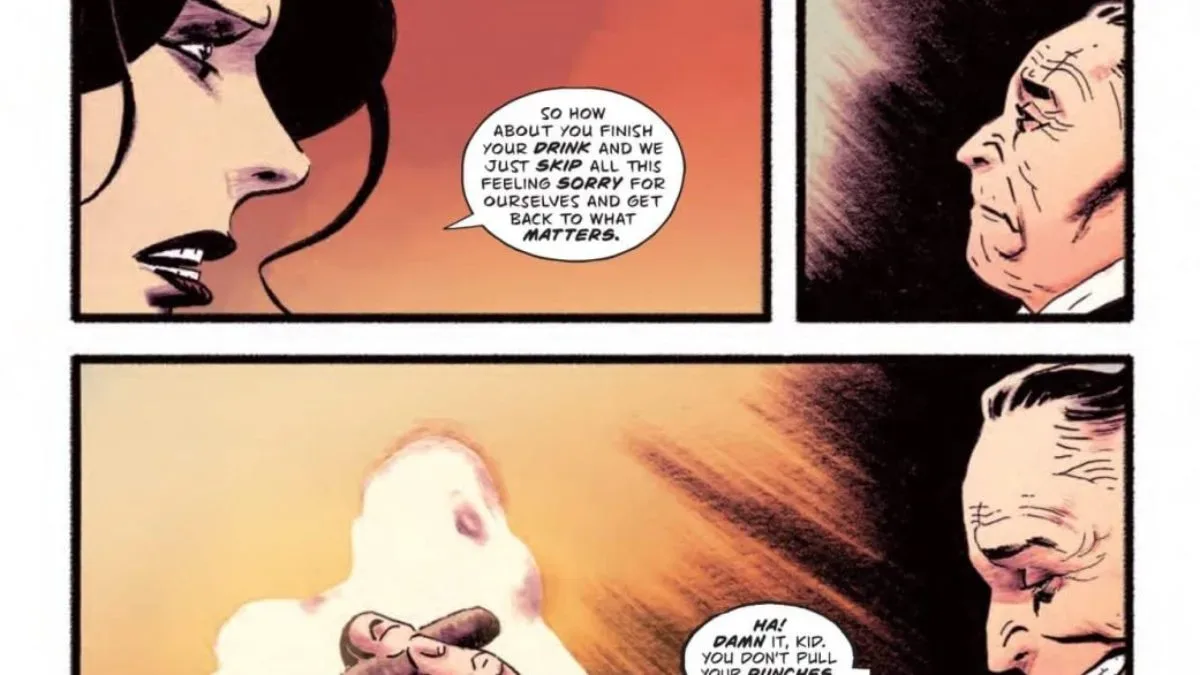
Manga’s black-and-white artwork makes it especially compatible with conventional Kindle screens. Since the original pages are generally monochrome, a reader is not sacrificing a colour layer that was essential to the artwork. The decision instead comes down to page size, text sharpness, lighting and comfort.
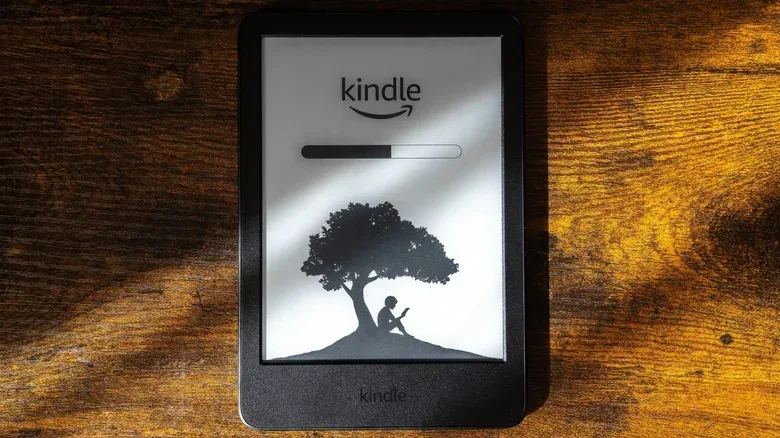
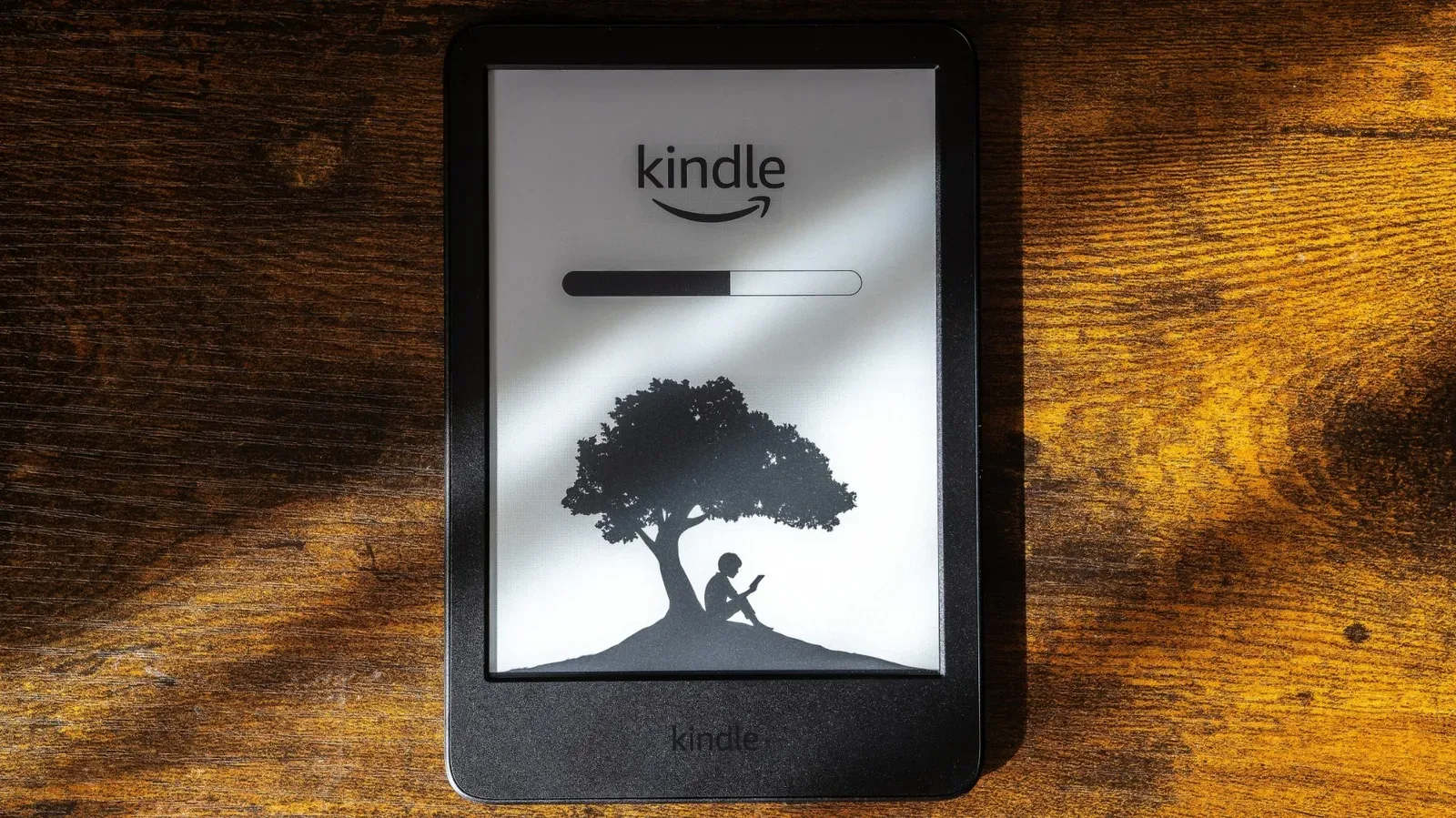
The current entry Kindle costs $149 and has a 6-inch glare-free display, 16GB of storage and a 300ppi screen. PPI, or pixels per inch, describes pixel density. Higher density helps fine print and line work look clear rather than ragged. At 300ppi, the Kindle’s display is positioned to render text and manga artwork sharply, without the visible colour fringing associated with lower-resolution screens.
It also has a flush-front design, meaning the screen sits level with the surrounding body rather than being recessed. Amazon has also revised the internals to make page refreshes somewhat smoother. That matters in manga because reading is a sequence of frequent page turns; even a small reduction in disruptive screen updating can make a long session feel more natural.
The caveat is physical size. A 6-inch screen is compact and portable, but comic and manga pages often include fine dialogue, small captions and elaborate backgrounds. Readers who find themselves repeatedly zooming may prefer a larger display. There is no supplied evidence here to claim a universal ideal size—eyesight and the source material vary—but the Paperwhite’s extra inch gives it an obvious practical advantage for page-based content.
Why Kindle Paperwhite is the stronger manga recommendation
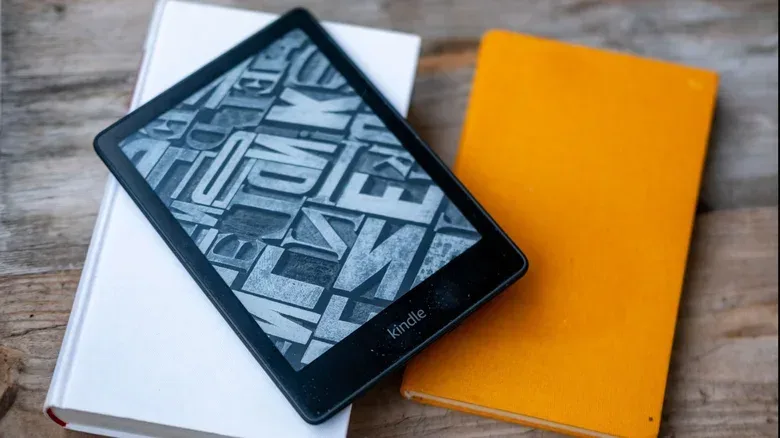
At $199, the Kindle Paperwhite adds a 7-inch, 300ppi glare-free E Ink screen, 16GB of storage, IPX8 water resistance and adjustable warm lighting. For manga, this combines the key benefit of a larger reading surface with features that make an e-reader easier to use throughout the day.
Related coverage includes The best Kindle for manga and comics.
IPX8 is an ingress-protection rating describing water resistance. In practical terms, the Paperwhite is designed to tolerate use near water, including at a pool. It is a convenience feature rather than a manga-specific one, but it can matter for a device intended to travel between commutes, holidays and everyday reading spots.
The more meaningful addition is the warm light. Both the entry Kindle and Paperwhite use built-in LEDs to illuminate the screen when ambient light is poor. That does not make the E Ink panel itself a backlit LCD or OLED display; it is front illumination directed across the reading surface. The Paperwhite adds LEDs that allow the colour tone of this lighting to be shifted warmer.
Warmer illumination is particularly useful at night because it allows readers to avoid the cooler-looking white light that some people find harsh in dark surroundings. It is a quality-of-life feature rather than a requirement for reading, but it is one of the clearest distinctions between the two monochrome Kindles.
The Paperwhite also uses an oxide TFT backplane, which improves contrast. A backplane is the layer that controls the individual elements of a display. Better contrast is valuable for black-and-white comics: it can make the separation between dark ink and light page areas clearer, which supports both dialogue readability and detailed art. The model also offers improved battery life. Taken together, the larger screen, warm light, water resistance and contrast improvement make the Paperwhite the most balanced Kindle for readers whose libraries lean heavily toward manga.
Kindle Colorsoft is the comic-first option, with realistic expectations
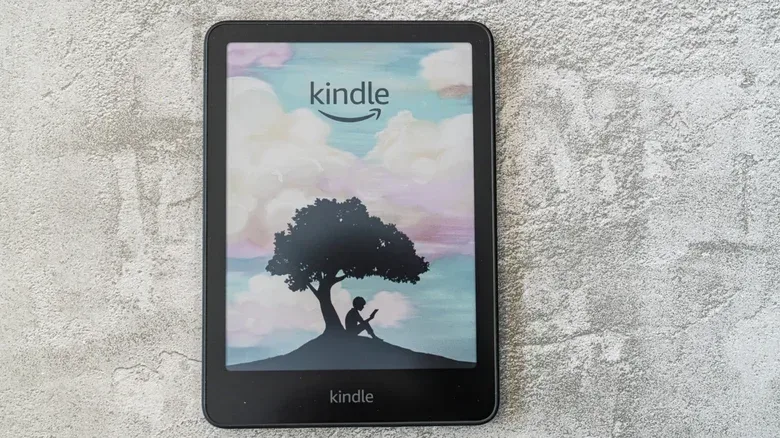
Colour comics need a different calculation. A superhero cape, a painted cover, a dramatic sunset or a visual cue in a panel may all depend on colour. For that material, the $289 Kindle Colorsoft is the Kindle to consider. It has a 7-inch colour E Ink display, 16GB of storage, IPX8 water resistance and a stated battery life of up to eight weeks between charges.
The Colorsoft uses an E Ink Kaleido 3 panel. This is the screen technology that enables colour display. Its newer iteration offers better colour saturation than the earlier Colorsoft, improving the comic-reading experience. That is a tangible advance, particularly for readers who want a dedicated book-like device rather than a multipurpose tablet.
Still, colour E Ink has a limitation that should be treated as part of the buying decision, not buried in the fine print: its colours are generally muted compared with an LCD tablet. It does not reach the same contrast levels either. The Colorsoft can show the colours that a monochrome Kindle cannot, but it is not designed to reproduce the bright, punchy appearance associated with a conventional tablet display.
This does not make the Colorsoft a poor comic device. It makes it a device for a particular priority set. If a reader values glare resistance, a less tablet-like display experience, water resistance and long battery endurance, colour E Ink offers a compelling compromise. If their highest priority is rich saturation and dramatic contrast in every panel, an LCD or OLED tablet remains the stronger visual tool.
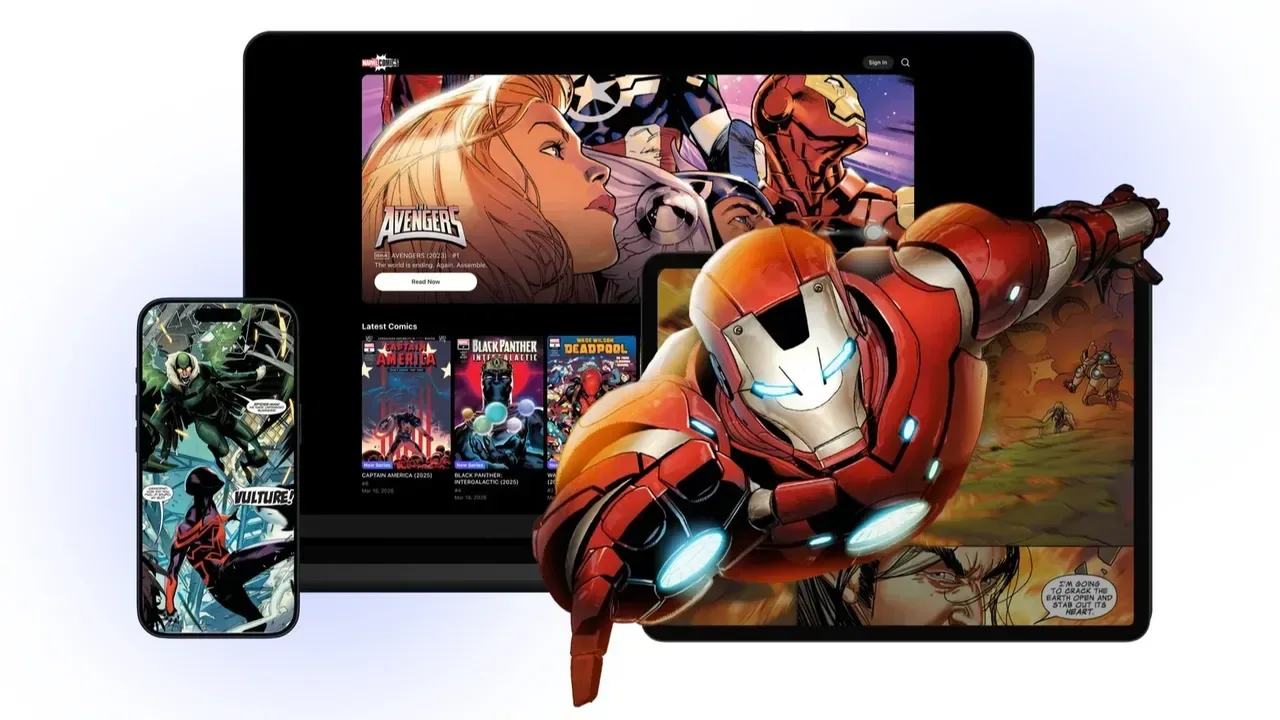
That distinction may be useful for readers who move between formats. A Paperwhite can be ideal for long manga runs, prose books and black-and-white graphic work. A Colorsoft broadens the Kindle experience to colour comics. Meanwhile, tablet readers retain a role for people who want colour art to look as vivid as possible. There is room for each approach rather than one universally “best” screen.
Buying and sending comics to a Kindle
The Kindle Store includes ebooks, magazines, comics and manga, with a substantial comics catalogue following Amazon’s acquisition of Comixology. Material acquired through the Kindle Store can be delivered to the e-reader automatically over Wi-Fi.
Kindle+ is another route for readers who prefer access to a selection rather than buying each title individually. It costs $12 per month and includes books, audiobooks, magazines and comics. The value of a subscription depends on whether the specific series a reader wants is included, but its presence means a Kindle can serve as more than a device for individually purchased volumes.
The broader digital-comics world does not begin and end with a single storefront, however. Readers who acquire DRM-free comics from other sellers may encounter files in PDF, CBZ or CBR form. PDF is a common document format. CBZ and CBR are comic-book containers that package sequential page images together. These file types are popular for digital comics because they preserve the ordered-page structure of a book.
For these files, Kindle Comic Converter is a dedicated utility that can convert PDF, CBZ and CBR comics into Kindle-readable formats and optimise their layout for the screen size and resolution of a particular Kindle. That optimisation is particularly relevant on smaller displays, where an unprepared full page may leave text too small to read comfortably.
Once the file has been prepared, Amazon’s Send to Kindle feature is the delivery method for putting it on the device. The practical workflow is therefore simple in concept: obtain a DRM-free file, convert it when necessary, then use Send to Kindle. The critical qualifier is DRM-free. Digital-rights management restrictions can limit what can be converted or moved between platforms, so readers should check the rights and format of a purchase before assuming it will work in this process.
What the specifications mean in everyday reading
For manga, the shared 300ppi density across current Kindles is reassuring. Fine lettering and black line art are central to the experience, and a sharp monochrome screen meets that need directly. Storage is also the same 16GB on the entry Kindle, Paperwhite and Colorsoft models discussed here, so the decision is not fundamentally about which one has more room for a library.
Instead, readers should focus on the qualities they will notice every page: the 6-inch versus 7-inch screen, whether colour is needed, whether night reading warrants warm lighting, and whether water resistance is useful. The Paperwhite’s 7-inch screen and lighting features justify its place as the stronger manga pick. The Colorsoft’s colour display makes it the appropriate Kindle for comics, as long as buyers accept E Ink’s more restrained visual presentation.
Digital reading also sits alongside the wider comic culture of individual issues, collected editions and serialized stories. For example, readers following new superhero narratives may also be interested in the developing Superman: The Stranger #4 storyline. A Kindle is not a replacement for every physical format or collecting habit; it is simply a practical way to carry a sizeable reading library in one device.
A sensible Kindle decision tree
- Do you primarily read black-and-white manga? Choose the standard Kindle for the lowest price, or Paperwhite for the larger display and warmer night lighting.
- Do you primarily read full-colour comics? Choose Colorsoft if you want colour in a Kindle-format device.
- Do you demand vivid, high-contrast colour? A tablet is likely better suited than colour E Ink.
- Do you read in bed or low light often? Paperwhite’s adjustable warm light is a substantial advantage.
- Do you purchase DRM-free files outside the Kindle Store? Plan for conversion and Send to Kindle as part of your normal library workflow.
The bottom line is pleasantly uncomplicated. Manga does not require colour, so a monochrome Kindle remains an excellent fit and the Paperwhite stands out as the most versatile choice. Colour comics benefit from the Colorsoft’s Kaleido 3 screen, although buyers should view it as an E Ink-first experience rather than a tablet replacement. Match the device to the art you read most, and the trade-offs become much easier to live with.
Shop the products
Check current price, model and availability at the retailer.