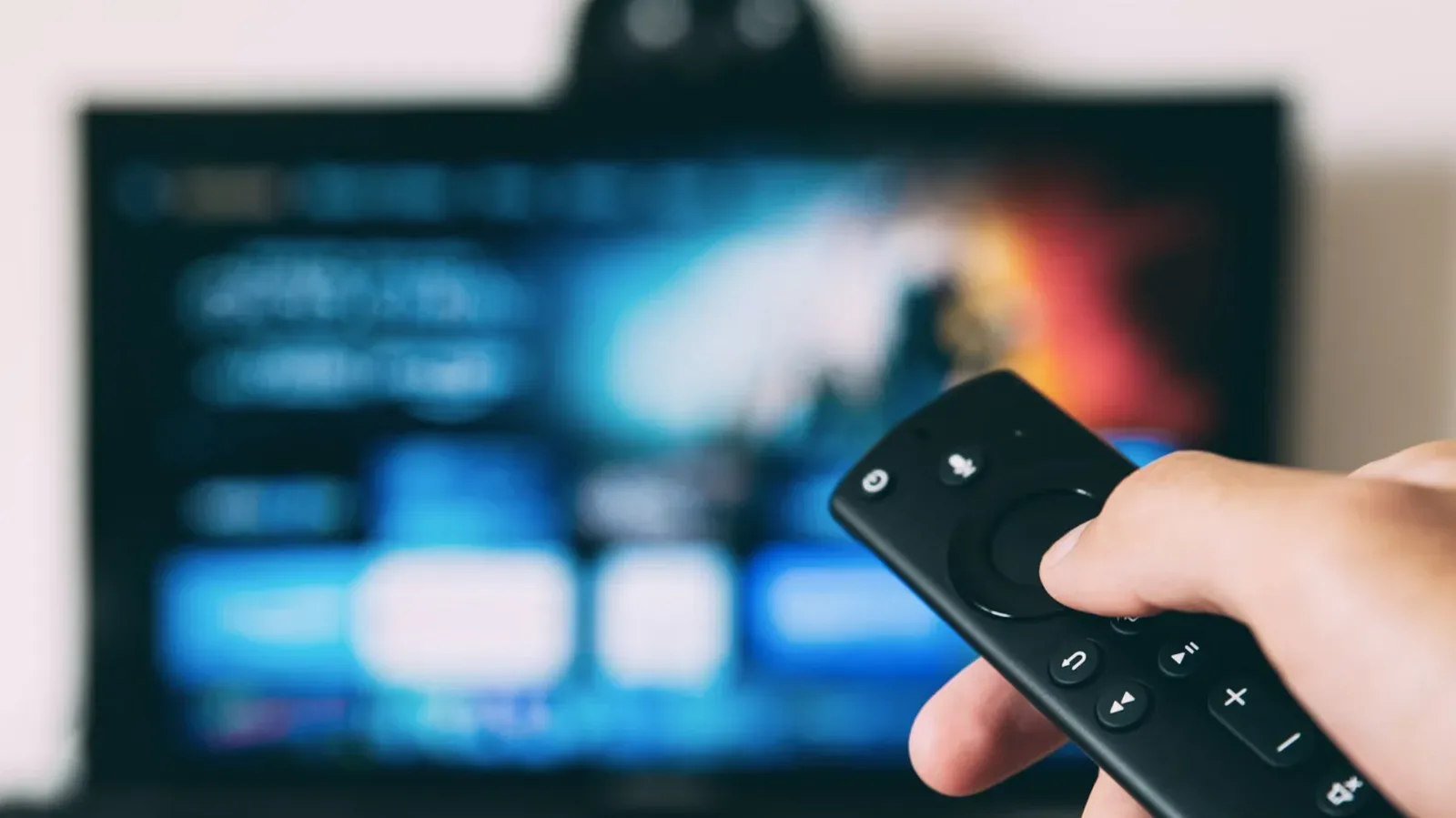
Buying a standalone streaming device for a smart TV can look like paying twice for the same trick. Both routes can put Netflix, Disney+, Hulu and other services on the screen. On a newer television with a responsive interface and active software support, the built-in platform may indeed be all a household needs.
But the screen and the computer attached to that screen are not the same purchase. A TV’s panel, speakers and inputs can remain perfectly useful long after its built-in operating system becomes slow, unstable or poorly supported. A small streaming stick or box can effectively take over the software side of the experience while the television continues doing the job it was bought for: displaying video.
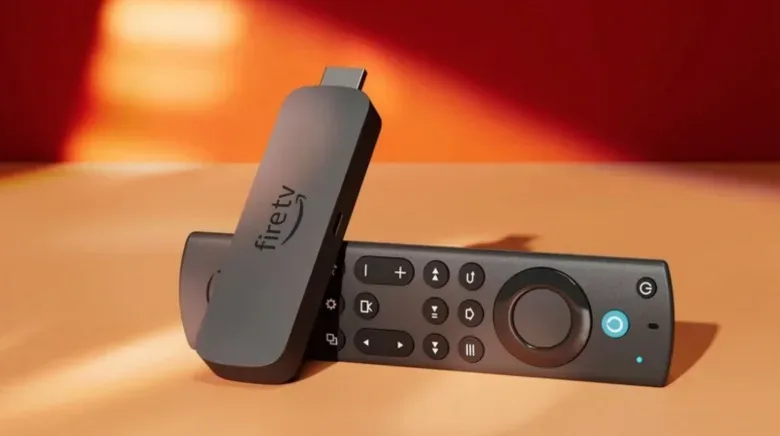
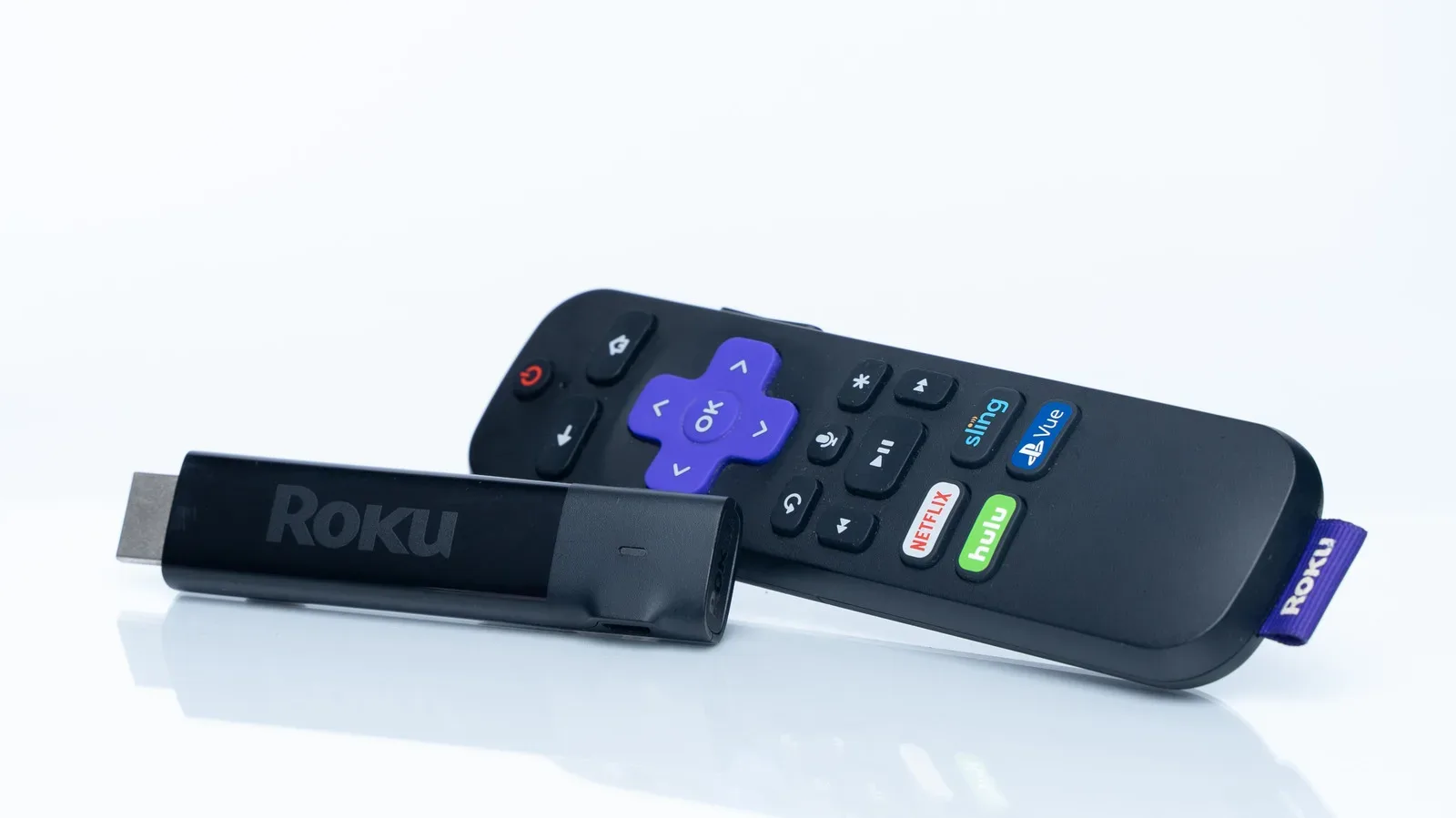
That distinction is the practical case for pairing a smart TV with a Roku, Fire TV Stick, Chromecast, Apple TV, NVIDIA Shield or another streamer. It is not an automatic upgrade, and the newest streaming hardware can grow old too. It is, however, often a less drastic response to an aging TV interface than replacing the entire set.
The key difference is where the interface lives
A smart TV includes its own operating system, processor and memory. Those parts handle the home screen, app launching, video playback and system updates. A standalone streaming device supplies another, separate set of hardware for much of that work, generally connecting through the TV and using the TV as the display.
That means two devices can appear to do the same thing while delivering notably different day-to-day results. The important question is not merely whether an app is available in both places. It is whether the interface gets to that app quickly, stays reliable once it opens and continues receiving software support.
Processor refers to the component that carries out computing tasks. RAM, or working memory, is the short-term space used while software is running. Smart TVs use both for more than video apps: the set must manage its broader TV software and functions alongside streaming. If available RAM becomes constrained, performance can suffer. A dedicated streamer is focused on the narrower task of delivering its interface and streaming content.
This is why a separate device can be useful even though it is not adding a new screen. It can replace an underpowered or aging software experience without discarding a television whose picture is still satisfactory.
Speed is a reason, not a guarantee
Smart TV performance varies widely. Amazon, Google and Roku license their software to many TV makers, and the resulting products do not necessarily share the same internal hardware or ship with the same software version. Two televisions with familiar-looking platforms can therefore feel very different when navigating menus or starting an app.
A newer streaming device may bring an operating system designed with current performance expectations in mind. For someone whose TV takes a long time to reach a service, hangs on its home page or feels sluggish moving between applications, that can be the most immediately noticeable improvement.
There is a major qualification: “standalone” does not automatically mean “fast.” Old streaming devices can become slow in much the same way old televisions do. The advantage is replacement economics. Swapping a streamer is generally far less consequential than replacing a whole television, so the software portion of the setup can be refreshed on its own schedule.
A sensible way to identify the bottleneck
Before blaming the TV or buying an accessory, separate interface trouble from service trouble. If the TV’s menus themselves are slow, crashes happen while apps launch, or moving through the home screen is frustrating, the built-in platform is a plausible culprit. If the interface is responsive but a particular service struggles, the evidence does not by itself establish that a new streaming device will resolve the problem.
That is a useful consumer distinction. A streamer is best understood as an alternate computing platform for the same television, not a universal fix for every interruption that happens during movie night.
Reliability matters more than a flashy home screen
Modern televisions are computers as well as displays, and computing hardware can become less dependable with age. A smart TV that crashes when opening Netflix or behaves unpredictably at startup turns an otherwise simple task into a repeated ritual of waiting and retrying.
A streaming box or dongle can serve as a fallback path in that situation. The television still provides the display, but the streamer handles the app environment. Because the dedicated device is not also managing every function of the TV, it may offer a more focused and responsive interface.
There is a practical benefit to that separation: it preserves choice. If the television’s own software is behaving, use it. If it becomes unreliable, switch to the external device rather than immediately treating the entire TV as obsolete. That does not promise flawless streaming—any electronics can have problems—but it reduces dependence on a single aging interface.
Software support is part of the product’s lifespan
A smart TV can receive software updates for years, but that support does not last forever. Once updates slow or stop, the operating system may become less dependable over time. The source of frustration is not necessarily the display itself; it is the platform embedded in it.
An external streaming device gives owners a way to bypass that lifecycle. When the TV maker is no longer maintaining a particular model’s smart features, a current streamer can provide a newer operating system without forcing a screen replacement. This is particularly relevant for a television that still meets a household’s needs in picture quality, size and inputs.
It is also a reminder to evaluate a TV purchase as two overlapping products: a panel and a software platform. The panel may have a longer useful life. A separate streamer lets those two timelines diverge.
Advertising can be a decisive interface choice
Home-screen advertising has become common in smart TV software. Samsung has integrated marketing content into its televisions since 2016, while sets associated with Amazon, Roku and TCL can show ads in multiple parts of their interfaces. Higher-end positioning does not necessarily eliminate that design choice.
Streaming devices are not universally ad-free. Roku and Google hardware, for example, can include advertising in their interfaces. So the category is not an escape hatch by default. It is a chance to choose among different approaches.
Apple TV is notable here because its operating system does not reserve spaces for marketing. A do-it-yourself Raspberry Pi-based setup can also avoid this sort of built-in marketing. For viewers who find home-screen promotions distracting, that distinction can matter as much as speed. The app catalog may overlap, while the experience of getting to an app does not.
The practical takeaway is to scrutinize the operating system, not just the hardware name on the box. A purchaser who wants fewer ads should not assume every stick or box provides that outcome; they should seek out the platforms whose interface philosophy matches that preference.
Special features may be the actual upgrade
A standalone streamer can do more than duplicate a TV’s standard apps. Some devices allow users to load and view their own media through a media player. Many plug-in streamers include some form of integrated storage, and many can connect to an external hard drive. That flexibility can support a Plex media server setup, where personal media can be organized and accessed through compatible playback software.
Other conveniences are smaller but tangible. Some streamers include a feature for locating a misplaced remote. Web-based subscription services can make live TV available on many current devices. These are not reasons every person needs extra hardware, but they show why “it has Netflix” is too narrow a comparison.
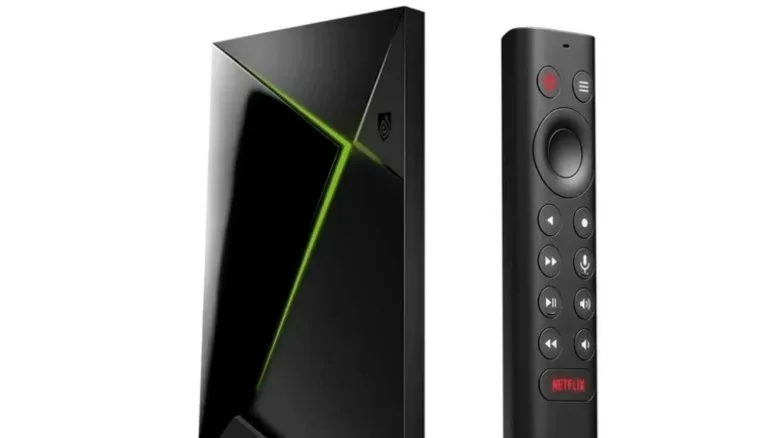
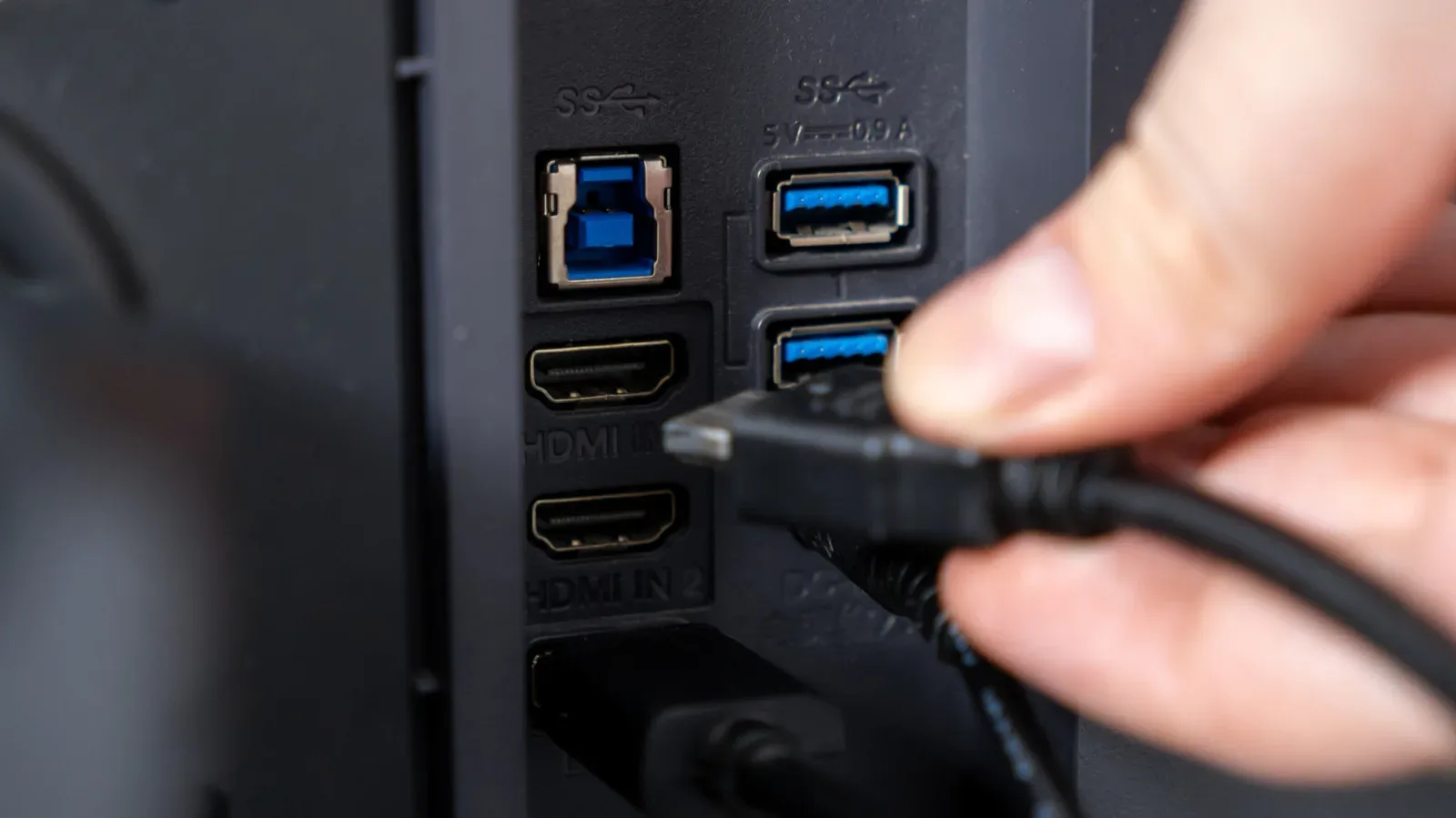
Gaming is another differentiator for selected boxes. The NVIDIA Shield is identified as a strong option for gaming, making the streaming device a potential entertainment hub rather than merely a substitute app launcher. Anyone planning a PC-oriented display setup may also want to understand the roles of nearby hardware; USB ports on a gaming monitor can function as a desk hub, a separate consideration from the TV or streamer’s software platform.
Portability makes a streamer useful beyond one room
A dongle is light enough to move between televisions, and even a dedicated streaming box is comparatively easy to relocate. That can be handy for a household with more than one screen: instead of living permanently on a single TV, the device can travel to the room where it is needed.
Travel is another straightforward use. A compact dongle takes little luggage space and can provide a familiar interface when staying in a hotel room. The value is not that it changes the services available in every circumstance, but that it brings a known setup instead of relying entirely on whatever software happens to be built into a temporary screen.
Who should actually consider one?
- Owners of an aging but otherwise good TV: A separate device can replace a sluggish or unsupported smart interface without replacing the television.
- People bothered by home-screen marketing: Platform choice matters, since ad levels differ and some options avoid dedicated marketing spaces.
- Households wanting a backup: An external streamer gives another route to services if the TV’s own software begins crashing or slowing down.
- Users with specific needs: Personal-media playback, external-drive support, lost-remote tools, live-TV services and gaming can be meaningful extras on the right hardware.
- Frequent travelers or multi-TV homes: A lightweight dongle can be moved and packed more easily than a television.
Conversely, a recent TV with a fast operating system, continuing updates and an interface the owner already likes may not benefit much from duplication. The presence of a smart platform is not a defect that requires an accessory.
The better framing is simple: a smart TV gives you one streaming computer inside the screen; a standalone streamer gives you the option to use another. When the television’s own software remains fast, stable and well supported, that option may sit unused. When it slows, fills its home screen with marketing or reaches the end of its update life, a small external device can extend the usefulness of the much larger piece of hardware still sitting on the wall or stand.