Choosing a Roku streaming device can look more complicated than it needs to be. There are five products in the current lineup, names that overlap heavily, and a pricing ladder that suggests every step upward must bring a dramatic picture upgrade. It does not. The cleanest way to choose is to separate the decision into three questions: do you need 4K output, is your home network the limiting factor, and are you actually trying to improve sound rather than streaming?
The important headline is straightforward: every Roku device in this lineup other than the $40 entry-level streaming stick supports 4K streaming. That means shoppers whose primary goal is a 4K picture do not automatically need the $80 Streaming Stick 4K. The Streaming Stick Plus delivers 4K for $20 less, making it the value-focused choice when higher resolution is the priority and the extra features of the more expensive stick are not.
That distinction matters because product names can send buyers in the wrong direction. “Streaming Stick 4K” sounds like the obvious gateway to 4K, but it is not the only Roku route to that output. In practical terms, resolution should eliminate one model from consideration for many people—the lowest-priced stick—then leave the rest of the decision to specific needs rather than branding.
Start with the display target: 4K or not
4K is the key baseline feature in this comparison. It refers to a higher-resolution video output than the non-4K entry stick offers. If the goal is simply to have a Roku capable of 4K streaming, the Streaming Stick Plus is the less expensive option cited here. That makes the decision relatively simple for a buyer who does not need a particular network feature, enhanced HDR format, wired connection, or built-in speakers.
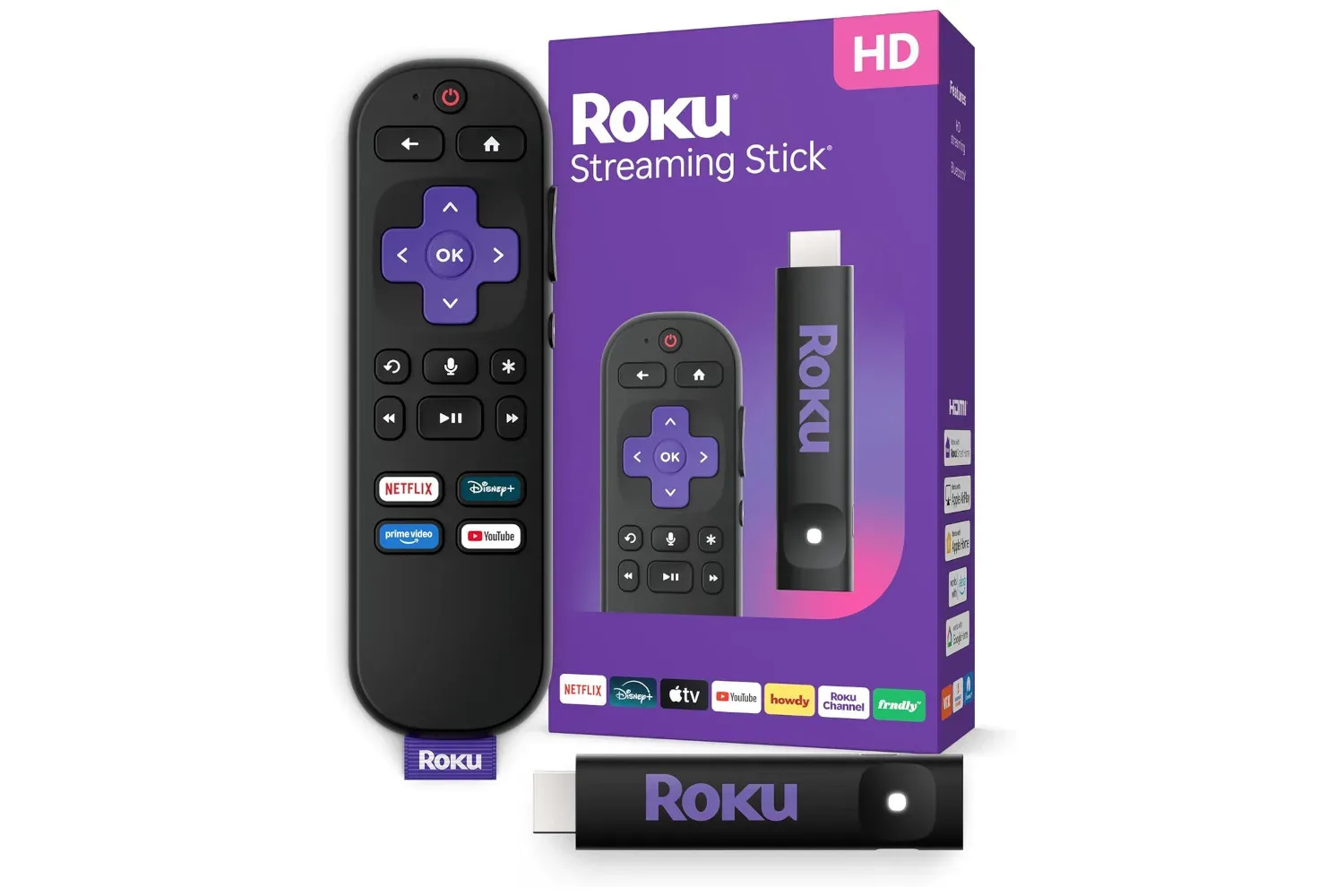
The $40 streaming stick still has a clear role: it is the only model in the group without 4K output and is therefore the straightforward budget choice for someone who does not place 4K at the center of the purchase. It should not be treated as an inferior version of every scenario, but it is the model to avoid when 4K is a requirement.
Once 4K is accounted for, it is useful to resist treating the remaining devices as a simple best-to-worst hierarchy. The higher-cost options serve different problems. The Streaming Stick 4K adds picture-format and wireless-range considerations. Roku Ultra puts more emphasis on connection stability, including a wired alternative. Streambar SE combines streaming with speakers. Those are materially different jobs.
Streaming Stick Plus versus Streaming Stick 4K
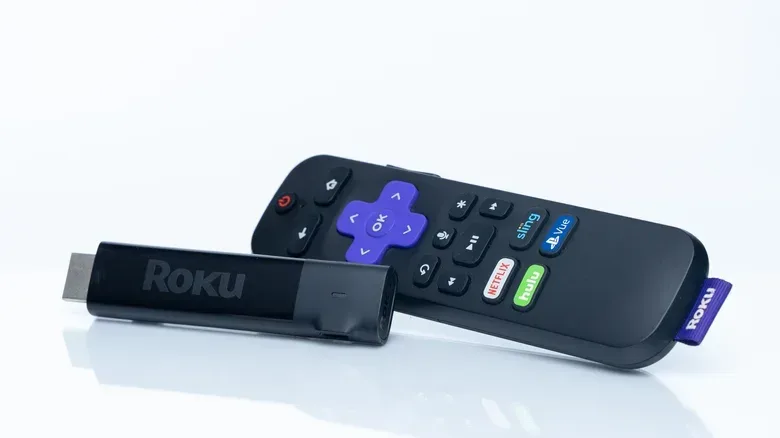
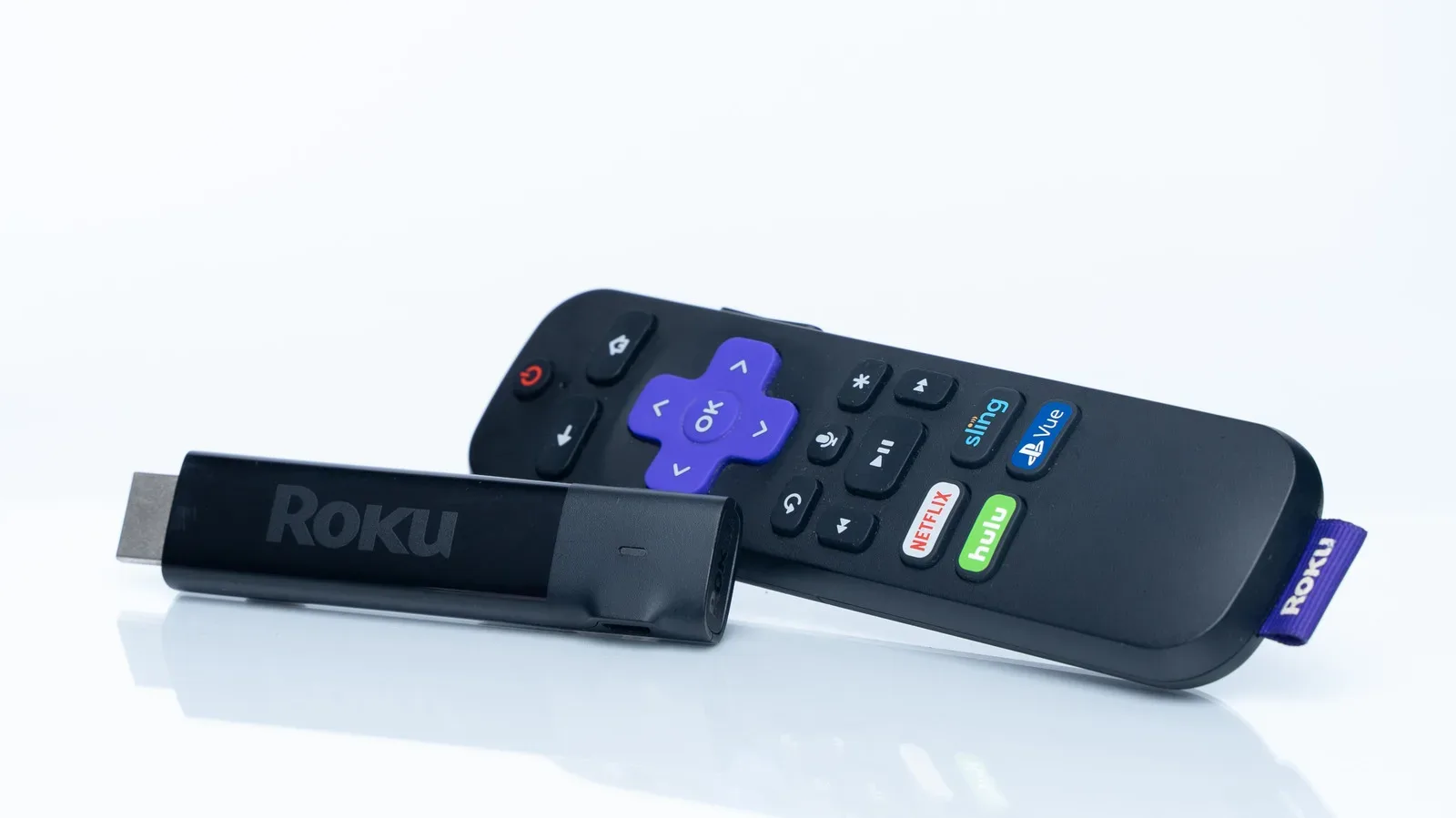
The Streaming Stick Plus and Streaming Stick 4K are the closest comparison in the lineup. Both provide 4K streaming. The move up to Streaming Stick 4K adds Dolby Vision support and longer Wi-Fi range.
Dolby Vision is a form of high dynamic range, or HDR. HDR concerns the range of light and color a picture can present; in this lineup, the standard HDR available on both sticks is differentiated from Dolby Vision on the Streaming Stick 4K. Dolby Vision is presented as the higher-quality format, but the visible benefit is not a settled, universal proposition. Viewers are divided on how much difference it makes, so it is not automatically a strong reason for most people to spend more.
Related coverage includes Which Roku Streaming Device Fits Your TV, Wi-Fi and Audio Setup?.
That is an important buying reality. A feature can be technically more advanced without being the feature that changes someone’s day-to-day viewing. If the Streaming Stick Plus already fulfills the core 4K need, the $20 increase for the Streaming Stick 4K is best framed as a targeted upgrade: pay for it if Dolby Vision matters to you or if the stick will be situated far from the router and the added Wi-Fi range addresses a real concern.
The wireless-range point may be the more concrete one. Streaming quality is not determined by resolution support alone. A device may support 4K, but a weak or unreliable connection can undermine the experience. The longer Wi-Fi range of the Streaming Stick 4K can be useful when a television is a long way from the router. In that situation, the upgrade is about giving the streaming device a better chance of maintaining its connection, rather than merely buying a different label on the box.
A practical stick-only choice
- Choose the $40 streaming stick when 4K output is not needed.
- Choose Streaming Stick Plus when you want 4K streaming without paying extra solely for the higher stick model’s additional format and range features.
- Choose Streaming Stick 4K when Dolby Vision support or longer Wi-Fi range is a specific, meaningful need.
This is less a contest of which stick is “best” and more a matter of avoiding unnecessary spend. The Streaming Stick Plus is the crucial option to remember because it breaks the assumption that 4K requires the model explicitly named Streaming Stick 4K.
Roku Ultra is the connection-focused option
At $150, Roku Ultra changes the conversation from a compact stick to a small set-top box. Its principal advantage is connection flexibility. Alongside Wi-Fi 6 support, it includes an Ethernet port. Ethernet is the physical, wired-network connection, while Wi-Fi 6 is the wireless-network standard mentioned for Ultra. Together, those capabilities make Ultra the device to consider for a setup where stable networking is more valuable than the simplicity of a stick.
The Ethernet port is especially notable because it provides an alternative when Wi-Fi is not dependable. A buyer with a poor wireless connection is not merely choosing between different picture formats; they may be choosing whether their streamer can use a wired network connection at all. The expected practical benefit is a steadier connection, which can in turn help support better picture quality during streaming.
Ultra also supports Dolby Vision. That puts it alongside the Streaming Stick 4K, rather than Streambar SE, on the Dolby Vision question. But its defining appeal is not simply that it has the format. It is the broader emphasis on getting the strongest possible internet connection through Wi-Fi 6 or Ethernet.
There is another audio-related feature to assess before assuming Ultra handles every home-theater goal. It supports Dolby Atmos surround sound, but an audio system must be compatible to benefit from that capability. In other words, Atmos support on the streamer is only one piece of an audio setup. For readers weighing TV and movie dialogue concerns specifically, our look at features designed to make speech easier to hear is a useful reminder that sound improvements and streaming-device upgrades are not always the same purchase.
Streambar SE is the audio-first alternative
Streambar SE costs $150, the same as Roku Ultra, but it solves a different problem. Rather than being a set-top box, it is a soundbar that also works as a streaming device. It is the only Roku model in this group with built-in speakers, so its case rests primarily on consolidating two roles: adding a soundbar and adding Roku streaming in one product.
That makes Streambar SE potentially attractive for someone looking at the television’s audio experience as much as its streaming interface. Its built-in speakers are its defining hardware difference. It does not, however, support Dolby Vision, and it lacks the Dolby Atmos surround-sound support available on Ultra. Outside the soundbar proposition, it does not bring an advantage over Ultra.
The distinction is worth stating plainly: Streambar SE is not simply “Ultra with better sound,” nor is Ultra simply “Streambar without speakers.” Ultra is the stronger pick for those prioritizing Wi-Fi 6, Ethernet, Dolby Vision, or Dolby Atmos support with a compatible audio system. Streambar SE is the distinct pick for people who want a soundbar and streamer combined, accepting that it is not the Dolby Vision option and does not provide Ultra’s Atmos support.
How to avoid paying for the wrong kind of upgrade
Roku’s lineup rewards identifying the bottleneck in a setup. If the existing concern is resolution, the answer may be as affordable as Streaming Stick Plus, because 4K is already present there. If the concern is a television located a long way from the router, the longer Wi-Fi range on Streaming Stick 4K may be the meaningful difference. If Wi-Fi itself is unreliable, Ultra’s Wi-Fi 6 support and Ethernet port are the features that directly address the problem. And if the problem is that the setup needs a soundbar, Streambar SE is the one product that integrates speakers.
This approach also prevents a common mistake: treating a premium model as a general picture-quality upgrade without tying it to the rest of the setup. Dolby Vision may be appealing, but its real-world difference is debated. A wired Ethernet connection may be far more consequential for a household struggling with Wi-Fi. Conversely, a buyer with a stable connection and no need for Dolby Vision can get the central 4K benefit without escalating to the highest-priced hardware.
Quick decision guide
- Need 4K? Skip the $40 entry-level stick. Every other Roku device listed supports it.
- Want 4K at the lowest cited cost? Start with Streaming Stick Plus, rather than assuming the Streaming Stick 4K is mandatory.
- Need more Wi-Fi reach or specifically want Dolby Vision? Consider Streaming Stick 4K.
- Need the most robust network options? Consider Roku Ultra for Wi-Fi 6 and Ethernet.
- Need a soundbar and streamer in one device? Consider Streambar SE for its built-in speakers.
- Building around compatible surround-sound equipment? Ultra is the model with Dolby Atmos support.
The result is a lineup with a fairly sensible division of labor. Streaming Stick Plus is the 4K value play. Streaming Stick 4K is the selective upgrade for Dolby Vision and longer-range Wi-Fi. Roku Ultra is the connectivity-focused set-top box with Dolby Vision and Atmos support. Streambar SE is the soundbar-first all-in-one choice. Starting with those functional differences makes the naming—and the price ladder—much easier to navigate.