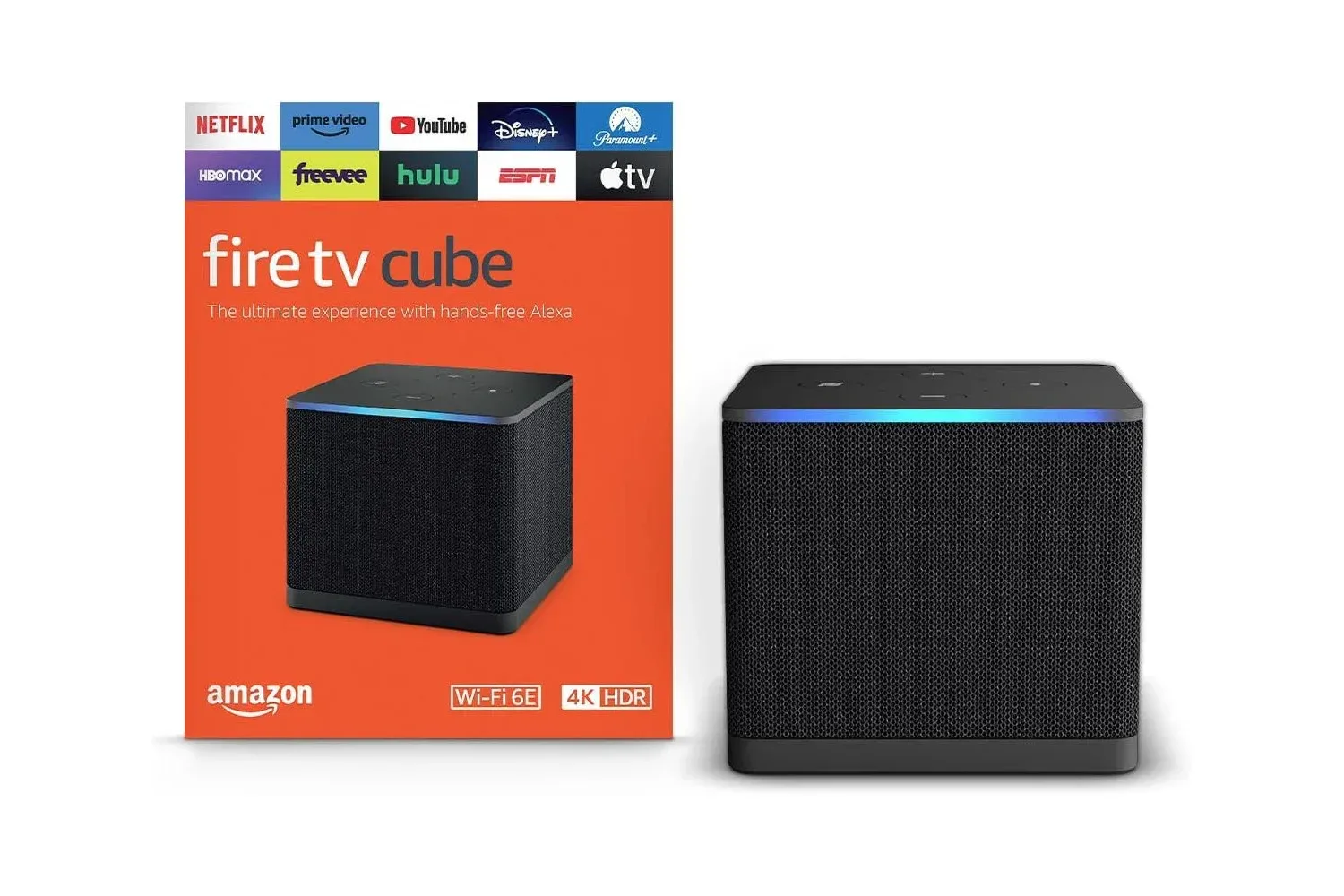
Amazon’s Fire TV Cube is listed at $110 in a limited-time deal, representing a stated 21% discount. For a device intended to sit at the center of a television setup, the appeal is straightforward: it is built to reduce the friction between turning on the TV and getting to a streaming app, a game console input, or another connected device.
The Cube is positioned as a particularly fast streaming option, with an emphasis on moving quickly between services and loading apps such as Netflix. Its feature set also includes voice control, Wi‑Fi 6E support, 4K streaming where content and the rest of the setup support it, smart-home controls, and a physical way to disconnect its microphones.
That combination makes the deal potentially relevant to more than viewers who simply want another streaming app launcher. For players whose TVs double as console displays, a central box that can help switch among connected devices may make the whole setup less cumbersome. It will not change a console’s game performance, but it could make the time around a play session—finding an app, changing inputs, or controlling compatible home gear—feel less fussy.
What the Fire TV Cube is meant to simplify
Streaming hardware solves a small but familiar modern problem. Entertainment is spread across different services, and a television may also have a console, cable box, sound system, or other hardware attached. The actual time spent pressing buttons can be minor, but the interruptions add up when the goal is to sit down and relax.
The Fire TV Cube’s stated focus on speed matters in that context. App loading and movement between services are not glamorous features, yet they are features a household encounters constantly. A device that responds quickly is more useful when it removes a recurring delay rather than when it merely produces an impressive specification sheet.
Voice control is the other major convenience play. Instead of manually navigating every step, a user can use their voice to control the device. That can be especially helpful when a viewer knows what they want but not which service carries it, or when they are moving through a setup involving a TV, console, and other devices.
There is an important practical distinction here: voice control is optional, not an obligation. The Cube includes a button that disconnects the microphones. Anyone interested in the convenience of a voice-enabled streaming device but uncomfortable with microphones being active has a direct control available for that concern.
Why Wi‑Fi 6E and 4K are worth reading carefully
Two terms in the feature list deserve a plain-language explanation. Wi‑Fi 6E refers to a Wi‑Fi capability designed for high-speed wireless connectivity. In this case, it is presented as support for high-quality streaming at high speeds. That can be meaningful in a busy home where the streaming box relies on wireless networking rather than a wired connection.
Related coverage includes Amazon Fire TV Cube Drops to $110 in Limited-Time Deal.
It is not, however, a promise that every stream will look better simply because the Cube supports Wi‑Fi 6E. The quality of a stream still depends on what is being watched, the service delivering it, and the connection available in the home. The value of the support is that the device is equipped for that kind of wireless setup, not that it overrides every other part of the viewing chain.
The same applies to 4K. The Fire TV Cube can stream in 4K where it is available. “Where available” is the useful qualifier: the content needs to be offered in that format, and the connected display and setup need to support it. Buyers should treat 4K as capability rather than a universal upgrade for every title in every app.
For someone shopping specifically to escape an older, sluggish streaming interface, these details are best considered alongside the fundamental question: is the current bottleneck the television’s software, the home network, the services themselves, or the display? The Cube is aimed most directly at the interface and device-performance side of that equation.
A possible fit for a shared TV and console setup
The Fire TV Cube can be used to move between a console, a TV, and other devices. That is potentially useful in a living-room setup where gaming and streaming share the same screen. Rather than treating entertainment devices as isolated boxes, the Cube is designed to act as a control point across them.
That does not mean it replaces a console. A console remains the place to run games, while the Cube’s role is navigation and entertainment management around it. The distinction is worth keeping clear for anyone considering the purchase as gaming hardware: its contribution is convenience, not extra frames, graphical upgrades, or new game capabilities.
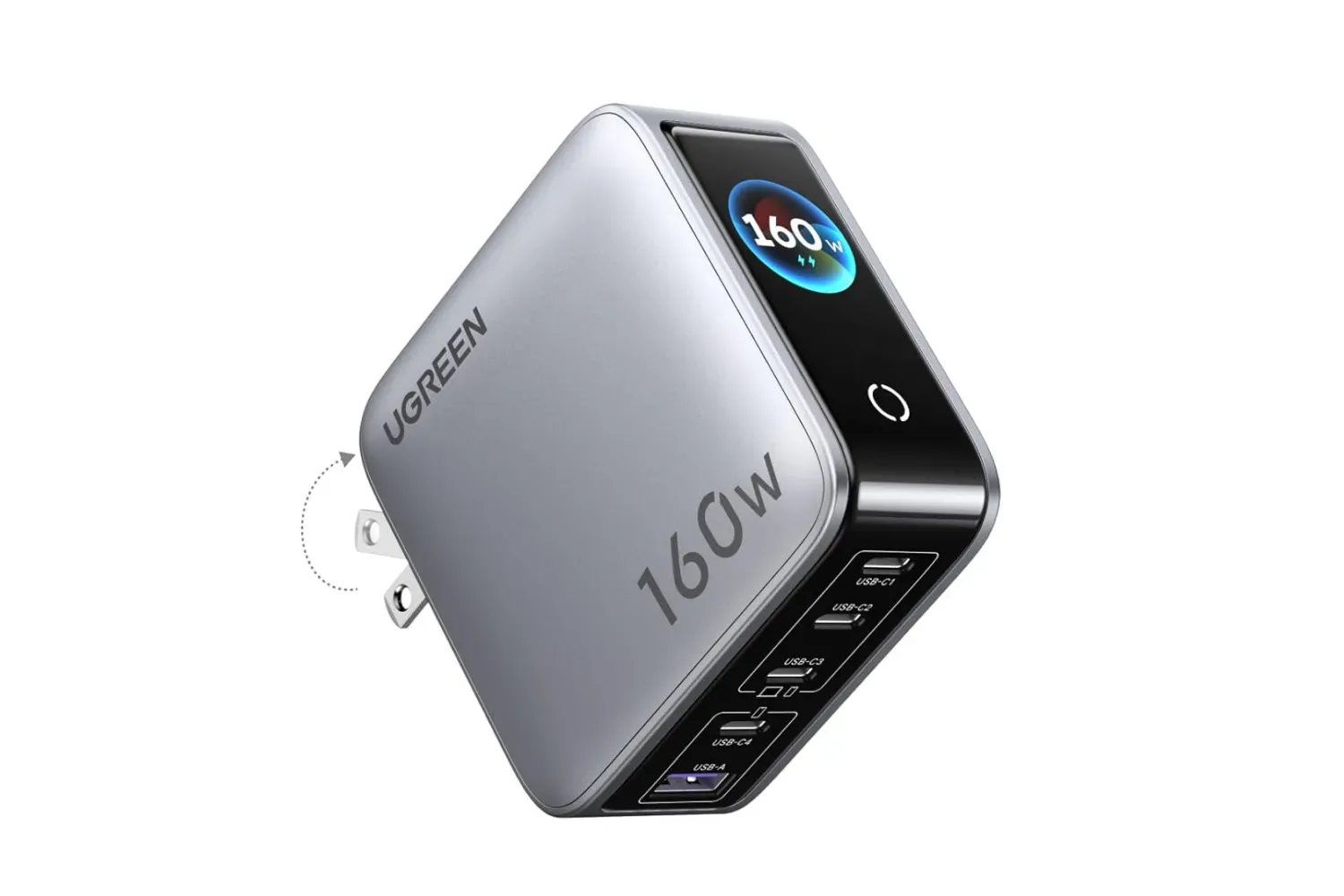
It may pair neatly with other practical desk or entertainment-area additions. Those building out a multi-device space can also compare the separate deal on UGREEN’s five-port Nexode Pro charger, though a charger and a streaming device serve very different needs.
Smart-home controls broaden the use case
The Cube can also control smart-home devices. That will matter most to people who already use compatible smart-home hardware or expect to add it later. In a simple TV-only setup, that feature may be secondary. In a home where entertainment controls and connected devices already overlap, it can make the Cube feel like more than a streamer.
It is sensible to separate that wider potential from the core purchase case. The basic reason to consider the Fire TV Cube at $110 is its combination of fast streaming navigation, voice control, 4K streaming support where available, and the ability to work across a TV, console, and other connected equipment. Smart-home integration is additional utility rather than a requirement to benefit from it.
Who should consider the $110 listing
- People frustrated by a slow or awkward streaming experience: The Cube is built around fast loading and quicker movement between services.
- Households with several devices around one television: Its ability to move among a console, TV, and other devices is a practical part of the pitch.
- Viewers using compatible wireless networking: Wi‑Fi 6E support is relevant for those seeking high-speed wireless streaming capability.
- Users who want voice controls with a privacy option: The microphone disconnect button is a meaningful control for people who do not want microphones active all the time.
- Anyone who wants smart-home control from the entertainment area: The Cube can handle compatible smart-home devices in addition to streaming tasks.
What to verify before buying
The $110 figure is presented as a limited-time offer, so it should be checked at the retailer before making a decision. A sale price is only useful if the device addresses a real irritation in the setup. Someone satisfied with their current TV apps and remote may not gain enough to justify another device, while someone repeatedly fighting slow menus, app hopping, and input changes may value the convenience far more.
It is also worth checking the needs of the display and home network. 4K streaming is available where supported, and Wi‑Fi 6E is a connectivity feature rather than a substitute for suitable service and network conditions. Buyers looking to use the Cube as part of a console-and-TV hub should also consider how many devices they actually switch between and whether voice-led control fits their habits.
At its listed $110 deal price, the Fire TV Cube’s case is less about a single headline specification than a collection of small quality-of-life features: faster streaming navigation, voice operation, device switching, smart-home support, and an explicit microphone-disconnect control. For the right shared-screen setup, those small reductions in friction are the point.
Shop the products
Check current price, model and availability at the retailer.