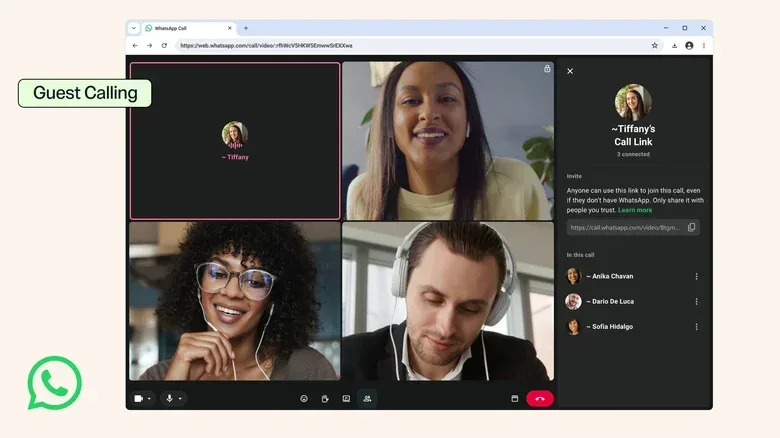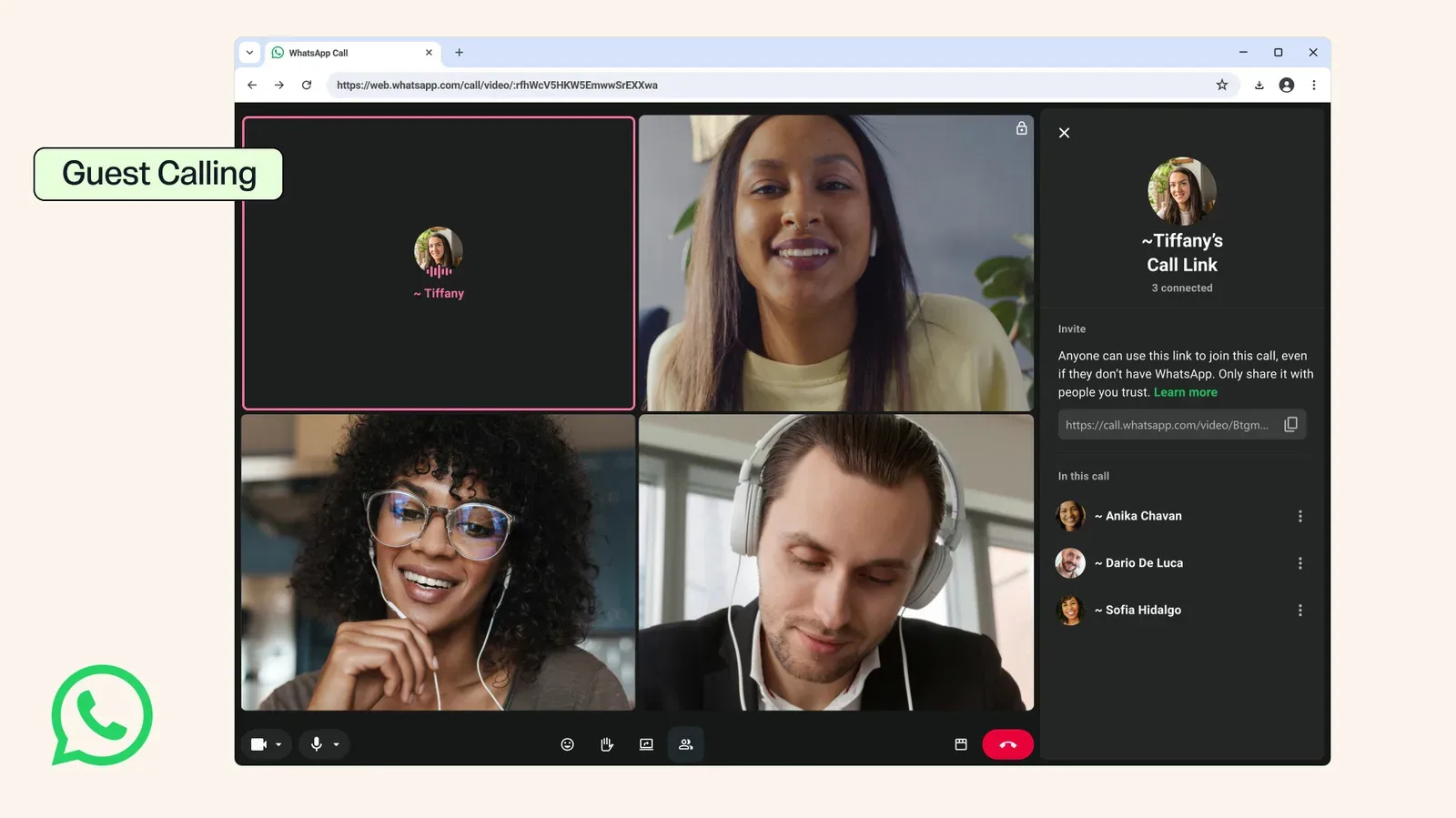
WhatsApp is opening its calling door a little wider with a new guest-calling option. The feature is designed for the familiar moment when a person needs to join a conversation but does not use WhatsApp: instead of requiring an account before they can participate, an invited guest will be able to enter a one-to-one or group call from a browser.
The flexibility comes with intentionally firm boundaries. A guest cannot initiate a call. They can only receive an invitation and accept it, and the call host must approve them before they get in. Once admitted, though, the participant is not being reduced to a silent spectator. WhatsApp says guests can use central meeting tools including screen sharing, hand raising, and thumbs-up and heart reactions. There is no stated time limit on how long a guest can remain in a call.
That combination makes the feature potentially useful for quick family catch-ups, support conversations, community planning, and collaborative calls where asking somebody to install an app and create an account would be unnecessary friction. It also suggests that WhatsApp is trying to make its calling product more practical for mixed groups, not just people who already live inside its messaging ecosystem.
What guest calling does — and does not — allow
The key distinction is between joining a call and becoming a WhatsApp user. Guest calling creates a route into a specific invited conversation; it does not hand the visitor the broader powers of an account holder.
- Guests can join: both individual and group calls, using a browser.
- Guests need an invitation: they cannot create or start calls themselves.
- The host controls entry: accepting an invite is not enough on its own; host approval is required.
- Guests can participate: screen sharing, raising a hand, and reacting with a thumbs up or heart are supported core tools.
- Guests are not time-limited: no participation limit has been specified for the call itself.
Just as important are the features that remain unavailable. A guest cannot see the phone numbers of other people on the call. They cannot send messages, nor can they invite additional participants. Those restrictions matter because they keep the guest pathway focused on the live conversation rather than turning it into a shortcut into a group’s wider contact and messaging space.
In plain terms, guest calling is closer to a controlled visitor pass than a free trial of the full service. The host decides who comes through the door; the guest can take part in the meeting; and the guest is prevented from using that access to expose participant contact details, expand the call, or begin a separate messaging relationship.
Why host approval and phone-number privacy matter
Browser-based invitations can make calls easier to enter, but ease of entry changes the importance of access controls. WhatsApp’s approach puts two meaningful safeguards at the center of the feature: approval by the host and limits on what guest participants can learn or do.
Host approval means the call organizer or host has a checkpoint before an invited browser visitor joins. This is particularly relevant in group calls, where an invitation may be forwarded or opened on a shared device. The supplied details do not explain exactly how invitations are delivered or how the approval process appears to the host, so those practical mechanics remain unknown. But the stated requirement is clear: a guest cannot simply arrive and participate without being approved.
Phone-number privacy is the other notable boundary. WhatsApp has also added usernames, a change intended to let people keep their phone numbers private. Guest calling fits that broader direction by ensuring an account-free attendee cannot view other users’ numbers. For people using a call to speak with a client, volunteer group, school contact, distant relative, or occasional collaborator, that could make participation feel less like a demand to share a personal contact channel.
There is a useful practical consequence here. People should not interpret guest calling as a messaging invitation. Since a guest cannot send messages, the call itself is the venue for communication. If attendees need to exchange files, follow-up information, or ongoing messages, they will need to use another agreed route or already be WhatsApp users with the relevant access. The new feature lowers the barrier to attending a conversation; it does not erase every boundary between a guest and a registered participant.
A browser route for mixed-device, mixed-app groups
The browser requirement is central to the announcement. Guests can enter calls from a browser rather than needing a WhatsApp account. That is valuable in situations where the obstacle is not a person’s willingness to talk but the setup burden of joining a particular app.
It is also a different proposition from simply adding more devices for existing users. WhatsApp has expanded access in 2026 with encrypted web calls and account signups via iPad. Those changes help people who want to use WhatsApp across hardware. Guest calling instead addresses people who may not want an account at all, or who only need to participate once.
The feature resembles an existing option that lets people join FaceTime calls without an Apple account or Apple device. The comparison is useful because it frames guest calling as a meeting-access tool rather than an attempt to replace WhatsApp accounts. The account remains the center of organizing and managing a call; the browser participant is allowed in under a narrower set of permissions.
For callers, that may change how invitations are planned. A host can treat guest access as a way to include the one person outside the usual group, while retaining control over the call’s roster. For invitees, it means they should expect an approval step and should not assume that a link alone automatically grants entry. And for existing participants, the lack of phone-number visibility gives a measure of separation between the call and their personal contact information.
Participation tools make the feature more than listen-only access
Screen sharing is arguably the most consequential guest tool listed. It allows a participant to show material directly to the call rather than trying to describe it verbally. That could be useful for discussing a document, presenting an issue on a screen, walking someone through a visual task, or showing something to a group. The announcement does not detail browser or device requirements for screen sharing, so users will need to wait for implementation specifics rather than assume every browser setup behaves identically.
Hand raising and emoji reactions may sound smaller, but they are useful forms of meeting etiquette. Hand raising is a signal that a participant wants to speak without interrupting the current speaker. Reactions offer brief acknowledgement without taking over the audio channel. By including thumbs-up and heart reactions for guests, WhatsApp is allowing them to respond socially and signal agreement while still withholding messaging and member-management privileges.
These choices show a clear product line: guests are meant to be active participants in the current call, not administrators or permanent members of the surrounding service. That line is likely to be most welcome when the call’s purpose is immediate and self-contained. It may be less suitable for groups that depend on a continuing message thread before and after every conversation.
Calendar integration is planned, but not yet here
WhatsApp also says it is working on a calendar-integration plugin due later this year. Once it arrives, the plugin is intended to let people create WhatsApp calls from Google or Outlook calendars.
This is a separate planned addition rather than part of the guest-calling feature available now. It is worth keeping that distinction clear. The company has identified the calendar capability and its intended Google and Outlook connections, but has not supplied a specific release date or detailed workflow.
The potential value is straightforward. Calendar tools are where people schedule appointments, meetings, and group discussions. Being able to create a call from that planning environment could reduce the steps between setting a time and supplying a place to meet. Combined with guest calling, it could eventually be useful for organizers whose invite lists include both WhatsApp users and people who are only joining a particular conversation. But that combined use is an implication of the two announced directions, not a fully described feature set, and the calendar plugin should be treated as forthcoming until it launches.
Part of a broader accessibility and collaboration push
Guest calling arrives amid a run of WhatsApp updates aimed at making the service more accessible, more private, and more appealing for business-oriented use. Usernames have offered a way to avoid revealing a phone number. Encrypted web calls broadened the calling experience beyond the app while emphasizing privacy. iPad account signup has added another on-ramp for users on that device. A message-scheduling option may also arrive in the future.
Each update solves a different problem: identity exposure, device access, timing, or participation. Guest calling’s particular contribution is reducing the account requirement for an invited call without removing host control. That is a careful compromise. It makes WhatsApp more permeable at the edge, while preserving the account-based structure around calls and messages.
For anyone who spends a lot of time coordinating games, watch parties, community projects, or technical help sessions, the most useful takeaway is simple: an attendee who does not use WhatsApp may no longer be automatically excluded from the conversation. They will still need a browser invitation and host approval, and they will not gain access to messages, phone numbers, or call management. But they can speak, see shared screens, raise a hand, react, and stay as long as the call requires.
That is not a wholesale opening of WhatsApp. It is a narrower, more controlled kind of access — one that prioritizes getting an outside participant into the room without giving them the keys to the building. People weighing broader communication setups may also want to consider how audio hardware fits into group calling; our look at LG Sound Suite updates with DTS:X and Google Cast covers a separate home-audio development.