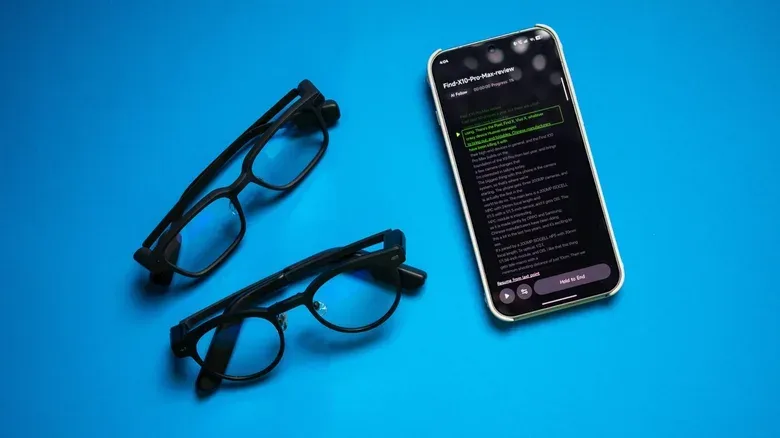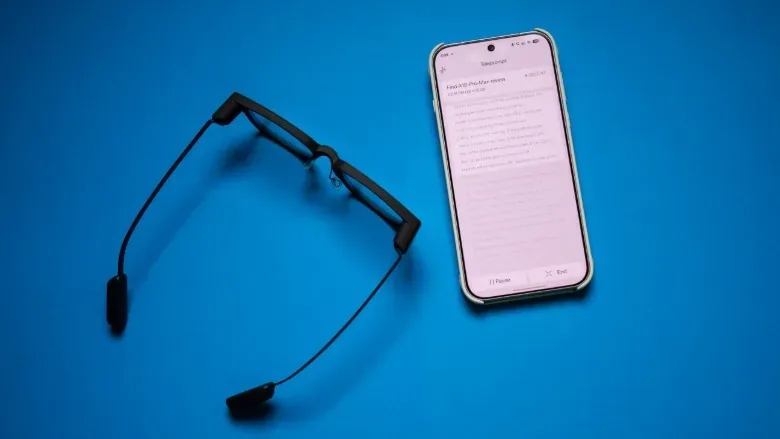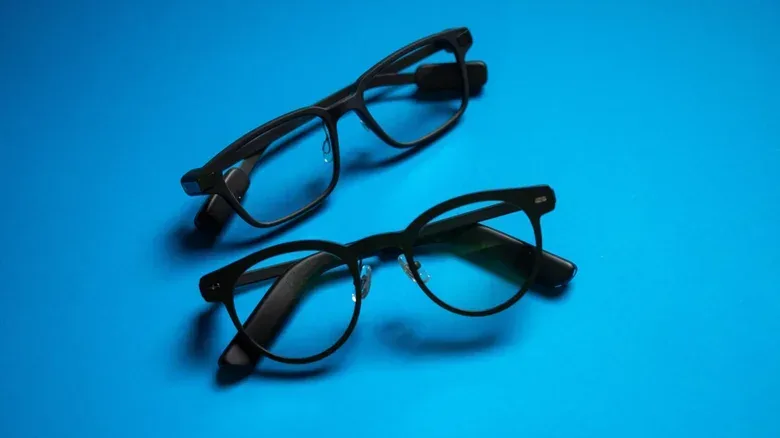
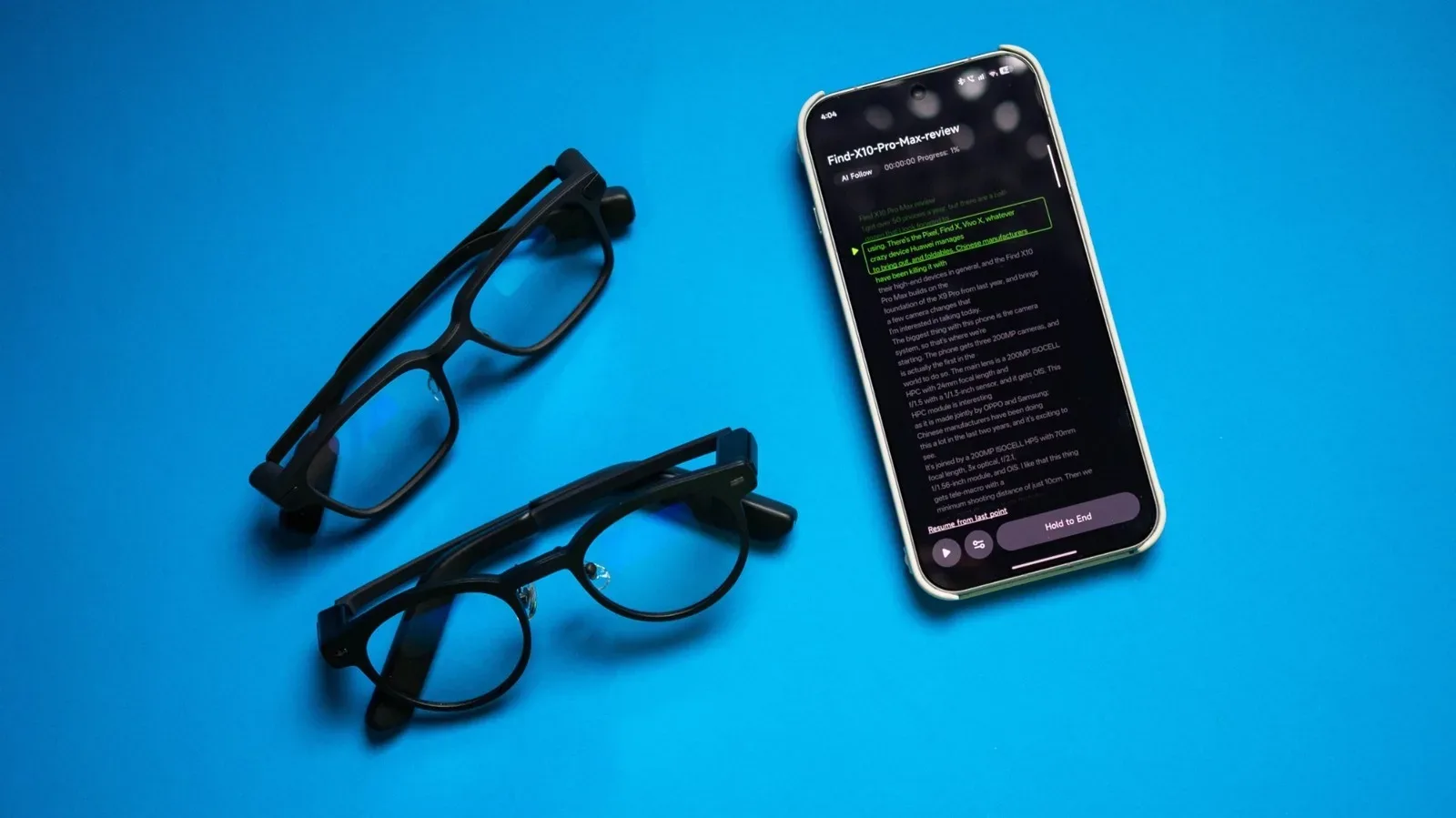
A teleprompter normally asks a presenter to stand in one place, read from a screen near a camera, and hope the hardware is positioned at a convincing eye line. Waveguide smart glasses offer a markedly different proposition: put the script in the wearer’s field of view and let the presenter move naturally. XGIMI’s MemoMind One and Even Realities’ G2 both include a teleprompter mode built around that idea.
Neither device is simply a pair of ordinary glasses with an app slapped on top. Each uses built-in waveguides to project monochrome information into the wearer’s view. That display can also be used for notifications, navigation directions and live translation, but teleprompting may be one of the clearest practical uses for a heads-up display. The scrolling words stay with the speaker rather than remaining on a stand across the room.
There is an important social distinction here as well. MemoMind One and Even G2 do not include cameras. For people who dislike the uncertainty created by camera-equipped eyewear in public, that absence may make these glasses easier to wear for a presentation, speech or other scripted appearance.
What “waveguide” means in this use case
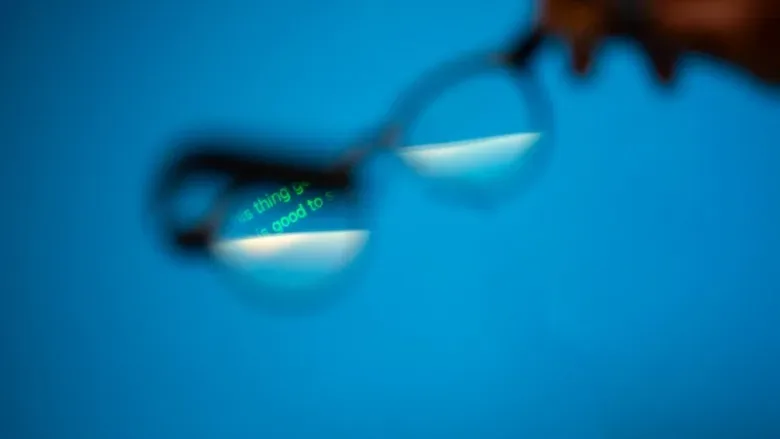
A waveguide is the optical component that routes display light through the lens area so virtual text appears in front of the wearer. The practical goal is not to block the room with a giant screen. It is to place readable information within the field of view while leaving the wearer able to see their surroundings.
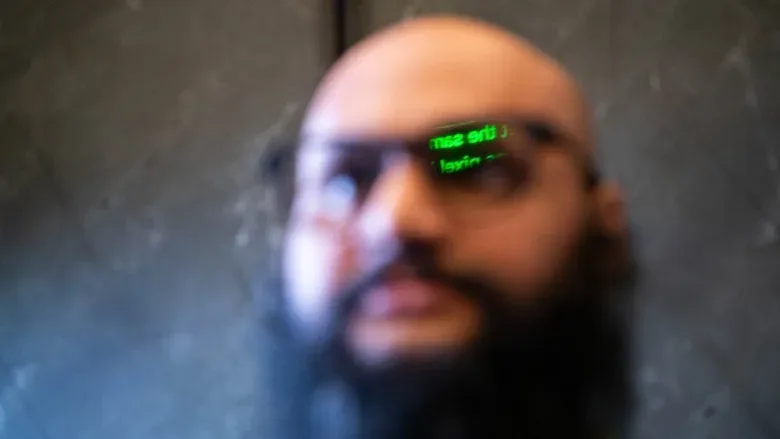
For teleprompting, that matters more than novelty. A speaker can keep their face directed toward an audience while reading, rather than repeatedly dropping their gaze to a phone, laptop or paper notes. The text is not intended to be visible to people nearby: the waveguide prisms are reportedly difficult to notice externally unless someone is extremely close, around 15 cm away.
Both products use MicroLED-based monochrome waveguides. Monochrome means the display presents text and interface elements without a full-color image. That limitation is less significant for a teleprompter than it would be for video or visual design work; clear, high-contrast words are the main requirement. Both models are said to offer sufficient brightness for outdoor reading, with the MemoMind One appearing brighter than the G2 in that setting.
How to set up the glasses as a teleprompter
The workflow is straightforward: prepare a script, import it through the companion app, set a pacing method, and begin speaking. It is worth doing the formatting work before an event, especially if the script has headings, names, pauses or stage directions that need to be easy to distinguish at a glance.
- Choose the document format your glasses support. Even G2 accepts PDF, plaintext and DOCX documents. MemoMind One accepts TXT and DOCX, but not PDFs. A PDF-dependent workflow therefore adds a conversion step for MemoMind One users.
- Load the script in the app. Once imported, the teleprompter presents the text through the glasses’ display.
- Set the display for comfortable reading. MemoMind One offers adjustments for font size, line width and teleprompter-specific display scaling. These controls can be useful when a script is dense, when a speaker prefers fewer words per line, or when the display needs to be tailored separately from the wider glasses interface.
- Pick a pace. Both models can scroll automatically at a specified words-per-minute rate. Manual control is also available.
- Consider auto-follow carefully. Both sets of glasses have an AI-based auto-follow option designed to respond to speaking cadence by speeding up or slowing down the text. This is an adaptive alternative to a fixed words-per-minute setting.
- Use the visible status information. The teleprompter view can show elapsed time, the glasses’ battery level and the current time. For a timed talk, elapsed time may be as valuable as the script itself.
Auto-follow versus fixed scroll speed
Fixed scrolling is the simplest teleprompter approach. The presenter chooses a words-per-minute rate and the text advances on that schedule. Its advantage is predictability: a prepared speaker who knows their pace can build pauses into the script and rehearse against the same timing.
Related coverage includes Using Waveguide Smart Glasses as a Teleprompter: MemoMind One vs. Even G2.
Auto-follow is designed for a less rigid delivery. The glasses listen to speech and attempt to alter the script flow to match it. In theory, this can help a speaker who slows down for emphasis, adds an improvised sentence or races through a familiar paragraph. In practice, it remains sensible to have a backup plan. Voice-responsive scrolling depends on the system correctly following the speaker’s cadence, while manual controls and a familiar fixed-speed setting provide more direct control.
The broader lesson is that the technology supports preparation rather than replacing it. Shorter paragraphs, clear transitions and deliberate cues can make a scrolling script easier to follow. A presenter should also avoid treating the display as a substitute for knowing the material: a heads-up script can keep a speech on track, but it does not remove the need to pause, respond to a room or recover if something goes wrong.
Mobility is the major advantage
The key benefit over a conventional teleprompter is mobility. A dedicated teleprompter requires separate hardware and setup; glasses move wherever the speaker does. That could be particularly useful where a presenter needs to walk, turn toward a display, address several parts of an audience or speak outdoors.
It also avoids the physical mismatch between a speaker and a stationary screen. The projected text remains in the wearer’s view without otherwise obstructing it, allowing them to keep seeing the room. That does not mean every speaking situation calls for smart glasses. A studio arrangement with a camera and fixed presentation position may still suit a conventional teleprompter. But for mobile presentations, the glasses’ format changes the trade-off.
Anyone building a portable work-and-presentation setup may also find it useful to consider how their other gear connects and charges. Our guide to USB-C docking stations for laptop gaming and work explains the wider appeal of reducing cable clutter at a desk—an issue that also surfaces when choosing between these two glasses.
MemoMind One vs. Even G2: file support and controls
The Even G2 has the more convenient document-format list because it can read PDFs as well as TXT and DOCX files. That is a meaningful advantage for speakers who receive finalized scripts as PDFs or who want to avoid document conversion shortly before an event.
MemoMind One counters with more display controls. Its adjustable font size, line width and teleprompter scaling offer a stronger set of reading customizations. Line width may sound minor, but it can influence whether a user’s eyes need to travel farther across a sentence. For a teleprompter, a more compact and comfortable reading layout can reduce the temptation to visibly track each line.
Control hardware is another meaningful divide. Even G2 uses taps and swipes at the temple tips. That gesture area is less direct, and gesture recognition has reportedly been inconsistent at times. If a speaker needs to correct the scroll or navigate an interface during a live moment, repeated movements around the ear can be less discreet than intended.
MemoMind One instead has a physical button below the right hinge. A single press cycles through menus; holding it down returns to the dashboard. Physical controls do not guarantee every user will prefer them, but they offer a tactile point of reference that can be easier to operate without looking. Software updates over the past three months have also brought MemoMind’s interface closer to the G2’s polish.
Comfort, sound and charging differences
Both models weigh under 50 g, which is important for something intended to stay on a speaker’s face through a presentation. The G2 is lighter, while the MemoMind One has been judged more comfortable to wear. Fit is necessarily personal, so those findings are best understood as a useful comparison rather than a guarantee for every face shape or prescription.
MemoMind One also has stronger battery life and onboard audio tuned by Harman. Its built-in audio gives it another role beyond teleprompting, including listening to podcasts while out and about. Even G2 has no integrated speakers, so it does not provide that functionality.
G2 has a charging advantage of its own: its case includes an integrated charger. MemoMind One uses a small dongle, making that accessory essential to keep track of. A removable charging part is a mundane concern until it is misplaced; for frequent travel or events, the G2’s all-in-one case may be the more reassuring arrangement.
Price, prescriptions and the better fit for different users
MemoMind One’s standard model costs $499, which is $100 less than the Even G2. Prescription lenses change the comparison. The MemoMind One prescription option adds $280, while the G2 prescription option adds $159. Someone who needs corrective lenses should therefore calculate the complete configuration rather than comparing only the base price.
On the available feature set, MemoMind One is the stronger overall teleprompter-oriented pick: it combines brighter waveguides, physical controls, longer battery life, onboard audio, three frame styles and greater text-layout adjustment. Its main compromises are the lack of PDF integration and the separate charging dongle.
Even G2 makes more sense for a buyer who prioritizes PDF support, a lighter listed weight, lower additional prescription-lens cost or an integrated charging case. Its two frame styles, no-speaker design and gesture-driven controls are the trade-offs.
For either device, the premise remains appealingly simple. The technology does not turn a speech into effortless wizardry, but it may remove a practical barrier: carrying the prompt with you while keeping your attention outward. For presenters who value movement, eye contact and a less conspicuous setup than a dedicated screen, that is a capability with real value.