Apple Watch owners who rely on tiny, repeatable shortcuts may find that watchOS 27 changes more than expected. The update, released September 14, alters what happens when users double-click the Digital Crown: the former shortcut for switching between the current app and the previously used app is no longer available in the same way.
On Apple Watch Series 12 and Apple Watch Ultra 4, that double-click is set aside for Live Rewind, part of the new Audio Intelligence feature set. Live Rewind is intended to provide a transcript of spoken audio picked up by the watch during the preceding 15 seconds. It is due to arrive later in the year, and is hardware-bound to those newer watch models.
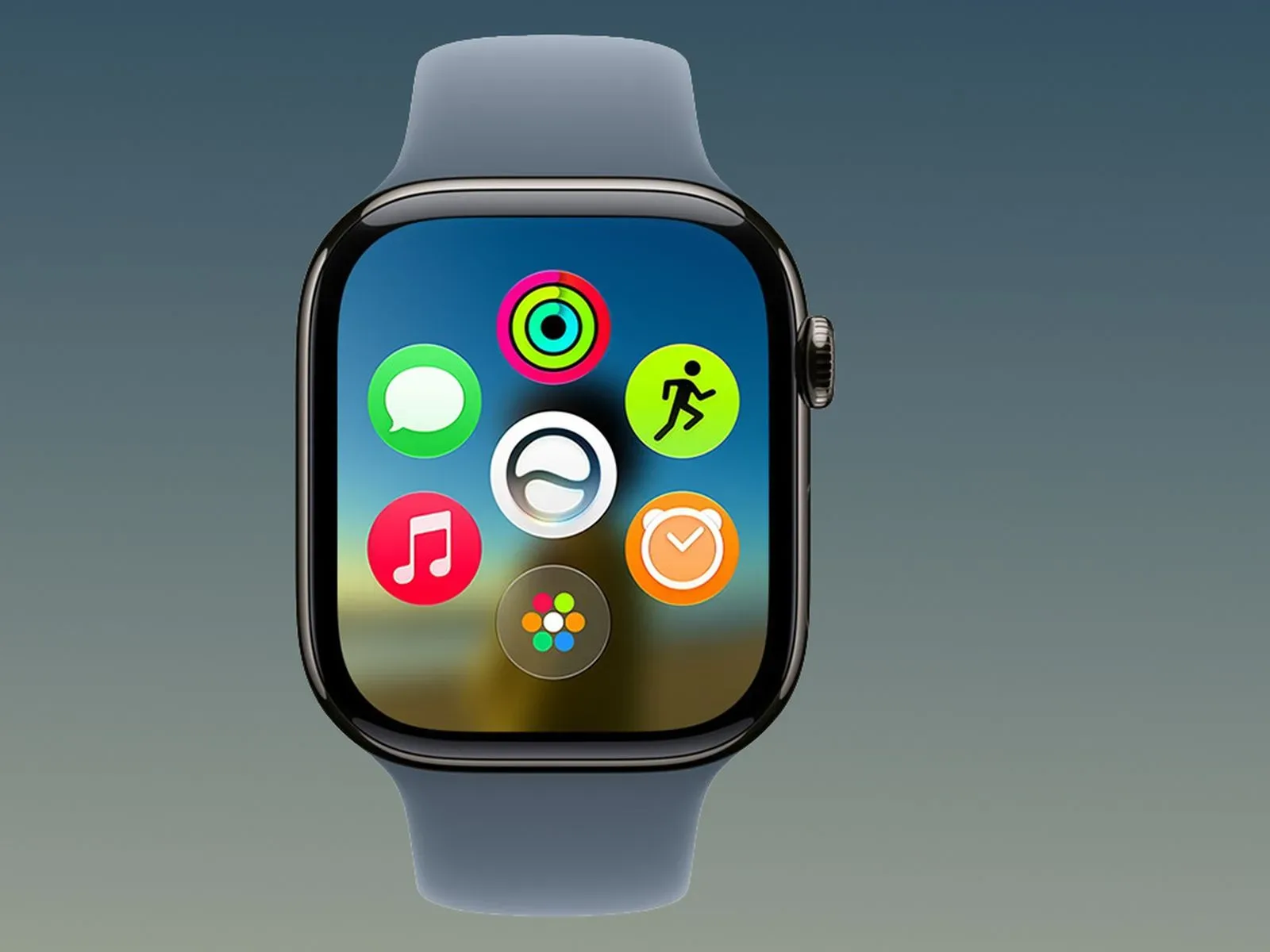
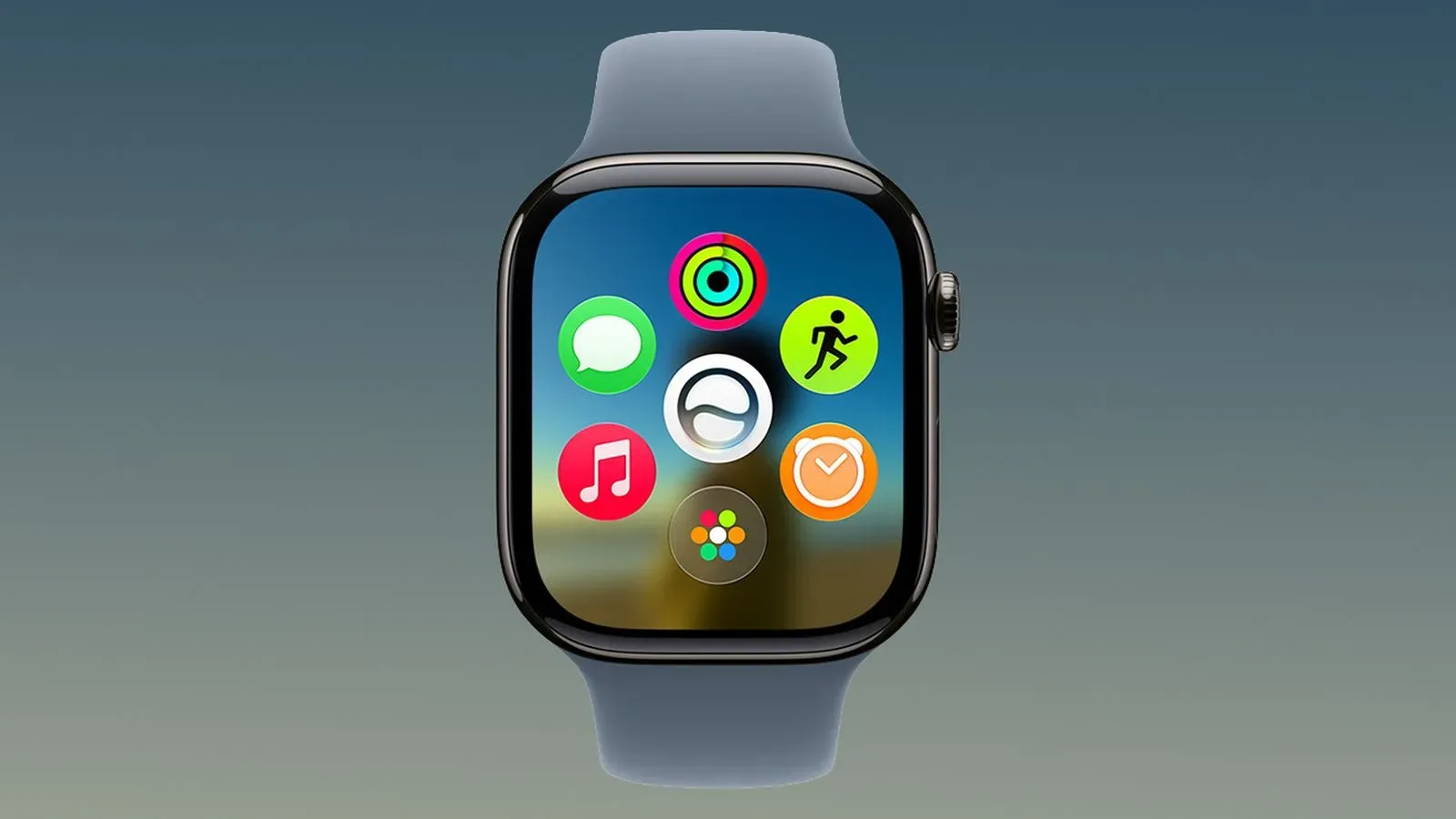
That would already mean a trade-off for people moving to the new watches. But the more unusual part is the effect on earlier Apple Watch models. After updating them to watchOS 27, a Digital Crown double-click no longer jumps back and forth between apps either. Instead, it brings up the dynamic app grid—the same action associated with one press of the Crown.
In short: the older shortcut disappears across the platform, while the replacement action it made room for is limited to Series 12 and Ultra 4.
What the Digital Crown shortcut used to do
In watchOS 26, a double-click of the Digital Crown provided a quick form of app switching. It could move a user from the active app to the previously used app, or between the watch face and the last app they had opened. It was an especially useful interaction because it did not require touching the display.
That distinction matters on a watch. A wrist-worn interface has a much smaller screen than a phone, and users often operate it while walking, carrying something, wearing gloves, or simply trying not to cover the display with a finger. A physical control gives people a reliable point of contact. Once a shortcut is learned, it can become part of the muscle memory for checking a timer, returning to a workout, switching back to a message, or leaving an app for the watch face and then returning.
App switching is simply the ability to move rapidly between the app in use and a recently used app. On a phone or computer, it is a familiar multitasking tool. On Apple Watch, the old double-click made it accessible through the hardware control already under the user’s finger.
The updated behavior makes the double-click redundant for owners of older watches. A single press already opens the dynamic app grid, so assigning double-click to that same destination does not preserve the previous advantage of a second gesture.
Live Rewind gets the new priority
The incoming feature at the center of the change is Live Rewind. On Series 12 and Ultra 4, double-clicking the Digital Crown will trigger a transcript of spoken audio captured by the device over the last 15 seconds.
A transcript is text generated from speech. In this case, the supplied description focuses on a very short look-back window rather than a conventional recording workflow: the feature is designed around recovering what was said moments ago. That could be helpful when a user did not catch a line of conversation, an instruction, or another spoken detail the first time.
Its convenience also explains why Apple may want a fast hardware gesture. A feature about retrieving the immediately preceding few seconds loses some of its appeal if the user has to navigate a sequence of on-screen menus before activating it. The Crown double-click is quick and easy to remember.
Still, putting that function on a pre-existing shortcut creates a clear design conflict. The same physical gesture cannot simultaneously be the dependable way to switch apps and the dependable way to summon Live Rewind. Apple has selected the latter on its newest watches. The more contentious decision is that watchOS 27 also removes the former behavior on hardware that cannot use Live Rewind at all.
Why older-watch owners may feel the change most sharply
For an Apple Watch owner with an earlier model, watchOS 27 brings neither the new Live Rewind capability nor the established Crown double-click multitasking action. The practical result is a lost shortcut with no corresponding new tool.
Not every user will have used the old gesture. Some may primarily open apps from the grid and will barely notice the adjustment. But shortcuts are valuable precisely because they serve frequent actions. Users who did incorporate the double-click into their routine now have an extra interruption in that routine, even if the rest of the update works as intended.
This is also a useful reminder that a software upgrade can change hardware behavior without changing the hardware itself. The Digital Crown has not gone away; its meaning inside the operating system has changed. When a gesture is reassigned, the cost is not only the missing command but also the time it takes users to unlearn an existing reflex.
The situation is particularly hard to explain because the new app-grid result duplicates the single-click action. A double-click normally suggests a distinct command. With watchOS 27 on older models, it effectively becomes another route to the same place.
Privacy is a preference question, not just a hardware question
There is a separate concern for prospective Series 12 and Ultra 4 owners: some people may not want to use Live Rewind. A feature based on turning recently captured speech into text can raise personal privacy questions, even before considering whether it fits someone’s everyday habits.
The supplied details establish what Live Rewind does, but do not spell out its broader privacy controls, how its transcription is handled, or what configuration choices may arrive with it. Those unanswered details are important, and users should avoid assuming capabilities or protections beyond what has been described.
Even so, the basic preference issue is straightforward. A person can find a 15-second spoken-audio transcript useful in principle and still prefer not to place it on a favorite hardware gesture. Another user may want the feature but only in specific situations. A third may value app switching more. In all three cases, a choice of action would be more flexible than a permanent reassignment.
The broader debate around AI-assisted features often comes down to exactly this kind of control: not merely whether a feature exists, but whether people can decide when and how it enters their routine. That is an issue facing more than watches, as illustrated by concerns around safeguards for AI-made video in platform rules for people targeted by deepfake videos. The technologies are different, but user agency and clear protections remain important questions.
No built-in fix has been outlined
At present, there is no indicated setting that restores the old double-click app switcher for previous Apple Watch models. Nor is there an indicated option for Series 12 or Ultra 4 owners to choose between the legacy app-switching behavior and Live Rewind on that gesture.
That leaves two groups with different reasons to want the same thing: configurability. Earlier-watch owners would need an option to bring back an interaction they have lost. New-watch owners could benefit from the ability to decide whether their Crown double-click should prioritize Live Rewind or traditional multitasking.
Apple could address this without abandoning Live Rewind. One possible approach would be a setting that assigns the double-click to either Live Rewind or the previous app. Another would retain app switching in some form while giving Live Rewind an alternative activation method. Those are design possibilities rather than announced plans; no resolution has been provided in watchOS 27.
What Apple Watch users can do now
For people who have not yet updated an older Apple Watch, the relevant practical consideration is whether the Digital Crown double-click is central to their everyday use. The supplied information does not describe a workaround that preserves its old function after watchOS 27 is installed.
For people considering a Series 12 or Ultra 4, it is worth recognizing that Live Rewind’s convenience comes with a changed control layout. The new models are available for pre-order ahead of their Friday, September 18 launch, while Live Rewind itself is expected later this year.
Users who want the former behavior restored, or want an assignment choice for the new behavior, can send feedback to Apple. A future watchOS 27.1 update or later release could change the arrangement, but no such update has been confirmed.
Until then, the story is a small but revealing piece of interface design. Apple Watch is built around quick interactions, and a double-click seems minor until it is the gesture that reliably gets a user back to what they were doing. watchOS 27 gives that gesture a new job on Apple’s newest watches—and, for everyone else, takes away the old one.