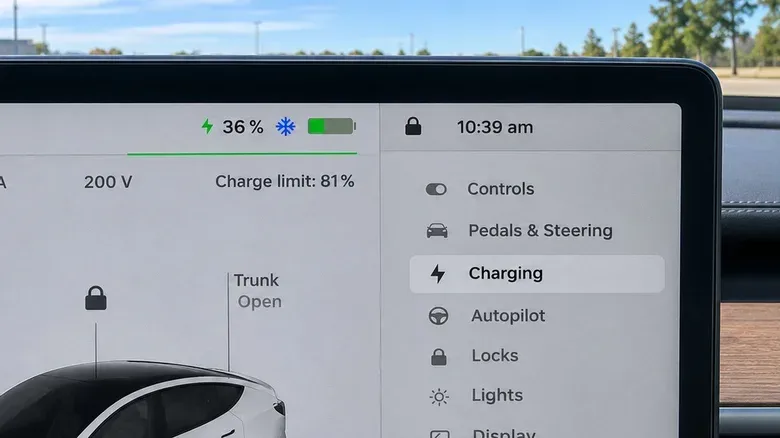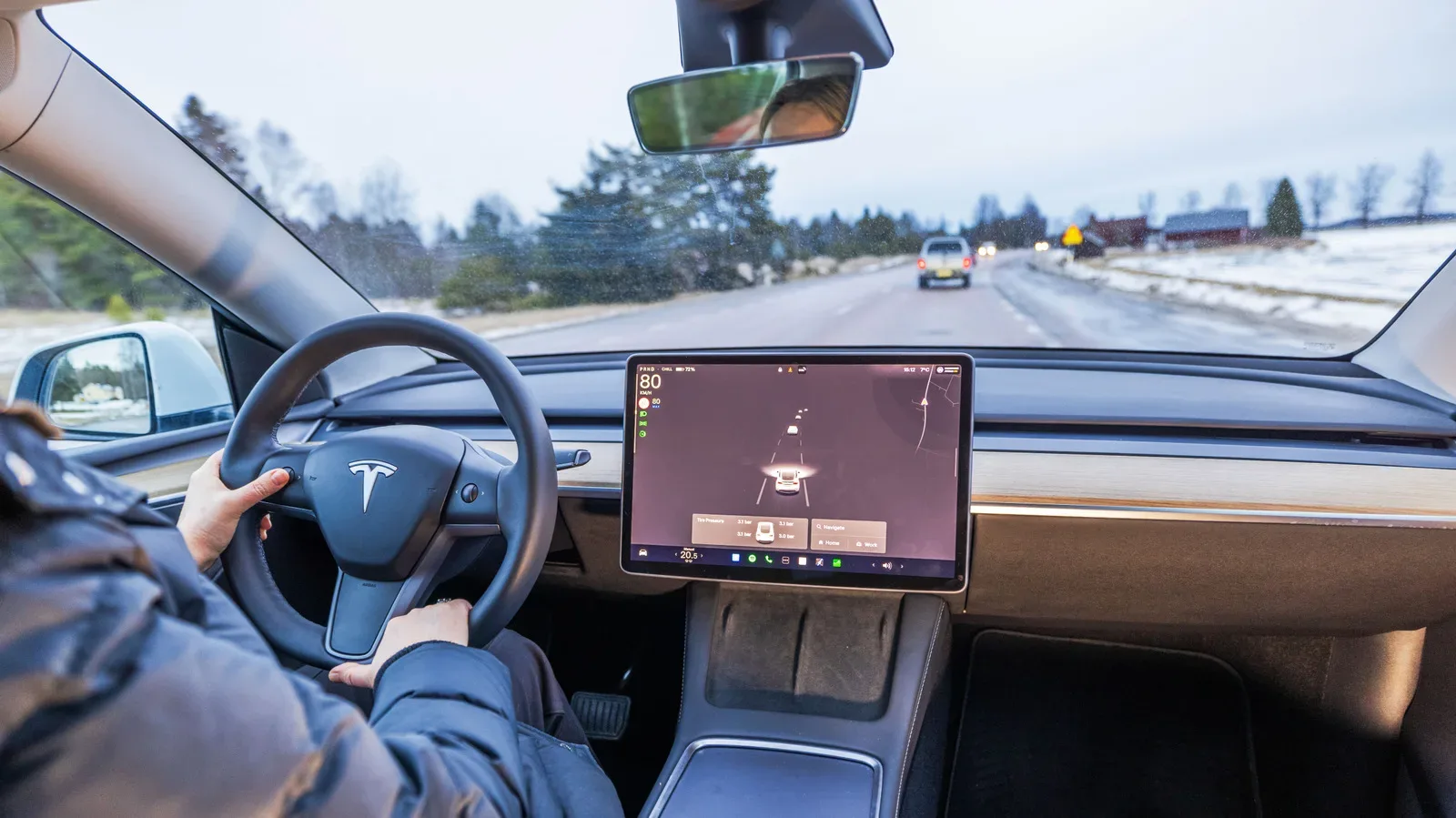
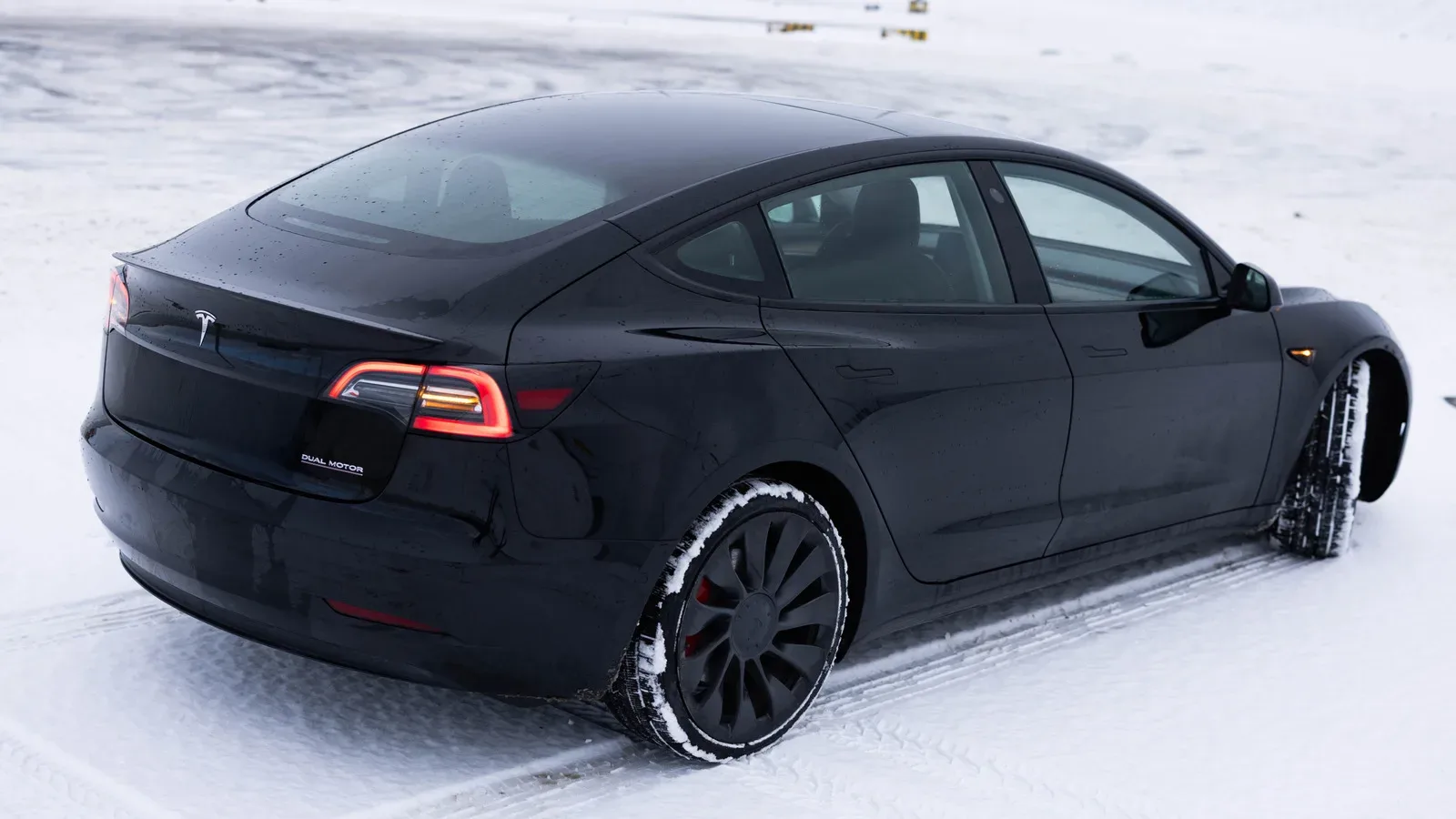
A blue snowflake beside a Tesla battery meter is not a seasonal dashboard decoration, a general warning about icy roads, or a sign that the vehicle has permanently lost part of its charge. It is a battery-temperature indicator: the high-voltage battery is cold enough that some of the energy stored in it is temporarily unavailable.
That distinction matters. A Tesla may show a blue portion of the battery meter while the snowflake is present. This blue section represents energy the vehicle cannot currently use because of the battery’s temperature. As the battery warms through driving or charging, that energy can become available again. It should not automatically be treated as the same thing as charge that disappeared while the vehicle sat parked.
The practical message is simple: a cold battery changes what an EV can do right now. It may reduce immediately available range, limit regenerative braking, affect acceleration, and lengthen charging time. The snowflake is therefore less a fault alert than a request to plan around a battery that has not yet reached an ideal operating condition.
What the blue section on the battery meter means
Battery charge and battery availability are related, but they are not identical. The battery meter tells the driver how much energy is stored, while the blue portion visible during cold conditions identifies energy that is temporarily out of reach. Once battery temperature rises, the restricted portion can return to normal availability.
That makes the icon easy to misread after an overnight stop. A driver can see less usable energy in the morning and assume the vehicle suffered an unexplained loss of charge. The snowflake instead points to a temperature-based limitation. The battery has energy, but cold conditions are preventing the car from accessing all of it at that moment.
There is a separate real-world range issue to account for, however. Even after the battery has warmed, cold-weather driving can still require more energy. Heating the cabin draws power, and winter terrain or conditions may add to consumption. In other words, warming the pack can restore temporarily inaccessible energy, but it does not erase every cold-weather effect on driving range.
Why regenerative braking feels different in the cold
The most noticeable change for drivers who use one-pedal-style driving may be reduced regenerative braking, often shortened to regen. Regenerative braking is the process in which the vehicle recovers energy during deceleration rather than allowing all of that energy to be lost. When the driver eases off the accelerator, the car can slow down while returning energy to the battery.
A cold battery cannot accept that recovered energy as readily as a warmer one. The result is weaker deceleration when lifting off the accelerator. A driver accustomed to a strong regen response may find that the vehicle coasts more than expected when approaching traffic lights or slowing for a junction.
This is a driving-behavior issue, not merely a number on a screen. Reduced regen means drivers should leave more room for deceleration and stay prepared to use the brake pedal. Tesla may also show a separate icon indicating that regenerative braking is not fully available. It resembles a broken green brake disc with an electricity symbol inside.
For some Model 3 variants, Tesla provides an option called Apply Brakes When Regenerative Braking Is Limited. When available, it can be found under Controls > Dynamics. The feature uses the conventional mechanical brakes to help replicate the stronger slowing sensation a driver expects when regen is constrained. Availability depends on the specific vehicle and its installed software version, so it should not be assumed to exist on every Model 3.
It is also important to understand what that setting does not mean. It does not restore the battery’s ability to take in recovered energy. It changes the vehicle’s braking response by applying normal brakes when regen cannot supply the usual level of deceleration. The energy-recovery limitation remains, even if the slowing behavior feels more familiar.
Cold batteries can change charging and performance, too
The snowflake can be relevant before the car even leaves the driveway. A cold battery may charge more slowly, particularly when the goal is fast charging. Battery temperature can also affect how the vehicle feels under acceleration, adding another reason not to interpret the indicator as an inconsequential visual detail.
For a Supercharger stop, Tesla’s recommended approach is to set the Supercharger as the navigation destination. This begins battery warming in preparation for charging, reducing the delay associated with arriving at a fast charger with a cold pack. The key term here is preconditioning: the vehicle prepares the battery before an intended drive or charging session rather than waiting for ordinary driving alone to raise its temperature.
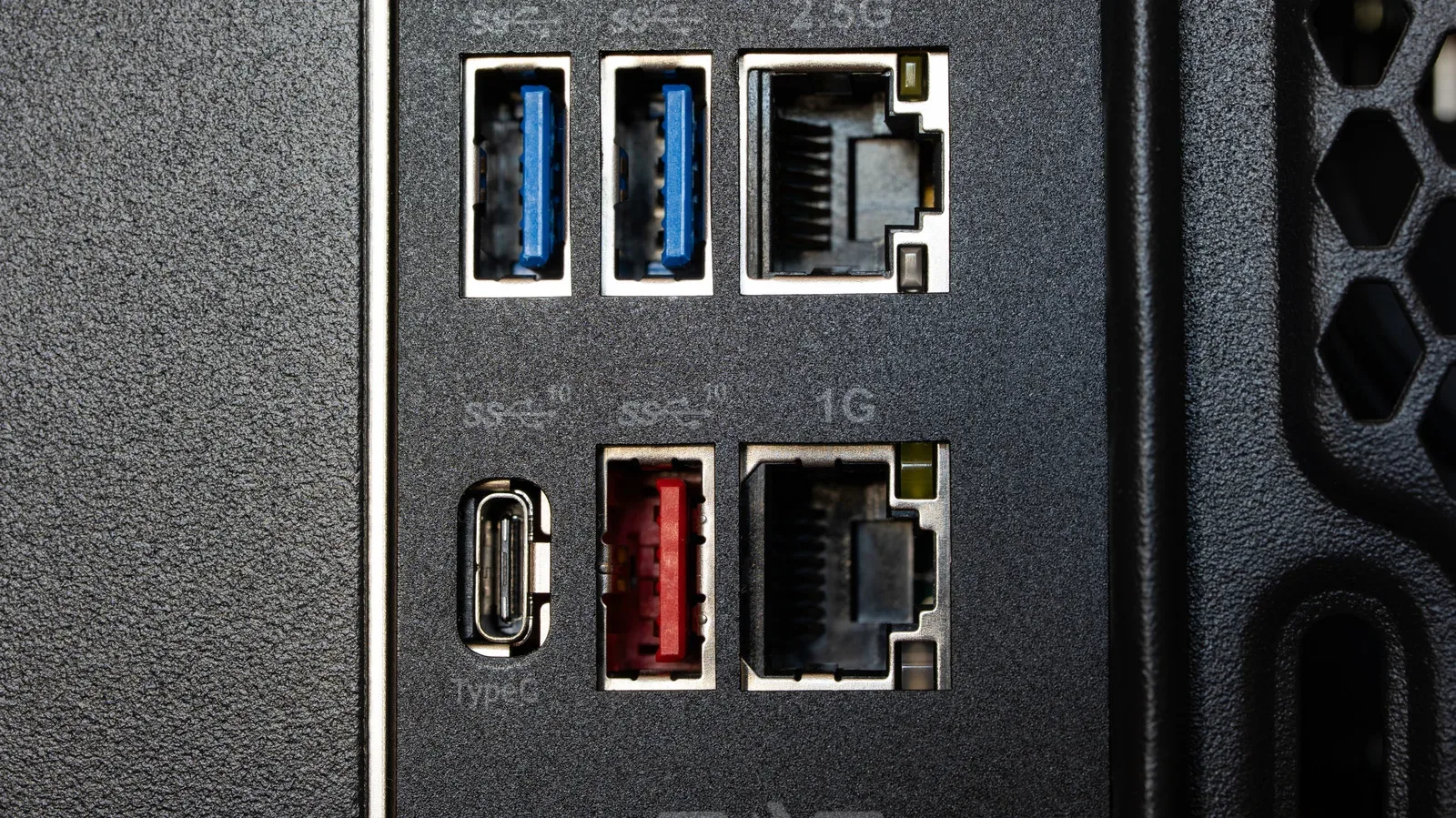
Color-coded symbols can often be misleading when viewed without their surrounding context. As with a hardware detail such as a red USB port that can mean several different things, the useful answer comes from identifying what system the symbol refers to. Tesla’s blue snowflake concerns battery temperature and temporary operating limits; it is not a universal statement about outside-road conditions.
How to warm the battery before leaving
The snowflake cannot simply be toggled off. It clears when the battery reaches a warmer state, which can happen through driving or charging. Preconditioning offers a more deliberate option for people who know when they intend to depart.
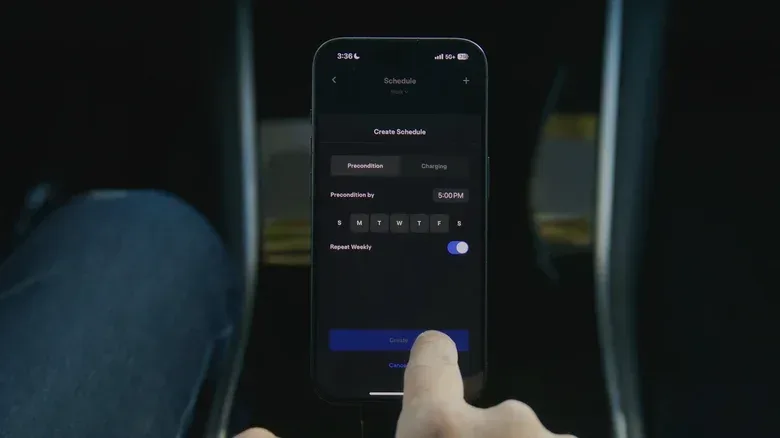
Tesla directs owners to Controls > Schedule on the vehicle touchscreen or in the Tesla app to set this up. Remotely activating the climate system is also part of preparing the car, because it warms the cabin and supports battery warming before the journey begins.
Keeping the vehicle plugged in, where possible, is the useful companion habit. When the car remains connected to power during preconditioning, it can perform that preparation while receiving electricity. Without that connection, preconditioning can draw from the battery before the trip starts, leaving less charge available for the drive.
This is especially meaningful when a driver has a long commute or a charging stop planned soon after departure. Starting with a warmer battery can improve immediate usability, make the initial driving experience more predictable, and help the car arrive at a fast charger better prepared to charge.
A practical cold-weather routine
- Check the battery meter for the blue snowflake and any blue, temporarily unavailable portion of the display.
- Allow extra time and distance for slowing down if regenerative braking feels weaker than normal.
- Use the brake pedal as needed; do not rely on familiar lift-off deceleration while regen is limited.
- Where the vehicle supports it, review the Model 3 setting for applying brakes when regenerative braking is limited.
- Schedule preconditioning through Controls > Schedule or the Tesla app before a planned departure.
- Keep the vehicle plugged in during preconditioning when practical, so preparation does not unnecessarily reduce starting charge.
- Set a Tesla Supercharger as the destination before heading there to prepare the battery for faster charging.
What Tesla does not specify with the icon
The snowflake is useful, but it is not a precise thermometer. There is no stated temperature threshold for exactly when it appears, and there is no fixed public timetable for when it will disappear. The timing depends on the battery warming up, whether through driving, charging, or preconditioning.
Tesla recommends activating climate settings roughly 30 to 45 minutes before leaving. That is guidance for preparation, not a guarantee that every vehicle will behave identically after the same amount of time. Conditions, vehicle configuration, battery state and the nature of the planned drive can all affect what a driver sees.
The best interpretation of the blue snowflake is therefore operational rather than alarming. It tells the driver to expect a temporary cold-battery penalty: some energy may be unavailable, regen may be reduced, and charging may take longer until the battery warms. Treating it as a cue to precondition, adjust braking expectations and plan charging stops can make winter EV use considerably less surprising.