A phone that suddenly feels terrible for gaming can send people straight to the usual suspects: the latest patch, a demanding new release, a controller connection acting up, or the grim possibility that it is time to replace the handset. Samsung Galaxy owners have a useful first step before any of that: a built-in diagnostic suite intended to check whether a range of phone hardware and core functions are operating correctly.
It is not a magic performance meter, and it will not declare whether a particular game is well optimized. What it can do is narrow down a frustratingly broad problem. If touch controls are intermittently missing inputs, the phone is refusing to charge consistently, Bluetooth is behaving oddly, calls are dropping, or the battery seems to vanish at an alarming rate, Samsung’s checks can provide a more concrete starting point than guessing from symptoms alone.
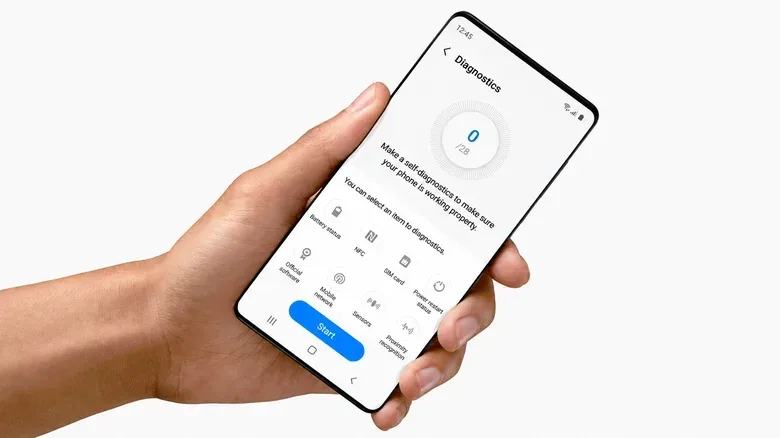
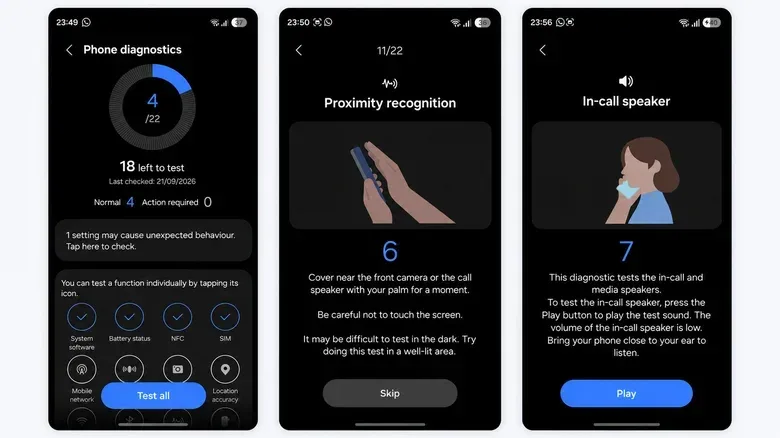
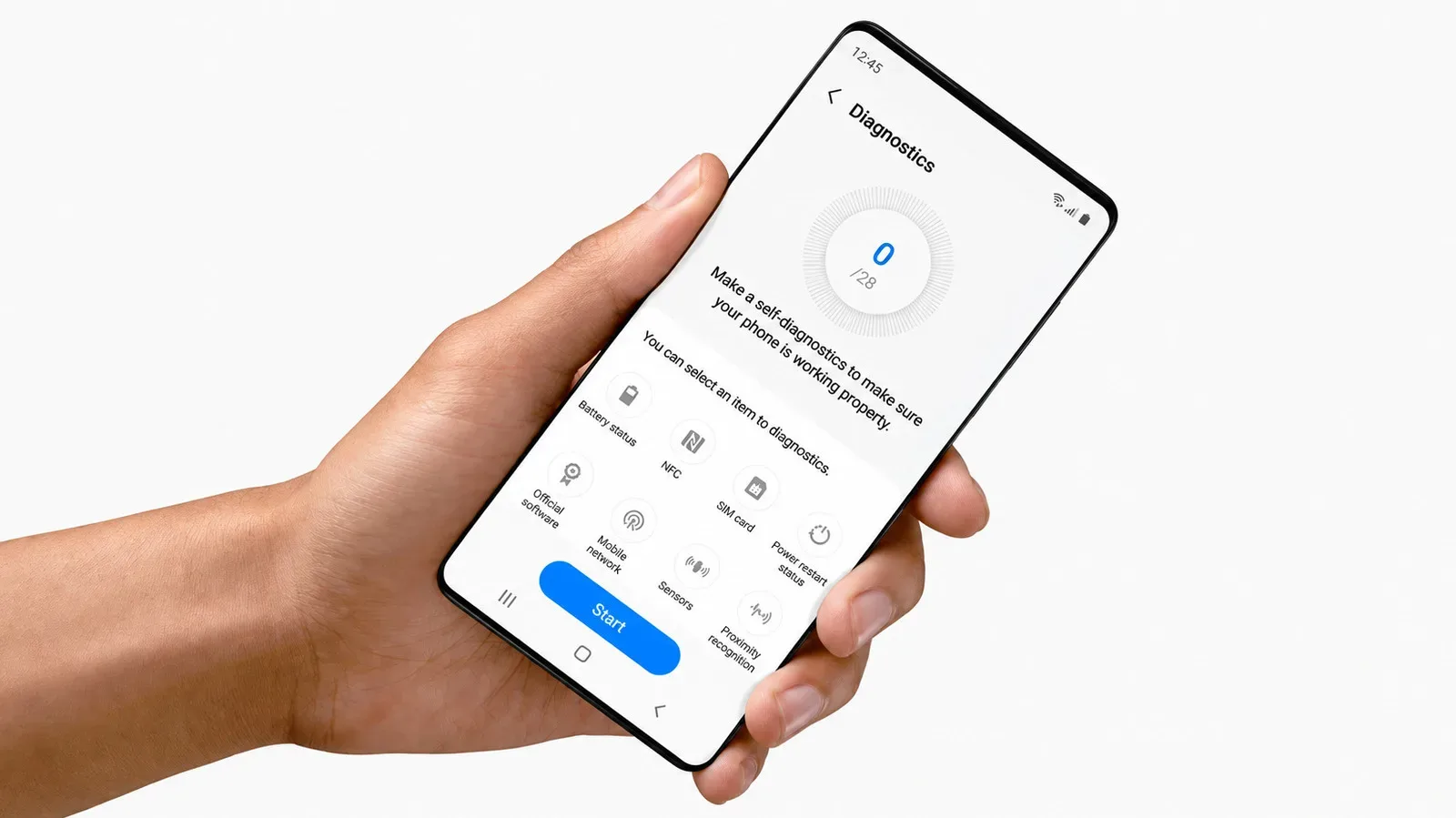
On supported Galaxy devices, open Settings > Device care > Diagnostics, then select Phone diagnostics. Users can run checks one at a time or choose Test all to work through the available checklist. Samsung says the feature is available on Galaxy devices using Android 12 or later. The exact menu presentation and the tests on offer can differ by device and software version, and Samsung Members also provides access to diagnostics.
What Samsung’s phone diagnostics are actually checking
Think of this area as a hardware and function checkup rather than a scorecard. Depending on the Galaxy model, the suite can examine the touchscreen, cameras, microphones, speakers, physical buttons, sensors, Wi-Fi, mobile network, Bluetooth, SIM card, NFC, USB connectivity, charging and fingerprint reader. Phones equipped with hardware such as an S Pen or wireless charging may show additional tests.
That breadth matters because a single complaint can have multiple explanations. A missed tap in a game could be a touchscreen issue, but it could also be an app problem that the phone-level test will not expose. A controller that disconnects may involve Bluetooth, but it might equally be the controller, the game, or a software conflict. Diagnostics do not settle every question; they help separate faults in the phone’s tested functions from issues that need investigation somewhere else.
Some checks run automatically. Others require a response from the person holding the phone, which makes sense when the result depends on something the device cannot fully judge on its own. The proximity test, for example, asks the user to cover the area around the front camera or call speaker with a palm. An in-call speaker test plays sound and asks whether it can be heard. In other words, the process is not just a loading indicator taking a theatrical stroll across the display.
If a test fails, Samsung may present troubleshooting guidance or point to a related FAQ. That does not necessarily turn a failed check into a diagnosis with a guaranteed repair, but it is substantially more useful than repeatedly restarting the device and hoping the problem develops manners.
Battery status may be the most practical result on an older Galaxy
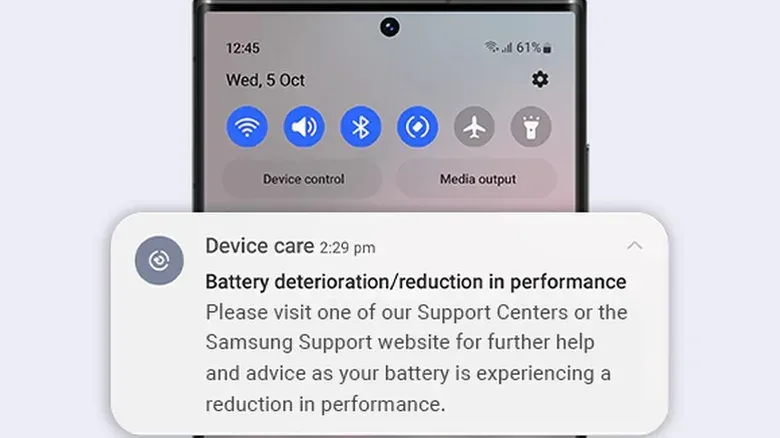
For many people, the battery result will be the diagnostic worth checking first. Samsung classifies battery condition as Normal, Weak, or Bad. A Weak reading means efficiency may have fallen through long-term use or environmental conditions. A Bad result indicates significant battery-life degradation, and Samsung advises seeking service advice.
That distinction is useful because battery complaints are often subjective. A phone can feel as though it has gotten worse, particularly after a software update or when a new game enters the regular rotation. The diagnostic result does not explain every percentage-point shift in endurance, but it gives owners a clear device-level status rather than asking them to reconstruct months of charging habits from memory.
For gaming, battery health is also about more than how long a session lasts. Charging behavior is among the functions that may be tested, and a phone that is not charging properly creates a practical problem whether the cause is a degraded battery or another tested part of the charging chain. The suite cannot promise a fix, but a Bad battery rating or recurring failed charging checks are much stronger reasons to consider service than a vague sense that the phone has become tired of carrying the team.
A pass does not mean your Galaxy is still fast
This is the key limitation: a clean diagnostic run is not a performance benchmark. Samsung’s tool is meant to establish whether components and particular functions are working correctly. It does not provide a CPU benchmark, measure the quality of the internet connection currently serving the device, or determine whether games are running well.
Those are separate questions, requiring different kinds of testing. A benchmark measures processor performance in a standardized workload, making it more useful for comparing devices with similar hardware. An internet speed test measures the connection currently being used. Distance from the router, congestion and other network conditions can affect that result, so it says more about that connection at that moment than it does about the underlying health of the phone.
The distinction is particularly important with mobile games. A stutter, long load, or unreliable match can arise from many places: the game itself, the network connection, available storage, background activity, or the handset. Diagnostics can be a sensible check when symptoms point toward hardware or a core function, but it should not be mistaken for proof that every game ought to run smoothly.
The same goes for age. Samsung does not set out a benchmark score that declares a three-year-old Galaxy categorically too slow. Nor would a simple age rule make much sense when Galaxy A-series phones and Ultra models begin with very different hardware. The better question is what is failing—or what task is struggling—rather than how many birthdays the device has had.
If everything passes but the phone still feels sluggish
A clean result changes the troubleshooting path; it does not end it. Samsung identifies outdated software, background apps, insufficient available memory and temporary system errors as possible causes when a phone remains slow despite passing diagnostics. In this context, “memory” is Samsung’s wording, while the storage figure is also important for everyday operation: Google says Android phones can begin to have problems when less than 10% of storage remains free.
That makes available storage a practical check before deciding a healthy phone has somehow lost its competitive spirit. It also avoids confusing storage capacity with processor speed. Freeing space will not transform a phone into a different class of hardware, but low remaining storage can contribute to problems on Android devices. Updating software and considering what is running in the background are similarly logical next steps when the component tests show no obvious fault.
For someone using a Galaxy with external accessories, diagnostics can help make the first divide in the troubleshooting process. If Bluetooth passes, that is useful evidence that the phone’s tested Bluetooth function is working, though it does not rule out a specific accessory or game issue. If USB connectivity or charging fails repeatedly, the phone merits closer attention before investing hours in app settings. And if touch testing identifies a problem, that is a far more grounded lead than blaming every awkward control moment on an on-screen button layout.
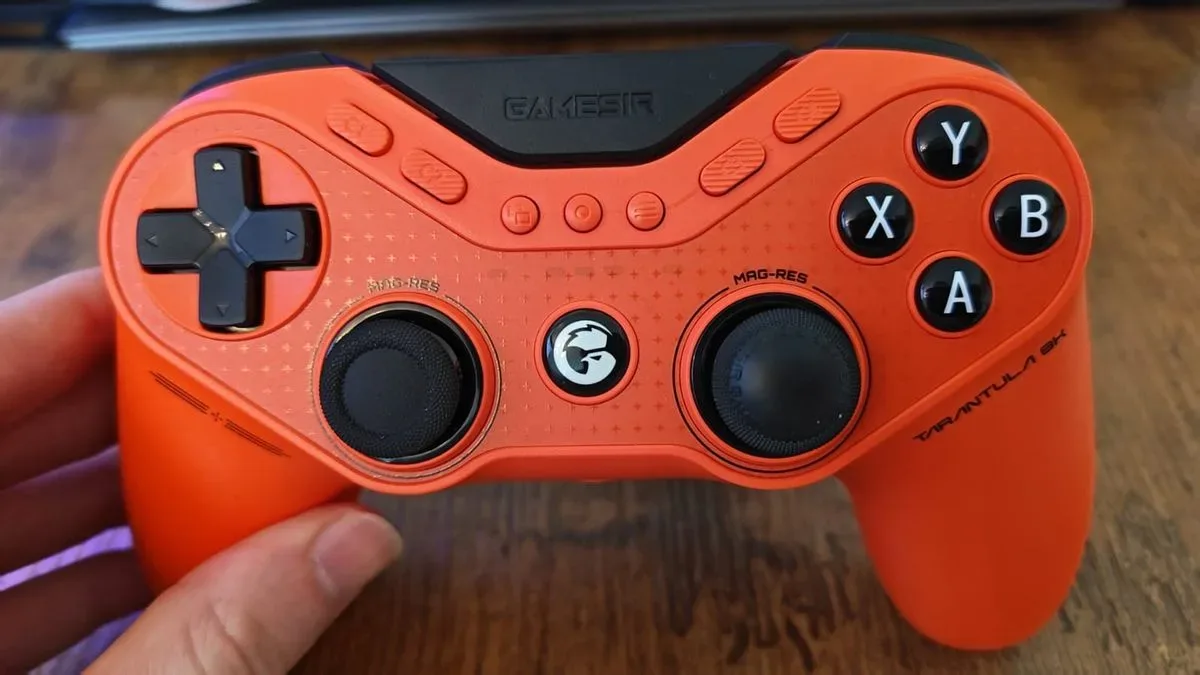
That last point is relevant beyond phone-only play. Mobile accessories continue to chase low-latency, competitive use cases—such as the GameSir Tarantula 8K’s emphasis on competitive precision—but an accessory cannot solve a basic handset fault. Establishing whether the phone is reporting healthy core functions gives users a cleaner basis for deciding where to look next.
When diagnostics point toward service
A one-off failure should be treated carefully, particularly if the test provides a troubleshooting step or FAQ that can be followed first. Repeated failed diagnostics are more meaningful, as is a Bad battery result. Those outcomes are the clearest signs in this tool that service may be worth considering rather than continuing to chase software explanations.
There is also a privacy consideration before handing a phone to a technician. Samsung’s Maintenance mode can hide photos, messages, contacts and other personal information while allowing the device to be tested. That is a useful safeguard for repair situations, where a technician needs enough access to evaluate the handset but does not need an owner’s personal material.
The sensible order here is uncomplicated: run the built-in checks, note any failures and battery status, then separate hardware results from performance or network questions. A Galaxy that passes can still be slowed by software, background apps, low free storage or the particular game and connection in use. But a phone that repeatedly fails tests has offered a much less ambiguous message—and, mercifully, one that does not require downloading yet another “phone booster” app to hear it.