Smart TV interfaces have turned many living rooms into an accidental museum of apps, promos, autoplaying trailers, and buttons nobody remembers pressing. Yet a dedicated streaming device still has a useful role, particularly when an older television needs a modern software refresh or a newer set has an interface that makes finding a show feel like a side quest.
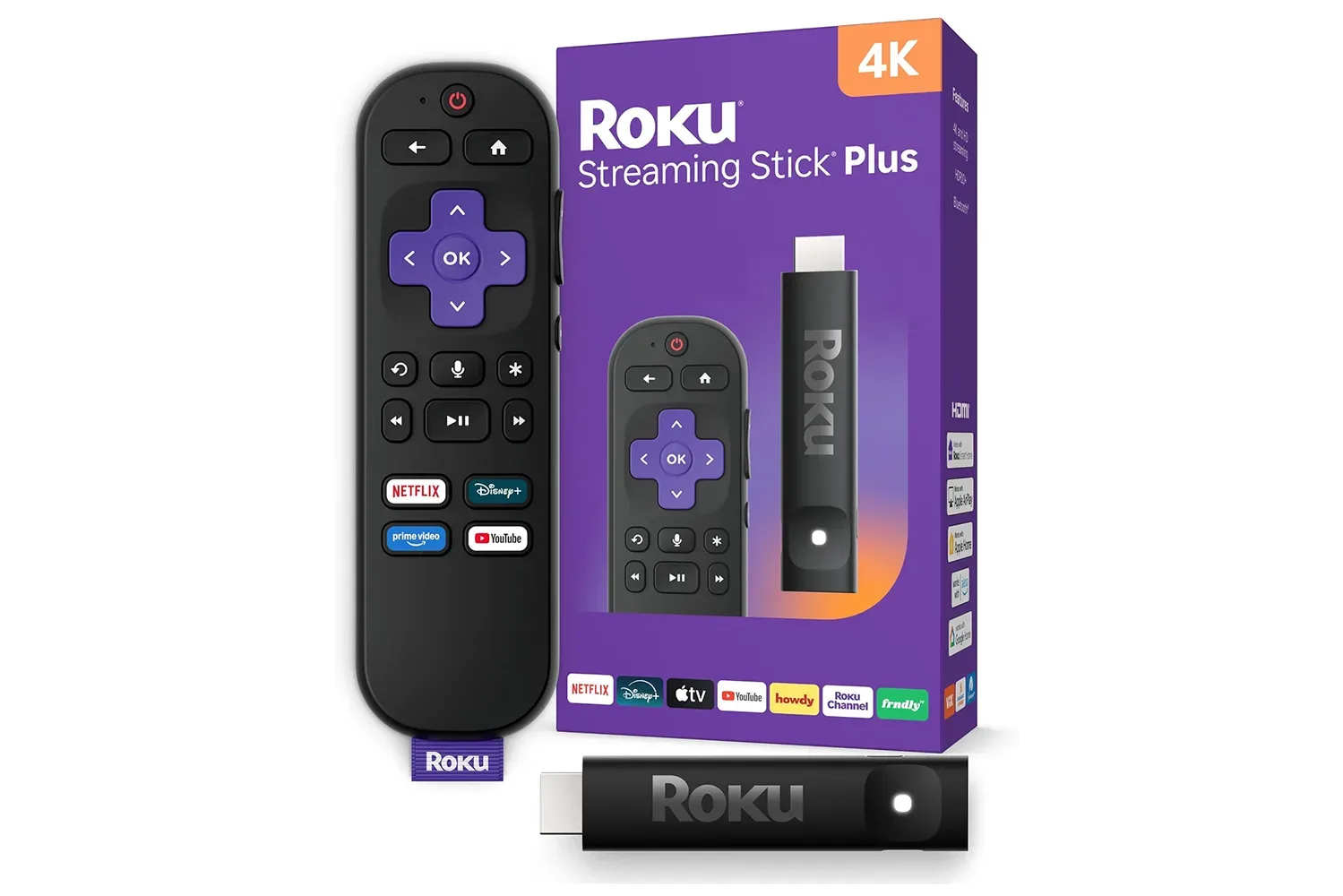
The Roku Streaming Stick Plus is listed at $37 at Amazon, returning to a previously seen price point. For people looking to add streaming to a spare-room screen, replace an aging stick, or build a small travel kit, that number matters because the device’s feature set goes beyond basic 4K output. It supports 4K and HDR10+, keeps cable clutter down through TV-powered operation in most setups, and retains Roku’s familiar account-based approach to apps and subscriptions.
It is not the only streaming player with a 4K badge, naturally. The important question is whether its combination of video format support, compact dimensions, remote functions, and free programming tools matches the television and habits already in the home. At $37, the Streaming Stick Plus is aimed squarely at the practical upgrade rather than the full home-theater command center.
Why HDR10+ is a meaningful checkbox
Resolution alone does not tell the entire picture-quality story. A 4K stream supplies more pixels than a 1080p stream, but high dynamic range can be just as visible when a compatible TV and program are involved. HDR is intended to improve the range between dark and bright areas, along with color presentation. That can help a nighttime game scene retain detail instead of becoming a dark rectangle punctuated by subtitles and one extremely shiny sword.
The Streaming Stick Plus supports HDR10+, in addition to 4K. HDR10+ uses dynamic metadata, meaning brightness guidance can vary scene by scene rather than staying fixed across an entire program. Not every service, title, or television uses the format, so buyers should not treat it as a guarantee that every stream suddenly receives a cinematic thunderbolt. Still, it is a welcome capability in this price range, where alternatives can stop at standard HDR10.
Compatibility remains the key bit of homework. The television has to support the relevant HDR format for viewers to benefit, and the app plus title need to deliver it. For a person simply trying to get Netflix, Max, sports, movies, and other streaming services onto a capable 4K television, though, the presence of HDR10+ gives the Stick Plus a broader spec sheet than an entry-level 4K label might suggest.
A small streamer with a very practical party trick
The most appealing physical feature may be the one that produces the least drama: the stick can draw power through a USB-A cable connected to the TV in many installations. That can eliminate the need to occupy a wall outlet or add another brick to an already crowded surge protector. In an entertainment setup filled with consoles, charging cables, soundbars, and a power strip that looks like it is preparing for a moon launch, losing one extra plug is a minor but genuine victory.
The stick also sits flush behind the panel and is narrow enough to avoid obstructing nearby HDMI ports. That detail matters more than it sounds. Some televisions position their ports so closely that a chunky device creates a choice between streaming and using a console, capture device, sound system, or any other HDMI gadget that has wandered into the setup.
Setup is straightforward in principle: connect the Streaming Stick Plus to an HDMI port, attach its USB power cable, connect it to Wi-Fi, and continue through the Roku interface. The included remote pairs automatically. It can also manage TV power, volume, and mute through HDMI-CEC, which may let households retire the television remote from ordinary day-to-day duty. As always, HDMI-CEC behavior can depend on the television’s implementation and settings, but having those controls on the streaming remote is built around a very sensible goal: fewer remotes marooned between the cushions.
Search and subscriptions are the less flashy advantages
The remote includes a microphone for voice search, so it does not require a separate smart speaker for that function. Voice commands are hardly an exotic feature in 2026, but their value is tied to whether they save time. Searching across multiple services from one place is more useful than opening apps one at a time, especially for viewers who remember a title but not the subscription carrying it this month.
Roku also centralizes supported subscription management under one Roku account. That includes signing up, cancelling, and handling renewals for services such as Max, Paramount+, and Apple TV+, along with more than 70 other services. This should not be confused with making every streaming subscription universally interchangeable; each service still has its own catalog, terms, and availability. But for subscriptions handled through Roku, a single account can make the administrative side less fragmented.
That convenience has relevance beyond the main television. The Streaming Stick Plus can travel: connect it to an HDTV, get onto Wi-Fi, and the user’s setup follows without requiring access to the host television owner’s account. Hotel Wi-Fi and captive portals can introduce their own complications, and any traveler should consider the security of the network they join. Still, the basic appeal is obvious. The tiny stick turns a guest-room or vacation-rental TV from an unfamiliar interface into something closer to home.
Free viewing is part of the value calculation
Subscription fatigue is not a medical diagnosis, but it is a recognizable consumer condition. Roku’s free-content ecosystem provides a counterweight to an interface built only around paid services. The Roku Channel collects free, ad-supported programming across on-demand movies and shows, live TV, news, sports, and other categories. Local news streams are available live in a number of markets.
The home screen also uses viewing history to surface personalized selections and provides routes into sports and entertainment categories. Recommendations are inherently subjective, and no algorithm can fully understand that sometimes the correct Friday-night choice is a prestige drama while other times it is a 1980s creature feature with a suspiciously low budget. But a free-first option gives a household something to browse without immediately running into a paywall.
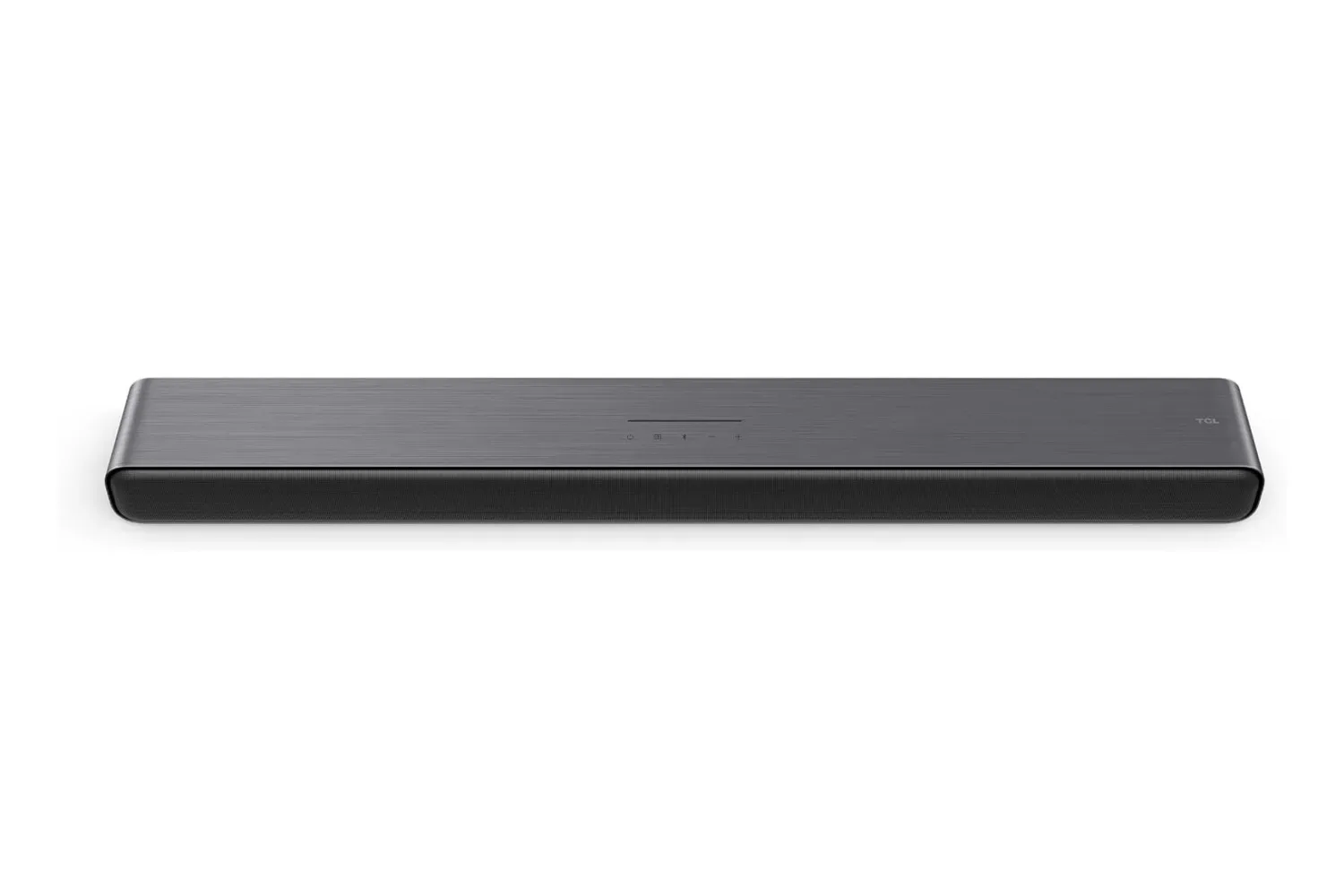
For a broader budget-minded entertainment stack, audio can be the next sensible upgrade after picture and apps. Those comparing compact streaming hardware with sound upgrades may also want to see the TCL S45H soundbar listing at $80, which brings Dolby Atmos features into the conversation for gaming and movie setups.
Where the Streaming Stick Plus fits in Roku’s lineup
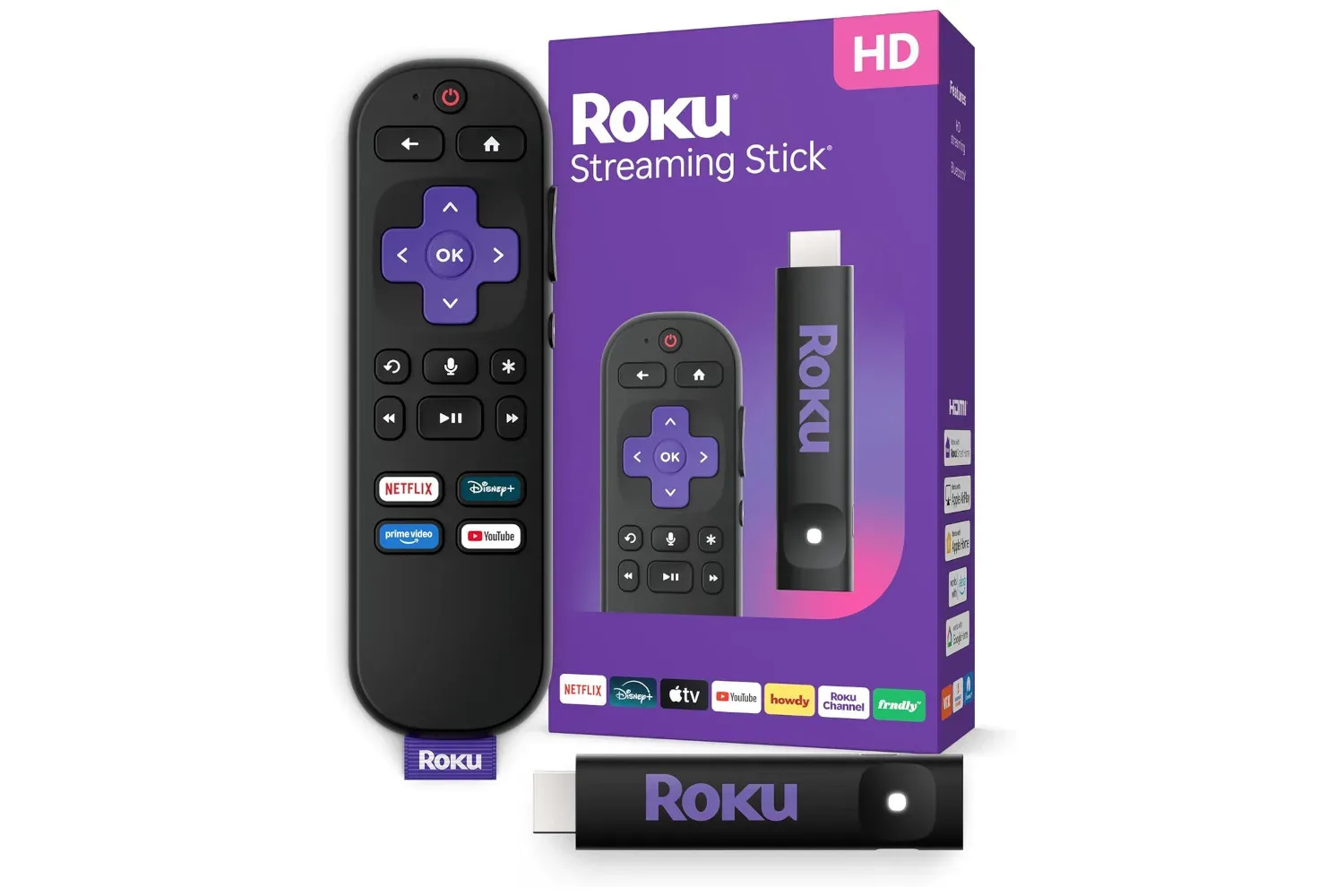
The Stick Plus does not claim every premium convenience. Roku’s Ultra is the more capable option for people who specifically want Ethernet connectivity, a headphone jack, or a remote finder. Wired Ethernet can be especially appealing where Wi-Fi is unreliable, while a lost-remote feature is self-explanatory to anyone who has conducted a fruitless search involving sofa cushions, blankets, and increasingly wild accusations.
Those extras are meaningful, but they are not essential for every display. The Streaming Stick Plus is better understood as the leaner choice: a compact 4K HDR10+ streamer for viewers who rely on Wi-Fi and prioritize a low-clutter installation. It makes particular sense for an older non-smart TV, a secondary television, or a portable setup where an Ethernet port and advanced remote features are less important than size and simplicity.
At the listed $37 price, the calculation is refreshingly direct. Buyers receive 4K output, HDR10+ support, a USB-powered design in most setups, remote voice search, TV control through HDMI-CEC, cross-service searching, centralized handling for supported Roku subscriptions, and access to free ad-supported programming. None of that removes the need to check a TV’s ports, HDR support, and Wi-Fi situation. It does, however, make the Roku Streaming Stick Plus a compelling way to give an existing screen a more focused streaming life—without adding another power brick to the cable jungle.
Shop the products
Check current price, model and availability at the retailer.