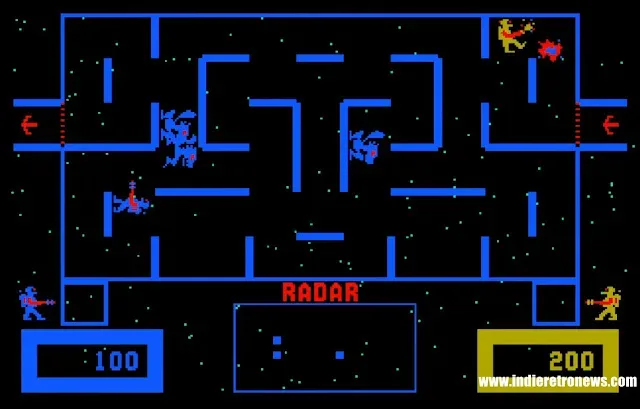
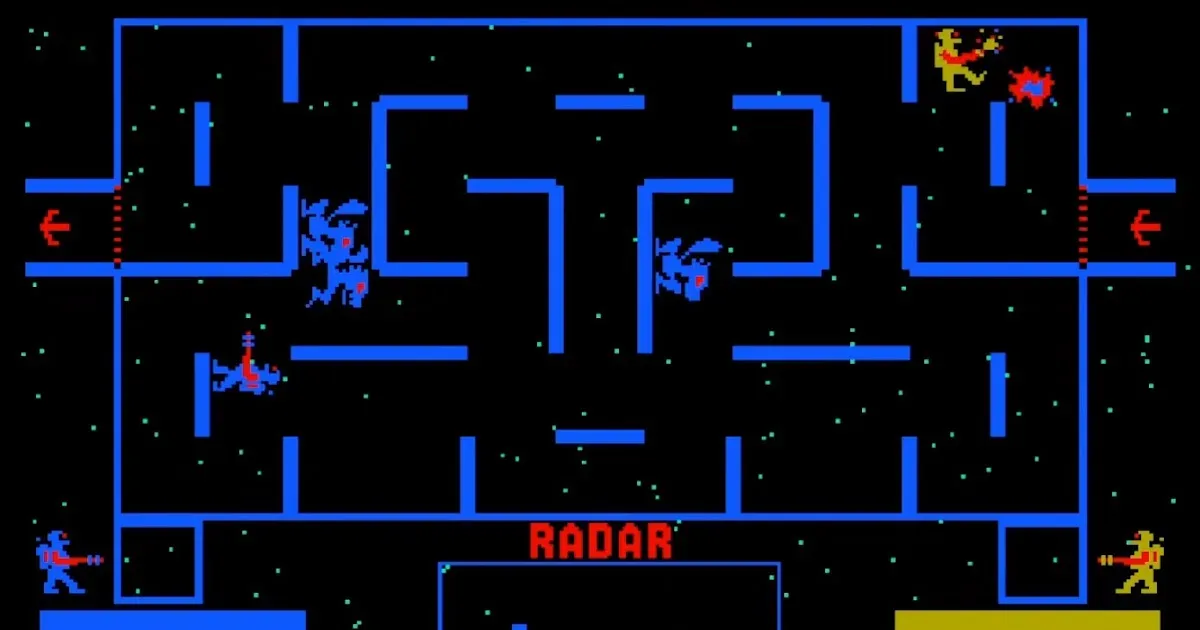
Wizard of Wor AGA, a new Commodore Amiga version of the 1980s arcade game, has been released by dlfrsilver for machines with the AGA chipset. The project is built around a very practical Amiga problem: fitting a large bank of spoken audio into a game without forcing disruptive disk activity while the action is underway.
The original Wizard of Wor reached several home platforms in addition to the arcade, including Atari 8-bit computers, Atari 2600, Atari 5200, Bally Astrocade and Commodore 64. This AGA edition gives the game another period-appropriate home, but its notable point is not simply that it runs on Amiga hardware. It is the way the port divides audio and graphics work across the system’s two main memory types.
Why the AGA version needs more than Chip RAM
dlfrsilver describes the project as having begun as a friend’s request. The challenge was the audio footprint: jingles, sound effects and voice material together would not fit in Chip RAM alone. The reported audio requirement is 2 MB, a substantial demand in the context of an Amiga game designed to keep its presentation ready during play.
That limitation helps explain why this is an AGA-targeted release rather than something intended for a basic Amiga 500 configuration. On the Amiga, Chip RAM is memory shared with the custom hardware responsible for graphics and sound duties. It is especially valuable because the chipset can directly access it, but that shared role also makes capacity precious. Fast RAM, by contrast, is memory available to the CPU and is useful for holding data that does not need to be continuously read by those custom chips.
Wizard of Wor AGA uses that distinction deliberately. All 79 digitised speech samples are preloaded into Fast RAM. Graphics, sound effects and Paula playback buffers remain in Chip RAM. Paula is the Amiga’s audio hardware, and playback buffers are the sections of memory used to feed sound data to it. Keeping those buffers in Chip RAM preserves the hardware access the game needs, while putting the large spoken-sample library in Fast RAM makes room for the rest of the audiovisual workload.
The intended result is straightforward: no mid-game disk access caused by loading speech. That matters because disk activity can interrupt the flow of an arcade-style game. Rather than repeatedly fetching voice data as it is needed, the AGA port prepares the complete speech set before play begins. It is an engineering choice aimed at preserving a more continuous session once the game has started.
Memory requirements and what they mean for Amiga owners
The game is designed for an Amiga with an AGA chipset and a standard 14 MHz 68020 CPU. An accelerator card is not required. That is an important distinction for prospective players: the stated baseline is not dependent on a faster add-on processor, though the hardware still needs to meet the game’s AGA and memory requirements.
Total memory use is listed at 2.75 MB, split as follows:
Related coverage includes Wizard of Wor AGA brings the arcade classic to Amiga.
- 1.16 MB of Chip RAM
- 1.59 MB of Fast RAM
dlfrsilver recommends 4 MB of Fast RAM. A system with 2 MB of Chip RAM and 2 MB of Fast RAM should theoretically also be sufficient on real hardware. The word “theoretically” is worth retaining here: it describes an expected workable configuration, not a blanket guarantee for every individual machine, setup or storage arrangement.
For anyone checking compatibility, the key terms are therefore AGA, 68020 and Fast RAM. AGA is the chipset requirement; 68020 identifies the intended processor level and clock; Fast RAM is central to the port’s solution for housing the speech library. The stated design is not about demanding an accelerator, but it does depend on having enough memory in the right places.
The technical choice is also a preservation choice
There is a broader retro-gaming appeal in a conversion that treats sound as a central feature rather than an optional extra. The AGA edition does not merely acknowledge that speech exists; it reserves memory for the entire set of 79 digitised lines before the player begins. That makes the speech component part of the game’s normal runtime environment rather than material that must be streamed from disk at inconvenient moments.
It also demonstrates why ports to older systems can involve more than translating graphics and controls. Hardware memory architecture shapes what a version can reasonably do. If the audio cannot sit in Chip RAM alongside the assets and playback resources that need to be there, the port must either make compromises or use another available pool. In this case, Fast RAM provides the storage for the voice samples, while Chip RAM remains allocated to the data directly used by the Amiga’s graphics and audio systems.
That division gives the release a specific identity rather than presenting it as a generic Amiga build. The port is tailored to the capabilities of AGA machines, and its audio-loading plan is inseparable from that target. It is a reminder that “runs on Amiga” can describe very different expectations depending on the chipset, CPU and memory configuration involved.
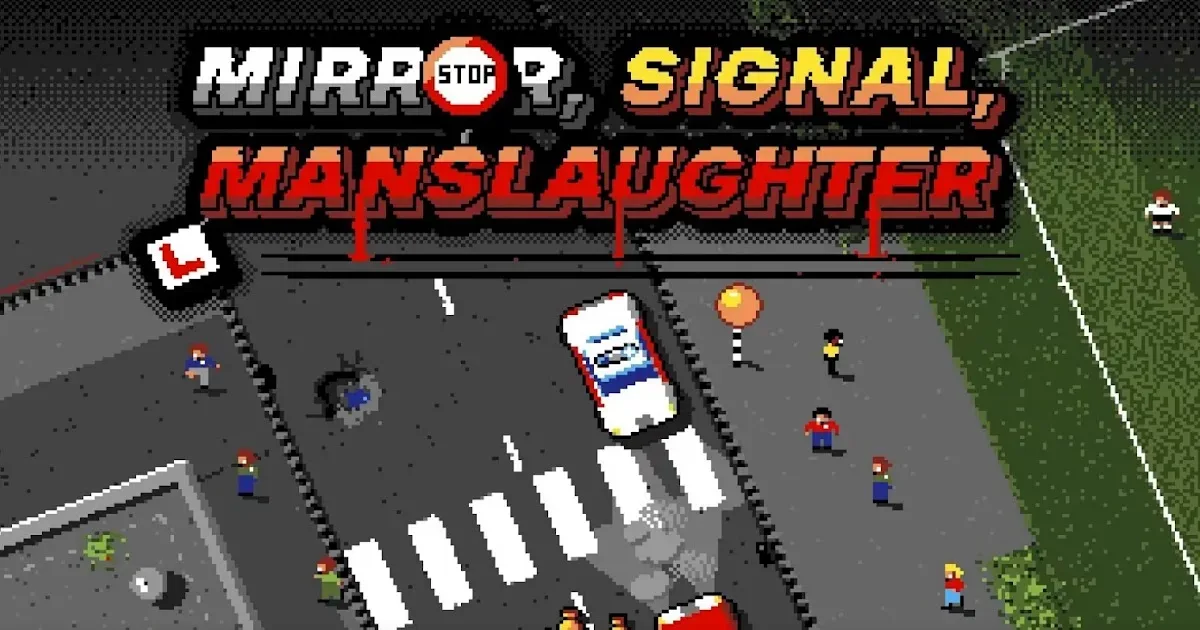
Recent Amiga projects continue to find different ways to work within—and around—the platform’s hardware boundaries. For another example of a newly revived Amiga concept, see Mirror Signal Manslaughter’s return to Amiga.
Controls and configuration
The front-end controls follow familiar coin-operated terminology. Press 5 to insert a coin, then press 1 or 2 to begin. The two start keys provide the entry points presented by the game, while the coin key keeps the arcade framing intact.
F1 opens the settings controls, where options can be adjusted and saved. Pressing Escape exits back to Workbench, the Amiga desktop environment. These details make the release easier to approach for users who want to configure it before playing or return cleanly to the operating environment afterward.
- 5: insert a coin
- 1 or 2: start the game
- F1: adjust and save settings
- Escape: return to Workbench
What is known—and what to check before running it
The supplied specifications establish a clear minimum profile: an AGA Amiga, a 14 MHz 68020 CPU, 1.16 MB Chip RAM and 1.59 MB Fast RAM in use by the game. They also state that 4 MB Fast RAM is recommended and that a 2 MB Chip/2 MB Fast configuration should theoretically work on actual hardware.
They do not establish every possible configuration, nor do they claim compatibility with non-AGA systems. In particular, the explanation of the 2 MB audio requirement makes clear why a machine limited to Chip RAM cannot simply handle the same approach without the risk of regular audio loading from disk. Players should treat the listed AGA and Fast RAM requirements as essential rather than assuming that any Amiga capable of launching an earlier game version will provide the intended experience.
For retro hardware enthusiasts, that specificity is useful. Wizard of Wor AGA is not framed as a maximalist upgrade that requires an accelerator; it is a memory-conscious conversion aimed at a defined AGA-era setup. Its headline feature is not an unspecified visual overhaul or a vague promise of improved performance. It is the decision to keep its digitised speech resident in Fast RAM, protecting the game from audio-related disk interruptions during play.
With 79 speech samples preloaded, the relevant graphics and playback data kept in Chip RAM, and an accessible set of keyboard commands for starting, configuring and quitting, the release offers a technically focused new route to an arcade classic on Commodore Amiga hardware.