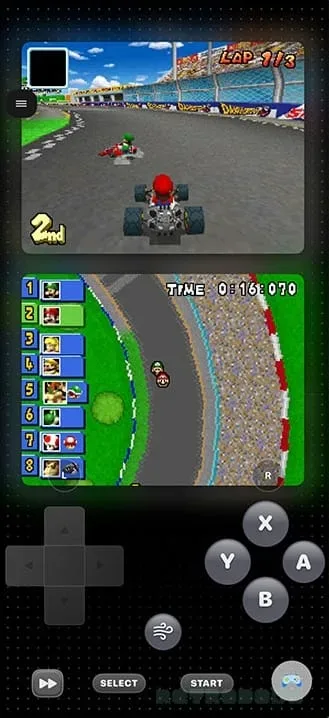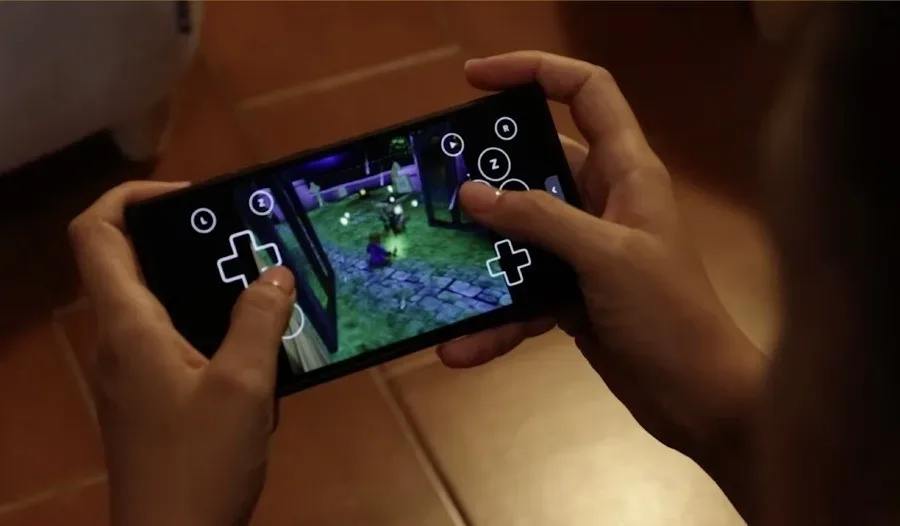
iPhone emulation has quickly moved beyond the question of whether it can happen and toward a more useful one: how pleasant is it to actually use? SUMEE! is positioning itself as an answer for players who want multiple classic systems in one iPhone app without making an elaborate settings menu their first boss fight.
The app is available for a one-time £1.99 payment and presents a wide list of console cores through an interface inspired by Nintendo’s Wii and 3DS eras. Its stated support covers Game Boy, Game Boy Color, Game Boy Advance, NES, SNES, Nintendo 64, Nintendo DS, Nintendo 3DS, GameCube, Wii, Sega Genesis, PlayStation and PSP. Nintendo Switch appears in its listed cores as well, while Xbox access is specifically Xbox Cloud Gaming rather than local Xbox emulation.
That distinction matters. “Core” is a common emulator term for the software component that reproduces the behavior of a particular console. A multi-system app can package several cores under one interface, letting users organize and launch games from different platforms without using a separate app for every machine. It does not mean every platform will necessarily offer identical compatibility or performance on every iPhone.
A polished alternative to a settings-heavy setup
For iPhone owners who want to move among Nintendo, Sony and Sega libraries, RetroArch has long been a flexible option. Its flexibility, though, comes with a considerable amount of configuration. SUMEE!’s pitch is less about replacing every advanced control and more about making the route from opening an app to starting a game feel cleaner.
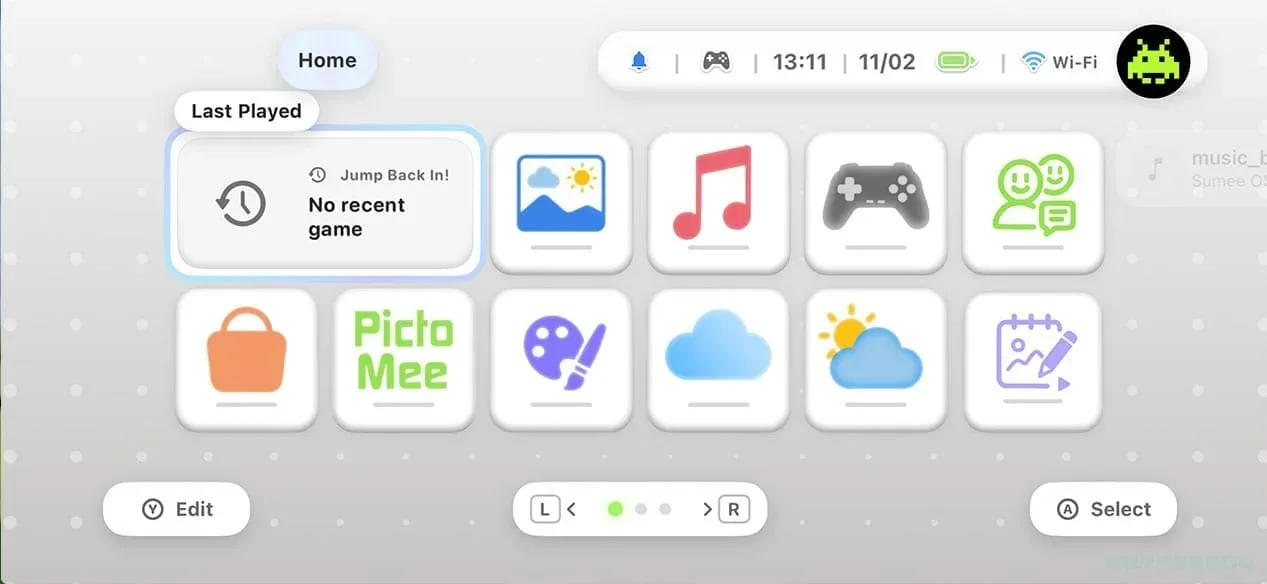
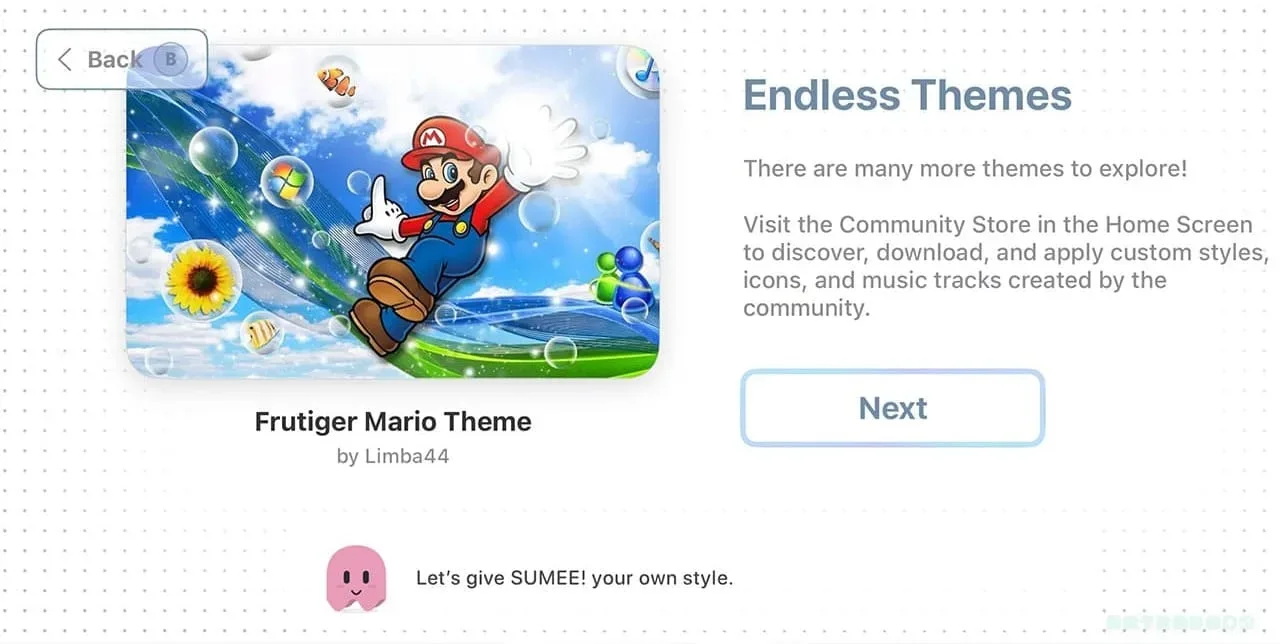
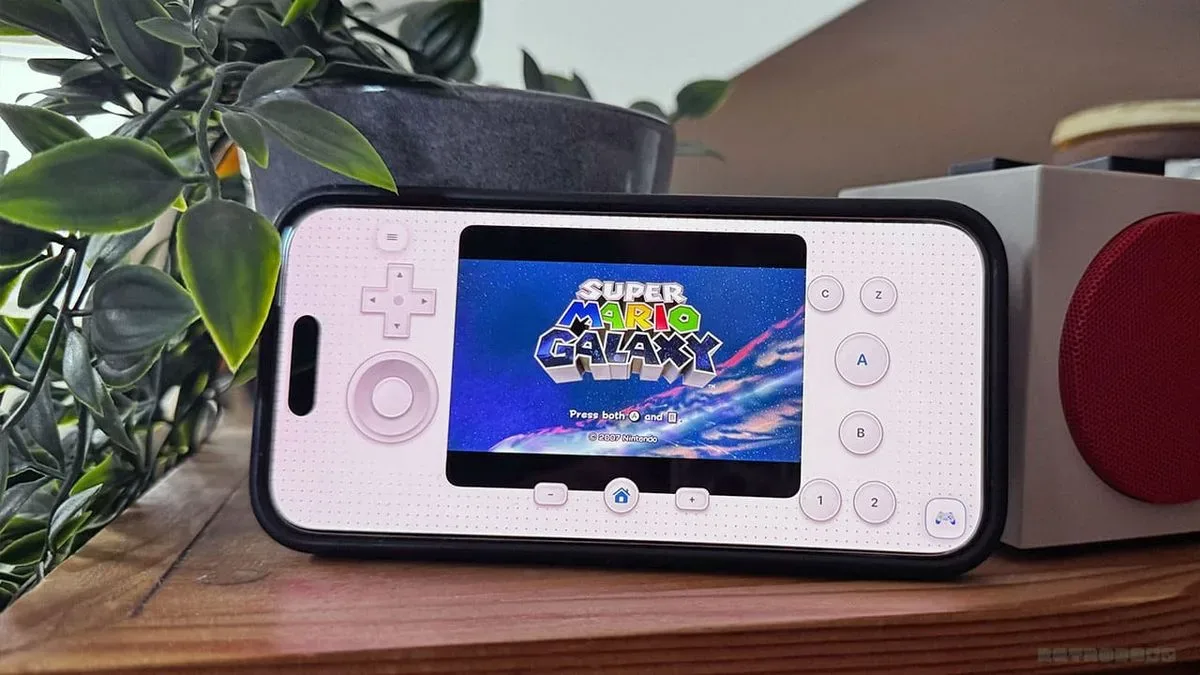
The visual design is central to that approach. SUMEE! offers both light and dark modes and a selection of themes, allowing users to change backgrounds and color schemes. Its console-menu presentation evokes the Wii and Nintendo 3DS, giving the app more of the appearance of a handheld game hub than a technical utility. That can be meaningful on a phone, where a touchscreen interface already asks users to make compromises around controls, display size and quick access.
The app also includes options to play iOS games, import external ROMs, browse the web, access a SUMEE portal and use ManicEmu. Additional areas mentioned for future exploration include sketching, visual settings and a SUMEE app store. Those are broad feature claims rather than a substitute for a full compatibility assessment, but they indicate that SUMEE! is trying to serve as a wider gaming interface rather than a bare launch screen.
AirPlay is the feature with the biggest living-room upside
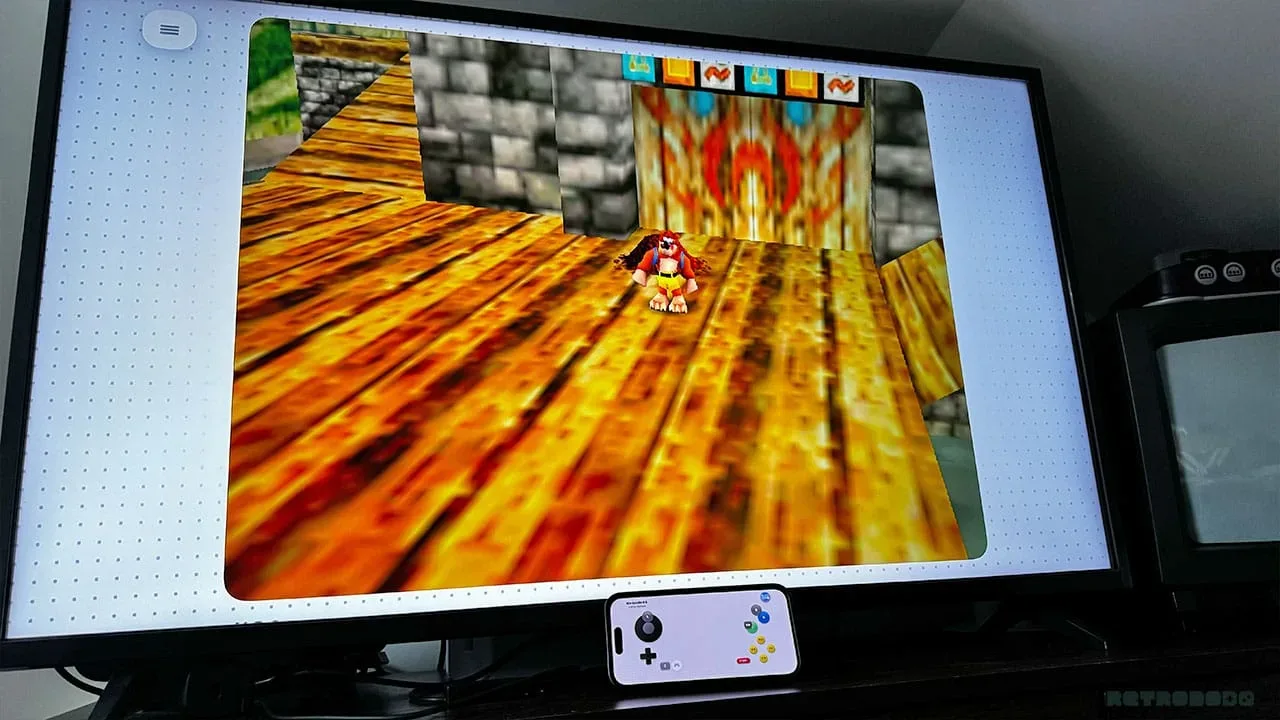
SUMEE!’s AirPlay support may be its most immediately practical feature. When a compatible game is sent to a television through AirPlay, the iPhone can operate as the controller. In other words, the phone can become a portable console for loading a game, while the television supplies the larger display.
That is a particularly natural fit for GameCube and Wii-era games, where playing on a television changes the feel of the experience considerably. It also makes the app’s Wii-like presentation more than a visual reference: the device can function like a compact launcher and controller combination rather than only a phone screen with virtual buttons.
Related coverage includes SUMEE! Brings a Wii-Inspired Multi-System Emulator Interface to iPhone.
There are still practical questions players should consider. The supplied information confirms the phone-controller behavior but does not establish support details for external controllers, specific AirPlay hardware, latency expectations or every control configuration. Anyone considering SUMEE! primarily for television play should treat those points as items to verify in the app rather than assumptions.
Early performance: Wii and GameCube look encouraging
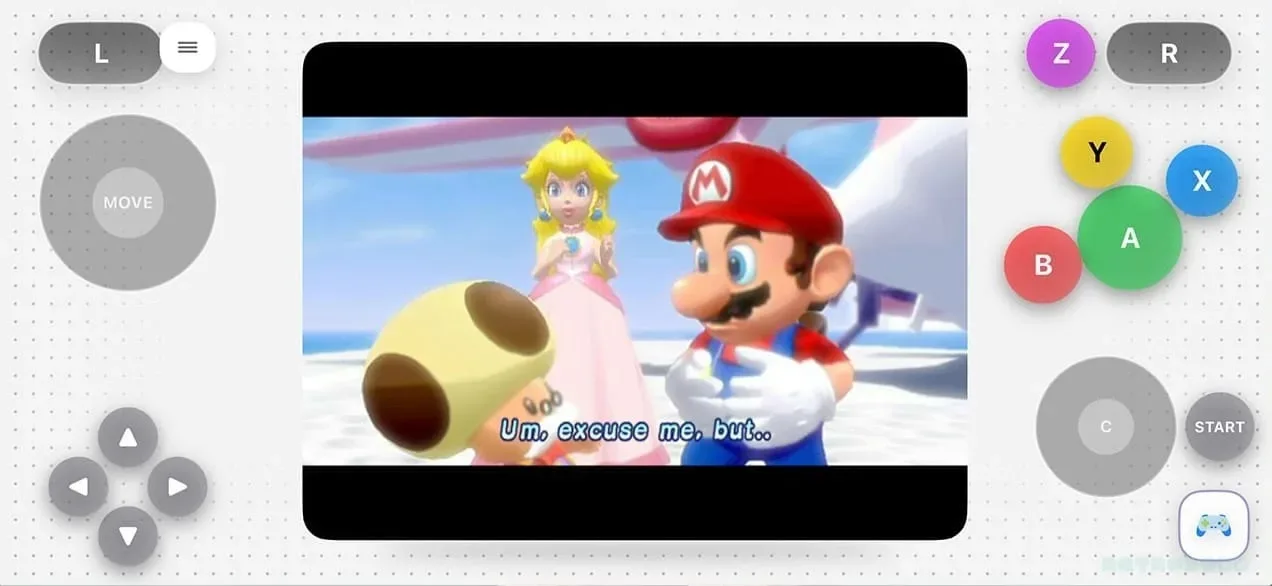
Initial use on an iPhone 15 Pro produced encouraging results through the Wii generation. Super Mario Galaxy was described as very playable. There were occasional moments where the music slowed down, a sign of intermittent lag, but character movement remained functional. That is a promising result, while also making clear that “playable” is not the same thing as flawless performance.
GameCube emulation also fared well in the early check. The GameCube core was already present, avoiding the need to configure external files before loading Super Mario Sunshine, and gameplay was reported to run properly. Nintendo DS performed well too, along with systems up to Nintendo 64.
For a player comparing apps, the convenience here is as notable as the individual game results. A core that is ready to use can remove a barrier that routinely complicates emulation, especially for people who simply want to revisit a game rather than study a stack of technical options first. But individual titles remain the real test. A positive result in one game is useful evidence, not a universal guarantee for an entire platform.
PSP is the clearest reminder that performance varies
The PSP results were more mixed. In God of War: Chains of Olympus, cutscenes reportedly ran well while gameplay slowed down at times. That split illustrates why broad platform labels can be misleading: an emulator may handle menus, video and certain scenes well but struggle when a game demands more during active play.
Device generation may also affect the result. The early testing was conducted on an iPhone 15 Pro, and newer hardware could potentially change the experience, but no comparative device testing is provided. It would therefore be premature to treat PSP performance as settled across the iPhone range.
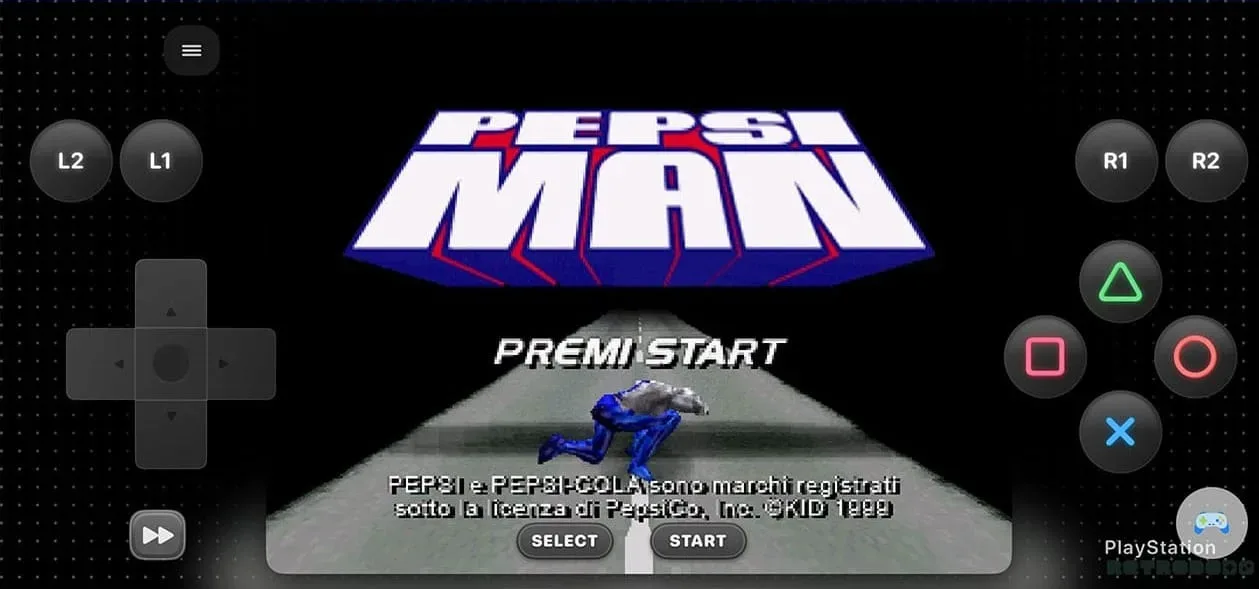
Original PlayStation output was stronger in the tested example. PepsiMan ran very well without installing a PlayStation BIOS. A BIOS, short for Basic Input/Output System, is firmware associated with a console’s startup and low-level functions. Some emulators can use it to improve accuracy or compatibility; SUMEE! prompted for installation in this case, but the tested game worked without it. That should not be read as proof that every PlayStation game will behave the same way.
What is included, and what users must bring themselves
SUMEE! supports importing external ROMs. A ROM is a digital game file, typically made from data originally stored on a cartridge or disc. The app itself is not presented as a library of commercial games. Users need to supply game files, and the sensible path is to use games they have legally acquired.
The app comes with Dusklight pre-installed, described as a port of The Legend of Zelda: Twilight Princess. To begin using it, the player still needs a legally acquired Wii ROM of the game. The port was reported to work properly and offers graphical improvements, with the additional option of sending play to a television via AirPlay.
This is an important practical distinction. An emulator is software that imitates hardware behavior; it does not automatically grant rights to games. The convenience of importing a file, selecting a theme and starting play does not remove the responsibility to make sure the game file has been obtained legitimately.
Switch emulation is listed among SUMEE!’s supported cores, but it was not tested in the supplied material because Switch software remains actively sold and the topic raises obvious concerns. There is no performance claim here for Switch games, and there should not be one inferred from the Wii or GameCube results.
Xbox means cloud streaming, not an Xbox emulator
The Xbox label in SUMEE!’s platform list needs the same care. It refers to Xbox Cloud Gaming, not emulation of original Xbox, Xbox 360 or newer Xbox hardware. That means compatible Xbox games are streamed through Microsoft’s cloud service rather than run locally on the iPhone through SUMEE!.
The difference affects what users should expect. Local emulation relies on the phone and the emulator core to run a game file. Cloud gaming depends on the streaming service and network connection. SUMEE! may provide a convenient place to access the service, but it is not turning the iPhone into local Xbox hardware emulation.
Who SUMEE! appears to suit
SUMEE! looks most appealing to iPhone players who value a unified, approachable front end and want to move among older systems without committing to a dense configuration-first experience. Its £1.99 one-time price is also easy to understand compared with a recurring charge, though prospective users should still decide whether its supported systems and interface are worth that cost for their own libraries.
The strongest early use case is retro play through Wii and GameCube, especially for someone who wants both portable play and a quick AirPlay route to a television. Game Boy through Nintendo 64 support adds breadth, while the positive DS and PlayStation examples suggest useful coverage beyond Nintendo home consoles.
Players whose priority is PSP should approach with more caution due to the slowdown observed in active gameplay. Likewise, users seeking Switch results or local Xbox emulation will not find substantiated performance evidence for those expectations here. For more on the larger debate around what modern gaming hardware is meant to deliver, see this look at gaming PC expectations.
SUMEE!’s early promise is not that it solves every emulation question. It is that it makes the multi-system iPhone experience feel more intentional: a game-focused dashboard, built-in cores for a broad set of older machines, customization, ROM importing and a television option in one small paid app. The tested Wii and GameCube performance gives that promise some weight, while the PSP slowdown and untested platforms are useful reminders to judge compatibility game by game.