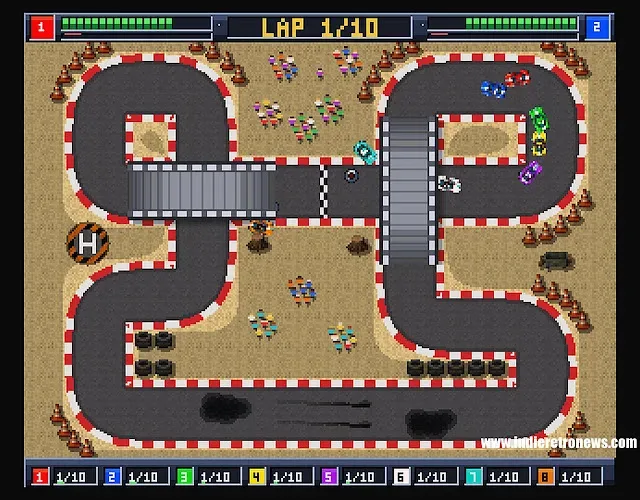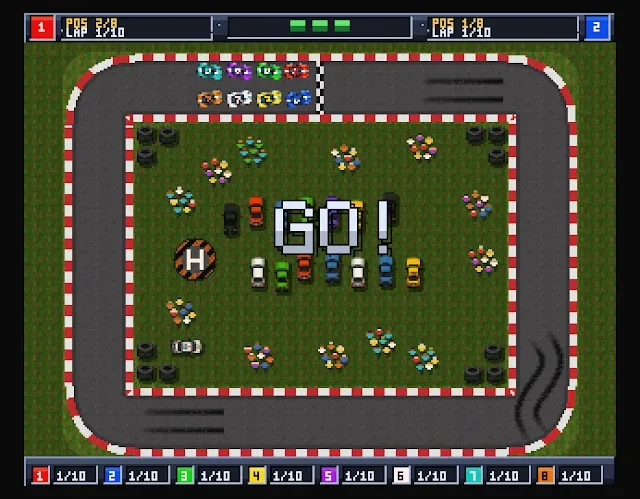
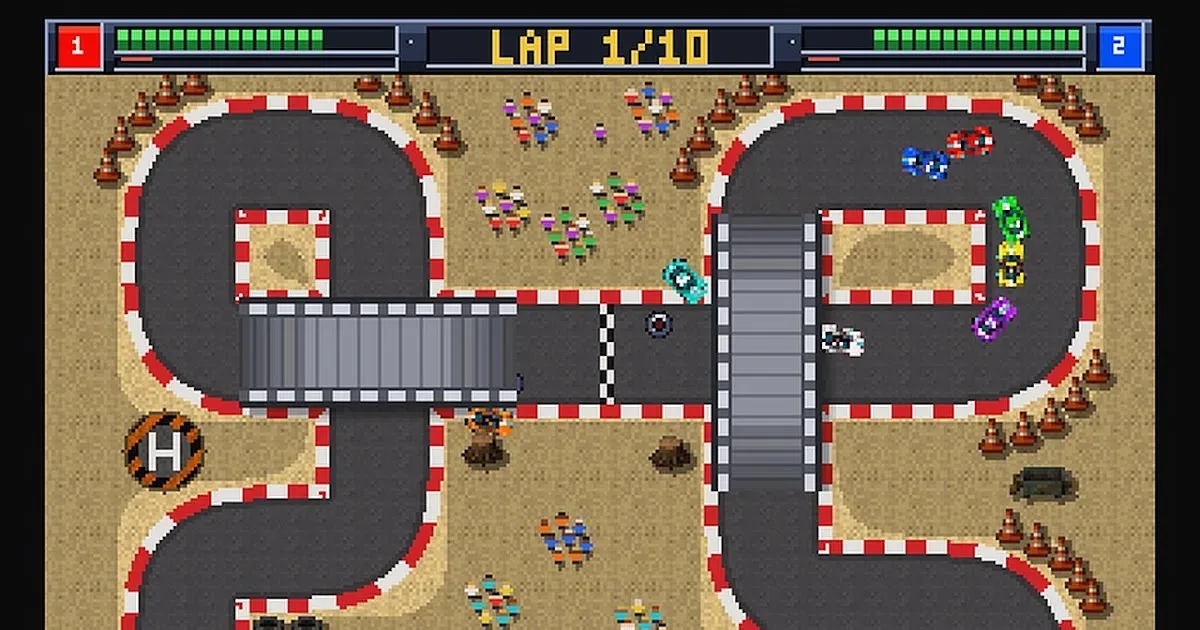
Race or Destroy, described as a fast top-down racing game for one to three players, has a notably specific setup target: a PAL Amiga with the AGA graphics chipset. Compatible machines listed for the game are the Amiga 1200, Amiga 4000, and CD32 when paired with a keyboard.
The practical message for prospective players is straightforward: this is software for a comparatively expanded Amiga setup, not a title that should be assumed to run comfortably on every basic configuration. The listed baseline is 2 MB of chip RAM, at least 4 MB of fast RAM, and a hard disk. An 8 MB fast-RAM configuration is identified as the more comfortable option.
The required Amiga setup
- A PAL AGA Amiga: Amiga 1200, Amiga 4000, or CD32 with a keyboard
- 2 MB chip RAM
- At least 4 MB fast RAM
- A hard disk
- Enough free chip RAM to launch the game cleanly
The PAL qualification matters. PAL is the video standard specified for this release, so users should not treat compatibility with other regional display configurations as established by the available information. Likewise, AGA is a firm requirement rather than a casual recommendation. In Amiga terms, AGA refers to the Advanced Graphics Architecture used by the compatible systems named above; it is distinct from earlier Amiga graphics hardware.
That leaves owners of the listed AGA machines with a sensible first check before attempting to run it: confirm the machine’s memory configuration, confirm that it is operating in the required PAL environment, and make sure hard-disk storage is present. The hard disk is not merely a convenience in the stated setup. The game saves a small file inside its own drawer, so writable storage is part of normal use.
Chip RAM is the key constraint
The most important detail is the game’s chip-RAM use. Race or Destroy uses nearly all the chip RAM available in a stock Amiga 1200. Because 2 MB is both the specified amount and close to the game’s effective working ceiling on that machine, leaving other programs open can turn a technically compatible computer into an unreliable launch environment.
Chip RAM is memory shared with the Amiga’s custom hardware, including graphics-related duties. For a game built around rapid top-down racing, that shared pool is especially relevant: the stated requirement makes clear that Race or Destroy expects almost the full stock allocation. The useful takeaway is not that every Amiga 1200 is unsuitable; it is that an A1200 should be treated as a lean, purpose-focused game session when launching this title.
Closing other programs first is specifically advised. That is a practical preparation step, not an optional optimization tip. Players who encounter launch trouble or instability should begin there rather than assuming the machine lacks the right chipset or that the game itself is at fault.
What “close other programs” means in practice
Race or Destroy can be started from Workbench, AmigaOS’s graphical desktop environment, or from a Shell, the command-line interface. Whichever route is used, the point is to avoid unnecessarily consuming chip RAM before the game starts. A tidier Workbench session gives the game the best chance of claiming the memory it expects.
Related coverage includes Race or Destroy Sets Out Its Amiga AGA Hardware Requirements.
This requirement also explains why the memory list has two separate entries. A system may have enough total memory in a broad sense while still needing the right division between chip RAM and fast RAM. The 2 MB chip-RAM requirement cannot simply be read as a request for 2 MB anywhere in the system.
Fast RAM: minimum versus comfort
Fast RAM is additional memory outside the chip-RAM pool. Race or Destroy asks for at least 4 MB of it, while identifying 8 MB as comfortable. That distinction is useful for anyone deciding whether their current expansion is enough or whether an upgrade would offer more breathing room.
The confirmed minimum is 4 MB fast RAM. A machine at that specification meets the stated threshold. But “comfortable” is a deliberate qualifier: 8 MB fast RAM is the configuration presented as the easier fit. It should not be misread as an absolute requirement, and 4 MB should not be described as unsupported. Instead, the information sets out two clear expectations: 4 MB is the floor, while 8 MB gives the game a less constrained environment.
For an Amiga owner checking an older system, this makes the memory audit refreshingly concrete. Verify 2 MB of chip RAM, then look separately for at least 4 MB of fast RAM. If the system has 8 MB fast RAM, it matches the more comfortable recommendation. If it does not meet the 4 MB minimum, the supplied requirements do not support expecting the game to run as intended.
Workbench or Shell, but not WHDLoad
Race or Destroy runs from either Workbench or a Shell. That gives users a graphical and a command-line launch route, but the distribution model has one important limitation: it is not a WHDLoad install.
WHDLoad is often associated with running Amiga software from hard-disk-based installs, but it is not the method used here. Players should therefore avoid treating a WHDLoad setup as a prerequisite or looking for this game under that assumption. The stated paths are direct operation from Workbench or the Shell.
The hard-disk requirement remains central despite that distinction. The game keeps a small save file in its own drawer. In Amiga terminology, a drawer is a directory or folder. That means the game expects an installation or working location where it can create and maintain that small piece of saved data. It also gives players a clear place to look if they need to identify the game’s own saved file: its dedicated drawer, rather than an unspecified system-wide location.
A practical pre-launch checklist
- Confirm the platform: use an AGA-equipped Amiga 1200 or Amiga 4000, or a CD32 with a keyboard.
- Confirm the video requirement: the game is specified for PAL systems.
- Check chip RAM: 2 MB is required, and a stock Amiga 1200’s chip RAM will be used almost completely.
- Close other programs: do this before launch to preserve as much chip RAM as possible.
- Check fast RAM: ensure at least 4 MB; 8 MB is the more comfortable configuration.
- Check storage: a hard disk is required because the game writes a small save file in its own drawer.
- Choose a launch method: start it through Workbench or a Shell, not through WHDLoad.
Why the detail matters for a three-player racer
Race or Destroy’s one-to-three-player framing makes its system notes particularly useful for anyone preparing a shared session. The available information does not specify controllers, game modes, track count, or other play details, so those should not be assumed. What is clear is that the technical groundwork needs to be finished before the first race: the compatible PAL AGA system, the required memory split, free chip RAM, and a hard disk for the game’s save data.
For players exploring the modern Amiga homebrew and independent scene, its requirements also underline a familiar reality: “Amiga game” is not a single universal hardware target. AGA support, PAL operation, memory types, and launch method can all matter. Anyone looking for another recent Amiga-focused project can also read about Woody’s World, an Amiga platformer built around exploration.
Race or Destroy’s setup notes are therefore best read as a compatibility checklist rather than background fine print. Meet the AGA, PAL, memory, storage, and launch requirements first; keep the machine’s chip-RAM load low; and use Workbench or Shell for a direct run. That is the documented path for getting this fast top-down racer onto the road.