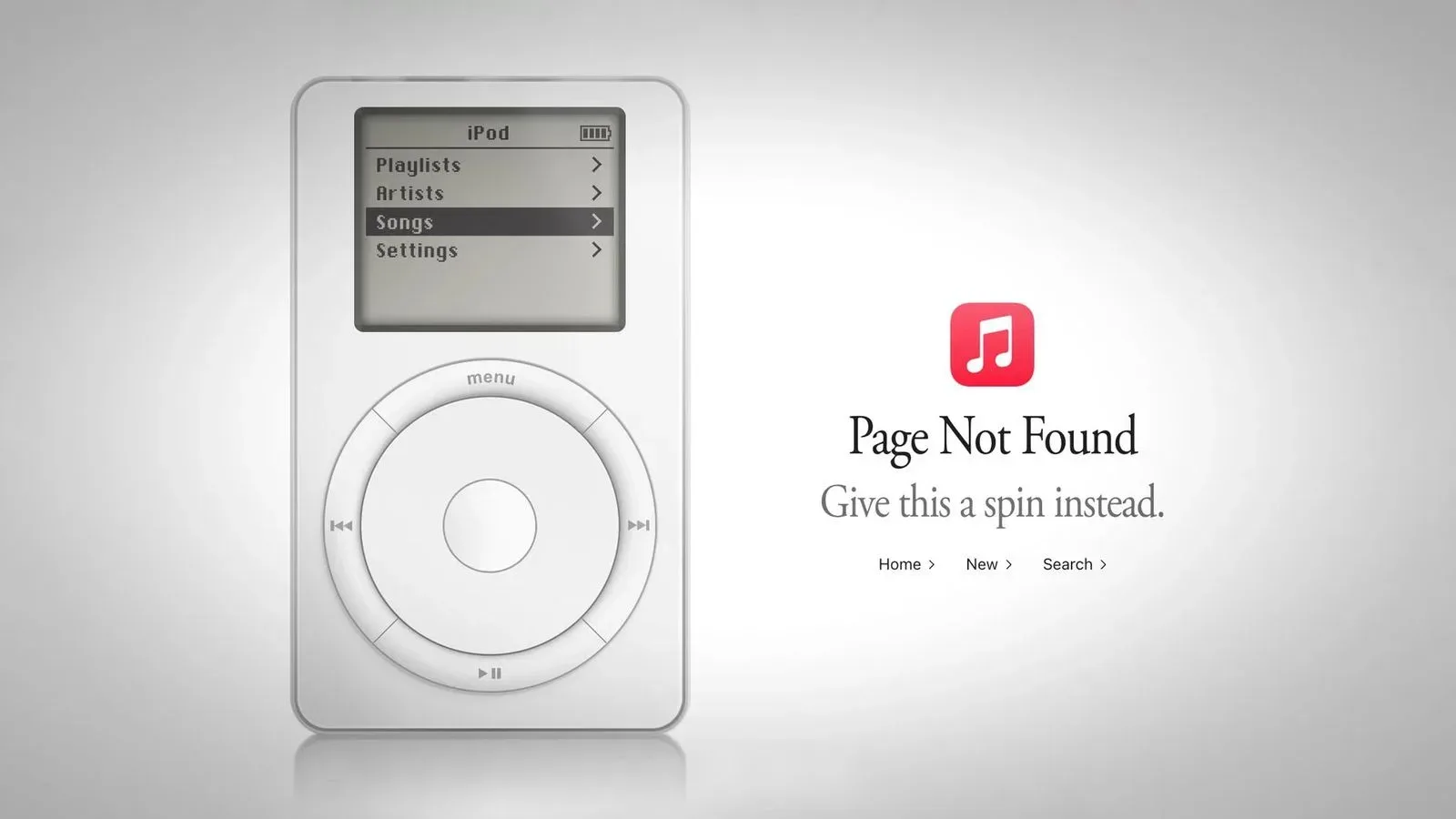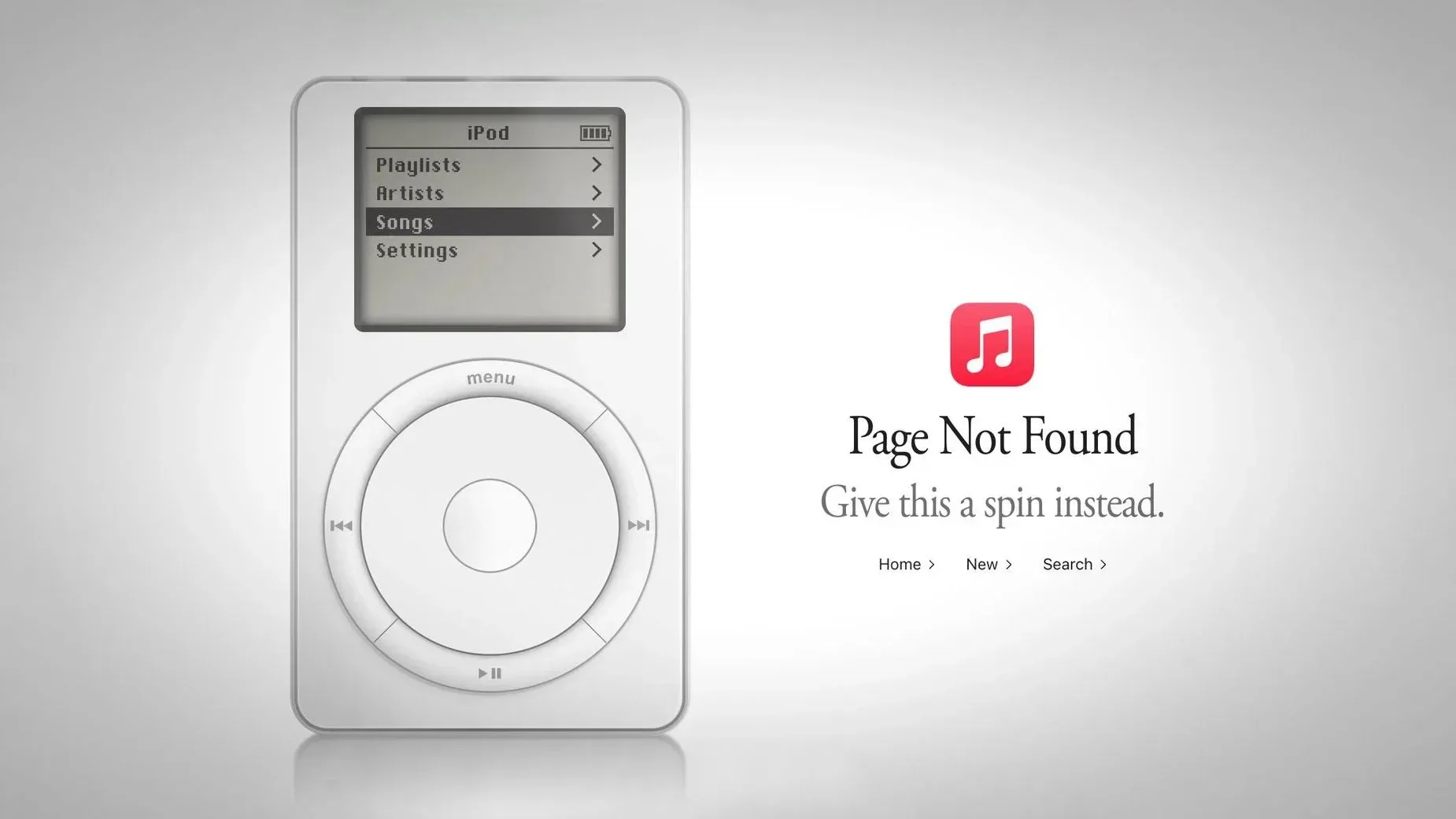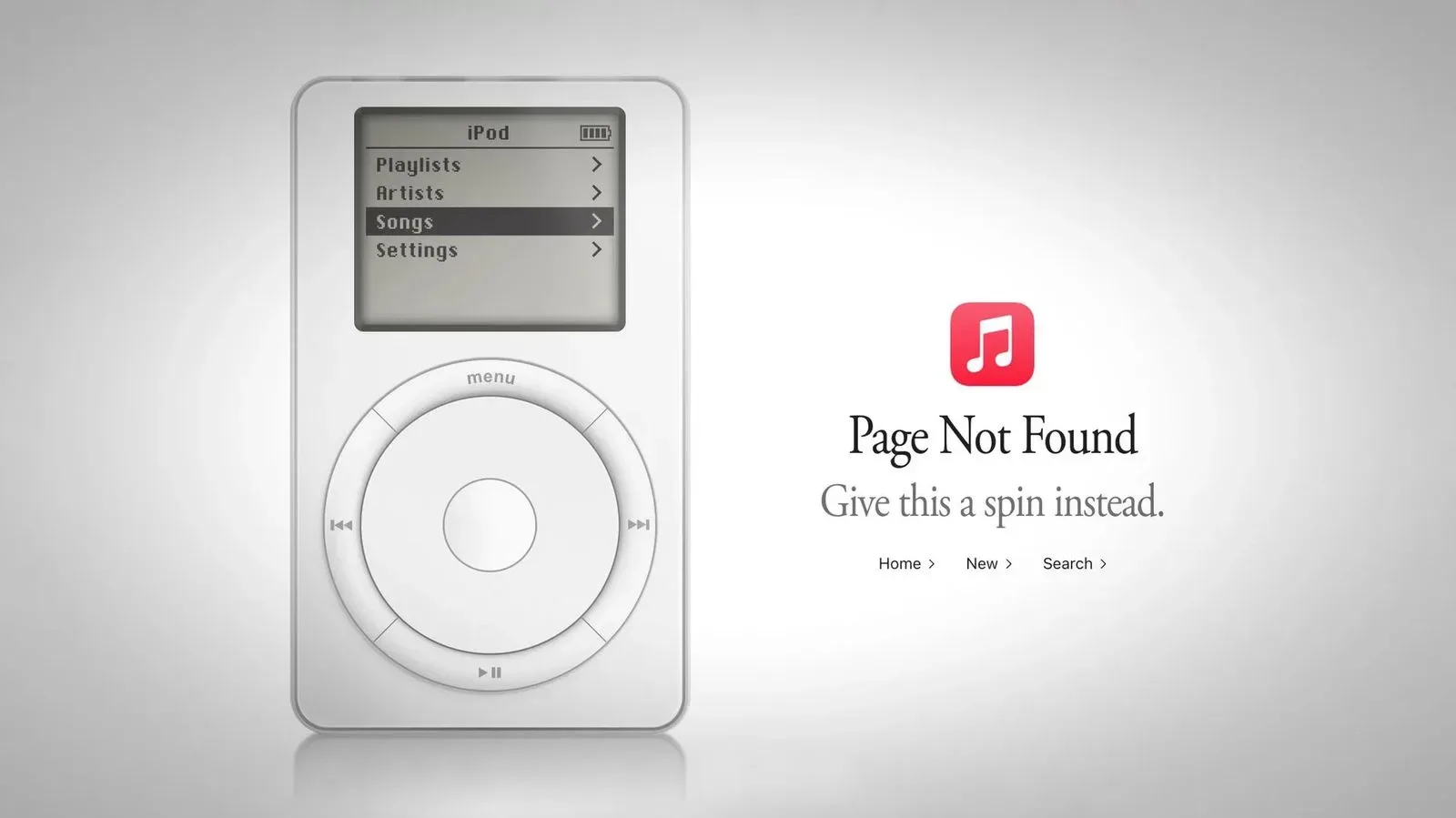
Apple Music’s web experience has turned a dead end into a tiny piece of interactive tech nostalgia. Visit a page that does not exist on the service and, rather than receiving only a conventional error message, visitors can be presented with a functional first-generation iPod recreation. The virtual player uses the famous click-wheel interface, offers short previews from a selected music catalogue and conceals one more game-related surprise beneath its Settings menu: Breakout.
It is a pleasingly layered Easter egg. The first layer is the iPod itself, appearing where a missing page would normally be a decidedly unromantic moment. The second is an interactive reference to a foundational arcade game, accessed through a sequence that rewards the kind of curious button pressing the original devices encouraged.
A 404 page that hands you an iPod
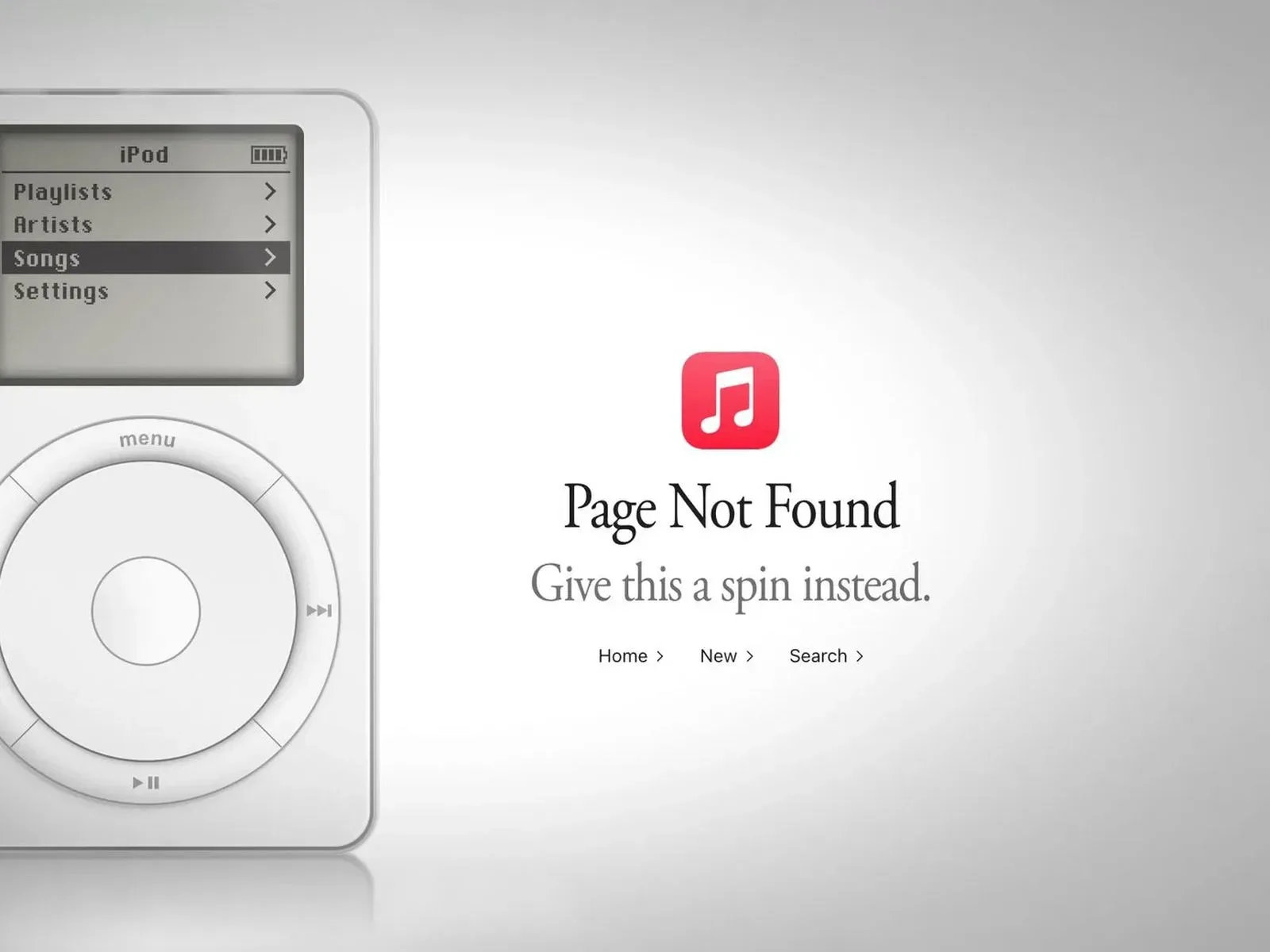
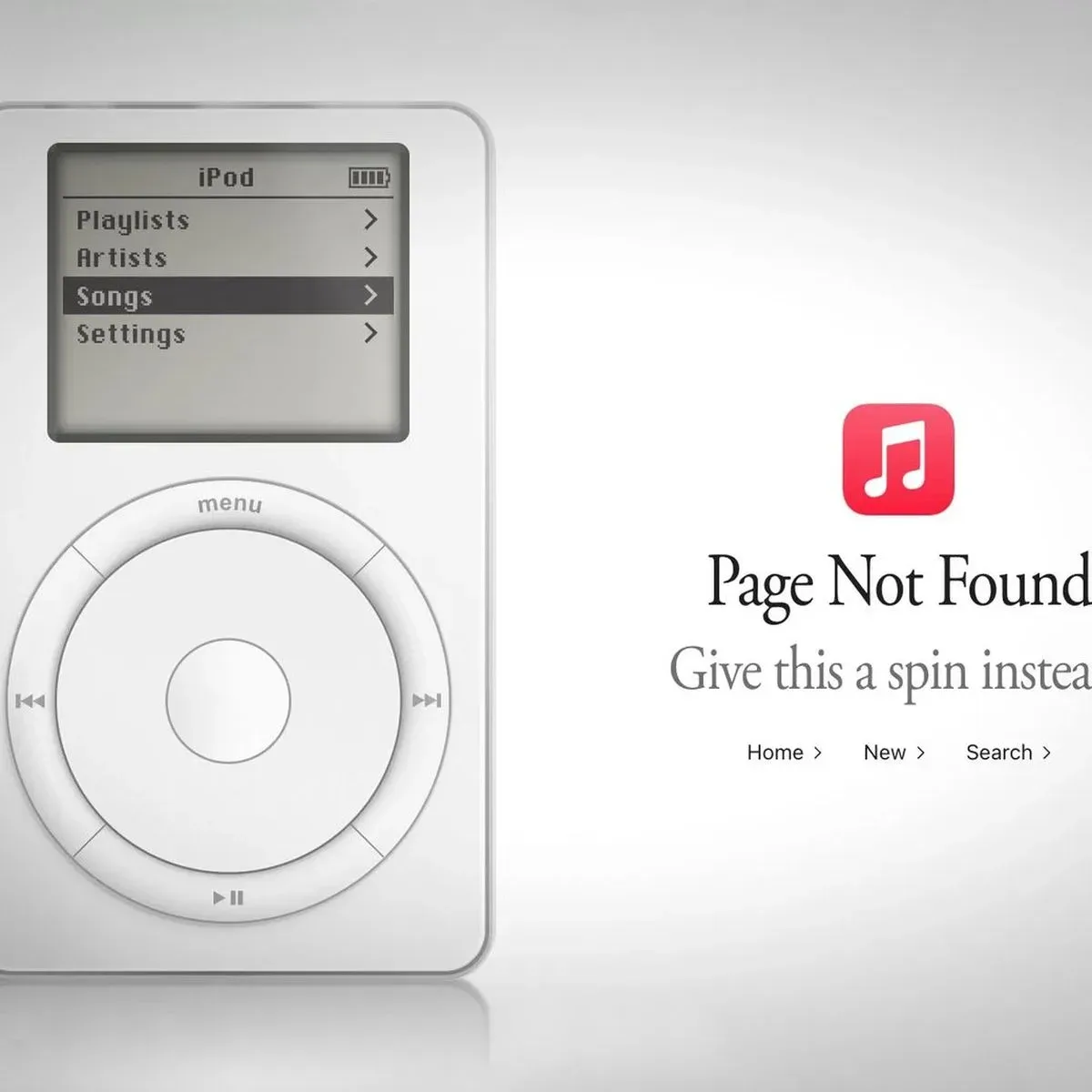
The iPod appears on Apple Music’s website when a visitor loads an unavailable address, such as music.apple.com/macrumors. The page labels the destination as unavailable and suggests users “Give this a spin instead,” with the virtual iPod serving as the alternative.
There is a small wrinkle to the presentation. Going directly to music.apple.com/ipod produces different wording: “Looking for something?” That distinction makes the miniature player feel intentionally placed both as a playful response to an error and as a destination that can be sought out on its own.
For more context, explore iPhone Duo Launch Deals Put Trade-Ins, Cases and Mac Hardware in the Same Shopping Cart.
The feature is web-only. It does not appear inside the Apple Music app, which matters for anyone opening Apple Music links on a device where the app normally takes over. On a Mac, holding Command while selecting the link can keep the destination in a browser. On iOS, press and hold the link, then select “Open” to reach the browser version rather than being passed into the app.
What “functional” means here
This is not merely an illustration of an iPod pasted onto an error screen. Visitors can navigate it using a recreation of the first-generation iPod’s click wheel. In practical terms, the circular control acts as the interface for moving through the on-screen options, while the center control confirms a selection.
The device also plays 90-second previews of select tracks. The available music spans a broad group of artists, including Alicia Keys, Beyoncé, Britney Spears, Coldplay, Daft Punk, Drake, Dr. Dre, Eminem, Fall Out Boy, Foo Fighters, Justin Timberlake, Lady Gaga, Michael Jackson, Panic! At The Disco and U2.
The preview limit is worth stating clearly: this is a curated, short-form listening element built into the Easter egg, not evidence that the page turns the browser into a complete old-iPod music library. Its real appeal is the interface and the act of navigating it—the feel of choosing music through an object built around a wheel instead of a touchscreen feed.
The hidden game inside the hidden iPod
The most game-specific detail is tucked inside the iPod’s menus. Navigate to Settings, then About, and click and hold the click wheel’s center button. Eventually, the screen can launch Breakout.
That is an Easter egg within an Easter egg: a concealed game nested inside a simulated music player, itself hidden on a page normally associated with an error. The required hold is important. Simply reaching the About screen is not the entire input sequence, so users expecting an immediately visible game option may miss it.
Breakout is especially fitting here because of its relationship to Apple’s early history. Steve Wozniak and Steve Jobs helped create the game while working at Atari in the 1970s. Their involvement gives the inclusion more weight than a random retro-game reference. A modern Apple Music web page is using an iPod shell to point back toward an Atari-era game connected to two Apple co-founders.
Why the reference works
In the context of this web feature, Breakout operates as a historical nod rather than a claim that the iPod was fundamentally a game system. The game’s appearance is about the connective tissue among Apple, the iPod and arcade history. The first-generation iPod visual supplies the recognizable hardware language; the game supplies the deeper archival wink.
It also gives the click wheel a role beyond browsing music. The control scheme is central to the identity of the original iPod, and the Easter egg asks visitors to actively use it rather than only admire it. That small design decision turns the page from a static nostalgia image into something closer to a miniature interactive exhibit.
A reminder of the iPod era’s endpoint
Apple discontinued the iPod touch in 2022, ending the iPod era. That makes this web-only recreation a different kind of iPod encounter: it is not a new standalone device, and it is not an Apple Music app feature. It is a browser curiosity that briefly restores the visual language and navigation style of the original product line.
There is an interesting contrast in that setup. Apple Music is a present-day streaming service, but the 404 page uses a first-generation iPod model associated with a much earlier approach to digital music. The inclusion of 90-second previews keeps the experience tied to the current web service, while the click wheel and menu hierarchy do the nostalgic work.
That does not make the page a replacement for older hardware, nor does it suggest that a revived iPod product is on the way. The evidence supports a much narrower, and arguably more charming, reading: Apple has built a deliberately hidden web interaction that lets people browse a stylized classic player, sample selected tracks and uncover a game linked to its own history.
How to find the two Easter eggs
- Open Apple Music in a web browser rather than the Apple Music app.
- Load a non-existent Apple Music web address, or visit the dedicated iPod URL.
- If your device tries to send you to the app, use Command-click on Mac or press and hold on iOS before choosing “Open.”
- Use the click wheel to explore the first-generation iPod interface and its music previews.
- For the game, open Settings, choose About, then click and hold the center button until Breakout appears.
For retro-game fans, the value is not in a sprawling new release or an exhaustive historical archive. It is in the specificity of the reference. A routine web error can unexpectedly lead to an iPod; a menu within that iPod can lead to Breakout; and the game in turn points to a formative period involving Wozniak, Jobs and Atari. That is a lot of cultural circuitry packed into a page people would ordinarily see only after typing the wrong URL.
The oddest part may be that the path to it begins with failure. In this instance, not finding the page is precisely how visitors find the feature.