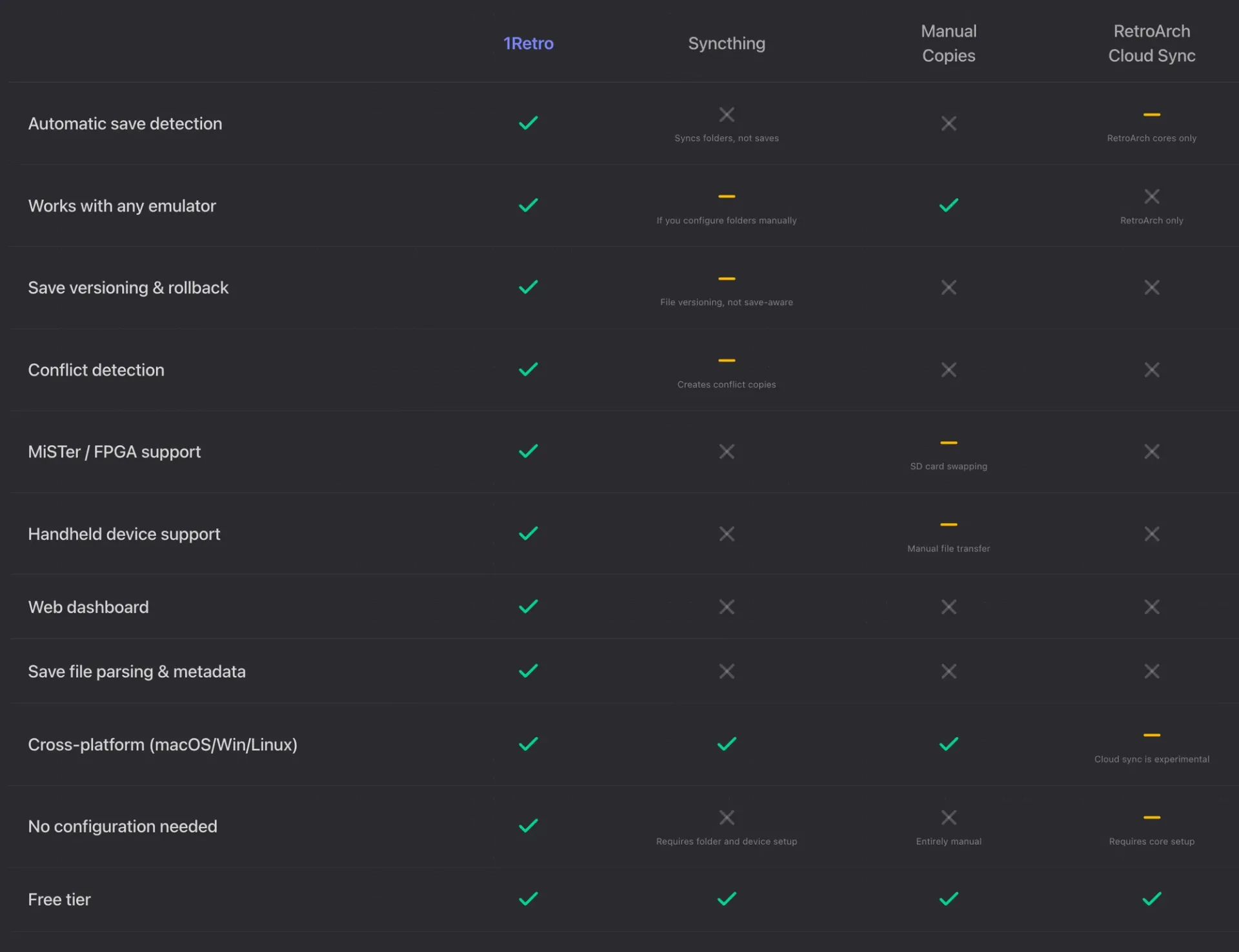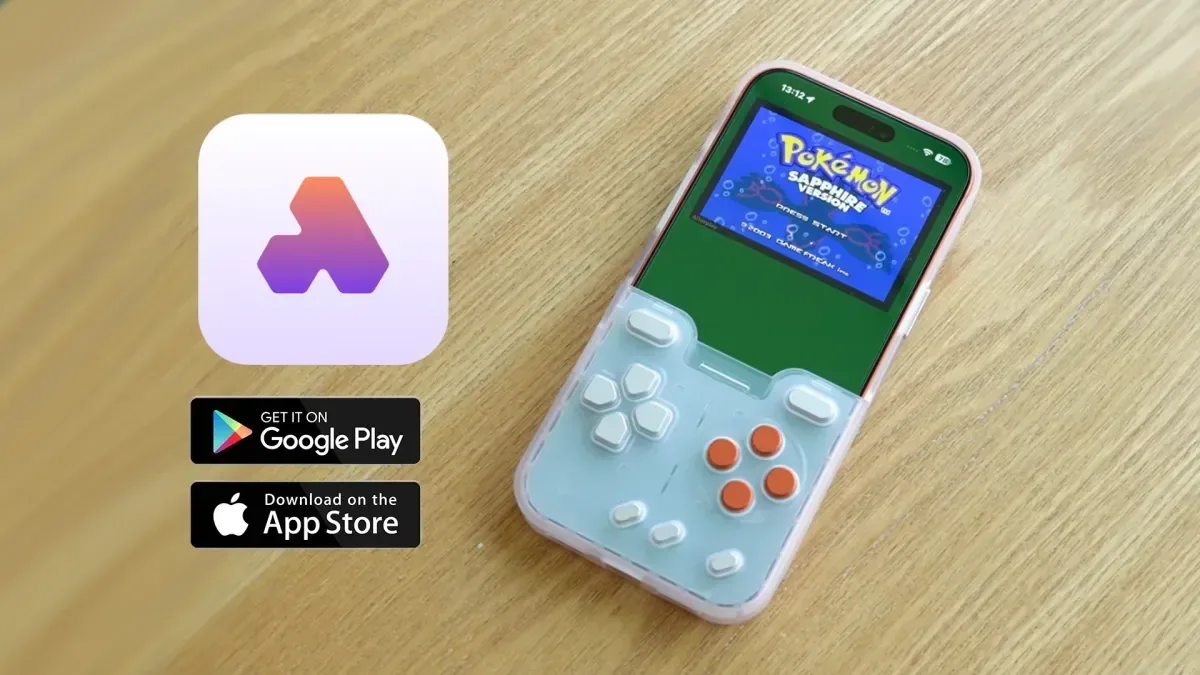
Moving between emulation devices usually means moving a lot more than a microSD card. Save files can live in different folders, use different naming conventions, or simply remain on the handheld where a game was last played. A new tool called 1Retro, developed by Hans Larsen, is designed to make that part of retro gaming less fragile: it backs up and syncs emulator progress through the cloud across compatible devices.
The pitch is straightforward. Rather than treating a save as a small, easily misplaced byproduct of emulation, 1Retro treats it as progress worth preserving. The platform began as a backup utility for a single emulator before growing into a desktop app and then a wider sync platform. Its stated aim is to put save handling in the background so players can pick up where they left off after changing devices.
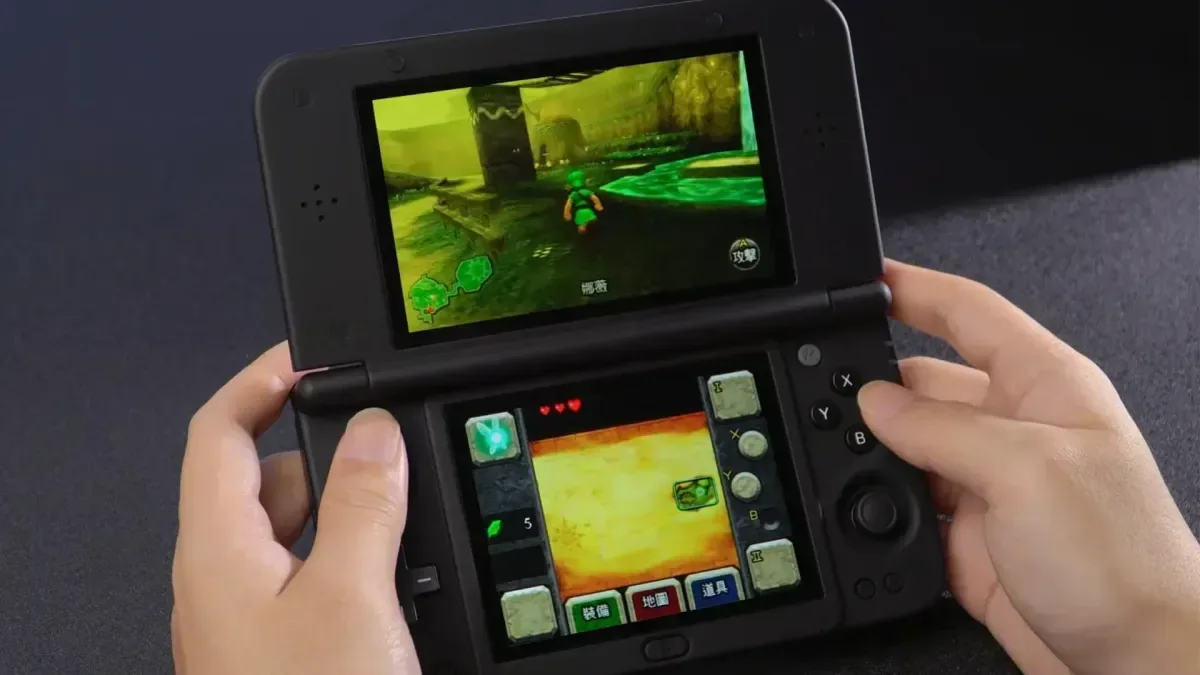
That addresses a particularly familiar problem for handheld-emulation fans. A game may be played on one device during a commute, on a PC later, and on another handheld after an upgrade. Without a central backup, continuing the same adventure can turn into a manual file-management job—or, worse, an accidental restart after a save is left behind or storage fails.
What 1Retro is meant to manage
1Retro is focused on save data, including save states. These are distinct from a game’s ordinary in-game save. A standard save is created by the game itself, such as using a save point or selecting “Save” from a menu. A save state is a snapshot created by an emulator, recording the game’s current state at a particular instant. That can be convenient, but it also makes preserving the associated files important for anyone who relies on them.
The service presents stored games with artwork and identifies the device on which data was stored. Its interface is described as basic, but the apparent simplicity is part of the appeal: a save-management tool does not need to mimic a full emulator when its job is to keep the player’s files available and current.
Automatic refreshing across multiple devices is the central convenience. In practical terms, a player who alternates between compatible setups should not have to repeatedly copy files by hand to locate their latest progress. That is especially useful for people with more than one handheld, a desktop setup, or both.
Platforms and hardware named for support
1Retro is described as working across macOS, Windows and Linux, while the broader list of compatible environments includes Android, PC and Mac use, plus handheld operating systems such as muOS, NextUI and OnionOS. MiSTer FPGA is also named.
That range matters because retro play is no longer confined to one form factor. A desktop computer, a Linux-based handheld and an FPGA machine can all be part of one player’s routine, yet their storage layouts and workflows may differ. A cloud-oriented service is trying to provide one place for the personal data that travels between those setups.
Related coverage includes 1Retro Brings Cloud Save Sync to Retro Emulation Devices.
The inclusion of MiSTer FPGA is notable in this context. FPGA, short for field-programmable gate array, refers to hardware that can be configured to reproduce the behavior of other hardware systems. Regardless of the technical route a player takes to run older games, the continuing campaign, cleared stages and carefully maintained progress are still represented by data files that need managing.
There is also a connection to physical cartridges through the Epilogue GB Operator. The GB Operator can be used to take save data from a cartridge and place it in cloud storage through the 1Retro workflow, then move that data to emulators. The transfer can run in the other direction as well, allowing emulation save files to be written back to physical cartridges.
That two-way capability could be valuable for players who move between original games and modern hardware rather than choosing exclusively between them. It also reinforces the important distinction between collecting a cartridge and preserving the progress attached to it: the game may be physical, but a long-running playthrough is a separate piece of personal data.
Why backup is more than a convenience
MicroSD cards remain a common place to keep files on emulation handhelds. They are portable and convenient, but a single card is also a single point of failure. If data becomes corrupted, is overwritten, or stays on a card that is no longer being used, saves can become difficult to recover. Keeping a separate cloud copy is therefore a backup strategy as well as a device-switching feature.
For retro players, that protection can matter even when the games themselves are easy to revisit. Replaying a title is one thing; recreating a personal set of game saves, an in-progress RPG party, a difficult late-game checkpoint, or a sequence of carefully placed save states is another. The software’s preservation framing is less about replacing games than retaining the record of time already spent with them.
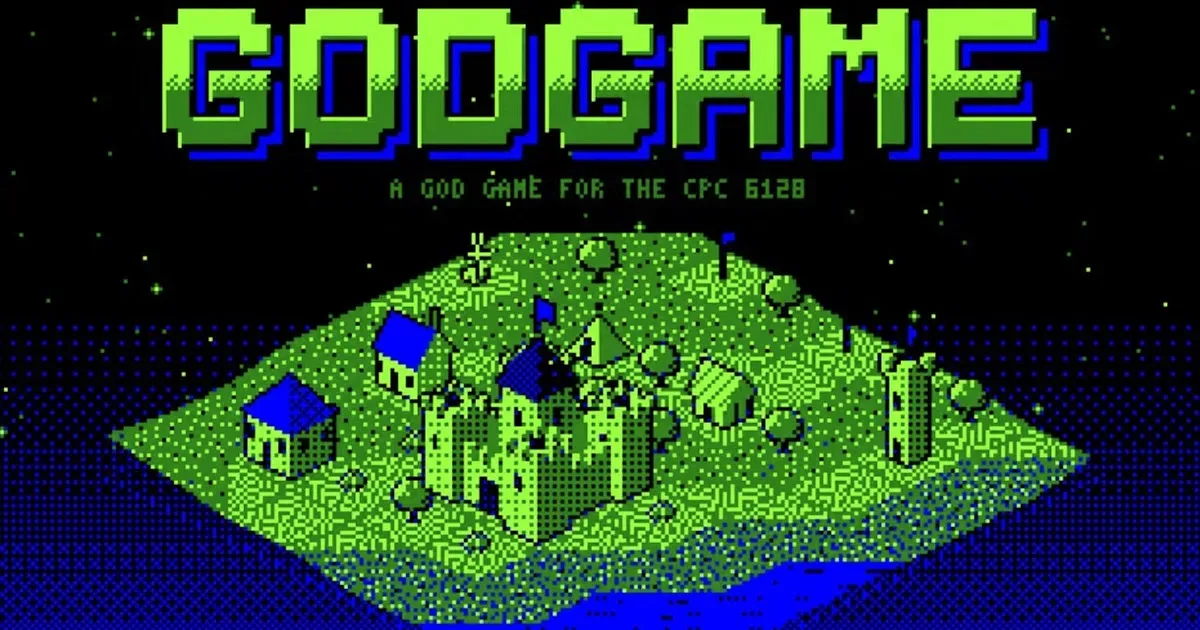
It fits neatly alongside the continuing interest in new ways to use older systems and software. For example, projects such as GODGAME’s development for the Amstrad CPC 6128 show how retro hardware remains an active space. Tools that reduce the risk around saves may be increasingly relevant as players spread their retro libraries across original machines, FPGA platforms, computers and portable devices.
Storage and subscription details
1Retro can be used free of charge with 20MB of storage. The service estimates that amount is enough for roughly 5,000 save states across games and emulators. Actual use will naturally depend on the files involved, but the figure illustrates how small save-related files can be relative to game images or other media.
Paid tiers are listed at $2, $5 and $10 per month. Higher tiers provide additional storage and premium features; the service says one such feature is use on as many as 10 devices. Players considering a subscription should weigh the number of systems they actively rotate through and whether their priority is simple off-device backup, automatic synchronization, or cartridge-to-emulator movement through supported hardware.
What users should keep in mind
Cloud synchronization is most helpful when a player is clear about which save is the latest one. The platform is intended to refresh files across devices, but save data is still valuable personal data. Before replacing local files or shifting progress between a cartridge and an emulator, it is sensible to retain a known-good copy where possible. That is not a feature claim about 1Retro; it is a general precaution whenever moving saves between devices and formats.
Compatibility also matters more than a broad platform label. The named support spans several operating systems and tools, but individual players will want to verify that their specific emulator, handheld operating system and desired workflow are covered before depending on it for a major playthrough. The GB Operator option is specifically relevant to people who own that hardware and want to bridge cartridge saves with emulation.
For the right setup, 1Retro’s appeal is easy to understand. It seeks to make the least glamorous part of retro gaming—finding, copying, protecting and updating saves—largely invisible. As handheld collections and multi-device play habits grow, a service built around carrying progress forward may be as useful as the hardware that runs the games.