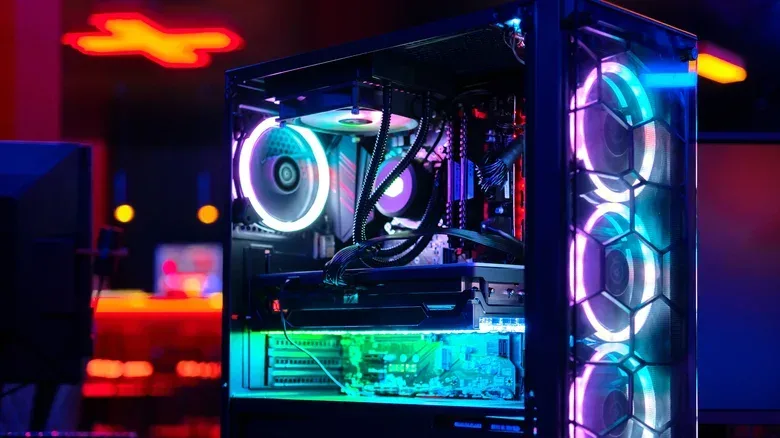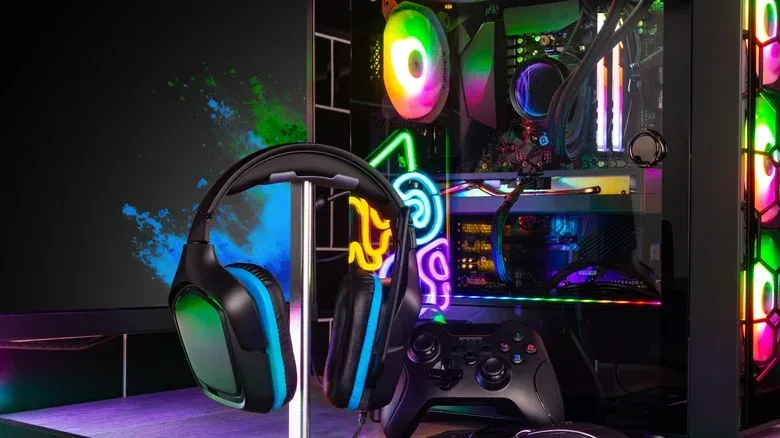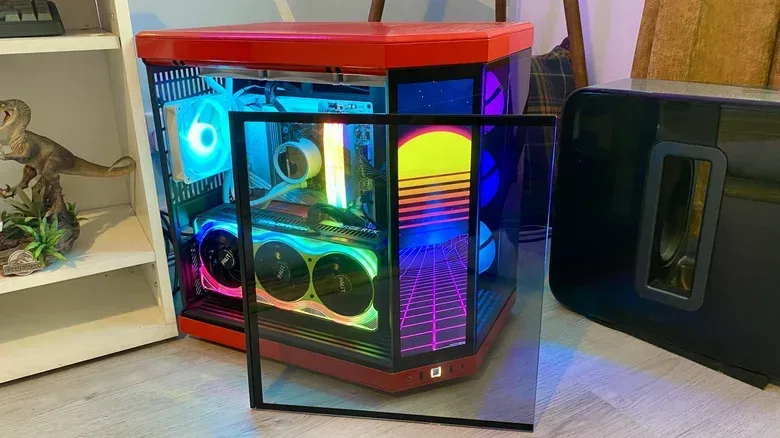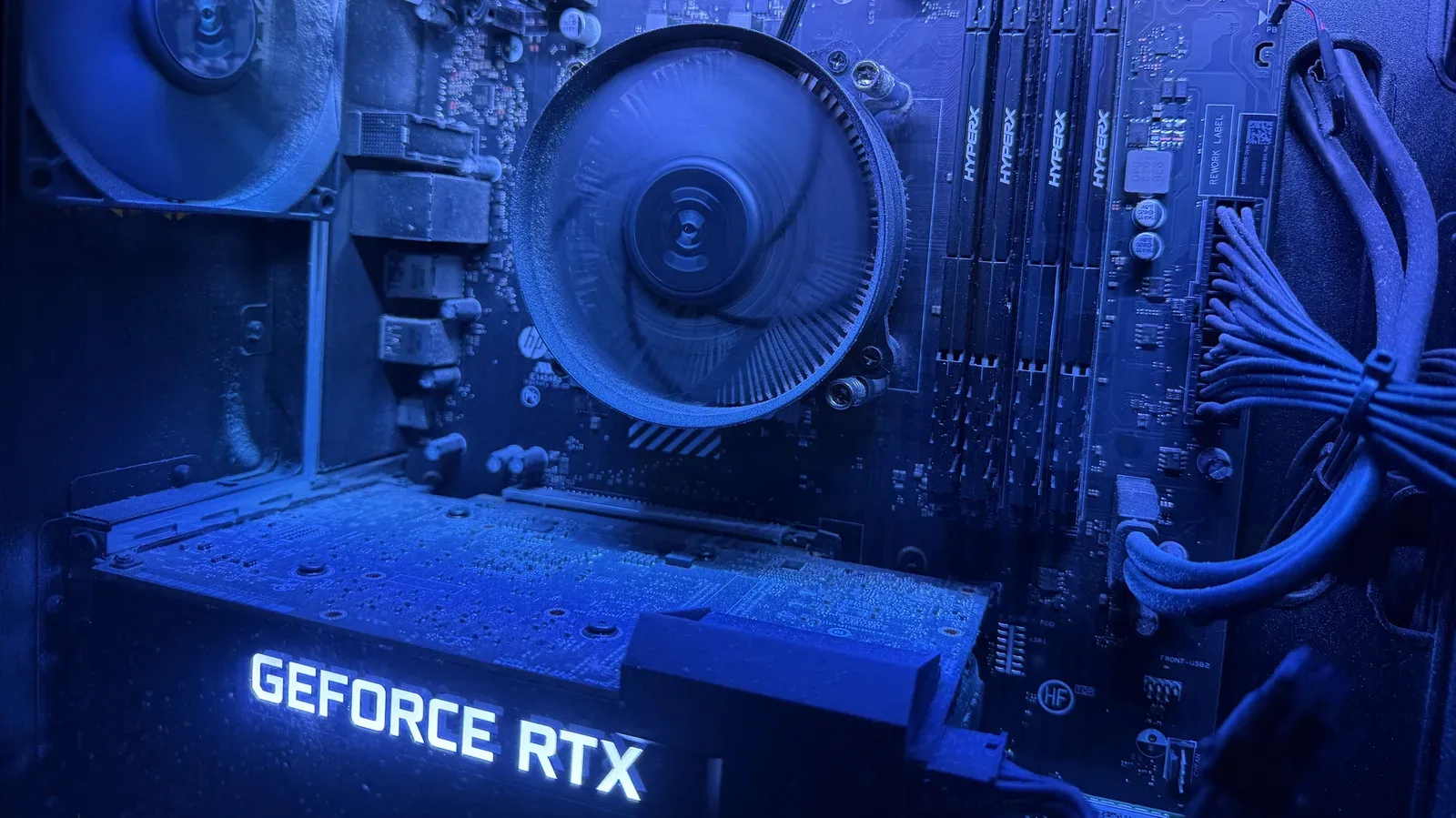
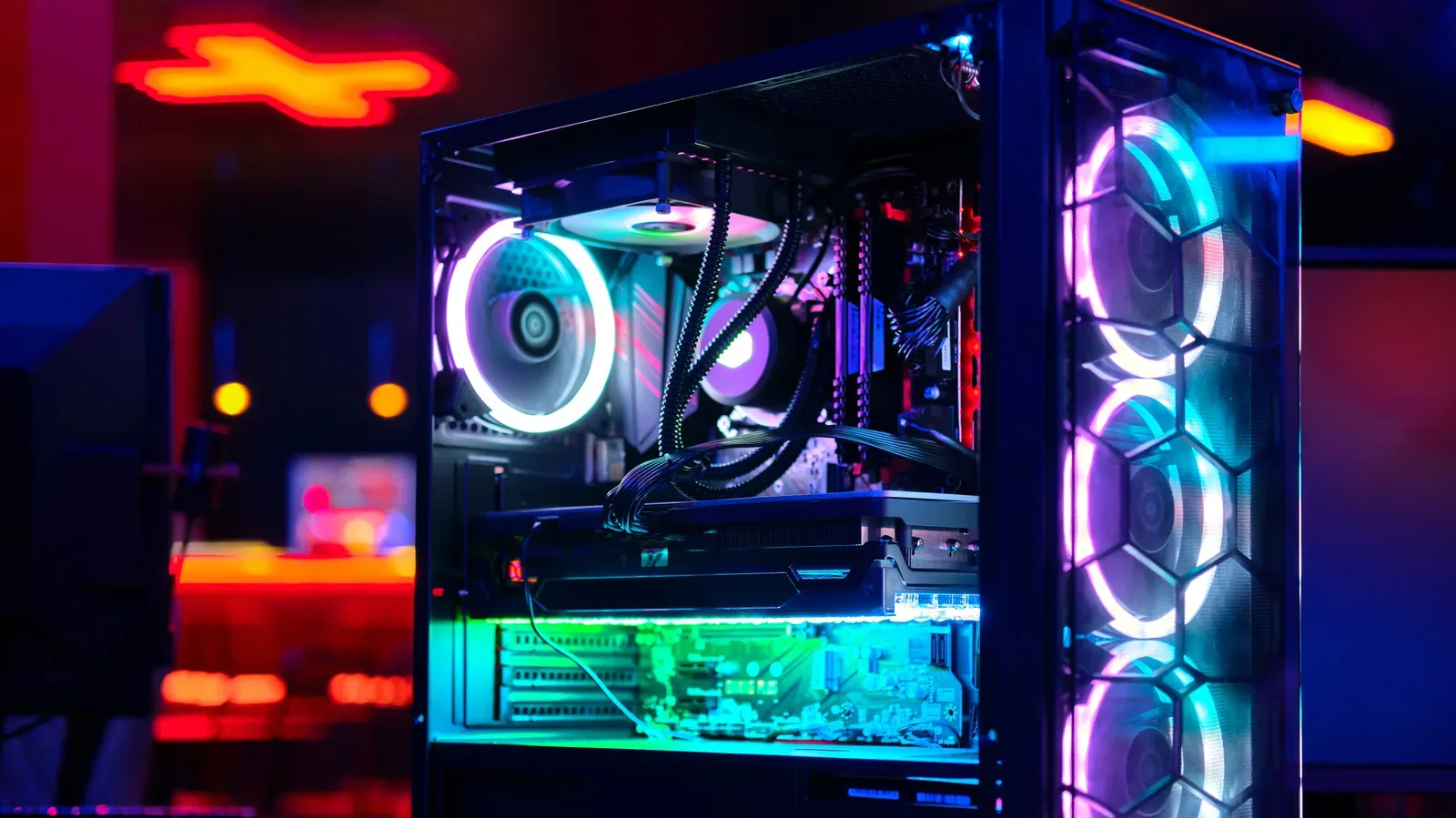
A desktop gaming PC is increasingly treated as something to look at as well as something to play on. That is the simple reason tempered-glass side panels have become so common: they turn the side of a conventional tower into a display window for the components a builder selected, paid for and painstakingly installed.
For some players, that means a view of RGB-lit memory, a large graphics card and a tidy cooling layout. For others, it means being able to spot a fan that is no longer spinning, dust that needs attention, or a cable that has wandered too close to a moving GPU fan. None of those benefits mean glass is automatically the right choice, though. A transparent panel is an aesthetic decision with practical consequences, from cleaning and cable routing to weight and the possibility of breakage.
The useful way to choose a case is not to assume that glass makes a PC faster. It does not. Instead, decide whether the visibility is valuable enough to justify the trade-offs for the location, layout and maintenance habits of the machine.
The real appeal is showing the hardware
PC building gives people far more control over the appearance of a machine than the typical fixed console setup. A custom rig can combine a particular GPU, memory kit, motherboard, cooling solution, fans and lighting scheme. A tempered-glass panel makes those choices visible instead of closing them behind an opaque metal wall.
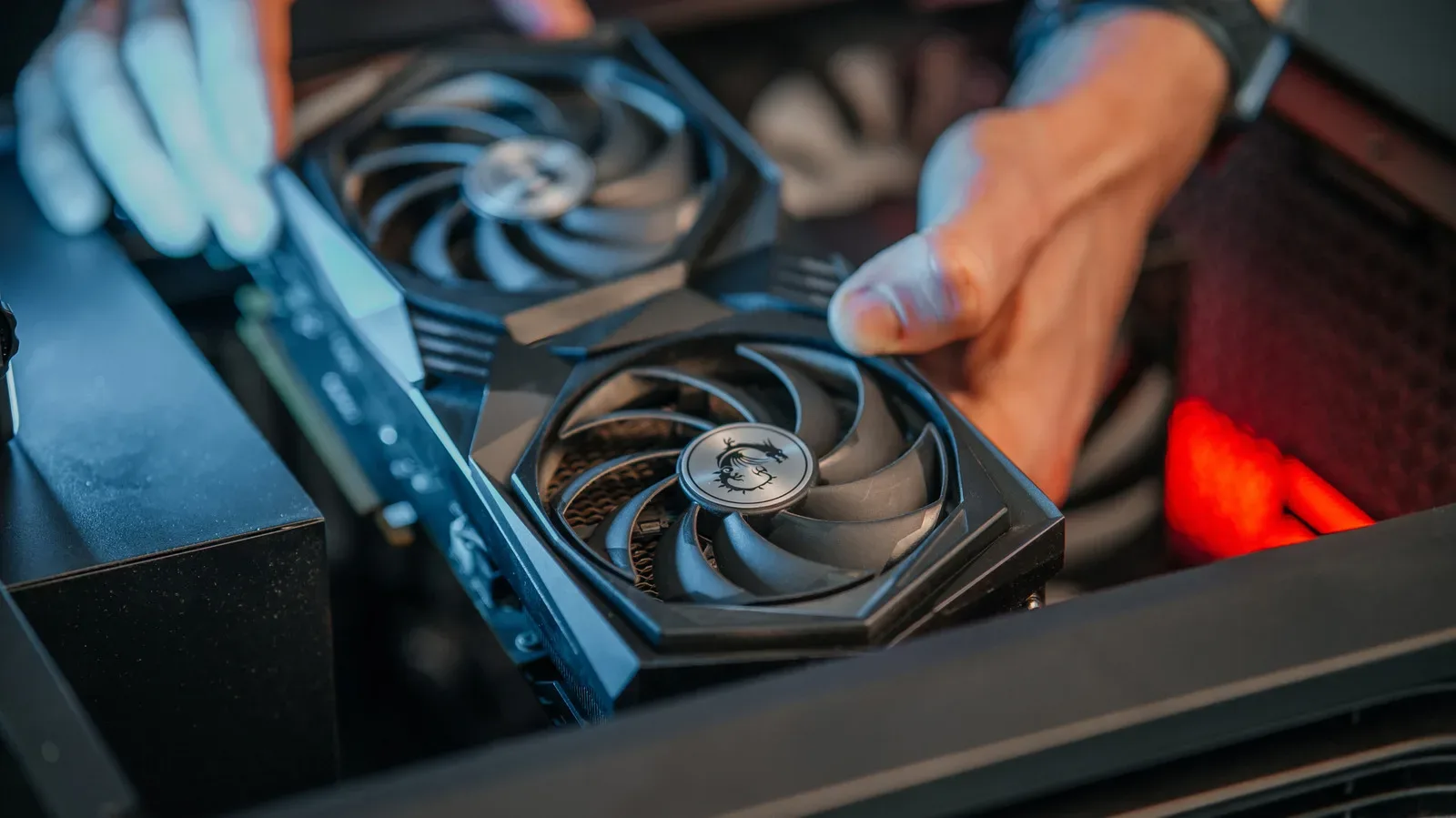
The graphics card is often the centerpiece. It is usually one of the most prominent parts in a gaming build and can be among its most expensive components. NVIDIA’s GeForce RTX 5090, for example, carries a $1,999 MSRP. When a core part of a PC costs that much, the desire to display it is understandable—even if its real job is, of course, to render games rather than decorate a desk.
RGB, short for red, green and blue lighting, is another major part of the appeal. RGB-capable hardware can illuminate memory modules, fans and other internal components in customizable colors. The effect is largely visual; it is not a performance feature. But a windowed case allows the lighting to become part of the room setup rather than remain invisible inside the chassis.
Liquid cooling can also benefit from being visible. Some CPU pump assemblies include a small screen that can show a processor temperature, while certain units can display animations. That makes a glass panel a way to observe a small piece of system information without opening software. It is a convenience and a stylistic feature, not a substitute for understanding a system’s overall temperatures or performance.
Glass offers visibility, not extra speed
It is important to separate the case material from the things that affect gaming performance. A glass panel does not raise frame rates, improve a GPU’s capability or directly cool the PC. The components, cooling hardware and case airflow design do that work.
What the window does provide is inspection. With the side on, an owner can visually check a few basic conditions:
- Whether visible cooling fans are spinning.
- Whether dust has accumulated in the visible interior.
- Whether a cable appears too near a GPU fan.
- Whether the installed hardware and lighting are arranged as intended.
That can be handy for builders who enjoy monitoring their machines or regularly alter their hardware. It is also worth keeping the limits in perspective. A quick look through a panel cannot diagnose every fault, and a clean-looking interior is not proof that airflow is good. The window helps with observation; it is not a diagnostic tool on its own.
For anyone trying to identify their installed graphics hardware before deciding whether an upgrade is necessary, there are software-based options that do not require opening the chassis at all. Our guide to finding your GPU in Windows without opening your PC covers that separate, useful task.
Why the window is usually on the left
Most conventional ATX towers place the motherboard so that its component-facing side is presented toward the left side panel. ATX is a widely used desktop motherboard form factor, and its established layout has shaped the way many cases are built. Put a transparent panel on the left, and the CPU cooler, memory, GPU and much of the motherboard are on display.
This standard arrangement also helps hide less attractive necessities. Power-supply and motherboard cables can be routed behind the motherboard tray or through dedicated openings, leaving the component side comparatively clean. In other words, the familiar left-side window is not arbitrary: it follows the orientation of the hardware builders expect to install.
Reversible cases exist and can flip the layout for a right-side view, but they are a more specialized choice. A standard left-window case will be the straightforward option for most conventional desk arrangements. Anyone who needs the system’s visible side to face the other direction should treat orientation as a real buying criterion rather than an afterthought.
Cable management matters more when everything is visible
A solid side panel is forgiving. It hides the bundle of power-supply leads, fan cables and other connections that every working PC needs. Glass makes the same interior part of the design. That does not mean a build has to look like a showroom piece, but it does mean the owner will notice cable placement every time they look at the system.
This is where case layout can matter as much as the panel itself. Dual-chamber designs place cable-heavy hardware, including much of the power-supply wiring, in a separate section behind the display side. The visible chamber can then focus on the motherboard, GPU and cooling hardware. Such a layout can make a clean result more attainable, though it does not eliminate the need to route cables carefully.
Builders who do not enjoy spending time arranging and concealing wires may reasonably prefer an opaque case. That is not a lesser choice. A solid panel removes an aesthetic chore and allows the owner to focus on the function of the machine. Conversely, people who value a polished interior should examine a prospective case for its cable-routing provisions rather than assume any glass-sided model will make the job easy.
The trade-offs: airflow, fragility, weight and cleaning
The first practical consideration is airflow. The panel itself is not inherently a performance problem, but a design can run into airflow trouble if glass sits too tightly against the case and restricts the paths through which air is meant to move. The key point is that a window should be evaluated as part of the entire enclosure design, not as a decorative part isolated from the fans and vents.
The more obvious concern is durability. Tempered glass is tough, but it can break if handled carelessly. That matters most to frequent upgraders, because each component change can require removing and reinstalling the panel. A dropped or mishandled panel turns a cosmetic feature into an immediate replacement problem. Builders should account for that before repeatedly working inside the case.
Glass also adds weight relative to plastic-panel alternatives. That may barely register for a tower that stays under a desk for years, but it is relevant for anyone who moves their PC often. A heavier case is less convenient to reposition, transport or lift onto a work surface for maintenance.
Then there is the unglamorous maintenance. Transparent surfaces show fingerprints, dirt and grime in a way a black metal side panel often does not. A microfiber cloth can help keep the exterior presentable, but it adds another small task for owners who want their setup to retain the clean display-case effect.
Who should choose glass—and who should skip it?
A tempered-glass case is a logical match for a builder who wants RGB lighting, appreciates the look of high-end hardware, has a case layout that supports tidy cable routing and does not mind occasional cleaning. It can also be attractive to someone who wants an easy visual check of fans, cabling and visible dust.
A solid-panel case is a better fit for somebody who prefers a restrained look, wants less visible maintenance, moves their desktop regularly, or has no interest in treating cable management as a display feature. It can also be the more comfortable choice for anyone who expects to open the case frequently and would rather not handle a removable glass sheet each time.
Neither option changes what the PC can do in a game. A carefully selected opaque case can house the same GPU, CPU, memory and cooling hardware as a showcase build. The difference is whether the owner wants the components on view, and whether the added weight, fragility and upkeep feel worthwhile.
A simple case-buying checklist
- Decide what matters most: visible hardware and lighting, or a discreet system that hides cables and fingerprints.
- Check orientation: confirm that the usual left-side window suits where the tower will sit on the desk.
- Look at cable routing: especially if a clean interior is one of the reasons for choosing glass.
- Consider airflow as a whole: the placement of panels, vents and cooling hardware matters more than the fact that a panel is transparent.
- Plan for handling: if upgrades are frequent or the PC travels often, added weight and a breakable panel deserve extra consideration.
Glass-panel PCs are popular because they make expensive and carefully chosen components part of the experience. That is a valid reason to buy one. But the most satisfying case is the one that suits the owner’s setup and habits—not the one that merely puts the most hardware on display.
Shop the products
Check current price, model and availability at the retailer.