For years, the conventional PC-gaming wisdom was simple: build it yourself. Picking every component promised better value, easier upgrades and the satisfaction of turning a pile of boxes into a machine built precisely for your games. In 2026, that calculation looks far less dependable.
High prices for graphics cards, RAM and storage have made a complete do-it-yourself gaming PC unusually expensive. The pressure is tied to demand for AI data centers, which compete for crucial components and have helped push consumer part prices sharply upward. A prebuilt system is not suddenly inexpensive, but it can now offer a better price-to-performance proposition than buying every piece individually.
That does not mean custom building has become a bad hobby or an invalid choice. It means the shopper’s first question should change. Rather than assuming separate parts are automatically cheaper, compare the full cost of a planned build against a ready-made machine with equivalent core specifications. The results may be surprising—and, depending on the GPU market, considerably less painful for the wallet.
The component market has changed the usual value argument
A gaming PC’s graphics processing unit, or GPU, is generally the component that renders game visuals and tends to drive the biggest share of a performance-focused budget. In a healthier market, shoppers can make a custom build work by finding an appropriately priced GPU, then balancing the rest of the system around it. That approach becomes much tougher when graphics cards are scarce or aggressively priced.
Memory and storage add to the problem. RAM, or random-access memory, is the fast working memory used while programs and games run. An SSD, or solid-state drive, is the storage used for Windows, games and files. When the cost of both climbs alongside GPUs, savings disappear across several lines of a parts list rather than at one obvious bottleneck.
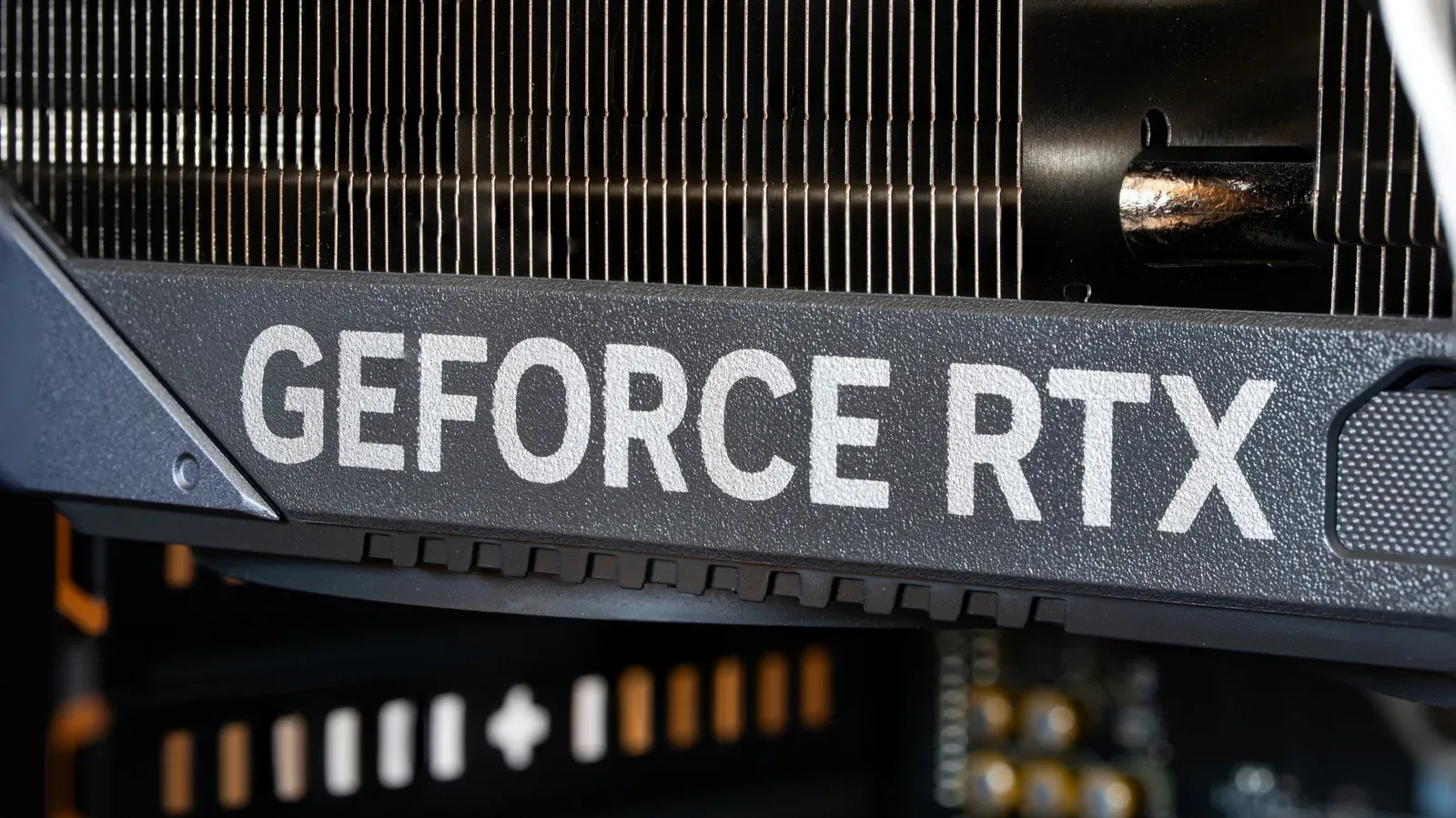
The difference between an individual card listing and a complete PC illustrates why shoppers should be skeptical of old assumptions. An RTX 5090 purchased for $2,700 shortly after its 2025 launch was later listed at figures as high as $11,565, with another listing around $7,000. Those are extreme examples, not a sensible target price for a gaming build, but they demonstrate how quickly individual-component pricing can become detached from a normal consumer budget.
A less extravagant comparison makes the same point. One high-end RTX 5080 listing sits around $2,150, while a complete $2,899 system can include an RTX 5080, an Intel Core i9-13900K, 32GB of DDR5 memory and a 1TB SSD. The comparison is not perfectly one-to-one: the exact motherboard, power supply, case, cooling and warranty terms still matter. Yet it is a strong reason to price the whole system, not just the flashy GPU, before committing to a DIY parts cart.
Prebuilt makers and other original equipment manufacturers, often shortened to OEMs, buy components in bulk. That purchasing scale can give them access to pricing that an individual buyer cannot match. It may also allow prebuilt prices to lag behind fast retail increases in RAM, storage or graphics hardware. That advantage is not guaranteed to last, so it is worth treating a good current deal as a present-market comparison rather than a permanent rule.
What a prebuilt is really selling beyond the parts list
The obvious appeal of a prebuilt PC is convenience. A reputable seller delivers a computer that is assembled, configured and ready to use, with Windows installed. That eliminates the wait for multiple shipments, the possibility of one essential part going out of stock, and the need to verify that every selected component physically fits and works together.
There is a more meaningful benefit: support is consolidated. With a self-built computer, each component normally has its own manufacturer warranty. If a system fails to boot or crashes under load, the builder must diagnose whether the issue lies with the motherboard, memory, power supply, GPU, cooling or software before pursuing the appropriate support channel. A prebuilt generally puts the complete machine and its supplied components under one warranty. That does not prevent faults, but it substantially simplifies responsibility when something goes wrong.
That simplicity may be especially valuable for someone who wants to play games rather than troubleshoot. It also helps buyers who are uncomfortable applying thermal paste, installing a CPU cooler, routing cables or diagnosing a Blue Screen of Death. A Blue Screen of Death is Windows’ error screen for a serious system failure; it is not an inevitable rite of passage, but it is exactly the kind of unexpected issue a fully assembled system can help a buyer avoid handling alone.
There can also be ordinary retail advantages. Ready-built PC sellers may run promotions, and major membership retailers can offer deals that change the final equation further. Rebates, split shipping dates and back-ordered components are far less likely to become the customer’s logistical puzzle. In a volatile parts market, buying one complete configuration can be an attractive way to lock down a usable system instead of chasing a list of changing prices.
The trade-off: control, repairability and future upgrades
Convenience is not the same thing as perfection. A custom system gives the builder direct control over every component: the exact motherboard, case, cooler, power supply unit and storage arrangement, not only the headline CPU and GPU. That precision matters when a buyer has a particular noise target, storage plan or upgrade path in mind.
It also makes future changes more predictable. Standard retail components are generally easier to identify, replace and reuse. Some prebuilt designs can be harder to upgrade because of proprietary cases, unusual motherboard layouts, nonstandard power connections or cooling arrangements. A low-quality power supply or an underspecified case may not appear prominently in a listing dominated by the processor and graphics card.
That does not mean every prebuilt is a dead end. It means shoppers should inspect the less glamorous specifications before buying. Look for a machine using standard parts where possible, and confirm the listed capacity of RAM and storage, the storage type, the power supply details and the case’s upgrade potential. A PC advertised with a desirable GPU can still be a weaker long-term purchase if the surrounding components make maintenance or expansion unnecessarily difficult.
For experienced builders, the DIY route retains its non-financial rewards. Building a PC is an educational, hands-on process and can be deeply satisfying. It also remains more manageable for people who already own reusable components. Retaining a capable case, SSD, power supply or other compatible part can reduce the cost of a new build considerably. The prebuilt advantage is strongest for the buyer starting from nothing and paying current retail prices for every major item.
Time belongs in the comparison too. Researching compatibility, assembling hardware, installing the operating system and resolving an early problem all carry a time cost. Some players enjoy that work; others would rather spend the same hours actually playing. Neither preference is wrong. But a fair value comparison includes more than a spreadsheet subtotal.
How to compare a prebuilt with a DIY parts list
The practical method is straightforward: create a complete parts list, then put it next to a prebuilt with comparable core hardware. Do not stop after adding the CPU and GPU. Include memory, SSD, motherboard, power supply, case, cooling and any fans that the DIY configuration requires. Include the operating system if it is not already available. Then consider shipping, rebates and whether the prebuilt’s warranty coverage has value to you.
- Set the performance goal first. Decide whether 1080p, 1440p or 4K is the target, and whether high frame rates are important. Resolution is the number of pixels shown on screen; higher resolutions usually demand more from the GPU.
- Compare equivalent headline parts. A system with a different GPU tier is not a direct alternative simply because its price is nearby. Check the processor, graphics card, RAM capacity and SSD capacity together.
- Account for the overlooked hardware. The motherboard, PSU, cooling and case influence reliability, connectivity, noise and upgrades. PSU means power supply unit, the component that supplies power to the entire PC.
- Check the warranty arrangement. One system-wide warranty can be a genuine advantage over a stack of separate part warranties, particularly for first-time owners.
- Read the upgrade clues. Favor standard, replaceable components where the listing provides that information. Avoid assuming that a large case automatically means an easy upgrade path.
- Make the purchase decision on the final total. A build that looks cheaper before operating-system costs, shipping and missing fans may not remain cheaper once it is actually ready to run.
This approach avoids treating a prebuilt as a compromise by default. In the current market, it may be the economically disciplined option. Conversely, a custom build can still win if a buyer has reusable parts, finds sensible pricing or places a high value on selecting every single piece.
What a roughly $2,000 gaming PC can aim to deliver
A $2,000 budget is not a universal benchmark, but it is useful because it sits between entry-level hardware and extravagant flagship spending. At that level, the stated target is 1440p gameplay at 120 frames per second, or 4K at 60 fps when settings are reduced as needed. Frames per second, usually written as fps, measures how many individual images a system produces each second. Higher frame rates can make motion look smoother, while 4K demands far more rendering work than 1440p.
A Ryzen 7 9700X priced below $350 and a Radeon RX 9070 XT around $700 to $800 leave roughly $850 to cover the rest of a full build. The remaining budget must stretch across 16GB of RAM, a 1TB SSD, motherboard, case, power supply and cooling fans. That is possible on paper, but it leaves little slack when parts rise in price or when a buyer chooses upgraded supporting hardware.
That is exactly where a strong prebuilt comparison can be useful. If a ready-made system packages similar performance, adequate memory and storage, sensible supporting parts and a complete warranty at a competitive total, its convenience is effectively a bonus rather than a premium.
Buyers content with 1080p have more flexibility. A lower-resolution target should make it possible to build a gaming PC that outperforms a PS5 for well below $2,000, without needing to pursue the most expensive graphics cards. Console comparisons still depend on individual games and settings, so they should be treated as broad performance expectations rather than an automatic result from a single component label.
PC ownership also opens paths beyond local hardware, including cloud access through services such as Xbox Game Pass Ultimate. That does not erase the need to choose hardware carefully, but it reinforces why the right PC budget varies by player. Resolution goals, preferred games, upgrade ambitions and tolerance for hands-on maintenance all matter more than a universal “best” configuration.
Prebuilt versus DIY is now a market question, not an identity test
Building a PC remains a legitimate and rewarding route for players who want maximum control and are prepared to research, assemble and troubleshoot. But 2026’s expensive component environment has weakened the longstanding assumption that it is automatically the best bargain.
For a new buyer with no spare components to reuse, a prebuilt can offer bulk-buying leverage, a working Windows installation, single-point warranty coverage and less setup risk—while potentially undercutting the price of equivalent retail parts. The smart move is neither blind loyalty to DIY nor blind trust in a branded tower. It is a complete, specification-by-specification comparison made at the moment of purchase.
Shop the products
Check current price, model and availability at the retailer.