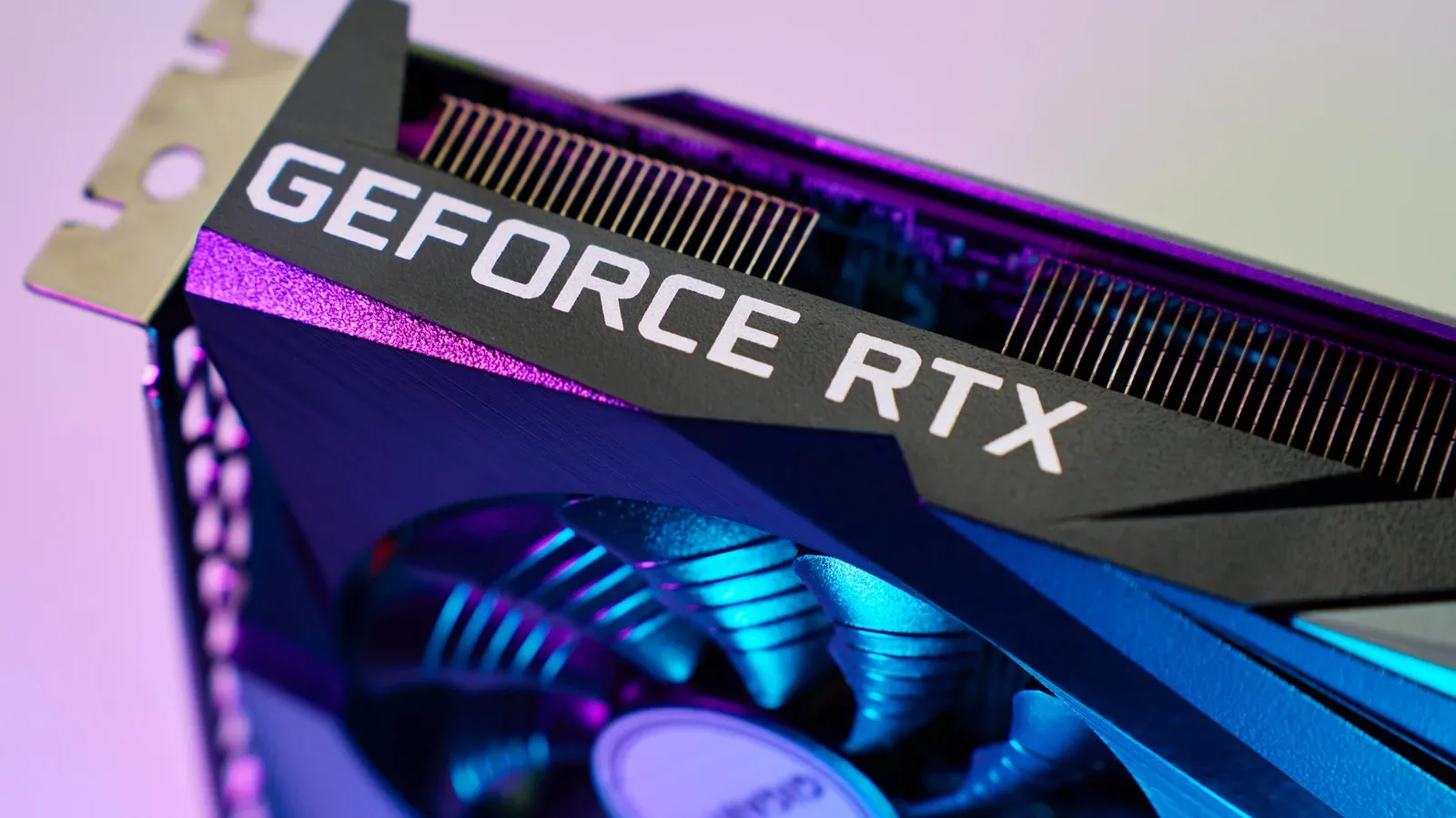
Trying to identify the NVIDIA graphics card that is “equal” to a PlayStation 5 sounds like a clean shopping question. It is not. The most useful short answer is that an NVIDIA GeForce RTX 2070 Super is broadly the closest PC graphics-card comparison for the base PS5 in certain games and conditions. For the PS5 Pro, the more appropriate raw-GPU comparison shifts toward the 16GB RTX 5060 Ti, with AMD’s Radeon RX 9060 XT also in the conversation.
Those are reference points, not one-for-one replacements. A PS5 is a fixed machine built around a custom AMD chip. A PC graphics card is only one item in a system that also needs a processor, memory, storage, motherboard, power supply and cooling. The resulting experience can vary dramatically based on those surrounding parts, a game’s settings, and the way its engine was developed.
That distinction matters especially for anyone comparing the cost of a console with the price of a graphics card alone. A GPU that can approximate console-level rendering performance does not create a console-equivalent PC by itself. It needs an otherwise well-balanced computer behind it.
The base PS5 comparison: RTX 2070 Super, with important limits
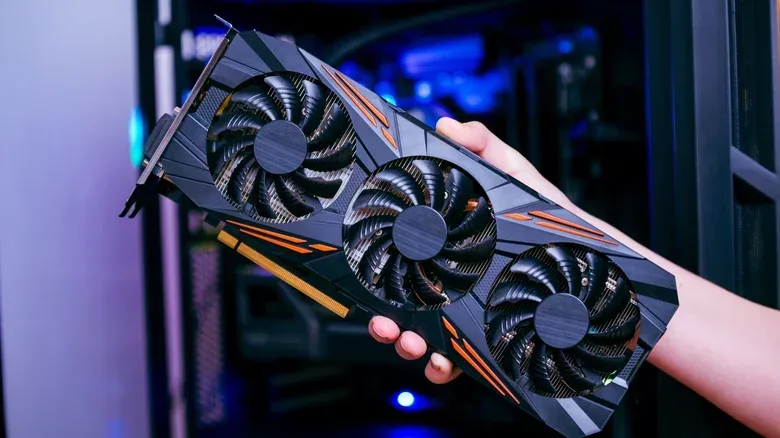
The RTX 2070 Super is the closest NVIDIA card to cite for base PS5-class performance. It is an older card, launched in 2019, with 8GB of GDDR6 video memory. That alone should make buyers cautious about treating it as a straightforward new-build recommendation in 2026, even before considering its reported retail price of roughly $280 for the least expensive new model.
There is a tempting but misleading numerical comparison here. The PS5 has 16GB of GDDR6 unified memory, while the 2070 Super has 8GB of dedicated GDDR6 graphics memory, commonly called VRAM. Unified memory means the console’s processor and graphics hardware draw from the same memory pool. On a PC, the graphics card’s VRAM is separate from the system RAM used by the CPU.
So, 8GB versus 16GB is not evidence that the PS5 simply has twice the usable graphics memory. Nor does it prove the RTX 2070 Super is automatically inadequate. The systems allocate and use memory differently, and a game’s actual memory demands depend on its assets, resolution, settings and engine design.
The comparison is also complicated by the hardware inside the console. PS5 does not use a standalone GPU in the same sense as a typical desktop computer. It uses an APU, or accelerated processing unit: a single chip that combines CPU and GPU functions. The base PS5’s custom AMD design incorporates RDNA 2-era graphics hardware alongside its processor resources. There is no retail PC component with precisely that arrangement.
In practical terms, the RTX 2070 Super label is useful only if read as: “this older NVIDIA card can land around base-PS5 results in suitable games with a suitable PC around it.” It should not be read as a guarantee that a 2070 Super machine will always match a PS5’s image quality, frame rate, loading behavior or feature set.
Related coverage includes Which NVIDIA GPU Is Closest to a PS5?.
Why a PC needs more than the right GPU
A console is a known target. Every PS5 has closely related core hardware, and developers can tune their games around that stable configuration. A PC can be assembled from countless CPU, GPU, RAM and storage combinations. That flexibility is a genuine advantage for upgrades and specialist use, but it makes neat comparisons less reliable.
One key term is CPU-bound. A game is CPU-bound when its processor workload becomes the performance limit. In that situation, replacing the graphics card with a more powerful model may deliver little improvement because the CPU cannot prepare frames quickly enough. This is why an expensive GPU cannot compensate for every poorly balanced build.
System memory is important, too. Capacity, speed and configuration can affect the performance of a PC, while the type of CPU determines how well a game handles simulation, streaming, draw calls and high frame-rate workloads. Storage is another part of the broader picture, particularly where a game depends heavily on asset streaming.
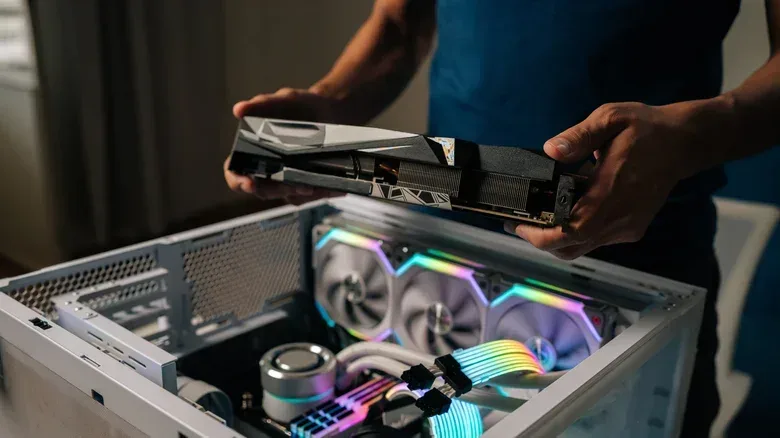
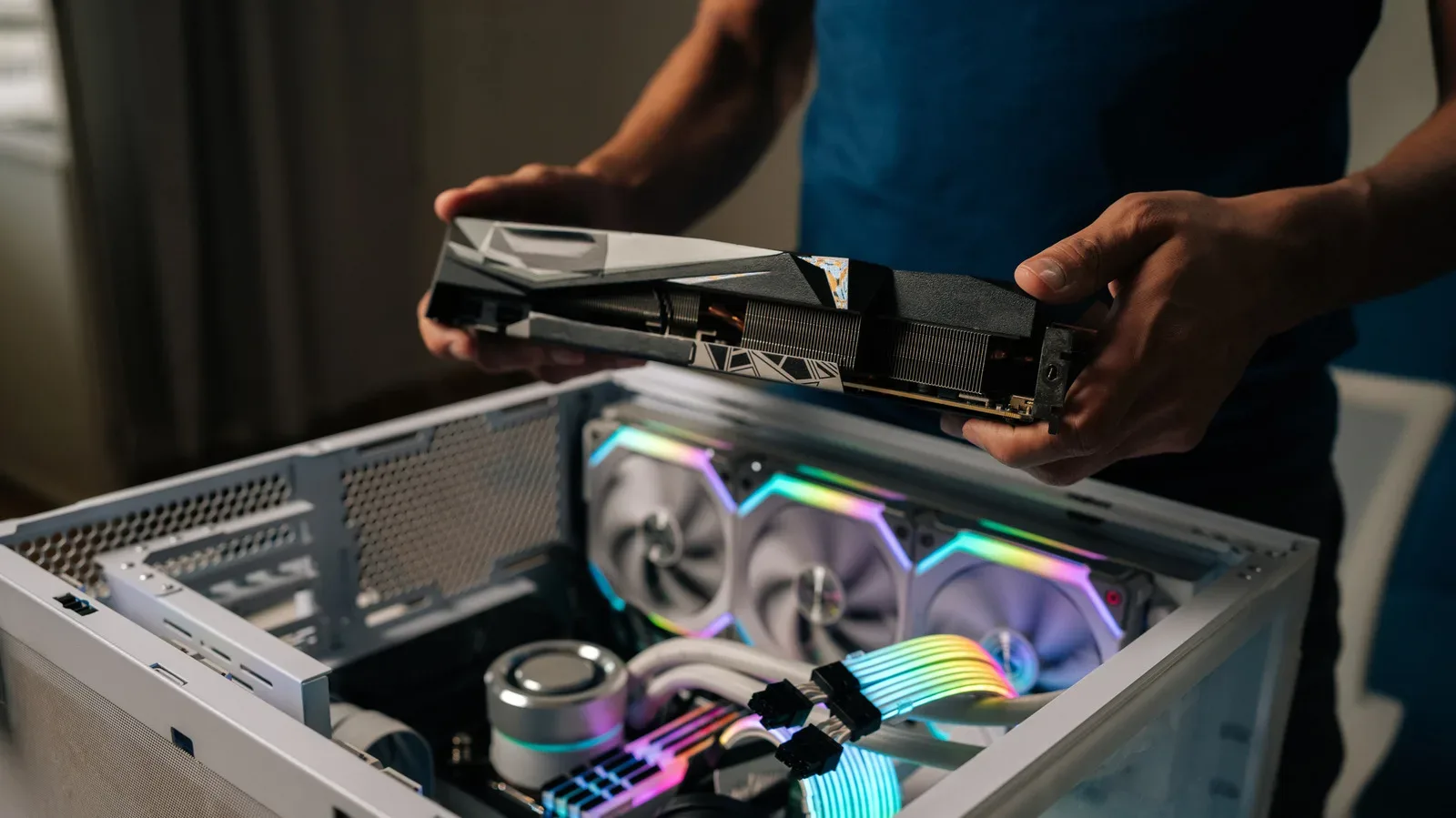
There is also a very simple setup issue worth checking after a build or upgrade: make sure the display cable is connected to the graphics card rather than the motherboard’s video output, where applicable. A wrong connection can mean a gaming PC uses the wrong graphics hardware for display output. Our guide to a monitor cable mix-up that can leave a PC using the wrong graphics hardware explains why that small detail matters.
PS5 Pro: RTX 5060 Ti 16GB is the closer NVIDIA reference point
The PS5 Pro discussion needs the same caution, but the performance reference changes. The 16GB version of NVIDIA’s RTX 5060 Ti is a closer rough match for the PS5 Pro’s raw graphics horsepower, with the Radeon RX 9060 XT another relevant comparison. Given the right in-game settings and a capable gaming CPU, either PC card can exceed Sony’s upgraded console in some circumstances.
The qualifier is doing considerable work. The PS5 Pro uses a custom AMD Zen 2 eight-core, 16-thread “Trinity” APU. Its graphics uplift over the standard PS5 is much more significant than its CPU improvement, which is described as around 10 percent. That means games constrained by CPU-heavy work may not see a proportional leap simply because the Pro has stronger graphics capability.
It also helps explain why a console’s advertised or perceived “4K” result should not be confused with rendering every frame natively at 3840 by 2160 pixels. Modern console games frequently use upscaling and dynamic resolution techniques. In basic terms, upscaling reconstructs or enlarges a higher-resolution-looking image from a lower internal rendering resolution. Dynamic resolution can change that internal resolution to maintain performance during demanding scenes.
The PS5 Pro uses PSSR, Sony’s upscaling technology, in supported titles. PC cards have their own approaches, including NVIDIA’s DLSS. The RTX 5060 supports DLSS 5, though it has been controversial. These technologies are part of the final experience, so a comparison based only on conventional graphics power misses a central part of how today’s games reach their visual and frame-rate targets.
Likewise, the RTX 5060’s specifications—8GB of GDDR7 memory and a base clock around 2280MHz—are facts about that card, but they do not settle a PS5 Pro comparison. Clock speeds are not comparable across different architectures in a way that gives an instant performance answer, and memory generation alone does not tell buyers how a complete system performs.
Price and value are separate questions from performance
Hardware comparisons become more difficult when pricing is volatile. The RTX 5060 has been reported as difficult to find below $500 at retail, despite being positioned as a lower-end Blackwell GPU. In September 2026, it accounted for 4.40 percent of systems in the Steam Hardware & Software Survey, making it the second-most-used card in that survey at the time.
The RTX 2070 Super may look more appealing as a lower-cost route to base-PS5-like GPU performance, but an older card priced around $280 new is not automatically a sound value. Its age, memory capacity and the cost of the rest of the PC all belong in the decision. The second-hand market may be relevant for buyers considering an older GPU, but used hardware also calls for care around condition, warranty status and the rest of the build.
For PS5 Pro comparisons, the supplied pricing picture is notably unsettled: the system launched at $700 in late 2024, while later figures cited range from $900 to $1,250 amid shortage conditions. That uncertainty itself is useful context. A buyer should compare current local prices for the complete console, not rely on a single historical figure or a graphics-card price in isolation.
The core value advantage of a console remains its completeness. It comes as a standardized gaming platform rather than an open-ended components project. For someone seeking 4K-oriented gaming with minimal configuration, a PS5 is still positioned as the simpler route. The PS5 Pro adds graphics performance, but it does not turn every game into a desktop-PC-like high-frame-rate showcase, particularly when CPU limitations are involved.
What “4K,” 60 FPS and ray tracing actually tell you
Three phrases dominate these comparisons: 4K, 60 FPS and ray tracing. None should be treated as a universal preset.
- 4K describes output resolution, but games may use dynamic internal resolution and reconstruction rather than native 4K rendering at all times.
- 60 FPS means 60 frames per second. A higher frame rate can make motion and controller response feel smoother, but maintaining it depends on the workload in each game.
- Ray tracing is a rendering technique used for more realistic lighting effects such as reflections, shadows and indirect light. Its cost can be substantial, which is why games often balance its quality against frame rate and resolution.
- Path tracing is a more demanding form of lighting simulation. The cited target of path tracing at 120 FPS belongs firmly in high-end gaming-PC territory, not the basic question of matching a PS5.
Console developers can produce impressive near-4K output and smooth 60 FPS presentation through those tools and through optimization for fixed hardware. That does not mean every PS5 or PS5 Pro game has identical technical results. It means the console’s performance is often best understood as a carefully balanced package rather than a single benchmark number.
The useful buying answer
If the goal is simply to understand the base PS5’s rough NVIDIA equivalent, the RTX 2070 Super is the clearest answer—with the caveat that it is only a GPU-level approximation and an aging one. If the target is PS5 Pro-class raw graphics performance, the 16GB RTX 5060 Ti is a stronger reference, alongside the Radeon RX 9060 XT.
If the goal is to decide what to buy, the answer depends on what the buyer values. A PS5 or PS5 Pro is designed for a direct, consistent living-room experience, with developers optimizing around a closed platform. A PC can move beyond console performance, particularly for demanding features such as path tracing and very high frame rates, but it requires a balanced CPU, memory and GPU combination—and a bigger tolerance for setup decisions.
In other words, the closest GPU comparison is an informative starting point. It is not a substitute for comparing complete systems, current prices and the kinds of games and settings a player actually wants to use.