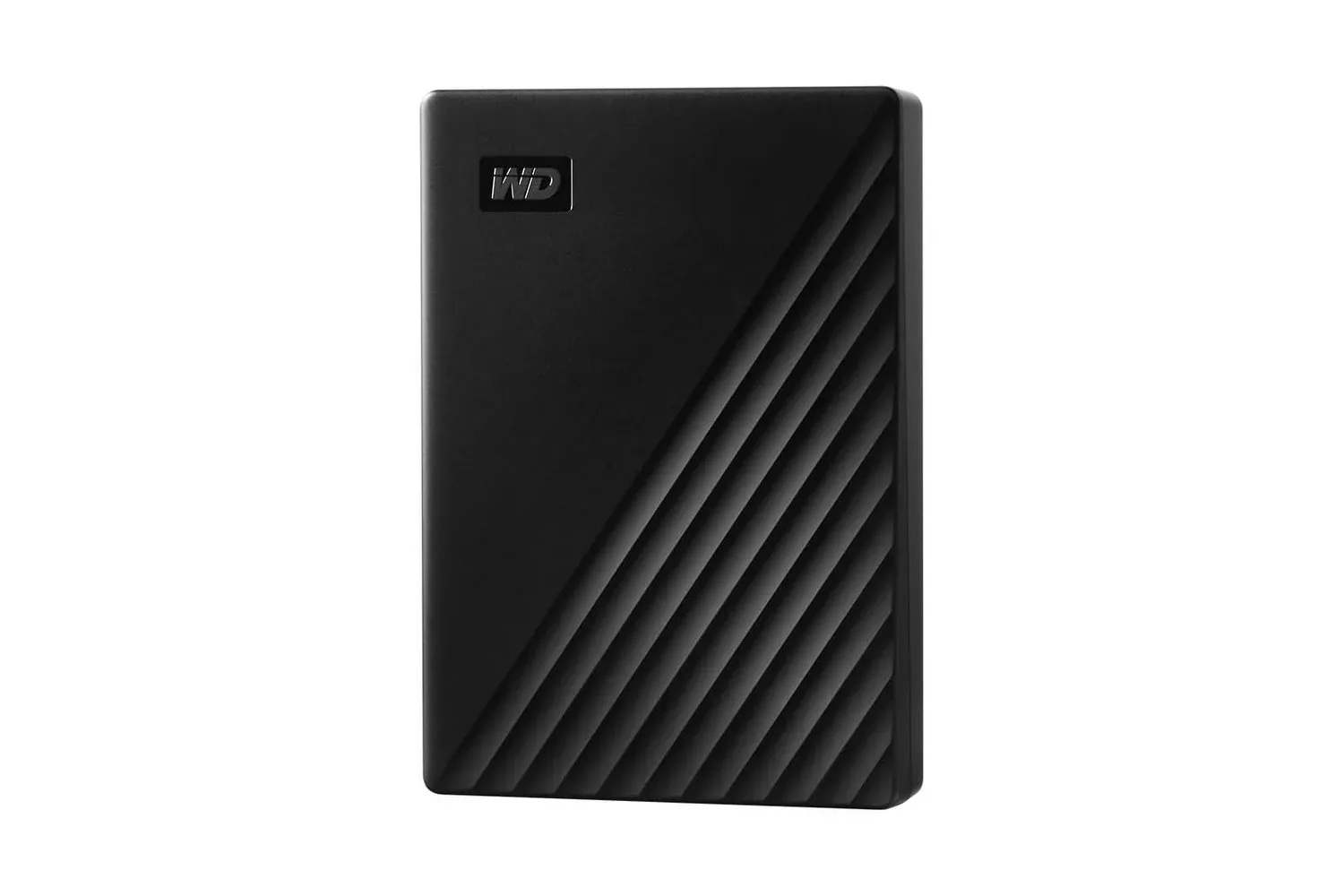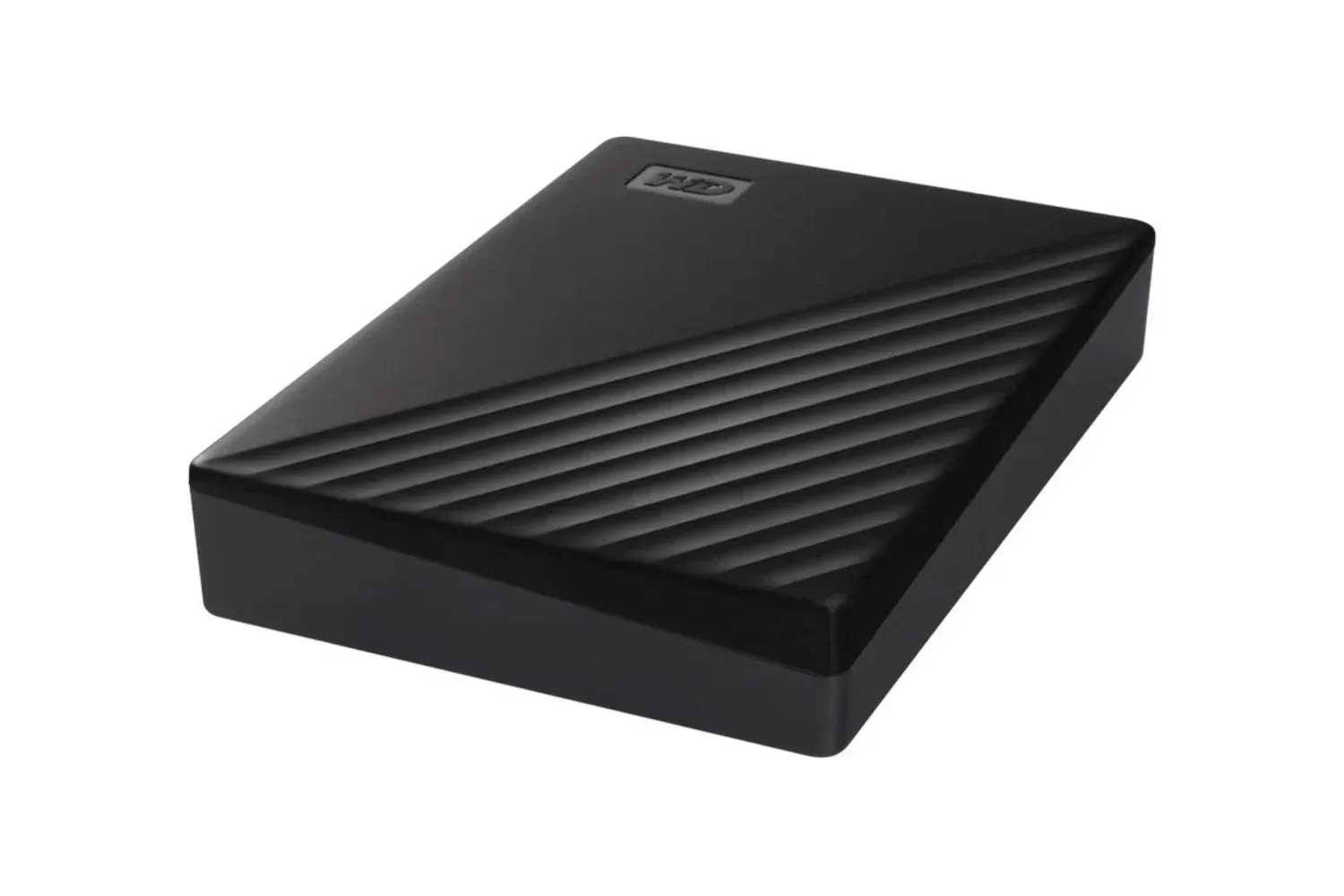
Storage upgrades tend to invite an immediate question: do you need speed, capacity, or a sensible balance of both? The listed deal on WD’s 5TB My Passport external hard drive is firmly aimed at the capacity side of that decision. Its stated price has fallen from $285 to $214, described as a 25% discount for a limited time.
At that listed price, the arithmetic works out to roughly $42.80 per terabyte. That does not establish the drive as the best value against every storage product or sale, but it does provide a clear way to judge this specific offer: buyers paying for a large portable archive rather than a compact high-speed drive.
The product’s core proposition is uncomplicated. It supplies 5TB of external storage in a portable form factor for files that matter but may not need the fastest possible access. That can include photo libraries, video files, artwork, PDFs, personal documents, and other data that benefits from having a separate copy away from a primary computer.
A capacity-first storage option
Hard drives and solid-state drives solve overlapping but different problems. A traditional external hard drive prioritizes getting a substantial amount of space at a comparatively manageable cost. Faster storage can be desirable for workloads that repeatedly read and write large files, but raw performance is not the sole criterion for a backup device.
For many people, the practical value of a large external drive is simple: it makes it more feasible to keep an additional copy of material that would be difficult, time-consuming, or impossible to recreate. A photo collection built over years, exported creative work, important documents, and an offline reference library can all add up. The appeal of a 5TB drive is not that every file needs 5TB; it is that a user does not need to decide immediately which smaller portion of a growing library deserves to be saved.
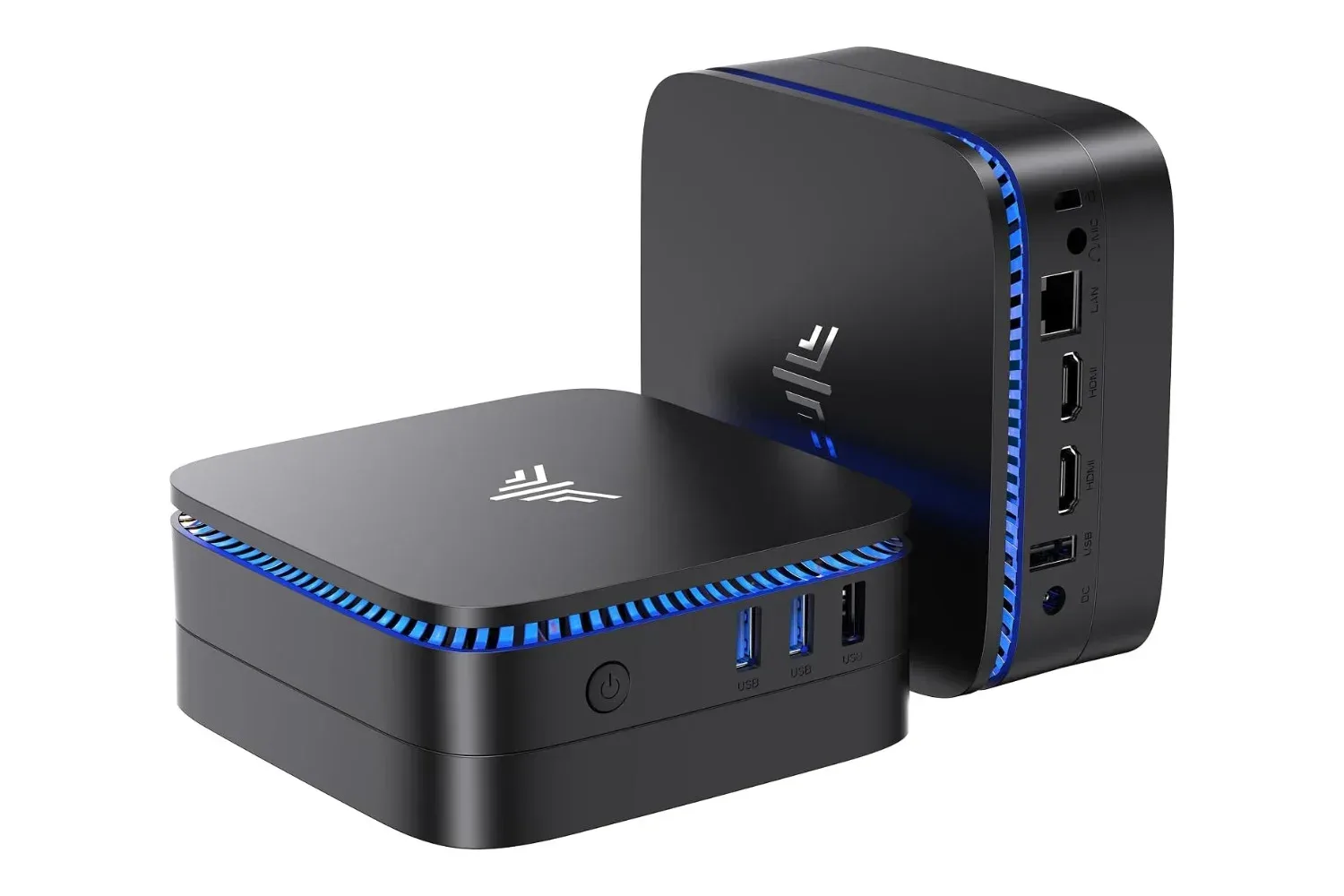
This distinction matters when considering a storage purchase alongside a PC upgrade. A system such as the KAMRUI Windows 11 Pro mini PC listed with 512GB of storage may be enough for applications and everyday local files, while an external drive can serve a separate archival role. Internal storage and external backup storage are not interchangeable in every situation, but they can complement one another.
What 5TB means in practical terms
“5TB” means five terabytes of advertised capacity. A terabyte is a large unit of digital storage, and the central benefit here is the ability to gather many categories of files onto one device. The supplied details specifically frame the My Passport as appropriate for backups of images, videos, documents, art, and PDF collections.
That versatility is useful because personal files rarely stay in one neat category. A drive originally purchased for photos may eventually hold documents, creative exports, downloaded reference material, and copies of files transferred between machines. A capacity cushion can reduce the need to constantly rearrange folders merely to make room.
The drive is also described as smaller than its capacity might suggest, which gives it a second use beyond stationary backup: transporting files where an internet connection is absent or unsuitable. That is a different task from maintaining a backup. Moving files between computers is about convenience and access; backup is about retaining a recoverable copy. One portable device can support both jobs, but users should not confuse carrying the only copy of a file with securing it.
Security features, explained carefully
The listed My Passport features include password protection and hardware encryption. Both are relevant to a portable drive because portability also creates the possibility of loss or theft.
Password protection is the access-control layer: it is intended to require a password before stored data can be accessed. Encryption is the process of converting data into a form that should not be readable without the appropriate authorization. Hardware encryption refers to encryption handled by the drive’s hardware rather than relying entirely on a computer to perform that function.
Those features can be valuable, but they do not eliminate the need for care. The supplied information does not detail the encryption standard, software requirements, setup process, recovery options, or platform compatibility. Anyone considering the drive specifically for sensitive records should review those product details before relying on it for a particular security policy. Strong security also depends on the owner setting a memorable but robust password and keeping recovery information safely documented.
There is another practical trade-off: encryption protects data from unauthorized access, but losing the necessary credentials can make the owner’s own files inaccessible. Security and recoverability need to be planned together. A drive is most useful when its owner knows how it will be unlocked, where it will be stored, and how a replacement copy will be made if it fails.
Backup is more than copying files once
The drive includes its own management software, intended to help users manage what is stored on it. The supplied information does not specify the software’s exact functions, so it would be premature to assume a particular backup schedule, file versioning system, or operating-system workflow. Still, management software can be useful if it helps turn a drive from a one-time purchase into part of a repeatable routine.
The important point is that a large drive only becomes a backup after it contains a separate copy of data. Dragging files to external storage once can be helpful, but the copy may become outdated as new photos are taken, projects are edited, or documents change. Users evaluating any backup drive may want to decide in advance which folders are essential, how often those folders should be copied, and whether the external disk will remain connected or be put away after the backup is complete.
- Identify priority data: Start with files that cannot easily be replaced, such as personal media, creative work, and important documents.
- Keep copies separate: An external drive has most backup value when it is not merely the same storage location as the original files.
- Check that files are readable: A backup is more reassuring when important files can actually be opened from the copied location.
- Protect the device: Password protection and encryption address unauthorized access, while careful storage addresses physical loss and damage.
- Remember the warranty’s role: The included three-year warranty is useful product coverage, but it is not a substitute for maintaining copies of irreplaceable data.
Who this deal is—and is not—for
The WD My Passport listing makes the strongest case for someone whose immediate problem is running out of room for backups or archives. The $214 listed price, 5TB capacity, portable design, security features, bundled management software, and three-year warranty form a coherent package for that purpose.
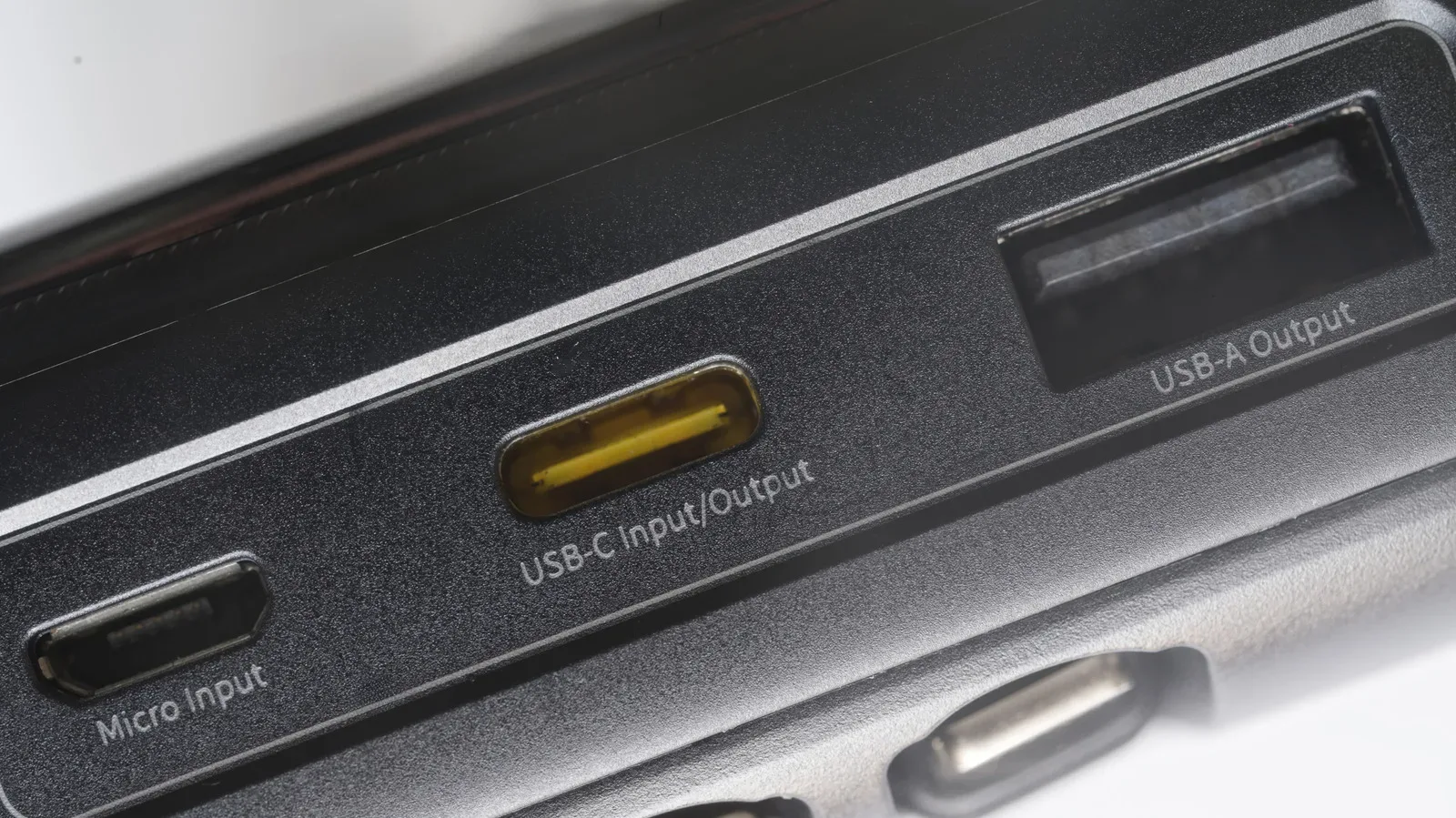
It is less clearly targeted at someone shopping solely for the fastest possible external storage. The available details characterize the drive as offering relatively good speed despite being a hard drive, but do not provide transfer-rate figures or interface specifications. Without those details, it would be inappropriate to make performance claims beyond its capacity-oriented positioning.
It is also worth separating storage space from data protection. Password protection and hardware encryption help with confidentiality, while a backup strategy helps with recovery from accidental deletion, drive trouble, or an outdated file copy. These are related concerns, not identical ones.
The price calculation and the time-sensitive part
The stated $285 regular price and $214 sale price align closely with the advertised 25% reduction: 25% off $285 is $71.25, leaving $213.75 before rounding. Spread across 5TB, that is just under $43 for each advertised terabyte.
The listing describes the $214 price as temporary. Deals can change, and the available information does not provide an end date or guarantee that the offer will remain live. The useful decision is therefore not simply whether $214 looks lower than $285, but whether a 5TB portable hard drive matches a current need for a separate backup or file-transport device.
For buyers who do need that capacity, the emphasis is refreshingly direct: a large portable external hard drive with password protection, hardware encryption, management software, and a three-year warranty at a stated $214 price. For buyers who need detailed speed, connectivity, software, or compatibility information, those are questions to verify before making the purchase rather than assumptions to fill in from the discount alone.
Shop the products
Check current price, model and availability at the retailer.