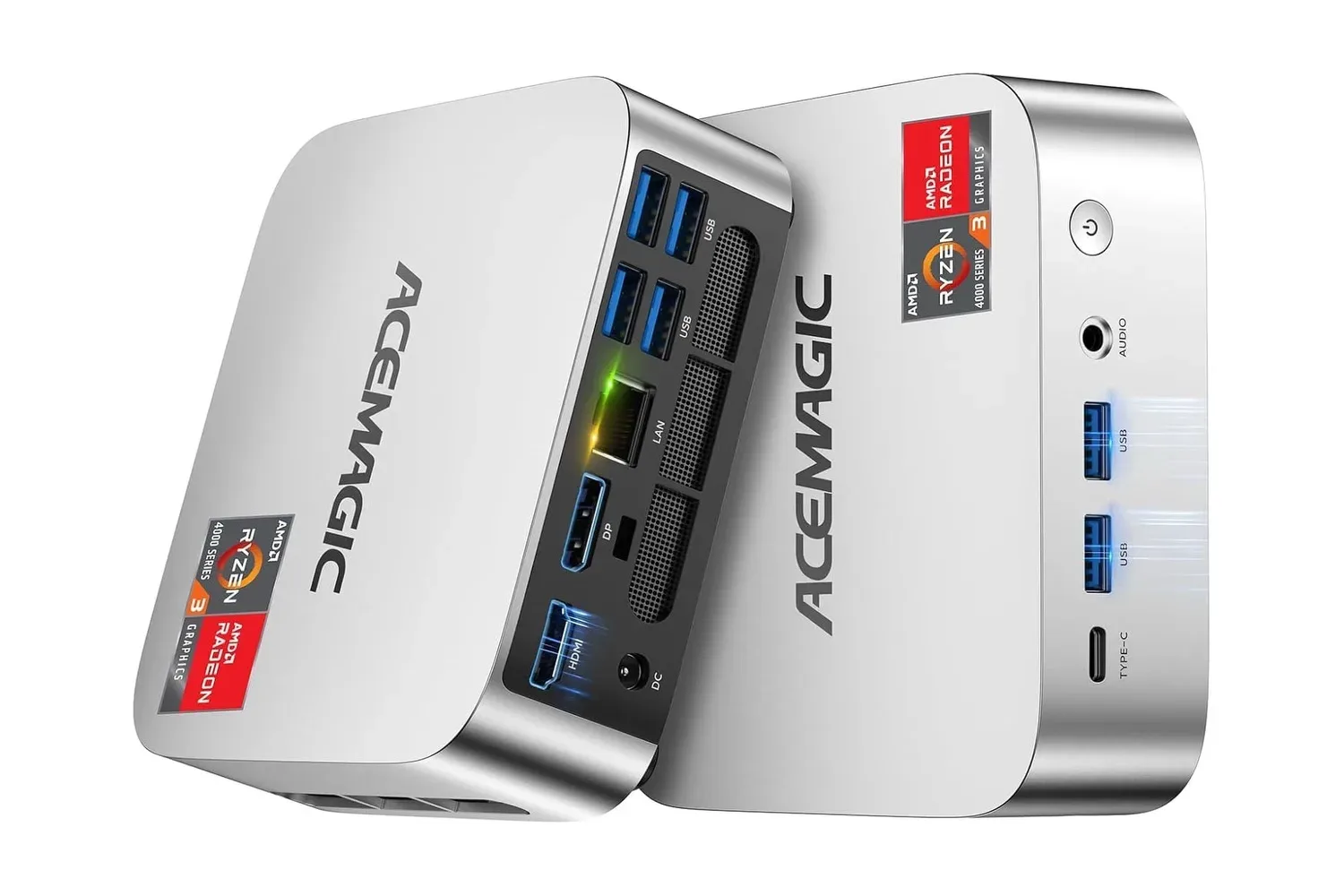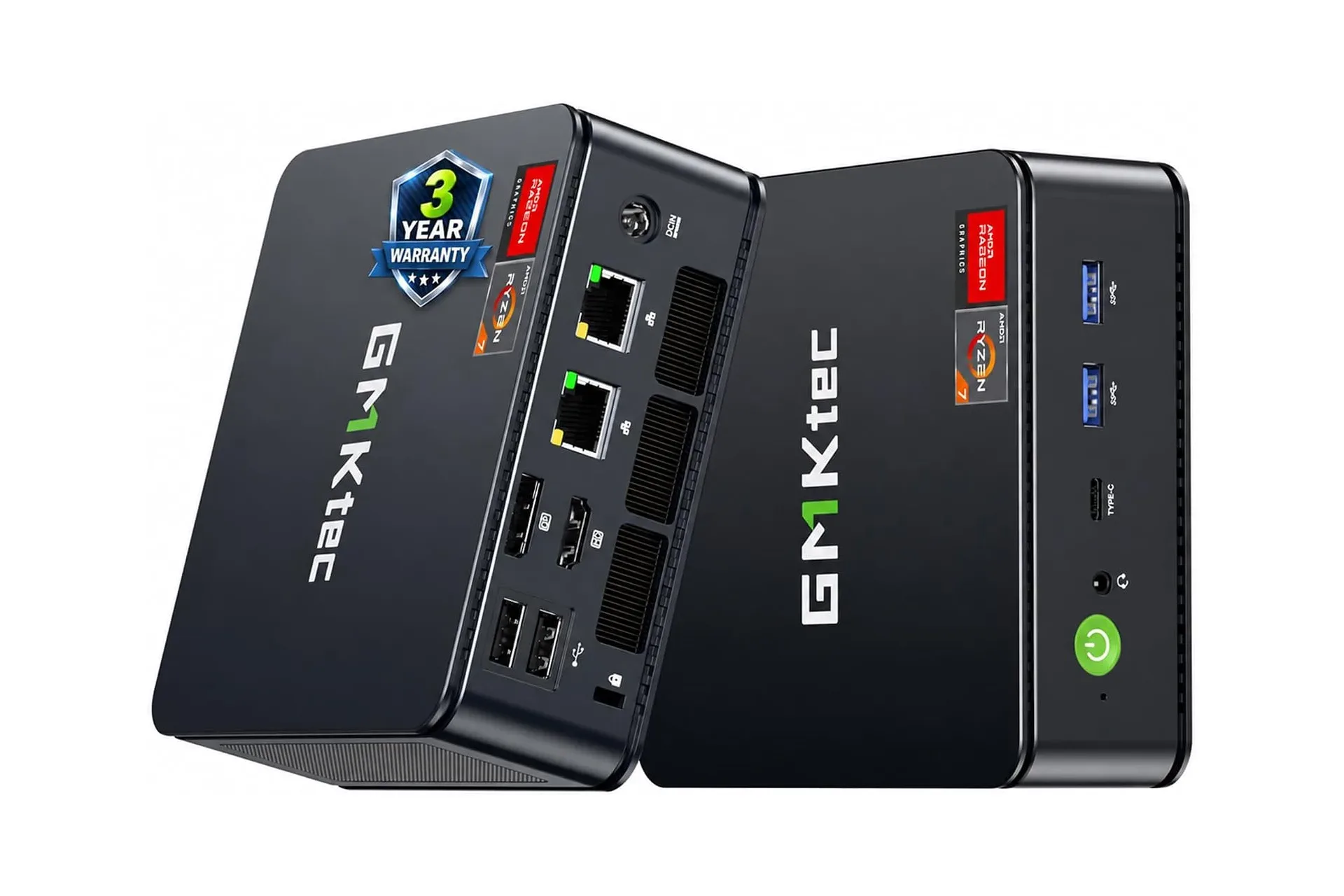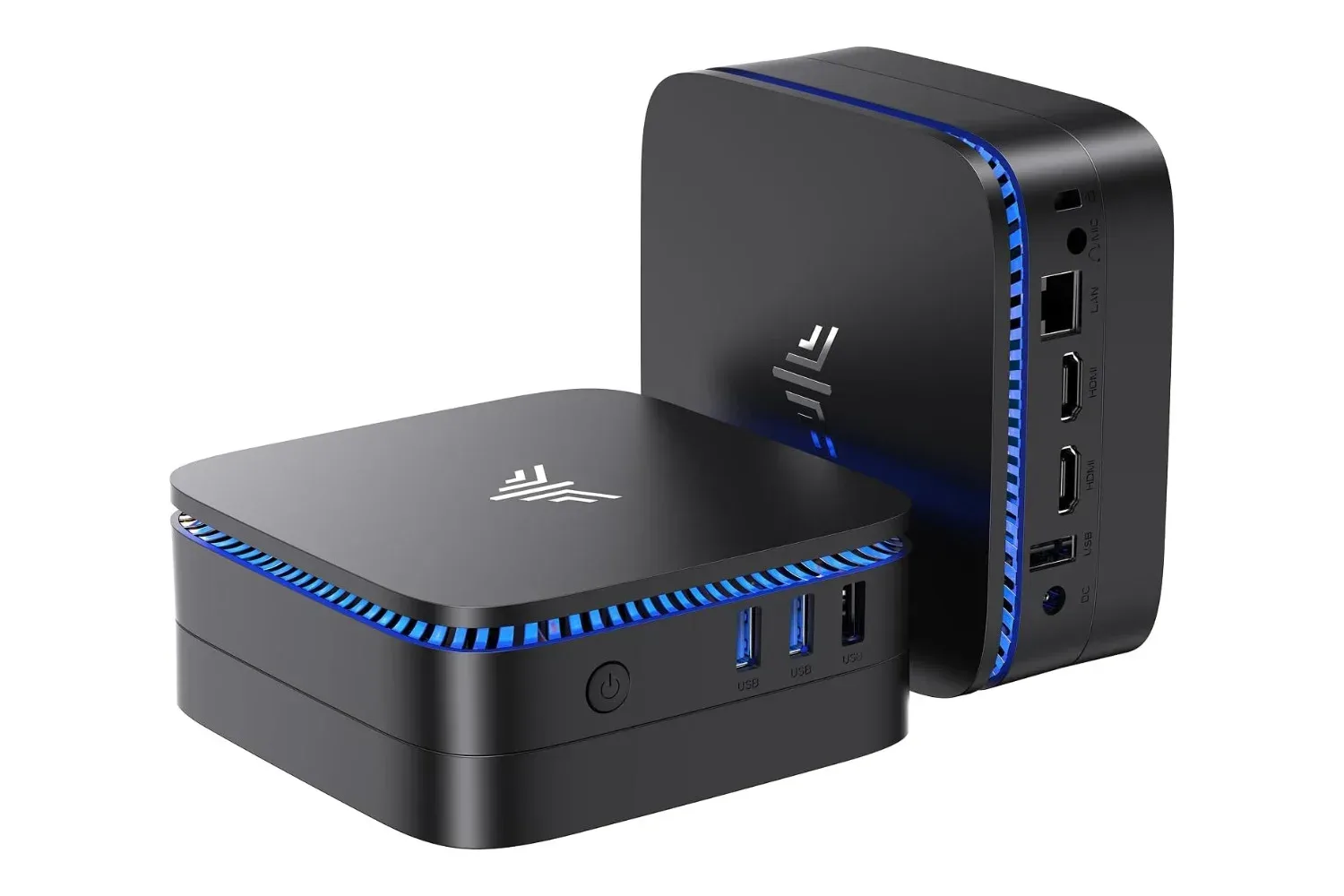
A small desktop does not have to mean a permanently sealed desktop. The KAMRUI Mini PC N5030 is currently listed at $299, down from $400—a $101 reduction, or 25%—with a configuration that includes Windows 11 Pro, 16GB of DDR4 memory and a 512GB M.2 solid-state drive.
That package is built around Intel’s N5030 processor and puts the emphasis on everyday desk work rather than the bulk of a conventional tower. Its case is described as small enough to fit in one hand, while included VESA mounting hardware means it can be attached behind a compatible monitor instead of occupying desk space. Dual HDMI outputs, USB-A and USB-C connections, a headphone jack and Gigabit Ethernet round out the stated hardware.
The important distinction is that this is not merely a compact PC with a fixed specification. Its memory and storage are described as user-accessible through a removable bottom panel. For a buyer whose needs could grow beyond the included 16GB and 512GB, that changes the practical equation considerably.
The deal and the headline specifications
The listed $299 price is the key part of the offer, but the configuration matters just as much when comparing small Windows desktops. The N5030 includes:
- An Intel N5030 processor
- 16GB of DDR4 RAM
- A 512GB M.2 SSD
- Windows 11 Pro preinstalled
- Two HDMI outputs with independent 4K-display support
- USB-A, USB-C, analog headphone and Gigabit Ethernet connections
- VESA mounting brackets
- Access to the RAM and storage behind a bottom panel
Each item answers a different question prospective buyers tend to have. Memory affects how comfortably several active programs can coexist. Storage sets the initial local capacity for documents and software. Video outputs determine how the computer fits into an existing monitor setup. Ports decide whether existing desk accessories can be connected without an immediate collection of adapters. Upgrade access provides an escape route if the starting configuration ceases to be enough.
Windows 11 Pro being preinstalled also means the device is presented as a ready-to-configure desktop rather than a barebones machine requiring the buyer to supply an operating system. That is especially relevant for someone replacing an older desk PC, setting up a compact workstation, or trying to keep a secondary home-office computer simple.
Why 16GB of RAM is a meaningful part of this configuration
RAM, or random-access memory, is the fast working area a computer uses for active applications and data. It is not the same thing as the SSD, which is long-term storage. When several programs are open at once—such as a browser, spreadsheet and video call—the system needs enough RAM to keep the active work available without constantly shifting data back to storage.
The stated 16GB capacity is positioned as twice the memory found in many similarly priced mini PCs. The practical claim is not that more memory makes every task inherently faster; it is that it can reduce the interruptions associated with running short on working memory during multitasking.
When memory is insufficient, a system can use storage as overflow, a process often called paging. Storage is useful for holding files, but it is not a substitute for RAM in this role. The resulting delay can show up as sluggish switching between applications or a stall while a system catches up. For a workday that moves among a call window, browser tabs, documents and spreadsheets, avoiding that bottleneck is a useful quality-of-life advantage.
There is also a longer-term angle. The initial 16GB is paired with the stated ability to reach the memory through the underside of the machine. Buyers should still confirm the exact compatible components and installation requirements before purchasing upgrade parts, but the basic design avoids treating the included memory as automatically permanent.
Dual HDMI changes how a compact desktop can be used
The N5030’s two HDMI connections support two displays independently at 4K resolution. Independent output matters because it allows the displays to show different content rather than simply duplicating the same screen.
That can be useful in an ordinary productivity layout: a meeting or communication window on one screen and a document, browser or spreadsheet on the other. It can also make a compact desktop less restrictive for users who already own two monitors and do not want to abandon that setup simply because the computer itself is small.
4K refers to a display resolution class with substantially more pixels than lower-resolution screens. The supplied specification concerns display output capability, not a promise about the performance of every possible application at that resolution. That difference is worth keeping clear. Being able to connect two 4K displays is a connectivity feature; how smoothly any particular workload runs depends on the workload and the system as a whole.
For readers who track the wider PC side of gaming as well as compact hardware, the platform continues to host projects of every scale, including Sunken Realms’ Steam arrival after six years of solo development. This mini PC’s supplied details, however, are most concrete around desktop productivity, display flexibility and physical expandability. Buyers should avoid assuming that a small Windows machine is automatically suited to every demanding game or creative workload without checking the needs of the specific software they intend to use.
Ports and wired networking matter more than they sound
Mini PCs can save space on a desk, but savings can disappear quickly if a device needs hubs and adapters for basic accessories. KAMRUI lists USB-A ports for conventional peripherals such as keyboards, mice, printers and external drives, alongside USB-C ports for USB-C accessories. The system also has a traditional analog headphone jack.
The inclusion of Gigabit Ethernet is another practical point. Ethernet is a wired networking connection, and the supplied information highlights it as a way to avoid relying entirely on wireless signal quality. For large local file transfers or video conferencing, a wired connection can be faster and more dependable than Wi-Fi in a given setup.
That does not make wireless networking irrelevant, nor does it guarantee a particular internet speed; internet performance also depends on the network service and the equipment around it. The benefit is choice. A buyer with an Ethernet cable available at their desk can use the wired port rather than treating wireless as the only option.
The upgradability advantage is simple, but worth examining
Many small computers are purchased as appliances: the internal configuration chosen on day one is effectively the configuration kept for the life of the device. The N5030 is described differently. Removing its bottom panel provides access to the memory and storage, allowing an owner to add RAM or replace the existing drive with a larger one.
An M.2 SSD is a compact solid-state storage format commonly used inside modern PCs. The 512GB drive included here is the starting point, not necessarily the ceiling implied by the design. Someone who gradually accumulates files could potentially replace it later rather than needing to replace the entire computer for more capacity.
Accessibility does not mean upgrades are consequence-free. Anyone considering that route should verify compatible hardware, follow appropriate installation guidance and account for moving or reinstalling data when replacing a drive. Still, access through a bottom panel is materially different from a design in which those parts are inaccessible to the owner.
For buyers who do not plan to open a computer, the upgrade path may never be used. But its presence can still be valuable as a contingency: the initial $299 system does not force an immediate decision about maximum memory or storage capacity.
A desk-space case for the mini-PC format
The included VESA brackets make this system especially suited to a tidy workstation. VESA is the mounting standard commonly used for monitor arms, stands and compatible rear-mounted accessories. With the supplied bracket hardware, the mini PC can be attached to the back of a monitor and placed out of sight.
That setup can clear the desktop without moving the computer to the floor, where cable access may become less convenient and the case can be easier to bump. Alternatively, the small chassis can simply sit beside a display. The system is also described as quiet enough to remain nearby rather than needing to be hidden under a desk.
The supplied information further characterizes the mini PC as using less energy than a tower desktop, which could matter for a machine used throughout a typical workday. Exact electricity savings will naturally vary with usage and local rates, so that point is better understood as a potential advantage of the compact format than as a guaranteed bill reduction.
Who should look closely, and what to verify first
At the listed price, the KAMRUI Mini PC N5030 makes the clearest case for users who value a compact Windows 11 Pro desktop with strong multitasking memory for its tier, two monitor outputs, conventional wired networking and room to expand storage or RAM later.
It is particularly easy to picture in a small home office, a shared workspace, a counter or reception-style desk, or any monitor-centered arrangement where a full tower feels excessive. The VESA option is not a minor extra in those scenarios; it is the feature that can make the computer nearly disappear from the work surface.
Before buying, shoppers should match the listed configuration to their actual software and peripheral needs, confirm that their monitors and cables suit the HDMI arrangement, and verify upgrade compatibility if future expansion is part of the plan. Those checks do not undermine the value proposition. They are simply the sensible final step when a compact computer’s appeal rests on how well it fits a specific desk and workload.
With 16GB of RAM, a 512GB M.2 SSD, dual independent 4K HDMI, a broad port selection and accessible internals, the N5030’s $299 listing is less about making a miniature tower look impressive and more about making a small Windows desktop genuinely practical.
Shop the products
Check current price, model and availability at the retailer.