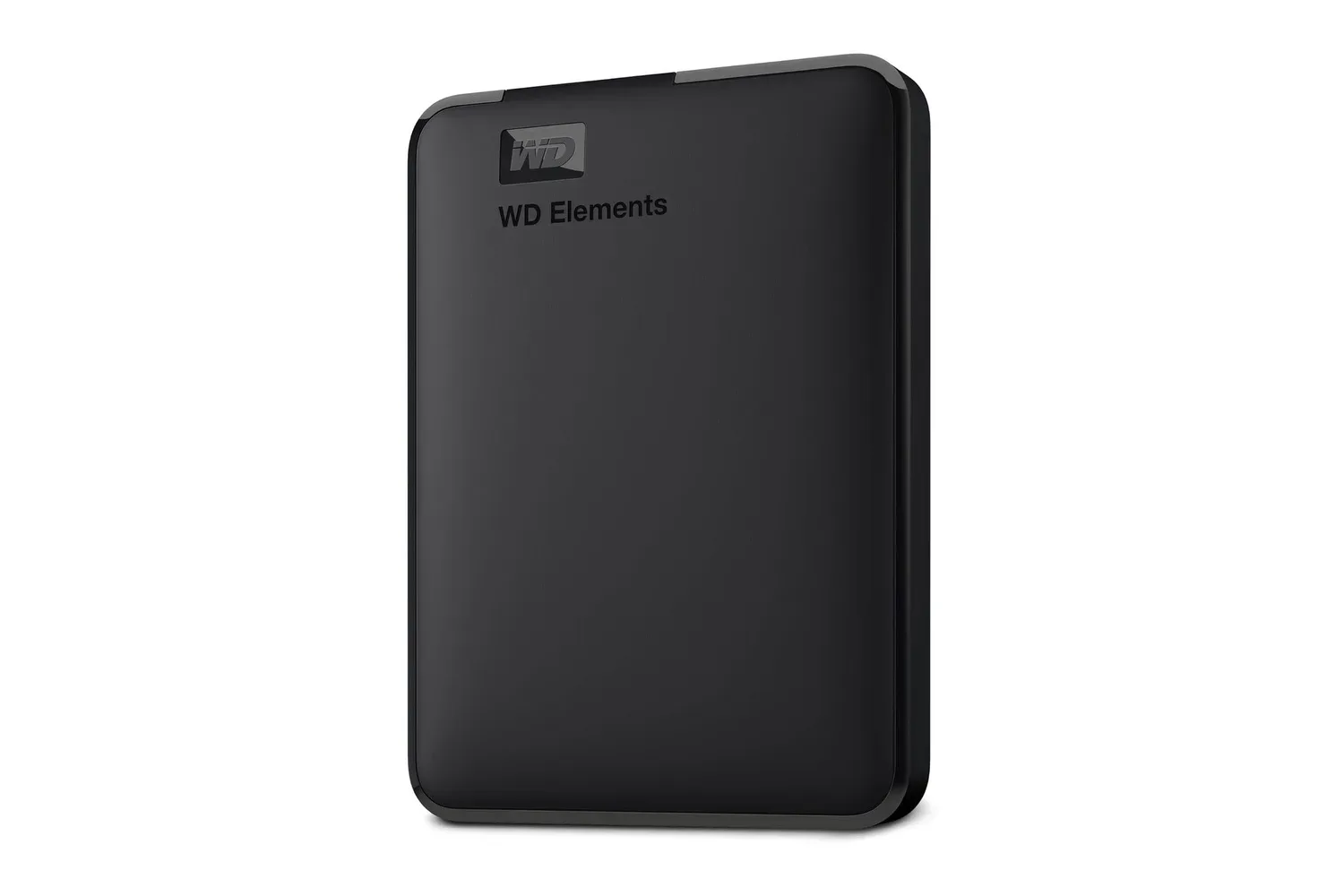
Western Digital’s 2TB Elements Portable External Hard Drive is currently listed for $132, down from $165. That is a $33 reduction, or 20% off the stated regular price, for a compact external drive designed around straightforward backup and extra file storage rather than a complicated setup.
The appeal is uncomplicated: 2TB of capacity in a portable black enclosure, powered through the same USB cable used for data. For a PC player whose internal drive is full of game installs, screenshots, recordings and save-file backups, an external drive can be a useful place to move less frequently used material or keep a separate copy of files that would be painful to lose.
It is important to set the right expectation, though. The supplied specifications describe a portable hard drive, not a solid-state drive. Its chief strengths are capacity, portability and a cable-only setup. Buyers looking to expand a gaming PC should consider what they intend to store: backups, media and archived libraries are different jobs from demanding the fastest possible load times from a current game installation.
What the $132 listing includes
The WD Elements Portable provides 2TB of additional storage and connects over USB. It supports USB 3.2 Gen 1, with compatibility for USB 2.0 as well. WD states that transfers can reach up to 5Gbps over USB 3.2 Gen 1.
That number describes the maximum connection rate, rather than a promise that every individual file copy will proceed at that exact speed. In everyday use, transfer time can depend on the computer’s port, the cable, the files being copied and the drive itself. Still, USB 3.2 Gen 1 support is the relevant connection mode for getting the best available performance from the drive on a compatible system. USB 2.0 compatibility gives it a route to older hardware, although that older connection will not offer the same maximum transfer rate.
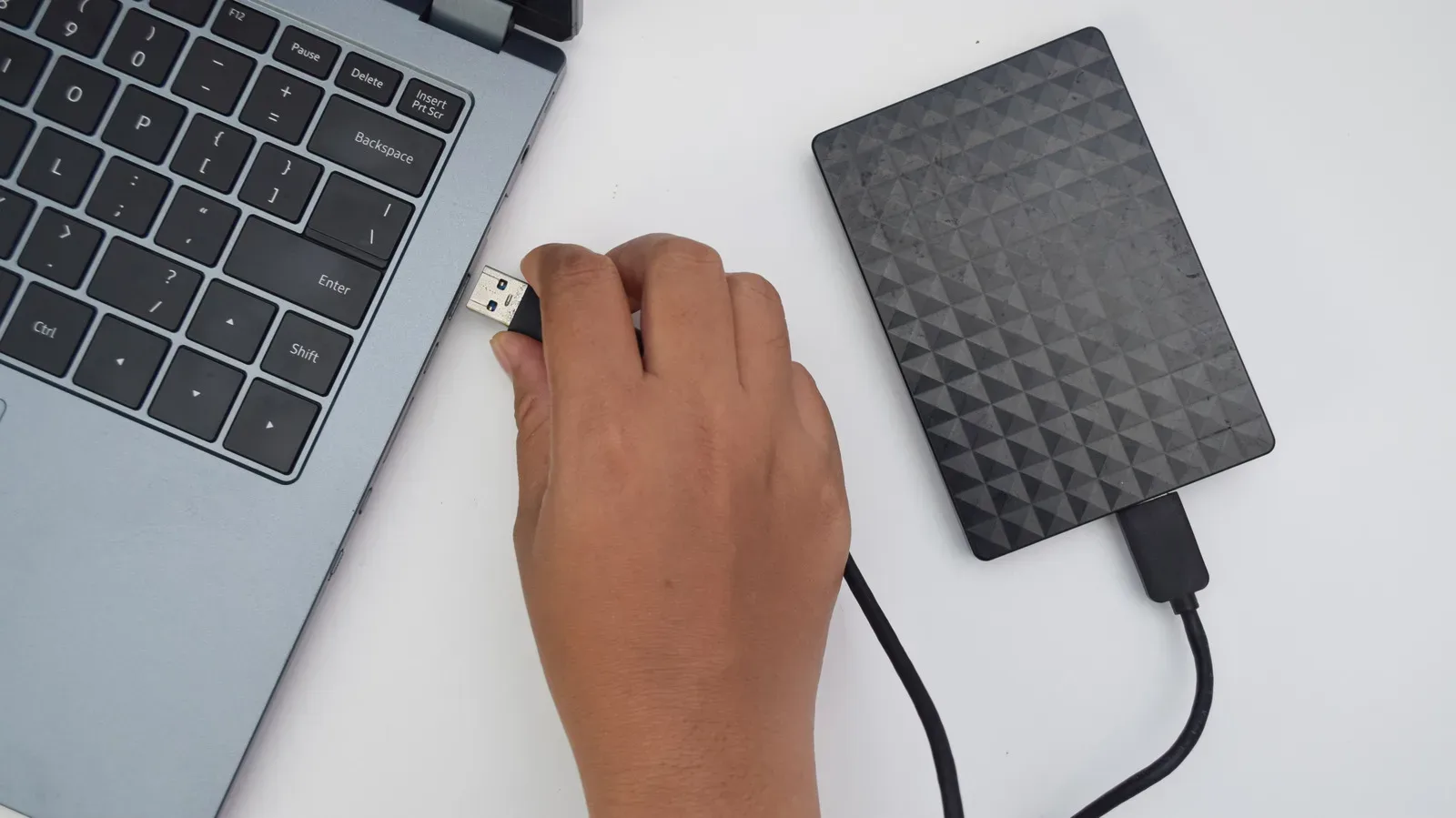
The drive needs no separate wall adapter. It draws power from a computer’s USB port, so one cable handles both power and data. That is a particularly practical detail for people working between a desktop, laptop, classroom or travel location: there is no additional power brick to pack or outlet to find.
- Capacity: 2TB
- Current listed price: $132
- Stated previous price: $165
- Claimed reduction: $33, or 20%
- Connectivity: USB 3.2 Gen 1, with USB 2.0 compatibility
- Maximum stated transfer rate: up to 5Gbps via USB 3.2 Gen 1
- Power: supplied through the USB connection
- Warranty: two-year limited warranty
A simple storage option for a crowded gaming PC
Games are only one part of a PC’s storage equation. Captured clips, screenshots, mods, project files, documents, music and personal photos can steadily consume a laptop or desktop’s available space. The Elements Portable is positioned as a way to offload those files, create a backup copy or carry a sizeable library without opening a computer or installing an internal drive.
For game-related use, the clearest case is archival. A player could use the drive for installers, gameplay captures, images, save backups and games that are not currently in regular rotation. If internal space is tight, moving dormant material to external storage can make room for active projects or current installs. The 2TB capacity is also intended to accommodate large document and game libraries, plus substantial collections of photos and video.
That distinction matters because “storage” can mean several things. An archive is a place to retain files that are not needed constantly. A backup is an additional copy intended to help recover from loss, failure or theft. Simply moving the only copy of a file from a laptop to an external disk creates space, but it does not by itself create a backup. Keeping a copy on both devices is the more protective approach.
A portable drive is especially handy for users who cannot easily upgrade their computer’s internal storage. It can sit in a desk drawer when not needed, travel in a laptop bag, or be connected for planned file-copy sessions. The compact design and single-cable operation make the product’s intended workflow less about permanent desk installation and more about flexible, occasional access.
USB terms, explained
USB naming can make a simple purchase feel needlessly technical. In this case, USB 3.2 Gen 1 is the newer, faster connection option named for the drive, while USB 2.0 is the older compatibility option. Connecting the Elements Portable to a USB 3.2 Gen 1-capable port is the route to its stated maximum of up to 5Gbps.
Gbps means gigabits per second, a measurement of connection bandwidth. It should not be confused with gigabytes, commonly used when discussing the size of files and storage capacity. The practical takeaway is not to calculate every transfer in advance, but to recognize that a compatible newer USB connection should be preferable when copying large folders such as video captures or a long-term game archive.
The included cable is central to the convenience here. Connect one end to the computer and the other to the drive, and it receives power and establishes the data connection. There is no external power supply in the workflow. That keeps the setup approachable for people who want a backup destination without adding another powered device to their desk.
Windows setup and macOS considerations
WD ships the Elements Portable preformatted in NTFS for Windows 10 and later. Formatting is the process of preparing a drive with a file system that an operating system uses to organize and access stored data. For the intended Windows use, the preformatted state supports a plug-and-play experience: attach the provided USB cable and the drive is ready to use without an external power source.
Mac users are not excluded, but they should note the supplied compatibility detail. The drive may be formatted for macOS-based systems. Formatting changes how a drive is prepared for use and can remove existing data, so anyone considering that path should first make certain that no wanted files are on the disk. Windows buyers who need an uncomplicated external location for files are the audience most directly served by the out-of-box NTFS formatting.
Compatibility and performance also depend on the computer being used. USB 2.0 support can be valuable for older systems, while users with USB 3.2 Gen 1 connections are better placed to take advantage of the drive’s cited maximum transfer rate. If a computer has multiple ports, checking its documentation can help identify the appropriate connection before beginning a major transfer.
Why backup discipline matters more than raw capacity
A 2TB drive can hold a great deal of material, but storage alone does not protect files unless it is used consistently. The most useful routine is usually a deliberate one: identify the folders that matter, copy them to the external drive at regular intervals, and check that the copied files are present. For many people, that could mean photos, school or work documents, family video, game captures and save-related files.
The reason is simple. Laptop loss, theft or hardware failure can make locally stored data unavailable. A separate copy on the Elements Portable can reduce the risk that a single device problem takes every important file with it. Its portability helps, but that same portability also means users should be mindful of where they keep it; an external backup only helps if it remains accessible and protected.
For a player assembling or updating a PC storage plan, this deal sits alongside other kinds of upgrades. An external drive addresses capacity and backup needs with minimal installation effort, whereas a processor upgrade addresses a very different part of a system. Those weighing broader PC changes can also see the current listing for an AMD Ryzen 7 7800X3D price cut.
Who should consider the WD Elements Portable?
The $132 listing makes the most sense for someone who wants portable, cable-powered capacity and understands the role an external hard drive can play. It is a fit for Windows users seeking a ready-to-use backup destination, people who regularly move large directories between systems, and laptop owners who need room for files without internal installation.
It is also worth considering for households with a growing pile of documents, photos and videos. The product is described as capable of holding hundreds of thousands of photos, hours of video and extensive document or game libraries. That makes 2TB meaningful for consolidation, provided users still organize folders and maintain a backup habit rather than treating one external drive as an infallible vault.
The listing’s two-year limited warranty adds a stated measure of coverage, but it does not replace keeping important data in more than one place. The practical value of the Elements Portable is its low-friction design: plug it in, use the available capacity and make regular copies of material worth keeping. At its current listed $132 price, it is a straightforward storage purchase for users whose priority is portable space and basic backup utility.
Shop the products
Check current price, model and availability at the retailer.