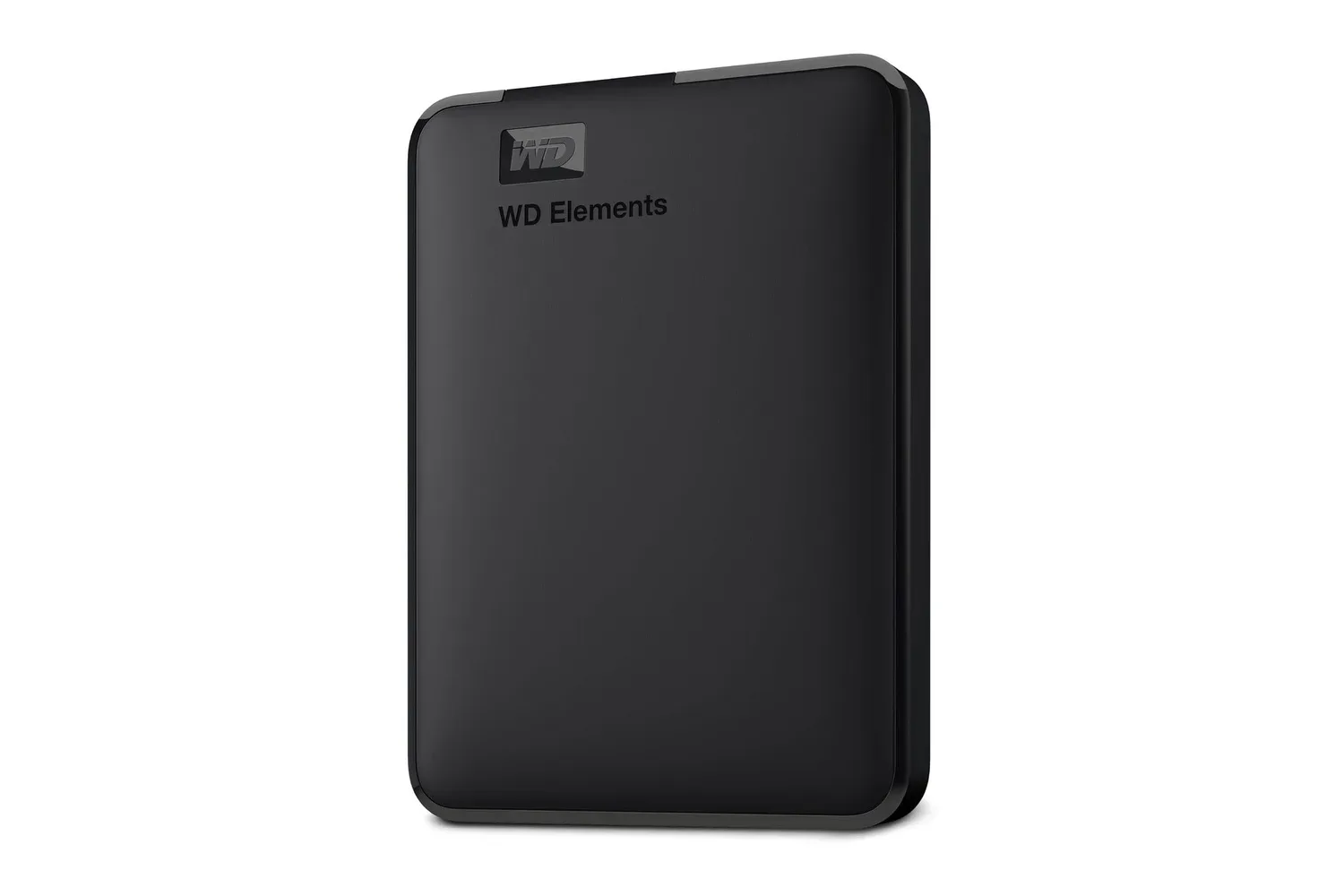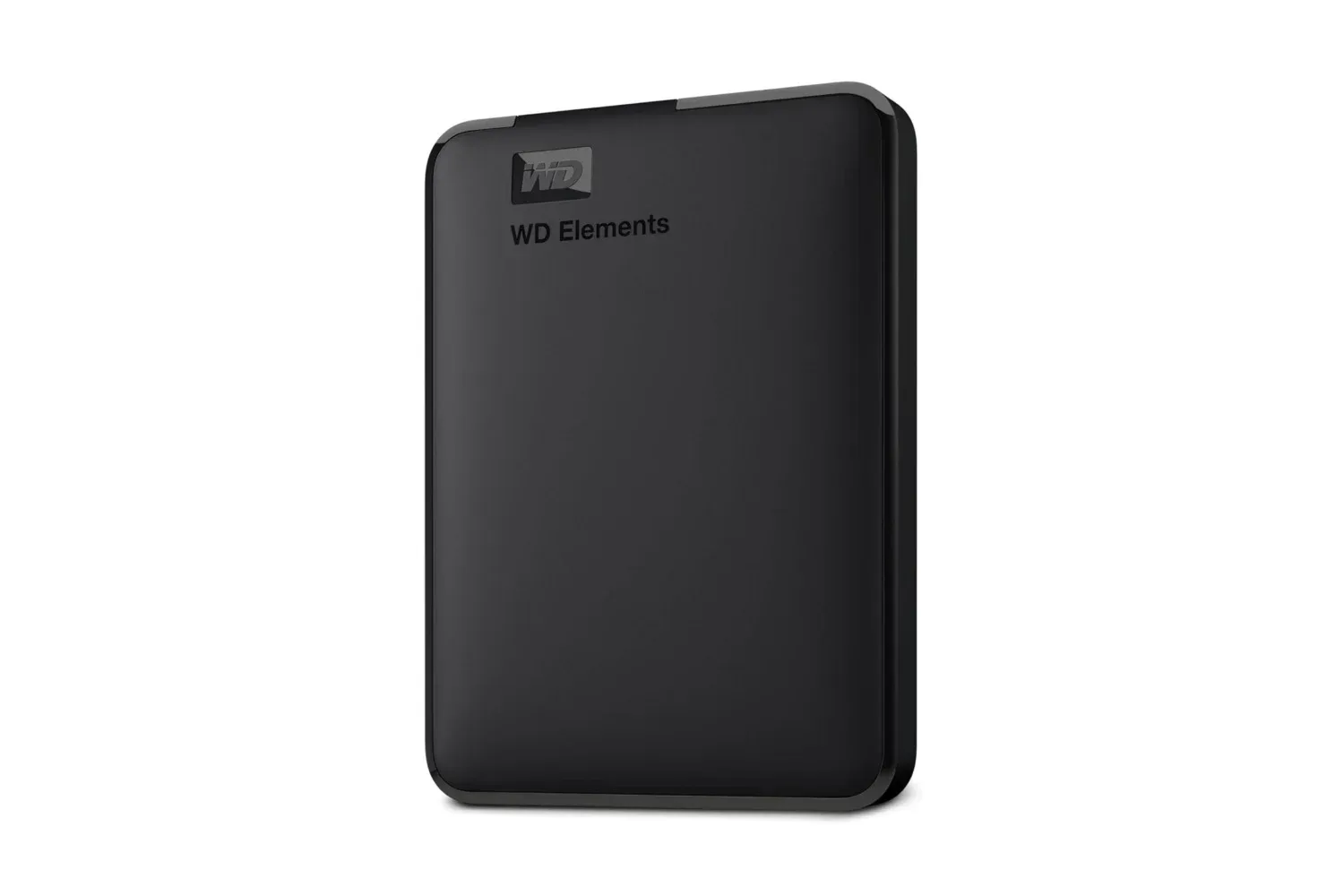
Storage has an uncanny ability to disappear at the exact moment a game install, video project, or photo archive decides it has nowhere else to go. A current listing for the 2TB WD Elements portable external hard drive puts a straightforward escape hatch at $132, reduced from $165. That is a $33 reduction, or 20% off the stated regular price.
For people whose “just one more download” habit has developed into a full-blown digital hoarding side quest, the larger 6TB WD Elements model is listed at $269, down from $320. The supplied deal details say both offers include free shipping and a three-month Amazon Music Unlimited trial. As with any retailer listing, prices, shipping terms, bundled trials, and stock can change, so shoppers should check the checkout page before treating any of those details as locked in.
What the deal covers
- WD Elements portable external hard drive, 2TB: $132, reduced from $165.
- WD Elements portable external hard drive, 6TB: $269, reduced from $320.
- Connection: USB 3.2 Gen 1.
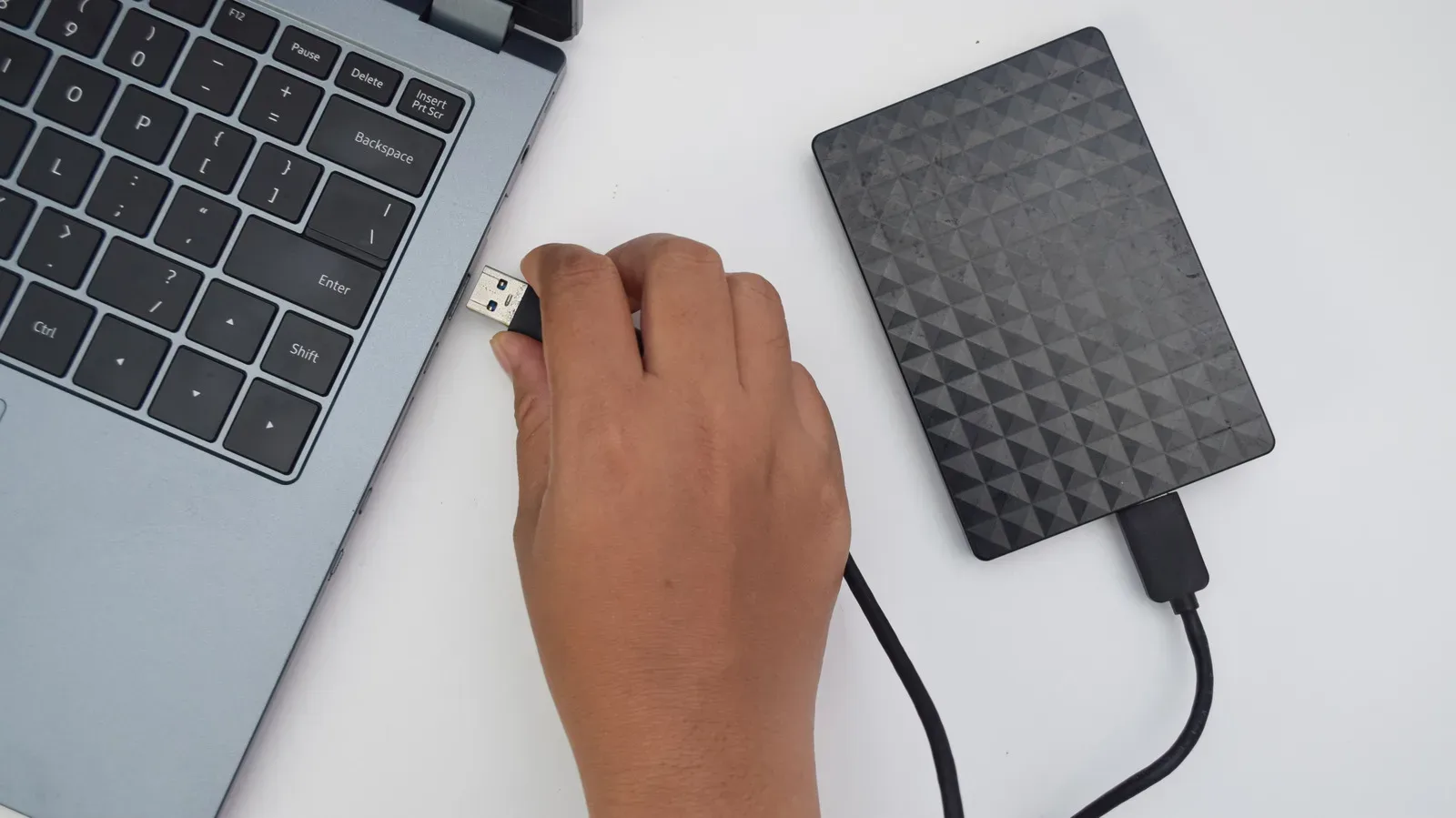
- Setup: Plug-and-play operation is cited, using the included cable.
- Extras listed with the offers: Free shipping and a three-month Amazon Music Unlimited trial.
The important distinction here is that this is an external hard drive, intended to add storage outside a laptop or desktop rather than replace its internal drive. Its practical appeal is simple: files that do not need to occupy precious internal capacity can be moved to a portable unit that can travel between compatible machines.
That makes the 2TB capacity relevant for more than conventional documents. It can be used for photos, video files, personal projects, game files, and broader media libraries. The 6TB option changes the calculation for buyers working with substantially larger libraries or who want more room before they need to start deciding which ancient recordings earn a permanent place in the archive.
USB 3.2 Gen 1: what that specification actually tells buyers
The listing identifies USB 3.2 Gen 1 as the connection standard. In practical terms, this is the wired USB connection used to transfer files between the drive and a compatible computer. It is relevant because external storage is only useful when moving a backup or game-sized folder does not become an accidental meditation retreat.
Still, shoppers should separate a connection standard from a promised real-world transfer rate. The information supplied does not state a specific read speed, write speed, or a time required to copy a particular file. Those results can vary with the computer, cable, connection, file type, and the drive itself. USB 3.2 Gen 1 indicates the type of interface provided; it should not be read as a guarantee that every transfer will reach a particular number.
That nuance matters especially for big folders. A library full of numerous small files can behave differently from a single large video file. Likewise, moving data from an older computer or through an incompatible or slower connection may alter the experience. The safe takeaway is that the listed interface is designed for file transfers and that the drive is positioned as a convenient portable storage option, not that a particular transfer benchmark has been established.
Who the 2TB model may suit
The 2TB version is the simpler fit for someone trying to reclaim space on a laptop or PC without overcomplicating the purchase. It offers an additional location for files that are important to retain but do not need to live on the computer’s internal storage every day. That could include project archives, photos, downloaded media, documents, or files moved between workstations.
For PC players, the capacity also creates an extra place for game-related files. Buyers should be deliberate about what they expect from that setup, however. The supplied details establish that the drive can hold games, but they do not establish platform-specific game-install rules, loading behavior, or performance characteristics. Anyone buying it chiefly for a particular console or PC game library should verify the requirements of that platform and game before purchase.
It is also worth distinguishing capacity from backup. Capacity is the amount of data a drive can store. A backup is an additional copy of data kept so that the loss of one copy does not mean the loss of the files. Moving a file off a computer onto one external drive may free space, but it is not necessarily a robust backup plan if that external copy is the only remaining one. The source material positions the WD Elements as a place to offload data; buyers with irreplaceable material should consider how many copies they retain and where those copies live.
When the 6TB option makes more sense
The 6TB version costs $137 more than the discounted 2TB listing, based on the stated prices. In exchange, it provides three times the listed capacity. That does not automatically make it the best pick for every buyer. The right choice depends on whether the purchaser has a known need for a much larger archive, expects a collection to grow quickly, or prefers to avoid revisiting the storage question soon.
A larger drive can make more sense for people consolidating material from multiple devices or retaining heavier files such as video libraries and extensive creative projects. It can also be useful for a household or workstation that accumulates a broad mix of documents, photos, and media. Conversely, someone who only needs a little breathing room on a personal laptop may find the 2TB model sufficient and keep more money available for the actual games waiting in the backlog.
There is no supplied detail on other differences between these capacities, so buyers should not assume that capacity alone reveals every aspect of the two products. Check the exact listing for the model, included accessories, compatibility information, and any terms attached to the promotional trial.
Plug-and-play portability is the central convenience
The WD Elements drive is described as compact enough for a bag and as plug-and-play with the included cable. “Plug-and-play” generally means the device is intended to work after it is connected to a compatible machine, without a complicated manual setup process. It is a meaningful convenience for people who regularly move files among workstations, bring an archive with them, or simply want to put less-used data somewhere other than their main computer.
Portable storage does come with one mundane but important responsibility: it is physical. A drive that is easy to carry is also easy to misplace, leave behind, or damage if handled carelessly. It is sensible to label the drive, keep the cable with it, and decide what role it serves before filling it up. Is it a travel library, a transfer drive, an archive, or one layer of a backup routine? A little organization prevents the external drive from becoming a mysterious rectangle containing “Final_Final_ActuallyFinal” folders from three operating systems ago.
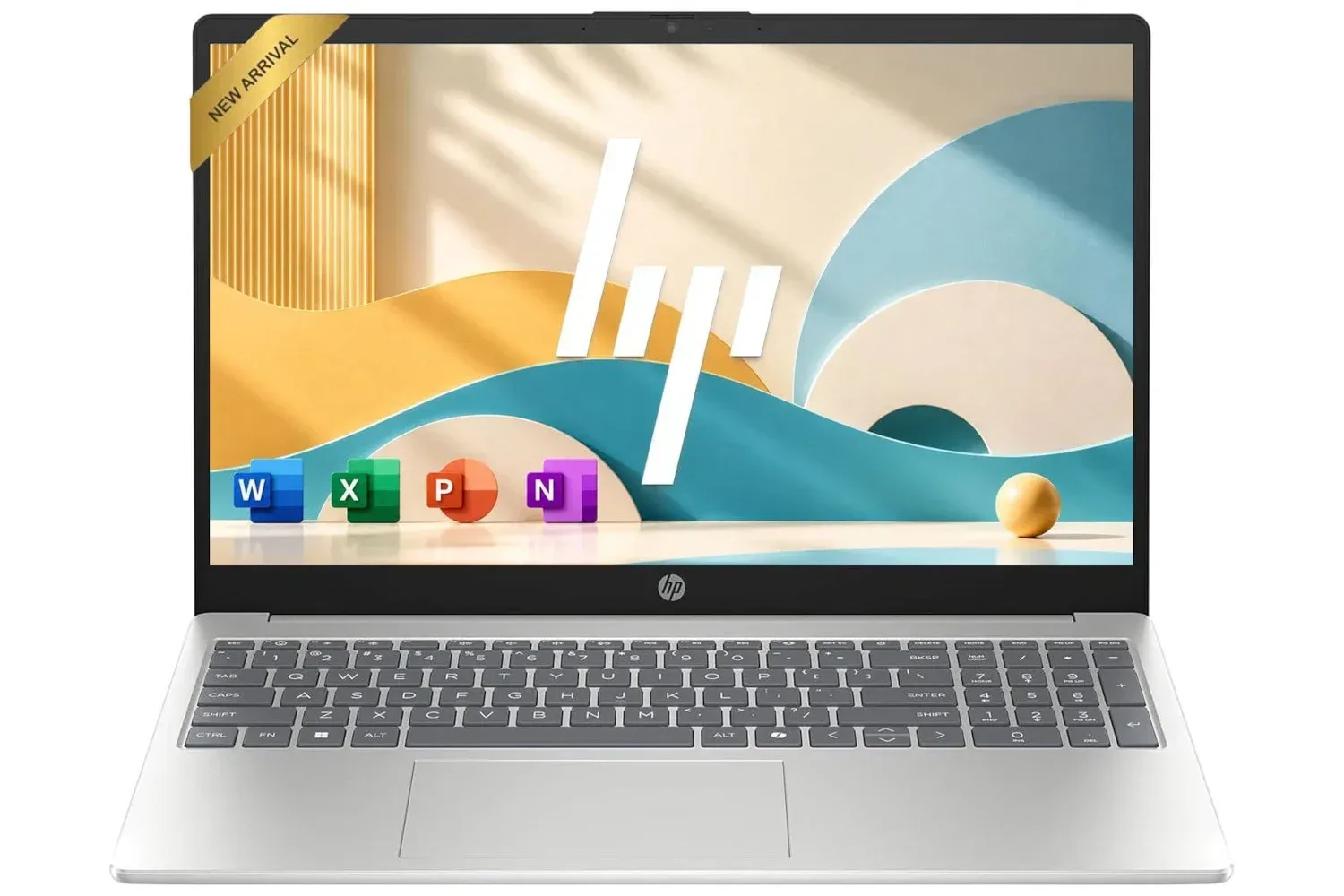
The deal may also be timely for buyers pairing new storage with a budget PC purchase. A recent HP laptop listing with 128GB of internal SSD storage is a useful example of why an external drive can be worth considering: smaller internal storage can fill rapidly once everyday files and larger downloads enter the picture. That link is context, not a compatibility confirmation for the WD drive; purchasers should confirm compatibility for their own hardware.
Before buying: a short checklist
- Confirm the capacity you need. Choose 2TB for a more modest expansion, or consider 6TB if the archive is already large or likely to grow.
- Check compatibility with your device. The drive is described as working with compatible devices, so verify your computer and connection needs before ordering.
- Read the current listing terms. Reconfirm the current price, shipping, availability, and the conditions of the Amazon Music Unlimited trial.
- Know whether you are transferring or backing up. Freeing internal space and maintaining multiple safe copies are related but different jobs.
- Plan the folder structure. Separating work, photos, projects, and game-related material at the start can make the drive easier to use later.
At the listed $132 price, the 2TB WD Elements portable hard drive is a notable discount for buyers who want an uncomplicated external place for files and value a portable, cable-connected setup. The $269 6TB model is the better fit only when the extra capacity has a real purpose. In either case, the strongest reason to buy is not the percentage badge on the listing; it is having a clear plan for the storage that is currently elbowing everything else off the internal drive.
Shop the products
Check current price, model and availability at the retailer.