“Memory” is one of the most overloaded words in computing. A gaming PC listing may advertise 32GB of memory and a 1TB SSD in the same breath; a console discussion may bring up cache, RAM, internal storage and firmware; a phone spec sheet might mention LPDDR5X alongside flash storage. All of those terms concern places where a device holds information, but they are not interchangeable.
The clearest dividing line is power. Volatile memory loses its contents when power is removed. Non-volatile memory retains its contents without power. That is why unsaved work held in ordinary RAM disappears after an abrupt outage, while a game installation on an SSD remains ready when the machine starts again.
That simple rule is useful, but it does not mean that every volatile component is identical, or that every non-volatile component has the same speed, capacity or purpose. “Volatile” describes data persistence, not a quality ranking. Modern hardware depends on several layers of both kinds of memory, continuously moving information between them as software runs.
RAM is temporary workspace, not long-term game storage
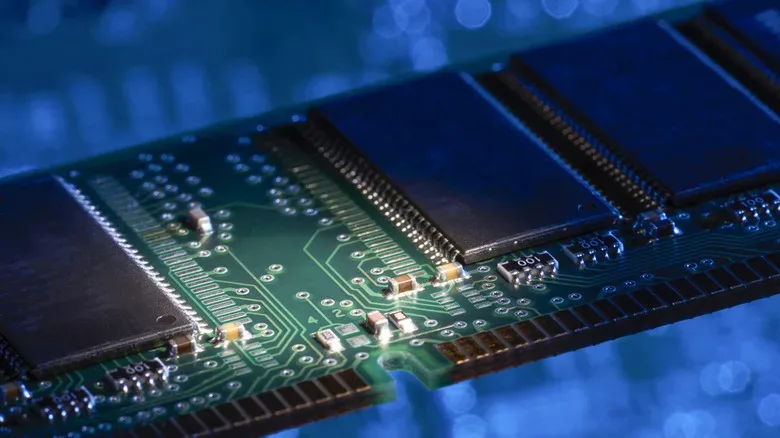
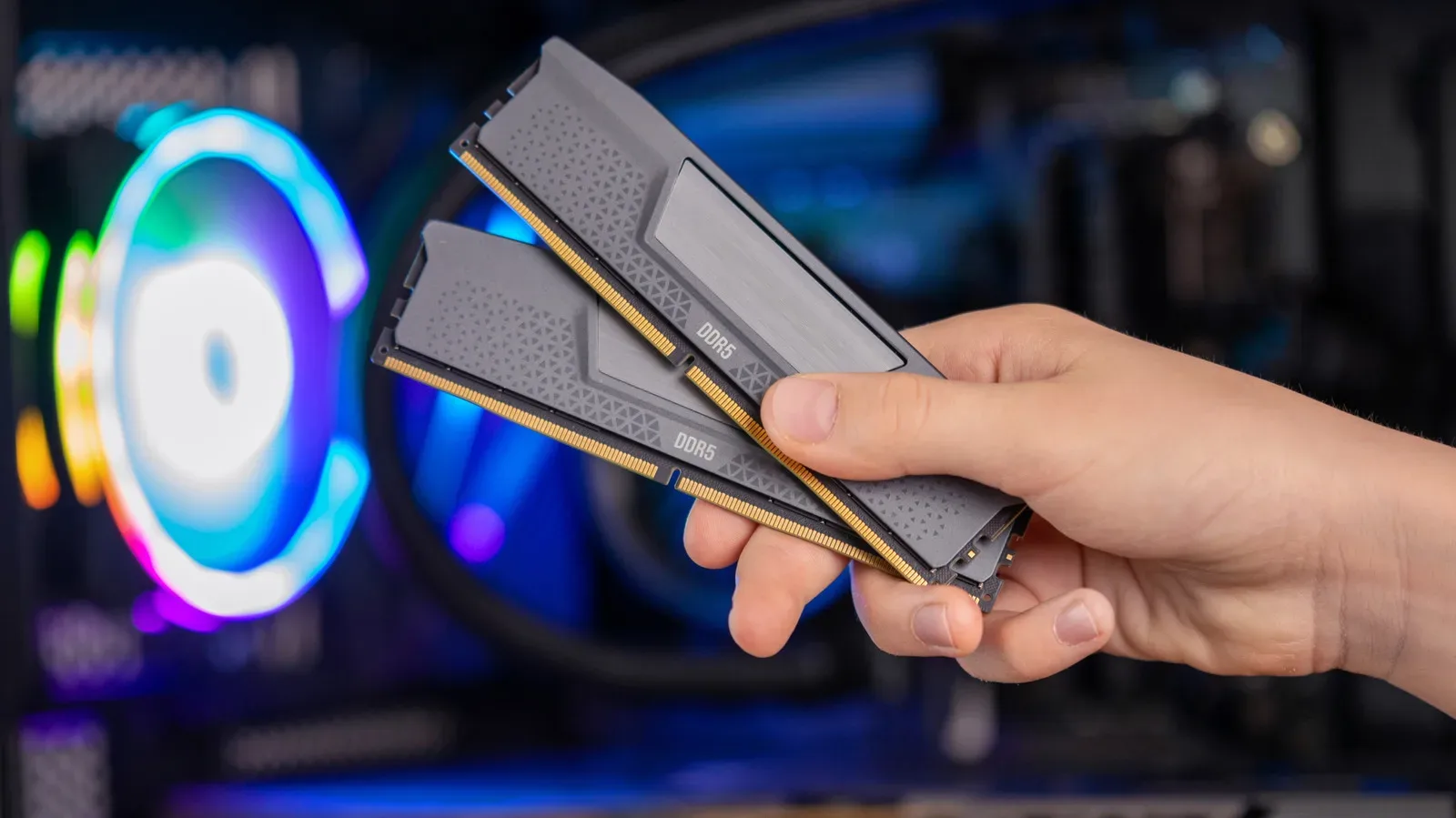
When a desktop or laptop has 16GB, 32GB or 64GB of RAM, that generally means dynamic random-access memory, better known as DRAM. DRAM is the principal workspace for an operating system, games and other active applications. A game’s code, level data, textures, audio and assets needed at that particular moment are brought into system memory so the processor can work with them.
DDR5 is a current DRAM standard for many computers. Mobile devices commonly use lower-power variants such as LPDDR5X. The packaging can differ, too. Desktop users may recognize DIMMs: the removable, stick-shaped memory modules seated in motherboard slots. Other machines have memory soldered directly to the board or arranged as unified memory close to the processor. AMD’s Ryzen AI Max platform, for example, can support up to 128GB of unified memory. The physical design changes, but its essential role remains temporary active memory.
A DRAM cell represents a bit through a capacitor and transistor. The capacitor’s electrical charge gradually leaks, which means the system must periodically refresh the cells while power is present. Shut the computer down, cut the power and stop the refresh process, and DRAM’s stored state is gone.
This is not a flaw in the everyday sense. It is the expected trade-off for a technology designed to offer substantial working capacity at a scale suited to an entire operating system and demanding software. For gaming, more DRAM can help the system keep active data available instead of leaning as heavily on slower storage or closing background tasks. It does not, however, expand the number of games that can stay installed. That is a storage-capacity question.
SRAM is also volatile, even though “static” sounds permanent
Static random-access memory, or SRAM, is another volatile technology. Its name can be misleading: “static” does not mean it keeps data after a shutdown. It means SRAM does not need DRAM’s repeating refresh cycle while electricity continues flowing.
SRAM uses latching circuitry with multiple transistors for each bit. That design can provide very quick access, but it is impractical to deploy in the enormous capacities used for ordinary system RAM. Instead, SRAM is especially valuable in processor caches: small, fast stores positioned close to CPU cores. Caches retain copies of data the processor is likely to need repeatedly, reducing trips out to the larger pool of DRAM.
The capacity gap puts the hierarchy in perspective. AMD’s Ryzen 9 9950X3D has 144MB of combined L2 and L3 cache, an unusually cache-rich example. Yet 144MB is still far below the tens of gigabytes a modern gaming PC may use as system memory. Both SRAM cache and DRAM vanish without power; they simply occupy very different places in the performance-and-capacity balance.
- SRAM cache: very small by main-memory standards, fast, and closely tied to the processor.
- DRAM: far larger working memory for running applications and the operating system.
- Non-volatile storage: much larger persistent space for installed games, saves, applications and personal files.
Understanding the hierarchy helps make sense of why gaming hardware conversations can focus on cache in one context and RAM capacity in another. A large cache can be meaningful for workloads that revisit data frequently, while DRAM capacity determines the much broader space available for active software. Neither one is a substitute for an SSD.
NAND flash keeps your library after shutdown
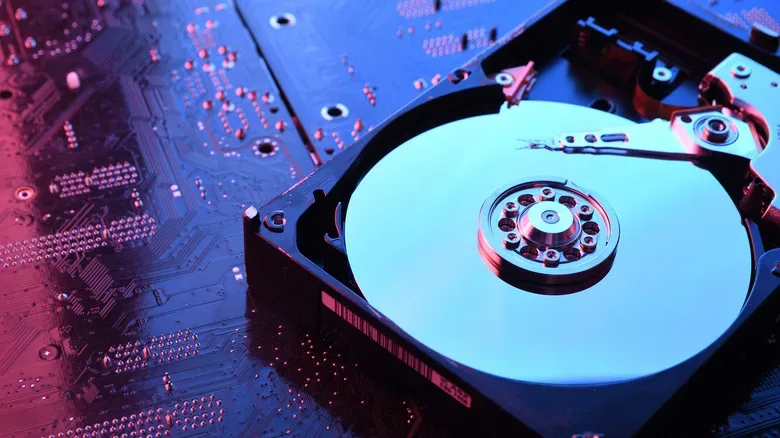
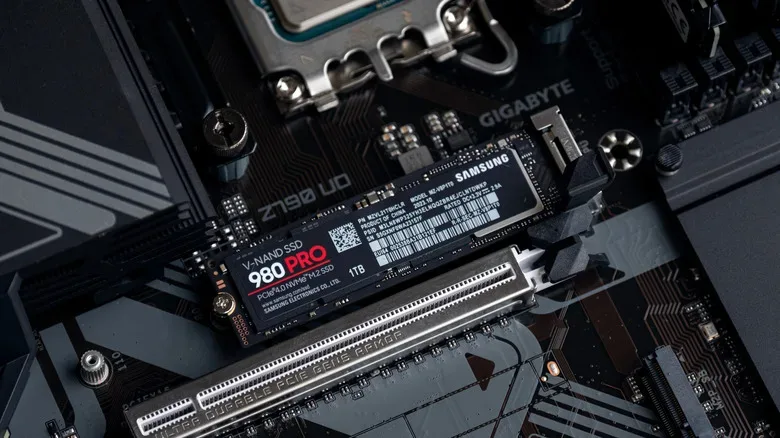
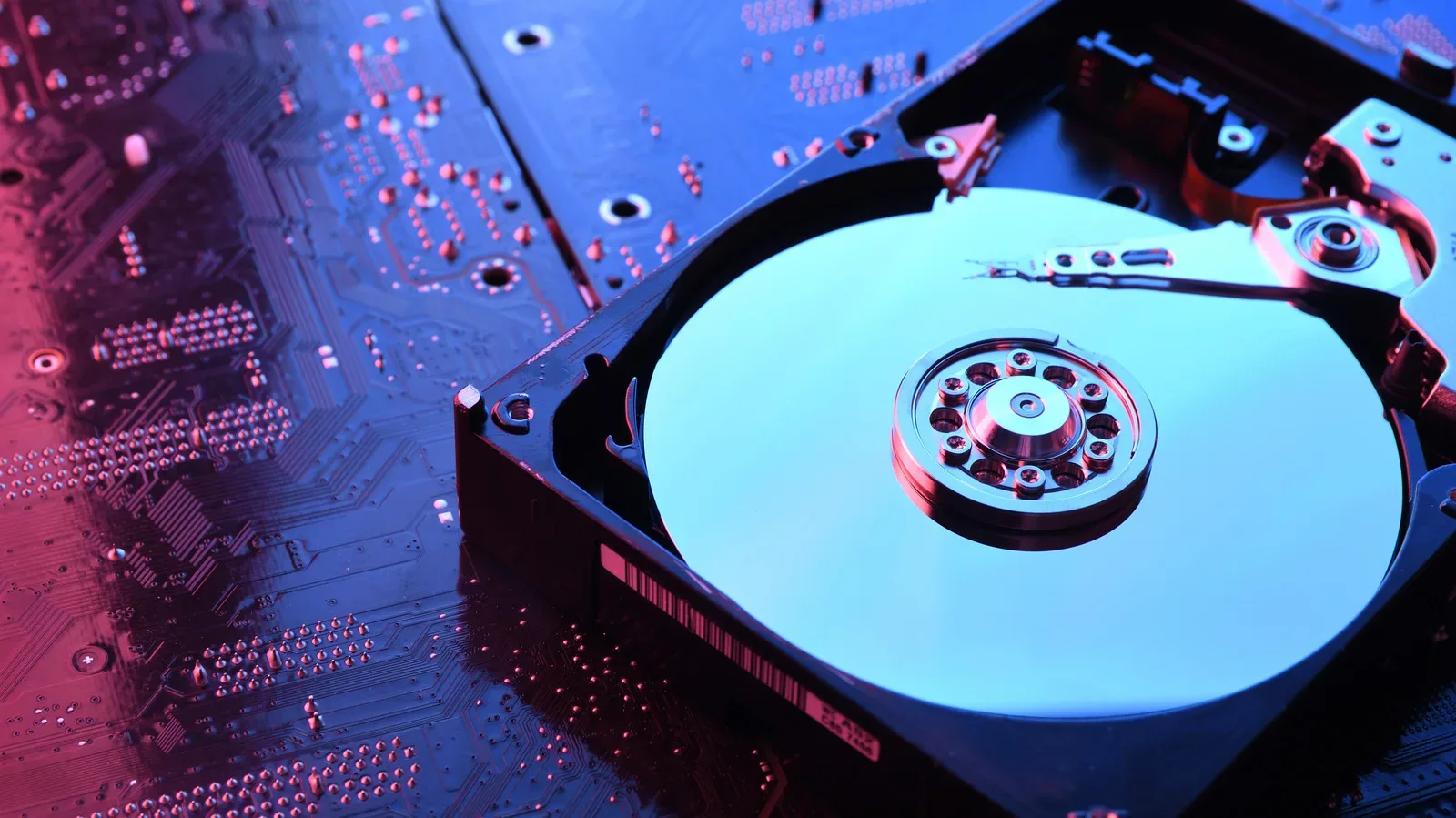
Non-volatile memory takes over when information must survive beyond the current powered-on session. In consumer computers, consoles, tablets, USB drives and memory cards, the most familiar form is NAND flash. SSDs use NAND flash to store the operating system, installed programs, game files, screenshots, documents and saved data.
An SSD is more than a collection of flash chips. It also contains a controller that organizes reading and writing, handles error correction and spreads writes around the available flash cells. That distribution matters because repeatedly writing to the same physical cells would make them wear more quickly than the rest. The basic division between persistent flash and a management controller applies whether an SSD connects through SATA or NVMe.
For a player deciding between a specification that reads “16GB memory | 512GB SSD,” the two figures answer separate questions:
- 16GB memory indicates the temporary room available for active processes.
- 512GB SSD indicates persistent room for the OS, games, apps, downloads and files.
It is possible to have ample RAM but a cramped game library, or spacious storage with too little memory for comfortable multitasking. One cannot be converted into the other through a settings menu. A system uses them together.
Storage also should not be confused with a network fix. If downloads, cloud saves or online matches are behaving poorly, adding hardware blindly can create new complications. Our guide on checking better options before adding a second router to a gaming setup covers a separate part of the experience: moving data over a network rather than retaining it locally.
NOR flash has a persistent job of its own
NAND is not the sole form of non-volatile flash. NOR flash is commonly used to retain code rather than large collections of files. Firmware that initializes hardware and helps begin the boot process is a typical use. It can also hold other program code that needs to remain present after a device has been switched off.
One notable reason NOR suits embedded hardware is that a processor can often execute code directly from the flash chip, instead of first moving it into RAM. That makes it valuable where dependable startup code matters and bulk storage capacity is not the goal.
The distinction between NAND and NOR reinforces the central lesson: non-volatile is a persistence category, not the name of one magic component. In the same way, DRAM and SRAM are both volatile but serve substantially different functions, NAND and NOR preserve data without power while being optimized for different tasks.
What happens when you launch a game or edit a save
A running game offers a practical way to picture the whole arrangement. Before launch, the game executable, assets and save data are parked on non-volatile storage. Starting it prompts the operating system to fetch the data it needs from the SSD into DRAM. The CPU then makes frequent use of its SRAM caches for especially relevant instructions and data.
The device is not permanently relocating your entire game from one layer to another. It is making temporary working copies as needed. During play, texture streaming, world data, interface elements and background operating-system work can all cause traffic through the hierarchy. The exact behavior changes by engine, platform and workload, but the broad model holds: persistent storage supplies data, DRAM supports active use, and cache tries to keep the processor fed efficiently.
When you save progress, the important result must eventually be written back to non-volatile storage. The temporary contents of RAM do not need to last through a normal power-off. The save file does.
Volatility answers one question only: will the information still be there after power disappears? It does not alone reveal capacity, speed or whether the component is intended for cache, main memory, game storage or firmware.
Sleep and hibernation show the difference in everyday use
Sleep mode relies on volatile memory remaining powered. Your open programs and session stay in RAM, allowing a quick return, but a full power loss can erase that state. The files you saved beforehand remain safe on the SSD; unsaved work that existed only in RAM may not.
Hibernation takes a different route. Windows can write the contents of volatile memory to a hibernation file on non-volatile storage, then power down DRAM. On the next startup, it reads the stored image and rebuilds the previous memory state. Hibernation is therefore a deliberate handoff from temporary memory to persistent storage, not evidence that ordinary RAM has stopped being volatile.
Once these roles are separated, spec sheets become less cryptic. RAM capacity affects the working space available right now. Cache supports rapid repeated CPU access. SSD capacity determines how much stays installed and saved tomorrow. And firmware flash helps a device remember how to wake up and begin the process all over again.