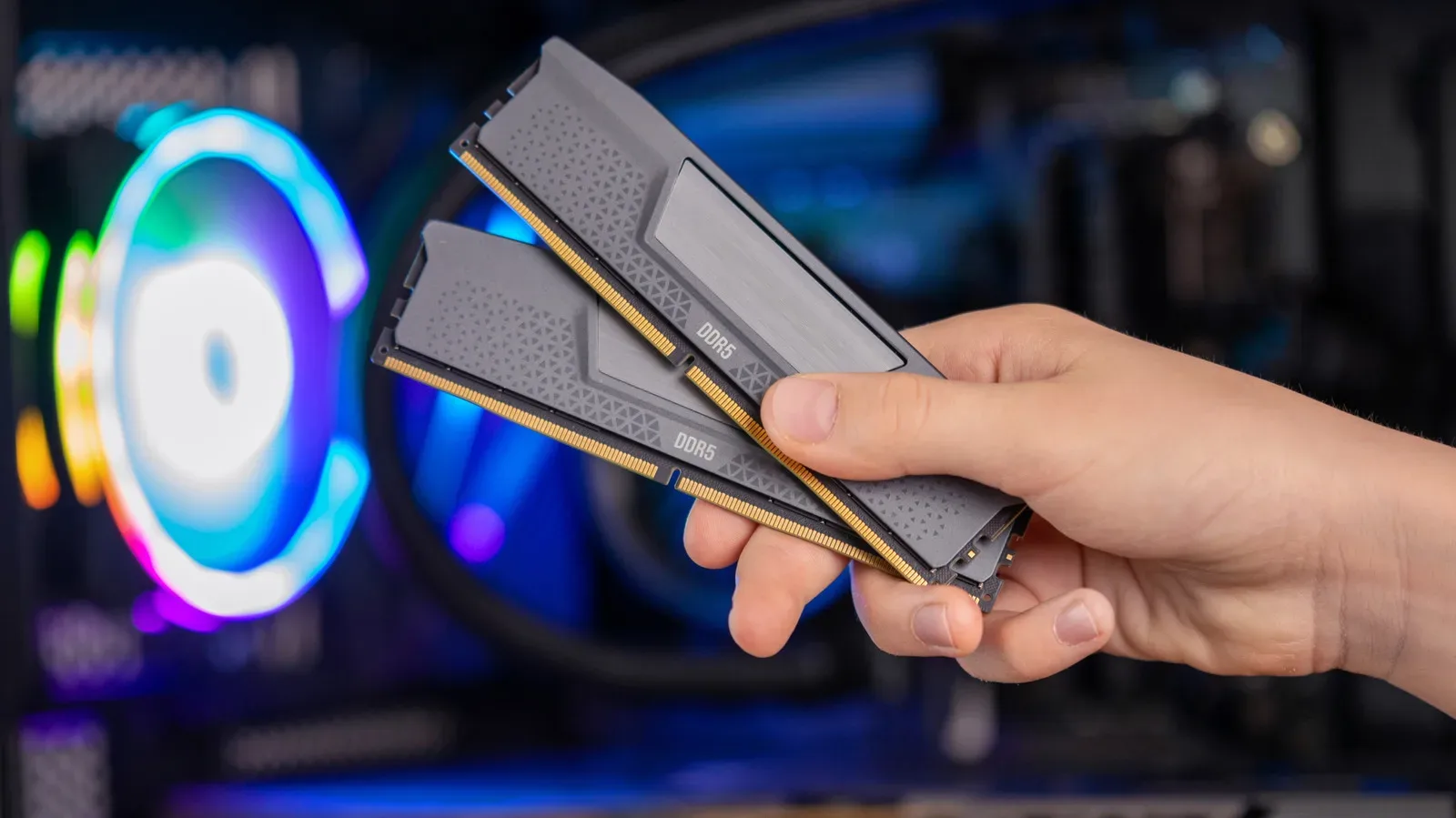
There is a familiar-looking laptop deal reappearing in a much less familiar market: a modern machine with 8GB of RAM, a recognizable name, and a price designed to look comfortably below the next configuration up. It is an understandable temptation when memory costs are rising sharply. It is also a compromise buyers should examine far more closely than the headline price suggests.
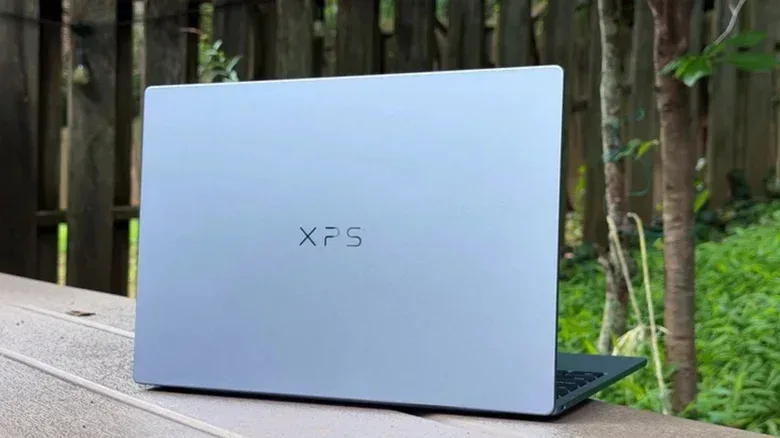
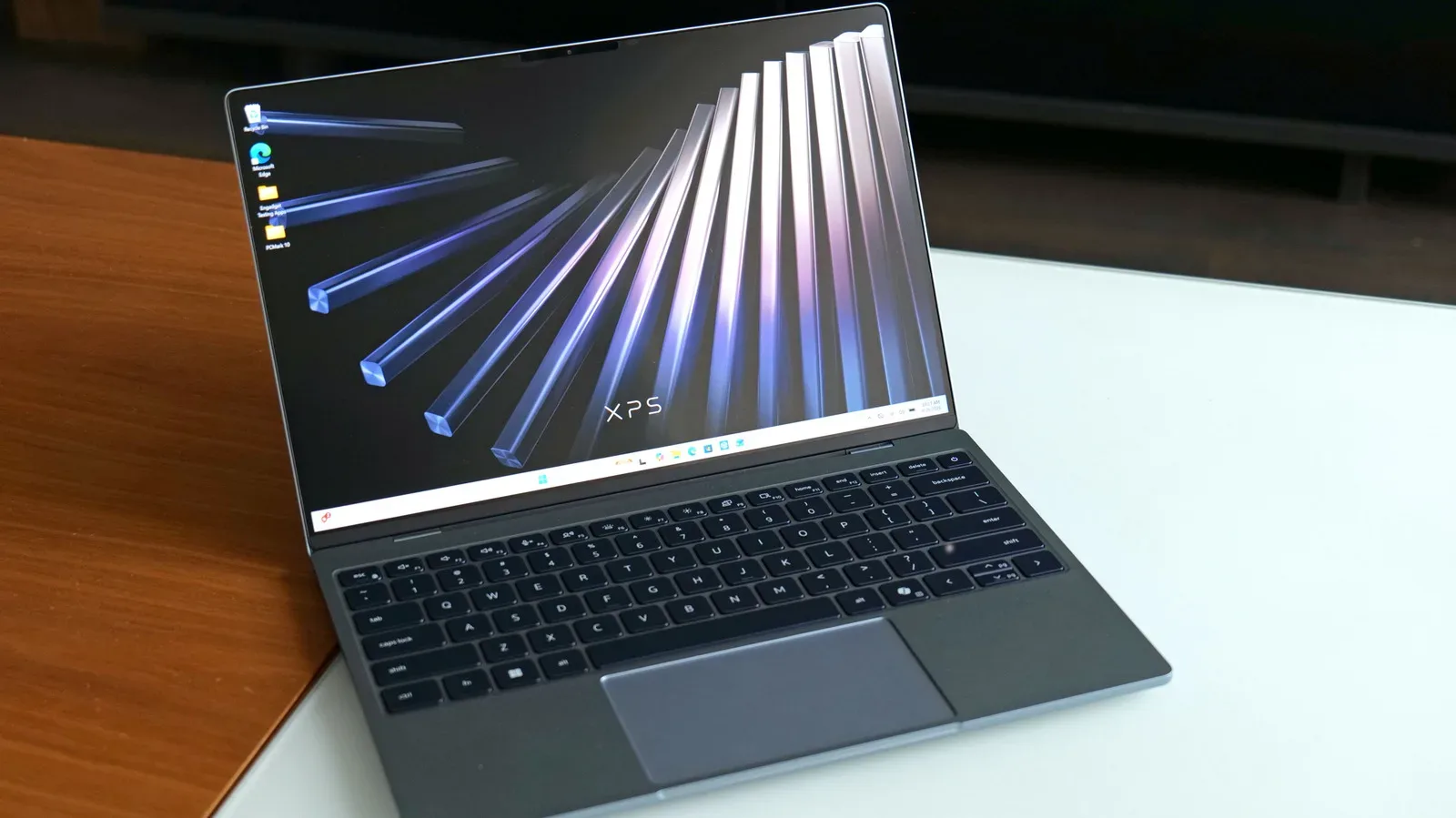
Dell’s 2026 XPS 13 illustrates the issue particularly clearly. The version with 8GB of memory and 512GB of storage initially arrived at $699, then rose by $100 at the same specification. A $699 entry configuration remains, but with 256GB of storage. Moving the XPS 13 from 8GB to 16GB costs $200, placing the 16GB/256GB version at $899. That is a substantial surcharge for what sounds like a modest amount of memory. Yet for a laptop with non-upgradeable memory, it is a decision that affects every day of ownership.
The central point is not that an 8GB laptop cannot start Windows 11 or open a web browser. It can. The problem is that “can run” and “has enough breathing room for normal use” are entirely different standards. Four gigabytes is the minimum memory requirement for Windows 11, so 8GB technically doubles that threshold. But the minimum requirement says little about whether a system remains responsive while running background services, a browser with several tabs, documents, communication apps, or a game launcher.
Why RAM capacity matters before an app even opens
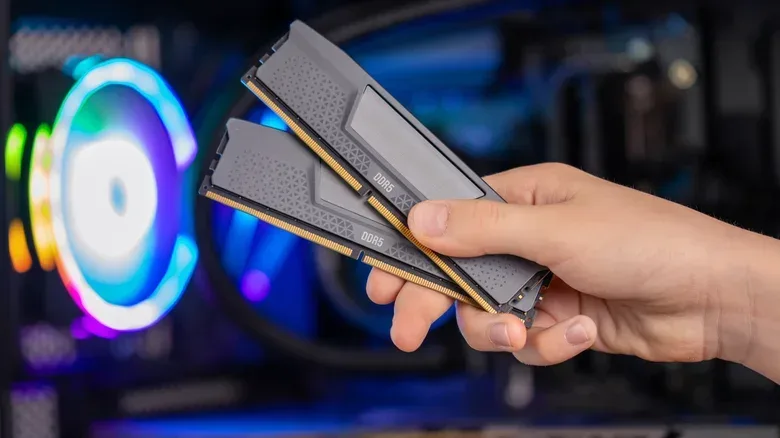
RAM, short for random-access memory, is the fast working area a computer uses for the operating system and actively running tasks. Unlike SSD storage, which holds files and programs when the laptop is powered down, RAM is used moment by moment. When there is insufficient available RAM, the operating system must move more data between memory and storage. That behavior can turn ordinary multitasking into pauses, stutters, and slower switching between windows.
Testing of the base XPS 13 found that approximately 80 percent of its 8GB was already committed immediately after Windows booted. Filling a browser with tabs pushed use to roughly 95 percent. At that point, relatively routine actions—scrolling, changing windows, and general interaction—showed small but noticeable interruptions. This is the real warning sign for shoppers: an 8GB model may not fail in a dramatic or easily measurable way, but it can begin daily life with almost no spare capacity.
That lack of headroom is especially important because laptop configurations are often bought for years rather than months. A machine purchased during a component shortage will not gain memory if component pricing later relaxes. If its RAM is soldered to the board, the owner cannot correct the original decision with a later upgrade. The lower-spec configuration can therefore outlast the price pressure that made it seem reasonable in the first place.
16GB became the practical starting point for a reason
Eight gigabytes remained an informal mainstream laptop baseline until 2024, but manufacturers and platform holders increasingly moved to 16GB. Microsoft’s Copilot+ PC program, launched in May 2024, established 16GB as the minimum for laptops carrying that label. Apple followed later that year by raising the base MacBook Air from 8GB to 16GB while holding its $999 starting price. Subsequent new Macs began at 16GB.
That shift did not mean every owner suddenly needed 16GB to type an email or stream video. It did, however, recognize that modern operating systems and common multitasking habits leave 8GB with increasingly little margin. In a thin laptop, where memory is frequently fixed at purchase, 16GB became a sensible baseline for people who expect their computer to remain comfortable through software updates and changing workloads.
The market has since pushed in the other direction. Apple’s MacBook Neo, released in March 2026, is the only current Mac with less than 16GB. Dell also returned to an 8GB XPS 13 base model after a short naming-related absence. These are not signs that everyday computing suddenly needs less memory. They are signs that component economics are exerting unusual pressure on entry-level specifications.
The XPS 13 has a bandwidth constraint as well as a capacity constraint
Capacity is only one part of the XPS 13 story. Its Core 5 320 processor belongs to Intel’s budget-oriented Wildcat Lake range and uses a single memory channel, unlike the two channels on pricier Panther Lake chips. A memory channel is the route used to move data between the processor and RAM. Two channels can provide more available bandwidth than one, assuming the rest of the system supports it.
On this XPS 13, both the processor and integrated graphics share that single route to 8GB of system memory. Integrated graphics do not have their own dedicated graphics memory in the way many discrete GPUs do; they draw on the same pool used by the rest of the computer. That does not automatically make the laptop unusable, but it makes a small pool of RAM and a narrow path to it a more meaningful combination—particularly for graphics work, games, and multitasking.
The comparison between XPS 13 configurations makes the trade-off tangible. The 16GB midrange version scored about 30 percent higher in PCMark 10 and lasted one hour and 44 minutes longer in the same battery test. PCMark 10 is a benchmark intended to represent broad PC workloads rather than a single narrow task. A higher result does not promise a matching percentage improvement in every application, but it does show that the added memory made a material difference to overall system performance in this case.
For players, the lesson is not that RAM alone transforms an ultralight laptop into a dedicated gaming system. It does not. Instead, sufficient system memory reduces one avoidable constraint. Game launchers, voice chat, browser guides, downloads, and the game itself can all compete for space. Anyone considering a portable system alongside accessories such as the mobile controllers covered in GameSir’s Fortnite G8 Plus and X5 Lite controller lineup should still distinguish a phone-focused setup from a laptop’s own memory needs.
Why manufacturers are revisiting lower-memory models
Memory prices are central to the return of these entry specifications. TrendForce projected that CPU, memory, and storage would account for 68 percent of a mainstream laptop’s bill of materials. It also expected memory and storage alone to move from roughly 15 percent of build cost under normal conditions to more than 30 percent at the beginning of 2026.
A bill of materials is the cost of the physical components needed to build a product. It is not the same as the final retail price, which also reflects development, logistics, sales, support, and profit. Still, when a few components consume a much larger share of the build cost, manufacturers face a stark choice: raise prices, reduce specifications, accept lower margins, or attempt some combination of all three.
Available forecasts suggest many brands may use lower-spec machines to preserve familiar shelf prices such as $599 and $799. In other words, a buyer may see a laptop price that looks reassuringly similar to prior years while receiving less memory or storage than they would have expected before the shortage. The unchanged price is not necessarily an unchanged value proposition.
The pressure is tied to memory supply being pulled toward AI data centers. Micron wound down its Crucial consumer RAM and SSD brand in February to redirect supply toward larger strategic customers as data-center demand accelerated. Samsung’s estimated third-quarter operating profit was 107.4 trillion won, about $80 billion, for its fourth record quarter in succession; analyst estimates cited in the available reporting attributed around 110 trillion won to memory alone. The broad picture is that memory has become exceptionally valuable to suppliers, while laptop manufacturers are left trying to manage higher input costs.
The $200 question: pay now, or accept the limit?
A $200 jump from 8GB to 16GB on the XPS 13 is hard to call good value in isolation. It is a 29 percent increase over the $699 starting price, and it buys no extra storage when compared with the 256GB base configuration. But configuration pricing should not be treated like a desktop RAM upgrade. On a sealed laptop, the purchase is less about the market price of an 8GB memory module and more about whether the system will remain suitable for its intended life.
For anyone beyond the lightest possible use, the evidence from the XPS 13 points strongly toward 16GB. The base model is already close to saturation after ordinary setup and browser use, while the 16GB model performed better in both the reported productivity benchmark and battery test. A buyer who only needs a machine for infrequent single-task browsing may judge the lower model acceptable. That is a narrow use case, not a broadly safe recommendation.
Apple’s current options show a different version of the same dilemma. The MacBook Neo does not offer a memory upgrade path from its sub-16GB configuration. The least expensive Mac laptop with 16GB is the $1,299 M5 MacBook Air. That is $300 more than the 16GB M2 MacBook Air cost in late 2024, although the M5 Air includes twice the baseline storage of the earlier machine. The important shopping question is therefore not merely “what does the cheapest model cost?” but “what is the least expensive configuration with enough memory for the years ahead?”
Ways to reduce the risk without buying the most expensive model
Buyers do have alternatives to accepting an 8GB sealed design or paying every premium requested at checkout.
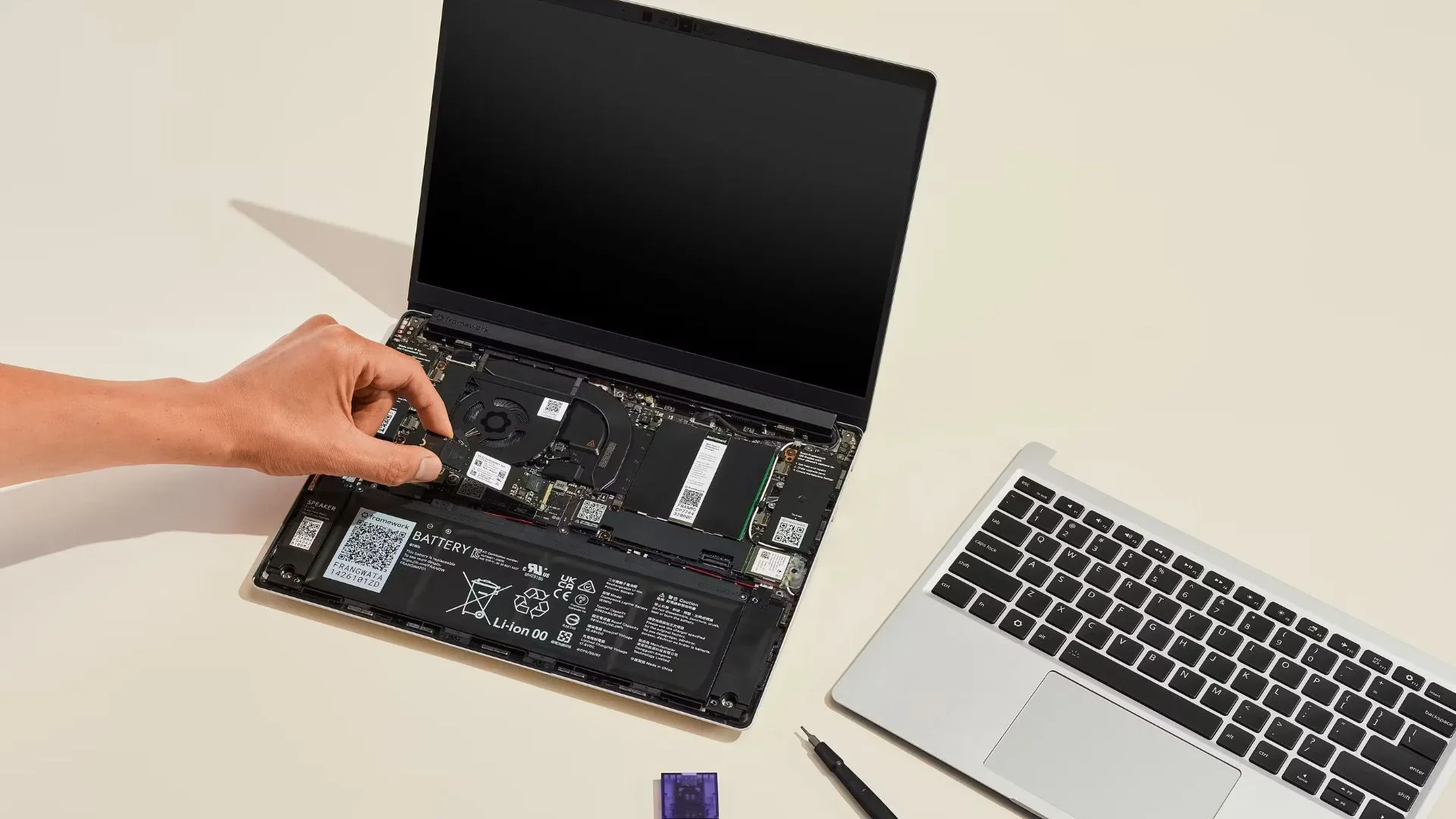
- Look for upgradeable memory. Laptops with RAM slots can allow owners to begin with less memory and add more later if pricing improves. Framework is encouraging DIY Edition customers to supply their own RAM after increasing its DDR5 prices by 50 percent.
- Check older inventory carefully. Last year’s 16GB machines may offer a better balance while stock remains. Their processors may not be the newest, but a 16GB configuration can be more useful than a freshly introduced 8GB equivalent.
- Read the exact configuration, not just the series name. A product family can contain sharply different memory, storage, processor, and display options. The starting price may describe the least flexible model, not the best-value one.
- Consider the memory type and compatibility before planning an upgrade. MSI’s Katana 15 HX C14 launched with an option for older DDR4 memory, while other systems use DDR5. “Upgradeable” does not mean every type of RAM will fit every laptop.
- Separate storage from RAM in the decision. Extra SSD capacity is useful, but it does not solve a RAM shortfall. A laptop can have plenty of free storage and still slow down when active tasks exhaust available memory.
Higher laptop prices may make the short-term deal look better than it is
Acer chairman and CEO Jason Chen expects PC prices to rise another 5 to 20 percent before year-end and peak in the first half of 2027. TrendForce, meanwhile, expects laptop brands to struggle to maintain pricing, specifications, and profits simultaneously. The exact course of the shortage is uncertain, and Chen has argued that memory makers may be overstating its duration to protect margins. What is less uncertain is the practical effect of buying too little memory today: the machine will retain that limitation even if the market eventually improves.
That makes the present moment a poor time to use an 8GB configuration as a default recommendation simply because it restores a familiar price tag. For shoppers with strict budgets, it may be better to compare older 16GB inventory, upgradeable designs, and configurations with different storage balances than to let a $699 headline settle the matter. A laptop is not just a processor and a logo; it is the particular combination of parts that must keep working together after the bargain has faded.