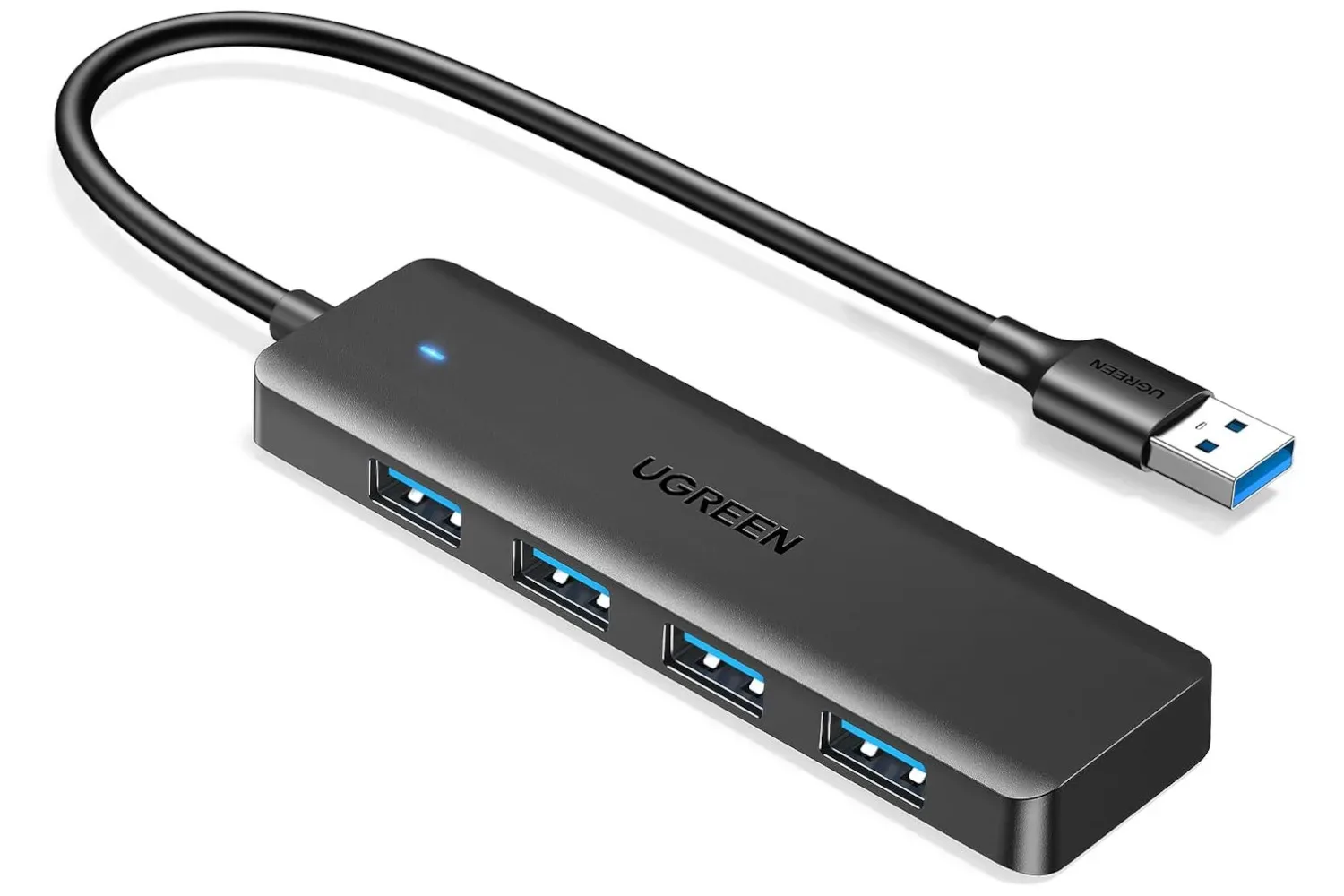
A spare USB port has a peculiar habit of vanishing precisely when a gaming setup becomes comfortable. Plug in a keyboard, mouse, controller cable, headset receiver, storage drive, or any other peripheral, and a laptop or compact PC can suddenly feel far less flexible than its spec sheet suggested. A current Amazon listing puts the compact UGREEN USB 3.0 Hub at $7, reduced from its usual $10 price.
The appeal is uncomplicated: the hub connects to one USB port and provides four USB ports in return. In practical terms, that is three additional places to connect compatible peripherals without constantly swapping cables. At this price, it is a small accessory aimed at solving a very ordinary problem rather than becoming the centerpiece of a desk setup.
What this UGREEN hub does
A USB hub is an expansion accessory. It takes a single host USB connection from a computer, console, car, or another compatible device and makes that connection available through multiple ports. This UGREEN model is described as a USB 3.0 hub with four ports, so its purpose is port expansion rather than adding a display output, network jack, card reader, or other specialised connection.
That distinction matters when shopping. “Hub” is a broad word, and products carrying the label can range from a tiny multi-port adapter to a larger dock designed to connect monitors and a whole desktop’s worth of hardware. This is the simpler variety: one USB input becomes four USB ports.
It is also a compact unit, which makes it potentially useful as a travel accessory or something to leave in a bag until a desk, hotel room, work station, or gaming area runs short on connections. There is no need to treat it as permanent infrastructure to get value from it. The point is that it can be there when one port is not enough.
Why extra ports still matter for PC gaming
Modern wireless peripherals reduce cable clutter, but they do not eliminate the demand for USB. Keyboard and mouse receivers occupy ports. Controllers may need a cable for charging or wired play. External storage, microphones, webcams, and headset dongles all compete for the same small pool of connections. Laptops can feel especially constrained because their slimmer designs often have fewer easily accessible ports than a traditional desktop tower.
A four-port hub can make the everyday parts of that setup less annoying. A player who normally uses a keyboard and mouse could leave both attached, then still have room for a controller cable and a wireless headset receiver. For someone moving between a laptop work area and a gaming space, keeping a few lower-priority accessories connected to the hub may reduce the number of plugs that need to be moved each time.
There is a similar use case for PCs whose most convenient ports are on the front panel or side of the machine. The hub can bring several connections into one accessible place instead of requiring someone to reach around the rear of a desk or chassis whenever a device needs to be attached.
Related coverage includes UGREEN USB 3.0 Hub Drops to $7.
That modest convenience is the real proposition here. It will not transform the performance of a game, but it can make a setup easier to live with. For a $7 accessory, removing repeated cable swapping may be a more realistic and useful goal than chasing a feature-heavy dock.
USB 3.0, explained without the spec-sheet fog
USB 3.0 refers to a generation of USB connectivity intended for faster data transfer than older USB standards. In the context of a hub, that label is most relevant for accessories that move data, such as compatible external drives. It is less consequential for many basic peripherals, including a keyboard, mouse, or simple wireless receiver, which generally do not require a great deal of bandwidth.
There is an important caveat: a hub expands access to one host connection; it does not create a separate full-speed connection for every port. The connected devices share the connection provided by the port on the host machine. As a practical matter, a hub is a sensible way to attach several everyday peripherals, but buyers should think carefully before expecting one compact hub to behave like several completely independent high-bandwidth ports.
Compatibility is another separate question from physical fit. The hub is described as working with a wide range of operating systems and as usable with laptops, PCs, consoles, and cars. Even so, the exact behaviour of a particular device and peripheral can depend on that device’s USB implementation and its power requirements. A port physically accepting a plug does not automatically answer every question about what the connected hardware can do.
A sensible checklist before buying
The listing’s low cost makes this an easy impulse purchase, but a few checks can prevent the most common mismatch between an accessory and its intended use.
- Count the ports you actually need. This hub provides four ports total. If four connections will cover a mouse, keyboard, controller cable, and receiver, it fits the basic need. If a setup also requires displays, Ethernet, or memory cards, a different class of dock is likely more appropriate.
- Identify the host connection. Make sure the port on the laptop, PC, console, car, or other device is suitable for the hub’s connector before ordering.
- Consider what will stay connected. Low-demand accessories are a natural fit for a basic expansion hub. If the intended hardware has unusual power needs, confirm its requirements rather than assuming every USB accessory behaves the same way.
- Plan around cable access. A compact hub is most useful when it places frequently used plugs within reach. Think about whether it will sit on the desk, travel in a bag, or stay near the machine.
- Check the price at checkout. The listed $7 price reflects a 30% reduction from $10, but promotion timing can change. The listing should be treated as the final authority on the live price and availability.
Where it fits alongside a console setup
The hub is also presented as usable with a variety of consoles. That can be appealing to players who connect compatible USB accessories and want to avoid a constant rotation of cables. However, console USB support is more specific than the general idea of “more ports.” Individual systems decide which peripherals and storage devices they recognise, and that support can vary by device and use case.
In other words, a hub can offer more physical connection points, but it does not change a console’s rules around the accessories it supports. That is worth remembering for anyone considering the purchase primarily for controller connectivity, storage, or another console-specific function.
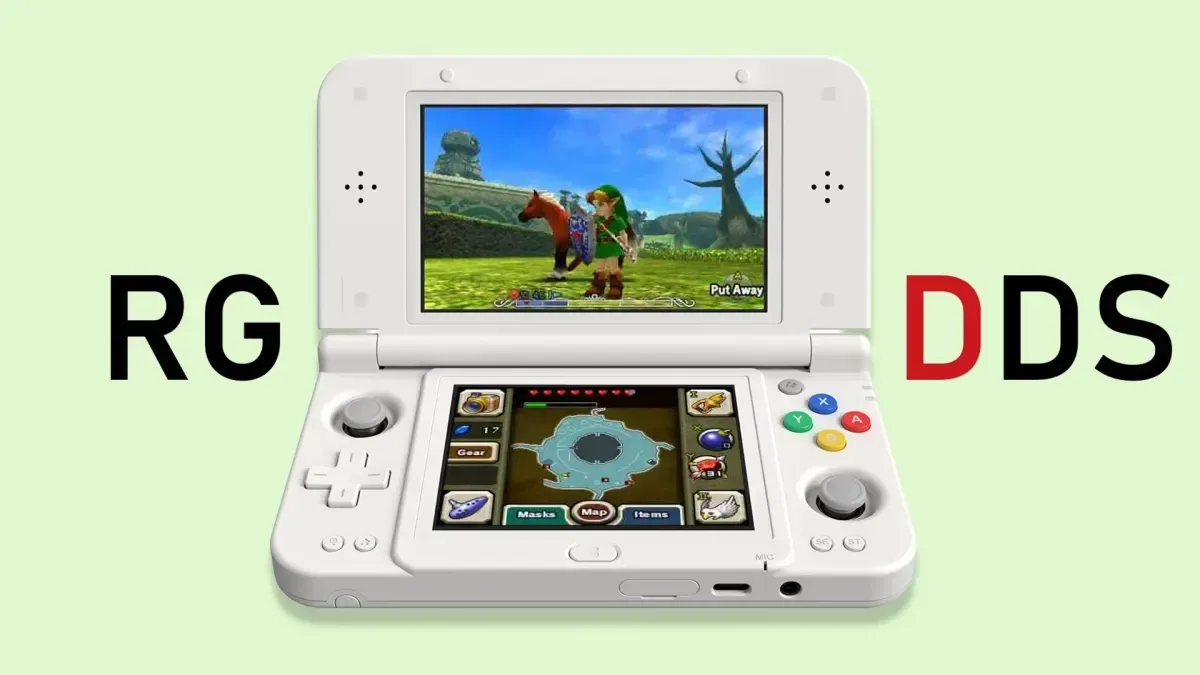
Portable gaming hardware can make the same kind of cable management question more noticeable. The broader retro-handheld space, for example, continues to experiment with different form factors, as seen in the ANBERNIC RG DDS dual-screen handheld. A small hub is not a universal answer for every portable device, but it illustrates why knowing the exact connector and supported accessories matters before adding anything to a handheld setup.
The practical value is in keeping expectations modest
There is a temptation to treat every desk accessory as an upgrade that needs an elaborate justification. This one does not. The UGREEN USB 3.0 Hub is a low-cost, small-format way to turn one USB port into four. That straightforward job is enough to make sense for people with a laptop, PC, or compatible console that repeatedly runs out of convenient connections.
Its strongest case is not that it replaces a feature-rich dock. It is that many players and PC users do not need a feature-rich dock. They need a place for a mouse, keyboard, receiver, controller cable, or similar accessory without disconnecting something else. The current $7 listing makes that narrow task inexpensive, provided the connector and intended devices suit the setup.
For anyone who has been putting off a simple port-expansion purchase because it seemed too minor to bother with, this is the kind of discount that changes the calculation. Just verify compatibility and the live listing details first; then it is a compact way to make a crowded USB situation a little less crowded.
Shop the products
Check current price, model and availability at the retailer.