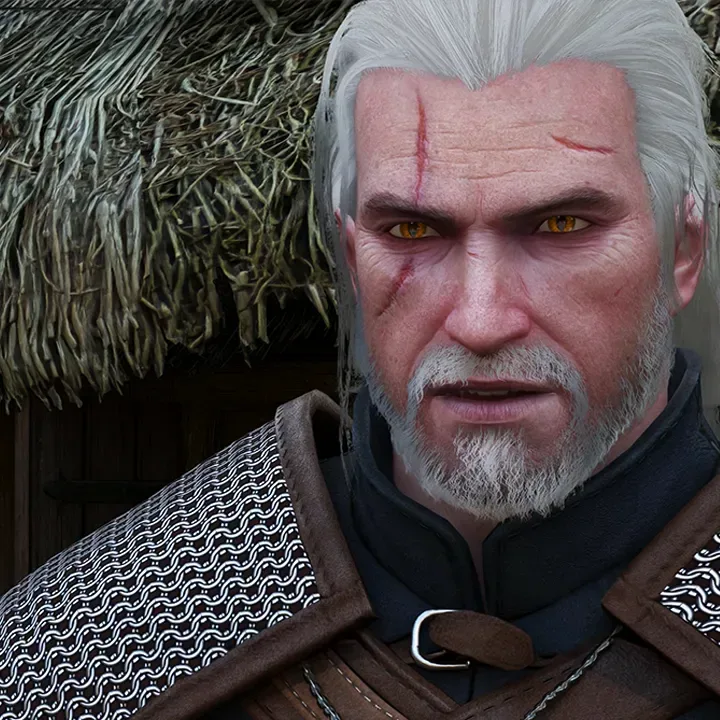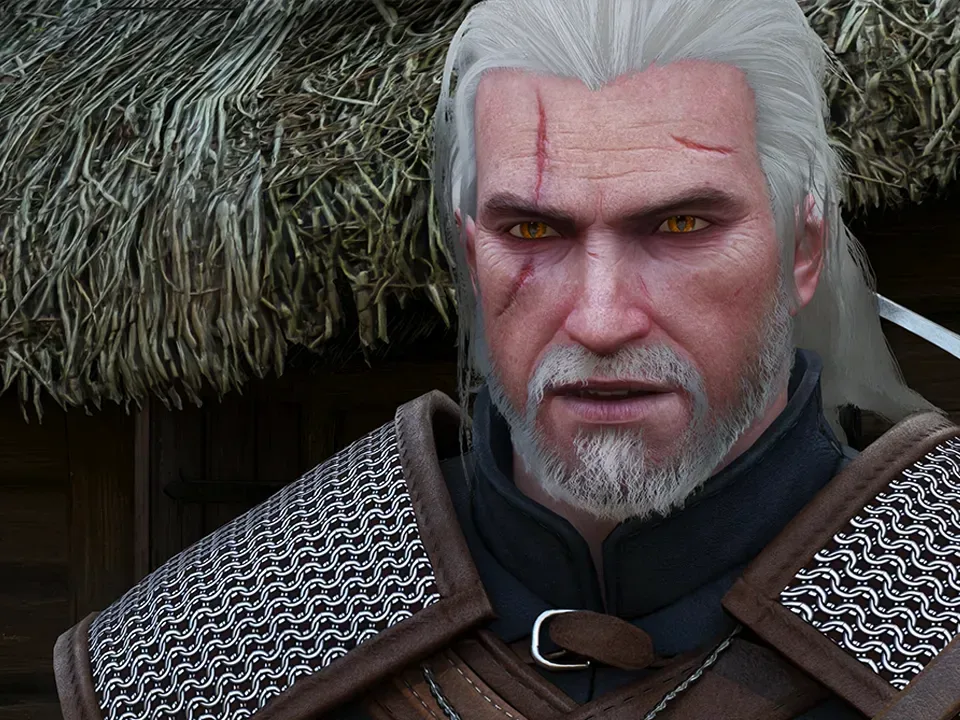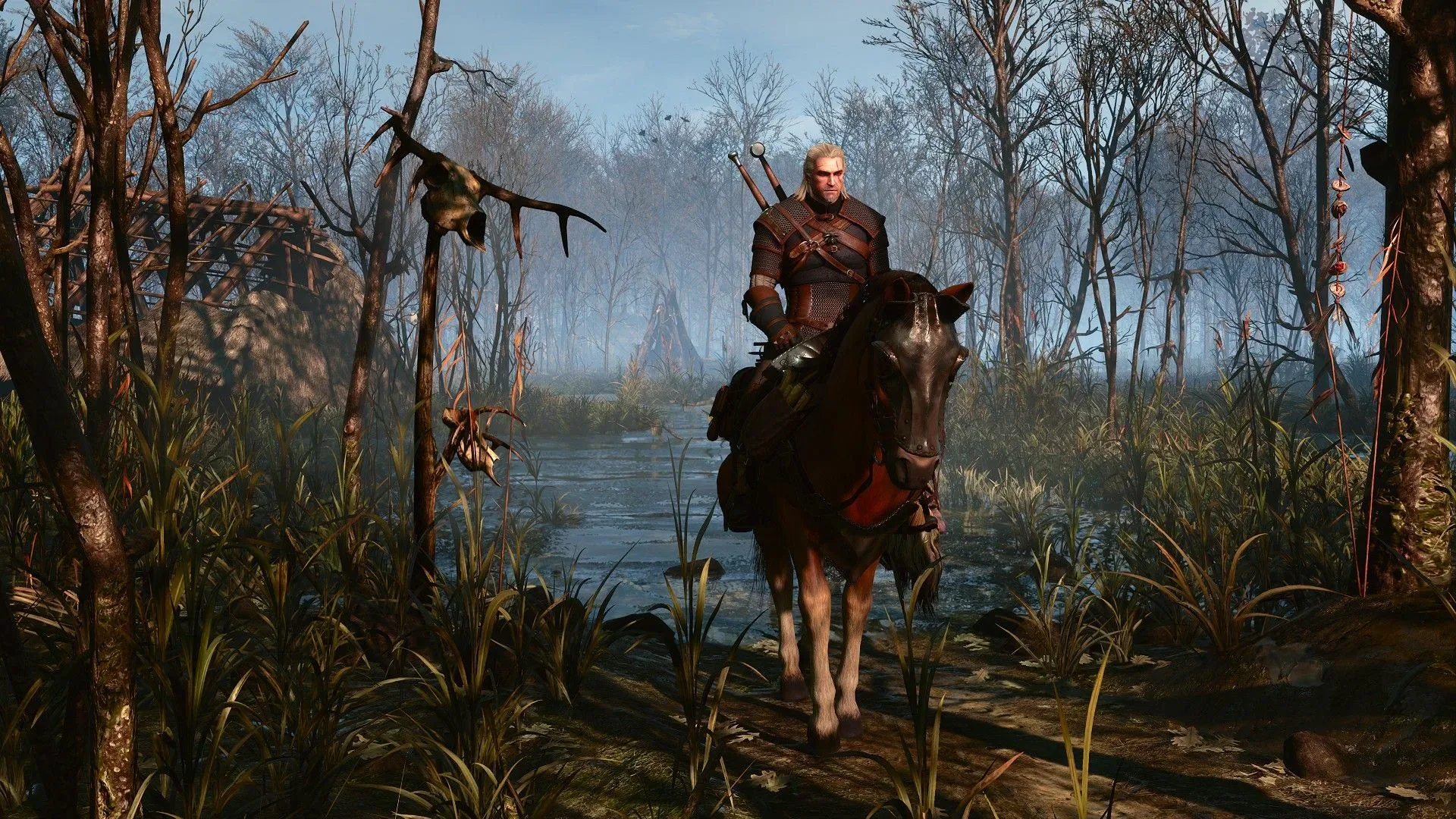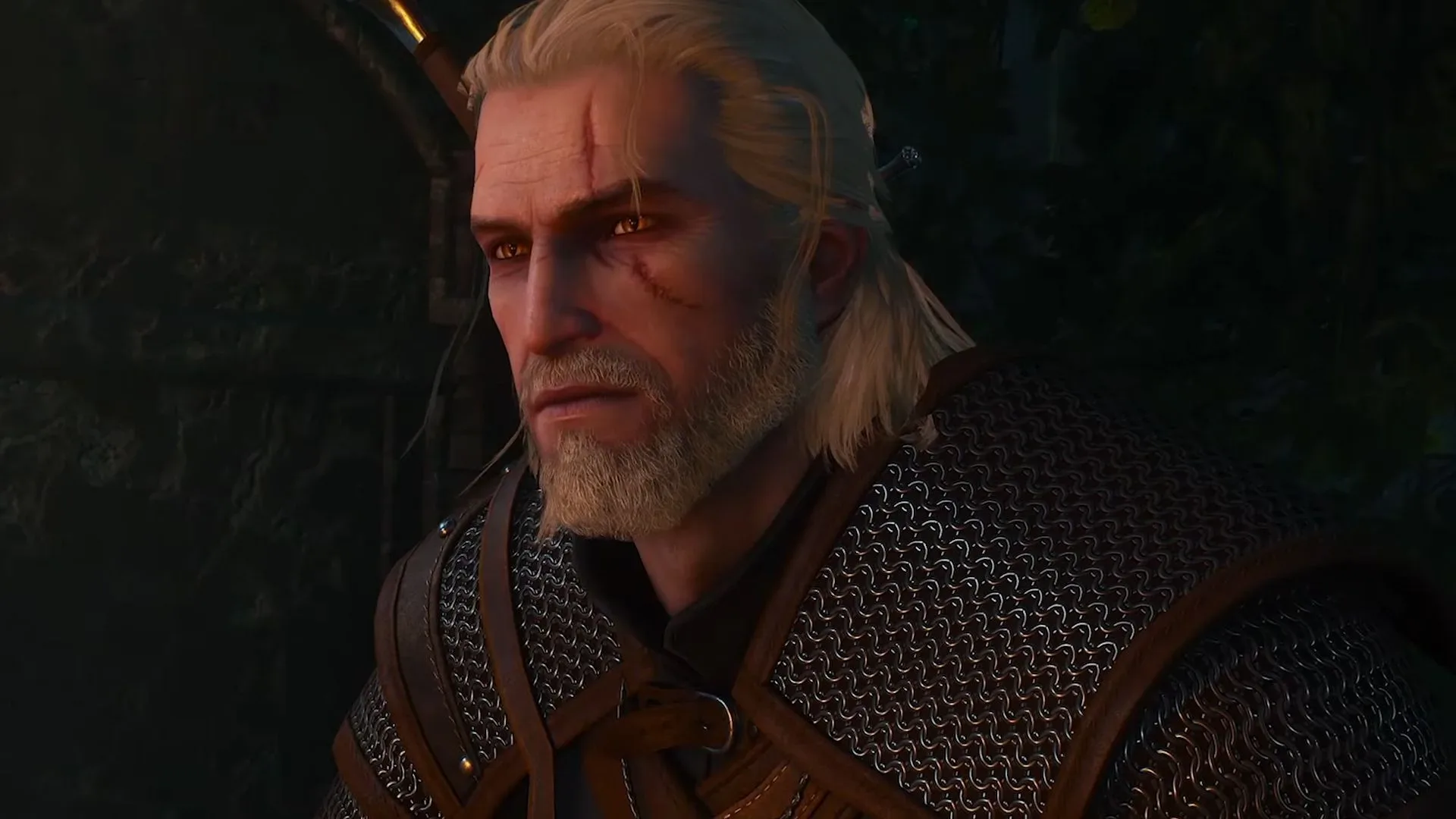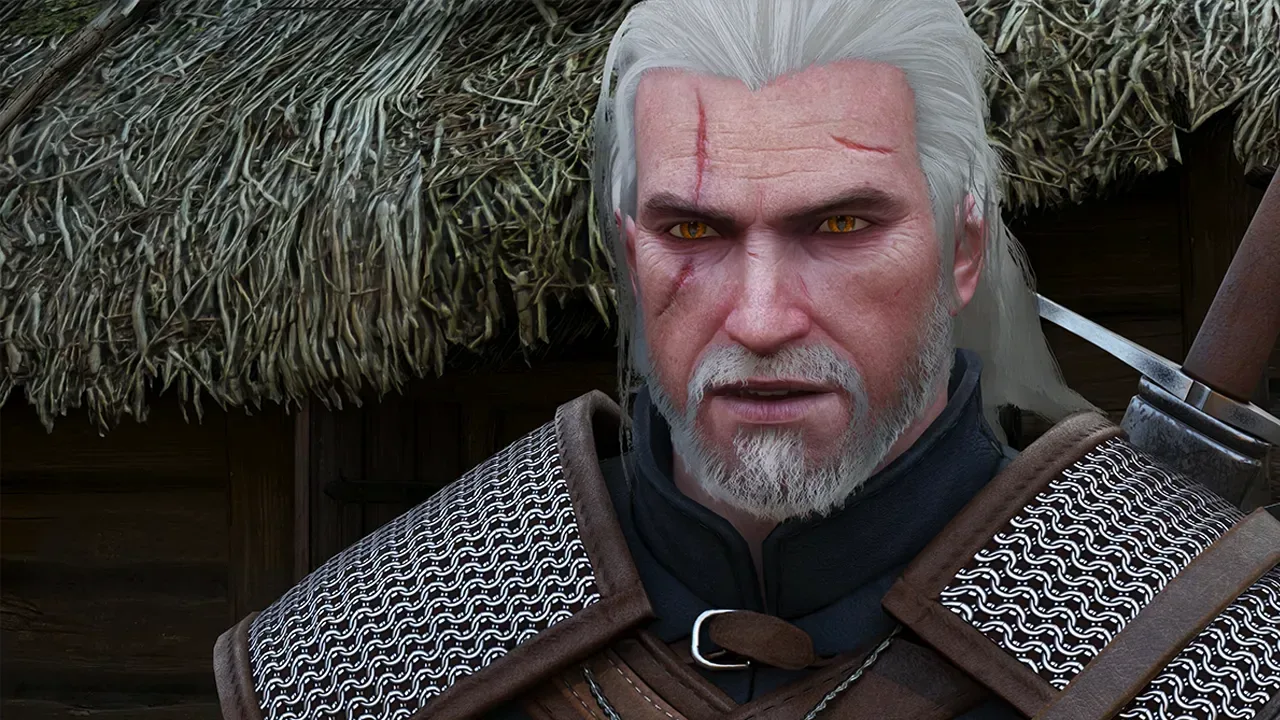
Geralt’s next trip through Novigrad may demand a bigger monster-slaying budget than expected. The Witcher 3: Wild Hunt — Remastered is set to arrive September 29 as a free update on PC, PlayStation 5, Xbox Series X|S, and Nintendo Switch 2. The upgrade brings the long-running open-world RPG back into the current hardware conversation, but its most ambitious lighting setting—path tracing—looks set to be punishing at 4K.
Updated PC requirements indicate that an Nvidia GeForce RTX 5080 is the suggested class of GPU for 4K path tracing. Even at that level, the listed target of 60 frames per second relies on both DLSS upscaling and frame generation. Reported testing in Novigrad suggests why: with every available setting enabled, including path tracing and HairWorks, an RTX 5080 averaged 30 fps at 4K using DLSS Performance mode and with frame generation turned off.
That result does not mean the remaster is unplayable or that every part of the game runs identically. It does, however, establish a very clear practical message for PC players: “maximum” settings are not necessarily the sensible settings, even on extremely high-end equipment. In a game whose appeal depends on long rides, dense cities, combat, dialogue, and exploration, a stable and responsive experience may be worth substantially more than selecting every checkbox in the graphics menu.
What the reported RTX 5080 results show
The heaviest reported configuration was 4K resolution with path tracing, HairWorks, and other settings enabled, plus DLSS set to its Performance preset. It delivered a 30 fps average on an RTX 5080. Turning on frame generation raised the reported figure to 59 fps, but the low underlying frame rate came with visible artifacts, especially in ground textures.
That distinction is crucial. Frame generation can make motion look smoother by inserting additional generated frames between traditionally rendered ones, but it does not transform the base rendering performance into the same thing as a native 59 fps or 60 fps experience. When the starting rate is low, visual flaws can be more conspicuous. The cited texture artifacts are precisely the sort of compromise that should matter to players evaluating whether a higher displayed frame count is actually preferable.
HairWorks remains one of the more straightforward levers to pull. This feature enhances the rendering of hair and fur, but it has carried a performance cost in The Witcher 3 since the game’s original era. Disabling it in the 4K path-tracing test raised the RTX 5080’s average from 30 fps to 44 fps. That is a sizeable improvement, but it still falls below 60 fps without frame generation.
With HairWorks disabled, activating frame generation reportedly increased the average to 80 fps. On its face, that is a much more attractive result than 59 fps from the everything-on configuration. Still, the difference between the 44 fps base result and the generated 80 fps result is worth keeping in mind: the setting improves apparent smoothness, while the game’s conventional rendering workload remains demanding.
Path tracing is the setting doing the most damage
For players more interested in performance than running every lighting feature at once, path tracing is the major decision point. Disabling it reportedly brought the RTX 5080 to a 55 fps average at 4K in Novigrad. That result was measured in a famously demanding city area, making it a useful stress case rather than a guarantee for the entire adventure.
Related coverage includes The Witcher 3 Remastered's Path Tracing Can Push an RTX 5080 Down to 30 FPS at 4K.
Path tracing is an advanced method for simulating how light travels through a scene. In broad terms, it seeks to model illumination, reflections, shadows, and indirect light with a more unified approach than a collection of conventional effects. The tradeoff is workload: better or more complete lighting simulation asks far more of the GPU. The reported results make that tradeoff unusually tangible. On the same tier of hardware and in the same city setting, turning path tracing off moves performance from the mid-40s with HairWorks disabled to 55 fps.
Importantly, switching path tracing off does not mean switching every ray-traced effect off. The remaster retains other ray-tracing options that can also be adjusted. Players who want a higher frame rate can disable additional effects selectively rather than treating the choice as all-or-nothing. That flexibility should be especially valuable in a game this large, where a user may prefer a different balance during combat, exploration, or a tour of Novigrad’s crowded streets.
There is no single correct target. Some players are content with 30 fps if the visual presentation is their priority. Others will regard 60 fps as the baseline for PC action and exploration. The evidence here simply makes the consequence of each choice clearer: 4K path tracing, HairWorks, and every other maximum option collectively create an enormous load; removing HairWorks helps; removing path tracing helps more; and frame generation can raise the displayed frame rate, with caveats at a low base rate.
DLSS and frame generation are not interchangeable settings
Two Nvidia technologies feature prominently in the remaster’s requirements and the reported test: DLSS upscaling and frame generation. They address different parts of the performance equation.
- DLSS upscaling renders the game at a lower internal resolution before using an AI-assisted process to reconstruct an image aimed at the selected output resolution. In this case, DLSS Performance mode was used while outputting at 4K. The purpose is to reduce the GPU’s rendering burden.
- Frame generation creates extra frames for display between frames rendered by the game in the usual way. It can make the on-screen rate look much higher, but does not erase issues associated with a low underlying frame rate.
The 30 fps-to-59 fps change with the complete path-tracing configuration illustrates why these features should not be treated as a single “make game fast” switch. DLSS Performance was already active in the 30 fps result. Frame generation then nearly doubled the displayed rate, but artifacts in ground textures were observed. The setting may be an acceptable exchange for some people, but it is a quality-versus-smoothness choice rather than a free upgrade.
Players planning a fresh run or return to the Northern Realms would be well served by changing one setting category at a time. Start with the desired resolution and a frame-rate target, then assess path tracing, HairWorks, and other ray-traced options. If DLSS and frame generation are available, they can be evaluated afterward. This is less glamorous than selecting a global preset, but it makes it much easier to identify the feature responsible when performance or image quality takes a turn.
Novigrad remains a meaningful stress test
The reported figures were gathered during a run through Novigrad, an area that has had a reputation for performance difficulty since 2015. A dense city is a sensible place to gauge a demanding configuration: it asks the system to handle a large, detailed environment rather than a simple isolated scene. But it also means the numbers should be read as a demanding-location snapshot, not an across-the-board promise for every forest, roadside encounter, or interior.
That is particularly relevant when comparing one player’s settings to another’s. Frame rate can vary by location and selected effects, while the visual impact of individual options can vary depending on what is on screen. The useful takeaway is not that the game will always sit at exactly 30, 44, or 55 fps on the specified hardware. It is that Novigrad at 4K provides a credible worst-case-style scenario, and maximum path-traced settings can place an RTX 5080 under enough strain that the result lands far below an unassisted 60 fps.
It is also a reminder that a game’s age is not a direct measure of its performance demands after a major visual overhaul. The Witcher 3 is roughly 11 years old, but new rendering options alter the workload. Path tracing is not the same workload the original release asked of a PC, so the age of the underlying game does not guarantee that every contemporary feature can be enabled at 4K without compromise.
A practical settings order for PC players
The updated requirements are said to scale down reasonably for less powerful systems, which is encouraging. The real question is where each player draws the line on visual settings. Based on the available test results, a practical order of operations is clear enough.
- Decide whether path tracing is essential. It is the setting with the clearest performance impact in the reported 4K RTX 5080 results.
- Disable HairWorks before sacrificing broader image-quality settings. Its performance cost is well established, and doing so raised the reported path-traced average from 30 fps to 44 fps.
- Evaluate remaining ray-tracing effects individually. Path tracing being off does not prevent further gains from lowering other ray-traced features.
- Use DLSS deliberately. It was already necessary in Performance mode for the cited 4K figures, underscoring the demanding nature of the remaster’s top-end configuration.
- Treat frame generation as an option to assess, not an automatic answer. It can raise the displayed frame rate dramatically, but artifacts were visible at the 30 fps base result.
For anyone deciding whether to revisit the game, performance is only one piece of the remaster’s broader update. The upgrade also changes skills, quest tracking, and accessibility options, as covered in our look at The Witcher 3 Remaster’s gameplay and accessibility changes. Those adjustments may have a more immediate effect on the experience for players who do not own an ultra-high-end PC—or who simply prefer smoother performance to path-traced lighting.
The bottom line is refreshingly uncomplicated, even if the settings menu is not: the RTX 5080 can run The Witcher 3: Wild Hunt — Remastered at 4K with path tracing, but it cannot do so at a conventional 60 fps in the reported Novigrad tests without major help from frame generation. Disable HairWorks and the base result improves. Disable path tracing and it improves again. For most players, that makes a carefully tuned configuration—not a full-max preset—the likely sweet spot.