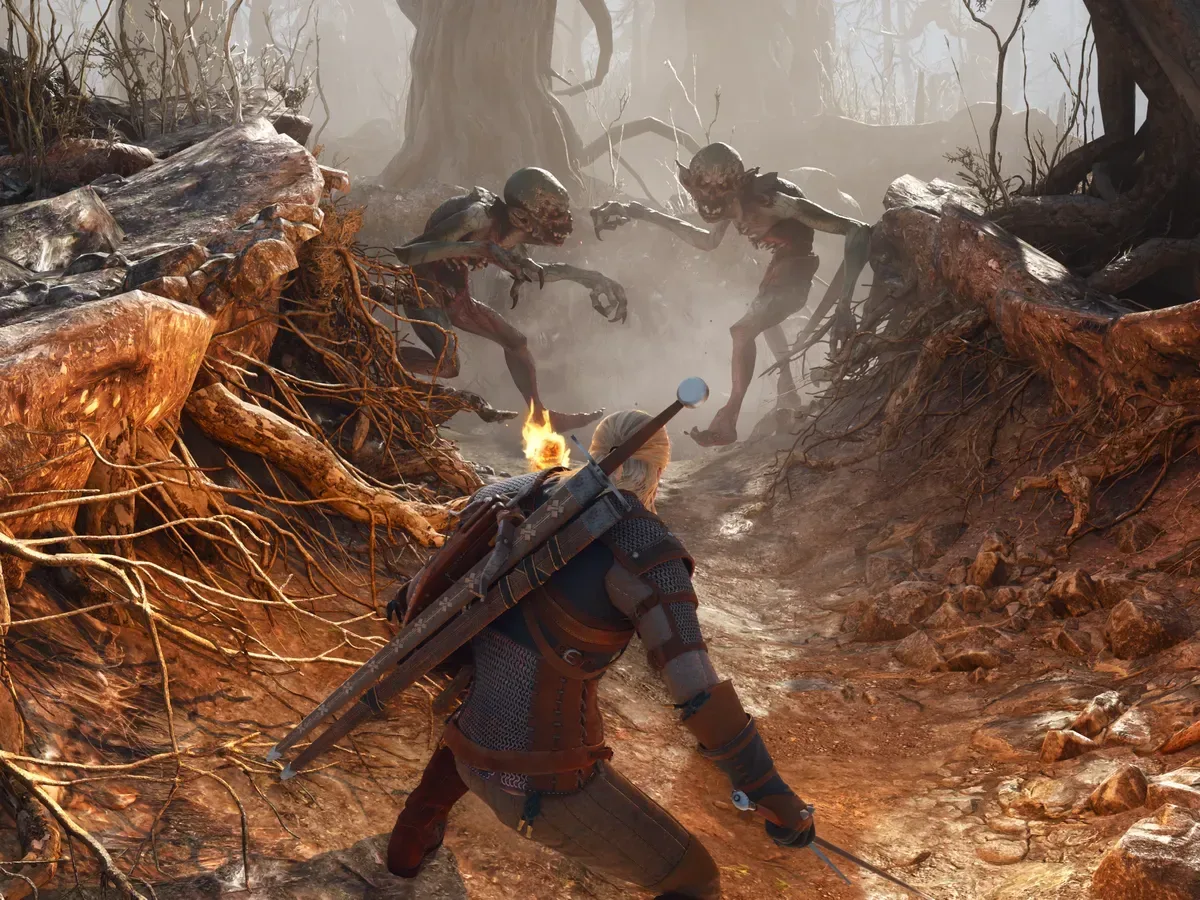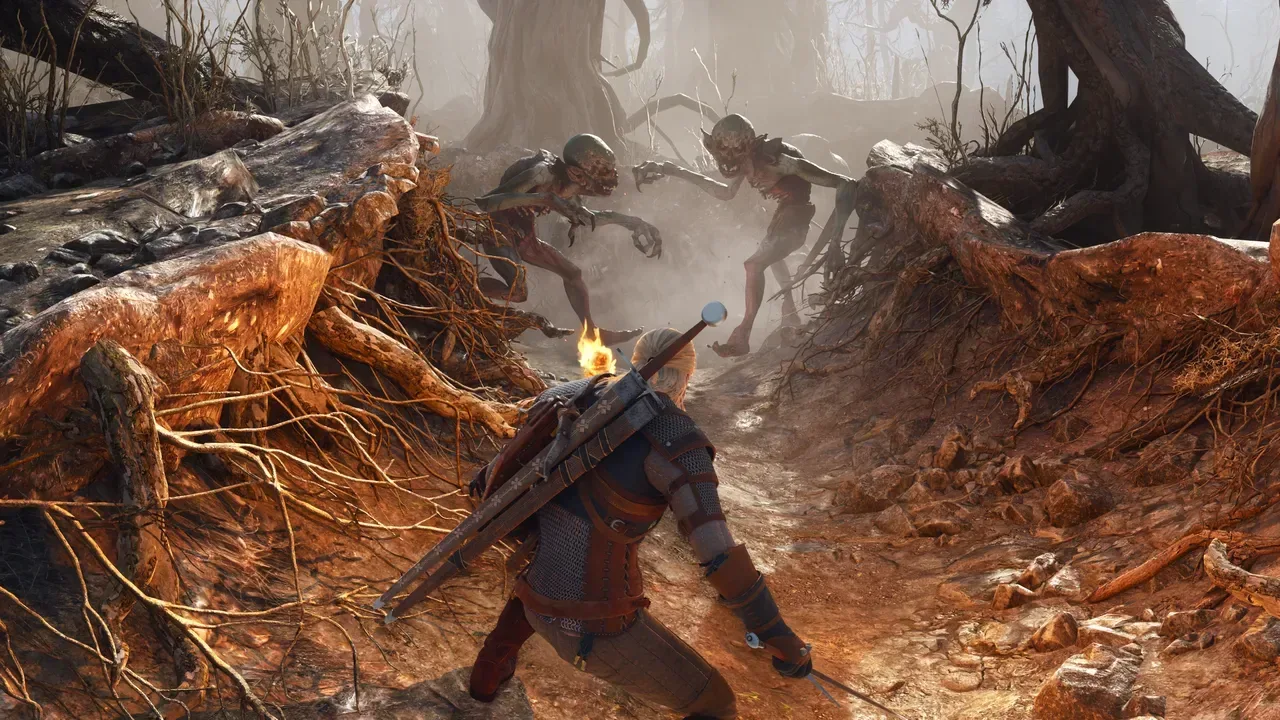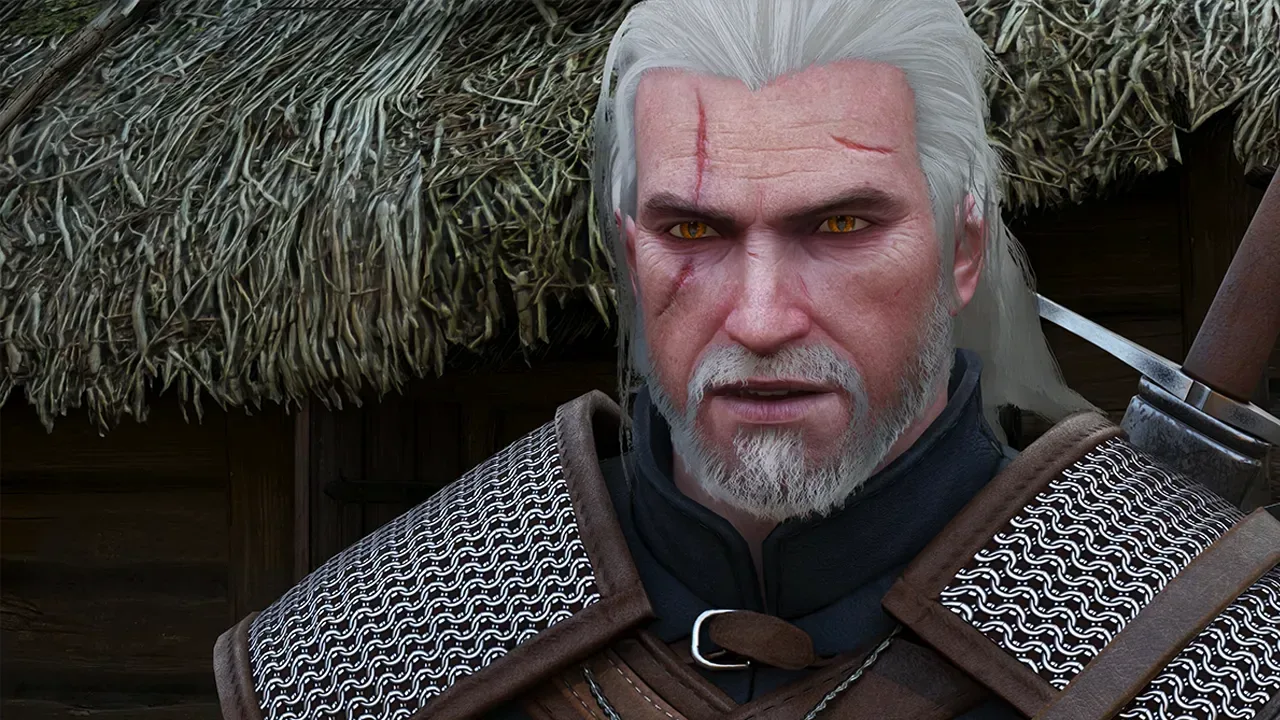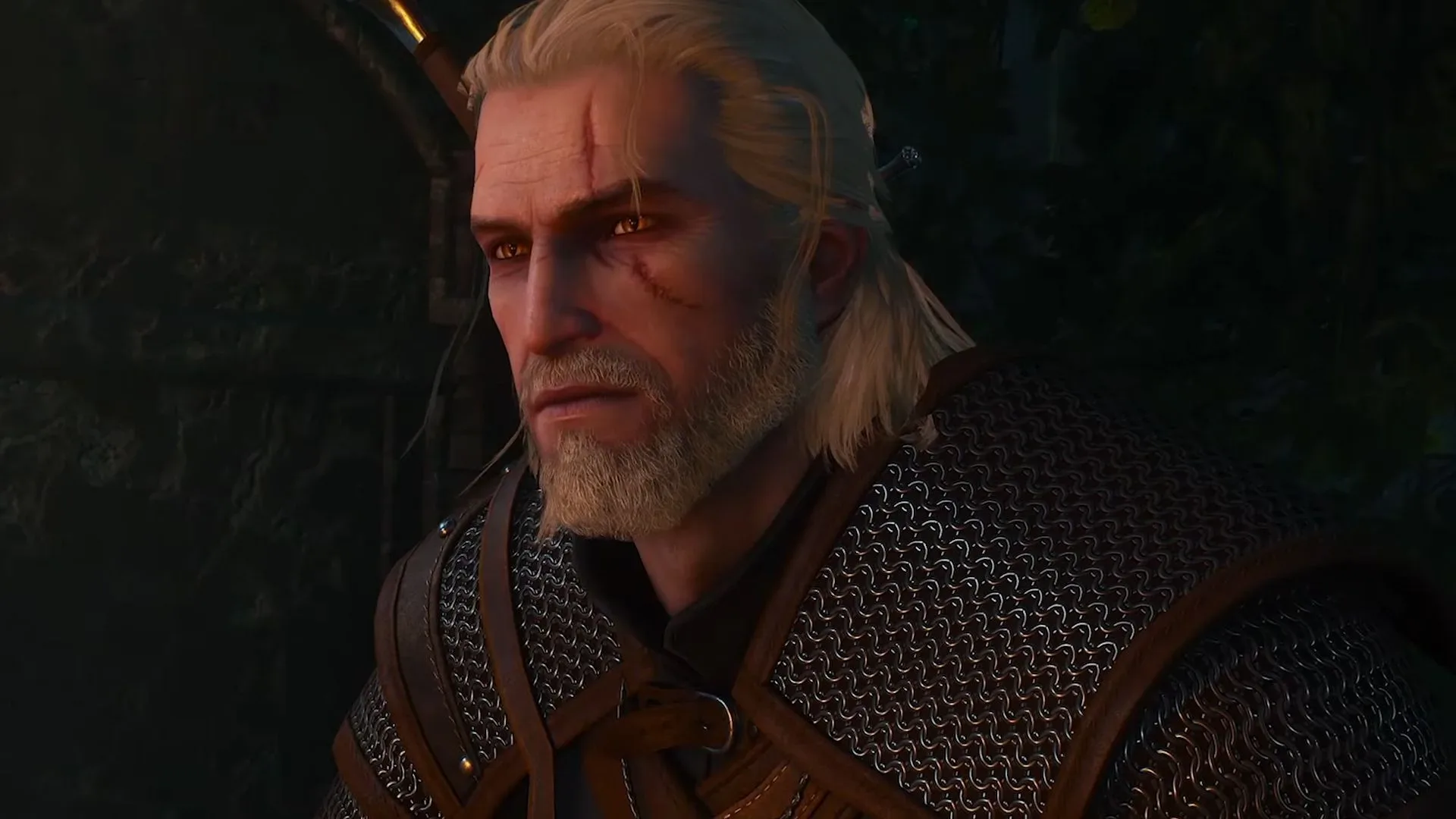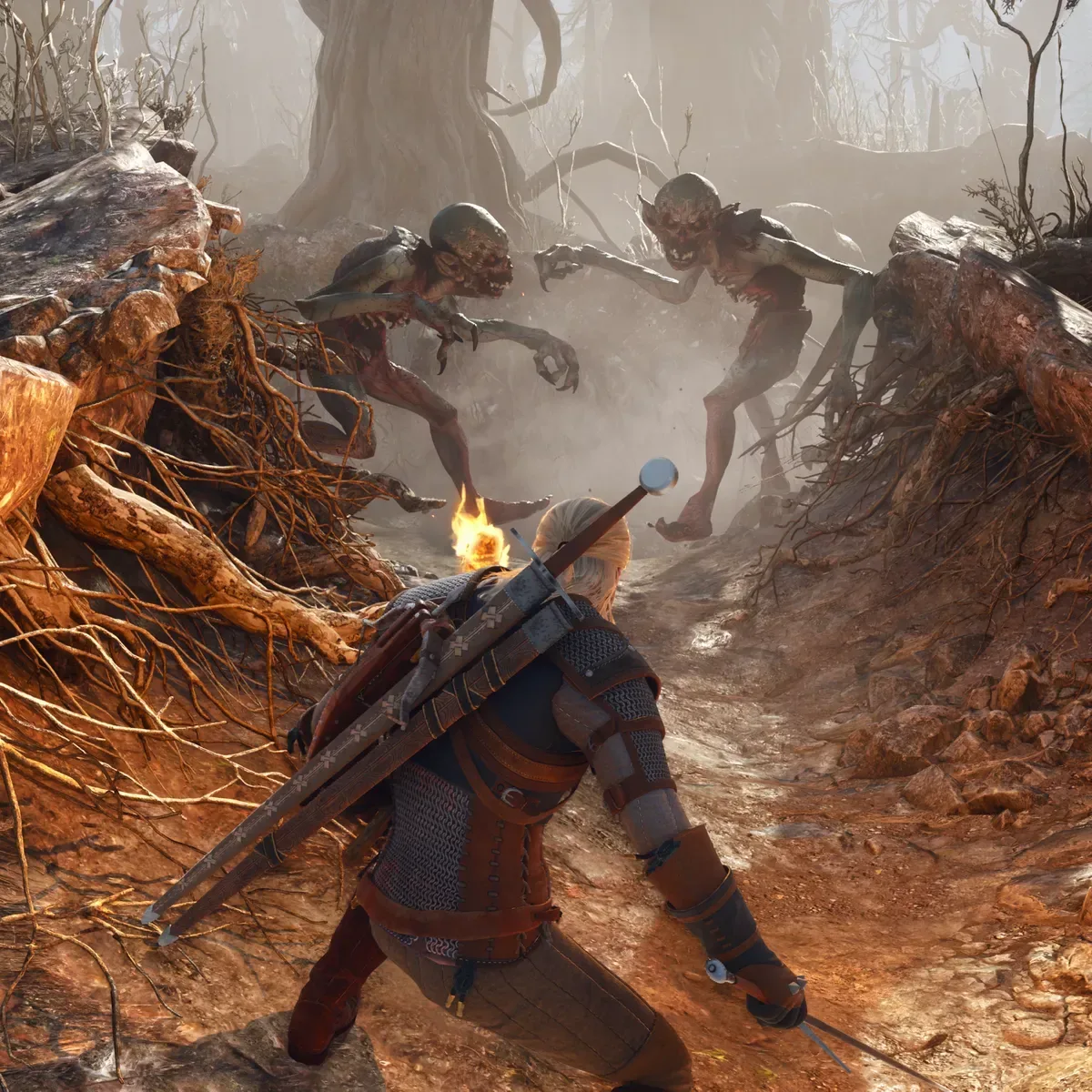
The Witcher 3: Wild Hunt — Remastered launched as a free update across PC, PlayStation 5, Xbox Series X|S and Nintendo Switch 2, but its PC debut had an immediate snag for some Radeon owners. Players using AMD graphics cards reported major visual problems, from missing trees and corrupted-looking foliage to black artifacts and rapidly flashing water surfaces.
The immediate situation has changed: AMD Radeon Software Adrenalin 26.9.2 is now available, and it is expected to resolve the graphics issues affecting AMD users. That is the meaningful version number for players troubleshooting the remaster; the previously current driver was Adrenalin 26.8.1, released on August 20.
CD Projekt Red had indicated that the game required a supported Radeon driver, creating an awkward short gap in which the recommended 26.9.2 package was not yet publicly available. With that driver now released, Radeon players who encountered the reported glitches have a clear first step: install Adrenalin 26.9.2, then launch the game again before spending time altering in-game settings.
What players were seeing on AMD hardware
The reports were not centered on a minor texture pop-in issue or a small frame-rate dip. They described visual failures substantial enough to interfere with playing and, in some cases, make the game’s outdoor environments look plainly wrong.
- Missing trees: parts of the environment reportedly failed to render.
- Black artifacts: dark graphical corruption appeared across scenes.
- Distorted foliage: vegetation in White Orchard appeared to have an inverted or negative-like appearance.
- Flashing water: footage from outside Novigrad showed a river surface blinking intensely after the player entered it.
Those symptoms all matter because The Witcher 3 depends heavily on broad outdoor vistas, dense vegetation, changing weather and water to establish its world. A missing tree is one thing; an effect that changes the look of foliage throughout White Orchard, or causes water to strobe, is another. The latter can turn what should be a technical showcase into something players reasonably avoid until the rendering path is stable.
The common element in the early reports was AMD Radeon hardware. Nvidia cards were described as running the remaster well, though that should not be read as a universal performance verdict for every Nvidia configuration or every graphics setting. It simply identifies why the Radeon driver release is the central development for affected PC players.
Why a graphics driver can make or break a game launch
A graphics driver is the software layer that allows a game and an operating system to communicate effectively with a graphics card. Games do not simply issue generic instructions and receive perfect images in return. They rely on the driver to interpret graphics workloads, manage resources and support the rendering features used by the game.
That relationship is especially important when a release brings a substantial graphics overhaul. The remastered version has gameplay and visual improvements intended to bring the game forward for current-generation hardware. Such upgrades can place fresh demands on the software stack even when the underlying game is familiar.
Related coverage includes The Witcher 3 Remastered AMD GPU Glitches Should Be Fixed With Radeon Adrenalin 26.9.2.
Visual artifacts are a broad term for incorrect imagery produced during rendering. Depending on their form, they can look like flickering, broken geometry, unexpected colors, black shapes or material effects applied incorrectly. The reported foliage and water issues fit the practical player-facing meaning of that term: the image on screen is not being rendered as intended.
It is tempting to treat every graphical problem as evidence of a failing GPU. That is not warranted here. The clustering of reports around Radeon cards, along with the release of a driver expected to fix the problem, points first toward a software compatibility issue. Players should not jump to hardware-failure conclusions based solely on these launch symptoms.
The sensible fix path for Radeon players
For anyone who has already seen the problem, updating to Adrenalin 26.9.2 is the proportionate response. A driver release designed to address compatibility is preferable to cycling through a long list of speculative changes, especially when the symptoms appeared on the prior driver version.
- Confirm the installed Radeon driver version.
- Install AMD Radeon Software Adrenalin 26.9.2.
- Restart the PC if the driver installer requests it.
- Launch The Witcher 3: Wild Hunt — Remastered and check the affected areas or scenes again.
- If the issue remains, document the driver version, GPU model, in-game settings and the exact visual behavior before seeking further support.
That final step is useful because “the graphics are broken” is difficult to investigate. A description such as “foliage in White Orchard displays with inverted-looking colors after updating to 26.9.2” gives support teams and community troubleshooters something actionable. Screenshots or short clips can be helpful too, provided players avoid presenting them as proof of a universal issue across every Radeon card.
There is no supplied evidence that players should disable a particular setting, edit configuration files, roll back to an older driver, reinstall the game or make hardware changes. Those actions may sometimes be discussed in PC communities, but they are not established fixes for this specific problem. The supported-driver update is the grounded recommendation.
Path tracing remains a separate performance question
The remaster’s compatibility fix should also be separated from its most demanding visual options. The game includes path tracing, and running it at maximum settings requires an exceptionally powerful gaming PC.
Path tracing is a rendering technique that simulates the paths of light to produce more physically convincing lighting behavior. In plain terms, it can improve the way light, reflections and shadows interact in a scene, but it is extremely computationally demanding. It is not a simple on/off quality upgrade with no trade-off; it can sharply increase the GPU workload.
That distinction matters. Installing Adrenalin 26.9.2 may resolve the reported Radeon rendering defects, but it does not mean every AMD system will suddenly have the performance headroom to run maximum path-tracing settings. Stability and performance are different questions. A game can render correctly at a given setting while still being too demanding for a particular PC to run smoothly at that setting.
Players who are returning for the update may therefore want to approach settings in stages. First, make sure the world renders correctly with the supported driver. Then decide which graphical features offer the best balance for their own machine. There is no evidence here for a universal preset, and no reason to assume “maxed out” is automatically the appropriate target for every computer.
For broader PC setup decisions, it is also worth remembering that component labels do not always tell the full story; the same principle applies to networking, as explained in this look at Cat6 versus Cat7 for home gaming. A newer or larger-numbered product is not, by itself, a substitute for matching the right hardware and software to the task.
A free update with an early PC caveat
The Witcher 3: Wild Hunt — Remastered is positioned as a free update, bringing the base game and its expansions together with its new-generation improvements. That makes the Radeon issue more frustrating for affected players: an update meant to make a familiar adventure look and play better initially made the experience visibly worse on a portion of the PC audience.
At the same time, the driver’s arrival gives the situation a straightforward resolution path rather than leaving players with an undefined wait. Radeon users who held off while 26.8.1 produced artifacts can now update to 26.9.2 and assess the remaster on its intended terms.
The important caveat is that “should solve” is the right degree of certainty. Driver updates can address the shared cause identified in widespread reports, but PC configurations vary by GPU generation, operating system setup, display configuration and selected game settings. If an isolated issue persists after installing the new driver, it is sensible to report it with clear system details rather than presume it is identical to the launch-day problem.
For now, though, the headline for AMD players is much better than it was at release: the needed Radeon driver is no longer pending. Update first, verify the result, and only then decide whether the remaster’s more demanding features—especially path tracing—fit the capabilities of your PC.