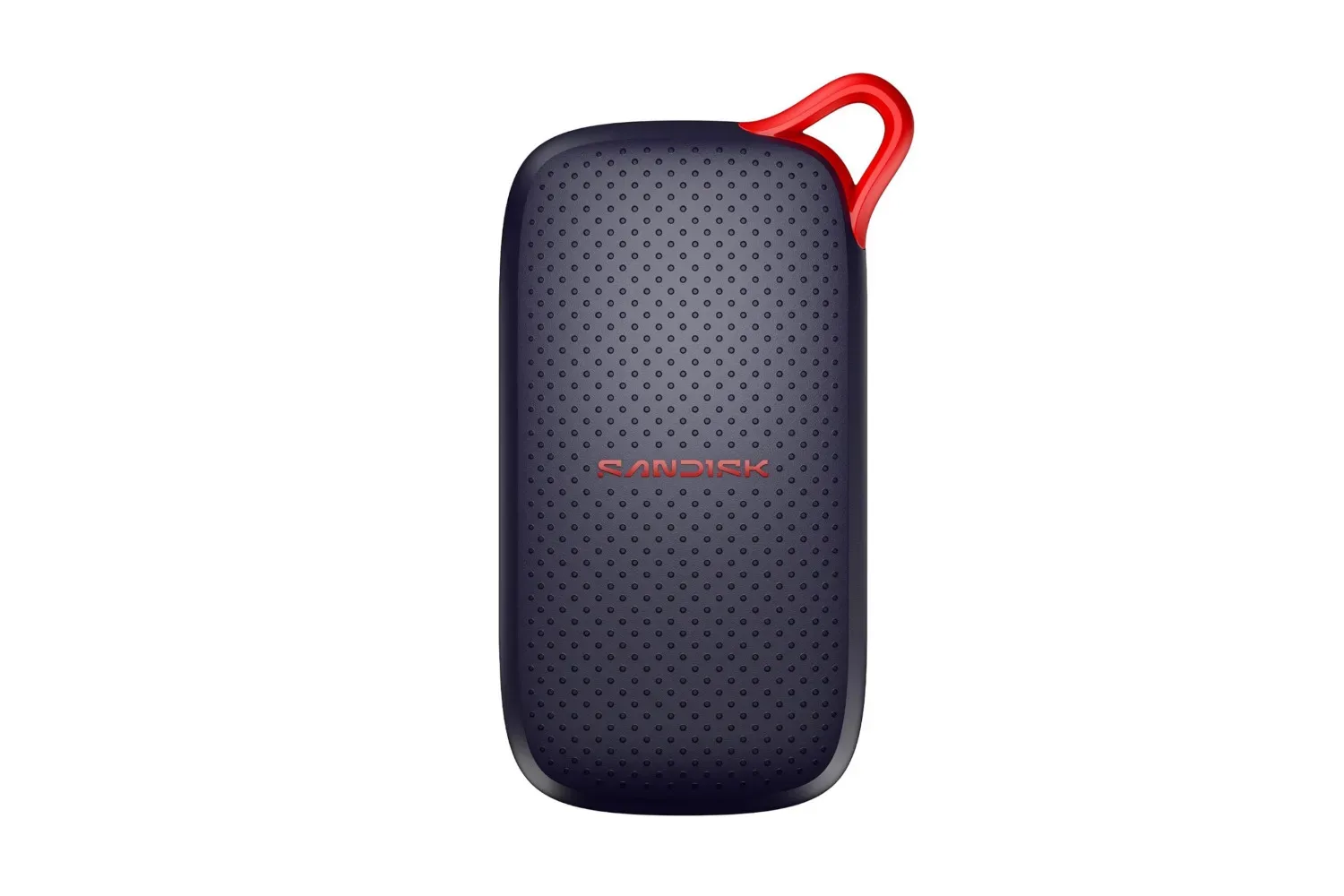
A 1TB SanDisk portable SSD is listed at $130, a $21 reduction from its stated $151 regular price. That works out to roughly 14% off. It is not an unprecedentedly cheap 1TB drive, but the listing stands out in a period when storage pricing has been notably uncomfortable for anyone expanding a PC, building a library of locally stored files, or trying to carry large projects without leaning entirely on cloud storage.
The portable drive is aimed at people who want a compact external location for their data. For players, that can mean moving video captures, screenshots, mods, installers, ROM backups where legally appropriate, or a rotating selection of games between compatible computers. For creators and remote workers, the more obvious uses are project files, media and local copies of important work.
The key figure is capacity: 1TB. In everyday terms, that is enough room to be meaningful without turning the drive into a complete substitute for a larger desktop backup setup. How much it holds depends entirely on the files involved. A collection of documents and images makes relatively light use of that space; modern game installs and high-resolution video can consume it much more quickly. Buyers should therefore think of the drive’s capacity as a working pool for files they need to move or keep close at hand, rather than assume “1TB” means their storage concerns are permanently solved.
What the listed price actually says
The $130 figure should be read as a current listing price rather than a promise of a long-term market floor. The stated comparison price is $151, making the immediate saving easy to calculate, but retail listings can change quickly. Anyone considering it should verify the price, exact product configuration and seller details at checkout.
Storage shopping is also unusually sensitive to timing. When broader component demand is high, consumers can find that the familiar “wait and it will be cheaper” rule is less dependable. That does not establish that this particular SSD cannot fall further, nor does it make it an automatic purchase. It does mean a buyer with a present, concrete need for portable storage may reasonably value a known discount more than a hypothetical future deal.
There is a useful distinction between buying because something is discounted and buying because it solves a problem. If a laptop is routinely running out of room, if a creator needs a physical handoff for large files, or if game captures are clogging an internal drive, a portable SSD addresses a clear workflow issue. If the plan is simply to stockpile storage with no use in mind, the price reduction alone is less persuasive.
Why the solid-state design matters for a travel drive
An SSD, or solid-state drive, stores data in flash memory rather than on spinning magnetic platters. The practical advantage emphasized here is durability in transit: this SanDisk drive has no moving parts and is stated to withstand drops from up to two meters. That matters for a device likely to live in a bag, pocket, desk drawer or cable pouch rather than remain untouched in a desktop case.
A drop rating should not be mistaken for a guarantee that every accident is harmless. The cable, USB-C port, device it is connected to and the stored data all still deserve care. But a compact drive without mechanical moving parts avoids one of the traditional vulnerabilities associated with older portable hard drives.
Portability is another central part of the pitch. The drive is described as small enough for a pocket or a compartment in a laptop bag or case. That makes it fundamentally different from storage intended to sit permanently beside a console, PC or router. Its value comes from being easy to bring along: a personal file library can travel with the user instead of being stranded on a single machine.
Understanding the 600Mb/s speed claim
The listing cites read and write speeds of up to 600Mb/s. “Up to” is important technical language: it describes a best-case ceiling, not a guarantee that every transfer, file type, host device or cable will reach that number.
There is also a units caveat worth noticing. Storage product specifications are often written in MB/s, meaning megabytes per second, while Mb/s normally means megabits per second. A byte contains eight bits, so those labels are not interchangeable. The supplied specification uses “Mb/s,” and prospective buyers should check the manufacturer’s exact product page or retailer specification to confirm the intended unit before comparing it directly with other drives.
Regardless of that notation issue, a portable SSD is designed to be substantially quicker and more responsive for file transfers than older portable hard-drive designs. Real performance is shaped by the computer or compatible device, its USB connection, the cable in use, available power and the nature of the files being transferred. One very large video file may behave differently from thousands of small files, because moving many small files creates additional overhead.
For gaming, transfer speed is most directly useful when copying installed games, moving recordings, or keeping a portable archive. It should not be assumed that an external drive will play every game from every platform or replace each platform’s storage rules. Console and PC support can differ, while some titles or systems may require internal storage for certain uses. Compatibility should be checked for the specific hardware and game library involved.
USB-C makes the drive easier to slot into a setup
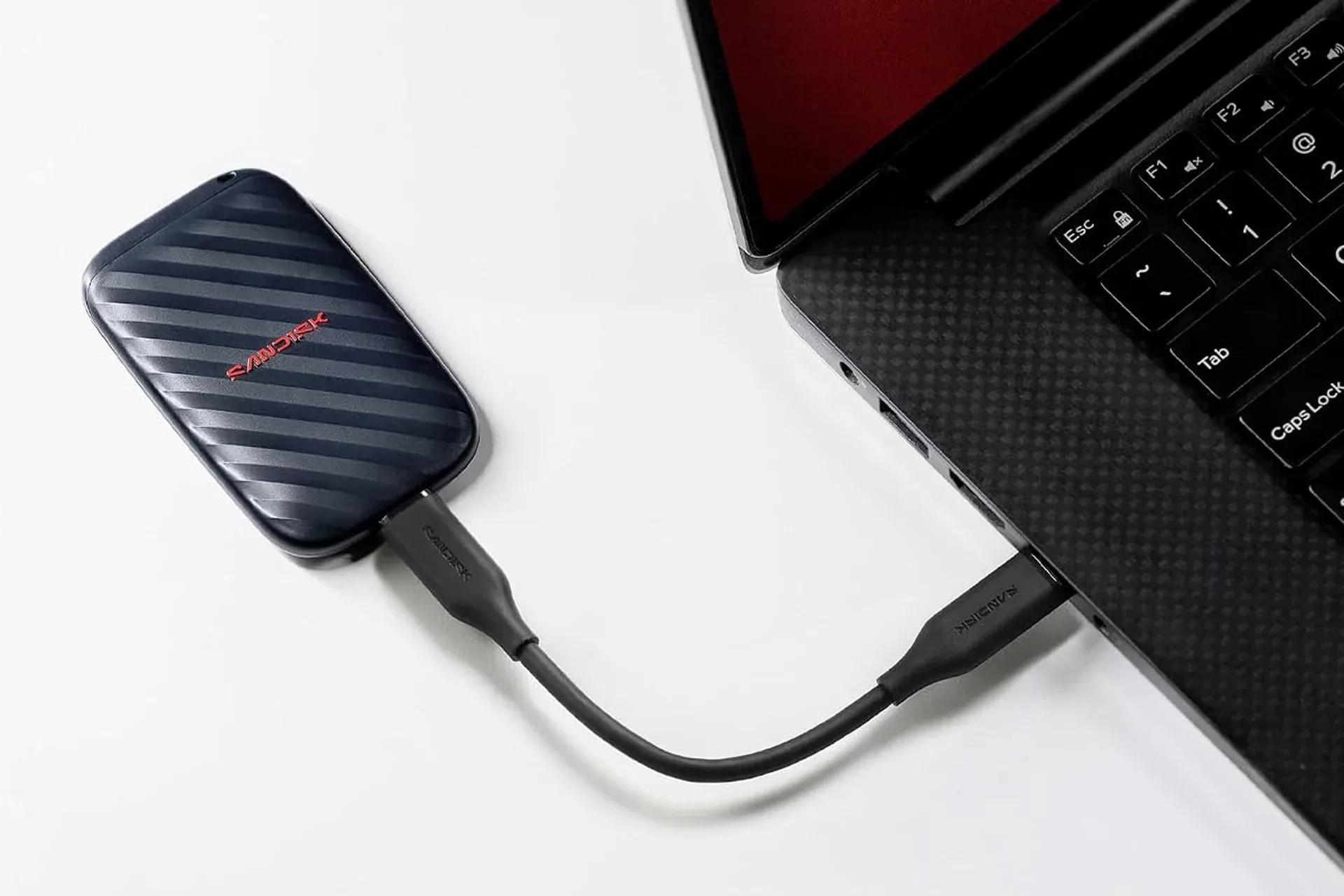
The SanDisk drive connects through USB-C, the reversible connector now common across laptops, handhelds and many accessories. A USB-C plug is convenient, but it does not by itself guarantee a particular data rate: USB-C describes the connector shape, while the capabilities of the port, cable and device determine the actual connection performance.
The drive is described as plug-and-play, meaning it can be connected and used without a required reformatting step. That is welcome for basic file transport, especially when the goal is to get a project or batch of footage onto a computer quickly. Still, users who intend to switch between operating systems or use the drive with a console should verify format support and platform guidance before moving their only copy of important data.
Portable storage is excellent for convenience, but it is not the same thing as a backup strategy. One copy of a file on one external SSD is still only one copy. Anyone using the drive for irreplaceable saves, projects or media should retain another copy elsewhere when possible. The compact size that makes a drive easy to carry also makes it easier to misplace.
Who this deal best fits
- Laptop users who need a compact place for large files without opening the machine or replacing an internal drive.
- PC players who want to move captures, installers and archives off their main storage.
- Creators and commuters who prefer a physical copy of active work instead of relying solely on an internet connection or cloud account.
- Travel-focused setups where a small USB-C accessory is easier to accommodate than a larger hard drive.
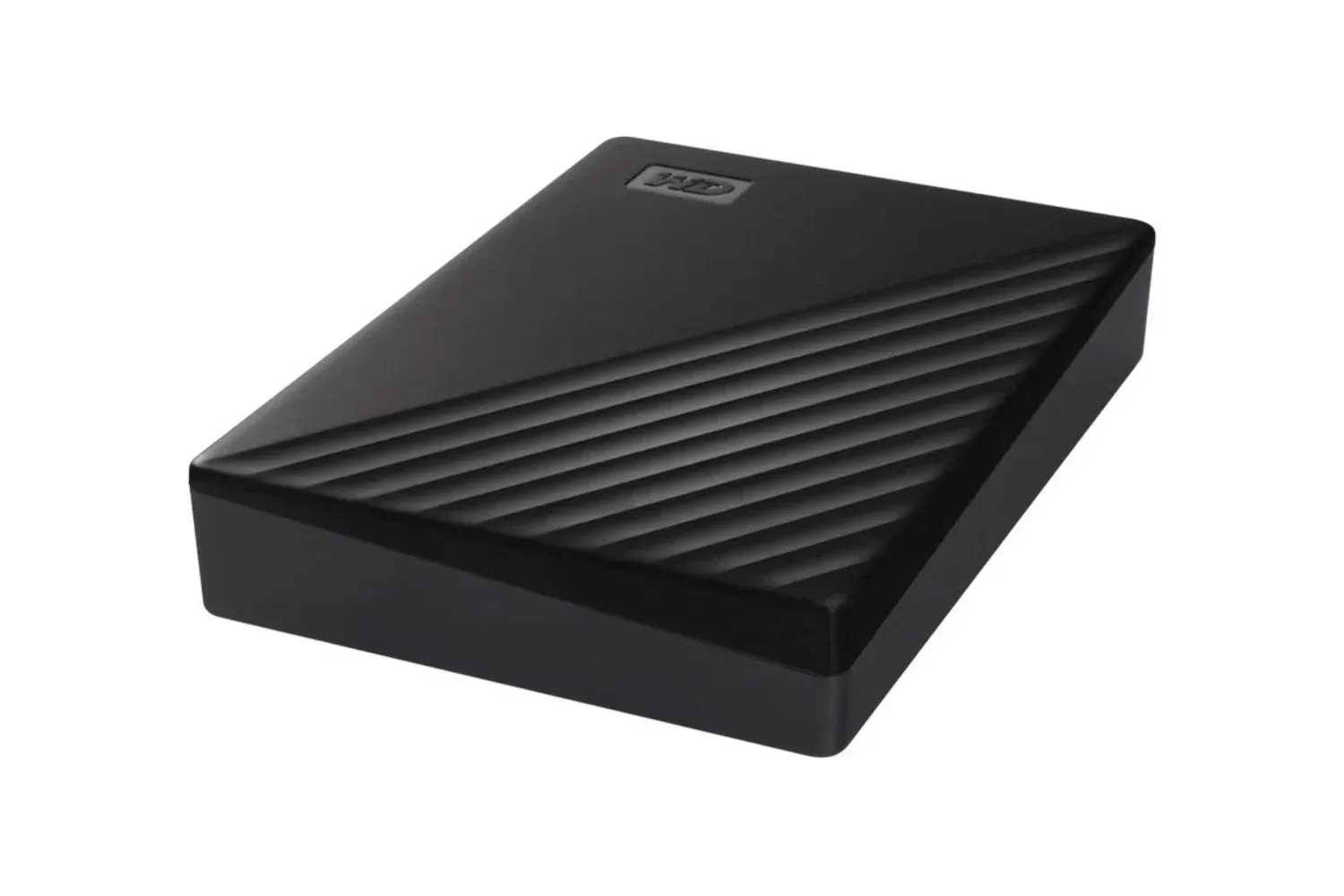
Those who need the lowest cost per terabyte, however, may have different priorities. A larger external hard drive can make more sense for bulk archives that are rarely moved, while an internal SSD may be the better answer for a desktop PC that needs faster local game storage. For perspective on a capacity-first alternative, a 5TB WD My Passport external hard drive listing illustrates the different trade-off between portable SSD convenience and bigger, more economical bulk storage.
At $130, this 1TB SanDisk model is most compelling when its combination of size, USB-C connectivity and a stated two-meter drop tolerance matches the job at hand. The discount is real relative to the listed $151 price, but buyers should treat the specifications carefully, confirm the exact unit and compatibility they need, and keep a separate copy of anything they cannot afford to lose.
Shop the products
Check current price, model and availability at the retailer.