Digital game libraries have a habit of outgrowing the storage built into the machines meant to play them. Add captured footage, screenshots, mods, save backups and a general pile of media, and the seemingly ordinary problem of “where do these files go?” can become a practical limitation fast.
A 2TB SanDisk portable SSD is currently listed at $300, a 26% reduction from a stated regular price of more than $400. The compact external drive is offered in capacities ranging from 500GB to 8TB, although the available reduction is specifically reported for the 2TB version and should not be assumed to apply to every capacity.
The important caveat with any retailer-led price is simple: listings and discounts can change. The $300 figure is a snapshot of the offer, not a promise that the drive will remain at that price. Still, for someone who already knows that two terabytes fits their needs, the listing puts the focus on a useful set of portable-storage basics: USB-C connectivity, plug-and-play operation, transfer speeds rated at up to 1,000 MB/s, and a claimed ability to withstand drops of up to two metres.
What the 2TB capacity can solve
An external SSD is not automatically extra internal game storage in every circumstance. What it can be, based on the device and its software support, is a convenient place for files that would otherwise crowd a computer’s primary drive. That may include game installers, backed-up projects, video captures, screenshots and personal media.
For PC players in particular, a portable drive can help make room management less punishing. Keeping rarely used files off the main disk can free that faster, limited internal space for the games and applications currently in rotation. It can also make it simpler to move a large file collection between compatible devices without relying on repeated downloads.
Two terabytes is a capacity choice rather than a universal answer. The 500GB option may suit a smaller file stash, while people dealing with unusually large volumes of material may need to consider the higher-capacity variants up to 8TB. The right purchase is not necessarily the largest model; it is the one that leaves enough space for the files a buyer genuinely expects to keep and transport.
That distinction matters because capacity is only one part of storage planning. A drive intended for an archive has different needs from one that will regularly receive fresh gameplay footage or large project files. The 2TB model is positioned as a roomy middle ground, but prospective buyers should compare it with their actual storage use rather than treating the number as a guarantee against future housekeeping.
Why SSD speed matters
SSD means solid-state drive. Unlike a traditional hard drive, an SSD stores data electronically rather than on spinning disks. In everyday terms, that usually makes an SSD a more natural fit for a small drive designed to travel, and it can make large file transfers feel less arduous.
SanDisk rates this model for transfers of up to 1,000 MB/s. MB/s means megabytes per second, a measure of how much data can be moved in one second. “Up to” is important wording: it denotes a maximum rated speed, not a speed guaranteed in every transfer. A real-world result can depend on the connected device, its USB connection, the cable and the kinds of files being copied.
Even with that qualification, the stated figure gives a helpful indication of the drive’s intended role. This is a portable SSD for moving substantial data rather than merely holding a few documents. Big video files and large folders are exactly the situations in which a faster external drive can become more meaningful than an inexpensive, slower storage option.
There is also a broader practical point for people following new computer hardware. A more capable laptop may have a camera cutout or other design changes—as recent MacBook-related reporting illustrates—but storage habits remain a separate decision. External capacity can be a flexible complement when internal space is fixed, provided a user understands the limits of their own hardware and workflow.
USB-C and plug-and-play: the low-friction appeal
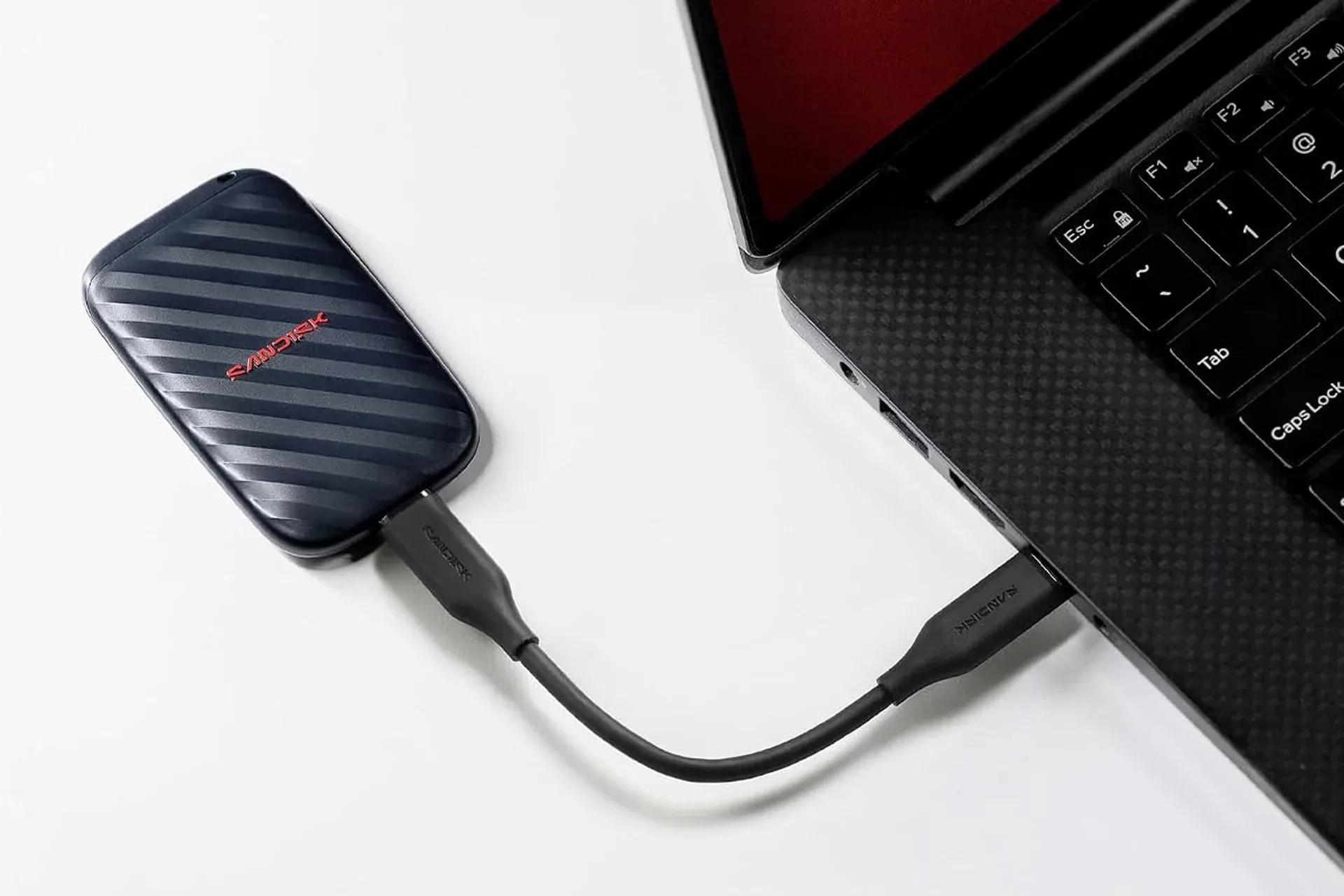
The drive connects over USB-C and is described as plug-and-play, meaning no additional driver download or elaborate installation process is expected before it can be used. Connect the drive to a compatible device with a USB-C cable, then begin working with it.
That straightforward setup is especially valuable for portable gear. A storage device that requires specialized preparation is less convenient when it is needed away from a desk. The point of a pocket-sized SSD is not just capacity; it is the ability to carry that capacity without turning file transfers into an event.
Buyers should nonetheless separate the broad convenience of USB-C from a blanket compatibility claim. USB-C describes the connection used here, but individual devices and platforms can have their own support rules, file-system expectations and restrictions on how external storage works. Anyone purchasing primarily for a particular console, computer or other device should verify that device’s external-storage requirements before treating this SSD as a guaranteed fit.
Portability and the value of drop resistance
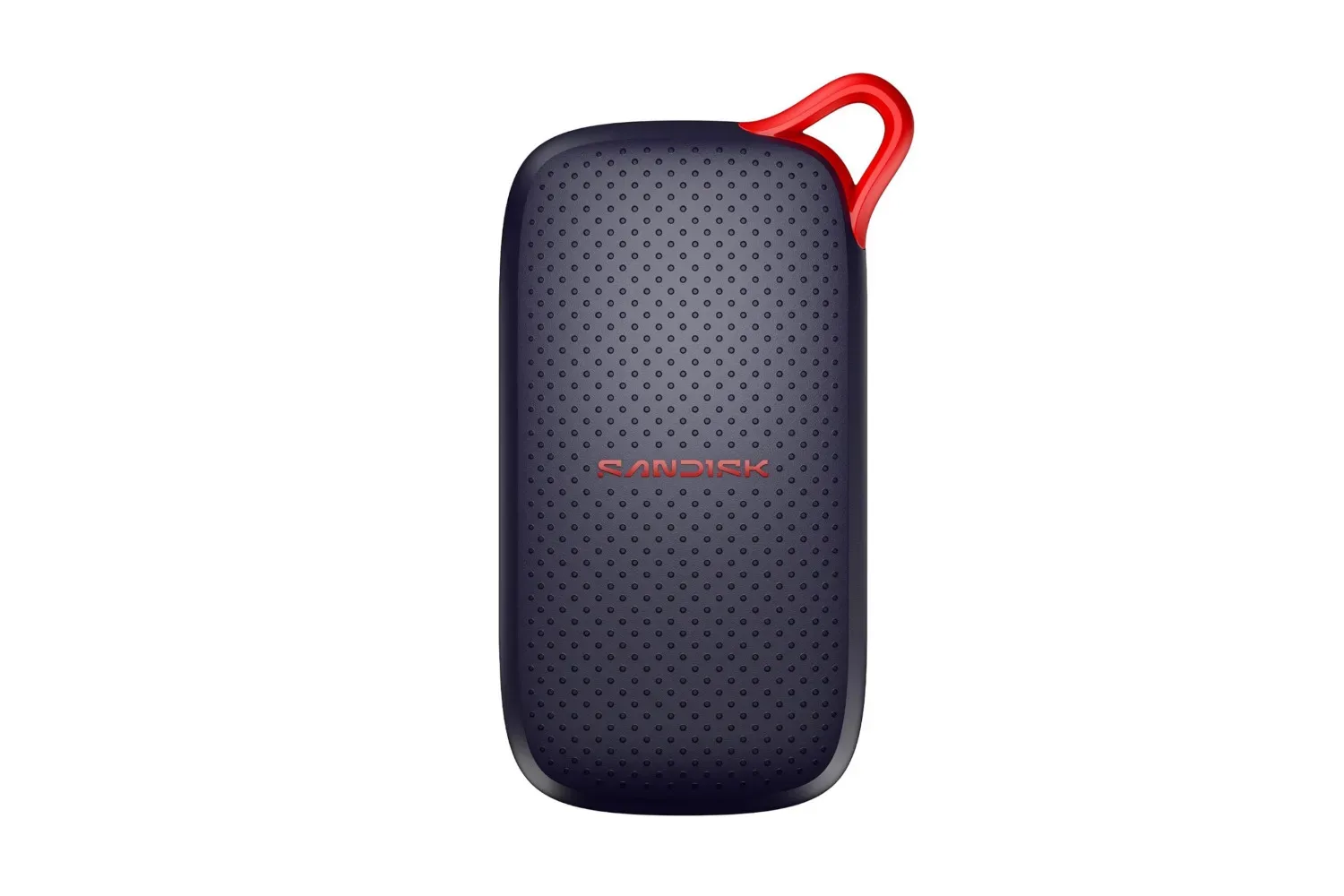
The SanDisk drive is described as lightweight and small enough for a bag or pocket. That is an unglamorous feature until storage needs to move between rooms, locations or devices. Large capacity is more useful when the drive carrying it does not become another bulky piece of equipment to pack.
The claimed two-metre drop resistance adds another consideration. Portable storage is exposed to more everyday hazards than a drive that lives permanently on a desk: a cable snag, a slip out of a bag, or an accidental knock during travel. The rating suggests that the unit is designed with those risks in mind.
It should not be read as an excuse to be careless, or as a substitute for maintaining copies of important material. Drop resistance concerns a physical accident; it does not mean any single drive should become the sole home for irreplaceable files. For valuable game captures, projects and personal archives, keeping more than one copy remains the sensible principle.
Who should consider the $300 listing
- PC players with constrained internal storage: a portable SSD can provide another place for large game-related files, captures and archives.
- Creators managing media: the quoted up-to-1,000 MB/s transfer rating is aimed at quicker movement of larger files.
- People who travel with data: the small form factor, USB-C setup and two-metre drop-resistance claim align with portable use.
- Buyers who have settled on 2TB: the reported $300 price is relevant only if that capacity suits the workload.
Conversely, shoppers should not purchase on the strength of the percentage discount alone. Confirm the capacity, current listed price and compatibility with the device that will actually use the drive. The other capacity options—from 500GB through 8TB—exist, but their pricing and discounts may differ.
At its reported $300 listing, this 2TB portable SSD presents a straightforward storage proposition rather than a complicated hardware upgrade: carry a substantial amount of data, connect through USB-C, and move large files at a rated maximum of 1,000 MB/s. For players and creators whose immediate problem is simply a shortage of room, that practicality is the main feature.
Shop the products
Check current price, model and availability at the retailer.