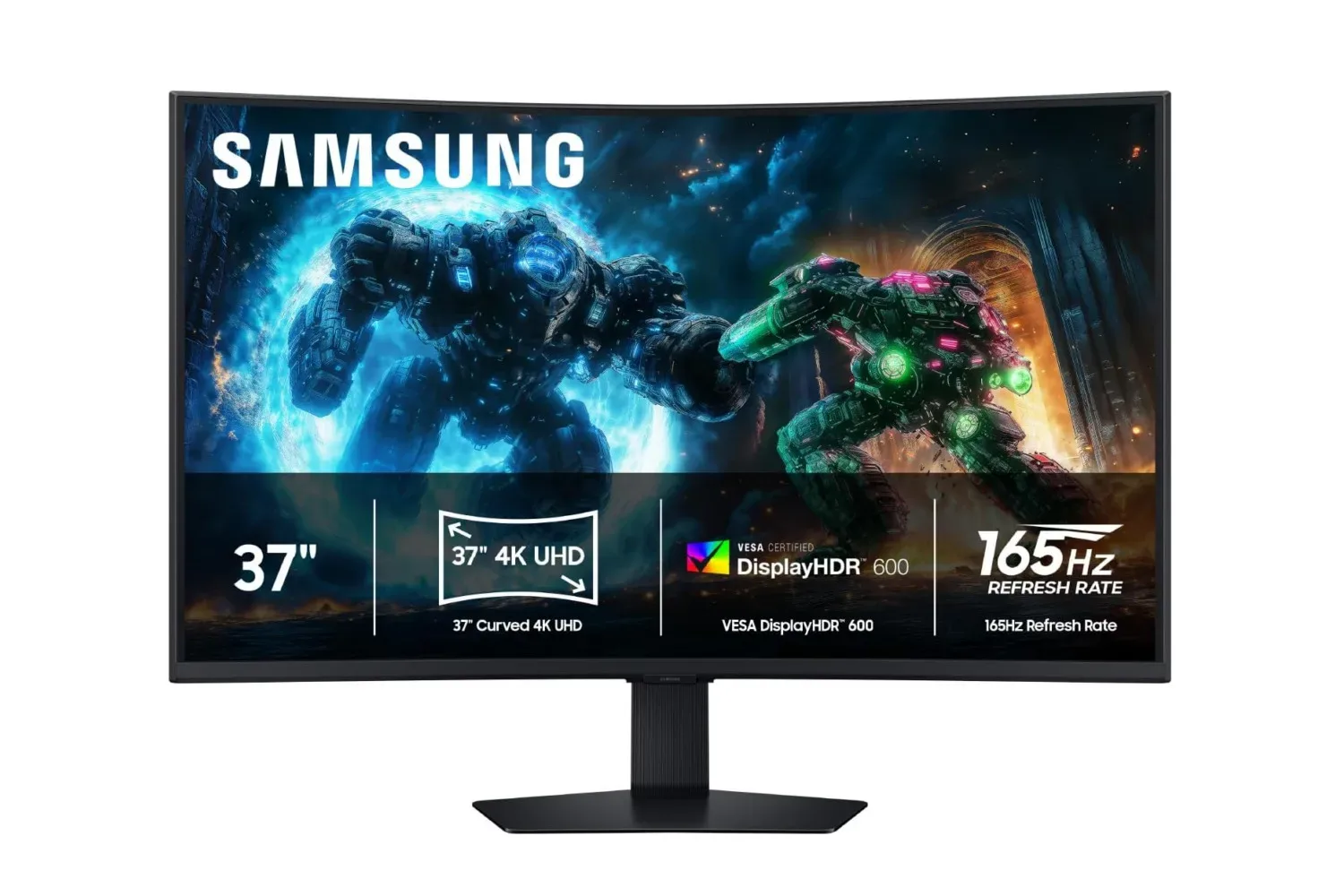
Samsung’s 37-inch Odyssey G7 G75F gaming monitor is currently listed at $500, down $400 from its stated $900 retail price. That is a 44% reduction, and it puts a very large 4K curved display in a markedly different value conversation than it occupies at full price.
Pricing can change quickly, so the $500 figure should be treated as a snapshot rather than a promise. Still, the supplied price history places the monitor’s prior low at $470, meaning the current listing is only $30 above that mark. The deal is stated to be available without a Prime membership.
The headline here is not one isolated specification. The G75F combines a 37-inch curved panel with 4K UHD resolution, a 165Hz refresh rate, a claimed 1ms response time, VESA DisplayHDR 600 certification and AMD FreeSync Premium Pro support. It also has an adjustable stand and Samsung’s CoreSync lighting feature. For PC players considering a screen that has to serve games, video and everyday desktop work, the important question is how those pieces fit together—and which ones matter for an individual setup.
A 37-inch curved 4K display is built for screen real estate
At 37 inches, the Odyssey G7 is substantially about workspace as well as spectacle. A screen this size can accommodate a game alongside chat, a browser, a guide or other applications more comfortably than a smaller display. The same area can be useful outside games for arranging multiple windows side by side, or for watching video on a larger canvas.
The curve is intended to make that broad screen feel more encompassing by bringing the outer edges inward relative to a flat panel. That can make a single-player game, a racing title or a cinematic scene feel less like it is contained in a rectangular frame at the end of a desk. It is not a universal upgrade: whether a curved monitor feels natural depends on desk depth, seating position and personal preference. But on a display this wide, the curve has a practical purpose beyond appearance.
4K UHD generally refers to a 3,840 by 2,160-pixel image. In everyday terms, that means a dense image with enough detail to make fine environment work, interface elements and video stand out on a large panel. The benefit is particularly easy to understand in games that lean on shadowy rooms, dense scenery or small visual clues. More pixels do not automatically make dark scenes easier to read, but they can make edges, textures and distant objects more defined when the game and the PC are set up to render them well.
There is a trade-off. Rendering games at 4K asks much more of a PC’s graphics hardware than lower resolutions do. Buyers should not assume that a 165Hz 4K monitor means every game will run at 165 frames per second. The refresh-rate ceiling describes what the display can show; the actual frame rate remains dependent on the game, graphical settings and the computer driving it. That distinction is especially important for anyone buying a high-resolution, high-refresh monitor primarily for demanding modern releases.
What 165Hz and 1ms mean in practice
Refresh rate is the number of times a display can update its image each second. A 165Hz panel can refresh up to 165 times per second, provided the system is supplying frames at a matching pace. Compared with lower-refresh screens, that can produce more fluid motion and make fast camera movement easier to follow.
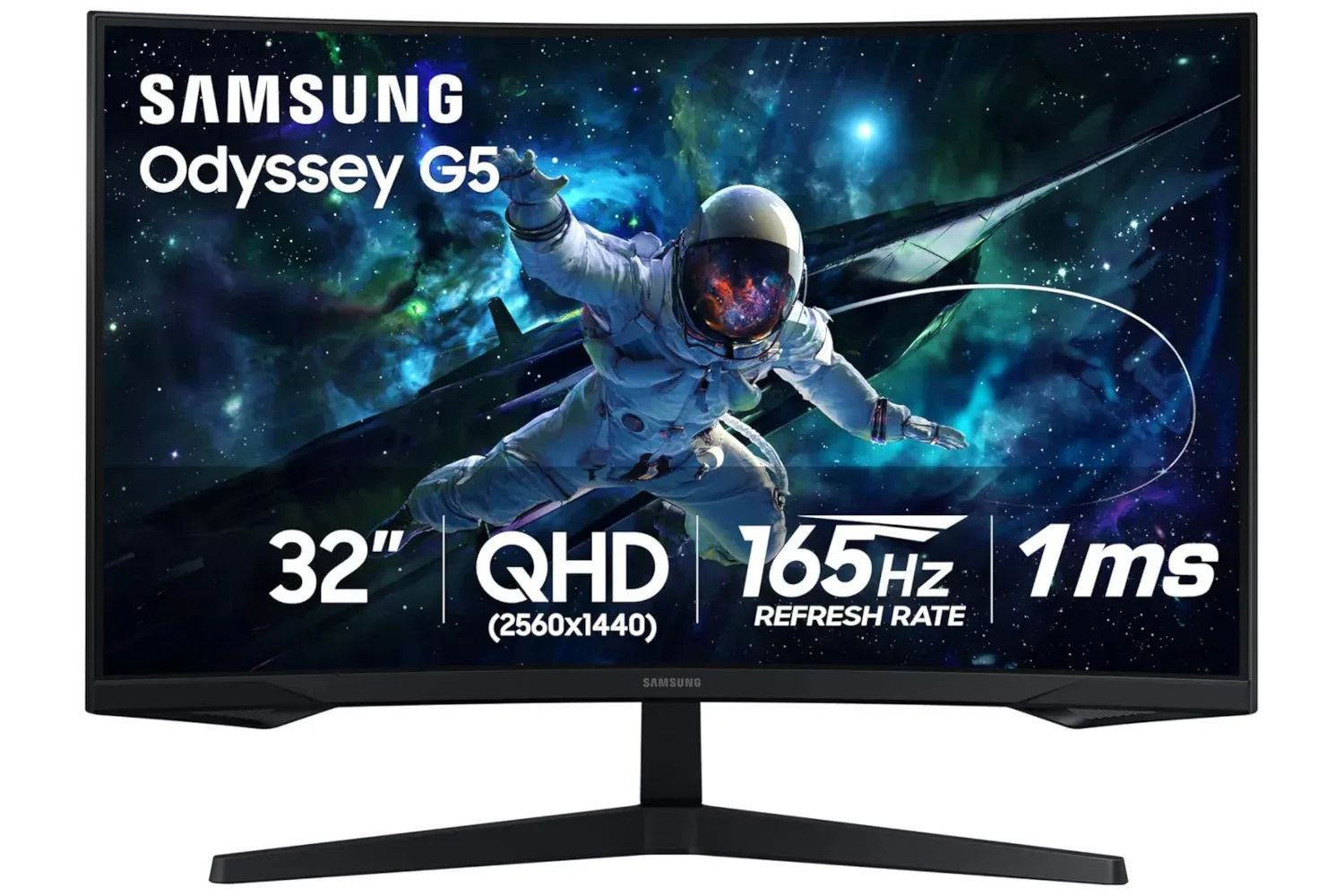
Related coverage includes Samsung's 37-Inch Odyssey G7 4K Curved Gaming Monitor Drops to $500.
The potential payoff is clearest in games where movement and reaction time are central: action games, competitive shooters, racing games and other fast-paced experiences. It is also useful on the desktop, where cursor movement and scrolling can appear smoother. A 165Hz specification is not a guarantee of a particular experience in every title, but it gives the monitor headroom when the PC can keep up.
The stated 1ms response time addresses a different part of display behavior. Response time concerns how rapidly pixels change from one state to another. Faster transitions are designed to limit visible trailing behind moving objects. It should not be confused with online latency, controller input lag or a game’s network performance. A monitor response-time claim is about the panel itself, not an all-in-one measurement of how responsive an entire gaming setup feels.
Those two specifications work toward the same broad objective—clearer, smoother motion—but they describe different mechanisms. Refresh rate determines the display’s update opportunity; response time concerns pixel transitions during those updates. Players seeking responsiveness should also remember that the game’s frame rate and their system configuration remain decisive factors.
FreeSync Premium Pro is designed to reduce tearing
The G75F supports AMD FreeSync Premium Pro, a variable refresh-rate technology. Put simply, it is designed to synchronize the display’s refresh behavior with the output of a compatible graphics processor. When a game’s frame delivery varies, that coordination can help reduce screen tearing and choppiness.
Screen tearing occurs when part of one frame and part of another appear onscreen at the same time, creating a visible discontinuity across the image. Variable refresh-rate support is meant to make the monitor’s updates better align with the frames being produced, rather than forcing a rigid cadence that does not match the game’s output.
Compatibility should be checked before treating the feature as a reason to buy. The monitor advertises AMD’s FreeSync Premium Pro standard, but prospective owners should confirm how it fits their own graphics hardware and connection setup. In general, the value of variable refresh support is highest for players whose frame rates fluctuate rather than remain fixed at one number.
HDR 600 focuses on contrast, not just brightness
The Odyssey G7 is listed with VESA DisplayHDR 600. HDR, short for high dynamic range, refers to a display’s ability to present a broader range between dark and bright portions of an image. The practical goal is not simply a brighter screen. It is to give highlights more impact while preserving dark areas with greater separation and detail.
That matters in games with low-light scenes, such as horror experiences or titles that use darkness to set mood and conceal routes. Better contrast can help bright details stand apart from surrounding shadows, though the final result also depends on a game’s HDR implementation and its settings. HDR should be enabled and adjusted with care rather than regarded as a one-button solution to visibility.
The DisplayHDR 600 label provides a clearer point of reference than a vague HDR claim, but it does not eliminate the need to consider the rest of a display’s behavior. Buyers weighing this monitor should view HDR 600 as one part of its overall package: a feature aimed at more striking highlights and stronger contrast alongside 4K detail and fast refresh capability.
Desk setup details still matter
Large monitor purchases can go wrong in mundane ways. The G75F’s adjustable ergonomic stand is relevant because a 37-inch display occupies considerable physical and visual space. Tilt and other stand adjustments can help position the panel more comfortably, but buyers should measure their available desk space and think about viewing distance before committing. A screen that feels immersive at the right distance may feel overwhelming if it is placed too close.
Samsung places the monitor’s connectivity at the rear, a conventional arrangement that can help keep the front and sides clean but may influence cable management in a tight setup. Verify the ports required by a PC, console or other device before buying; the provided information does not specify the exact port selection or versions.
CoreSync is the monitor’s cosmetic extra. It matches colors from the screen with a rear LED ring, projecting light onto the wall or space behind the display. That can reinforce the visual mood of a setup, particularly in a dim room. It is not a performance feature, and it should not carry the same weight as resolution, refresh rate, HDR or synchronization support. For shoppers who do care about a coordinated desk aesthetic, though, it is a more purposeful touch than lighting that remains static.
Who should consider the $500 listing?
At $900, the 37-inch Odyssey G7 asks buyers to pay a premium for its scale and combined feature set. At $500, the calculation changes substantially. The discount brings the asking price close to the stated prior low while retaining the qualities that define the model: 4K resolution, 165Hz refresh, a curved 37-inch panel, HDR 600 and FreeSync Premium Pro.
It makes the most sense for a player who wants one expansive PC display for both high-detail games and multitasking, and who has the desk room and graphics performance to take advantage of it. It may be less compelling for someone who chiefly prioritizes maximum competitive frame rates at lower resolutions, has limited desk depth, or simply prefers a flat panel.
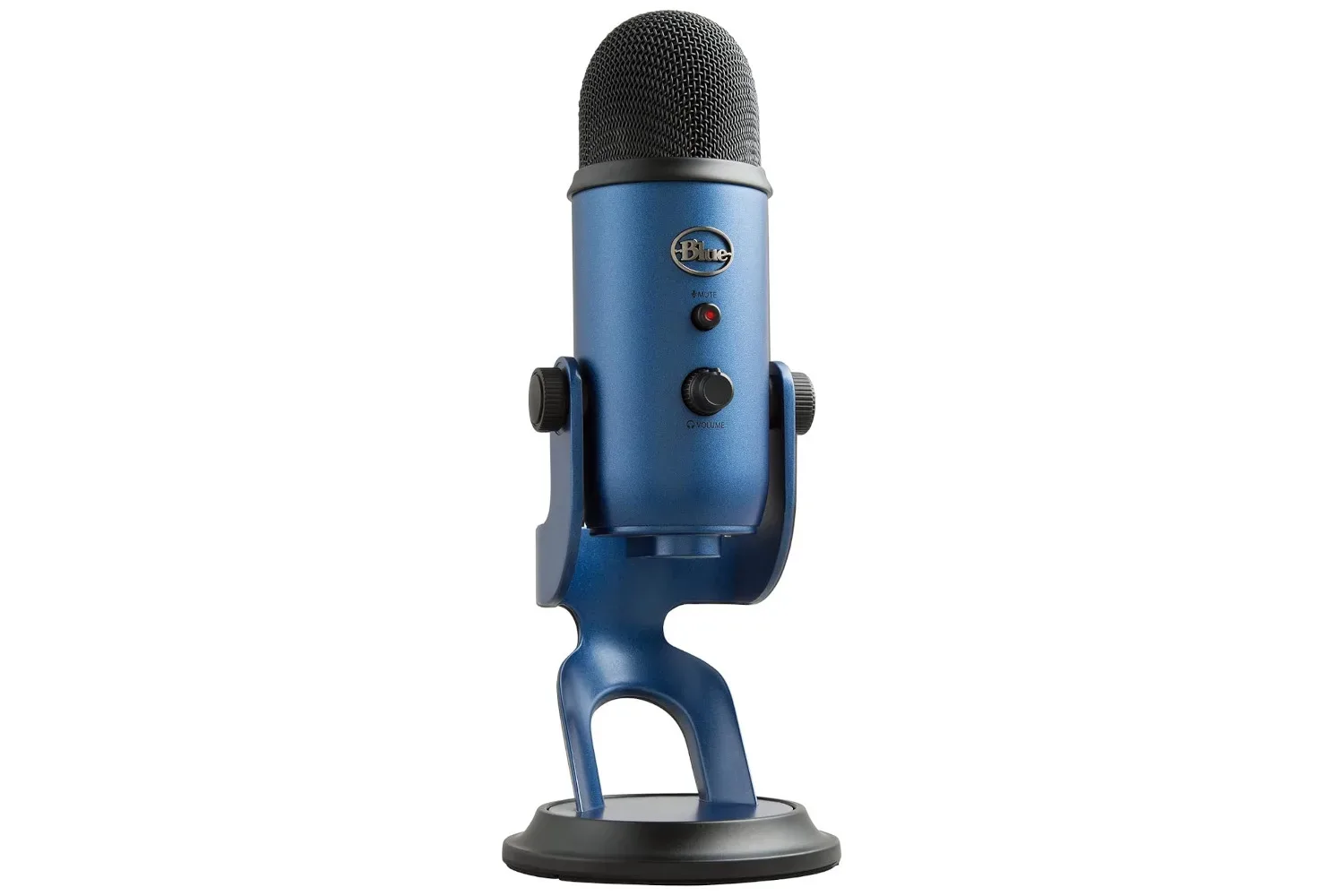
For a broader look at another PC desk upgrade currently in the mix, see this Logitech Blue Yeti USB microphone price cut. The key takeaway for the Odyssey G7 itself is more straightforward: the $500 listing is a meaningful $400 reduction, but buyers should confirm the live price, compatibility and physical fit before treating a near-record-low price as the only deciding factor.
Shop the products
Check current price, model and availability at the retailer.