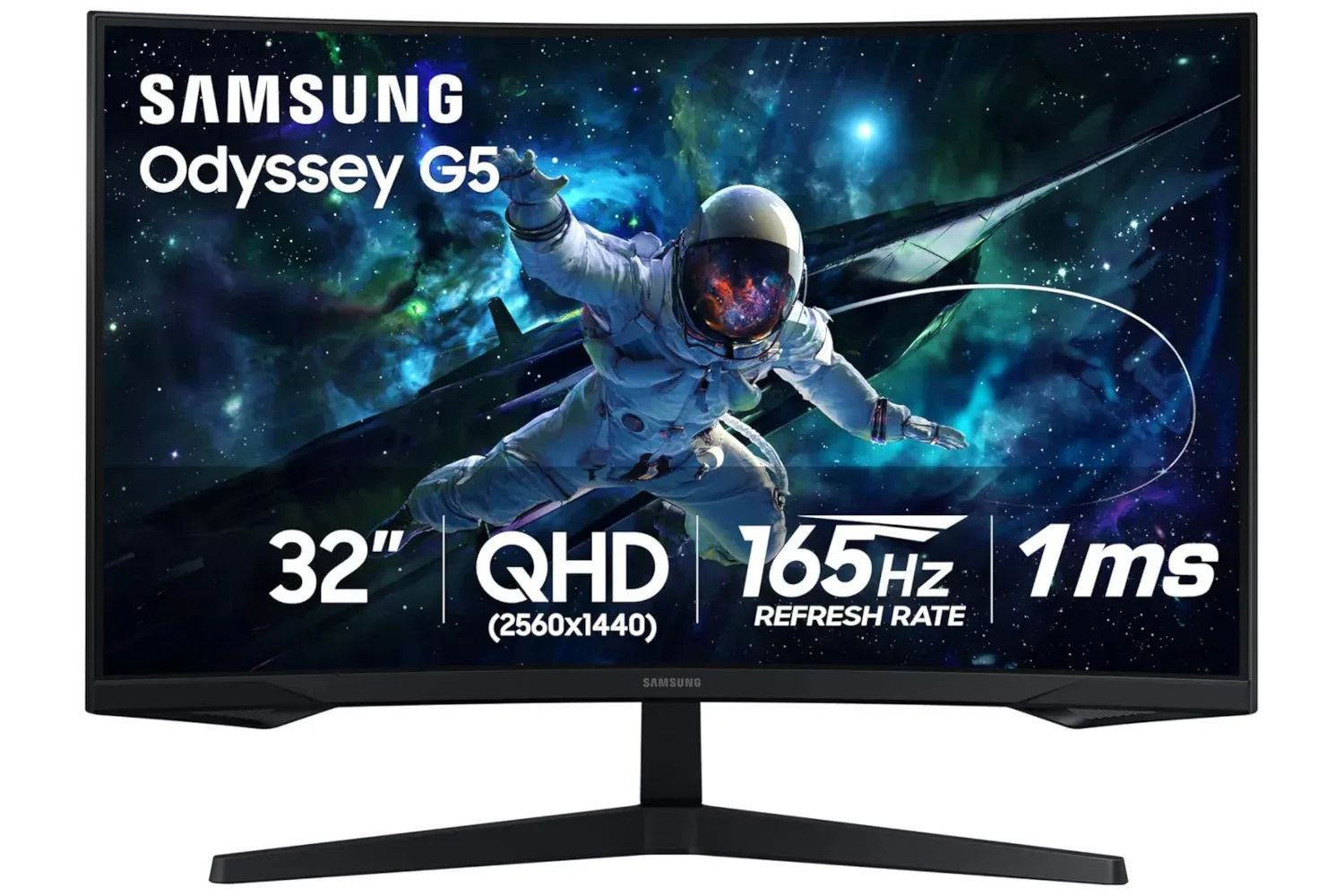
A reported deal on Samsung’s 32-inch Odyssey G55C gaming monitor has brought its price down to $190, described as a 42% discount. For PC players weighing a display upgrade, that number matters because the G55C’s cited specification list is not built around a basic 1080p office panel: it combines a 2560 x 1440 resolution, a 165Hz refresh rate, a pronounced 1000R curve, FreeSync support and a quoted 1ms response time.
That does not make the monitor automatically right for every desk, PC or game. Display deals deserve a slightly less impulsive read than the “big number, smaller number, add to cart” routine that retail pages encourage. The important question is whether its physical size, resolution and high-refresh focus actually match the system and kinds of games a buyer intends to play. But at the stated price, the G55C is a potentially notable option for someone seeking a larger QHD gaming screen rather than an entry-level display.
The headline: 32 inches, QHD and 165Hz
The Odyssey G55C is a 32-inch curved monitor with a stated 2560 x 1440 resolution. That resolution is commonly called QHD, shorthand for a display with substantially more pixels than 1920 x 1080 Full HD. In practical terms, QHD can provide more room for game interfaces, browser windows and desktop work while rendering more image detail than a Full HD panel.
It is also worth being precise about what “better than HD” means here. A 2560 x 1440 screen is not a promise that every game will look better in every circumstance. Visual quality also depends on a game’s artwork, its settings and the computer driving it. QHD asks a graphics processor to produce more pixels than 1080p, so a system that is already struggling at Full HD may not reach high frame rates after the resolution increases. For buyers whose priority is maximum competitive speed, that trade-off is central.
The G55C’s specified 165Hz refresh rate is the other major half of the proposition. Refresh rate is the maximum number of times per second a screen can redraw its image. A 165Hz monitor can display up to 165 frames per second when the PC and game can deliver them. That can make motion appear more fluid than it does on a lower-refresh display, particularly in fast camera movement and games where rapid reactions matter.
Crucially, a 165Hz panel does not create extra game frames on its own. A game’s frame rate is produced by the PC hardware and its settings. The monitor gives capable hardware more headroom to show those frames. That distinction is useful for shoppers: the G55C’s speed-focused specification is most meaningful for a machine that can approach elevated frame rates at 1440p in the games being played.
What the 1000R curve is trying to do
Samsung’s cited 1000R curve is an unusually prominent part of the product’s identity. The “R” is a radius measurement: 1000R indicates a curve based on a 1,000 mm radius. In plain language, it means this is not a lightly bent flat panel. The sides of the 32-inch display curve toward the player to create a more enveloping viewing shape.
For games played from a centered position, especially first-person experiences and vast exploration games such as No Man’s Sky, the intent is clear: the screen’s edges are brought into the player’s peripheral view more naturally than they would be on a flat 32-inch panel. That design can strengthen the sense of scale without requiring an ultrawide aspect ratio.
Related coverage includes Samsung Odyssey G55C 32-Inch Curved Gaming Monitor Deal Drops Price to $190.
Curvature is nevertheless a preference, not a universal upgrade. The most direct way to benefit from it is to sit centered in front of the screen. People who frequently share a display, move around their setup or prefer a conventional flat image for other work should treat the curve as a feature to consider, rather than a default advantage. A 32-inch monitor also occupies considerably more visual and physical space than smaller desktop displays, so measuring desk depth and viewing distance before buying remains sensible.
FreeSync and response time, explained without the marketing fog
The monitor is said to support FreeSync, a variable-refresh technology intended to synchronize the display’s refresh behavior with the frames being supplied by a compatible graphics processor. The basic problem it addresses is mismatch: when a game produces frames at a pace that does not line up with a fixed screen refresh, visual tearing can occur. Variable refresh aims to reduce that mismatch and make motion appear more consistent.
It is not a substitute for graphical performance. FreeSync cannot turn a low frame rate into a high frame rate, and it cannot eliminate every limitation a game or system may have. Its value is in helping the display adapt to changing frame delivery rather than forcing the image into an inflexible cadence. That makes it a relevant companion to a 165Hz monitor, where games may not hold exactly the same frame rate throughout play.
The G55C is also listed with a 1ms response time. Response time describes how quickly pixels can change state. Faster pixel transitions are aimed at reducing visible trails behind moving objects, sometimes called ghosting. It should not be confused with total system input latency, which includes the controller or mouse, the computer, game processing and the display. A 1ms claim speaks to one display characteristic, not the entire chain between pressing a button and seeing an action.
For prospective buyers, the practical takeaway is modest but useful: the G55C’s headline features are aligned with fast games as well as cinematic ones. Its high refresh rate, variable-refresh support and quoted response figure indicate that it is not simply a large screen marketed to gamers because it has a dramatic stand and a red menu icon.
Long-session features and the non-gaming case
The reported feature list includes a glare-free screen treatment and eye-care features. Those claims are relevant because a monitor is rarely used only for a single match. A large QHD panel could end up handling work, streaming video, web browsing and spreadsheets in the same day as games.
Glare management can be particularly useful in a room where overhead lighting or windows create distracting reflections. It is not a replacement for thoughtful setup placement, but it is a factor worth considering for a display likely to be on for long periods. Likewise, eye-care language should be read as an effort to support extended use rather than a guarantee that no viewer will experience fatigue. Room lighting, brightness settings, viewing distance and breaks still matter.
The 2560 x 1440 resolution also has a practical desktop appeal. Extra pixels can mean more usable room than a Full HD display for keeping documents, chat, web pages or tools visible together. Whether a buyer likes that desktop scale on a 32-inch panel is personal, but the G55C is positioned as more than a one-purpose gaming screen.
Who should pause before chasing the discount
The reported $190 price is the eye-catching part, but a good monitor purchase starts with fit. The most compelling case for the Odyssey G55C is a player who wants a single large, curved QHD display and has a PC able to make reasonable use of 165Hz output. Its combination of resolution and refresh rate presents a middle ground between the lower rendering load of Full HD and the substantially greater demands associated with higher-resolution gaming.
- Check your graphics hardware: QHD gaming requires more rendering power than 1080p. Look at performance in the specific games you play, not just a component’s name.
- Measure the desk: A 32-inch, deeply curved panel is a major physical object in a setup. Make sure the viewing position leaves enough room to sit comfortably and centrally.
- Decide what matters more: Players prioritizing broad desktop space and image detail may value QHD; those focused solely on sustaining the highest possible frame rates may weigh the resolution cost differently.
- Verify the live listing: Sale prices and stock can change. Confirm the final price, seller, return terms and specifications at checkout rather than treating a reported discount as permanent.
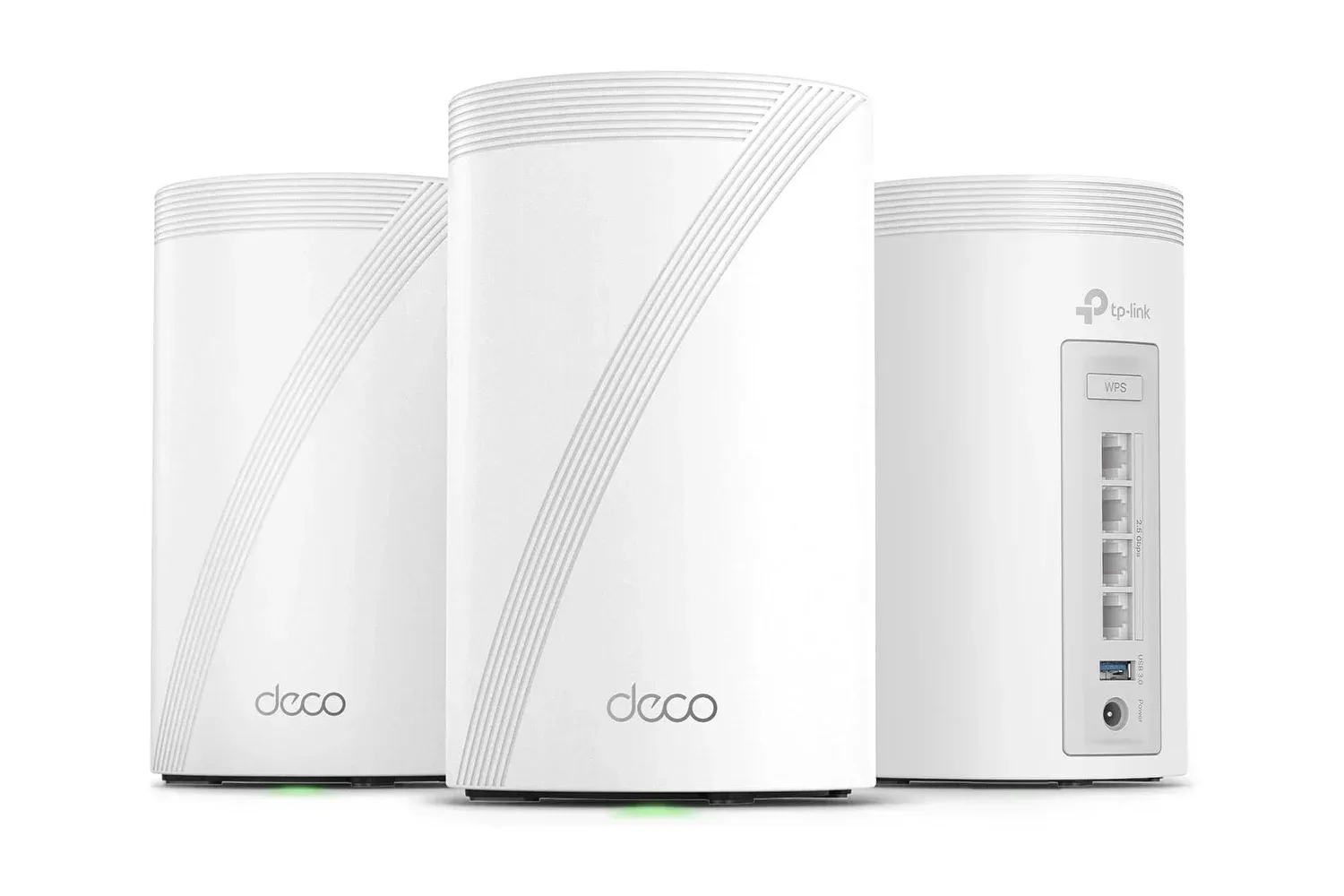
Network performance is another separate consideration for online games. A quick display helps show frames smoothly, but it does not reduce a connection’s lag by itself. Players refining a broader PC setup may also want to consider the local network hardware, such as the TP-Link Deco 7 Pro Wi-Fi 7 mesh system, where coverage and connection quality are the actual focus.
A sharp price, with the usual deal-day caveat
At the cited $190, the Samsung Odyssey G55C stands out on paper because it combines a 32-inch 1000R curved design with QHD resolution and a 165Hz refresh rate. FreeSync support and the stated 1ms response time further reinforce its gaming intent, while glare-reduction and eye-care features broaden the argument for using it all day.
That is a compelling specification balance for a buyer specifically after a large, immersive PC gaming display. It is not a reason to ignore compatibility, desk space or personal comfort with a strong curve. Verify the active price and listing details, then judge the deal against the games and hardware already on the desk. If those line up, $190 is a notably low reported entry point for this particular mix of size, QHD resolution and high-refresh capability.
Shop the products
Check current price, model and availability at the retailer.