
Samsung has begun an early Black Friday promotion with discounts across televisions, monitors, soundbars, appliances and Galaxy hardware. For PC players, the most relevant part of the event is a run of reductions on Odyssey gaming monitors, including OLED models, plus a lower-cost Odyssey G3 entry point.
The headline gaming-monitor offers listed in the sale are the 27-inch Odyssey OLED G8 at $799.99, down $300, and the 27-inch Odyssey OLED monitor at $319.99, down $180. A 34-inch curved Odyssey OLED G8 is also listed at $999.99 after a $200 reduction. Those are substantial dollar cuts, but they describe different screen sizes and product variants, so shoppers should resist treating the names alone as a direct like-for-like comparison.
Samsung’s listings also include the 24-inch Odyssey G3 at $119.99, reduced by $40, and a 27-inch Odyssey G7 Smart Monitor for $399.99, down $300. Anyone simply looking for the lowest upfront monitor cost is therefore looking at a very different proposition from someone shopping for an OLED display or a wider curved screen.
The gaming monitor prices at a glance
- 24-inch Odyssey G3 Gaming Monitor: $119.99, a $40 reduction.
- 27-inch Odyssey OLED Gaming Monitor: $319.99, a $180 reduction.
- 27-inch Odyssey G7 Smart Monitor: $399.99, a $300 reduction.
- 27-inch Odyssey OLED G8 Gaming Monitor: $799.99, a $300 reduction.
- 34-inch Odyssey OLED G8 Curved Monitor: $999.99, a $200 reduction.
- 32-inch Smart Monitor M9: $1,299.99, a $300 reduction.
The promotion identifies the G3, OLED-branded models and G8 models as gaming monitors. The Smart Monitor M9, Movingstyle Essential Smart Monitor and G7 Smart Monitor are separately named as smart-monitor products in the sale materials. That distinction matters: a buyer should check the complete product page rather than assume that a similar size, a “smart” label, or an Odyssey name guarantees the same gaming-focused specifications and connections as another model.
What OLED means here — and what it does not tell you
OLED stands for organic light-emitting diode. In an OLED display, pixels emit their own light rather than relying on a conventional backlight. In practical terms, that is why OLED is commonly associated with strong contrast: a pixel can be turned off to display black.
That label is meaningful, but it is not a complete buying checklist. The sale information identifies the 27-inch Odyssey OLED monitor, 27-inch Odyssey OLED G8 and 34-inch curved Odyssey OLED G8 as OLED products, but it does not provide resolution, refresh rate, response-time figures, port selection, brightness behavior, variable-refresh-rate support, stand adjustment or console compatibility. Those details can be decisive for a gaming desk setup, and none should be assumed from the price cut.
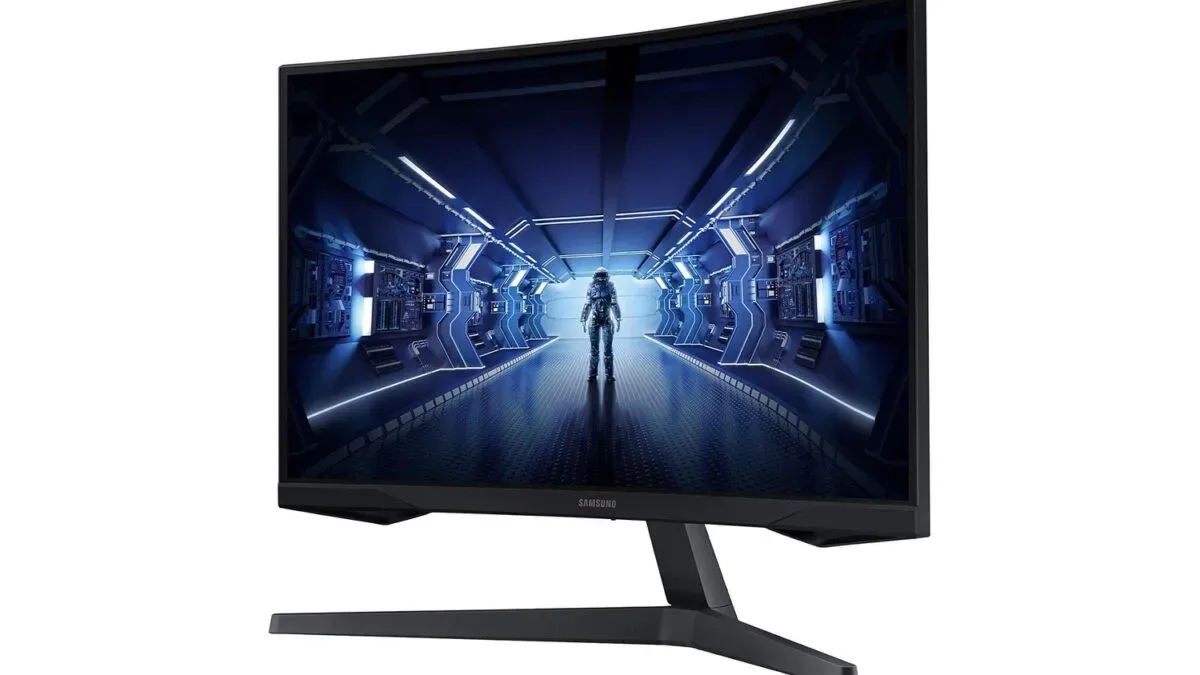
Similarly, curved refers to the physical shape of the screen rather than a guaranteed image-quality upgrade. The 34-inch Odyssey OLED G8 is explicitly listed as curved; the supplied sale details do not state that for the 27-inch OLED G8. A curved ultrawide-style setup may appeal to players who want a broad field of view for PC games, but a buyer still needs to verify the display’s actual panel format and desk fit before making a decision.
How to read a sale without getting distracted by the biggest number
The stated discount is the difference from Samsung’s referenced price, not an automatic answer to which monitor represents the best value for every player. A $300 reduction on the 27-inch OLED G8 is larger in cash terms than the $180 cut on the other 27-inch Odyssey OLED monitor, but the two remain far apart in current price: $799.99 versus $319.99.
That $480 gap is more important to a budget than the fact that both items include “27-inch,” “Odyssey,” “OLED” and “gaming” in their names. Buyers should begin with a spending ceiling, then compare the specifications and warranty terms that matter to their own PC, console or workspace. The promotion alone does not establish which of these displays is the superior fit.
The same applies to screen size. A 24-inch G3 at $119.99, 27-inch models, a 32-inch M9 and a 34-inch curved G8 will occupy meaningfully different amounts of desk space. Measure the usable width and depth of the desk, account for monitor-arm or stand clearance, and consider whether speakers, a microphone boom or a second display must share the area. A monitor that is discounted can still be an expensive mistake if it does not physically work in the intended setup.
A practical pre-purchase checklist
- Confirm the exact model. Several names in the sale are very similar. Make sure the cart reflects the intended size and variant, especially between the 27-inch OLED monitor and the 27-inch OLED G8.
- Verify the essentials on the product listing. Check native resolution, refresh rate, inputs, stand options and compatibility requirements for the devices that will actually be connected. The sale summary does not supply those details.
- Plan the cabling. A display is only part of the setup. Confirm that the PC, console, dock or other device has the appropriate output and that the needed cable is available.
- Assess the total cost. Include any monitor arm, cable, adapter or desk change required to use the screen comfortably. A headline price is not always the complete setup cost.
- Read the live offer terms. Promotional availability, financing, trade-in conditions and stock can change. In particular, “up to” savings are not the same as a universal reduction.
Other Samsung sale items relevant to a living-room setup
The event is broader than PC displays. Samsung lists two soundbars: the Q-series HW-Q800H with subwoofer at $699.99, down $400, and the Q-Series HW-Q990H with subwoofer and speaker at $1,499.99, down $500. For a player assembling a TV-and-console room, those are the audio-focused reductions in the supplied listings.
On the television side, the promotion includes the 65-inch The Frame (2026) at $1,199.99 after a $300 cut, the 65-inch The Frame Pro (2026) at $1,499.99 after a $500 cut, and the 85-inch The Frame Pro (2026) at $2,999.99 after a $1,000 cut. Other listed TVs include an 85-inch Mini LED M80H Vision AI Smart TV at $1,099.99, a 65-inch OLED S95H Vision AI Smart TV at $2,299.99, and a 75-inch Micro RGB Vision AI Smart TV at $3,499.99.
Those television names and reductions may be useful starting points for comparison shopping, but the supplied information does not state gaming-specific features for any of them. Shoppers considering a television for console play should therefore verify the relevant technical details independently rather than infer them from panel terminology or marketing names.
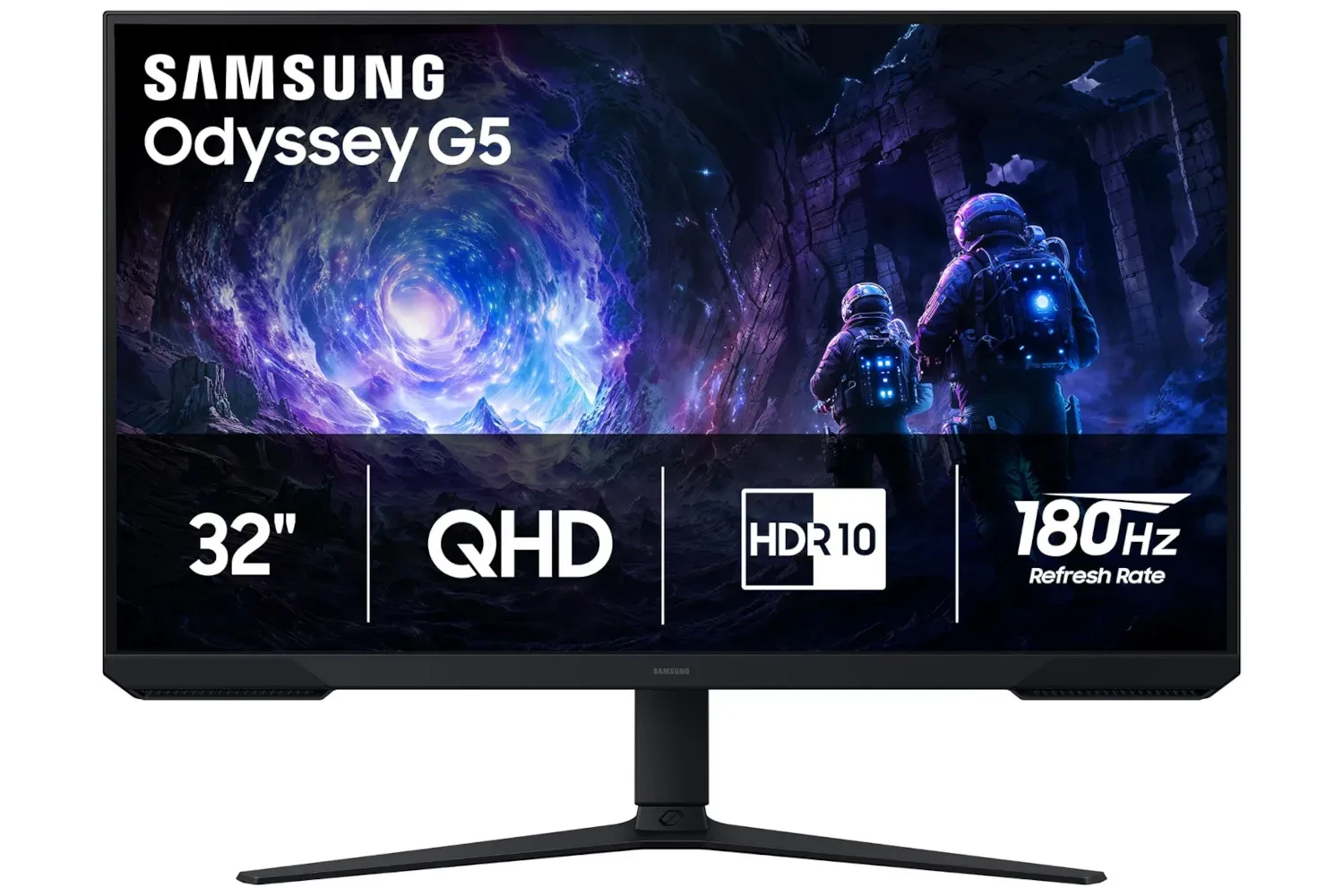
For a separate lower-cost Samsung display option, there is also a 32-inch Odyssey G5 listing at $180. It is not one of the products itemized in this early Black Friday list, so its price and terms should be treated separately from the current promotion.
Galaxy offers use different kinds of savings
The Galaxy-device portion of the event is especially worth reading carefully because it does not use one simple cash-off structure. The Galaxy Watch Ultra2 includes up to $250 in trade-in credit, or $100 in Samsung credit without a trade-in. The Galaxy Watch9 similarly lists up to $250 in trade-in credit or $50 in Samsung credit without a trade-in.
Trade-in credit is dependent on the device submitted and the offer’s terms, while Samsung credit is not identical to an immediate reduction in the price of the item being purchased. The Galaxy Z Fold8 is advertised with up to $1,600 in total savings, the Galaxy Z Fold8 Ultra with up to $1,400, and the Galaxy Z Flip8 with up to $600. “Up to” signals that the maximum will not necessarily apply to every buyer or configuration.
For the monitor deals, the listed current prices and dollar reductions are more direct: $319.99 for the 27-inch Odyssey OLED monitor, $799.99 for the 27-inch Odyssey OLED G8, and $999.99 for the 34-inch curved Odyssey OLED G8. The sensible next step is not to chase the largest discount label, but to compare the exact model against the player’s budget, hardware and physical space. The sale creates opportunities across several price tiers; the product page has to settle the technical questions the promotion does not answer.