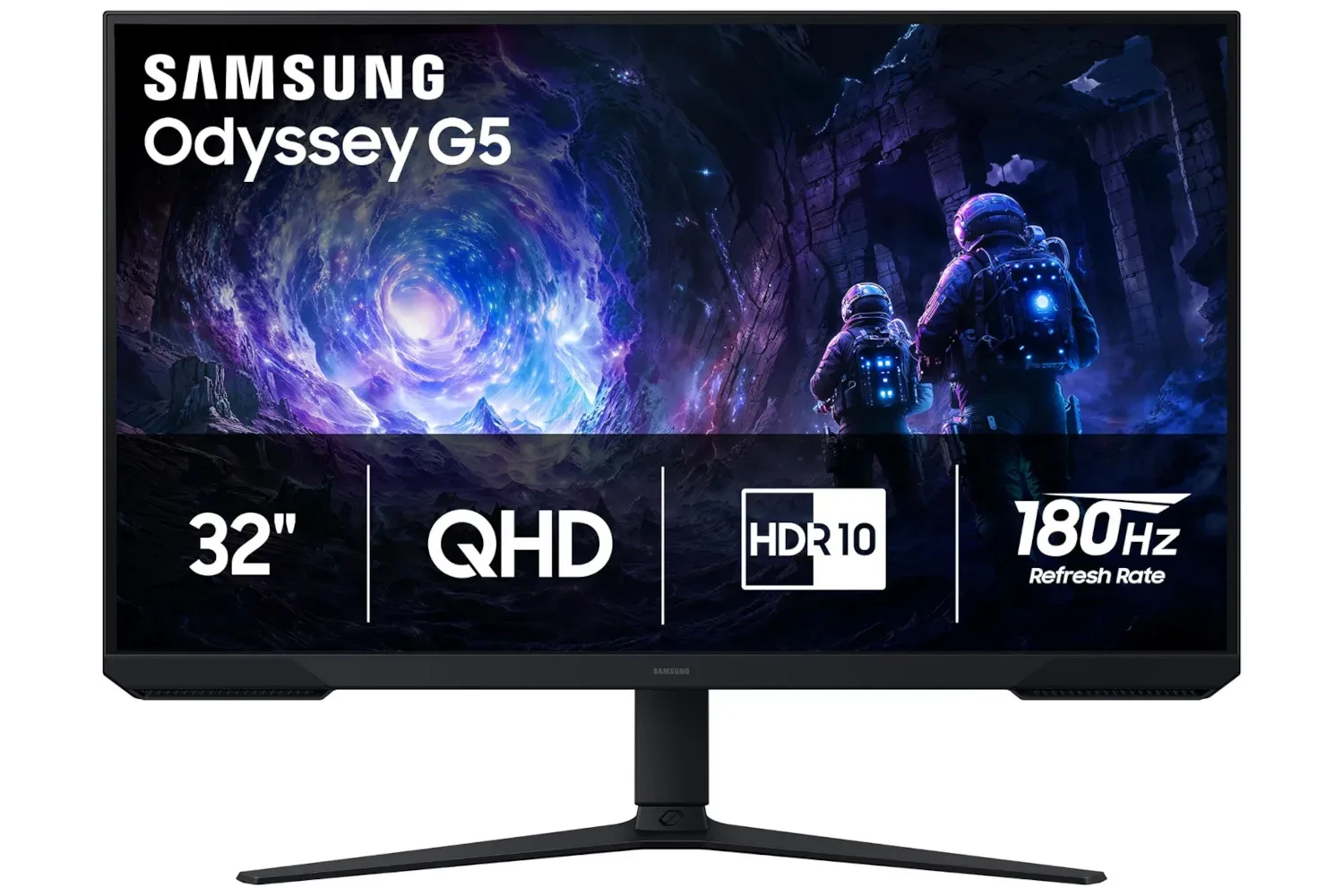
Monitor upgrades tend to be the least glamorous part of a gaming setup right until the first time someone replaces an aging HD panel and suddenly notices the extra desktop space, sharper image, and smoother motion. The Samsung 32-inch Odyssey G5 is currently listed at $180, against a stated usual price of $300. That is a $120 reduction, or 40% off the stated price.
The important part is not the percentage alone. The Odyssey G5 configuration described here combines a 32-inch screen with QHD resolution, a 180Hz refresh rate, AMD FreeSync support, automatic source switching, and adjustable positioning. On the stated specifications, it is aiming at buyers who want a more capable PC display without treating the monitor budget like an endgame raid boss.
As with any retailer listing, availability and pricing can change. A prospective buyer should confirm the exact model, current price, retailer terms, connection needs, and return details before placing an order. Those checks matter especially with monitor lines that can include similarly named variants.
What QHD means on a 32-inch gaming monitor
QHD is commonly used to describe a 1440p-resolution display. In practical terms, it sits above HD and below 4K in the usual resolution ladder. For someone moving up from an HD screen, the immediate benefit is a denser working and gaming canvas: interface elements, game environments, text, and video all have more detail available than they would at HD resolution.
Resolution is not merely a box-label number. It affects what a PC needs to render. More pixels generally ask more of the graphics hardware, meaning a system that can run a game at a very high frame rate at HD may not necessarily do the same at 1440p. That does not make QHD a bad match for gaming; it simply means the display’s potential and a PC’s performance need to be considered together.
For buyers whose existing monitor is the oldest component on the desk, the resolution jump may be the clearest part of the upgrade. It can also make the display useful outside games, whether that means having more room for browser windows, chat, guides, launchers, or a game’s endless collection of maps and inventory screens. The supplied specifications do not establish panel type, brightness, port selection, color coverage, HDR behavior, or console-specific resolution and refresh-rate behavior, so those should not be assumed from the QHD label.
Why 180Hz is a meaningful specification
A monitor’s refresh rate is how often it can redraw the image each second. A 180Hz display can refresh up to 180 times per second. That ceiling is relevant where a game and the connected hardware can deliver correspondingly high frame rates.
Frame rate, often expressed as fps, describes how many images a system generates per second. Refresh rate describes how many times the monitor can present an updated image. They are related, but they are not interchangeable. A 180Hz monitor does not force every game to run at 180 fps, nor does it guarantee a PC can produce that number at QHD. Game settings, optimization, graphics hardware, processor performance, and the game itself all influence the result.
Related coverage includes Samsung Odyssey G5 32-Inch Gaming Monitor Drops to $180 in 40% Deal.
Still, the capability has a clear appeal. Fast-moving games can benefit from more frequent screen updates when the rest of the setup keeps pace. Even outside competitive genres, higher refresh can make ordinary cursor movement, scrolling, menus, and camera motion feel more fluid. The value will naturally vary by player and by game. A story-driven title capped below the display’s maximum refresh rate will not suddenly exceed that cap because of the panel, while a well-running game that reaches high frame rates has more room to take advantage of it.
AMD FreeSync: the anti-tearing part of the pitch
The Odyssey G5 listing also cites AMD FreeSync. FreeSync is a variable-refresh technology intended to help the monitor’s refresh behavior stay aligned with the frame output of compatible graphics hardware. Its practical goal is to reduce visual mismatches such as screen tearing, where sections of different frames appear on the screen at once.
That is particularly useful when frame rate changes during play. Games do not always deliver one perfectly fixed number from scene to scene: a quiet interior, a busy fight, and a large open environment can all place different demands on a system. Variable refresh is designed to make those changes less visually disruptive than a fixed refresh arrangement can be.
Compatibility details remain important. The supplied information identifies AMD FreeSync support, but it does not specify behavior with every possible GPU, console, cable, or refresh-rate setting. Anyone buying specifically for a multi-device setup should verify compatibility for the hardware they actually own rather than presuming every feature applies identically everywhere.
Auto source switching could matter more than it sounds
One of the more practical cited features is auto source switch. This means the monitor can switch to a newly active input signal, such as a console in place of a PC. It is a convenience feature rather than an image-quality feature, but it can be valuable for a desk that serves more than one machine.
A player who rotates between a PC and a console will recognize the tiny friction that comes with manually choosing an input after every swap. Automatic detection cannot transform a display into a full entertainment hub by itself, but it can reduce one repetitive step. The usefulness depends on how a setup is wired and how often sources change.
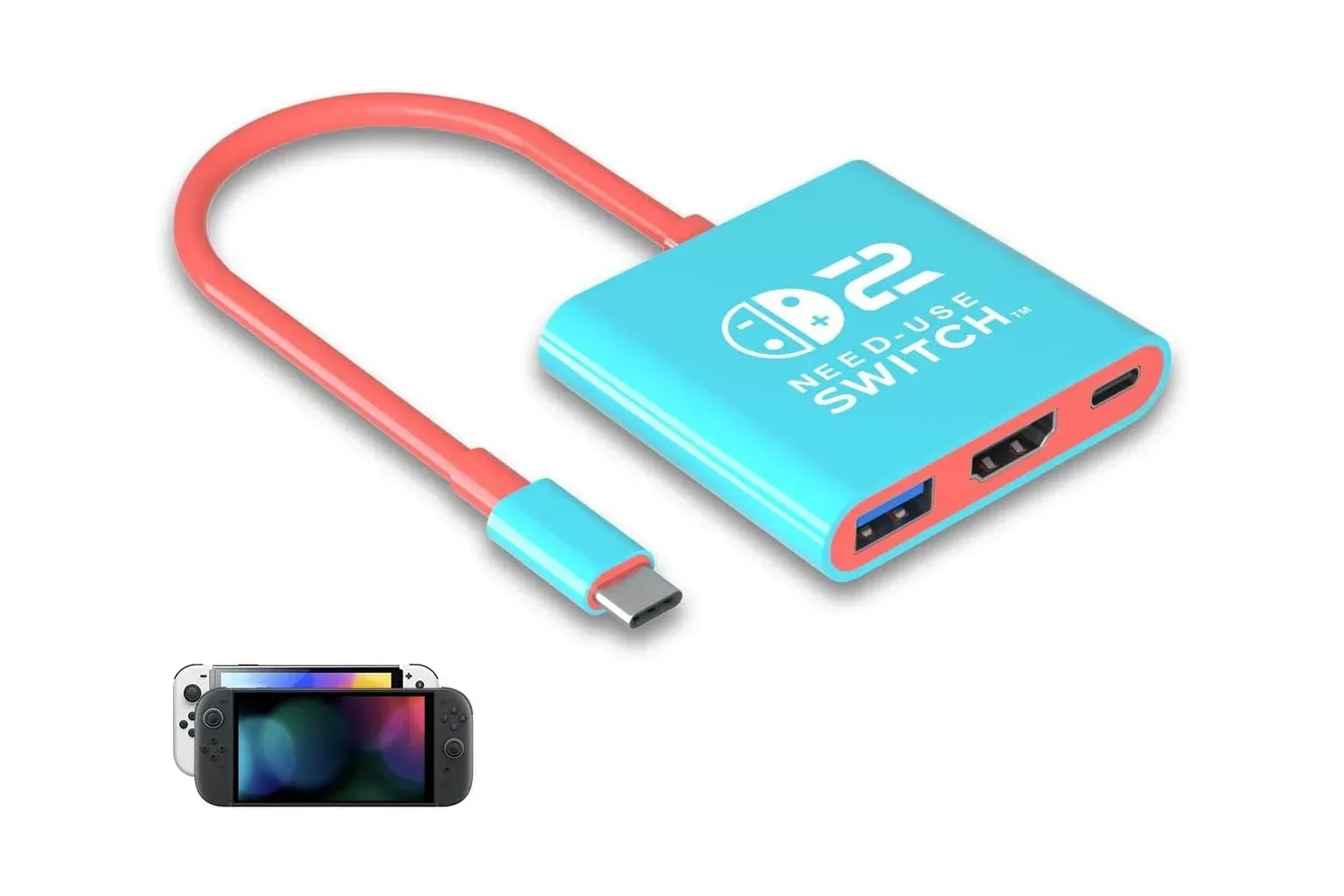
It also makes the monitor worth considering alongside compact-device accessories, not just tower-PC builds. For example, the growing ecosystem around handheld PCs and hybrid hardware has made docks more common in gaming spaces; a recent handheld dock listing with HDMI 2.0 and USB-C power input illustrates the sort of accessory buyers may evaluate when planning how a portable device reaches a larger screen. That does not confirm compatibility with this particular monitor, but it underlines why checking ports and signal support before buying is sensible.
Who should look closely at this listing
At the stated $180 price, this Odyssey G5 is most straightforwardly aimed at someone who wants a large QHD gaming monitor with a high refresh-rate ceiling and does not need a purchase decision based on unlisted premium specifications. A buyer coming from an HD monitor may see a substantial change in both resolution and motion capability. Someone building a mixed PC-and-console desk may also find the source-switching feature attractive.
It may be less straightforward for a buyer who needs a particular connectivity standard, a confirmed console mode, detailed color-work credentials, or specific ergonomic adjustments beyond the general statement that the display can be adjusted. Those are not minor details to fill in after checkout; they can determine whether a monitor suits a particular desk, graphics card, mount, or play style.
A short pre-purchase checklist
- Confirm that the listing is for the intended 32-inch Odyssey G5 variant.
- Verify the live price rather than relying solely on the stated discount.
- Check the available ports against the PC, console, dock, or other source to be connected.
- Confirm whether the desired resolution and refresh-rate combination is supported by the chosen device and cable.
- Review the monitor’s physical adjustment options against the desk setup.
- Read the retailer’s return policy in case the size, connections, or image characteristics do not fit the intended use.
The deal in context
The listed price is the headline: $180 rather than $300. The feature set explains why it may be more compelling than a generic discount. QHD offers a step beyond HD, 180Hz raises the refresh ceiling for systems that can use it, FreeSync addresses a common smoothness concern, and auto source switching serves people with more than one device.
But a monitor is the meeting point of an entire setup. The display can only show what the connected machine, game, cable, and settings provide. Buyers should treat 180Hz as headroom rather than a promise, FreeSync as a compatibility-dependent tool rather than universal magic, and QHD as both a visual upgrade and a greater rendering workload than HD.
That does not make the value proposition less appealing. It makes it more concrete. If the live listing still matches the stated $180 price and the specific model’s connections suit the intended gear, the Samsung 32-inch Odyssey G5 presents a notably lower-cost entry into a large QHD, high-refresh gaming display than its stated usual price suggests.
Shop the products
Check current price, model and availability at the retailer.