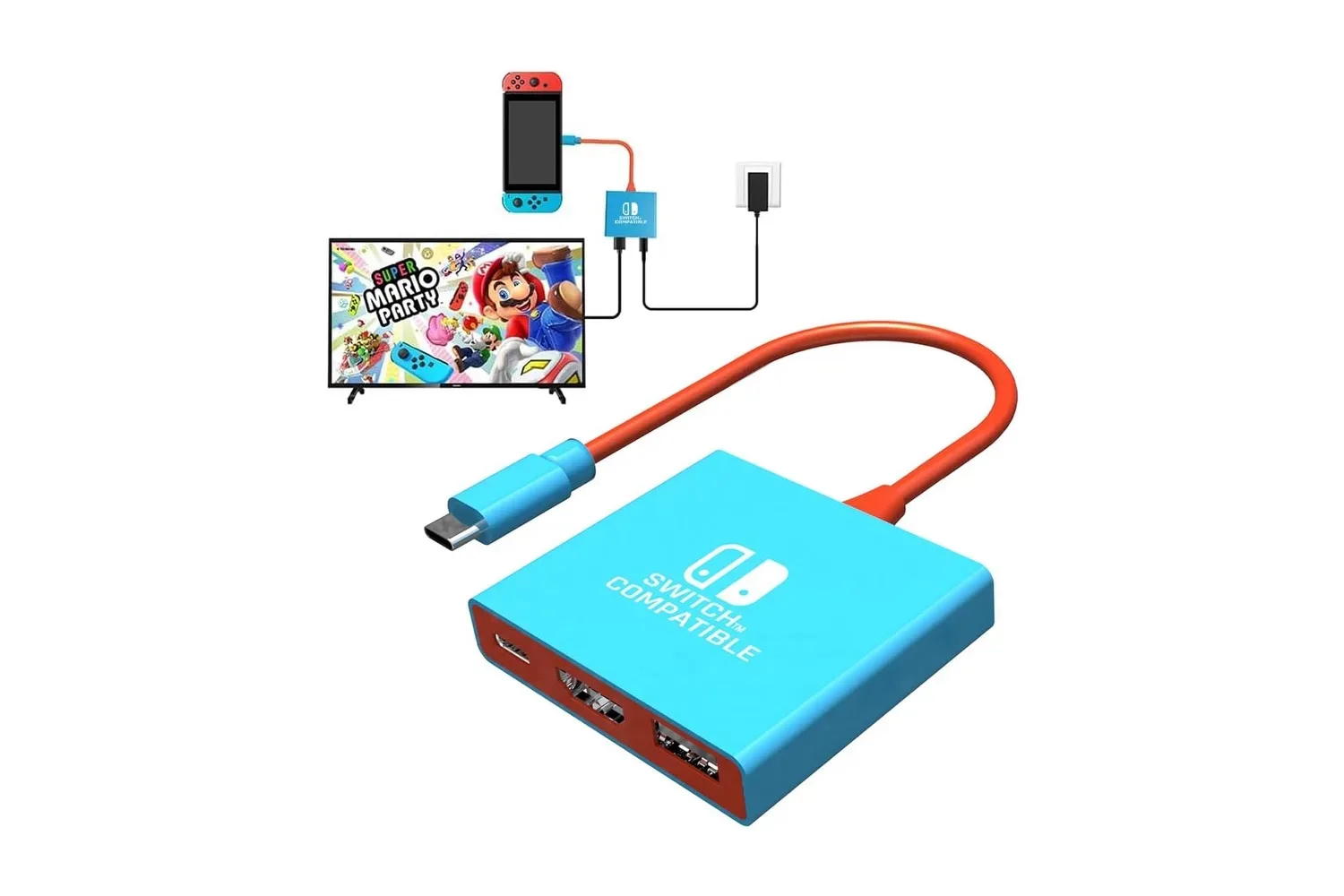
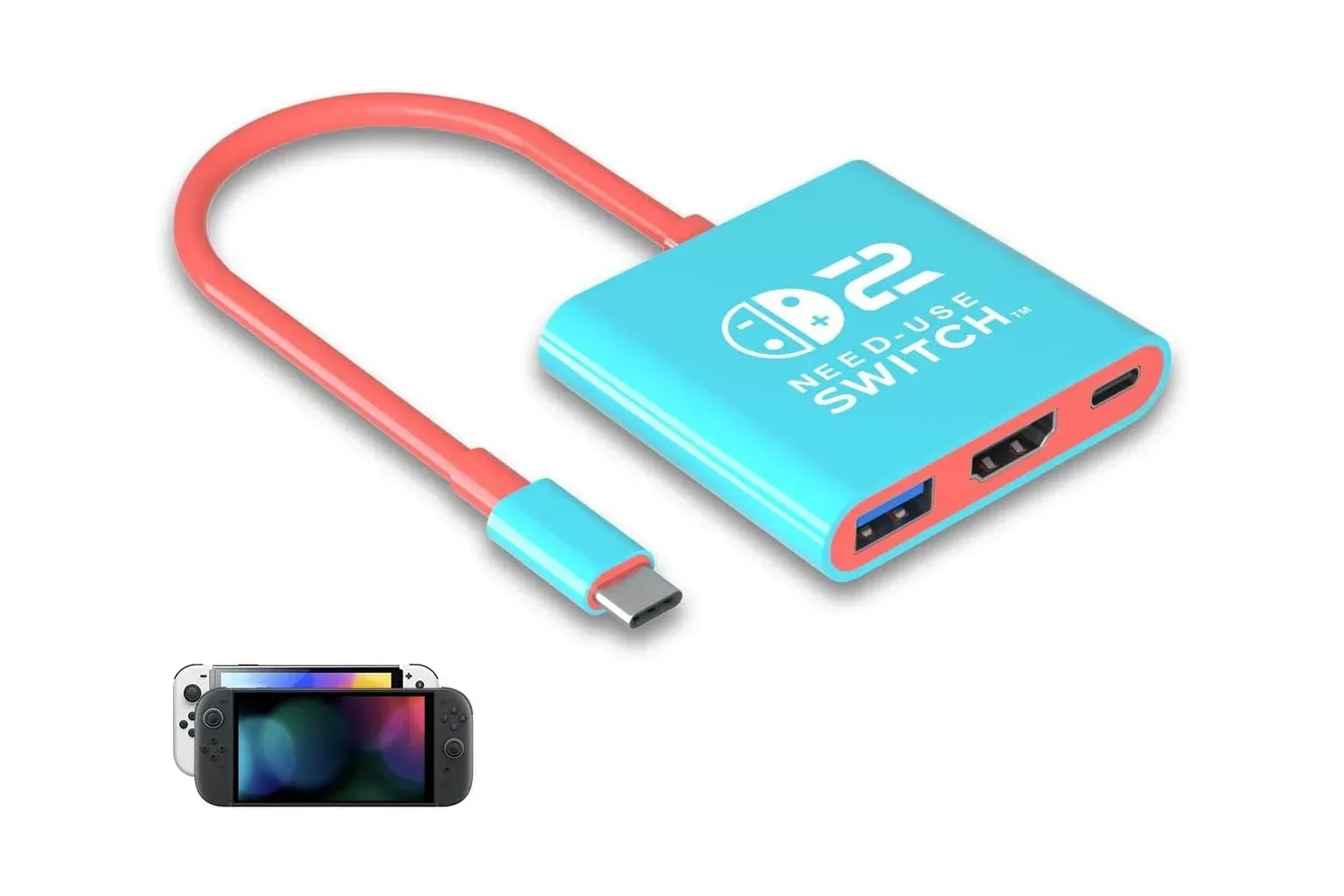
A full-size dock is a sensible permanent fixture beside a television, but it is not always the most convenient piece of kit to bring along with a handheld. Purbhe’s Nintendo Switch 1/2 and Steam Deck Docking Station is positioned as the small, travel-oriented alternative: a pocket-sized adapter that can connect supported handhelds to a TV, monitor or projector while also accepting power and providing one USB 3.0 connection.
The accessory is listed at $13, down from a stated $15 list price. That is a $2 reduction, or roughly 13%. Its appeal is less about replacing every function a larger desktop dock might provide and more about consolidating a few essential connections into something that can fit in a backpack or suitcase.
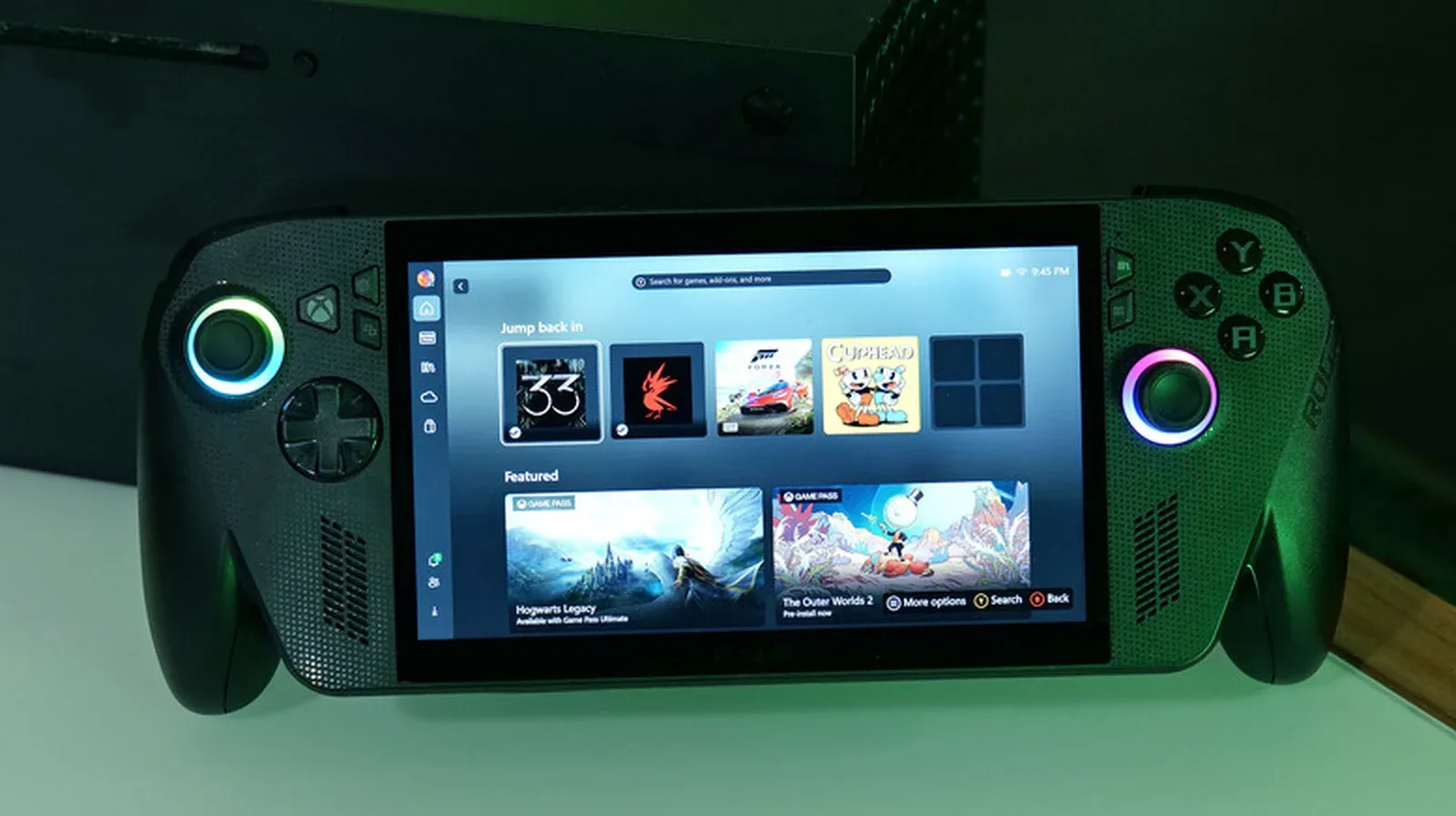
Its stated compatibility includes Nintendo Switch 2, the original Nintendo Switch, Nintendo Switch OLED, Steam Deck and ROG Ally. It can also work with Samsung DeX-capable mobile devices and newer USB-C iPad Pro models. That broad device list matters for households where a TV setup may be shared between gaming hardware and a USB-C tablet or phone, though prospective buyers should still check their particular device’s video-output support before treating the dock as a universal answer.
What the compact dock provides
Purbhe’s adapter has three core connections:
- HDMI 2.0 output for sending video to a television, monitor or projector.
- One USB 3.0 port, with stated data transfer capability of up to 5Gbps.
- One USB-C Power Delivery input for supplying power while the handheld is connected.
This is a deliberately lean port selection. The HDMI connection handles the display, USB-C is used for power input, and the USB 3.0 connection gives the setup room for one wired peripheral. A wired controller is the clearest gaming use case, while keyboards and other USB accessories may be especially useful with a Steam Deck. With only one USB-A-style data port described, players planning to attach several wired devices at once should recognize that this is a compact travel adapter rather than a multi-port desktop hub.
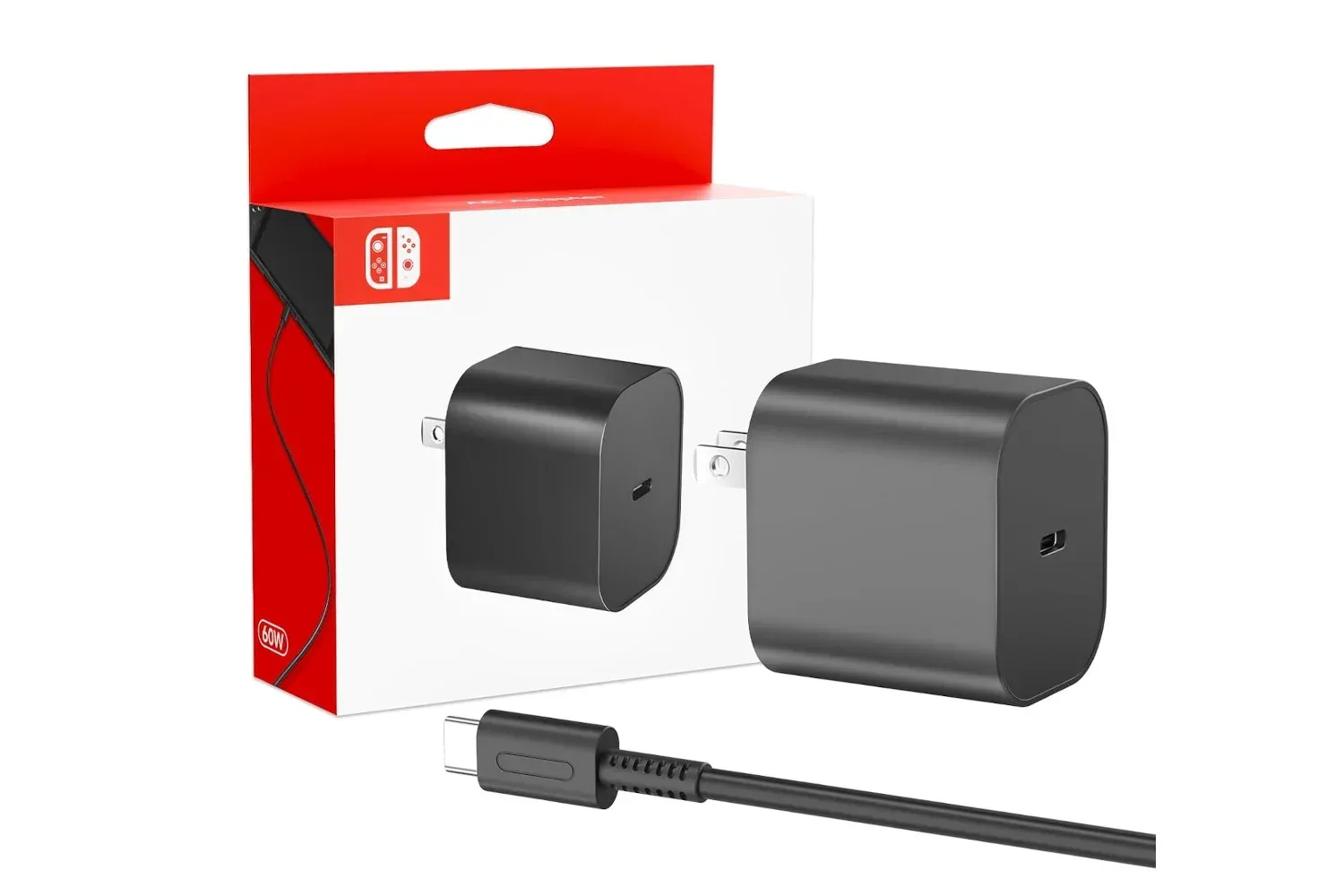
“Pass-through charging” is the practical term to know here. It means the charger plugs into the dock, and the dock then supplies power to the handheld while it is outputting video. That avoids the awkward choice between playing on a larger screen and keeping the device charged. It also means the dock itself is not described as including a charger: the power brick is a separate part of the setup.
Resolution claims depend on the handheld and power setup
The dock is stated to support output of up to 4K at 60Hz with Switch 2, Steam Deck and ROG Ally. For the original Switch and Switch OLED, the stated limit is 1080p at 60Hz. In plain terms, 4K refers to a higher-resolution image than 1080p, while 60Hz refers to a display refresh rate of 60 updates per second. The distinction is important because a dock can carry a certain maximum signal without changing the limits or performance profile of the hardware attached to it.
For original Switch owners, 1080p at 60Hz is the relevant stated ceiling. For people using Switch 2, Steam Deck or ROG Ally, the adapter’s 4K/60 capability offers more headroom when connecting to a compatible display. It should not be read as a promise that every game will render natively at that resolution or run at 60 frames per second; the claim concerns video output capability, not a game-by-game performance guarantee.
Related coverage includes Compact Switch, Steam Deck and ROG Ally Dock Falls to $13 on Amazon.
Power is a meaningful part of the 4K claim. Purbhe recommends a charger delivering 20V/3A to achieve 4K at 60Hz on Switch 2. Voltage and amperage are electrical specifications that describe the power a charger can provide. The original Switch is said to work with its standard 15V/2.6A charger. Anyone buying the dock for a specific higher-resolution setup should therefore verify the rating of the charger they already own instead of assuming that any USB-C cable and plug will produce the same result.
Neither an HDMI cable nor a charger is included with the dock. That helps explain the accessory’s compact proposition: it assumes users can bring or already have the cables and power supply required for their preferred display arrangement. It also makes the total practical cost dependent on what is already in the bag. Someone with a suitable charger and HDMI cable has a much simpler path than someone starting with neither.
A secondary dock, not necessarily a replacement dock
The strongest case for this type of adapter is convenience in a second location. A player could leave a larger official dock connected at their main television while carrying this smaller unit for another room, a friend’s house, travel or a hotel television. The setup is also straightforward on paper: connect HDMI to the display, connect a compatible charger to the dock’s USB-C power input, then connect the handheld through the dock’s USB-C connector. No software driver installation is described.
That driver-free approach has a useful implication for travel. A dock that relies on ordinary display and USB connections is less dependent on installing software on an unfamiliar television or monitor. The user still needs a display with HDMI available, their own HDMI cable, appropriate power and a handheld that supports the intended output mode. But there is no described extra application or driver step between packing the adapter and attempting the connection.
The product’s multi-device pitch is also notable for players who move between Nintendo and PC handheld ecosystems. Rather than packing one dock for a Switch and another for a Steam Deck or ROG Ally, the listed compatibility suggests a single small adapter can cover those devices. For related handheld context, Joking Joystick has also covered upscaling on the ROG Xbox Ally X, another example of why display capabilities and the handheld’s own software features should be considered separately.
What to check before choosing it
The $13 listing makes this a low-cost option, but it is worth matching expectations to the hardware layout. Buyers should first decide whether one USB peripheral is sufficient. A single wired controller, for example, fits neatly within the stated port selection. A more elaborate arrangement involving several controllers, external storage and additional accessories may call for more expansion than this small adapter is described as offering.
Second, confirm the power equipment. The dock accepts USB-C Power Delivery input, but the provided compatibility information specifically calls for a 20V/3A charger for Switch 2 at 4K/60 and identifies the original Switch’s standard 15V/2.6A charger as suitable for that system. The charger is a functional component, not an optional afterthought, because it enables charging while playing and can affect the stated output target.
Third, distinguish between display output and game performance. Connecting a compatible handheld to a 4K television through HDMI 2.0 can give the dock room to output up to 4K/60 where stated, but it does not establish that every title will look or run the same way. Resolution, refresh rate, the handheld, its settings and the game all remain separate considerations. The original Switch and Switch OLED have their own stated 1080p/60 output limit through this accessory.
Finally, pack the entire chain. The dock is small, but the usable travel kit consists of the dock, HDMI cable, charger and handheld. A wired controller may be another worthwhile addition for local multiplayer, especially since the USB 3.0 port can be used for that purpose. The upside is that, once those basics are accounted for, the dock is designed to turn an available HDMI screen into a temporary big-screen station without moving a bulkier main dock.
Purbhe’s adapter is therefore most easily understood as a portable connection kit: HDMI for the screen, USB-C input for power and one USB 3.0 port for an accessory. At its listed $13 price, it offers a notably inexpensive route to a secondary or travel display setup for the supported Switch, Steam Deck and ROG Ally hardware—provided users already have, or are prepared to supply, the necessary charger and HDMI cable.
Shop the products
Check current price, model and availability at the retailer.