A small third-party dock can solve a very particular gaming problem: the console travels easily, but the full TV-mode setup does not. Pdobq’s compact Switch Docking Station is currently listed at $15, reduced from a stated $17 list price. That is a $2 reduction, or roughly 10%, for an accessory intended to put a compatible handheld system on a television or monitor without carrying a larger dock.
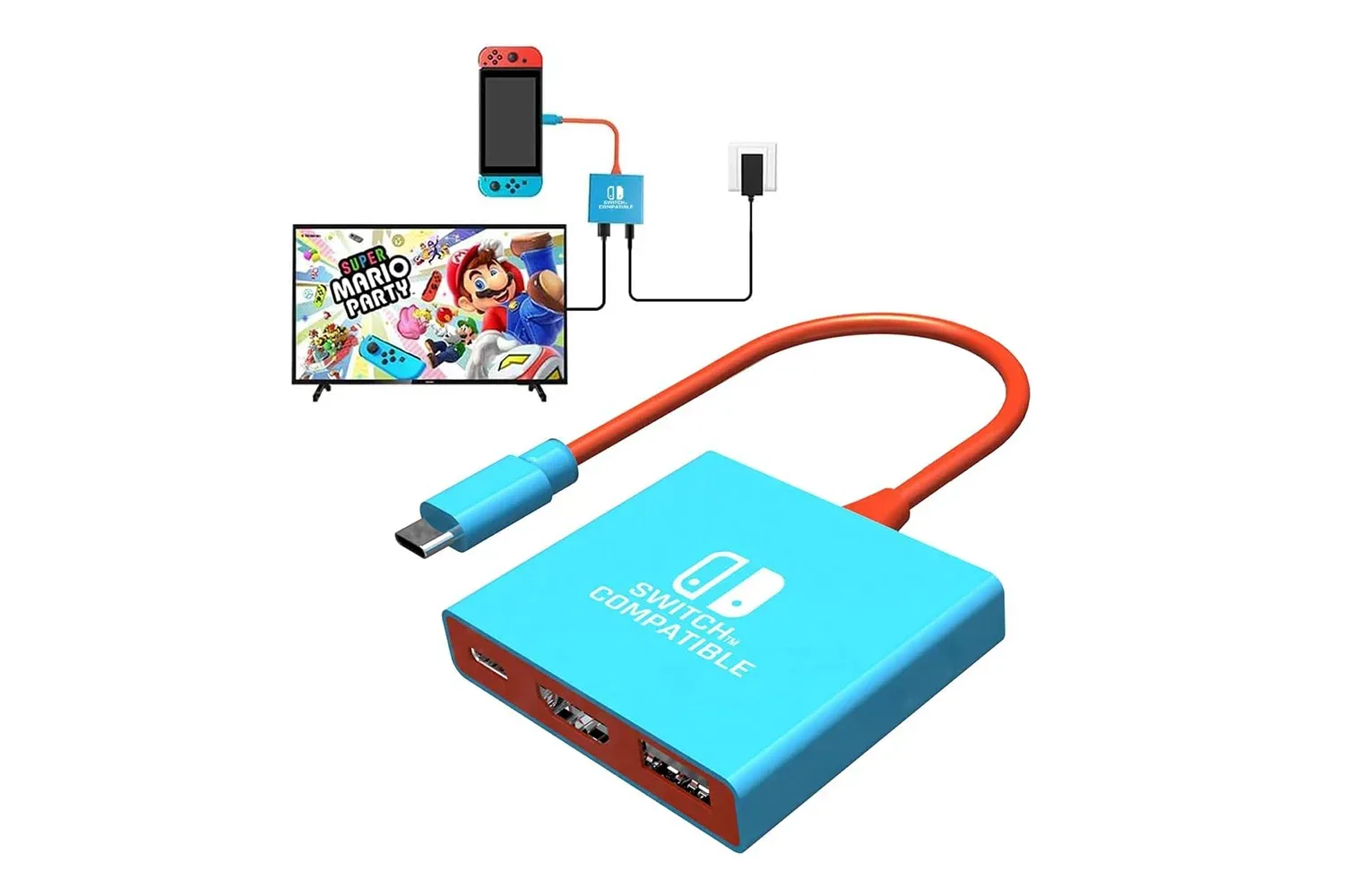
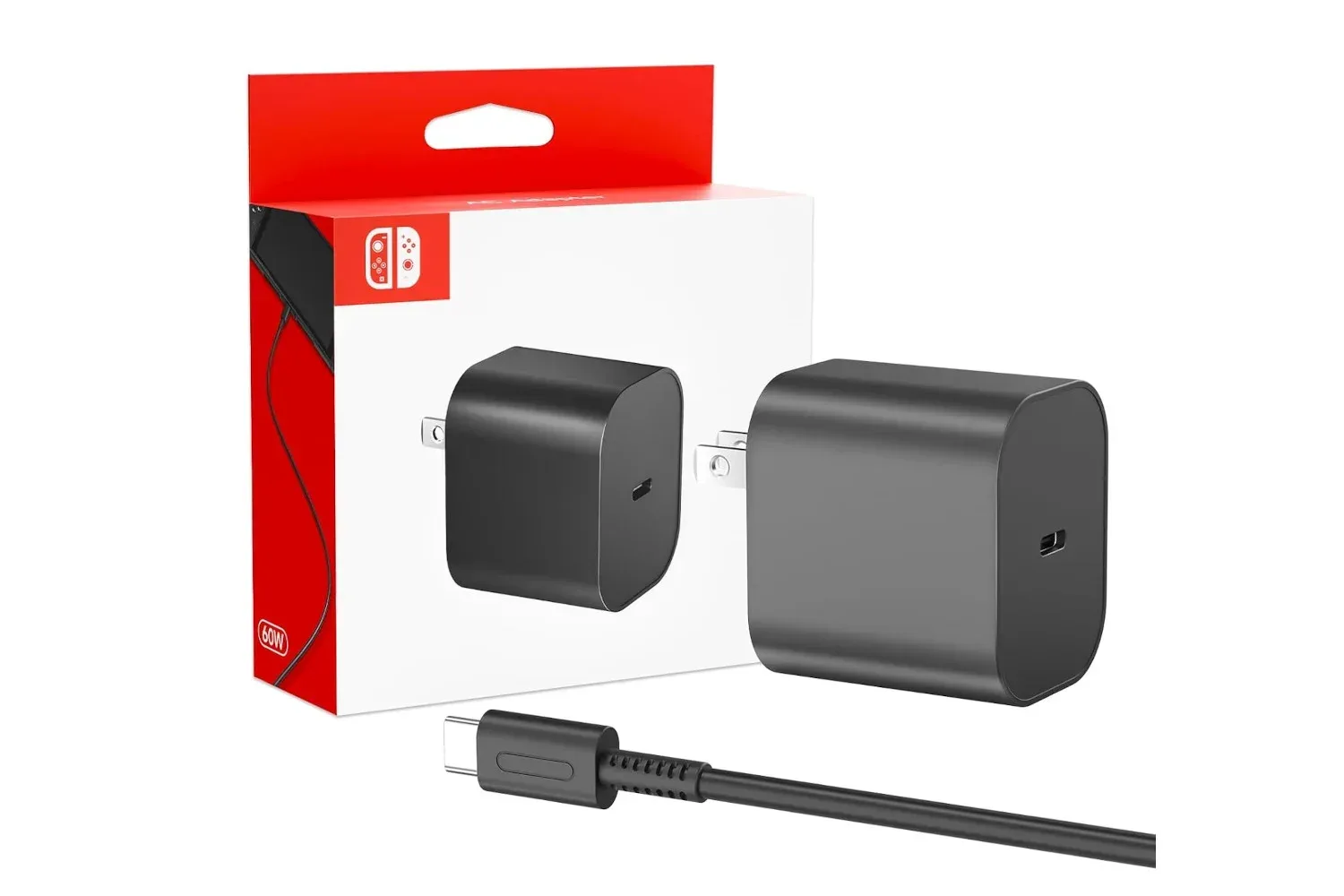
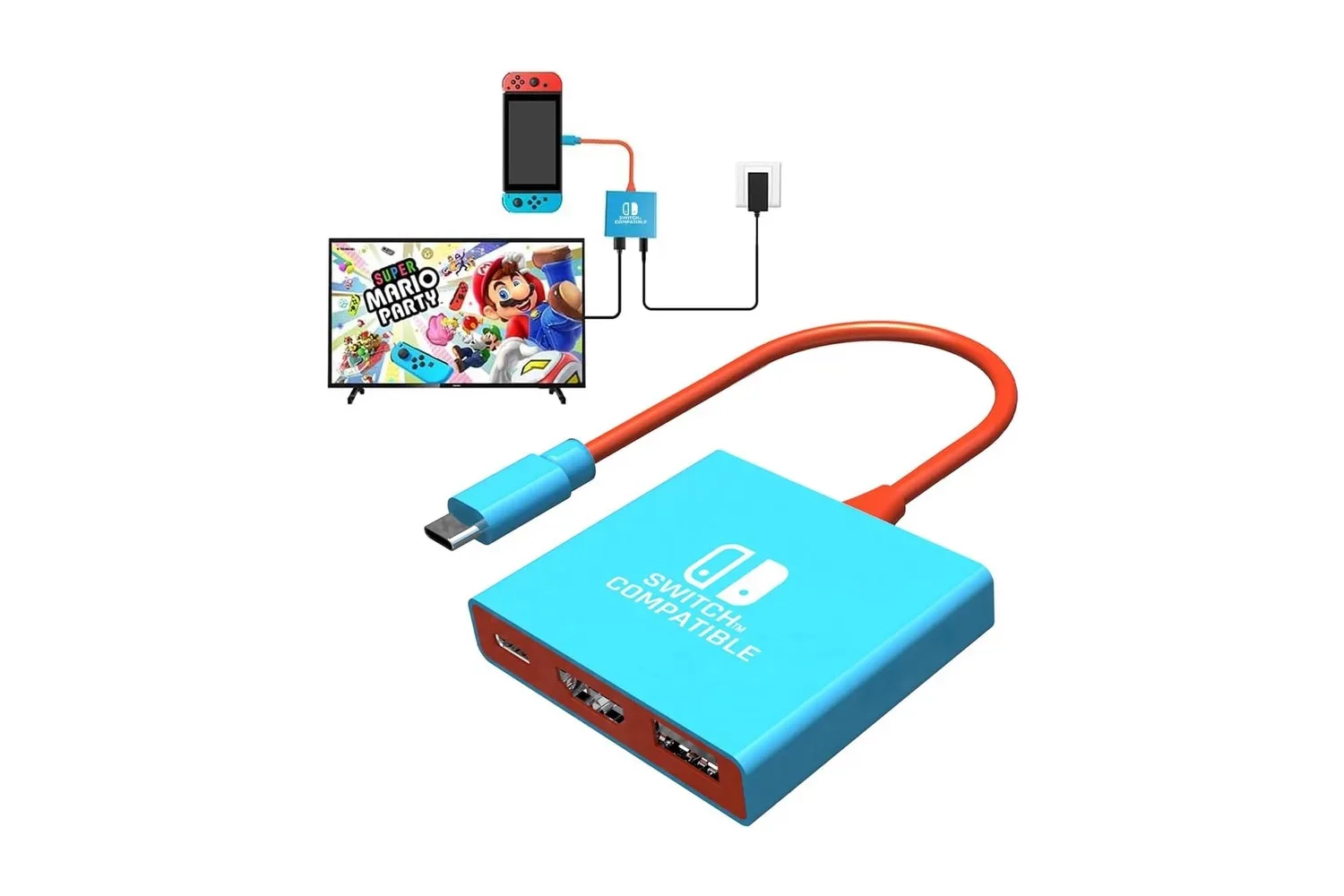
The proposition is straightforward. The unit includes an HDMI 2.0 output for video, one USB 3.0 port for an accessory, and a USB-C Power Delivery input for charging while connected to a display. The buyer must supply both an HDMI cable and a compatible charger; neither is included. For someone who already has those pieces, the low entry price is the central appeal. For someone starting from scratch, those necessary extras belong in the real cost calculation.
Pdobq says the dock works with Nintendo Switch, Nintendo Switch OLED, Nintendo Switch 2 and Steam Deck. Compatibility claims for compact third-party hardware are worth reading carefully, particularly when a device is meant to handle video output and power at the same time. The supplied information identifies the supported hardware and connections, but does not provide independent testing results, long-term reliability information, or a complete compatibility matrix for chargers, displays and accessories.
What this dock is designed to do
This is not a replacement console, a portable screen, or a storage stand with decorative ports. It is a compact connection point. In a typical setup, an HDMI cable runs from the dock to a TV or monitor, the charger connects to the dock’s USB-C power input, and the compatible handheld connects to the dock. The game image is then sent to the larger display.
The practical use case is a second screen in a bedroom, game room or another part of the house. It also suits a visit to friends or family, a hotel television with an accessible HDMI input, or any situation in which carrying a standard-sized console dock feels excessive. The appeal is less about enhancing the system’s graphics and more about reducing the amount of hardware required to enter TV mode away from the primary setup.
That distinction matters. The dock does not make a Switch render games above its normal output capability. The Switch output is identified as 1080p. The HDMI 2.0 connection can support up to 4K at 60Hz on compatible hardware such as Steam Deck, but that is a capability of the connection and compatible device combination, not a promise that every connected system or game will produce 4K output.
Ports explained without the cable-drawer mythology
HDMI 2.0: the video path
HDMI is the connection carrying picture, and potentially audio, from the dock to a television or monitor. “HDMI 2.0” describes a version of the HDMI standard with enough bandwidth for 4K video at 60Hz when the connected hardware supports it. In this case, it gives the dock room to handle the stated Steam Deck scenario, while Switch users should expect the stated 1080p output rather than assume a higher-resolution television changes the console’s own output.
In everyday terms, this port makes the dock useful only when there is a display available and an HDMI cable to connect it. That may sound obvious, but it is the key travel checklist item. A tiny dock is not a complete “play anywhere on TV” kit if the destination display lacks HDMI access or the cable has been left on the living-room shelf beside the other mysteriously indispensable cables.
Related coverage includes Portable Pdobq Switch Dock Falls to $15 for a Compact TV-Mode Setup.
USB 3.0: one accessory connection
The USB 3.0 port is rated for speeds up to 5Gbps. That figure describes the connection’s potential transfer rate; it should not be mistaken for an improvement to a game’s performance or online connection. Its immediate role is to provide a wired connection for an accessory such as a controller or keyboard.
One port also means planning matters. A wired controller is a clear use, especially for a simple couch multiplayer arrangement, but buyers should not read “USB 3.0” as a promise of a full desktop-style hub with a collection of simultaneous peripherals. The supplied details identify one USB 3.0 port, so anyone whose setup depends on multiple wired devices should assess that limitation before treating this as a comprehensive replacement for a more expansive docking solution.
USB-C PD: power passed through to the console
The USB-C port is for power input. PD, short for Power Delivery, is a charging standard that allows compatible devices to negotiate an appropriate power profile. Pdobq states that the dock supports 15V and 20V PD profiles and can use an existing Switch charger, allowing the console to charge while it is being used in TV mode.
This is called pass-through charging: power enters the dock and is supplied onward to the console rather than requiring a separate cable directly into the handheld. It is a meaningful feature for a travel dock because TV play can otherwise consume battery without a convenient way to replenish it.
The product information also says a built-in protection chip is intended to help prevent charging damage. That is a design claim, not a guarantee against every possible incompatibility or issue. The most sensible approach is to use an appropriate existing charger as specified for the console and to avoid treating an unspecified power brick as automatically interchangeable merely because its connector fits.
Who the $15 dock may suit
At its listed price, the Pdobq model is best understood as a convenience accessory for people with modest, defined needs. It could be a sensible option for:
- Players who want a secondary TV-mode point in another room.
- Families moving a compatible Switch between shared screens.
- Travelers who already carry a charger and HDMI cable and want a smaller dock in their bag.
- Steam Deck owners seeking the stated HDMI 2.0 output capability in a compact form factor.
- Players who need one wired USB accessory, such as a controller or keyboard, alongside display output and charging.
It is less clearly suited to someone who wants an all-in-one package. The lack of included charger and HDMI cable is not unusual for a low-cost accessory, but it changes the purchase decision. A buyer who has spare cables at home may see a clean $15 solution. A buyer who must acquire each missing component should compare the total against other options rather than focus only on the headline price.
There is also a difference between a backup dock and a primary living-room dock. A backup device can be valuable simply because it removes friction: leave the cables attached to a second television and move only the handheld. A primary setup may demand more ports, particular display behavior, or confidence built through a product’s support and testing record. The provided details establish the Pdobq’s intended functions, but they do not establish whether it meets every individual display or accessory requirement.
Setup is meant to be simple, but check the order
No software, drivers or apps are required under the supplied setup instructions. That makes sense for an accessory handling physical video and power connections rather than a separate operating system feature. The basic sequence is:
- Connect the dock to the TV or monitor using an HDMI cable.
- Attach the console charger to the dock’s USB-C PD input.
- Connect the compatible handheld to the dock.
- Select the appropriate HDMI input on the display if it does not switch automatically.
Once configured, removing the console returns it to handheld use. That uncomplicated transition is the product’s real value proposition. The dock is attempting to turn television play into a small-bag accessory rather than a piece of living-room furniture.
Before travel, it is worth confirming the destination has a usable HDMI-equipped display and that the charger and cable are packed. If wired local multiplayer is part of the plan, consider the single USB port in advance. And because display and charging behavior can depend on the complete chain of console, cable, charger and television, it is prudent to verify the setup at home before relying on it for a trip.
Why a cheap secondary dock has a place
The market case for a compact dock is not that every player needs one. It is that the main dock often stays permanently attached to one screen, while the handheld itself is the item people actually take elsewhere. A smaller secondary dock provides an alternate route to a large display without dismantling the usual entertainment-center arrangement.
That convenience becomes more relevant as households juggle multiple screens, shared devices and different rooms. It also lands amid a broader console-hardware market where availability and hardware purchasing decisions remain a live issue, as reflected in recent reporting on Xbox console demand and refurbished Series X/S units. A low-cost accessory does not answer the same need as a console purchase, but it can extend the utility of hardware already owned.
For $15, Pdobq’s offering is primarily a practical bet on portability: HDMI output, one USB connection and power pass-through in a compact package. Buyers should account for the missing HDMI cable and charger, distinguish port specifications from guaranteed performance outcomes, and ensure their specific console-and-display arrangement fits the stated compatibility. For the right existing setup, that is a notably inexpensive way to keep a second TV-mode option ready.
Shop the products
Check current price, model and availability at the retailer.