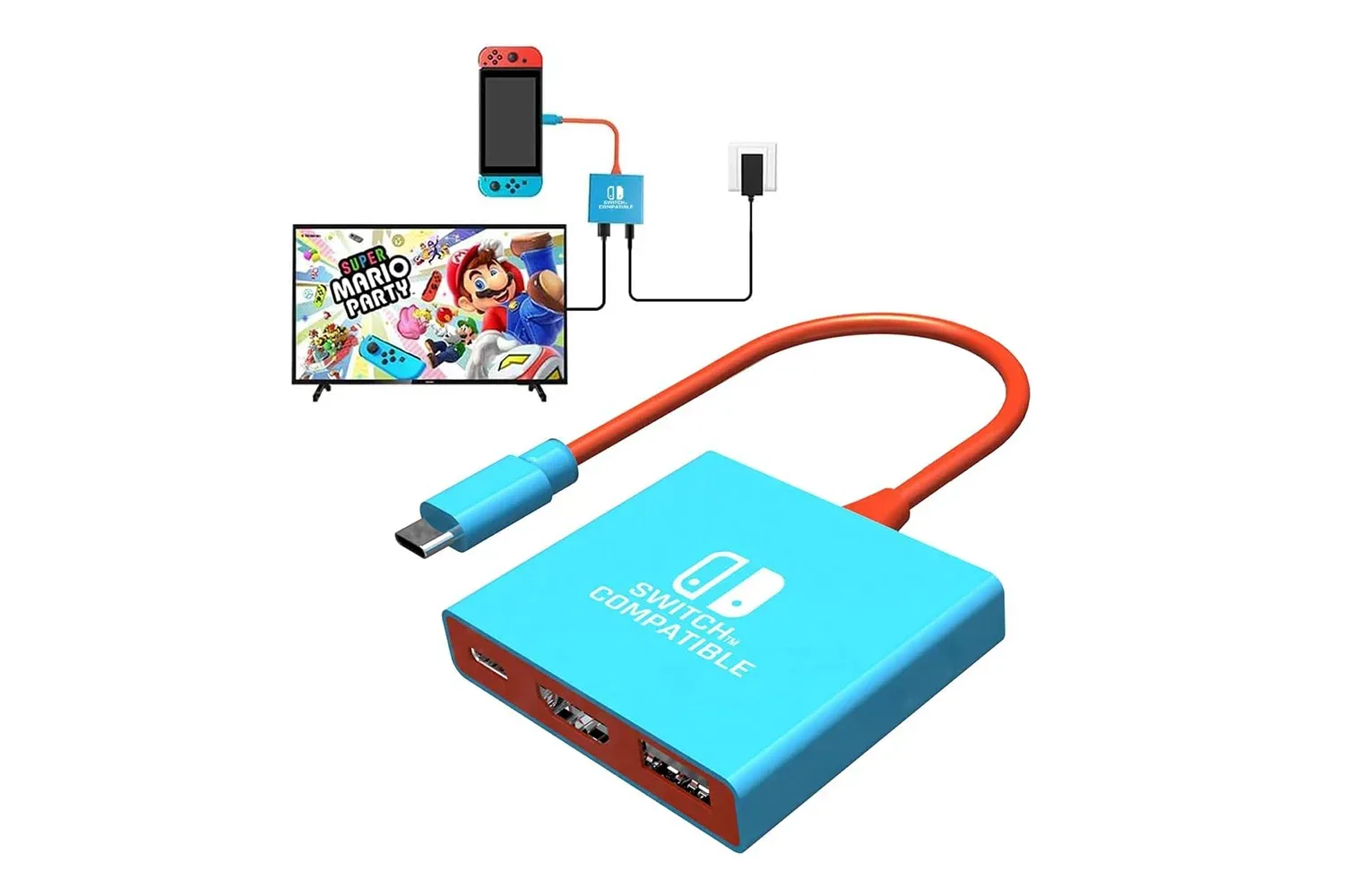
A small travel dock is being positioned as a low-cost second-screen option for people carrying a Nintendo Switch, Nintendo Switch 2, Switch OLED, or Steam Deck between rooms, relatives’ homes and hotel TVs. The Pdobq Switch Docking Station is listed at $15, a $2 reduction, and its headline appeal is not an elaborate feature set: it is a pocketable alternative to bringing along a full-size console dock.
The compatibility list matters more than the modest discount. The unit is described as working with Switch, Switch 2, Switch OLED and Steam Deck, combining HDMI 2.0 display output, one USB 3.0 connection and USB-C Power Delivery pass-through across its three ports. For owners who want a backup connection point rather than a permanent entertainment-center replacement, that is potentially a practical combination at a markedly lower listed cost than Nintendo’s official docks.
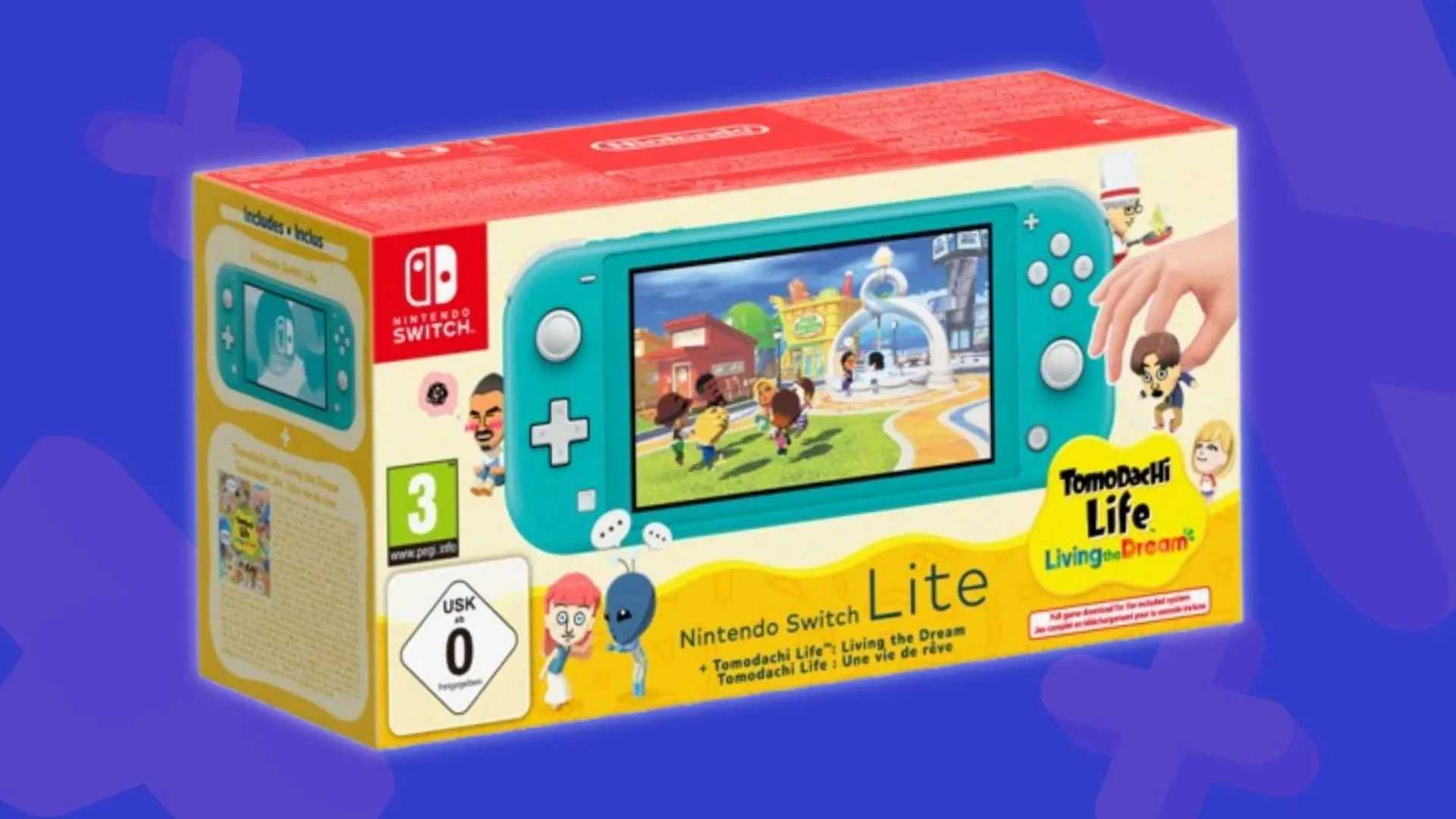
There is one firm compatibility exception. Nintendo Switch Lite cannot use TV mode, so no dock can turn it into a television console. Buyers should not treat the presence of a USB-C port on the Lite as evidence that it supports video output.
What the compact dock is designed to do
At its simplest, a dock acts as a bridge between a handheld computer or console and the larger-screen setup around it. The handheld connects to the dock by USB-C; the dock receives power from a wall charger and sends a video signal to a TV or monitor through HDMI. In this case, the USB 3.0 port can also connect an accessory.
That makes a travel dock different from a basic USB-C-to-HDMI cable. The Pdobq device is presented as supplying three functions at once: display output, charging pass-through and one USB connection. Its small form factor is the central use case. A player can leave an official dock set up at home while carrying only a handheld, a charger, an HDMI cable and this smaller accessory when another screen is available.
For Switch and Switch 2, the specified result is 1080p at 60Hz, matching the output described for Nintendo’s official dock. 1080p refers to a 1,920-by-1,080-pixel Full HD image. 60Hz means the display refreshes up to 60 times per second. It does not mean every game will necessarily render at 60 frames per second; game performance and the output signal are related but distinct things.
Steam Deck users may be able to use 4K at 60Hz through the dock, but that outcome is conditional. The television must support 4K/60Hz, and the HDMI cable also needs to be suitable for HDMI 2.0 operation. 4K generally refers here to a 3,840-by-2,160-pixel output, four times the pixel count of 1080p. It describes the display signal rather than a promise that every Steam Deck game will run internally at that resolution or at 60 frames per second.
HDMI 2.0, USB 3.0 and PD, explained
The technical shorthand on accessory listings can obscure the questions that actually determine whether a dock suits a particular bag-and-TV setup.
Related coverage includes $15 Pdobq Travel Dock Offers a Compact TV-Out Option for Switch and Steam Deck.
- HDMI 2.0 is the video connection standard cited for the dock. It is relevant to the stated 4K/60Hz possibility on compatible Steam Deck displays and cables.
- USB 3.0 is the dock’s conventional USB port. On Steam Deck, it can be used for a keyboard or mouse in desktop mode. It also means the dock is not purely a video adapter.
- Power Delivery (PD) pass-through means power enters the dock from a compatible USB-C wall charger and is passed on to charge or power the handheld while it is connected. The charger is a separate part of the setup, not an implied extra port of video capability.
The specified power requirements are a 15V/2.6A or 20V/3A PD wall charger. The Switch and Switch 2 chargers are identified as suitable examples. Voltage, measured in volts, and current, measured in amps, describe electrical supply characteristics. That makes the charger requirement a key practical detail: a dock is not an excuse to attach a random low-power USB adapter and assume a stable television connection will follow.
A straightforward setup is therefore: connect a suitable PD wall charger to the dock, attach the dock to the TV with HDMI, connect the dock’s USB-C lead to the supported handheld, then wake the Switch. The listed TV signal pickup window is typically three to eight seconds. That is broadly the same sequence users expect from a standard console dock, just with a device designed to take up much less luggage space.
A second dock is the clearest value case
Nintendo’s official dock is not necessarily being replaced in every home. Official hardware is designed around a more permanent living-room arrangement, while this accessory’s pitch is portability and low commitment. The official Nintendo dock is stated to sell from $75 to $90 depending on the retailer, while the Switch 2 dock is listed at $90. Against a $15 listing, the Pdobq unit makes most sense as a second setup: one that can stay at a family member’s house, travel in a bag, or be used when someone does not want to transport their primary dock.
That distinction should shape expectations. The supplied information supports the advertised connections and compatibility, but it does not establish that a tiny third-party dock offers the same long-term durability, support process or physical design as an official dock. Nor does a 4K-capable output path by itself establish comparable performance for every Steam Deck game. Buyers should evaluate it as an inexpensive, compact connection tool first.
Its single USB 3.0 port has a particularly clear Steam Deck application. A keyboard or mouse can be connected for desktop-mode use, making the dock useful beyond launching games on a TV. Anyone building a more extensive desktop arrangement, however, should note the limitation implied by the port count: one USB port is one USB port. The listed specification does not describe a multi-port hub or a complete workstation dock.
For PC-oriented readers considering the broader appeal of small-form-factor setups, a related compact-hardware listing is available in this look at a Windows 11 Pro mini PC with dual 4K HDMI. The products serve different roles, but both underline why display connections and peripheral ports can matter as much as raw size.
The third-party dock caution remains relevant
Cheap docks deserve a degree of care because third-party units in this category have historically raised concerns about improper voltage behavior potentially damaging consoles. The Pdobq dock claims built-in current and voltage protection, which is relevant reassurance, but it remains a manufacturer claim in the available information rather than an independently established guarantee.
Practical caution does not require assuming an accessory will fail. It means matching the dock with a compatible PD charger, using the appropriate HDMI cable for the desired display mode, and confirming the handheld model supports the intended output. Switch Lite is the clearest no-go scenario. For Steam Deck 4K/60Hz plans, the TV and cable requirements are equally important. A dock alone cannot overcome a display that lacks support for that signal.
There is also a useful difference between a low price and a low-stakes purchase. At $15, the financial risk is far below that of buying another official dock, but the device still sits between a handheld and its power source. People who already own a reliable official dock may reasonably reserve it for the main setup and use a compact third-party model only as an occasional travel companion. That arrangement preserves the convenience case without pretending both products have identical roles.
Who should consider it—and who should skip it
The strongest fit is a supported Switch or Steam Deck owner who regularly has access to different TVs but does not want to pack a large dock. It also suits somebody who needs a spare HDMI setup and appreciates the option to connect one USB accessory, particularly for Steam Deck desktop mode. The stated Switch and Switch 2 1080p/60Hz output is enough for the ordinary big-screen console use case, while compatible Steam Deck owners have the possibility of a higher-resolution output path.
It is a poor fit for Switch Lite owners, full stop, because the console itself lacks TV mode. It is also not the product to choose based solely on an assumption of effortless 4K gaming on Steam Deck. That advertised output depends on the attached TV and HDMI 2.0 cable, and output resolution should not be confused with game rendering performance.
Ultimately, the Pdobq dock’s appeal is its narrow, sensible proposition: a small accessory with TV output, charging pass-through and one USB port for supported handheld systems. The $15 listed price makes it most compelling as a backup or travel dock, not as a sweeping declaration that official docks are unnecessary. Provided a buyer has the right charger, cable and compatible device, it offers a compact route from handheld screen to television without committing the space—or the stated $75-to-$90 cost—of a second official Nintendo dock.
Shop the products
Check current price, model and availability at the retailer.