A desktop microphone can be one of the most meaningful upgrades for a PC gaming, streaming, or recording setup—not because it magically makes someone sound like they have a broadcast studio, but because it gives them more direct control over what other people hear. The Logitech Creators Blue Yeti USB Microphone is currently listed at $100, reduced from a stated regular price of $140. That is a $40 reduction, or roughly 29% off the listed regular price.
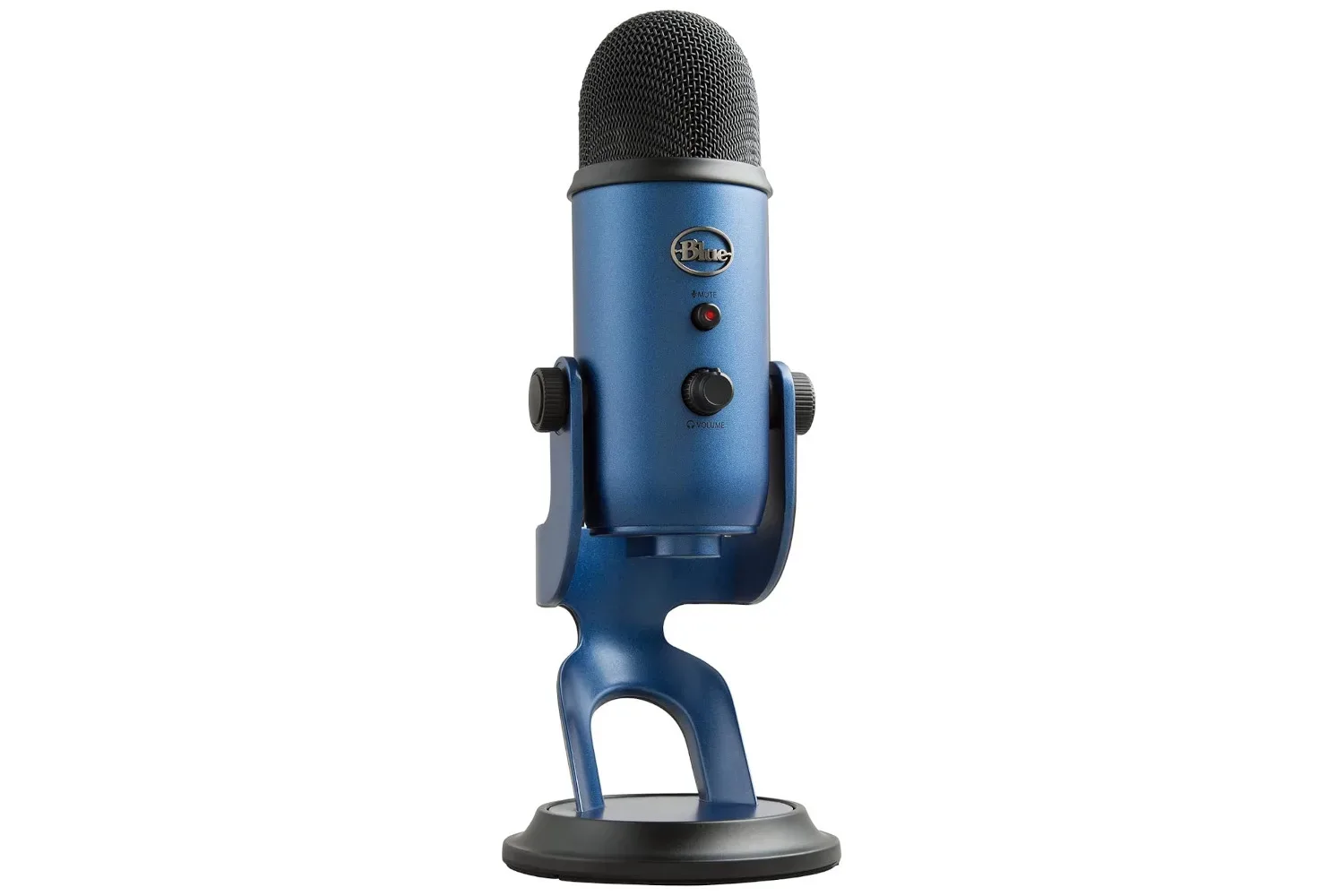
For people assembling a setup around multiplayer games, livestreams, video production, or podcasts, the appeal is straightforward: this is a USB microphone designed to be used after plugging it into a computer, rather than a product that requires an elaborate separate audio chain just to get started. It also includes physical controls for volume, mute, and microphone gain, plus four pickup patterns and an adjustable position on its stand.
The deal is most relevant to shoppers who know their headset microphone is serviceable but want a more dedicated option for speaking on calls or making content. A lower price alone does not determine whether a microphone is right for a particular room or workflow, though. The feature list points to a flexible desktop mic; the practical question is how those features line up with the number of speakers, the amount of background noise, and the need to adjust levels while live.
What the $100 deal covers
The listed product is the Logitech Creators Blue Yeti USB Microphone. Its stated regular price is $140, while the discounted price is $100. Availability and pricing for retail promotions can change, so prospective buyers should confirm the current listing and the exact color or variant before completing a purchase.
It comes in multiple colors, which will matter primarily to creators matching a desk, camera background, or broader streaming aesthetic. That is secondary to audio performance, but it is a legitimate consideration for a microphone that may remain visible on camera throughout a stream or recording session.
The Blue Yeti’s USB connection is the key convenience feature here. In practical terms, USB means the microphone is intended to connect directly to a compatible computer through USB, avoiding the immediate need for dedicated external audio hardware. That makes the category approachable for someone moving up from the microphone integrated into a gaming headset, especially if their priority is a cleaner and less complicated desk setup.
Four pickup patterns, explained without the jargon cloud
A microphone’s pickup pattern describes the direction or area from which it is designed to capture sound. The supplied details say this model offers four patterns, intended to help accommodate setups ranging from one person speaking to two people talking or a room with more voices. The important thing is not to regard multiple patterns as an automatic quality switch. They are configuration options that should be matched to the job.
- One-person use: A solo gamer, streamer, or narrator will generally want a setting that prioritizes their voice rather than the wider room.
- Two-person conversations: A shared discussion or interview can call for a pattern that better accommodates speakers positioned around the mic.
- Group or room recording: A broader pickup option can be useful when several voices need to be heard, though it also makes room sound more relevant.
That flexibility is especially handy for creators who do not have a permanent recording arrangement. A microphone that can be configured for solo commentary one day and a two-person conversation another day has a clearer role than a device built around a single fixed scenario.
Related coverage includes Logitech Creators Blue Yeti USB Microphone Drops to $100 in Limited-Time Deal.
There is an unavoidable tradeoff: capturing more of a room can also mean capturing more of what is in it. Keyboard noise, fans, nearby conversations, and reflections from hard surfaces are all reasons to think about placement and pickup choice rather than expecting a microphone to isolate a voice perfectly in every environment.
Why the onboard controls matter during a stream or call
The Blue Yeti has onboard volume controls, a mute function, and gain adjustment. These controls are practical because they can reduce the need to move through software menus in the middle of a conversation, recording, or broadcast.
Gain is the level of amplification applied to the microphone signal. It is not simply a “make everything better” knob. Too little gain can leave a voice quiet; too much can raise unwanted room noise along with the voice. Having a direct gain control may make it easier to make a small correction when a speaker changes distance from the mic or notices that their level is off.
The mute control is arguably the most immediately useful feature for everyday PC use. It gives someone a fast way to silence the microphone when they need to deal with an interruption, a cough, or background commotion. That is useful in team games and work calls alike, where a quick physical action can be easier than finding a control inside an application.
Volume adjustment on the unit similarly supports faster changes without relying solely on software. The exact benefits will depend on the application and the rest of a person’s audio setup, but direct access is a convenience that makes sense for live use.
Placement is part of the purchase, not an afterthought
The microphone can pivot, allowing users to point it toward themselves more precisely. This sounds modest, but positioning is one of the few audio variables users can improve immediately without buying another accessory or installing new software. If the microphone is not aimed well or is positioned inconveniently, even a capable setup can become frustrating to use.
For a solo speaker, the sensible starting point is to place the microphone so it is oriented toward the person speaking and adjust it for a consistent distance. From there, use the selected pickup pattern and gain control to tailor the result. The supplied information does not establish a universal ideal setting—and there is no such setting for every room—but it does identify the controls that let owners make those basic adjustments.
Background-noise reduction software can complement this process. Such tools may help reduce unwanted sounds, but they should be seen as support rather than a substitute for thoughtful placement. A microphone configured to capture a whole room has a different objective from one configured around a nearby individual, and software cannot erase every consequence of that choice.
Who should consider it at this price?
At the advertised $100 price, this Blue Yeti is most clearly aimed at PC users who want a dedicated USB microphone with simple setup and hands-on controls. That could include streamers who want to make quick live adjustments, podcasters recording one or two people, or gamers who spend enough time communicating that a separate desktop microphone is worth considering.
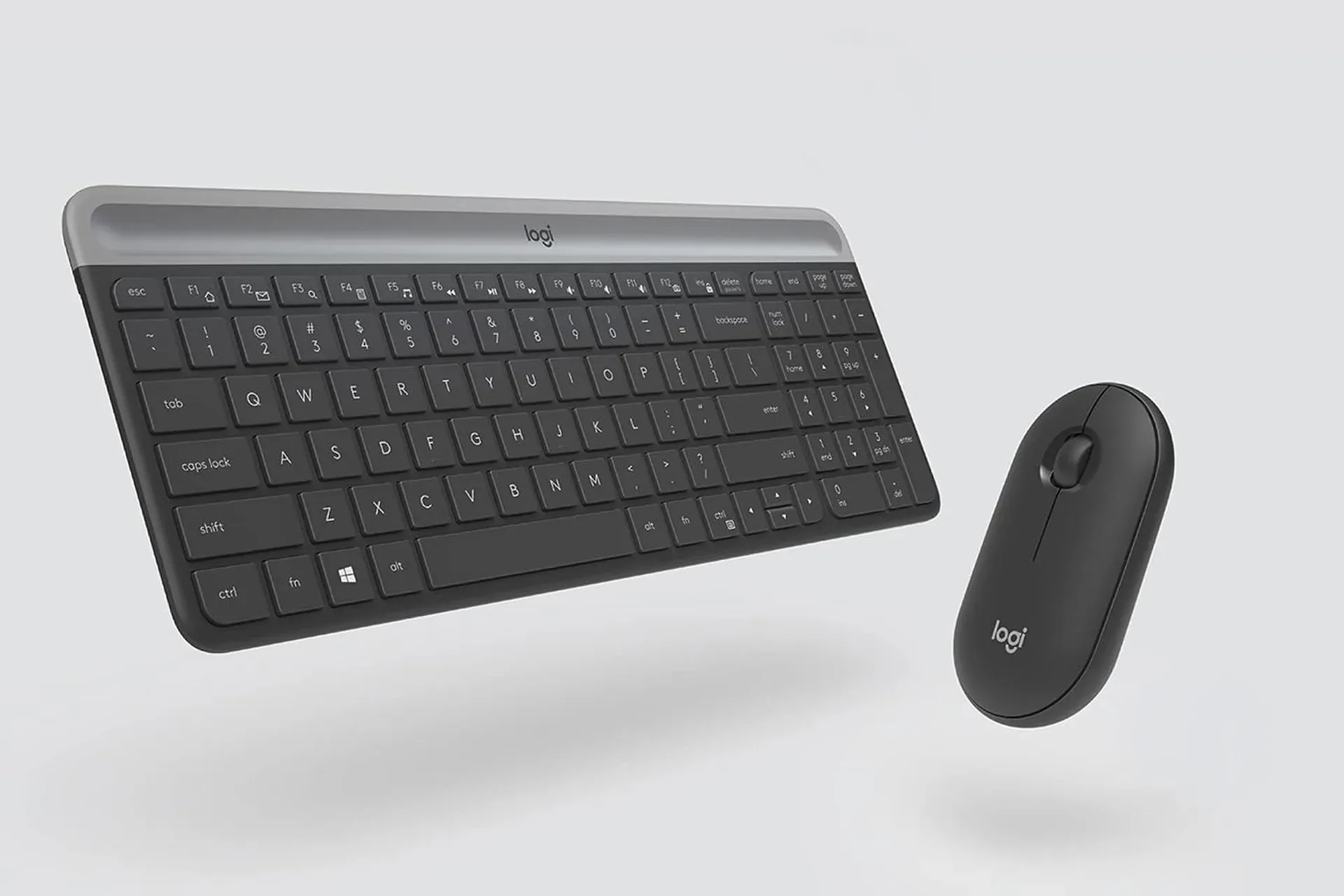
It may also suit someone building out a coordinated workstation. Logitech hardware already appears elsewhere in PC peripheral deals, including this Logitech MK470 keyboard and mouse price cut, though the products serve very different needs. A keyboard and mouse affect input; a microphone affects communication and recorded voice. They should be assessed independently rather than treated as a bundle of assumed compatibility or performance.
Buyers should be more cautious if their main expectation is that any desktop microphone will remove a noisy environment by itself. The details provided here support plug-and-play use, adjustable positioning, several pickup patterns, and direct controls. They do not promise silence from a loud room, nor do they establish the best configuration for every desk.
Still, the combination of USB simplicity, flexible pickup modes, physical mute and gain controls, and the current $40 price reduction gives the Logitech Creators Blue Yeti USB Microphone a clear proposition. It is a dedicated PC audio tool for people who want more control than a basic headset mic provides, while keeping setup comparatively straightforward.
Shop the products
Check current price, model and availability at the retailer.