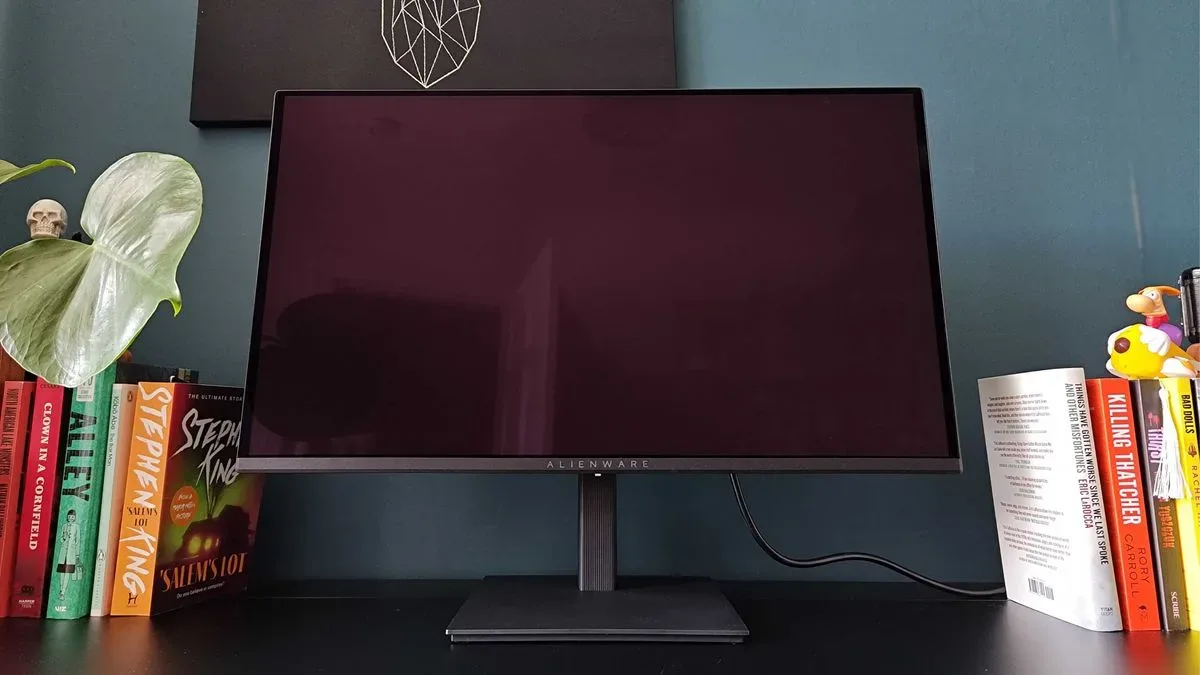
Alienware’s AW2726DM is a notable shift in what a mid-priced gaming monitor can offer on paper: a 27-inch QD-OLED panel, 2560 x 1440 resolution and a 240Hz refresh rate for a stated $349 MSRP in the US, or £369 in the UK. That combination would previously have sat much more comfortably among expensive, feature-packed display launches. Here, the approach is more direct: keep the core panel specification, then be selective about the surrounding hardware.
That makes the AW2726DM less of an all-purpose desk centerpiece and more of a focused proposition for PC players who prioritize contrast, color and fast motion over a lavish stand, expansive connectivity or premium convenience features. The supplied evidence suggests it succeeds strongly at its central task, with especially favorable impressions of its vibrant picture, black levels and responsiveness. But its limitations are specific enough that buyers should treat the price as the beginning of the decision rather than the whole decision.
The headline specification is unusually aggressive for the price
- Panel: QD-OLED
- Size: 27 inches
- Resolution: 2560 x 1440
- Aspect ratio: 16:9
- Refresh rate: 240Hz
- Response time: 0.03ms GtG
- Connections: two HDMI 2.1 ports, one DisplayPort 1.4a and a 3.5mm headphone jack
- Listed SDR brightness: 250 nits
- Listed contrast ratio: 1,500,000:1
- Color coverage: 99% DCI-P3
QD-OLED is short for Quantum Dot OLED. OLED panels control light at the pixel level, allowing pixels to switch off for very deep blacks rather than relying on a separate backlight. The quantum-dot element is intended to support rich color output. In practical terms, the stated strengths here are the familiar OLED attractions: convincing dark scenes, saturated color and quick pixel transitions.
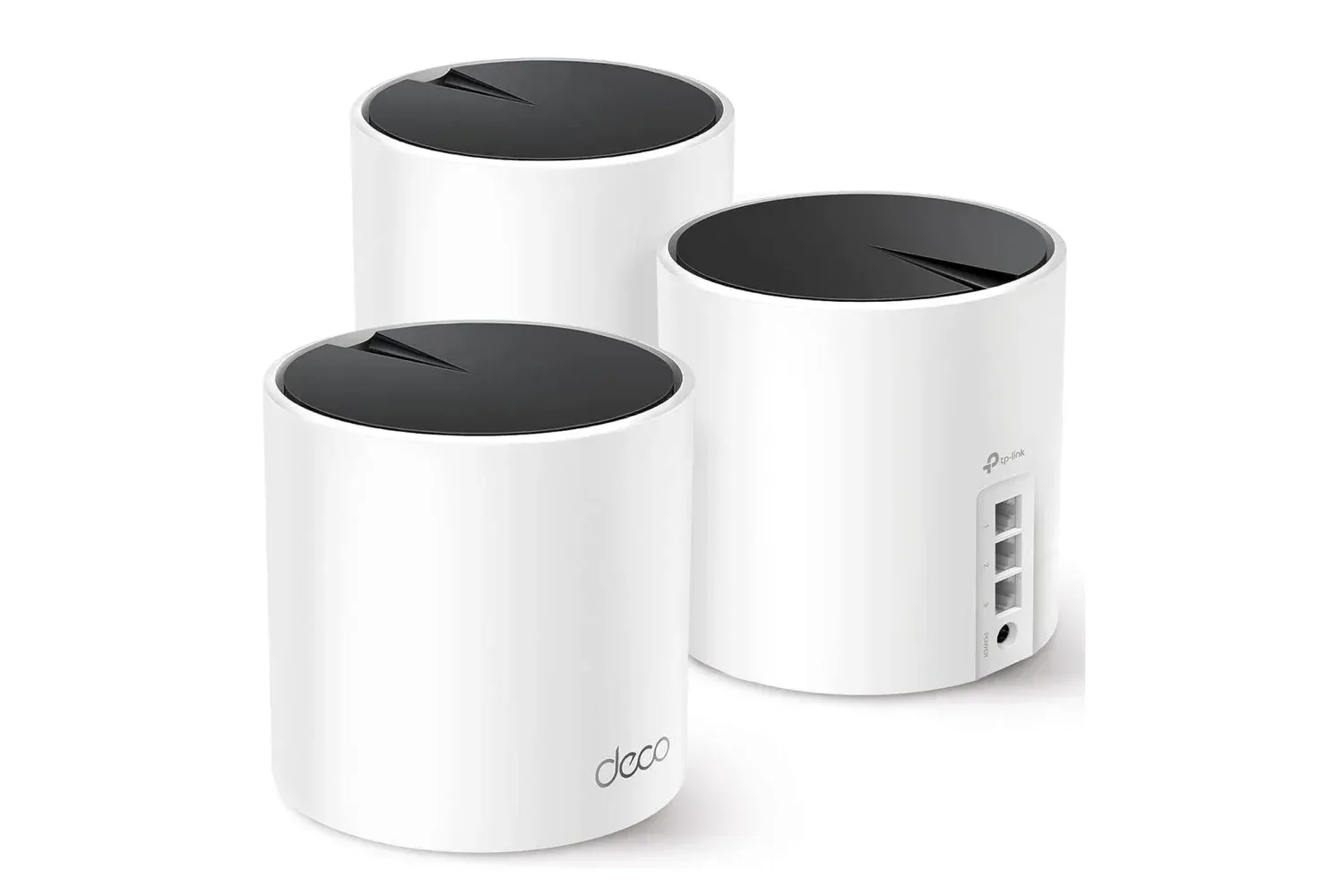
At 1440p on a 27-inch panel, the AW2726DM targets a popular balance for PC gaming. It is less demanding than 4K for a graphics card, while offering more desktop and game detail than 1080p. Meanwhile, 240Hz means the monitor can display up to 240 frames per second when the system and game can deliver them. That will be especially relevant to players of fast competitive games, although the benefit is not an automatic substitute for a capable PC or a stable online connection. A display can present frames quickly; it cannot resolve network latency. Players evaluating a broader PC setup may also want to consider whether their home connection is the weak link, as with this gaming network upgrade discussion.
Picture quality is the main event
The available assessment describes the AW2726DM as delivering the kind of colorful, high-contrast image normally associated with more expensive QD-OLED displays. Colors, black levels and overall vibrancy were all cited as major positives. The 99% DCI-P3 figure supports the color-focused positioning: DCI-P3 is a wider color gamut than the basic sRGB space commonly used for standard computer content, and higher coverage can help content appear more richly colored when it is appropriately mastered.
The monitor’s contrast specification also matters more than it may initially sound. Contrast is the gap between the darkest and brightest portions of an image. OLED’s ability to turn individual pixels off is a major reason dark game environments, space scenes and shadowy interiors can look more convincing than on many conventional LCD displays. The AW2726DM is presented as preserving those core QD-OLED traits despite its lower asking price.
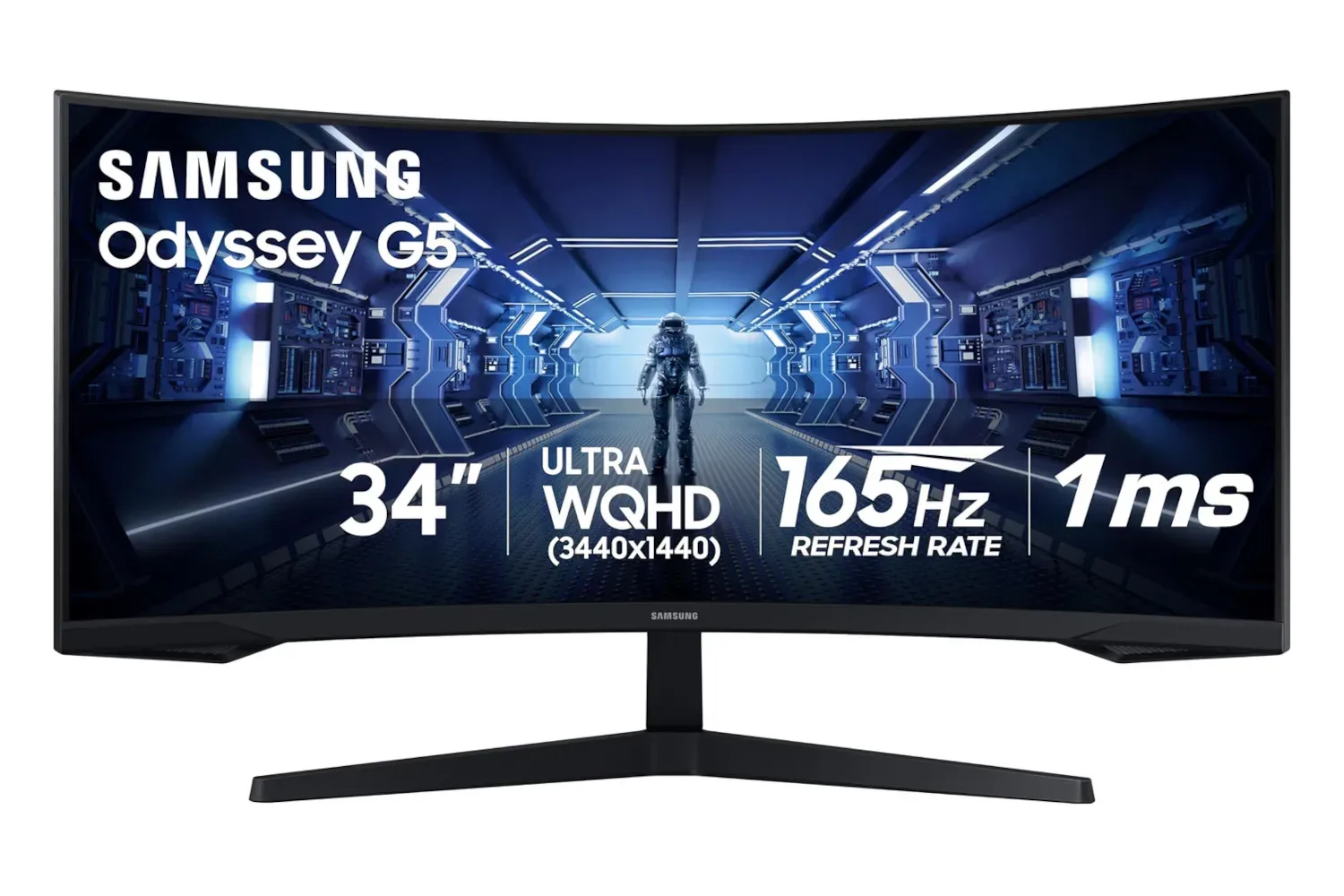
There is, however, a clear brightness qualification. The screen is listed at roughly 250 nits in SDR, with HDR True Black mode reaching up to 440 nits. A nit is a measurement of luminance, or visible light output. These figures place the AW2726DM below brighter alternatives, including newer Tandem OLED designs that use multiple light-emitting layers to raise brightness. The reported impression is that the monitor is best used in a light-controlled room rather than in intense daylight.
That distinction is important for shoppers deciding whether an OLED panel will suit their space. In a room where direct sun regularly hits the display, brightness can affect perceived punch just as much as black level. For an evening PC setup or a room with controllable lighting, the evidence indicates the AW2726DM’s visual strengths should be much easier to appreciate. For a permanently bright desk beside a window, its lower luminance is a more substantial concession.
Related coverage includes Alienware AW2726DM Brings 1440p QD-OLED Gaming to a New Price Tier.
Glossy QD-OLED, but reflections are reportedly better controlled than expected
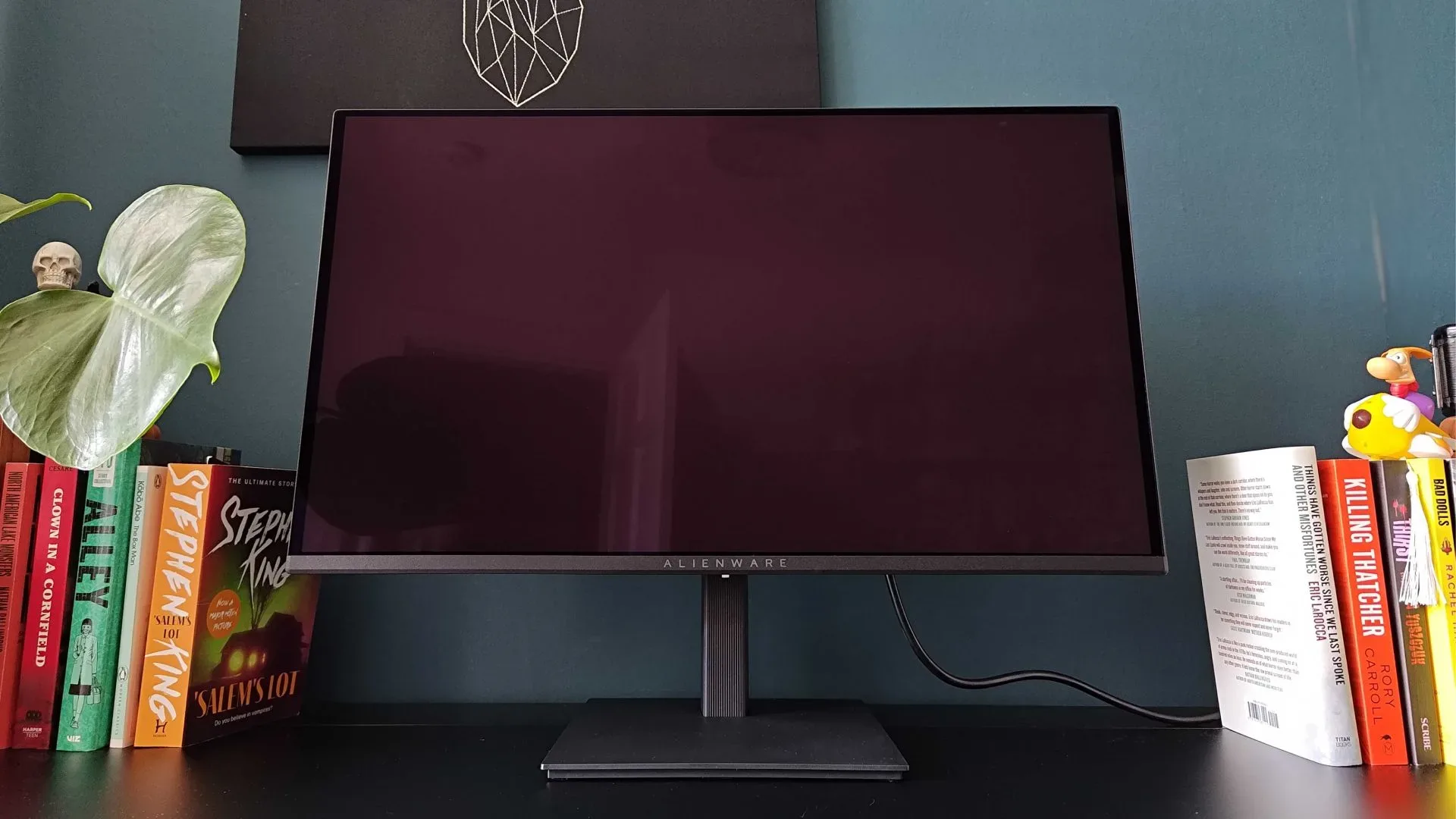
The AW2726DM uses a glossy QD-OLED screen, a treatment that can preserve clarity and perceived contrast but often leaves monitors susceptible to reflections. The display still shows glare when positioned toward strong light sources, so it is not a miracle panel for sunlit rooms. Yet the anti-glare treatment was found to reduce reflections more effectively than expected for this kind of glossy QD-OLED display, particularly once the monitor is powered on.
The panel was also said not to show the obvious purple cast that some QD-OLED screens can take on when switched off in daylight. That does not eliminate the need for sensible placement, and the result will vary with a room’s lighting and monitor angle. Still, it is a potentially useful detail for buyers worried about the familiar reflective-screen compromise.
Practical implication: do not place this monitor directly opposite a bright window and assume its coating will solve the problem. Instead, treat the improved glare handling as a welcome margin of comfort in an otherwise appropriate room. A change of angle, a blind or controlled lighting may matter more than a small difference in monitor specifications.
240Hz remains a strong competitive-gaming target
On refresh rate alone, the AW2726DM is no longer at the bleeding edge. There are 1440p displays capable of 540Hz, and the supplied evidence notes even far higher-refresh-rate screens in the broader market. But 240Hz is still a serious specification rather than an entry-level one. It provides a frame every roughly 4.17 milliseconds at maximum refresh, compared with roughly 16.67 milliseconds for 60Hz.
Combined with the stated 0.03ms gray-to-gray response time, the screen was judged to feel responsive in fast shooters. Gray-to-gray, or GtG, is a measure of how quickly a pixel changes from one shade to another. Faster transitions can reduce the smearing or blur associated with motion. It does not mean every player will perceive the same leap in responsiveness, and it does not guarantee 240 frames per second in every game. Nevertheless, the available evidence places the AW2726DM among OLED monitors that feel sharp and quick during competitive play.
The bigger point is that the monitor does not seem to trade away its gaming fundamentals merely to reach its price. It retains gaming-oriented on-screen options such as crosshair and frame-counter tools, alongside picture presets, HDR controls and OLED care settings. OLED care refers to features designed to manage the panel over time, an important inclusion for a display technology that benefits from thoughtful use.
Cost cutting is obvious in the physical design
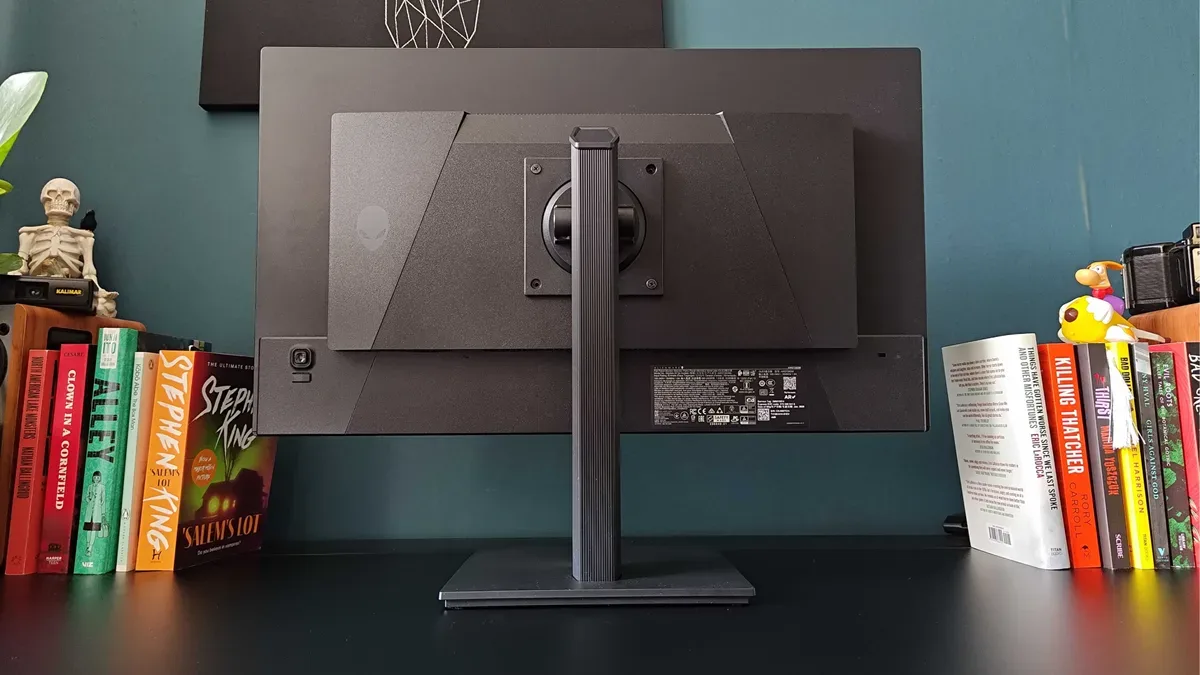
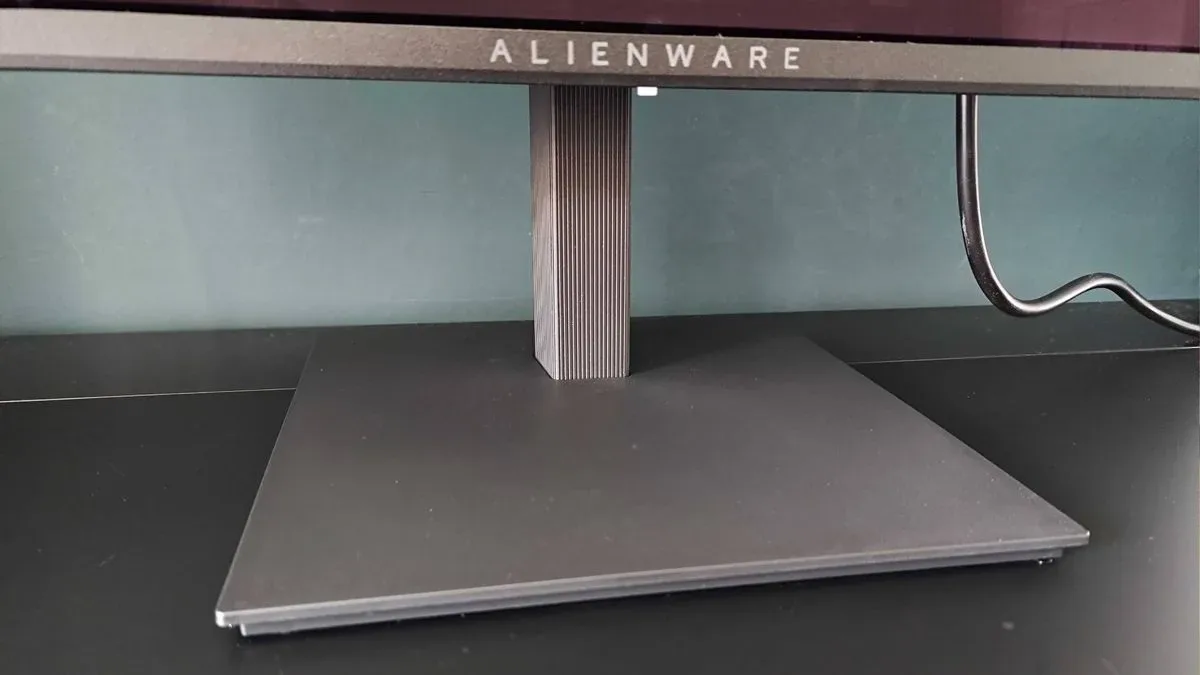
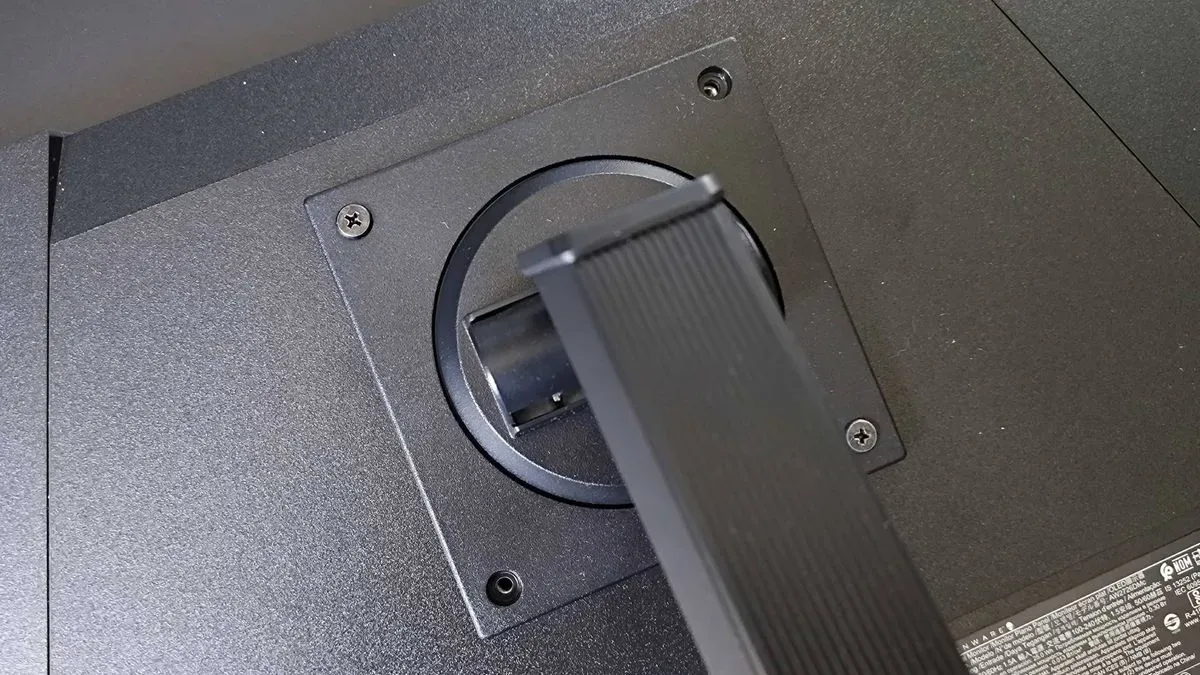
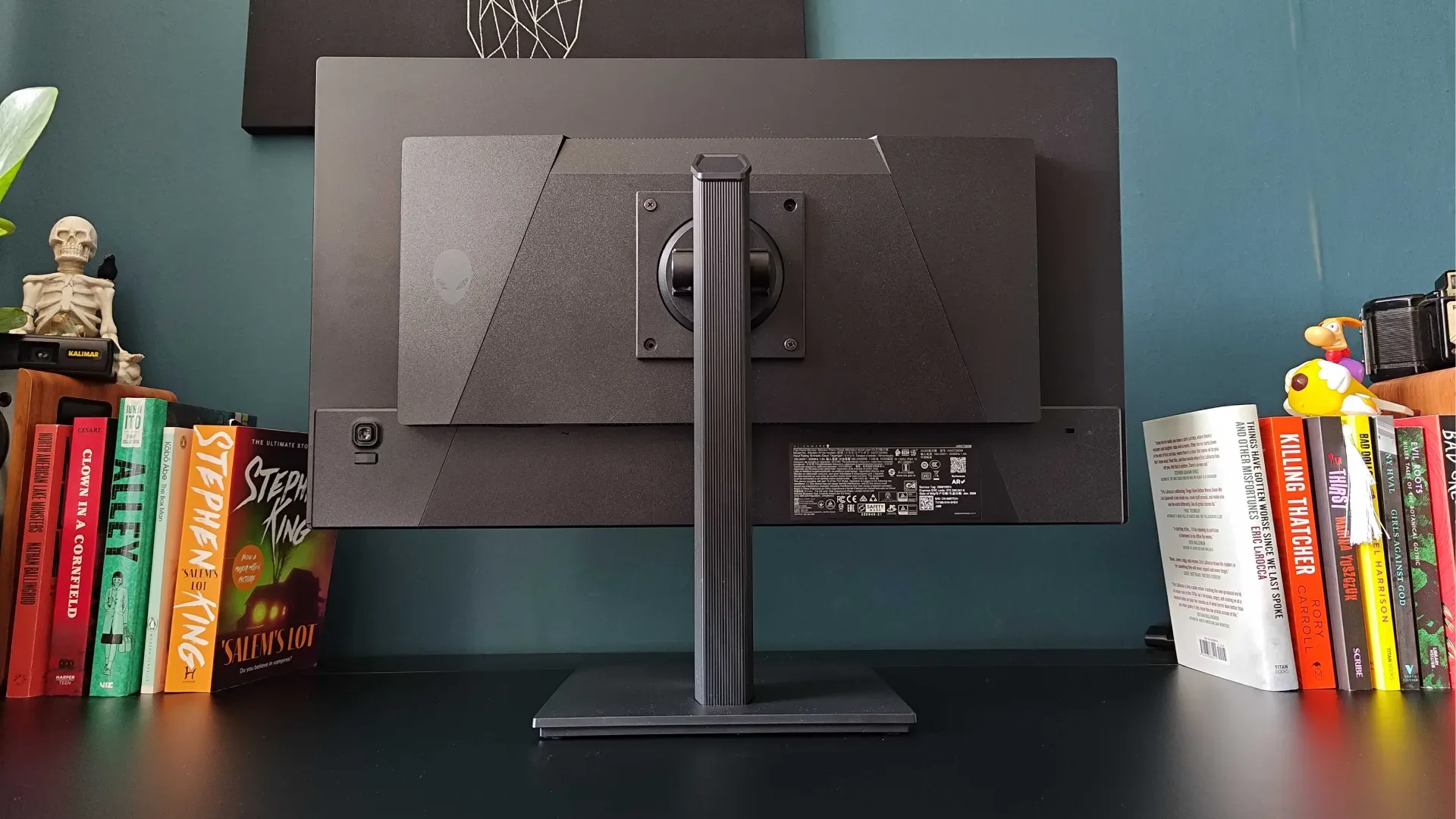
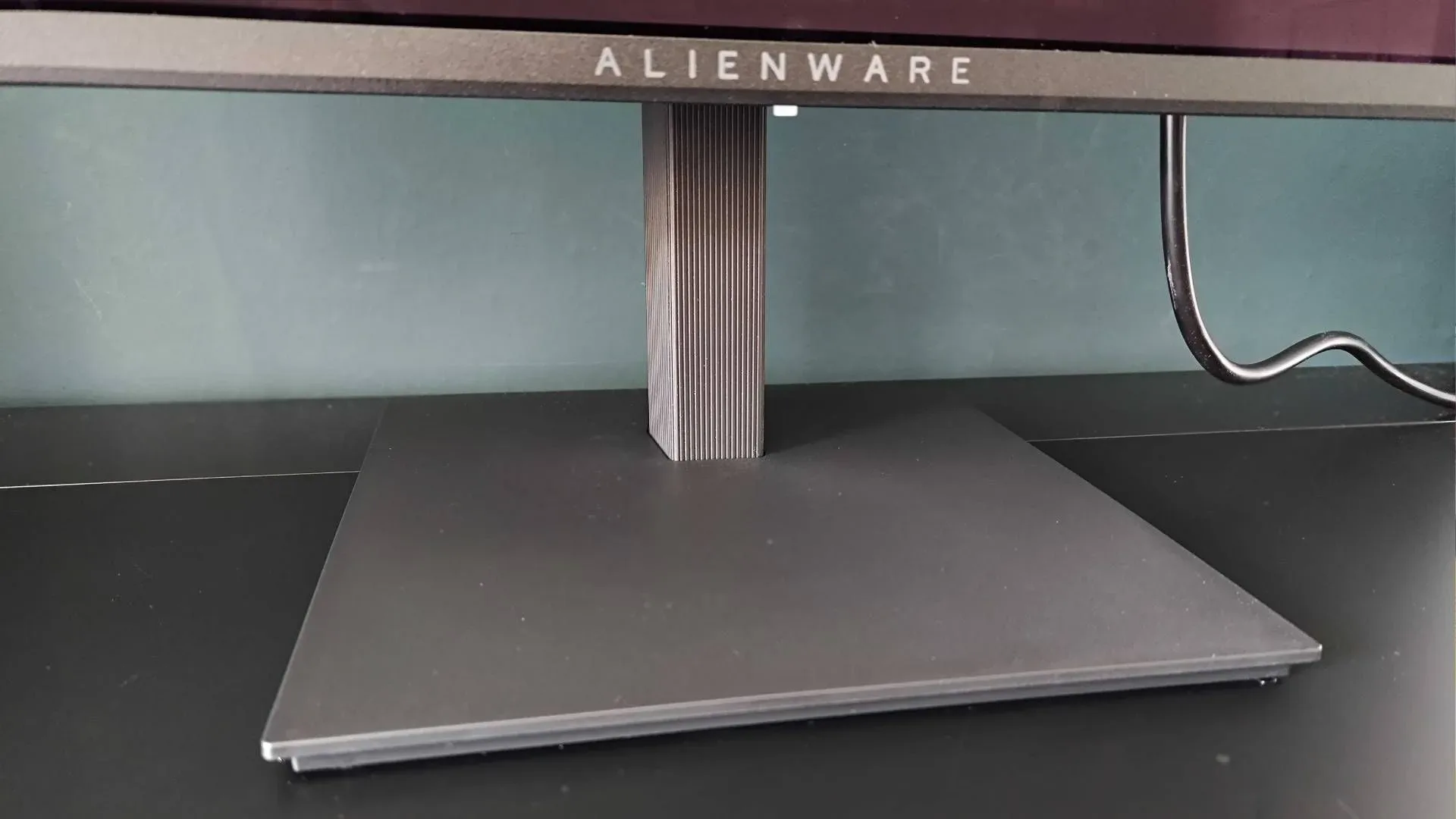
Alienware has not hidden every compromise. The stand is described as basic and requires screws for assembly rather than a quick-release installation. Its square base is functional rather than especially refined, and there is no meaningful integrated cable-management system. There is not even a basic channel through the stand for DisplayPort or HDMI leads, while the built-in power supply means a substantial AC cable also needs somewhere to go.
For buyers who value a clean desk, that is not a trivial complaint. A monitor arm may provide a better solution, particularly if it includes cable-routing features, but that can add to the practical cost of ownership. Prospective owners should also verify the hardware they intend to use for any VESA-mounted setup, rather than presuming the included stand will keep a multi-device desk neat.
Yet the stand is not entirely stripped down. It supports tilt, a 90-degree vertical pivot and a 360-degree rotating base. The circular rotation mechanism adds useful flexibility when sharing a screen or repositioning a desk setup. Portrait orientation can also be useful for chat, browsing, coding or vertically formatted work, though it is not central to the monitor’s gaming case.
Menu navigation is handled through an on-screen-display joystick near the right side of the monitor. No remote is included, which is unsurprising at this price. The joystick and menu interface were nevertheless reported to be unusually pleasant and straightforward to use, a small detail that can matter on a monitor where changing picture modes or HDR settings may otherwise become irritating.
What is missing, and who will care
The AW2726DM does not bring the extra hardware often used to justify high-end monitor pricing. There is no USB hub, KVM switch or RGB lighting among the cited features. A KVM switch lets users operate multiple connected computers with one keyboard and mouse; it can be highly useful for a work-and-gaming desk, but it is irrelevant to a single-PC setup. Its absence is therefore a meaningful limitation for some buyers and a sensible omission for others.
Nor does this model include more specialized current-generation display features, such as dual-mode resolution and refresh-rate switching, expanded OLED-care customization or anti-VRR-flicker tools. VRR, or variable refresh rate, synchronizes monitor refresh behavior with a system’s frame output to help reduce tearing. The evidence does not suggest the AW2726DM lacks core gaming functions; rather, it lacks the increasingly elaborate refinements found on higher-tier models.
This is a sensible place to draw the product’s boundary. Someone building a one-monitor workspace for a desktop PC and a work laptop may regard USB connectivity and KVM functionality as essential. Someone who simply wants a strong 1440p OLED image for one gaming system may prefer that money stayed in the panel rather than in a feature list they would never touch.
Retro-console users should take the scaling warning seriously
The clearest functional issue concerns older games and unusual input resolutions. Testing with an HDMI upscaler found the AW2726DM handled non-standard resolutions poorly. A 720p signal was stretched to 16:9, while 1280 x 960 was interpreted as 1280 x 1024. That turns a 4:3 image into a 5:4 presentation rather than preserving the intended shape. A 1080p 4:3 image retained the correct aspect ratio but looked soft.
For clarity, aspect ratio is the relationship between image width and height. Many classic console games were designed around 4:3, a near-square format, whereas this monitor is 16:9 widescreen. Integer scaling enlarges an image by whole-number multiples, which can help old pixel art retain crisp edges. When a monitor misidentifies or stretches the source resolution, the result can be distorted characters, circles that appear oval, or a softer picture.
This should not be mistaken for a general verdict on the AW2726DM as a retro screen; it is primarily a modern 1440p, 240Hz QD-OLED monitor. But anyone who plans to connect a retro console through an adapter or upscaler should not buy it specifically for that purpose. The problem appears tied to firmware provisions for unusual resolutions rather than proof that the panel itself is incapable, but the practical outcome is the same for prospective buyers today.
A compelling choice for a particular kind of PC setup
The AW2726DM’s appeal is unusually easy to state. At its listed $349 price, it offers the core visual and motion traits many players seek from a modern gaming display: 1440p resolution, 240Hz refresh, OLED-level blacks, wide color and fast response. Those fundamentals are not being presented as watered-down versions of the experience simply because the chassis and extras are less luxurious.
Its drawbacks are equally concrete: modest SDR brightness, a light-controlled room preference, sparse connectivity, no cable management, a utilitarian stand and poor support for several retro-oriented resolutions. Buyers who need bright-room performance, a tidy single-cable workstation, multi-PC control or faithful legacy-console scaling should weigh those issues before treating the price as an automatic win.
For a player moving from an older IPS monitor and focused on current PC games, though, the AW2726DM looks positioned to make QD-OLED feel less like an extravagant upgrade. The important change is not that every premium monitor feature has suddenly become cheap. It is that a set of panel fundamentals once associated with a much higher tier is now available with a more straightforward, and much more accessible, list of compromises.