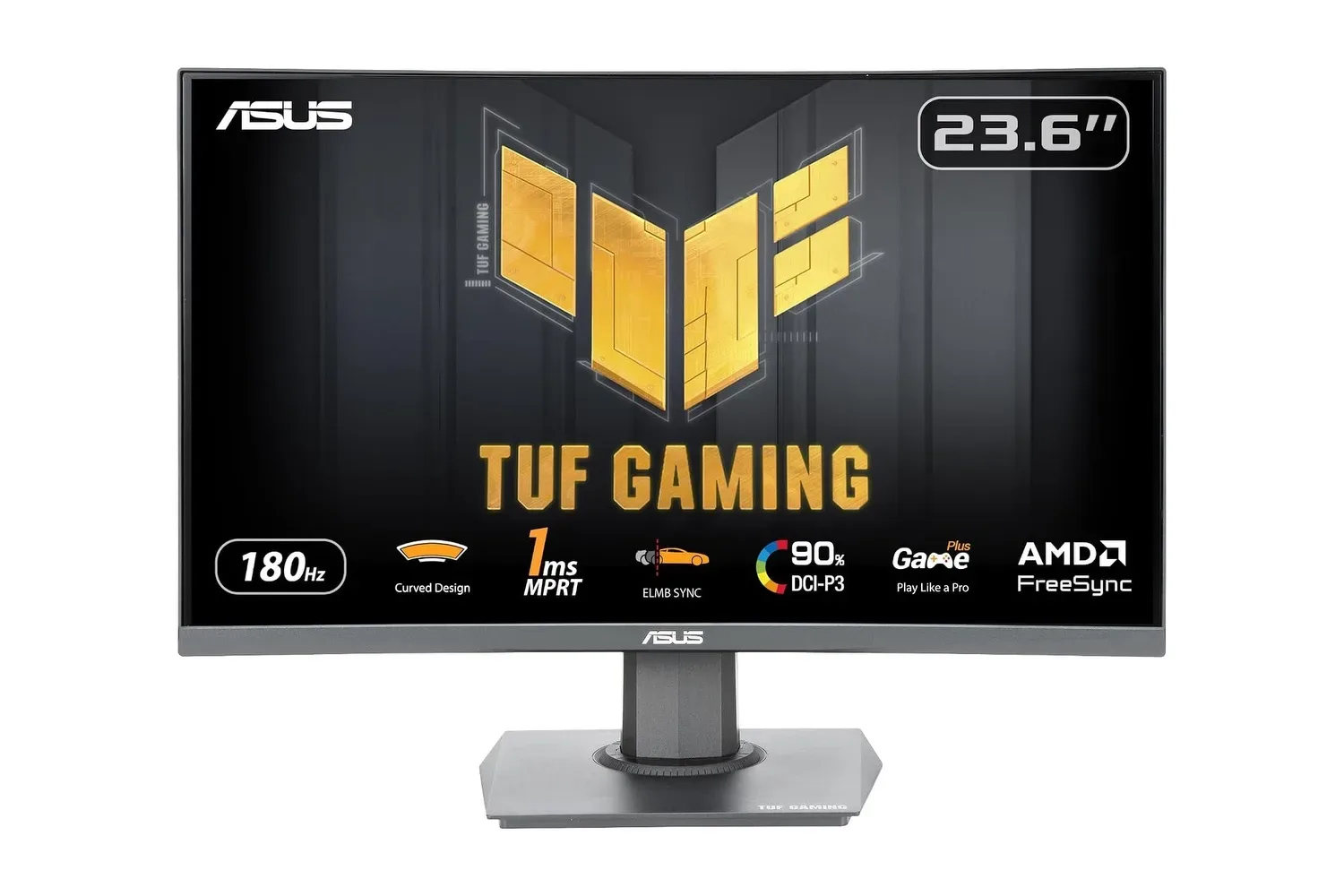
The ASUS TUF Gaming VG24VQER, a 23.6-inch viewable curved Full HD gaming monitor, is listed at $99. That is $30 below its stated $129 price, or roughly 23% off. For players upgrading from a conventional 60Hz display, the appealing number is not just the reduced price: it is the combination of a 180Hz refresh rate, variable refresh-rate support and a compact 1080p panel aimed squarely at fast-moving games.
This is not a monitor that tries to do every job at the highest specification. Its resolution is 1920 by 1080, rather than a higher-resolution format, and its panel is VA rather than OLED. But the specification is coherent for a lower-cost gaming-focused screen. ASUS includes a 1500R curve, 1ms MPRT motion rating, AMD FreeSync support, ELMB Sync motion-blur reduction, a 3000:1 contrast ratio and a claimed 90% DCI-P3 color gamut.
What a 180Hz refresh rate changes
A monitor’s refresh rate is the number of times per second it can redraw its image. At 180Hz, the VG24VQER can refresh up to 180 times each second; a standard 60Hz display tops out at 60 refreshes per second. In practical terms, that higher ceiling can make cursor movement, camera pans and rapid on-screen motion appear more continuous, provided the connected PC or console is delivering compatible output.
The benefit is most intuitive in first-person shooters and racing games, where a player may be following a moving target or processing a fast-changing track. A high-refresh display does not increase a game system’s performance on its own. It gives the display more opportunities to show frames when the system can produce them. That distinction matters: the experience depends on the entire chain, from the game’s settings and hardware performance to the connection in use.
At 1080p, the monitor’s resolution also places less demand on a gaming PC than a higher-resolution display would. That does not guarantee 180 frames per second in every game, and no performance claims should be read into the specification. It does, however, explain why Full HD and high refresh rate are often paired in value-oriented gaming displays: the format prioritizes motion fluidity over adding more pixels.
FreeSync and ELMB Sync, explained
Variable refresh rate technology is intended to address a mismatch between the rate at which a system produces frames and the fixed rhythm of a monitor. When those rates fall out of step, viewers can see tearing, where parts of more than one frame appear together, or stutter. AMD FreeSync lets a supported display adjust its refresh behavior to better track the incoming frame rate.
The VG24VQER supports FreeSync through both DisplayPort and HDMI. That is useful for a setup that includes more than one device, because its two HDMI 2.0 ports and single DisplayPort 1.2 input offer separate physical connections. A PC and console, for example, can remain connected without requiring a cable swap every time, subject to the capabilities and settings of each device.
ASUS also lists ELMB Sync, short for Extreme Low Motion Blur Sync. Motion-blur reduction is designed to make rapidly moving objects look sharper and reduce the trailing effect often described as ghosting. The notable part of the “Sync” implementation is that ASUS says it can operate alongside FreeSync, rather than making users choose between a blur-reduction mode and variable refresh rate.
Related coverage includes ASUS TUF VG24VQER Curved Gaming Monitor Drops to $99.
The 1ms MPRT figure belongs in the same motion-clarity discussion. MPRT means Moving Picture Response Time, a measure related to how long an image remains visibly present during motion. It should not be treated as a universal shorthand for every aspect of display response, but it signals that this model is designed around retaining clearer visual detail in fast gameplay.
A small curved VA panel has a specific audience
The TUF display uses a 1500R curve. The number describes the curvature radius: a lower value is a tighter curve than a larger-radius design. On a 23.6-inch viewable panel, the goal is not to create an ultrawide cockpit effect. Rather, the curve brings the edges of the display into a viewing relationship that is closer to the center, which can reduce eye movement and make the image feel more enclosing from a typical desk position.
Whether a curve is preferable remains a matter of use and taste. A single-monitor gamer who sits fairly close may appreciate the presentation. Someone who strongly prefers a flat image plane, or who needs a monitor principally for tasks involving rigid on-screen alignment, may weigh the design differently. The supplied specifications establish the curve as a feature, not a universal advantage.
The panel technology is VA, or Vertical Alignment. Here, the stated 3000:1 contrast ratio points to its intended strength: deeper blacks and a stronger separation between dark and bright parts of an image than a low-contrast screen may provide. That can be relevant in nighttime environments, shadow-heavy scenes and games with dark interior areas.
ASUS also includes Shadow Boost, which raises visibility in darker image regions without simply overexposing brighter portions. For competitive games, that may make details in a shadowed corner easier to distinguish. It is an image-processing tool, not a substitute for player awareness or game knowledge, but it is a practical option to have when a scene’s dark areas obscure information.
Color is another part of the package. The monitor is rated for 90% of the DCI-P3 color gamut, a color space associated with a wider range of color than older baseline standards. In straightforward terms, the specification suggests more vivid-looking game environments. Color preference is subjective, and users may want to adjust picture settings to suit a particular game or room, but the gamut claim complements the monitor’s contrast-led VA approach.
Connections, adjustment and desktop planning
Port selection is uncomplicated but useful: two HDMI 2.0 inputs, one DisplayPort 1.2 input and a headphone jack. The headphone connection can be handy if the monitor is serving as the accessible point in a desk setup, while the three video inputs give the screen a role as a hub for multiple machines.
The stand supports tilt from -5 to 23 degrees. Height, swivel and pivot adjustment are not listed among the supplied specifications, so buyers who need a more flexible ergonomic range should pay attention to the mounting option. The monitor supports the common 100 by 100mm VESA pattern, allowing it to be paired with a compatible monitor arm or mount.
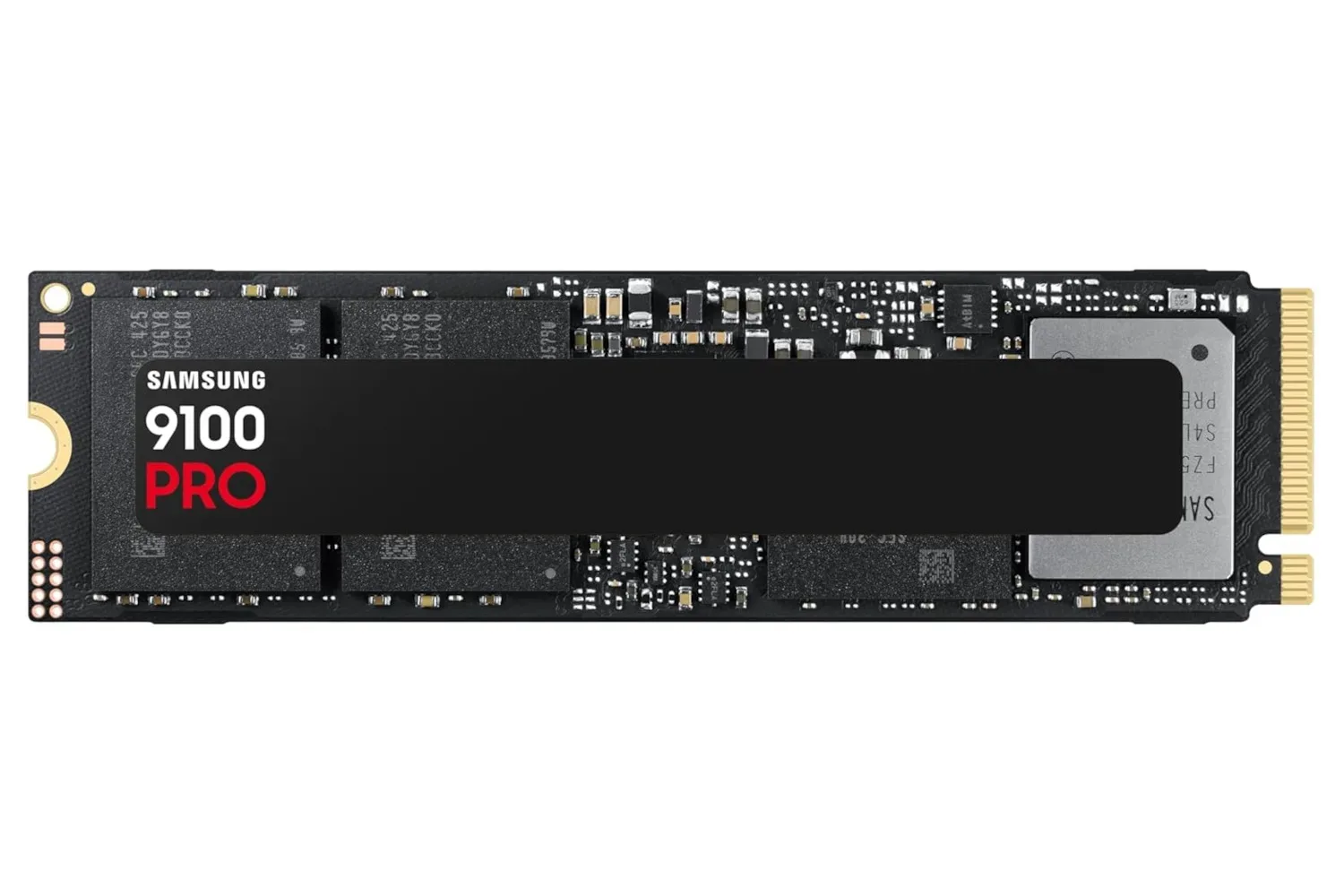
That may be especially relevant in a compact desk layout. A monitor arm can free space beneath the panel and permit placement adjustments beyond tilt alone. It is also a useful route for users who want the screen positioned relative to a laptop or a second display. Those planning a desktop refresh may also be considering storage alongside display hardware; the specifications of a fast internal drive are covered in this Samsung 9100 Pro 1TB SSD listing.
ASUS lists Eye Care Plus features including flicker-free operation and low blue light filtering. These features are intended to help reduce eye strain over lengthy sessions. They do not turn extended screen use into something consequence-free, but they give users settings intended to make the display more comfortable in a long play session or everyday desktop use.
Extra tools and the practical buying case
GamePlus adds on-screen utilities such as crosshairs and timers. These are monitor-level tools rather than game-specific features, designed to make commonly requested competitive-play references readily available. DisplayWidget Center, meanwhile, lets users adjust settings with a mouse rather than relying solely on physical display controls.
The three-year warranty is also part of the listed package. For a monitor purchase, that is worth factoring into a value comparison alongside refresh rate, connectivity and mounting support; a low initial price is only one component of the overall proposition.
At the listed $99 price, the VG24VQER makes the clearest case for someone seeking a meaningful upgrade in refresh rate while staying at 1080p. Its feature set is focused: 180Hz operation, FreeSync over HDMI and DisplayPort, ELMB Sync, a curved VA screen, dark-scene assistance and multi-device inputs. Players should still check that their preferred hardware and cables can use the modes they care about, and should decide whether the 23.6-inch curved format fits their desk and preferences.
For the right setup, it is a notably inexpensive route to a display built around smoother motion than a 60Hz panel, without requiring a move to a larger screen or a higher-resolution GPU workload. As with any retail listing, the $99 price and availability can change.
Shop the products
Check current price, model and availability at the retailer.