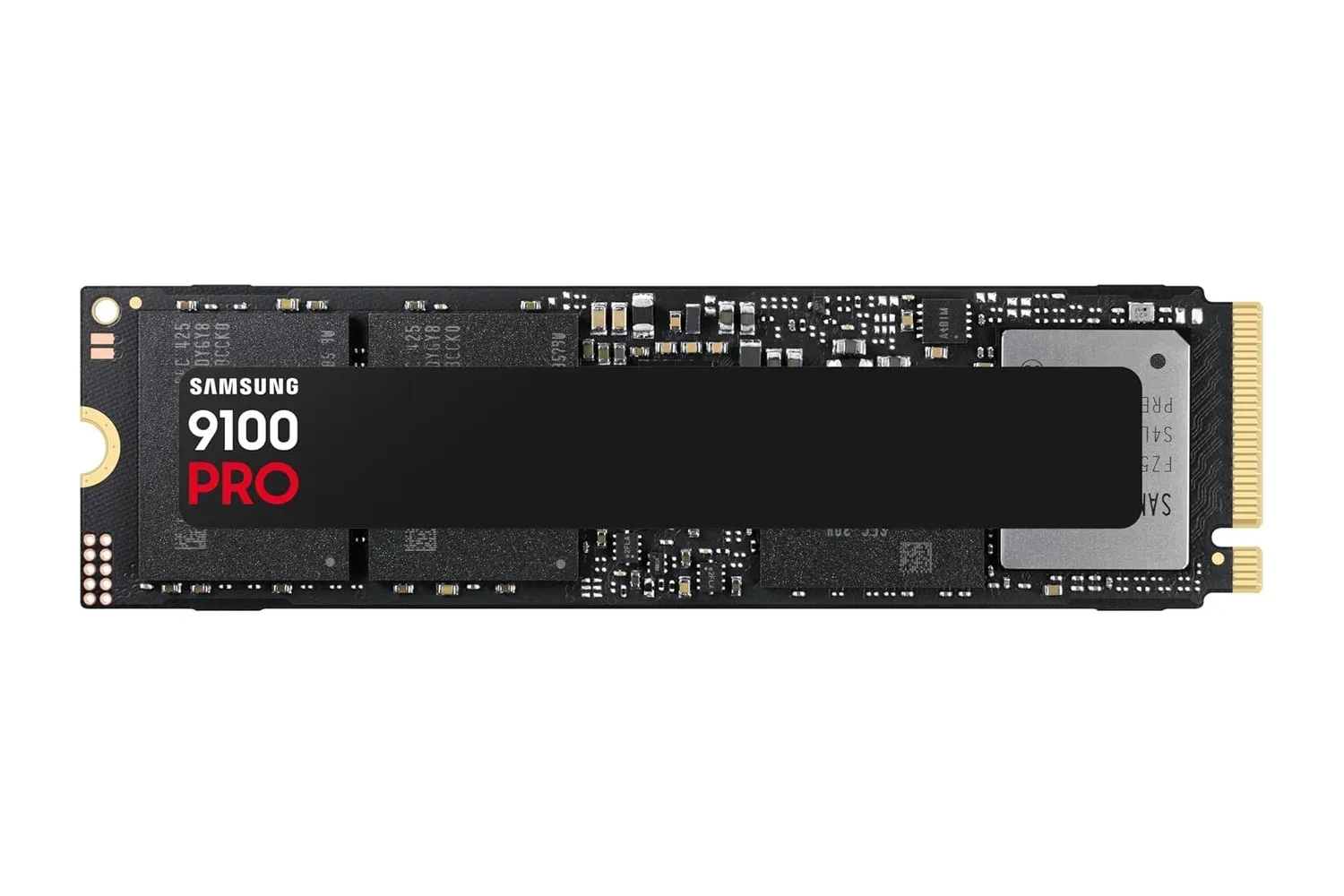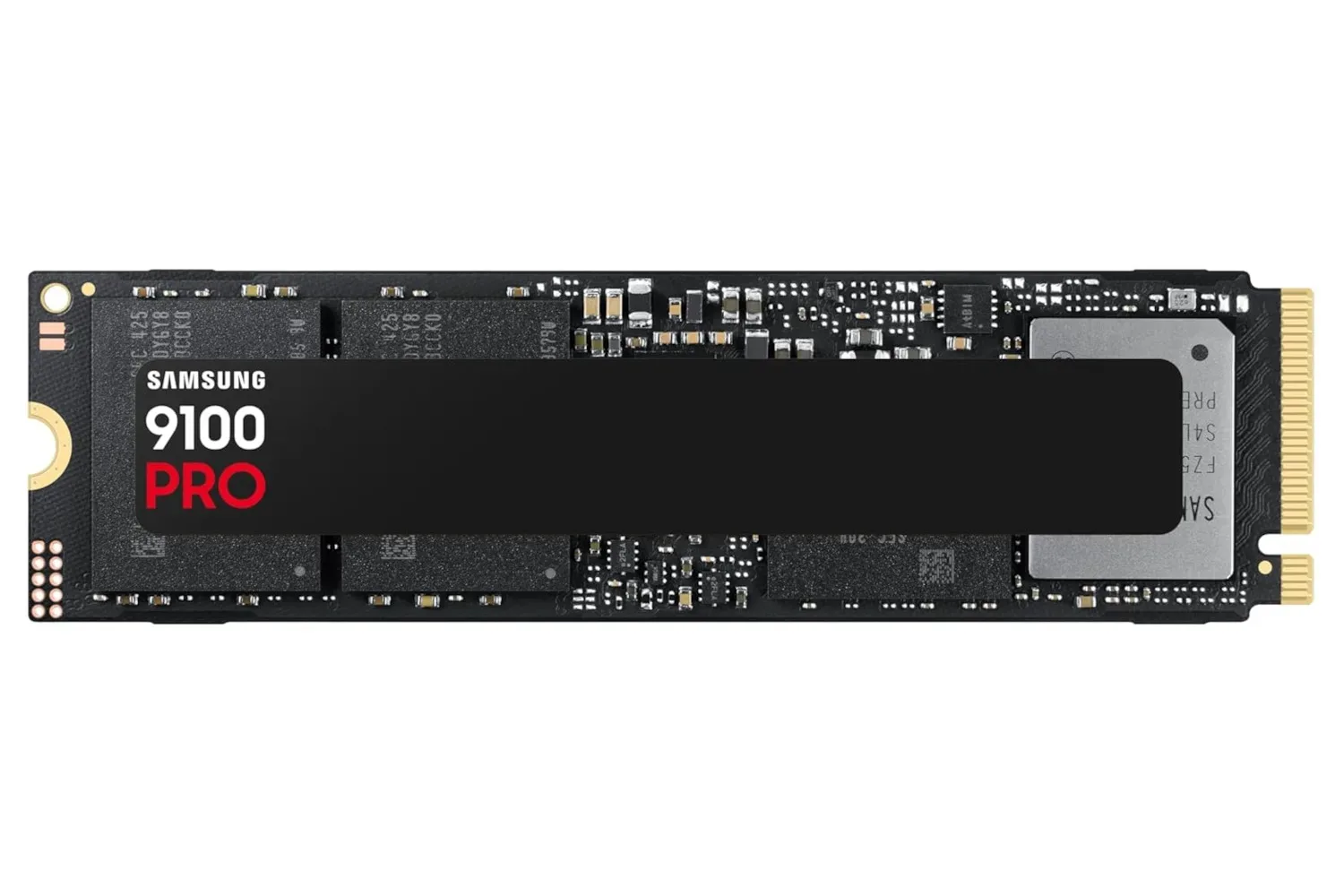
A Samsung 9100 Pro 1TB internal SSD is currently listed at $270, a reduction from a stated regular price of $340. That is a $70 difference for buyers planning a PC storage upgrade, though retail pricing and stock can change without much warning.
The headline specifications supplied for the drive are straightforward: 1TB of capacity and speeds of up to 14,700MB/s. Those are substantial claimed transfer figures for an internal SSD, particularly for a gaming PC where a crowded primary drive can quickly become a nuisance rather than a minor inconvenience.
There is an important terminology cleanup to make first. An SSD is storage, not system memory. Adding one does not increase a computer’s RAM or directly make a processor or graphics card faster. What it can do is create more room for games, applications, captured footage, projects, and operating-system files, while potentially improving tasks that depend on reading or writing data to the drive.
What the $270 listing actually offers
A 1TB drive is a meaningful capacity addition, but its usefulness depends on what is already installed in the PC and how that space is used. For a player whose existing drive is near capacity, the immediate benefit may simply be avoiding the constant uninstall-and-reinstall cycle. That is not glamorous hardware shopping, but it is a practical upgrade when game libraries, recording files, mods, and general desktop software all compete for room.
The other part of the pitch is speed. The 14,700MB/s figure is a maximum claim, not a guarantee that every file operation will reach that number. In plain language, MB/s means megabytes per second: a measure of how much data can be moved over a period of time. A higher number can matter during large file transfers and in workloads that move lots of data quickly.
For games, storage performance can influence how rapidly files are accessed, which may affect installation, patching, asset loading, and launch behavior. It should not be read as a blanket promise of higher frame rates or instantaneous performance in every game. A game’s design, the rest of the PC, and the software task being performed all remain part of the picture.
The supplied information also characterizes the SSD as durable, but does not provide a specific endurance rating, warranty term, or technical detail that would allow shoppers to compare that claim directly with alternatives. It is sensible to treat durability as a reason to inspect the full retailer and manufacturer information, rather than as a substitute for it.
Internal storage requires an installation plan
This is an internal SSD, which means it is not a plug-it-into-a-USB-port purchase. It must be installed inside a compatible computer before it can be used. That is the biggest practical consideration behind the price: a low listed cost does not help much if a buyer has no compatible slot, no available space, or no plan for installation.
Related coverage includes Samsung 9100 Pro 1TB SSD Deal Brings High-Speed PC Storage Down to $270.
Before ordering, prospective buyers should check their motherboard or laptop documentation and confirm the exact storage connection supported by their system. The supplied deal information does not identify the drive’s physical format, connection standard, cooling requirements, or the hardware needed to achieve its quoted top speed. Those details matter. A drive can still be useful in a compatible system while operating below its maximum advertised figure, but that is a different proposition from buying specifically for the number on the product page.
- Check compatibility: Review the PC or laptop manual for supported internal storage options and available slots.
- Check available room: Confirm that an upgrade will physically fit and that other installed components do not prevent access.
- Plan the job: Decide whether the drive will be an additional game library, a replacement for an existing drive, or the destination for a fresh operating-system installation.
- Back up important files: Any work inside a PC carries risk, especially when moving data between drives.
- Verify the final price: The $270 figure is a listing price reported for this deal, not a permanent MSRP.
For people who have never opened a desktop or laptop, an internal upgrade may be better handled by someone experienced with PC hardware. That does not make the SSD a bad deal; it simply means the total effort includes more than pressing a checkout button. Installation support, a tool kit, or professional help may be relevant costs depending on the machine and the buyer’s confidence.
How to interpret “up to” 14,700MB/s
“Up to” is doing useful work in that specification. It signals a peak result under particular conditions rather than a universal everyday speed. Storage benchmarks can measure different activities: reading data, writing data, handling large continuous files, or processing lots of small files. A maximum sequential result—data moving in a long, continuous stream—does not automatically describe every real-world task.
That does not diminish the appeal of a fast SSD. It is simply the right way to evaluate one. Someone regularly working with large applications or substantial files may value high throughput differently from someone who only wants a second location for a handful of games. Likewise, an upgrade is easiest to justify when it solves a known capacity problem, not merely because a speed figure sounds impressive.
The 1TB capacity and the stated peak speed make this listing most interesting to PC owners seeking both additional space and high-end storage performance in one purchase. Buyers with no immediate storage pressure, or with systems that cannot take advantage of the drive’s capabilities, have more reason to pause and verify the details first.
New storage versus used storage
The sale also sharpens the comparison with used drives. A lower new-drive price can narrow the financial case for pre-owned storage, particularly when the product being considered is intended to hold a game library, work files, or irreplaceable personal data. The supplied listing frames $270 as an unusually attractive price for this capacity-and-speed combination.
Still, “new” and “used” are not the only decision points. Compatibility, capacity needs, installation complexity, and the buyer’s intended workload should all come before a simple price comparison. A cheaper drive that does not suit the PC or the job is not necessarily the better buy.
For gaming-focused readers, the broader lesson is that storage upgrades are quality-of-life hardware purchases. They can make a system less cramped and help support a larger installed library, but they should be chosen with the same attention to platform limits as any other PC component. Technical choices are increasingly part of the wider gaming conversation, from PC upgrades to console security and homebrew debates such as the recent PS5 bug-bounty and homebrew flashpoint.
At the reported $270 price, the Samsung 9100 Pro 1TB is worth a close look for shoppers who have already confirmed that their PC can accommodate it. The deal’s strongest case is not that every user needs the highest quoted transfer speed, but that it combines a full terabyte of internal capacity with a very high claimed performance ceiling at a discount from the stated $340 price.
Shop the products
Check current price, model and availability at the retailer.