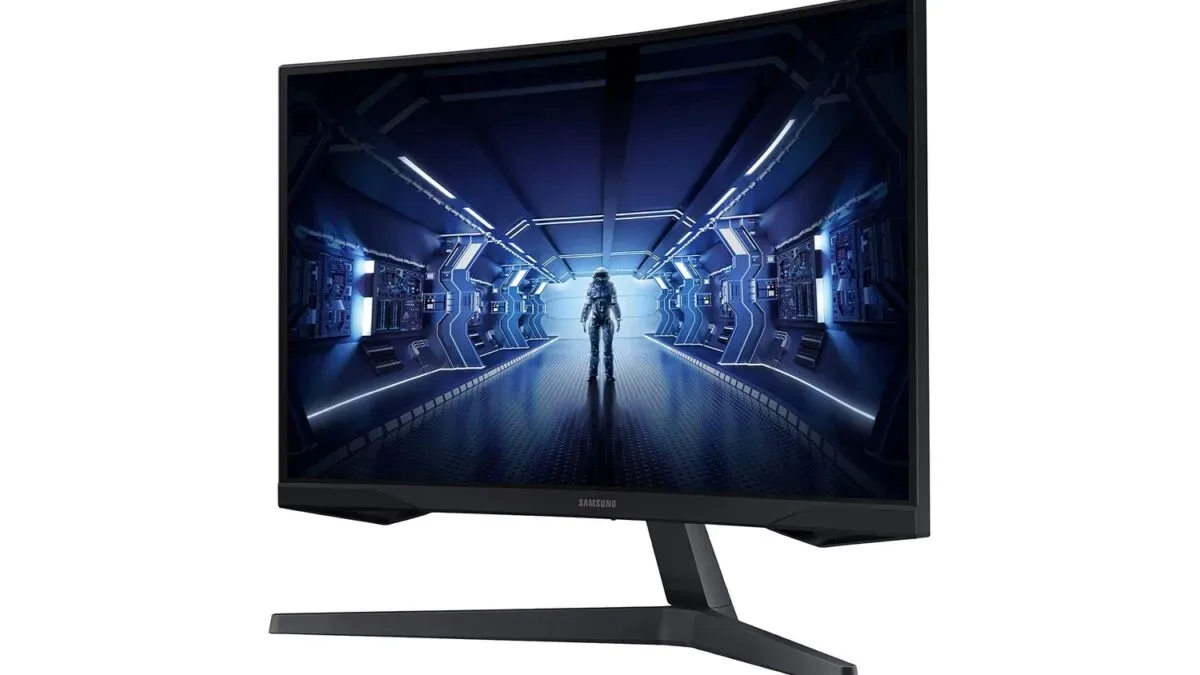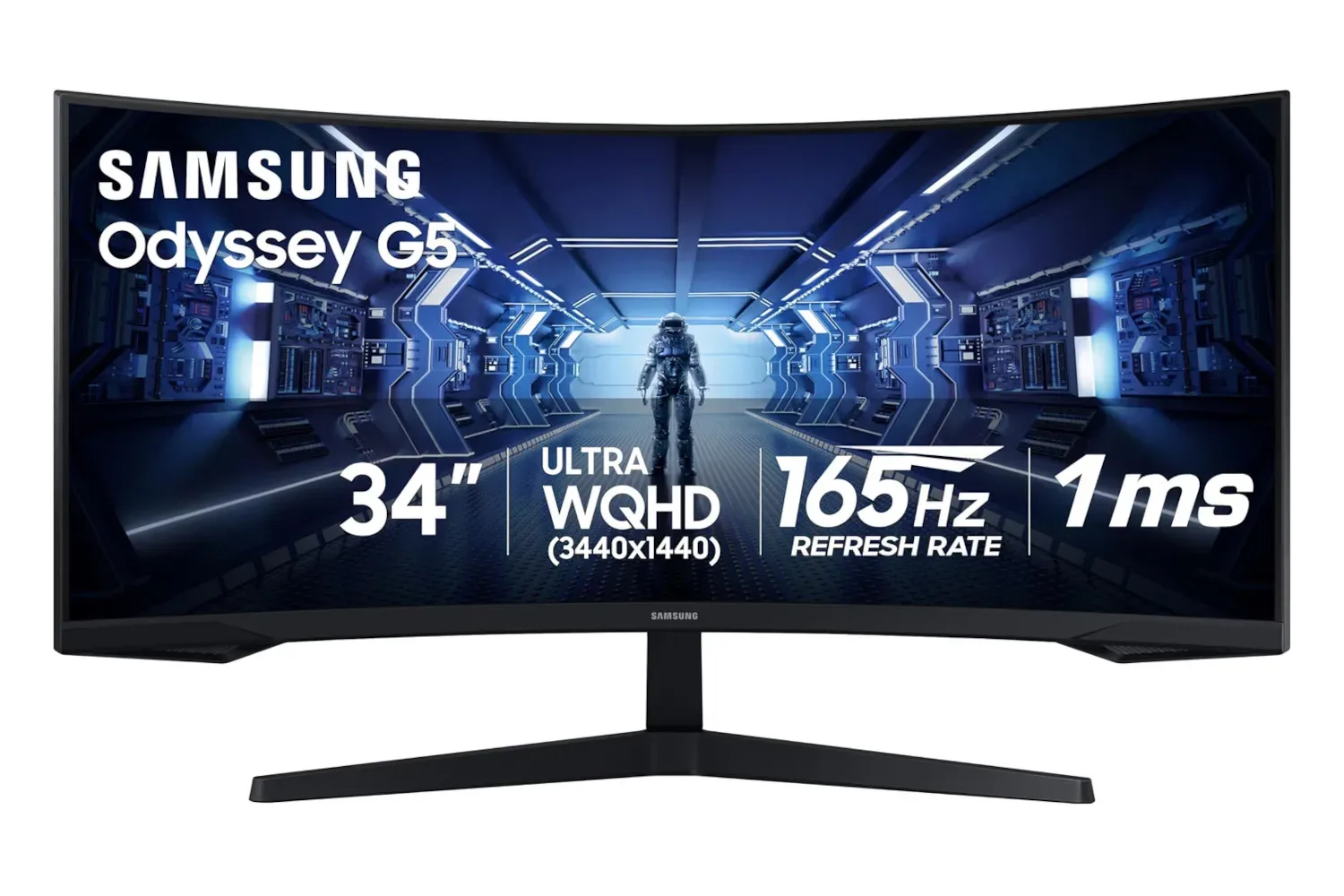
A wide gaming monitor can be a dangerous thing. One minute, a PC setup is a sensible desk with a screen; the next, it is a command bridge with enough horizontal space to make ordinary displays look like postage stamps. Samsung’s 34-inch Odyssey G5 ultrawide gaming monitor is currently listed at $280 on Amazon, down 30% from the stated $400 price.
That is a notable number for a monitor built around a curved 34-inch ultrawide panel, 1440p resolution, a 165Hz refresh rate, AMD FreeSync Premium support, and a 1ms response time. Pricing and stock can move quickly, so prospective buyers should check the live listing before treating the $280 figure as guaranteed. But for PC players who have been waiting for an ultrawide display to fall closer to the realm of a major component purchase than a small used car, it is a deal worth examining.
What the Odyssey G5’s headline specifications offer
The most immediate change from a conventional display is the 34-inch ultrawide format. It provides substantially more side-to-side room than a standard widescreen monitor, which can change the feel of games that support the wider view. Racing games can benefit from a broader look toward the edges of the track. Large-scale strategy and simulation games gain extra territory for maps, interface panels, and management menus. Open-world adventures can feel less boxed in when the landscape occupies more of the player’s peripheral vision.
The monitor’s curve is intended to complement that width. Rather than presenting the whole panel as one flat expanse, the screen bends toward the viewer, helping keep the outer portions of the image within a more natural viewing angle. It is not a substitute for a headset, nor does it turn every game into an instant cinematic masterpiece. Still, for someone prioritizing screen-filling PC gaming, a curved ultrawide can make a desk setup feel considerably more enveloping.
Resolution matters just as much as physical size. The Odyssey G5 is specified at 1440p, putting it in a popular middle ground for PC gaming: more detailed than 1080p while generally asking less of a graphics card than 4K. That balance is especially relevant for an ultrawide panel, where there are more pixels to drive than on a typical 16:9 1440p screen. A player considering this monitor should account for their GPU and the games they play, particularly if the goal is to pursue very high frame rates with demanding visuals enabled.
165Hz is about motion, not just a number on a box
A 165Hz refresh rate is one of the display’s central gaming features. In straightforward terms, it gives the monitor the ability to refresh the picture far more frequently than a 60Hz panel. When a game and PC can provide the frames, that can translate to smoother perceived motion and a more immediate feel while moving a camera, tracking a target, or navigating a fast course.
That does not mean every game will run at 165 frames per second, and it does not mean every player needs it to have fun. Turn-based games, slower adventures, and many cinematic titles may place a much lower priority on frame rate. But games built around quick reactions and constant movement are where a high-refresh display can make the most obvious case for itself. Competitive shooters are a familiar example, including games such as Overwatch, where rapidly identifying and following movement matters.
The 1ms response-time specification belongs in that same conversation. Response time concerns how quickly pixels transition, while refresh rate concerns how often the display presents a new image. They are related but not identical. Together, the stated 165Hz refresh rate and 1ms response time position the Odyssey G5 as a display aimed at players who care about swift on-screen action, rather than solely a giant canvas for spreadsheets and browser tabs.
Related coverage includes Samsung's 34-Inch Odyssey G5 Curved Gaming Monitor Drops to $280.
Why FreeSync Premium may be the low-maintenance feature
AMD FreeSync Premium support is another practical part of the package. Variable refresh-rate technology is designed to synchronize a monitor’s refresh behavior with the output of a compatible graphics setup. The potential result is less screen tearing and less distracting stutter than a mismatched frame rate can produce.
For players, the appeal is not merely that the acronym is long enough to sound like a futuristic car trim level. It is that the display can help reduce visual interruptions without demanding constant fiddling with settings. Performance is rarely perfectly fixed from one moment to the next: a quiet indoor scene and a busy fight full of effects can put very different loads on the same PC. Variable refresh technology is useful precisely because real games are messy, fluctuating things.
Compatibility should still be checked against the specific PC and connection a buyer plans to use. That is good practice with any gaming display feature. It is also worth remembering that a monitor can improve how frames are displayed, but it cannot create performance a system does not have. The best match is a system whose GPU, settings, and preferred games can make meaningful use of a 1440p ultrawide panel and its 165Hz ceiling.
Who should consider a 34-inch ultrawide?
The strongest audience for this deal is likely a PC gamer seeking a single-screen setup with a more expansive view. An ultrawide can be particularly appealing to players who want game worlds to occupy most of their visual attention without putting on a VR headset or sitting uncomfortably close to a smaller panel. The extra width also has non-gaming benefits for people who use the same desk for work, browsing, chat, streaming controls, or creative tools.
It may also appeal to someone consolidating a multi-screen arrangement. A broad panel can provide room for multiple windows, with less bezel interruption than two separate monitors. That is not universally preferable, however. Two displays can remain more flexible for people who routinely need totally separate fullscreen applications, and some users simply prefer arranging independent panels at different angles.
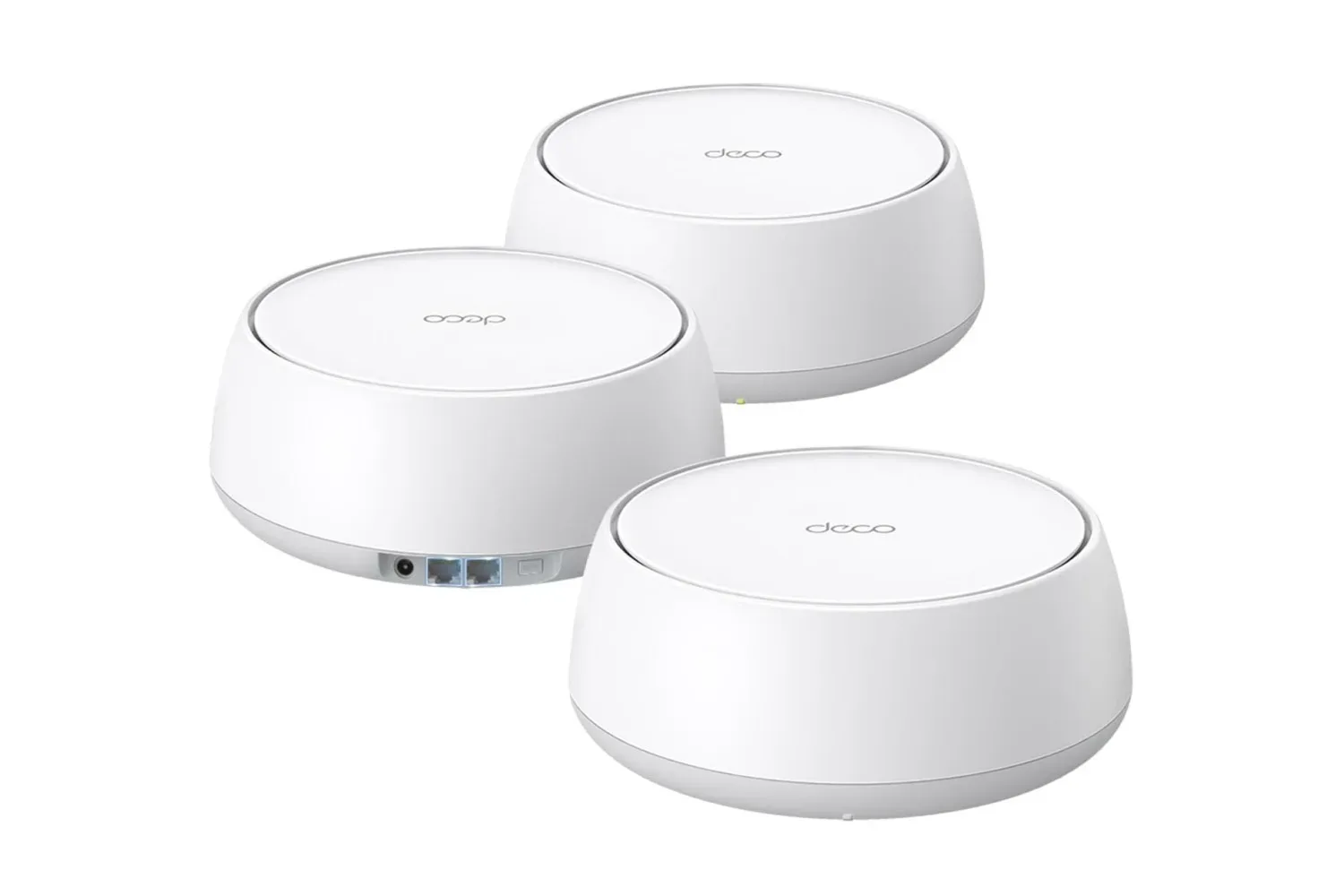
Anyone building out a desktop should consider the setup as a whole. A high-bandwidth, reliable home connection can be as useful to online play and downloads as a capable display is to the picture in front of it. For gamers also looking at their network gear, the TP-Link Deco BE5000 WiFi 7 mesh three-pack listing is another PC-focused hardware item to weigh separately.
Reasons to pause before pressing buy
A $280 listed price is compelling, but an ultrawide monitor is not automatically the correct upgrade for every desk or game library. First, the physical footprint matters. A 34-inch screen needs adequate desk width and depth, and buyers should consider how its stand, keyboard placement, speakers, microphone arms, and other peripherals will coexist. The monitor may be the star of the setup, but stars still require stage space.
Second, ultrawide support can vary by game. Many modern PC games accommodate wider formats well, but menu layouts, cinematic scenes, interface scaling, and field-of-view behavior can differ from title to title. People with a few heavily played games should check how those particular games handle an ultrawide aspect ratio rather than assuming the experience will be identical across every release.
Third, driving a 1440p ultrawide display at high frame rates can be a meaningful graphics-card workload. The 165Hz figure is an attractive target, but a buyer does not need to reach it in every title for the monitor to be useful. The important question is whether their system can deliver performance that suits their preferences, whether that means maximizing fluidity in esports games or choosing a more balanced visual preset in graphically intensive releases.
A strong specification mix at the listed price
At its current stated $280 price, the Samsung 34-inch Odyssey G5 combines several features that PC gamers commonly look for in one display: a broad curved ultrawide screen, 1440p resolution, 165Hz refresh, a 1ms response time, and AMD FreeSync Premium. That combination makes the value proposition much clearer than a discount on size alone. This is not simply extra glass for the desk; it is a gaming-oriented specification set intended to make motion smooth, images detailed, and games more absorbing.
There are sensible caveats around desk space, GPU performance, and individual game support. There is also no indication of how long the listed price will remain available. Yet people who already know they want an immersive single-monitor PC setup may find that the sale turns a previously expensive category into a more approachable upgrade. As ever, check the current Amazon listing, confirm that an ultrawide fits the intended setup, and make sure the PC is ready for all those additional pixels. The monitor may be curved, but the purchasing decision does not need to be.
Shop the products
Check current price, model and availability at the retailer.