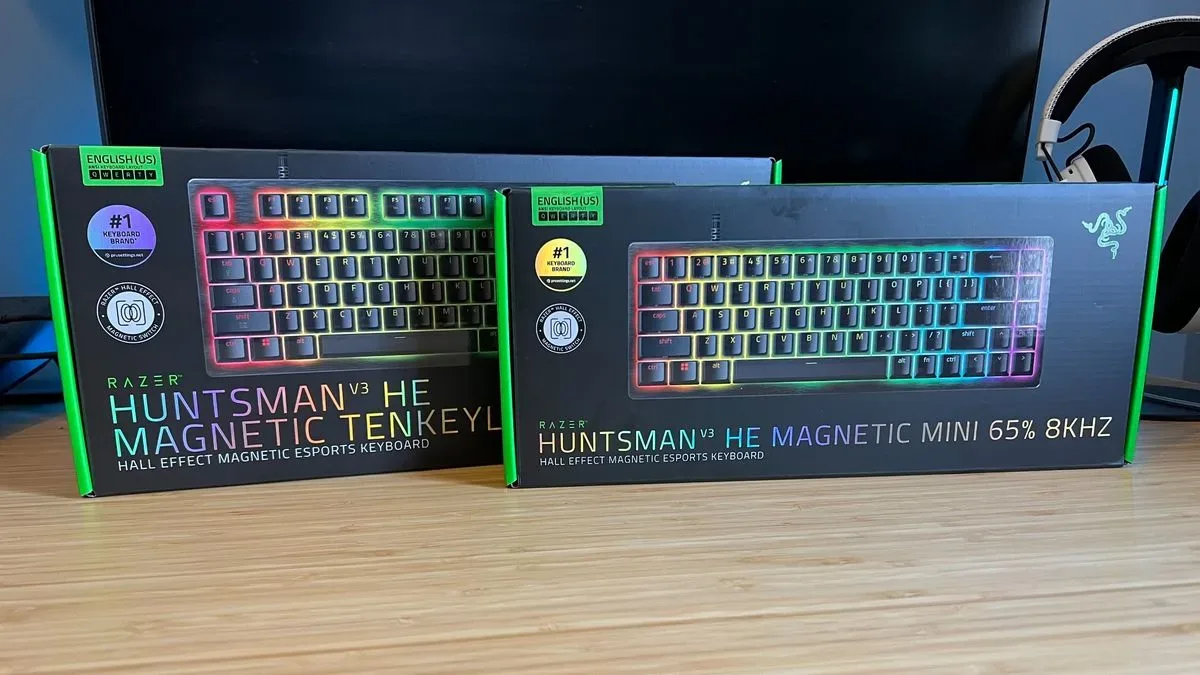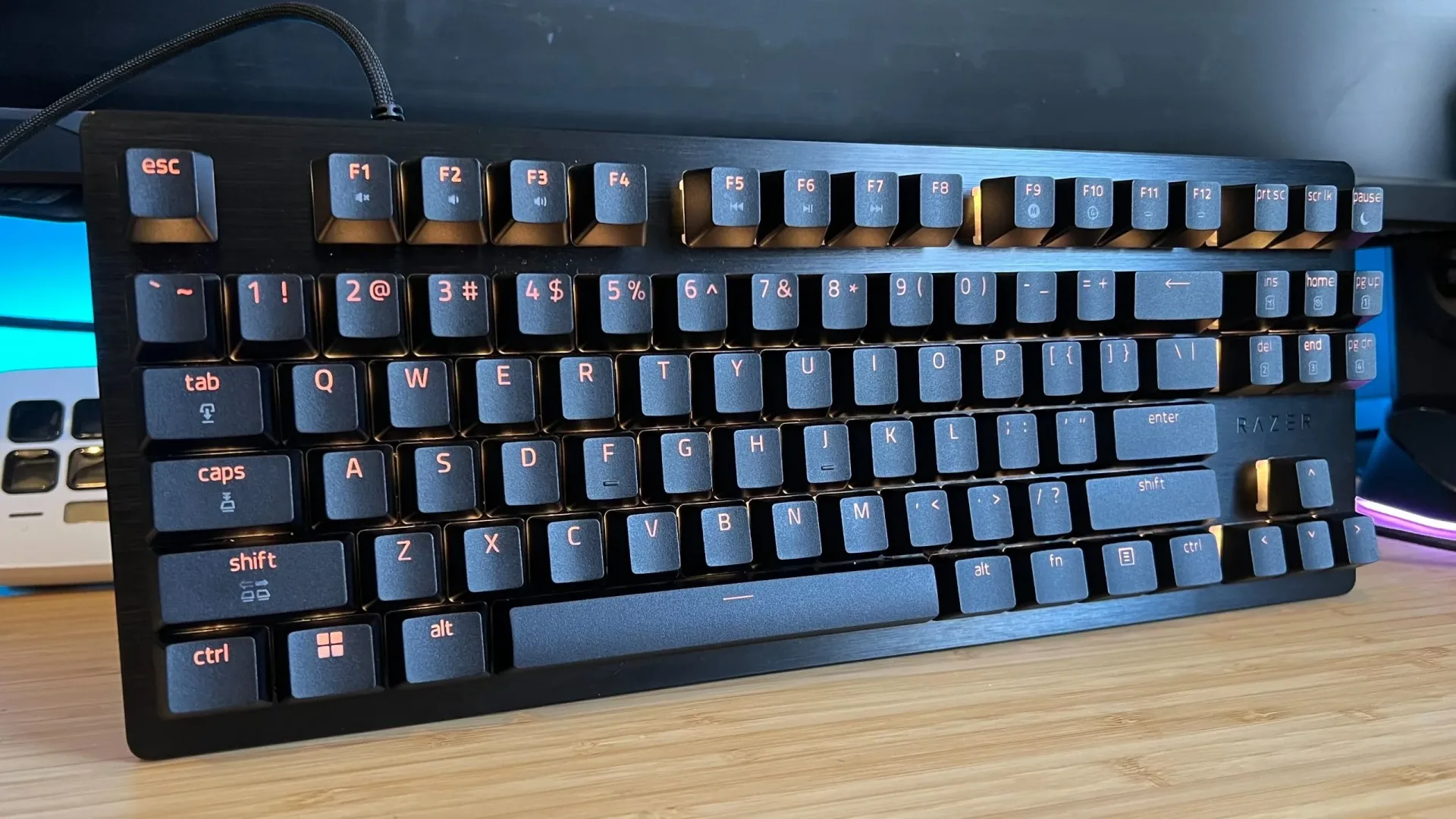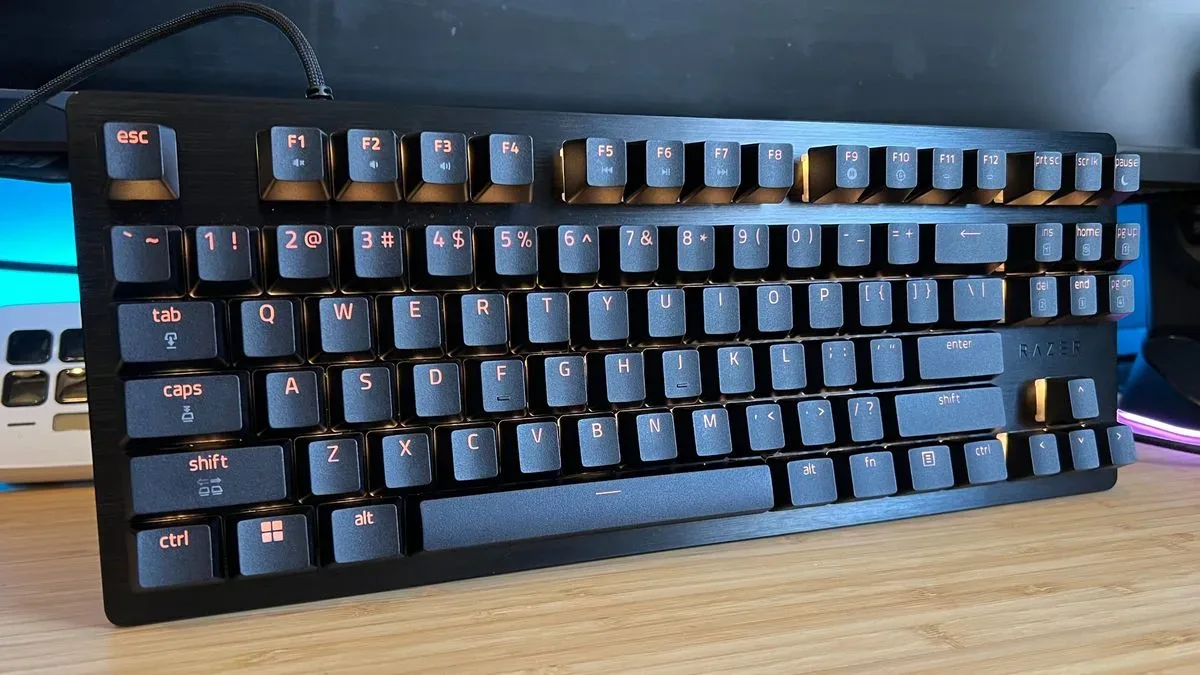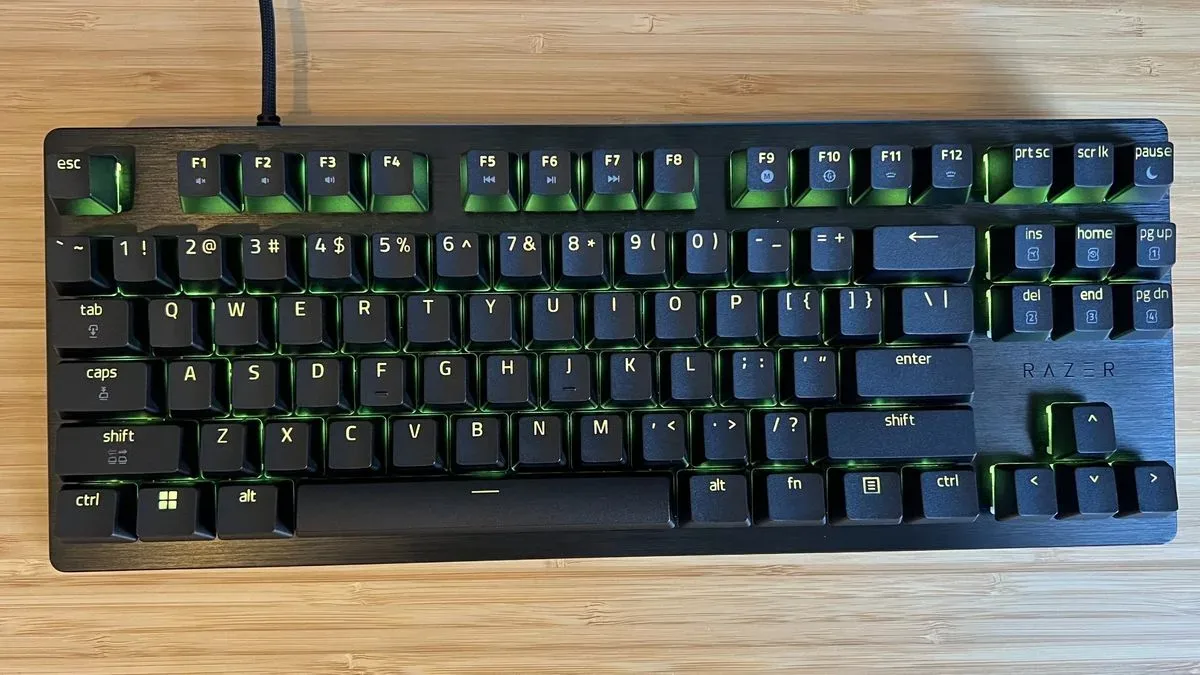
Razer has brought Hall effect magnetic switches to the Huntsman line with the Huntsman V3 HE, a wired gaming keyboard available in compact and tenkeyless (TKL) versions. It starts at $119.99, while the larger model with navigation buttons is listed at $139.99. That pricing puts it below several prominent mainstream magnetic-switch alternatives, while retaining the adjustable actuation and rapid-input functions that have become central to the category.
The bigger story, though, may be less about a new switch technology badge and more about refinement. The Huntsman V3 HE reportedly addresses a major sound complaint attached to the prior Huntsman V3 Pro Mini: unwanted case noise. An added sound-dampening layer is intended to reduce ping, echo and rattle, and the result is described as a more controlled, crisp clack during use.
For PC players interested in magnetic keyboards but unwilling to surrender separate arrow keys or jump to a much higher price tier, that combination gives the V3 HE a distinct role. It does not make the keyboard an all-purpose bargain, nor does it remove the usual Hall effect compromises. It is wired, lacks dedicated media controls, has no wrist rest or USB passthrough, and the most elaborate competitive features will not matter equally to every player. But it is a significant entry from a brand long associated with optical analog switches.
What Hall effect switches actually change
A Hall effect keyboard uses magnets and sensors to measure key travel rather than relying on the conventional physical contact mechanism associated with many mechanical switches. The practical benefit is adjustable actuation: users can choose how far a key must move before it registers.
Razer’s Hall Effect Magnetic Switches offer an adjustment range from 0.1mm to 4mm, with a 40g operating force. At the shallow end, a key can activate with a remarkably short press; at the deeper end, it can be configured to require a more deliberate input. The stated force puts the general feel in the neighborhood of a linear red-style mechanical switch, although magnetic switches can carry somewhat more resistance.
That flexibility makes sense for players who use one keyboard for very different tasks. A low actuation point may appeal in fast competitive games where movement corrections and repeated commands are paramount. A deeper setting can help someone who wants to avoid accidental presses while typing or playing a slower-paced title. Adjustable actuation is not automatically an advantage if left untouched, but it gives owners room to tune the board instead of accepting one fixed threshold.
Rapid Trigger is the other key concept. Instead of requiring a key to return all the way to a fixed reset point before it can register another press, this mode dynamically resets the input as soon as upward movement is detected. In simple terms, that can make repeated directional changes or taps more responsive. It is a feature with its clearest audience in highly competitive play; for everyday desktop work, the difference is likely to be less consequential.
Input options go beyond basic adjustable actuation
The Huntsman V3 HE also includes Snap Flex and Dynamic Keystroke. Snap Flex can assign certain actions to the release of a key, creating another potential input point in a press-and-release cycle. Dynamic Keystroke can place up to four commands on a single key based on how it is pressed.
Related coverage includes Razer Huntsman V3 HE Review: Hall Effect Performance With a Much Better Sound Profile.
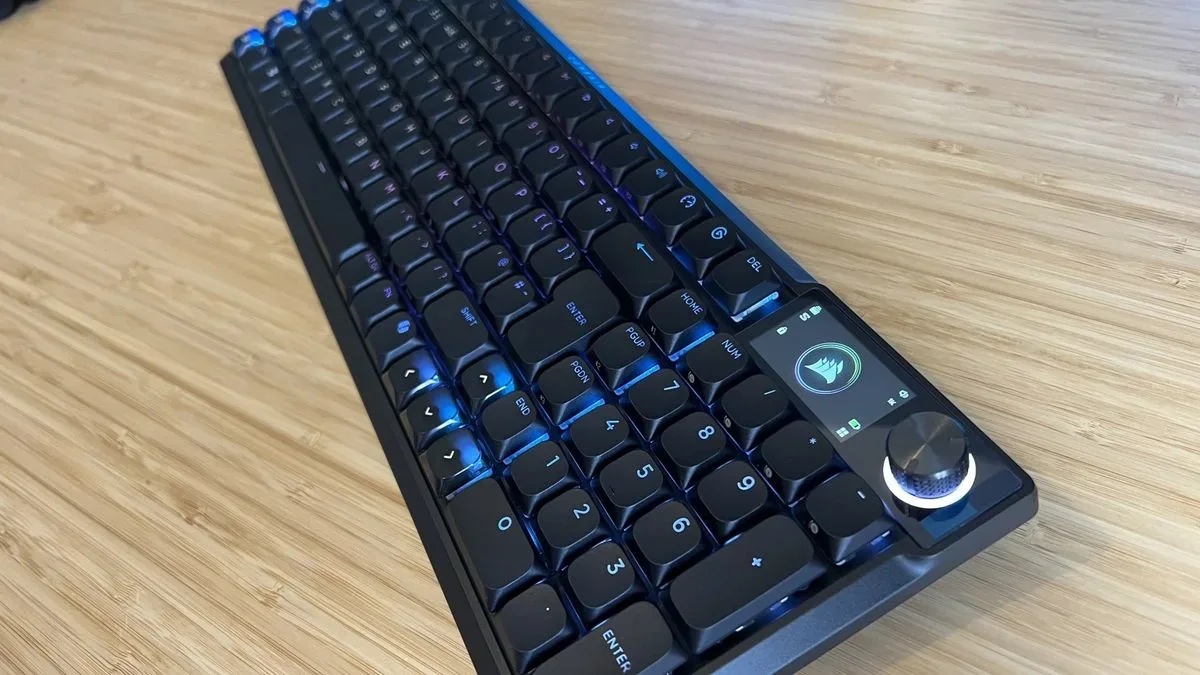
Those tools are technically ambitious, but they deserve context. A four-command configuration is more expansive than the two-command option attributed to the Corsair Vanguard Pro 96, yet multi-action mappings remain a specialist feature rather than a default need. Players should also remember that game rules and anti-cheat policies can vary around macros or complex automated inputs. The sensible approach is to treat these settings as customization options, check the rules for the game being played, and avoid assuming every feature is useful—or permitted—in every competitive environment.
For the broader PC audience, the more practical software feature may be calibration. Razer Synapse includes the expected key remapping, actuation controls and RGB settings, but it also includes a recalibration tool for the magnetic switches. The tool is designed for circumstances in which external magnetic fields could affect actuation accuracy. Such interference is not presented as a common everyday problem, but the ability to reset magnetic accuracy is a meaningful safeguard for a keyboard built around sensor-driven inputs.
A sturdier, quieter chassis—but not a premium internal design
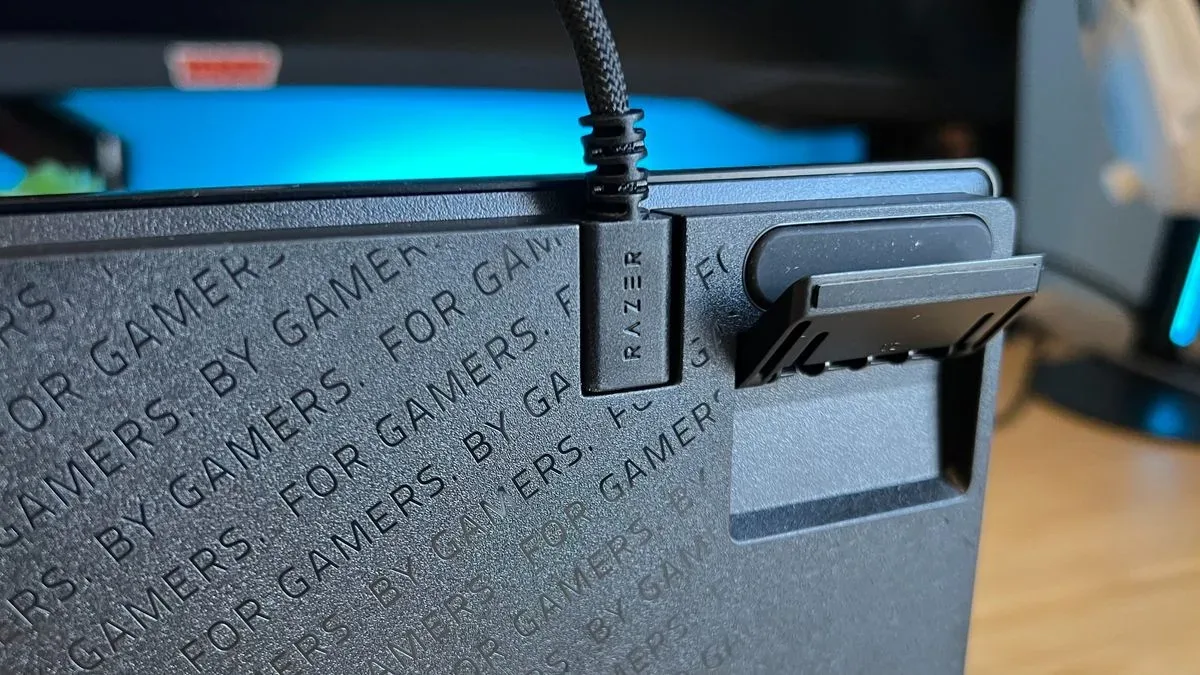
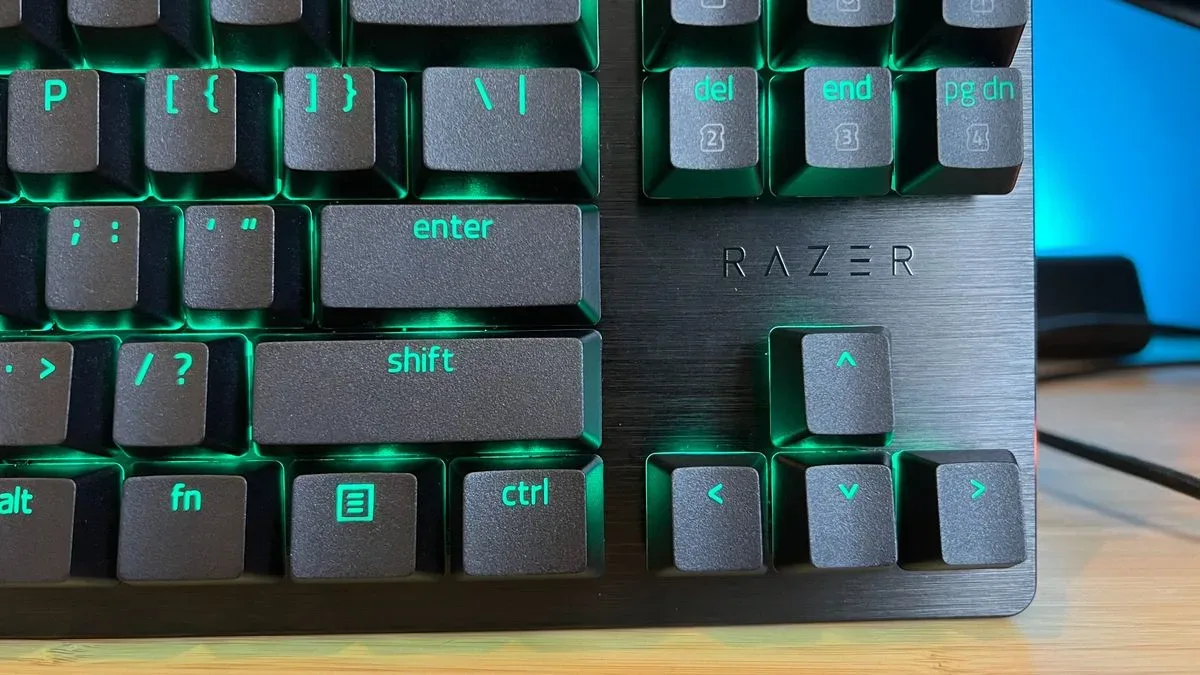
Externally, the Huntsman V3 HE follows Razer’s familiar black, brushed-metal direction. It has a firm top plate, dense case and textured doubleshot PBT keycaps. Doubleshot PBT means the legends are formed from separate plastic layers rather than simply printed on top, while PBT is commonly valued for its durable, textured surface.
Inside, it uses a tray-mounted construction rather than a gasket-mounted design. That distinction matters to keyboard enthusiasts because gasket mounting is often associated with more isolated, cushioned typing feel and can appear on more expensive models. Tray mounting is a more straightforward approach, and on paper may suggest a less premium build philosophy. Yet the important reported outcome here is the absence of broad chassis ping, echo and rattle.
Sound is subjective, and the board is not presented as perfectly uniform: the Enter and Space keys produce a deeper tone than other keys. Still, the move away from the noisier behavior associated with the preceding model is consequential. Keyboard acoustics are not a trivial cosmetic concern for people sharing rooms, using voice chat, or spending long stretches writing as well as gaming. A smooth switch can feel excellent, but a resonant case can make the entire product feel cheaper over time.
Two flip-out feet provide elevation options for longer sessions. They reportedly remain stable during desk use, though they can pop free if the keyboard is moved or stored while those feet are unfolded. It is a small detail, but it illustrates the product’s overall balance: solid fundamental construction, with a few reminders that it is not attempting to include every premium convenience.
Layout and connectivity will decide whether it fits a setup
Razer is offering the Huntsman V3 HE in compact and TKL form factors. Layout is often more important than the headline switch specification. A smaller board creates additional mouse room, which can be useful for low-sensitivity players who make wide arm movements. A TKL model omits the number pad while preserving more of the navigation cluster, making it a more familiar transition for people coming from a full-size keyboard.
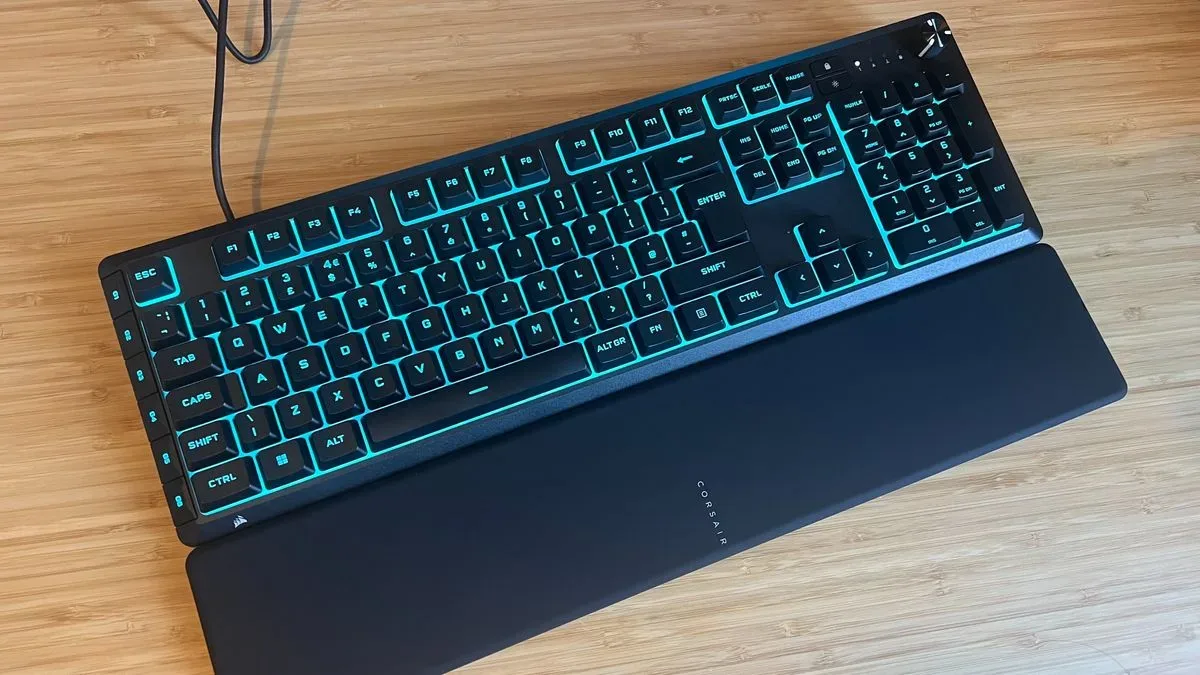
The compact version is particularly relevant for players who want arrow keys available without moving to a larger traditional layout. The supplied comparison positions the keyboard as an appealing option versus a cheaper 60% Corsair Clipper Pro Mini 60, priced at $99, for buyers who place a premium on retaining those controls.
Connectivity is more straightforward: this is a wired keyboard. Razer has not included a battery, keeping down the weight and cost that wireless operation would add. That can be a sensible trade for desk-bound competitive play, where a cable is often no concern. It is less attractive for people who regularly switch between devices, value a clean cable-free space, or need a keyboard that can travel easily.
The board also supports an 8,000Hz polling rate. Polling rate describes how frequently a device reports input information to the computer. A higher figure can reduce the interval between reports, but its real-world importance is highly dependent on the rest of a player’s setup and use case. For most users, the adjustable switches, comfort and layout will have a far more noticeable impact than the 8,000Hz specification.
Competitive value, with the familiar magnetic-keyboard caveat
At $119.99 to $139.99, the Huntsman V3 HE is positioned aggressively against mainstream rivals. The compact model is described as $100 below the SteelSeries Apex Pro Gen 3 range in the relevant comparison, and it is also below the $179.99 Logitech G512X. The Corsair Clipper Pro Mini 60 at $99 remains the lower-cost mainstream Hall effect alternative cited here, but Razer’s design aims at buyers who want a different layout and feature balance.
The keyboard’s value proposition is therefore not simply “Hall effect for less.” It is Hall effect at a comparatively accessible mainstream price, with compact and TKL choices, adjustable actuation, Rapid Trigger, extensive per-key options and a notably improved sound profile.
There is one reliability note worth keeping in perspective. A compact unit reportedly exhibited key chatter, especially around Shift, before a replacement eliminated the issue. That points to a possible unit-specific manufacturing problem rather than a demonstrated line-wide behavior, but it remains a valid reason for purchasers to test all keys promptly and use return or warranty channels if repeated unintended inputs appear.
Potential buyers should also resist treating magnetic switches as an automatic upgrade over every conventional mechanical keyboard. Hall effect models frequently cost more and sometimes omit quality-of-life features. The Huntsman V3 HE is no exception: there is no wireless mode, dedicated media control cluster, wrist rest or USB passthrough. Someone primarily writing, browsing and playing noncompetitive games may find better value in a mechanical board with those comforts. Someone focused on ranked play and rapid directional inputs may make much more use of the magnetic feature set.
For the latter group, Razer’s first move into this segment looks strategically placed. It brings the expected Hall effect toolbox, puts it in a sturdy chassis, directly tackles case acoustics, and avoids the pricing usually associated with flagship magnetic keyboards. It is not a feature-maximal desktop centerpiece, but it makes a clear case for players who want a compact or TKL magnetic board without abandoning arrow keys or paying top-end pricing. For more hardware that can shape a competitive setup, see our coverage of the Xbox X25 Anniversary Controller.