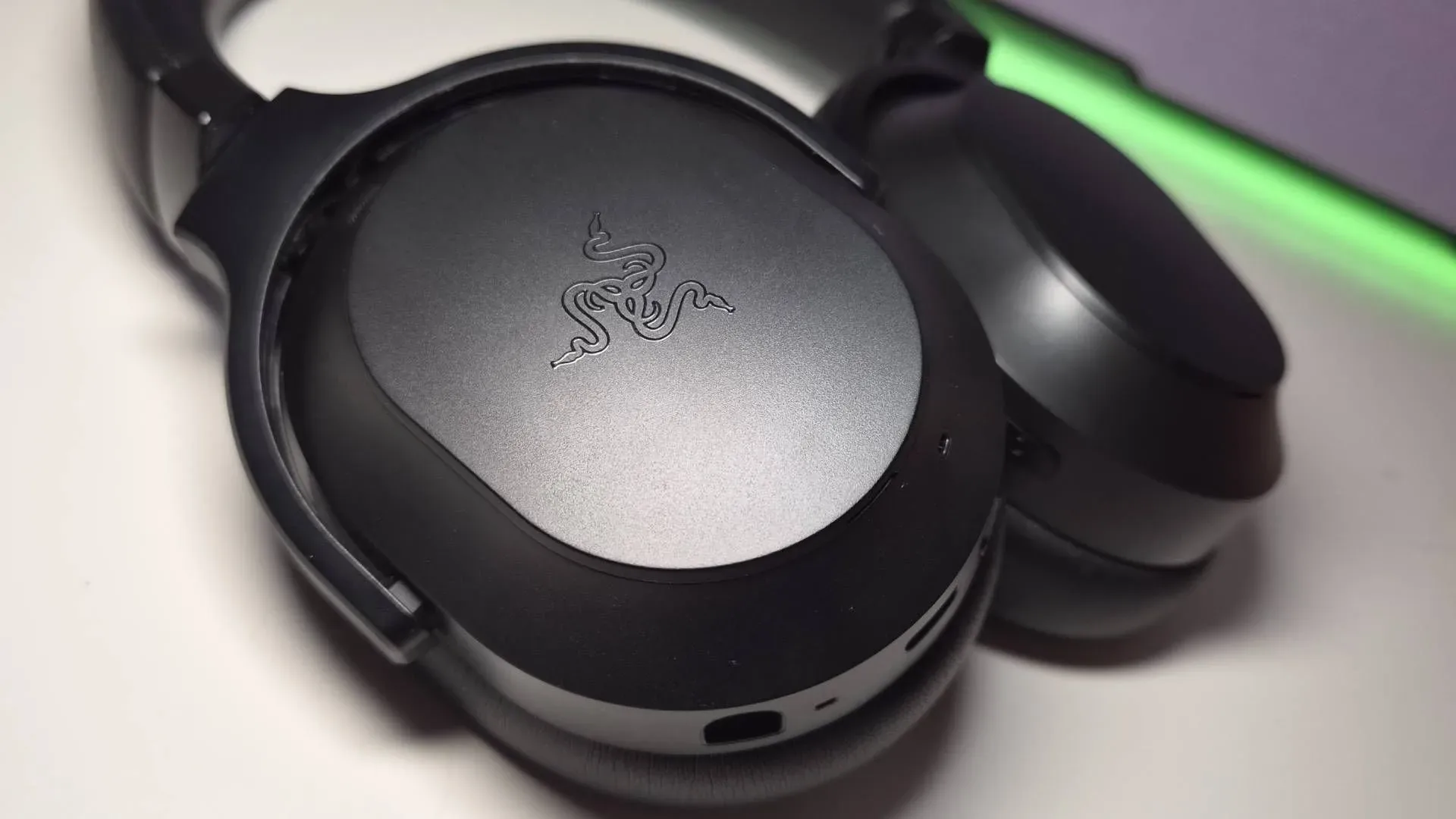
Gaming-headset spec sheets usually lead with big claims: driver materials, spatial-audio formats, noise cancellation and battery estimates. Razer’s newly available Barracuda V2 Pro has all of those talking points, including 40mm TriForce Bio-Cellulose drivers, active noise cancellation (ANC), THX Spatial Audio+, simultaneous 2.4GHz and Bluetooth audio, and battery life rated at up to 70 hours.
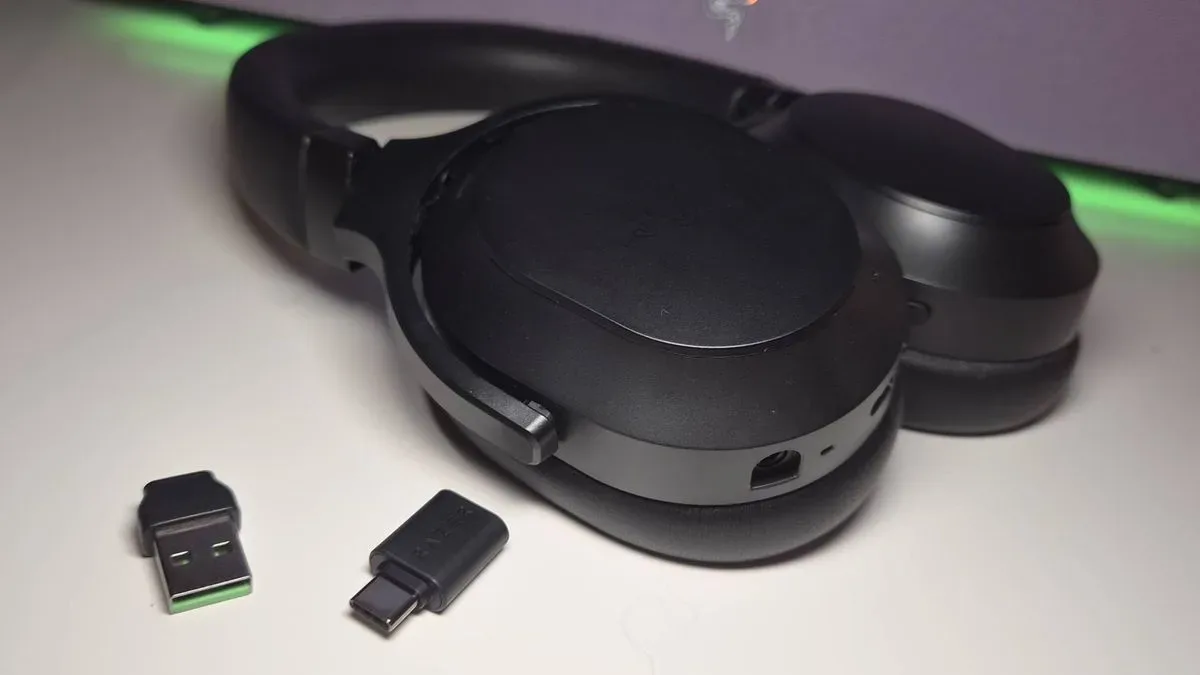
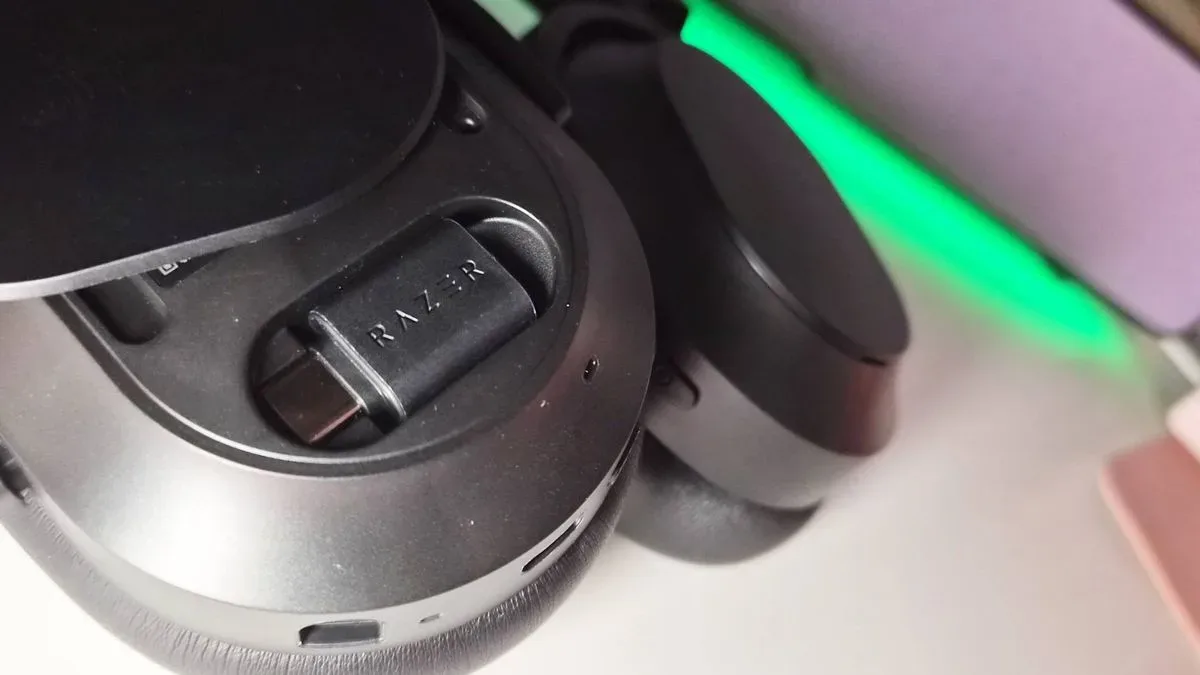
Yet its most immediately understandable design decision may be considerably smaller. The Barracuda V2 Pro has a dedicated hiding place for its 2.4GHz HyperSpeed wireless dongle inside the left ear cup. Remove the magnetic ear-cup cover and the receiver is there, rather than loose in a drawer, wedged into the pocket of an old bag, or living permanently in the USB port of whichever device last used it.
For a $199.99 / £199.99 headset meant to be folded up and carried around, that is not a trivial convenience. A wireless receiver is often the one part of a portable setup that is easiest to misplace and most annoying to replace. Razer’s solution does not make the component larger, smarter or more glamorous. It simply gives it a consistent home.
A small compartment addressing a familiar wireless problem
USB wireless dongles are compact by necessity. They need to fit into a laptop, console-adjacent device, dock or adapter without becoming an obstruction. The downside is obvious: a tiny black receiver can vanish among cables, packaging and travel gear with almost no effort.
The Barracuda V2 Pro’s left cover attaches magnetically and can be taken off to access the stored HyperSpeed dongle. That arrangement means the receiver can travel with the headset whether it is in use or packed away. It also avoids the cumbersome ritual of searching for the original box whenever a player switches from Bluetooth to the headset’s dedicated wireless connection.
There is an important limitation. The compartment is for the dongle only; it does not accommodate the included USB-C-to-USB-A adapter. Anyone using the adapter will still need a separate system for keeping track of it. That omission prevents the storage setup from being a complete answer for every accessory in the box, but the primary receiver is the more specialized item—and likely the harder one to replace on short notice.
It is a modest point of industrial design, but one with practical value. Gaming hardware is increasingly portable: a headset may move between a desktop, laptop and other Bluetooth-capable devices, then go into a backpack for the day. A place to return a key connection accessory lowers the chance that portability turns into an inventory-management exercise.
What 2.4GHz and Bluetooth mean on this headset
The Barracuda V2 Pro supports simultaneous 2.4GHz and Bluetooth audio. These terms describe two distinct wireless approaches rather than interchangeable labels.
Related coverage includes Razer Barracuda V2 Pro Launches With a Clever Dongle Hiding Place.
Bluetooth is the broadly compatible wireless standard commonly used by phones, tablets and many other devices. It is useful for everyday listening and device flexibility. 2.4GHz wireless, in this case Razer’s HyperSpeed connection through the included USB receiver, uses a dedicated dongle for the headset connection. The receiver is therefore central to accessing that mode, which makes a built-in storage spot especially logical.
“Simultaneous” indicates that the headset can handle both connection types at once. In practical terms, the feature is designed around the possibility of keeping a gaming device connected through 2.4GHz while also maintaining a Bluetooth connection to another device. The appeal is less about adding a headline feature than avoiding needless disconnection and reconnection between different parts of a player’s day.
The dongle compartment helps support that flexibility because it keeps the dedicated receiver close at hand when the user wants to move back to 2.4GHz. Bluetooth may remove the need for a receiver in some situations, but it does not make the receiver irrelevant. Rather, the headset’s dual-connectivity pitch makes it more likely that users will alternate between modes—and therefore more likely that a safe place for the dongle will matter.
The rest of the Barracuda V2 Pro specification picture
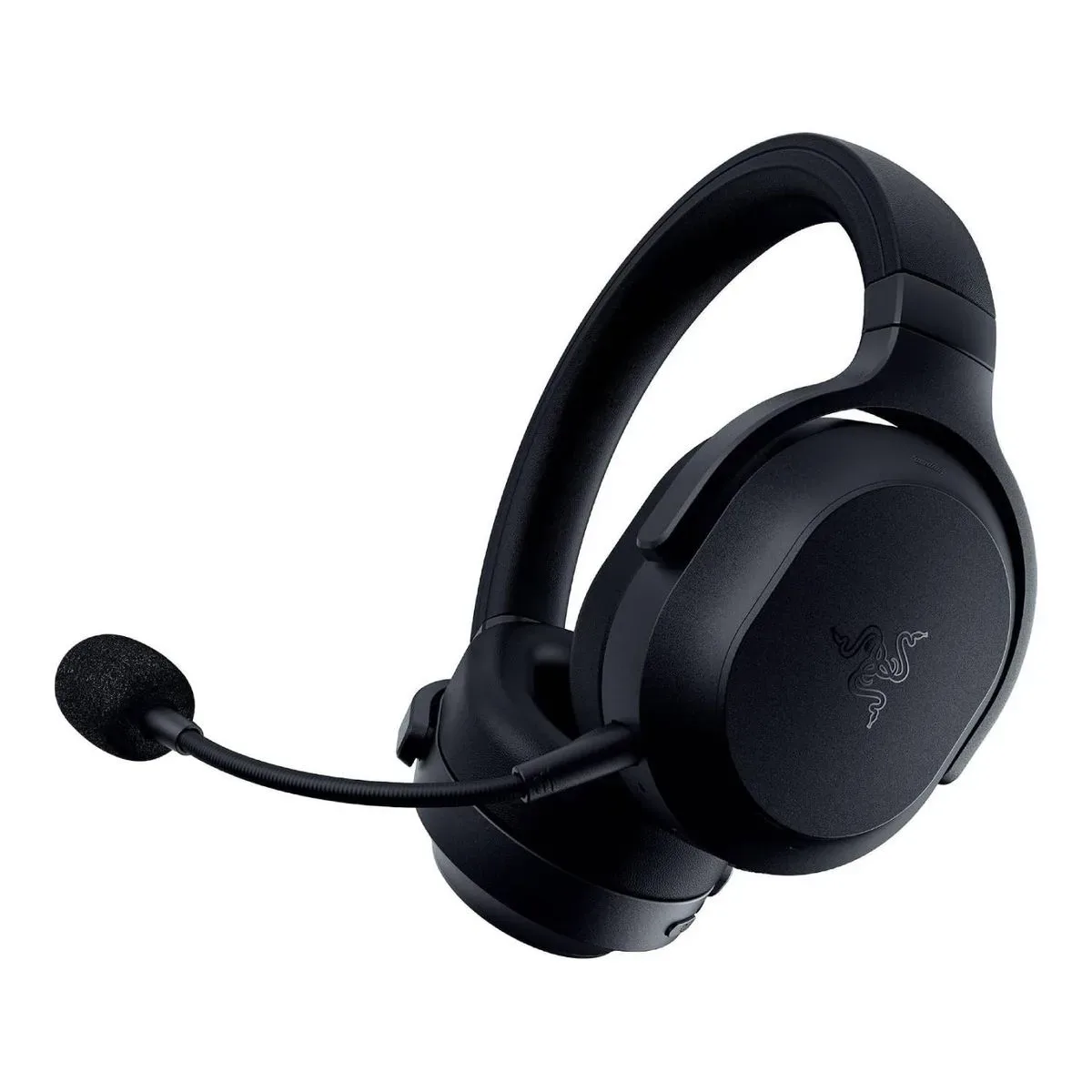
Razer lists the Barracuda V2 Pro as an over-ear, closed-back headset weighing 285g. “Closed-back” refers to ear cups designed to be enclosed rather than open to the surrounding environment. The design is typically associated with isolating the listener from outside sound more than an open-back construction, and it fits a headset that also includes ANC.
ANC, short for active noise cancellation, uses microphones and signal processing to counter persistent external noise. It is separate from the passive isolation created by the physical ear cups. The two approaches can work toward the same broad goal—reducing distractions—but accomplish it differently. Razer has also omitted RGB lighting from this model, avoiding an additional illuminated feature that could draw on battery power.
The listed 40mm TriForce Bio-Cellulose drivers are the components that create sound inside each ear cup. A driver’s millimetre figure describes its diameter, while “Bio-Cellulose” identifies the material Razer is highlighting in its driver design. Those details alone cannot settle how a headset will sound to every listener; sound quality involves tuning and personal preferences alongside the underlying hardware. Still, they establish the basic audio hardware Razer is putting into the V2 Pro.
THX Spatial Audio+ is the headset’s named spatial-audio feature. Spatial audio broadly refers to processing intended to give game audio a more positional presentation. It can be particularly relevant in games where direction matters, though the experience can vary by game, platform and audio implementation. Its inclusion places the Barracuda V2 Pro alongside current headset expectations for an immersive gaming feature set rather than framing it purely as a travel pair.
Built for the bag, even without a supplied case
The Barracuda V2 Pro has a foldable form factor and weighs 285g, two traits that point directly toward travel and daily carry. Foldability reduces the amount of bag space a headset demands, while on-board dongle storage removes one loose part from the equation. Razer does not include a carrying case with the headset, so buyers who want dedicated protection will need to account for that separately.
That caveat makes the ear-cup compartment more meaningful, not less. A case can offer another pocket for a receiver, but a case is one more thing that can be left at home. Storing the dongle in the product itself is a more direct approach: the receiver follows the headset because it is physically contained by the headset.
Portable gaming accessories have increasingly treated storage as part of the product experience. Fractal Design’s Scape headset has a dongle-storage area on the underside of its charging base, while 8BitDo has used compartments in controller charging stands, including with its Ultimate 2 controller. Razer’s approach moves that thinking into the headset, where the receiver is protected by the removable ear-cup cover rather than a desktop stand.
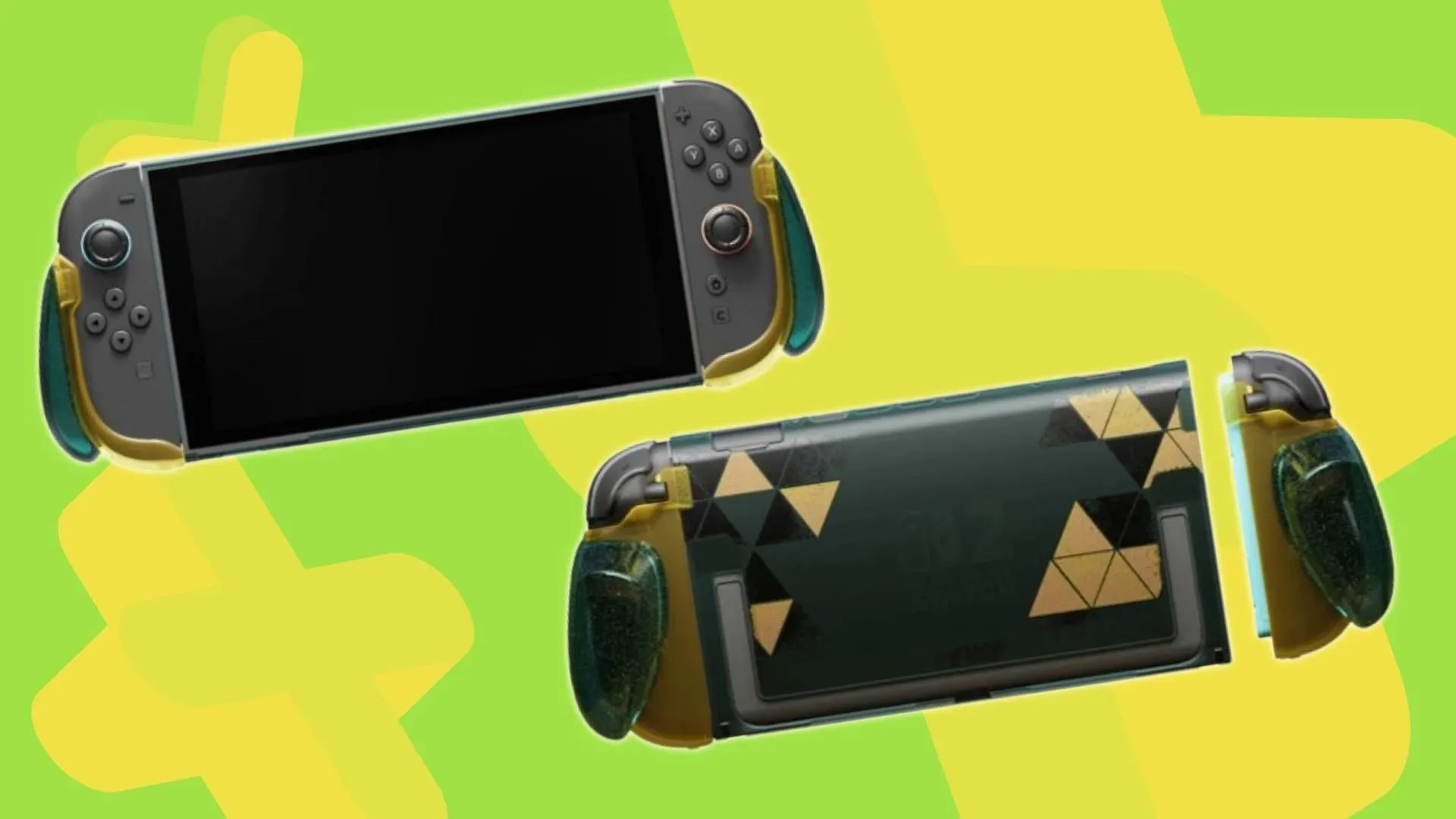
That focus on a device’s day-to-day logistics has plenty of relevance beyond PC setups. Portable accessory design remains a live issue across gaming hardware—something also visible in products such as a Switch 2 grip built around handheld use and personalization. The details differ, but the principle is shared: hardware that travels well has to account for how people actually pack, connect and retrieve it.
Removable covers invite questions, but not assumptions
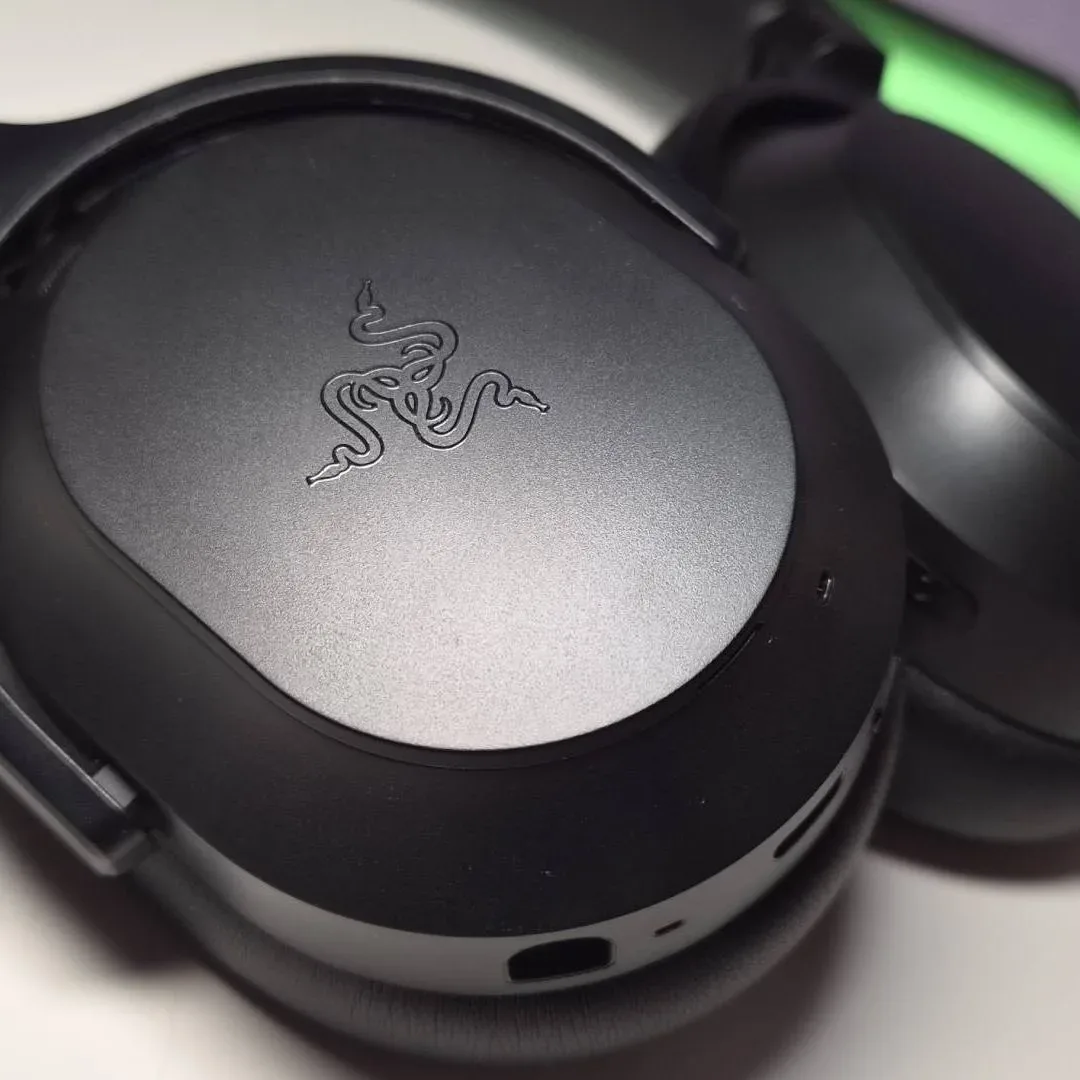
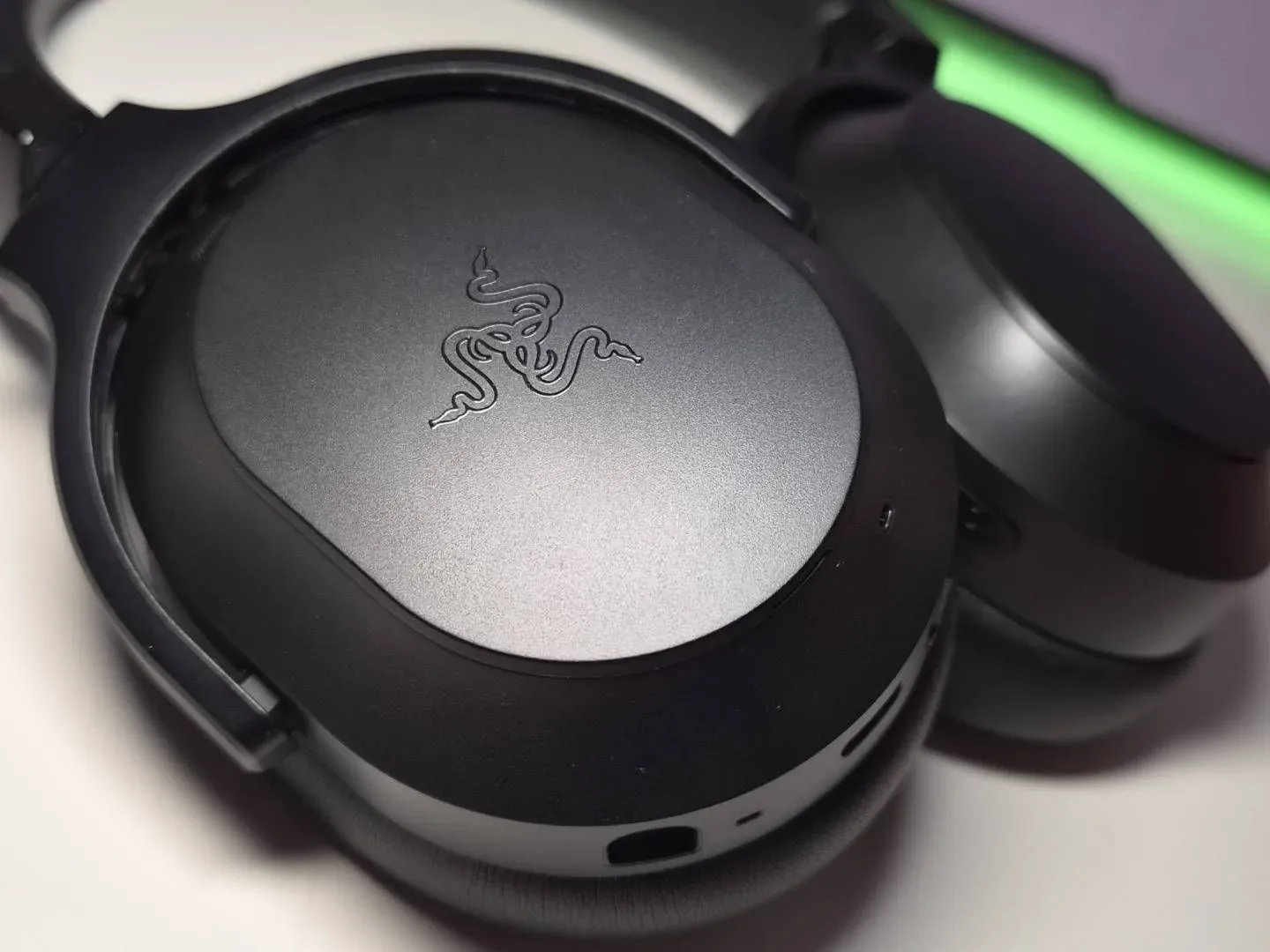
Both Barracuda V2 Pro ear-cup covers can be removed magnetically. The left cover conceals the wireless-dongle compartment. The right cover does not provide an equivalent storage function and instead carries copyright information.
That symmetry naturally raises the possibility of interchangeable covers, similar in broad concept to SteelSeries Booster Packs, which let owners alter a headset’s appearance. However, Razer has not announced alternative Barracuda V2 Pro covers. At present, removable covers should be understood as part of the headset’s physical construction and access design, not as confirmation of an upcoming customization system.
That distinction matters because gaming accessories often invite speculation when a design appears to leave room for future variations. Razer has released Pokémon collections during 2026, but there is no announced Pokémon Barracuda V2 Pro cover option. It is reasonable to see the potential; it is not reasonable to treat it as a product plan until the company says so.
Why the dongle slot deserves attention
There is no shortage of gaming headsets promising expansive audio, multipoint-style convenience or long battery endurance. The Barracuda V2 Pro arrives with a fairly complete set of contemporary features: closed-back over-ear construction, ANC, THX Spatial Audio+, dual wireless connectivity, a foldable body and an up-to-70-hour battery claim.
But the dongle bay is the feature that recognizes a blunt reality of wireless gear: a connection method is only useful when the component required to make it work has not disappeared. The Barracuda V2 Pro cannot entirely eliminate accessory clutter, because its USB-C-to-USB-A adapter remains separate. It does, however, give the most distinctive small component an obvious and integrated place to live.
For buyers comparing headsets around the $200 mark, it is worth evaluating that kind of detail alongside audio and connectivity specifications. A high-end feature list may determine capability, but thoughtful physical storage can determine whether that capability is available when it is needed. On the Barracuda V2 Pro, the most persuasive feature may be the one that prevents a frantic search through the bottom of a backpack.
Shop the products
Check current price, model and availability at the retailer.