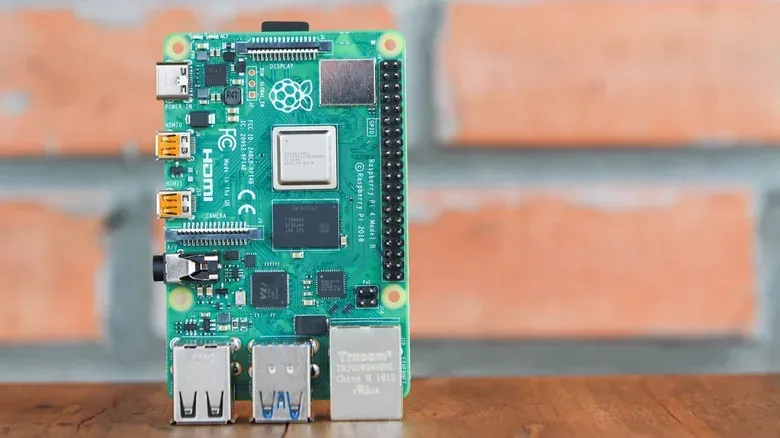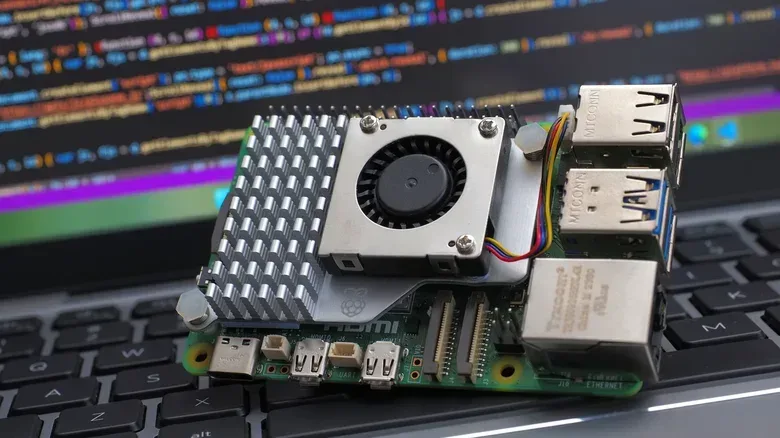
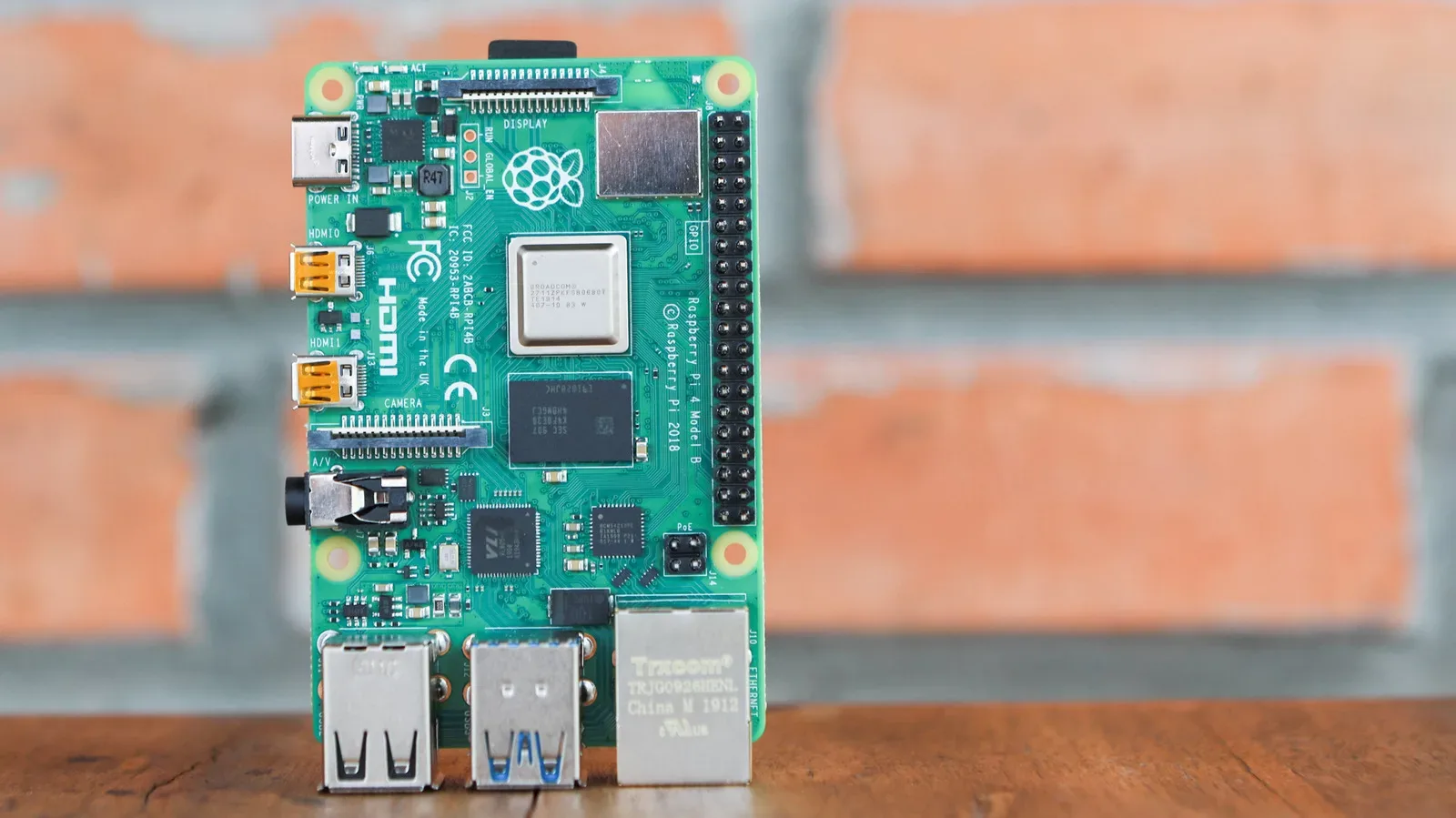
The Raspberry Pi 5 is the more powerful single-board computer, but “newest” and “best fit” are not always the same thing. That distinction matters more while memory shortages are raising board prices and making lower-cost configurations harder to find. For projects that do not need a tiny desktop replacement or sustained heavy processing, the Raspberry Pi 4 remains a practical alternative with a lower surrounding hardware burden.
The core buying question is not simply whether the Pi 5 beats its predecessor. It does: its performance is described as more than twice that of the Pi 4. The more useful question is whether a planned project will actually use that extra headroom often enough to justify the board price, a more capable power supply and, in many cases, active cooling.
That makes the Raspberry Pi market feel less like a straightforward generational upgrade and more like selecting the right character build. Buying maximum stats for a job that mostly waits for a signal, serves a modest task or controls connected hardware can leave money on the table.
Memory pricing has changed the value equation
Recent memory shortages have affected Raspberry Pi pricing alongside the wider technology market. In early November 2026, Raspberry Pi chief executive Eben Upton said the 16GB Raspberry Pi 5 would rise by $80, putting that configuration at $385. The 2GB, 4GB and 8GB Pi 5 models had already increased in price earlier in 2026.
Those changes are particularly significant for a platform long associated with affordable experimentation. The Pi 5 still has a quoted $45 starting price, but that figure does not represent the whole build. A board needs power, and a project may also need a case, storage and thermal hardware. The cost of those extras varies by project, but the important distinction is that the Pi 5 can require more of them than the Pi 4.
Price pressure is not limited to the newer board. Higher-end Pi 4 variants have also become more expensive over roughly the past year. Still, the Pi 4 remains slightly cheaper than the Pi 5 in the comparison presented here, and its official starting price is $35 for the 1GB model. That entry price matches the original Raspberry Pi’s 2012 launch price, even though the surrounding market is very different.
For a buyer with a fixed budget, this means comparing full project costs rather than treating the board as the complete purchase. A cheaper board that works with equipment already on hand can be more useful than a faster board whose required accessories consume the savings.
When Pi 5 performance makes a visible difference
The Pi 5’s advantage is most meaningful when it is asked to behave like a primary computer. Web browsing and heavier workloads place greater demands on the processor, and the Pi 4’s slower CPU is less well suited to that role. Anyone planning to use a Raspberry Pi as their sole computer has a clearer reason to prioritize the newer model, particularly if the system will face repeated, demanding work rather than short bursts.
CPU, or central processing unit, is the part of the board that carries out general-purpose computing tasks. A faster CPU can make applications respond more quickly and can shorten demanding operations. But a faster processor does not automatically transform every project. Workloads that spend much of their time waiting for a request, a sensor reading or an instruction may not meaningfully benefit from additional CPU speed.
That is why the Pi 4 remains relevant for the kinds of hobby projects often associated with Raspberry Pi boards. The supplied use cases include self-hosting, home automation and robotics, where its performance is unlikely to be a limiting factor for many users.
- Self-hosting means running a service yourself on your own hardware instead of relying entirely on an outside provider. The right capacity depends on what is being hosted and how heavily it is used, but not every self-hosted task needs desktop-class responsiveness.
- Home automation is the use of computing hardware to coordinate connected devices or routines in a home. Such work can be more about reliability and compatibility than maximum processor throughput.
- Robotics can involve a computer controlling or responding to physical components. Project needs differ widely, so the board should be matched to the demands of the particular build rather than bought solely on generation number.
In other words, the Pi 5’s performance is real, but its practical value is workload-dependent. A Pi 4 can be the more proportionate choice when the goal is a dedicated appliance rather than a general-purpose personal computer.
Power and cooling are part of the purchase
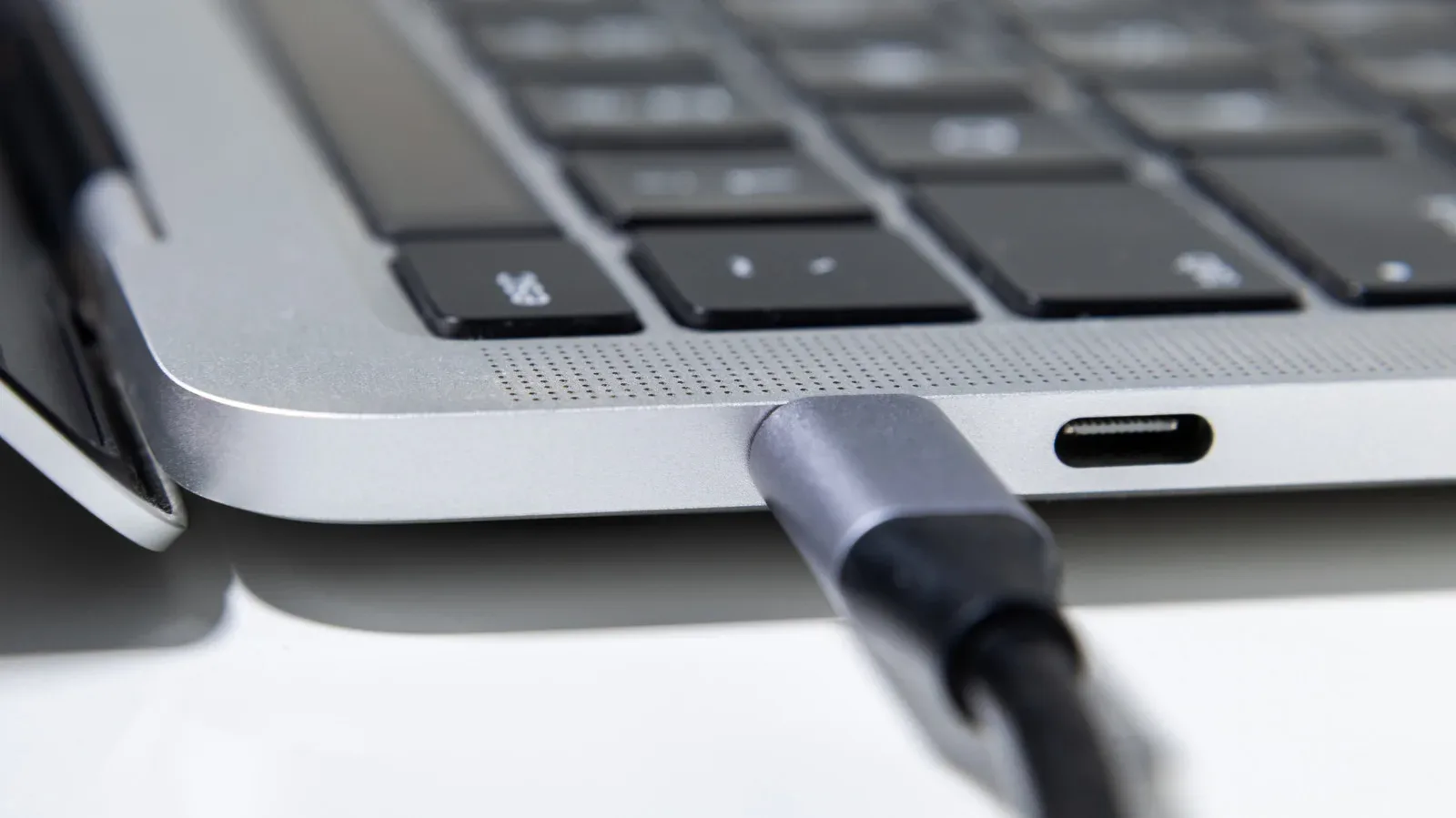
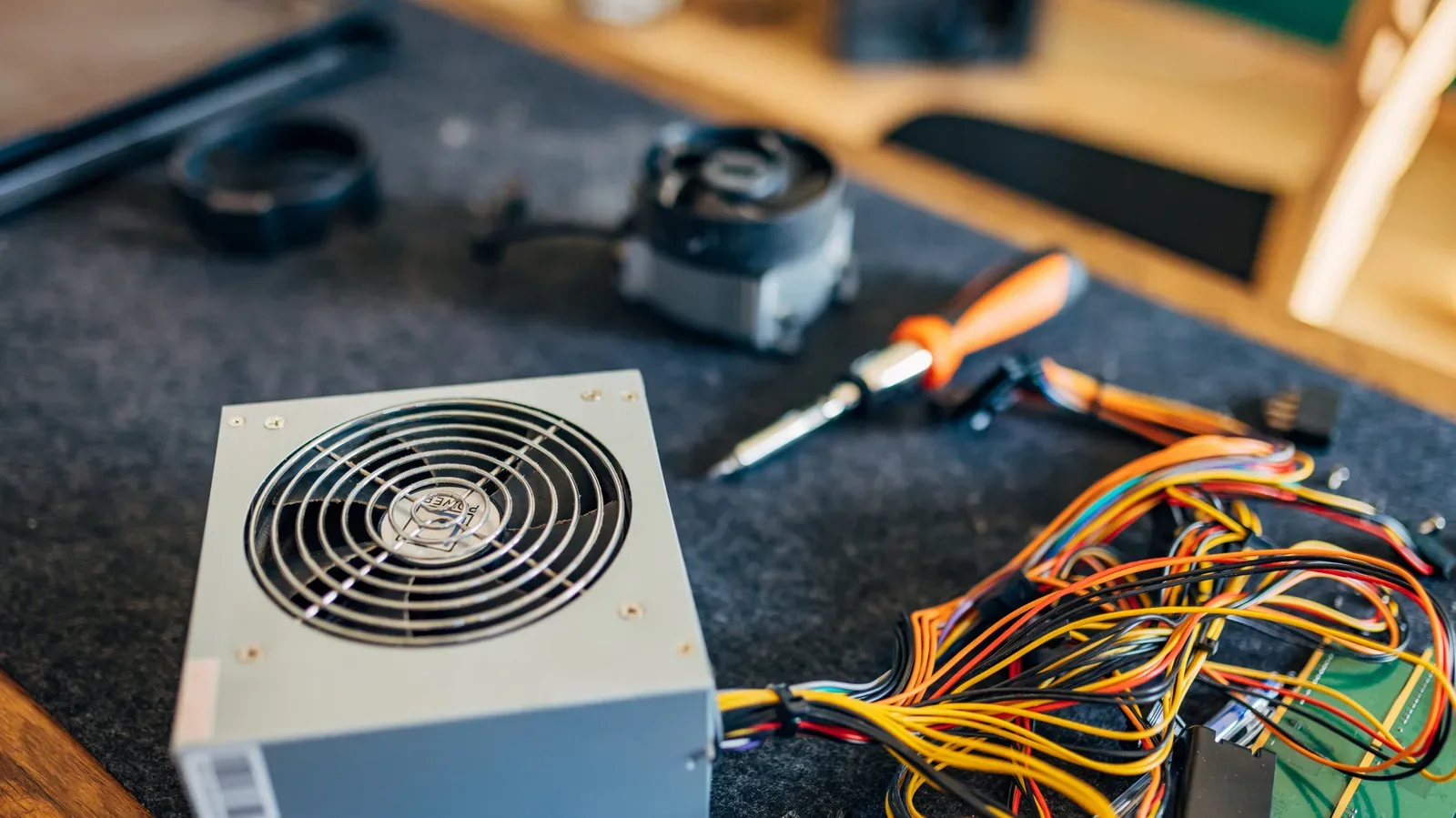
The biggest practical reason to consider an older board is not only its purchase price. The Pi 4 has more modest power and cooling needs. It can use a 15W USB adapter, while the Pi 5 requires a 27W USB-C Power Delivery adapter. USB-C PD, short for Power Delivery, is a standard for delivering higher levels of power through compatible USB-C equipment. In this comparison, the issue is simple: the Pi 5’s adapter requirement is more demanding, while 15W adapters are more common.
Thermals matter too. Under heavy load, the Pi 5 can exceed 176 degrees Fahrenheit, or 80 degrees Celsius, after about a minute. Without a cooling fan, it then throttles the CPU to bring temperatures down. Thermal throttling is a protective behavior in which a processor reduces its operating speed because it is getting too hot. It protects the hardware, but it also means the performance a buyer expected may not be maintained under sustained load without adequate cooling.
The Pi 4 benefits from cooling as well, but it does not heat up as quickly in this comparison. For many projects, a low-cost passive aluminum heatsink can be enough. A passive heatsink is a metal component that draws heat away from a chip without a fan. It has no moving parts. Active cooling adds a fan, which improves heat removal but is another component to buy and accommodate.
This is the difference between headline cost and build cost. A Pi 5 may start at $45, but a buyer should account for an appropriate power adapter and potential cooling hardware before deciding it is the less expensive route. Conversely, the Pi 4 can be especially appealing if a project does not need sustained heavy CPU performance and can use simpler supporting hardware.
That is not an argument that every Pi 5 needs the same setup. The thermal concern is tied to heavy load, and each project’s enclosure and workload will differ. It is, however, a reason not to evaluate a board in isolation.
RAM capacity should be chosen for the actual task
The comparison also depends on memory. RAM, or random-access memory, is the short-term workspace a computer uses while programs are running. More RAM can help when a system must keep more data and active programs readily available. It does not, by itself, make every lightweight dedicated project faster.
The lower-memory Pi 5 options are described as only slightly more expensive than a Pi 4, but their suitability depends on how much memory the planned work needs. This is an area where buyers should avoid treating the lowest possible configuration as universally ideal or assuming that more memory is automatically essential.
A sensible approach is to define the role first: primary desktop use, a dedicated self-hosted service, home automation, robotics or another focused project. Then choose the memory tier that role demands. Doing it in the opposite order risks paying for capacity that remains unused, especially at a time when memory pricing is affecting the entire product family.
Availability can outweigh a theoretical bargain
Availability is another point in favor of older boards. Affordable Pi 5 variants may be difficult to keep in stock at official retailers, while Pi 4 and Pi 3B+ boards are easier to find without waiting for replenishment. In the United States, the $35 Pi 4 is available through Micro Center locations, whereas the base Pi 5 may require an online order and shipping.
That changes the real-world calculation. A low advertised price does not help a buyer who cannot find the configuration they need. Shipping also belongs in a project budget, just as an adapter and cooling solution do. For anyone starting a modest project soon, a readily available Pi 4 can be more valuable than waiting indefinitely for a specific Pi 5 model to return to stock.
Older boards also appear frequently on the second-hand market as owners move to the Pi 5 or to more powerful computers. Listings can include useful extras such as power supplies, cases and other accessories. Bundles deserve a careful look because accessories may reduce the total cost of getting a project operational, not just the initial board price.
Buying used is less intimidating with a Raspberry Pi than with a conventional pre-owned desktop because the boards have no moving parts and are commonly used for relatively light tasks. A media-server example illustrates the point: such a board may be idle much of the time. Minimal power draw and heat generation can allow a Pi to remain useful for many years, potentially even a decade.
That does not make every second-hand listing identical. Buyers should still make sure the particular board, included power equipment and accessories suit the intended build. But an older Pi is not automatically a compromised choice merely because it has had a previous owner. In a constrained retail market, it may be the most direct route to an affordable setup.
Future-proofing has a cost—and no guarantee
The Pi 5 is the more future-proof choice for buyers able to pay more and locate stock. Its extra performance offers greater room for projects that may become more demanding over time. That is a valid reason to choose it, especially for someone who expects their board to take on primary-computer duties or heavier workloads.
But future-proofing is not the same as buying the highest available specification by default. It is an estimate about a project’s future, not a promise. A Pi 4 that meets a defined purpose today can remain the right tool for that purpose for a long time. Meanwhile, a Pi 5 bought for capability that never gets used still carries the costs of its power and thermal needs.
Raspberry Pi has characterized recent price increases as difficult but temporary and has indicated prices could be reduced when memory costs fall. At the same time, memory manufacturers have warned that supply shortages could last into 2028 and beyond. The timing of any price relief is therefore uncertain. Buyers planning a project now should make the decision based on present pricing, availability and requirements rather than assume a quick return to earlier price levels.
A practical way to choose
For a first pass, start with the workload rather than the product name. The Pi 5 is the better fit if the board will operate as a sole computer, face regular browser use or take on heavy workloads where its greater CPU performance can be felt. Its higher initial and supporting costs are easier to justify in those cases.
The Pi 4 remains compelling for lighter desktop use and dedicated projects such as self-hosting, home automation and robotics. Its lower power requirement, cooler operation and broad availability can make the overall build simpler. A used Pi 4 or Pi 3B+ bundle may be particularly attractive when it includes the accessories a project would otherwise require.
- Define what the board will do most of the time, not just the most ambitious thing it might do once.
- Choose RAM based on that role rather than assuming the largest configuration is necessary.
- Price the required adapter and likely cooling alongside the board.
- Check retail availability and shipping, then compare with credible used bundles.
- Reserve the Pi 5 premium for work that can genuinely use its performance.
For builders connecting external storage or peripherals, it is also worth understanding the limitations of the cables and ports they already own; this guide on testing USB port and cable speeds explains why the slowest link can determine the result.
The Pi 5 is not overkill in an absolute sense. It is a stronger board, and there are workloads for which that strength is plainly useful. The point is that a Raspberry Pi build is an ecosystem of board, memory, power, cooling, availability and intended workload. With prices elevated, that fuller calculation gives the Pi 4 an important second life.