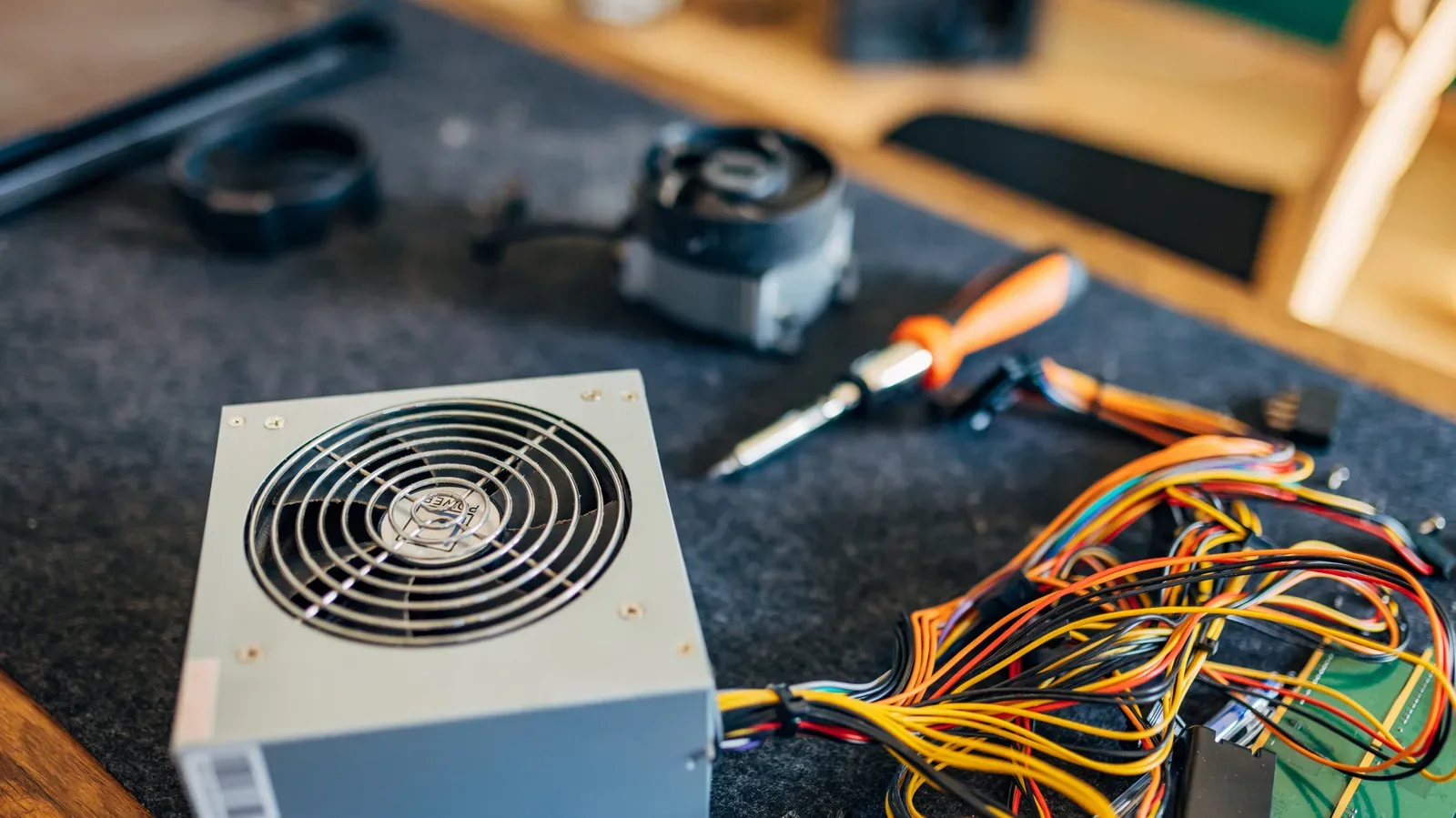
An old computer part is not automatically junk because it is old. In many cases, it will continue working until a physical failure finally stops it. The harder problem is whether that still-working component can connect to current hardware, meet the demands of current software, or serve a purpose that makes keeping it worthwhile.
That distinction matters especially for gaming PCs, where a graphics card or processor can go from desirable to limiting well before it is broken. It also matters for anyone storing a retired desktop, maintaining an older machine, or sorting through a box of parts after an upgrade. “Obsolete” and “dead” are very different verdicts.
Physical condition, operating history, heat, power events, storage conditions, platform changes and increasingly demanding applications all help determine where a component lands. Some hardware can remain useful for a decade or longer with basic care. Other parts may still power on but lose their practical role much sooner because the rest of the PC ecosystem has moved on.
There are two kinds of aging: failure and obsolescence
Physical failure is the straightforward form of aging. A part ceases to work because something has worn out, corroded, leaked, overheated, or been damaged by a serious electrical event. In that case, its usefulness is limited by its condition.
Obsolescence is different. The component works, but it no longer meets the needs of a current system or workload. A functioning GPU, for example, may not be powerful enough for demanding modern games or poorly optimized programs. An older motherboard may still run reliably, yet be a dead end for newer processors, memory standards, or other platform requirements.
This is why an older PC can feel simultaneously healthy and outdated. It may start normally, perform its original job, and have no immediately obvious fault. But compatibility gaps can prevent sensible upgrades, while newer websites and software can ask more of its CPU and graphics capabilities than the machine was designed to provide.
For a player interested in keeping an older PC around, that does not mean the system has no value. It means the question should change from “Is it modern?” to “What can it still do reliably?” Older machines may still have a place for lighter computing, targeted retro software, a specific legacy peripheral, or projects that do not require the latest performance ceiling. The growing divide is not simply whether the silicon works; it is whether the whole setup remains fit for the intended use.
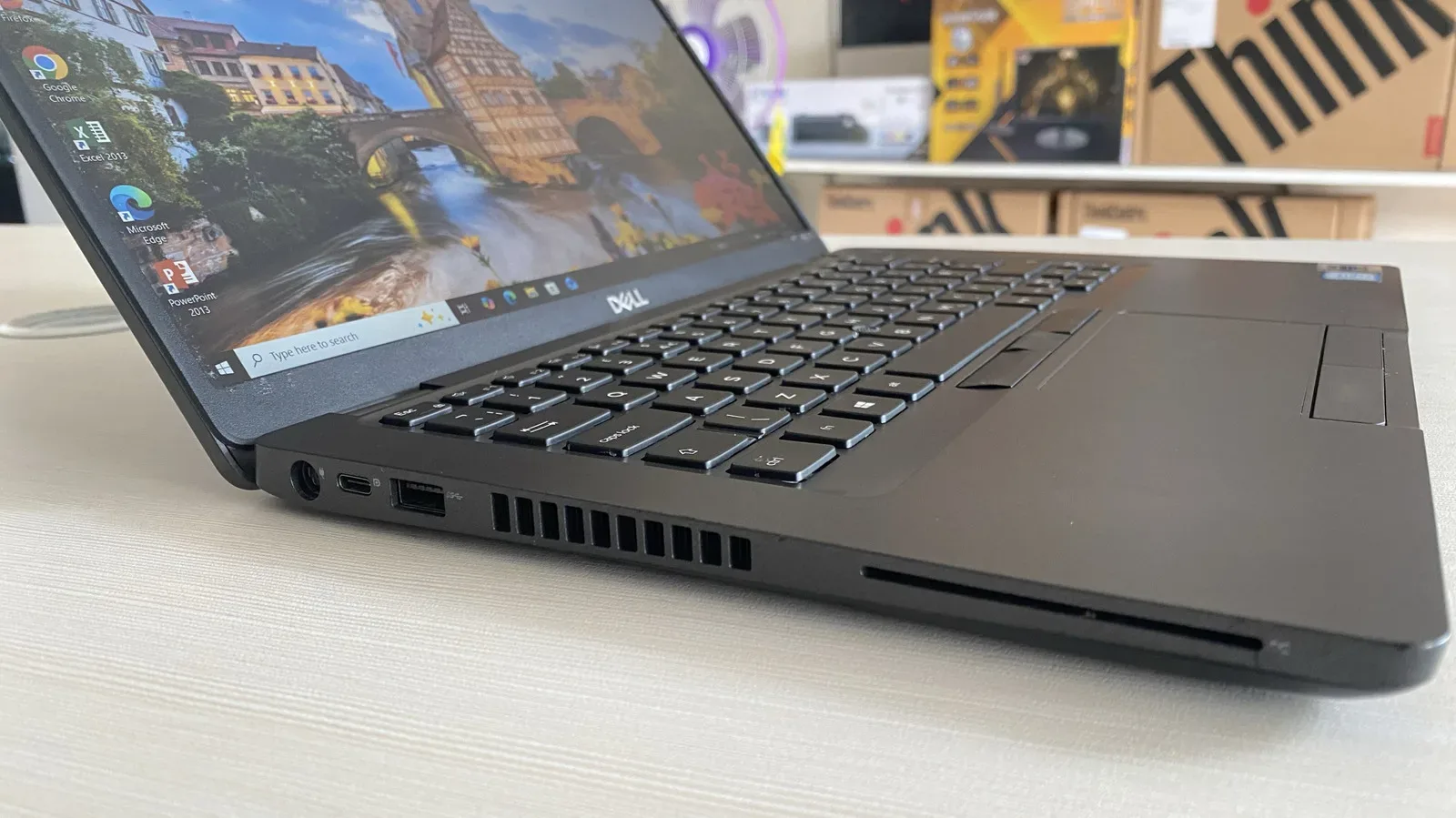
That broader compatibility issue is also worth keeping in mind when dealing with unfamiliar older equipment. Ports and expansion features can be easy to misread years later; our guide to the SC slot on old laptops is a useful reminder that identifying hardware correctly comes before deciding whether it has a role.
The parts most likely to outlast the platform
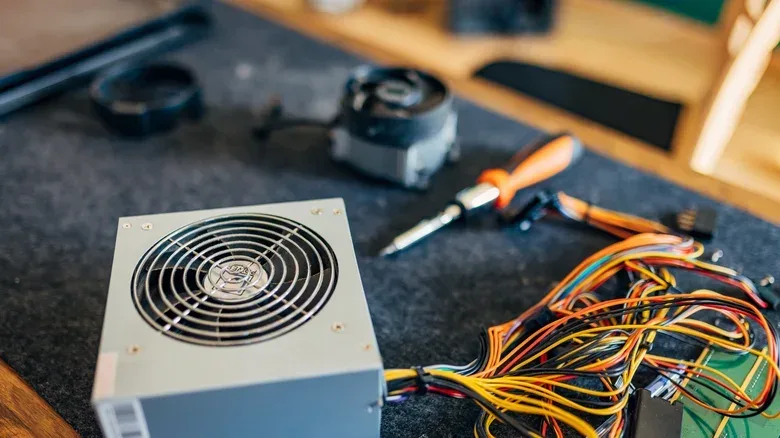
Some PC components are relatively insulated from fast-moving standards. PC cases and simple cooling hardware are the clearest examples. A case has a basic physical role: hold components securely and provide room for airflow. A fan moves air. Neither depends as directly on the changing performance expectations that can quickly make a processor or graphics card feel dated.
With careful treatment, simple cooling devices and less complicated cases can last a decade or more. Cleaning matters because accumulated dust can work against airflow and complicate maintenance. Occasional attention is part of the bargain: long-lived hardware is not necessarily hardware that can be ignored indefinitely.
These parts are also adaptable. A spare fan does not have to remain inside its original PC to be useful; it may have a life in another build, a modification project, or even a standalone desk-fan idea. A case may support another system if its physical layout remains suitable. Their longevity is partly mechanical and partly practical: they do not need to keep pace with every new software requirement.
Storage can be valuable as well, particularly when HDDs and SSDs remain costly, but it deserves a more cautious definition of useful. A drive’s value is tied to its working condition and the role it can still perform. If a drive contains important files, its status should not be treated casually simply because it is old. Age alone is not proof of failure, but neither is continued operation a guarantee that it can be forgotten about.
CPUs and RAM can endure, but platforms move around them
A CPU and RAM can potentially remain operational well beyond a decade when they avoid severe power surges and extreme temperatures. That is a meaningful reminder that a component’s calendar age is not a reliable measure of its electrical health.
Yet processors and memory do not exist alone. They rely on the motherboard and the wider platform. This is where an old, still-functional CPU or memory kit can become difficult to use in a newer build. Its original motherboard may be required to make use of it, and that board may itself be the part that is aging out or becoming the point of failure.
A motherboard can last more than seven years, but it faces a double challenge. First, motherboard standards and preferred platforms change every few years. Second, the board is a comparatively complex component with more potential failure points than a case or simple fan. As a result, it can be physically functional yet restrictive, or it can be the component that actually prevents an otherwise serviceable CPU and RAM setup from remaining in use.
This is the practical meaning of platform compatibility. It is not just a vague concern that a PC is “too old.” It is the real-world relationship among components: what hardware a board accepts, what the existing system can connect to, and whether an upgrade makes sense without replacing several parts at once.
For builders, that suggests a useful habit: judge old parts as a set before judging them individually. A processor may have plenty of life left, but its usefulness depends on a compatible board and memory. Conversely, a surviving case, fan, or storage device may transfer to another project more easily because it is less locked into a particular generation.
Why graphics cards often age out before they fail
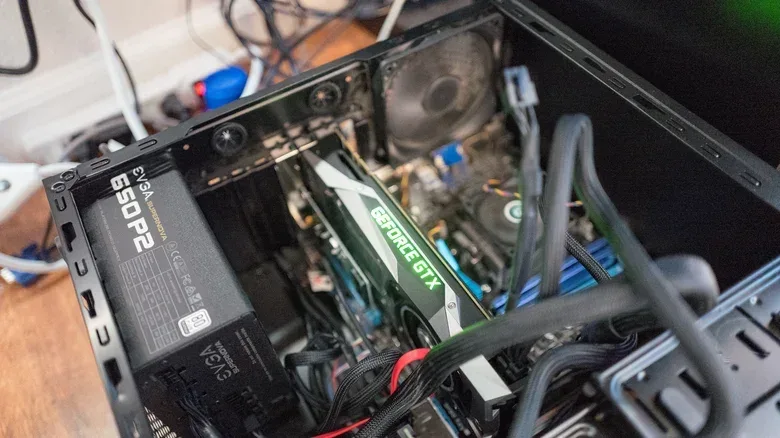
Graphics cards are particularly exposed to changing expectations in PC gaming. Even when a GPU remains functional, new games and more demanding software can leave it behind. In that sense, the card has not become useless; it has become less appropriate for workloads that have risen beyond its abilities.
Newer GPUs can fall out of favor in roughly three to five years as gaming demands increase. That is not a fixed expiry date, and it should not be read as a prediction that every card will fail or lose all purpose in that window. It is a practical observation about the speed at which performance expectations can change.
GPU is short for graphics processing unit, the component that handles graphics-heavy work. For games, it is one of the parts most visibly tied to performance expectations. When developers and software become more demanding, an older GPU may no longer offer the experience a player wants, even though the hardware itself is intact.
That creates an important decision point. If a card no longer keeps up on its own, passing it on through resale may be more useful than letting it sit indefinitely. A buyer whose needs are lighter may still find it worthwhile. The decision is especially relevant when memory and graphics hardware carry high prices: functional older components can retain a practical market value without being current flagship-level parts.
The key is honest classification. Do not call a functional card broken merely because it cannot satisfy the newest demanding software. Equally, do not treat it as broadly modern just because it powers on. Its condition and its performance suitability are separate pieces of information.
Storage and storage conditions can decide the outcome
How hardware is stored can matter as much as how old it is. Poor conditions can contribute to battery death or leaks, mold, corrosion, and other damage. Those risks turn a component’s future into a condition question rather than a simple timeline.
Materials also age differently. Rubberized vintage technology can degrade into a sticky surface over time. That can make a device unpleasant to handle and may need repair work, but it does not automatically mean every function of the device is gone. Cosmetic deterioration, physical degradation and total electrical failure should not be collapsed into a single label.
For a stored PC or box of parts, a careful visual check is therefore more useful than assuming age tells the full story. Look for the broad warning signs described above: corrosion, mold, evidence of battery leakage, and degraded exterior materials. Consider the history too. A part that has experienced harsh temperatures or a severe power event deserves more caution than one that has been kept in stable conditions.
Care during cleaning is also part of preservation. Dust removal is sensible, but the method matters; see our explanation of why you should not vacuum inside a gaming PC. A well-intentioned cleanup should not create a new risk for components that were otherwise still serviceable.
Modern software can retire a working machine
Software demand is often the least visible reason an older PC falls out of daily use. A machine may be adequate for an old game or a narrow task but struggle with contemporary applications. The web can be a surprisingly demanding example: sites packed with advertising and animated elements can be too heavy for very old CPUs even when the user is not trying to play a new game.
This is a useful corrective to the idea that a vintage computer only needs to avoid hardware failure. Keeping an older system usable involves matching it to realistic tasks. The machine does not need to do everything to be worthwhile, but its owner needs to recognize when present-day software has exceeded its comfort zone.
A practical way to assess older parts
Before discarding, storing, selling, or repurposing an old component, separate the decision into a few simple questions:
- Does it physically appear sound? Check for evidence of poor storage, corrosion, mold, leaks, or deteriorating materials.
- Is it still functional? A part that works remains different from one that has failed, regardless of age.
- Is it compatible with the system or project in mind? This is especially important for CPUs, RAM, motherboards and GPUs.
- Can it meet the intended workload? Modern games, current programs and even busy websites may be beyond older hardware.
- Would reuse, resale, or a separate project create more value? Fans, cases, working RAM and GPUs that no longer meet one owner’s needs may still be useful elsewhere.
Old computer hardware rarely becomes worthless in a single dramatic instant. The simpler parts can stay relevant for a long time. CPUs and RAM may endure electrically for years, while the motherboard and shifting standards become the obstacle. GPUs may keep operating after gaming requirements have passed them by. And even a machine that is no longer comfortable for the modern web may still have purpose when matched to a narrower job.
The sensible approach is neither blind nostalgia nor automatic replacement. Preserve parts well, identify what they are, recognize the difference between damage and incompatibility, and judge their remaining value by the task they can actually perform.