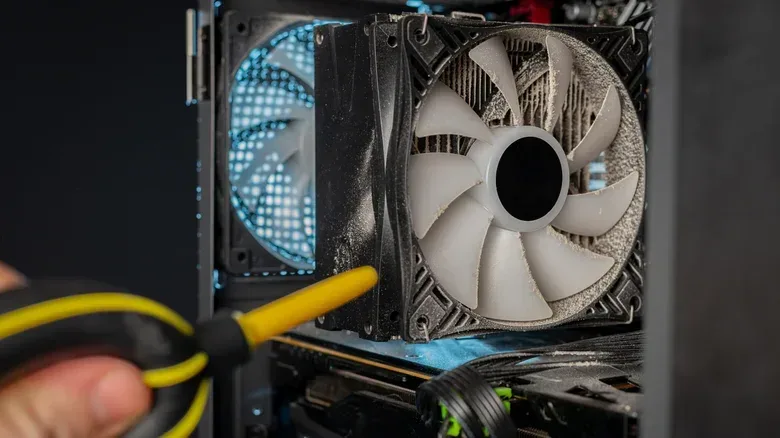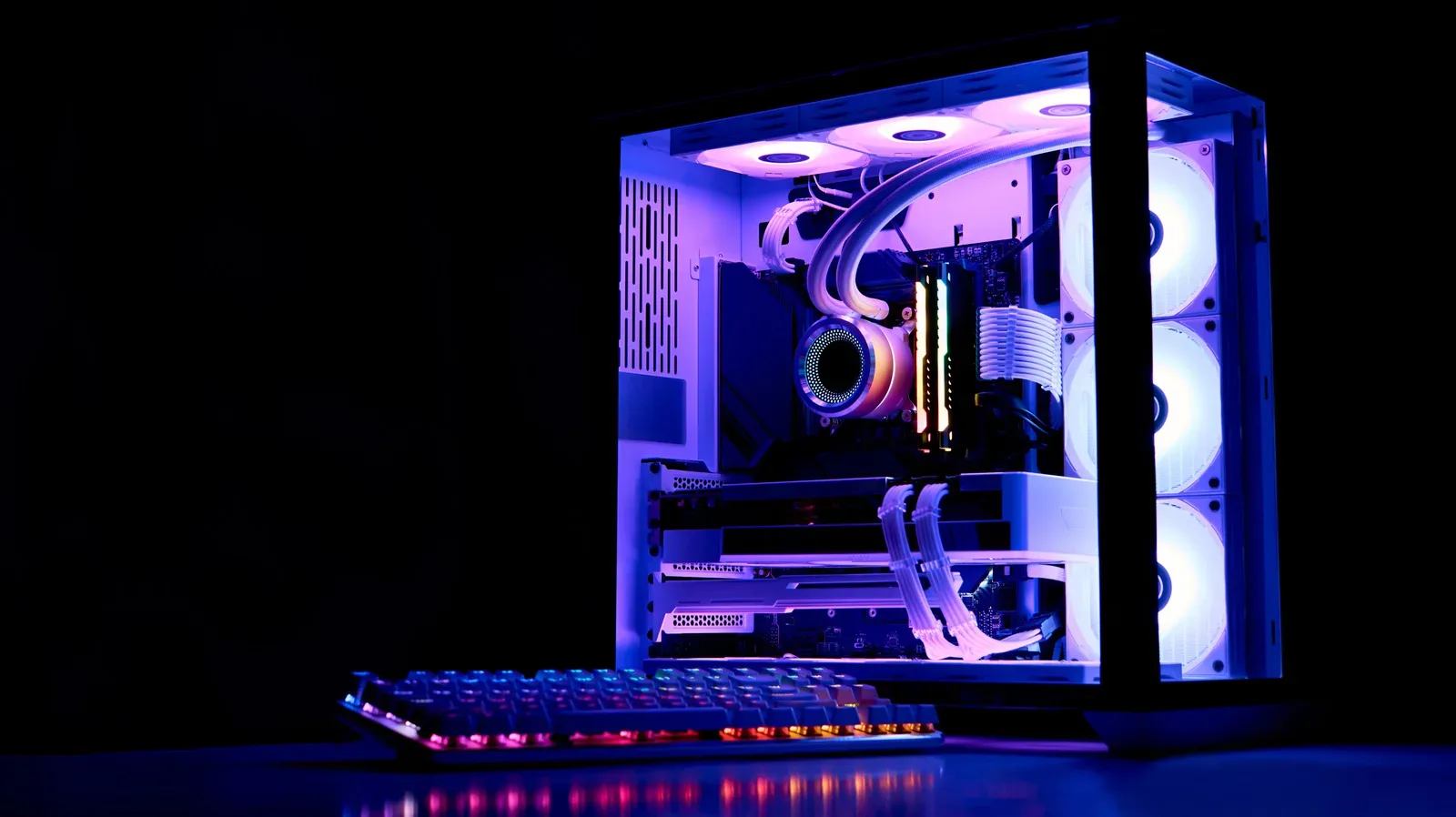

A dusty gaming PC is an annoying sight, but it is not merely cosmetic. Dust can clog vents, settle between heatsink fins and make it harder for fans to move heat away from the components that do the work in games. That gives every owner a perfectly sensible reason to clean: a clearer path for airflow is preferable to a case full of fuzzy grey insulation.
The household vacuum cleaner, however, is a poor answer to that problem. Its narrow attachments and powerful suction make it look like the obvious tool for tight corners, but the inside of a computer is not a carpet, shelf or car footwell. It is a cramped collection of exposed circuit boards, connectors, fan blades and fragile metal fins. A quick pass can create risks that outweigh the benefit of removing dust.
For a gaming desktop in particular, this is a maintenance job where restraint wins. The aim is to move dust out of the system without putting charge, force or a hard plastic nozzle where it does not belong. That means switching off, disconnecting power, working in a ventilated space, and relying on controlled bursts from a compressed-air can or electronics-oriented electric air duster rather than a standard vacuum.
The unseen risk: electrostatic discharge
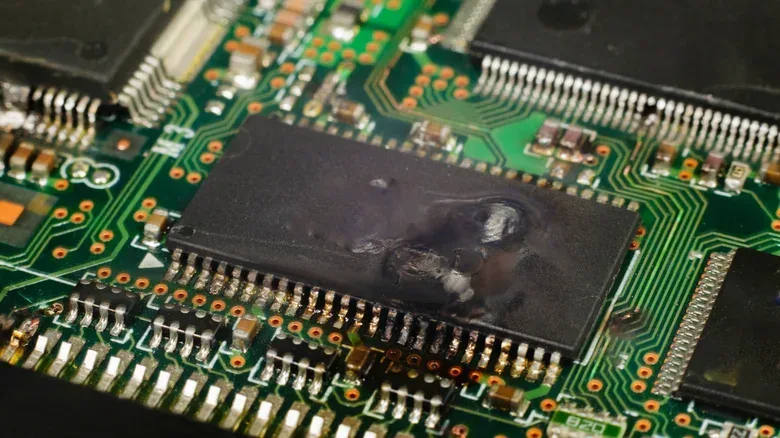
The central reason not to use a normal vacuum inside a PC is electrostatic discharge, often shortened to ESD. This is the release of accumulated electrical charge between objects with differing electrical potential. The tiny shock sometimes felt after walking on carpet and touching metal is a familiar example.
People can feel only relatively substantial discharges. PC parts, on the other hand, can be sensitive to a discharge that is too small to notice. That is what makes the risk frustrating: the machine may not provide a dramatic warning that something went wrong. A component can fail immediately, or it can be affected in a way that is not apparent at the time.
A typical household vacuum can accumulate static as dust and debris travel through its hose, especially where plastic is involved. Bringing its nozzle close to internal parts may give that built-up charge a route into the system. There is no useful home rule that says a vacuum is safe if it has worked once before, if the room feels dry, or if the nozzle does not physically touch a component. An uneventful clean does not remove the underlying risk from the next one.
This is especially hard to justify with a gaming PC, where the valuable parts are often precisely the parts most exposed once the side panel comes off. The motherboard, graphics hardware, memory and their many small connections are not places to gamble for the sake of a faster dusting session.
There is an important distinction: specialized vacuums for static-sensitive electronics exist. These are not ordinary cleaners repurposed for a desk setup. Their hoses and attachments use materials intended to dissipate charge and provide a safe grounding path rather than allowing static to build around the nozzle. That specialist category does not make the household vacuum by the stairs suitable for PC cleaning.
Related coverage includes Why You Should Never Use a Household Vacuum Inside Your PC.
Suction is not the only physical problem
Even if static were not a factor, a vacuum remains an awkward instrument for the interior of a computer. The case may look spacious from the outside, yet the usable space around cables, cooling hardware and connectors is limited. A hose can block the view of the exact spot being cleaned, making it easy to bump or catch something while chasing a patch of dust.
Connectors and cables deserve particular care. A nozzle that snags a lead or presses against a connection can shift it without the cleaner realizing immediately. After reassembly, that could mean a cable sitting loose or routed into a fan’s path. The safer standard is simple: do not force a tool into a gap that cannot be seen clearly.
Attachments introduce their own problems. A brush head may hook small parts. A hard nozzle may strike a circuit board or bend heatsink fins. A heatsink is the metal cooling structure with closely packed fins that help transfer heat to moving air; those fins are efficient because they are thin and numerous, but that also makes them poor targets for a blunt tool. Loose screws are another concern. A vacuum can simply pull one away if it has fallen into the case.
Why fans need to stay still
Fans are also more than convenient little dust collectors. Vacuum suction can force their blades to spin rapidly. That places unnecessary stress on the fan bearings and carries a risk of physical damage. Laptop vent cleaning is particularly troublesome because the user cannot see the fan inside or hold its blades still while the vacuum pulls air through the enclosure.
This matters because a laptop is not exempt from the same basic hazards; it is a more compact PC with less room to work. If dust is lodged between the fan and heatsink fins, reaching it may require removing the bottom cover where the model permits that. Pressing a vacuum nozzle against an external vent does not provide visibility or control over what the fan is doing behind it.
With an air duster, it is still sensible to hold accessible fan blades still while clearing dust nearby, particularly when using a powerful electric model. The purpose is not to turn cleaning into a repair project. It is to avoid using moving air to make an unpowered fan rotate aggressively.
A safer desktop PC cleaning routine
The following approach keeps the task focused on dust removal while limiting the avoidable hazards.
- Shut the PC down fully and disconnect it from the outlet. Remove external power cables before opening the case. Cleaning an energized machine is not the job.
- Move to a clean, well-ventilated area if possible. Blowing dust out means that dust needs somewhere to go. Good airflow is useful; if relocation is not practical, open windows and consider a mask.
- Open only what you need to access. Remove the case panel rather than probing blindly through small openings. Keep track of any screws removed during the process.
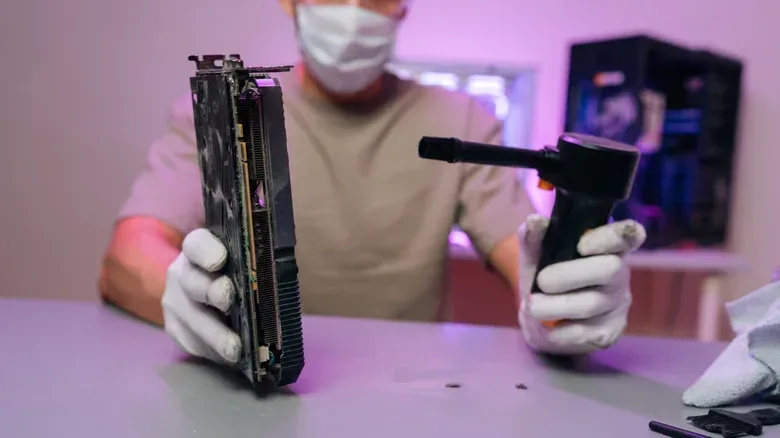
- Use compressed air or an electric air duster intended for electronics. Direct short bursts toward dusty sections so the airflow stays controllable. Short bursts reduce the chance of simply driving debris deeper into the case.
- Work carefully around fans. Where a blade is accessible, keep it from spinning while cleaning around it. Do not jam a tool into the fan housing.
- Inspect instead of escalating. Dust that cannot be reached safely should be treated cautiously. More force is not automatically a better solution.
- Check the system before closing up. Confirm internal cables remain connected and that no cable is trailing into fan blades.
Compressed-air cans and electronics-focused electric dusters are useful because they blow dust out rather than applying vacuum suction inside the enclosure. They are particularly suited to clumps embedded deep in accessible corners. They are not a license to blast every opening indiscriminately: direction, distance and visibility still matter.
The power supply deserves its own boundary. Surface dust can be cleared from its external fan grille, but the unit should not be opened for cleaning. Its internal components can retain dangerous electrical charges. A dusty power-supply grille is a reason for careful external cleaning, not an invitation to disassemble a sealed electrical component.
Filters, placement and the boring habits that help
Many PC cases include removable dust filters near intake fans. Their job is straightforward: catch some dust before it enters the chassis. If the filters can be removed, cleaning them separately is far safer than trying to reach every particle through the assembled case.
A damp cloth can be used on removable filters, but moisture must stay away from circuit boards and the filters must dry completely before being installed again. For the outside of the case, a dry microfiber cloth is a practical option. This separation matters: cleaning a removable, fully dried filter is very different from introducing moisture near electronics.
Placement can reduce the amount of work later. Keeping a desktop off the floor where possible can reduce the dust being drawn in by its fans. It will not eliminate dust, because no normal room is dust-free, but it can keep buildup more manageable. Occasional checks and light cleaning before vents become clogged are less risky than waiting until the case looks heavily packed with debris.
For players planning a new setup or finding a second use for older hardware, that maintenance mindset applies equally well. An older compact computer can still have practical roles beyond a main rig, as explored in this guide to smart second careers for an old mini PC. Whether a machine is running current games, emulation, or a smaller dedicated task, dust control is part of looking after its cooling path.
What this means for laptop owners
Laptops call for more caution, not less. Their vents are tempting targets because they are easy to see, while the fan and heatsink behind them are not. A household vacuum pressed to a vent combines the two problems already outlined: static from the vacuum and uncontrolled fan rotation from suction.
If a laptop’s design allows the bottom cover to be removed, access may make it possible to assess dust buildup more carefully. But the same rules remain in force: power the device down, disconnect it from power, use controlled air rather than a household vacuum, avoid blind pressure in tight areas, and keep fans from spinning when safely possible. If access is not available or the area cannot be approached without forcing tools into unseen spaces, caution is the correct outcome.
The useful takeaway is not that a PC must be kept immaculate. It is that the safest clean is targeted and unhurried. Dust is an ordinary enemy of cooling; a household vacuum inside a computer can turn a routine cleanup into an unnecessary risk to the hardware the cleanup was meant to protect.